


















BlogB2B Marketing Attribution
Why Your Ad Platform's MCP Gives Claude the Wrong CPL
Connect Claude to Meta or Google Ads through MCP and ask which campaign is cheapest per lead: it will answer correctly, by the platform's count. A worked example of why that campaign can be the most expensive per customer, what the platform's conversion column actually counts, and how to give Claude the CRM side.

Contents
Summarise this article with AI
Opens the page with a ready prompt in:


Nothing is sent until you pick a service.
The first thing most people ask Claude after connecting an ad platform's MCP server is some version of "which campaign should I scale?" Claude reads the account, finds the campaign with the lowest cost per lead, and recommends it. The query was correct, the arithmetic was correct, and the recommendation can still be the most expensive decision of the quarter.
Nothing went wrong in the connector. Claude answered from the only data it was given: the platform's own conversions. This post shows, with a worked example, how far a platform CPL can sit from what a customer costs, what the platform's conversion column counts, and how to put the CRM in the same conversation so the question gets the answer it deserves.
Quick Summary: Why the CPL Is Wrong
In short
An ad platform's MCP server gives Claude the platform's numbers: spend, clicks and the conversions the platform itself recorded and attributed. For a lead business that conversion is a form fill or a call inside the platform's attribution window, not a qualified lead and not a customer, so the CPL Claude reads back is cost per form fill as the platform counted it. Campaigns differ far more in lead quality than in lead price, and the cheapest lead often comes from the campaign whose leads close least. Judge on cost per qualified lead and cost per customer, which need the CRM: either send CRM stages back to the platform as conversions, or connect a second MCP server that joins the click to the deal.
What Claude Sees Through an Ad Platform's MCP Server
Every official ads MCP server reports what its own platform measured. The tools are documented, and the conversion figure in each is the platform's.
What three official ads MCP servers return, per their documentation (October 2026)
| Server | Main reporting tool | Conversion figures it returns |
|---|---|---|
| Meta ads MCP server | ads_get_ad_entities, ads_insights_performance_trend | Conversions, cost per result, ROAS |
| Google Ads MCP server | search (GAQL) | Whatever conversion metrics the account records |
| Microsoft Advertising MCP server | GetCampaigns, GetAdGroups, GetAds and others | Conversions, revenue, ROAS, CPA |
None of those figures is wrong. They are the platform's answer to the platform's question: how many conversions it can attribute to its own ads, under its own rules. The trouble starts when that answer is read as the answer to yours, which is what a customer costs. The servers themselves are compared in Ads MCP servers compared.
Why the Platform's Lead Is Not Your Lead
Five properties of platform conversion reporting decide what goes into the denominator of the CPL Claude computes. They differ in detail between platforms and settings, so check yours, but every platform has some version of each.
It counts the form fill
The conversion event is whatever fires the tag: a form submission, a call, a booking page view. A student, a competitor and a buyer each count as one.
It sits inside a window
A conversion is credited if it happens within the platform's attribution window after a click, and on some settings after a view. Outside it, it does not exist for the platform.
It can credit views
With view-through conversions switched on, somebody who saw an ad and converted later through another channel counts too.
Every platform credits itself
Meta and Google can both claim the same lead. Add the platforms' conversion columns and you usually get more leads than the CRM holds.
It can include estimates
Where consent choices or browsers hide conversions, platforms can fill part of the gap with estimated conversions. The count is then partly a model.
The last two push the count up, the first one makes it the wrong kind of count, and the window cuts off anything that takes longer than it. For a sales cycle of weeks, the event that matters (the qualified lead, the won deal) often happens after the window has closed, and the platform never hears about it unless you send it back.
A Worked Example: Three Campaigns, Three Rankings
An example account, one month, three campaigns. The leads column is the platform's count; the qualified leads and customers come from the CRM. All figures are examples, and the arithmetic in every column is the column to its left divided into the spend.
Example month: the same spend judged on three metrics
| Campaign | Spend | Platform leads | Platform CPL | Qualified leads | Cost per qualified lead | Customers | Cost per customer |
|---|---|---|---|---|---|---|---|
| A: Lead form, broad audience | $3,000 | 100 | $30 | 10 | $300 | 1 | $3,000 |
| B: Search, high intent | $6,000 | 75 | $80 | 40 | $150 | 8 | $750 |
| C: Retargeting | $6,000 | 150 | $40 | 30 | $200 | 3 | $2,000 |
| Total | $15,000 | 325 | $46.15 | 80 | $187.50 | 12 | $1,250 |
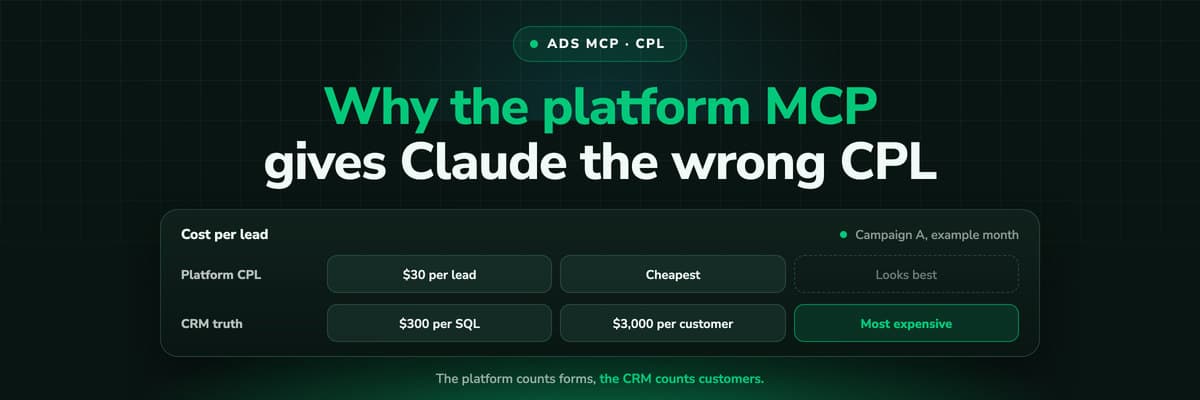
Ranked by platform CPL, the order is A ($30), C ($40), B ($80). Ranked by cost per customer it is exactly reversed: B ($750), C ($2,000), A ($3,000). Campaign B costs more than twice as much per lead as A and a quarter as much per customer. Ask Claude "which campaign should get more budget" with only the platform connected and it will, reasonably, pick A or C.
Campaign B: $6,000 ÷ 40 qualified leads = $150.
Campaign A: $3,000 ÷ 1 customer = $3,000, against a platform CPL of $30.
The pattern in the example is common rather than contrived: broad lead form campaigns produce many cheap form fills and few buyers, high-intent search produces fewer and better leads. The cost per lead calculator and the CAC calculator do the sums for your own figures, and the true cost per lead goes further into what a CPL leaves out.
What Claude Concludes With One Source, and With Two
Here is the same question asked twice against the example account. The prompt does not change. The data behind it does.
One prompt, two sets of connectors (example account)
| Prompt: "Which campaign should get more budget next month?" | Answer |
|---|---|
| Ad platform MCP only | Campaign A: lowest cost per lead at $30, room to scale. Consider pausing B at $80 per lead. |
| Ad platform MCP plus CRM-side MCP | Campaign B: $750 per customer against $3,000 for A. A's leads rarely qualify; review its audience before adding budget. |
The first answer is not a hallucination, which is what makes it dangerous. Every number in it is real and checkable in the platform. A model is only as right as the question its data can answer, and the platform's data answers "which campaign produces the most form fills per dollar".
The same applies to ROAS
For a lead business the value behind a platform ROAS is whatever value you sent with the conversion, often a fixed estimate per lead. A platform ROAS on lead events is cost per lead in a different unit.
Fix One: Send CRM Stages Back to the Platform
The first fix improves what the platform itself knows. Import qualified leads and won deals from the CRM as offline conversions, through Google's offline conversion import or enhanced conversions for leads, or Meta's Conversions API. The platform then has a conversion action called, say, Qualified lead, and its MCP server returns it like any other conversion.
Pros
- The platform's bidding can optimise on qualified leads, not form fills
- Claude reads cost per qualified lead straight from the platform's MCP server
- Meta's MCP server can even check the setup: its signals tools read dataset details and Event Match Quality
Cons
- Only conversions that fall inside the platform's window are credited
- Each platform still credits itself, so the totals across platforms overlap
- Matching depends on the click ID or hashed contact data reaching the CRM record
Do this regardless of what you do with Claude: a platform that optimises on qualified leads finds more of them. The how-to is in tracking offline conversions for lead generation and, for Google, enhanced conversions for leads.
Fix Two: Give Claude the CRM Side Directly
The second fix gives Claude a second source in the same chat. Claude can use several connectors at once (custom connectors are available on every plan, with Free limited to one), so the platform's MCP server supplies spend and the CRM side supplies outcomes. What matters is whether the CRM data can be joined to the campaign.
Ways to give Claude the CRM side, and what each can answer
| Option | What Claude gets | Joined to the ad click? | Answers cost per customer per campaign? |
|---|---|---|---|
| CSV export of CRM deals | Stages and values, pasted or uploaded | Only if a source field was filled correctly | Roughly, if UTMs were kept |
| The CRM's own connector, if it has one | Contacts, deals, stages, live | No click join; relies on the CRM's source fields | Partly, often with many leads under Direct or Unknown |
| An attribution layer with an MCP server | Spend, journeys and CRM outcomes per campaign, ad set and ad | Yes, on the stored click ID | Yes |
A CRM connector without a click join answers "how many deals did we win", not "which campaign won them". Claude would have to match contacts to campaigns by a source field that ad blockers, redirects and lost UTMs leave empty. That is why a CRM full of leads marked Direct is the usual symptom; see the pixel and CRM mismatch.
Prompts That Need Both Sources
With spend and outcomes both connected, these prompts become answerable. Each one names the metric explicitly, so Claude does not fall back on the platform's conversion column.
- "Rank last quarter's campaigns by cost per won deal, using CRM won deals, and show platform CPL beside it."
- "Which ad sets have a platform CPL under $50 and a cost per qualified lead over $300?"
- "What share of each campaign's leads reached the qualified stage?"
- "Compare closed revenue per campaign under first click and last click."
- "Which campaigns started journeys that later closed through another channel?"
- "Draft the budget shift for next month based on cost per customer, and list what I would need to change in Ads Manager to apply it."
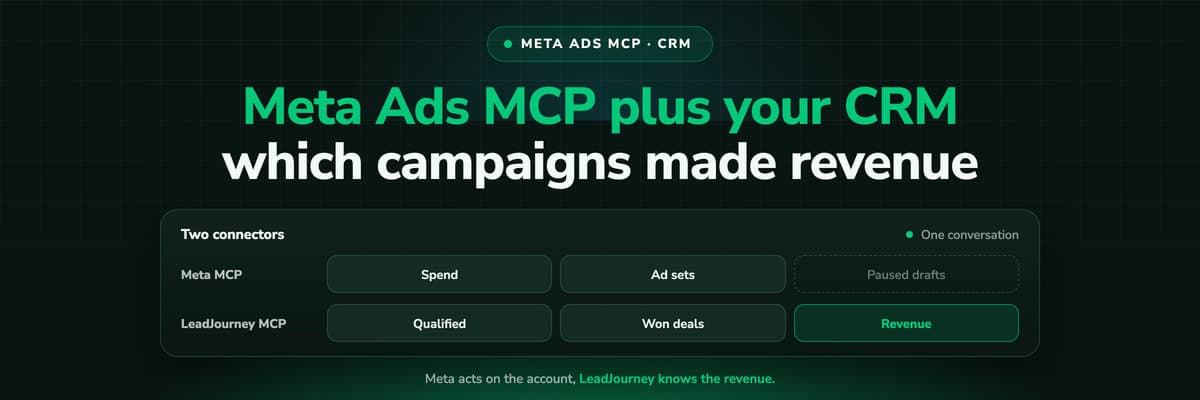
The last prompt is the honest division of labour: the analysis comes from the joined data, the change is made in the platform, by you or by a platform MCP server that has write tools. Meta's server, for example, creates new entities paused and starts spend only on an explicit activation. The full two-connector workflow for Meta is in Meta Ads MCP plus your CRM.
How LeadJourney Gives Claude Cost per Customer

LeadJourney tracks every click, form fill and call server-side and first-party, at 95%+ accuracy, and keeps the click IDs (gclid, fbclid, li_fat_id, msclkid, rdt_cid, twclid) on the visitor. When the lead lands in the CRM, the deal is joined to the click that started it, in HubSpot, Salesforce, Pipedrive, Close, Attio, GoHighLevel, ActiveCampaign, Odoo, Zoho CRM or Microsoft Dynamics 365. Spend comes in from Meta, Google, LinkedIn, Microsoft, Reddit, X, Taboola and Outbrain Ads, so platform CPL, cost per qualified lead and cost per customer sit on the same row per campaign, ad set and ad.
Both fixes above are covered. The CRM stages you map go back to the ad platforms through their offline conversion and Conversions APIs, so the platform's own column learns what a qualified lead is. And the LeadJourney MCP server (https://api.leadjourney.io/mcp, OAuth per application, any MCP client) gives Claude or ChatGPT the joined data directly: journeys, spend by campaign and ad set, CRM stages, qualified counts, booked demos and won revenue.
What it changes stays inside LeadJourney: the reports and dashboards it builds and saves, the attribution model and lookback window. It cannot pause a campaign, move budget, create ads or edit a CRM record, and it acts only when you send a message. The MCP connection is included from the Growth plan; below it, it is an add-on at €49 a month for advertisers or €99 a month flat for agencies. Setup: LeadJourney for Claude and LeadJourney for ChatGPT.
Further Reading
- Ads MCP servers compared: Meta, Google, LinkedIn, TikTok and more
- Meta Ads MCP plus your CRM: which campaigns made revenue
- Automated budget rules on cost per qualified lead
- Which ad copy attracts leads that close
- Google Ads MCP: the official server, its limits and alternatives
- Meta Ads MCP: setting up Meta's official server
- Claude for Google Ads
- Claude for Meta Ads
- See lead quality per channel and campaign
- The LeadJourney MCP server
FAQ
Frequently Asked Questions
What marketers ask once Claude's answers from an ad platform stop matching what sales says.
Why does Claude's cost per lead differ from my CRM?
Because Claude computed it from the ad platform's conversions, read through its MCP server. The platform counts the conversion events it can attribute to its own ads within its windows, sometimes including views and estimates. Your CRM counts the leads that arrived. The two rarely match.
What is cost per qualified lead?
Spend divided by the leads that reached your qualified stage in the CRM. In the example in this post, $6,000 and 40 qualified leads give $150. It ranks campaigns closer to how they rank on revenue than platform CPL does, because it leaves out the leads sales would never call back.
Can an ad platform MCP server show CRM revenue?
Only what you send back. If you import qualified leads or won deals as offline conversions, the platform reports them as conversion actions and its MCP server returns them, credited within the platform's window. Deals that close later, or that another platform also claims, need a source that joins the CRM to the click.
Is the CPL from Meta's or Google's MCP server wrong?
It is right for what it measures: spend divided by the conversions the platform attributed. It is wrong as a measure of what a customer costs, because a form fill is not a customer and campaigns differ widely in how many of their leads close.
Can I connect my CRM to Claude instead?
You can, and Claude will see deals and stages. Without a join to the ad click it cannot say reliably which campaign produced which deal, because CRM source fields are often empty or say Direct. An attribution layer that stores the click ID on the lead closes that gap.
Keep reading
More from the blog
 B2B Marketing Attribution
Meta Ads MCP Plus Your CRM: Which Campaigns Made Revenue
Meta's MCP server can read and draft campaigns, but it cannot see which leads closed. Put LeadJourney's MCP server in the same Claude conversation and every question can be asked on closed revenue. A worked example, the workflow step by step, and the guardrails that keep a person in charge of every change.Read the article12 min read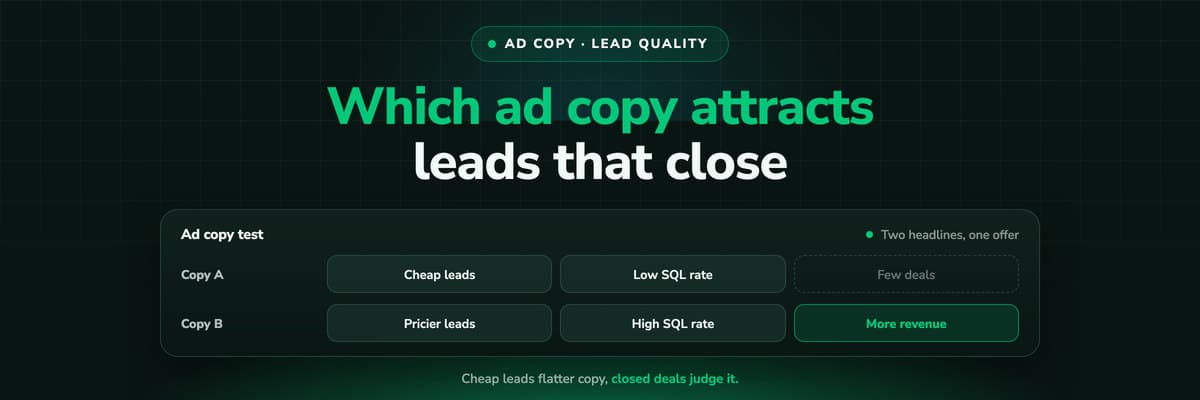 B2B Marketing Attribution
Which Ad Copy Attracts Leads That Close
The ad copy that wins on cost per lead is often the copy that fills the CRM with people who never buy. How to measure wording on qualification rate and close rate per ad, design a copy test that can answer, and do the sample size arithmetic before you crown a winner on five deals.Read the article12 min read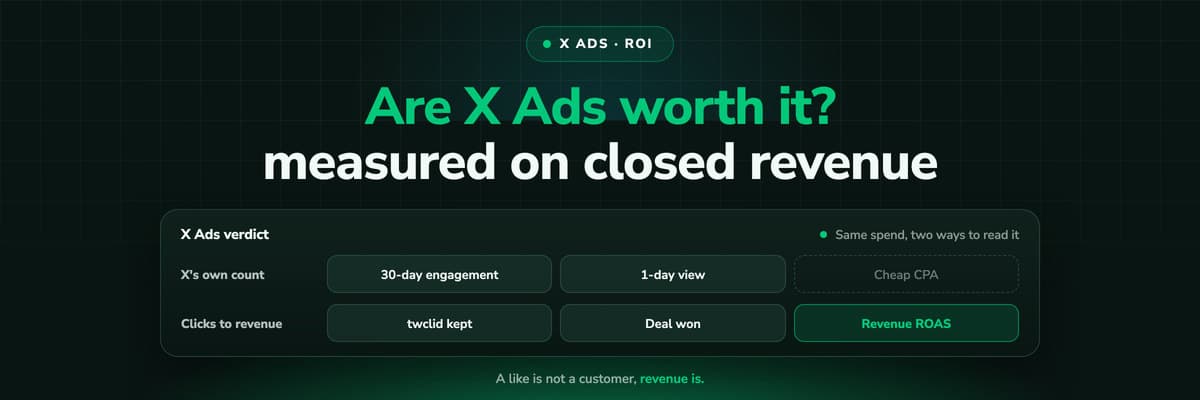 B2B Marketing Attribution
Are X Ads Worth It? Measuring X Ads ROI on Revenue
Whether X Ads are worth it depends on what you measure and on what you sell. How to calculate X Ads ROI and ROAS on closed revenue, what X's own conversion numbers include (a like a month before the purchase counts by default), what a fair test needs, and the traps that make X look better or worse than it is.Read the article16 min read
Cost per customer
Ready to give Claude the number that matters?
LeadJourney joins every ad click to the CRM deal, shows cost per qualified lead and cost per customer per campaign, and makes it readable from Claude or ChatGPT through one MCP endpoint. Live in about 21 minutes, 14-day free trial.


