
















BlogHow To Guides
How to Track Offline Conversions for Lead Generation in 2026
Most lead generation deals close on a call or weeks after the click, so form-fill tracking never sees the revenue. How click IDs, a CRM webhook and server-side APIs send every closed deal back to Meta, Google, LinkedIn and Bing.


Contents
Summarise this article with AI
Opens the page with a ready prompt in:


Nothing is sent until you pick a service.
If most of your leads close offline (over the phone, in a sales call, or weeks after the first ad click), your tracking platform is probably blind to where your real revenue comes from. The form fill on your landing page tells you nothing about whether that person became a paying customer. And without offline conversion tracking, your ad algorithms are making optimization decisions on incomplete data.
The phrase makes it sound like an edge case for shops with a till. In lead generation it is the normal case: almost every conversion that matters happens somewhere a browser cannot see it, which is why this is the highest-leverage thing most lead gen accounts have not done.
This guide shows you exactly how offline conversion tracking works in 2026, why most lead gen businesses get it wrong, and how to set it up correctly so every closed deal feeds back into Meta, Google, LinkedIn and Bing automatically.
Quick Summary: Offline Conversion Tracking
In short
Offline conversion tracking sends conversions that happen outside the browser (a phone call, a CRM stage change, a signed contract) back to the ad platforms, so they optimise on buyers instead of form fillers. It needs three connected pieces: click IDs captured server-side at the landing page, a CRM connection so the ID travels with the lead through every stage, and server-side routing so a stage change becomes an event at Meta, Google, LinkedIn and Microsoft, typically within a minute. The reason it matters is arithmetic: at a €20 cost per form fill, a 30% qualification rate, a 60% show rate and a 20% close rate put the real cost per closed deal at €555, twenty-seven times the number on the dashboard. Expect lead quality to move in two to three weeks and cost per closed deal to fall over the following months.
What Is Offline Conversion Tracking?
Offline conversion tracking is the practice of sending conversions that happen outside the browser (phone calls, in-person sales, CRM stage changes, signed contracts) back to your ad platforms. Without it, your ad algorithms only learn from form fills and never optimise for buyers.
The name is a historical accident and it puts people off. It comes from retail, where 'offline' meant a physical shop. In lead generation nothing about it is offline in that sense: the deal closes in a CRM, on a laptop, over a video call. What makes it offline to the ad platform is simply that the browser session ended weeks earlier, so the pixel that was watching is long gone.
This is the single biggest reason lead generation ad accounts plateau over time. The algorithm gets very good at finding cheap form fillers, but those form fillers don't become customers. Lead quality decays predictably until you change the signal you're sending, and no amount of audience work or creative refresh changes it, because neither touches the definition of success the algorithm is working towards.
Why Form Fills Are Not Conversions
When someone fills out a form on your landing page, that's not a customer yet. The real conversion happens later: on the call, in the proposal, when the contract gets signed. If your tracking stops at the form fill, you optimise for form fillers, not buyers.
The gap between those two numbers is not a rounding error, because each step of the funnel multiplies rather than subtracts. Here is a completely ordinary lead gen funnel, worked through.
How €20 becomes €555
| Stage | Rate | True cost at this stage |
|---|---|---|
| Form fill | the reported conversion | €20 |
| Qualified lead | 30% of form fills | €67 |
| Booked call that shows up | 60% of qualified | €111 |
| Closed deal | 20% of calls | €555 |
Your reported CPL is €20. Your real cost per closed deal is €555. The gap is 27x. And without offline conversion tracking, you can't see this gap, which means you're optimizing on a number that has no relationship to your actual ROI.
Worse, the multiplier is different for every campaign. One campaign might qualify at 45% and close at 30%; another at 12% and 5%. Those two can report the identical €20 CPL and be an order of magnitude apart on cost per deal, and the only place that difference is visible is the CRM. See the true cost per lead for the version of this argument with two campaigns side by side.
The Three Components of Modern Offline Tracking
Modern offline conversion tracking works through three connected systems. They are a chain rather than a list: if any one is missing, the other two produce nothing.
1. Click ID capture
When someone clicks an ad on Meta, Google, LinkedIn or Microsoft, a unique click ID is added to the landing page URL (fbclid, gclid, li_fat_id, msclkid). Your tracking captures this at the moment of arrival and stores it. This is the seed that makes attribution possible weeks or months later, and it is the step that most often fails: a JavaScript cookie is capped at seven days by Safari's tracking prevention, which on a lead gen cycle means the seed is gone long before the deal is.
2. CRM integration
When a form is submitted, the click ID reaches the CRM lead record. From that point on, every CRM stage change (qualified, booked, closed) carries it, so when a deal closes the system knows which ad originated the lead. This is also where the lead stops being a session and becomes a person your sales team can talk about, which is why the CRM rather than the analytics tool is the right home for it.
3. Server-side API routing
When the CRM stage changes, a webhook fires. The system matches the stage to a conversion event (Lead, Schedule, Purchase) and routes it server to server back to the Meta Conversions API, Google Enhanced Conversions and offline imports, the LinkedIn Conversions API and Microsoft offline conversions. Total time from CRM update to the ad platform receiving the signal: typically under 60 seconds.
Why You Need Server-Side, Not Just a Pixel
Browser-based pixels lose 30 to 40% of conversion data to iOS privacy features, Safari's tracking prevention, ad blockers and cookie consent. Server-side tracking captures conversions on your own first-party domain, then sends clean data to ad platforms via API, bypassing browser-level limitations entirely.
For offline conversions specifically this is not an optimisation, it is a prerequisite. The upload at the end is a server call either way, and it has nothing to send if the click ID was never captured or expired in the meantime. A closed deal whose gclid is missing cannot be attributed to a campaign by anyone, at any price, afterwards. The data is simply gone.
This is what makes 95%+ tracking accuracy possible in 2026. Without server-side, you're optimising on incomplete data. With server-side plus offline CRM data, you're optimising on the full picture.
Step-by-Step Setup
Step 1: Capture clicks
- Install tracking on every page of the funnel: landing page, thank-you page, calendar booking. A booking tool on a different domain is the classic gap.
- Capture fbclid, gclid (plus gbraid and wbraid), msclkid and li_fat_id from the URL at the moment of arrival, server-side rather than into a JavaScript cookie.
- Forward them through every form submission so they reach the CRM, and store them on the lead record rather than on the session.
Step 2: Connect your CRM
- Connect the CRM natively or by webhook (HubSpot, Salesforce, Pipedrive, Close, GoHighLevel) so it fires on every deal-stage change.
- Map stages to conversion events: lead created to Lead, meeting booked to Schedule, deal closed to Purchase with the value attached.
- Agree in writing what 'qualified' means before you build the report. If it means something different to each rep, every number downstream is arguable.
Step 3: Send signals back to the ad platforms
- Meta Conversions API: events with the fbclid and hashed user data, deduplicated against the browser pixel with a shared event ID.
- Google Enhanced Conversions and offline imports: the gclid and the closed-deal value back to Google Ads, uploaded well inside the current import window.
- LinkedIn Conversions API: B2B closed deals back to Campaign Manager. The platform most often left out and usually the one with the highest pipeline share.
- Microsoft offline conversions: the msclkid on the same events. Free performance once the other three are running.
Send the ladder, not just the top rung
Closed deals are the truest signal and are often too rare for a platform to learn from. Send Lead, Schedule and Purchase, and optimise on whichever arrives in enough volume, usually the middle one.
The Limits Each Platform Actually Imposes
All four accept offline conversions and all four have rules that will quietly reject your uploads if you ignore them. Three are worth planning for.
- Google's import windowA click older than Google's current window cannot be uploaded by anyone. If your deals close later than that, map an earlier stage such as qualified lead so Google still receives a usable signal. Check the current number in the Google Ads Help Centre, because it has changed more than once.
- Meta's event match qualityEvery server event gets a score, and below roughly 7 Meta downgrades or discards the match. Sending hashed email, phone, name and city alongside the fbclid is usually what moves it into range. Normalise before hashing or the hash is valid and wrong.
- Volume before learningNo platform can optimise on a handful of events. If you close ten deals a month, the closed-deal event is a measurement signal rather than an optimisation target, and something earlier in the funnel has to be the thing you bid on.
Consent applies to all of this exactly as it does to the pixel. Offline conversion uploads send personal data to the same companies over a different road, so they need the same legal basis. See GDPR-compliant conversion tracking for where the line sits.
Five Ways a Setup Fails Silently
Offline tracking rarely errors. It just produces fewer events than it should, and the shortfall is invisible unless you go looking. These five account for most of it.
- One form was missed. The landing page an agency built two years ago has no hidden field, so every lead from that campaign arrives with no click ID and can never be attributed.
- The booking tool is on another domain. Calendly, Cal.com or a scheduler on its own domain breaks the chain unless the click ID is passed to it explicitly.
- Stage names drifted. Sales renamed 'Closed Won' during a pipeline tidy-up, the mapping still points at the old name, and events stopped firing months ago.
- The deal value field is empty. Purchase events arrive with no value, so the platform can count them but cannot bid on them, and your revenue reporting shows zeros.
- Only one platform is connected. Meta is fixed, and Google, LinkedIn and Microsoft carry on training on form fills, so three quarters of the account never improves.
Verify by counting rather than by trusting. Take one week, count the leads and closed deals in your CRM, and compare with the events each platform reports receiving. Rows accepted, not rows submitted: those are different numbers, and the gap between them is where the problem is.
What Results to Expect, and When
Once Meta and Google receive real closed-deal signals from your CRM, their algorithms learn to target people who actually buy, not just people who fill out forms. The improvement is real and it is not instant.
- Week 1. Events arrive and match quality settles. Performance does not move, and should not.
- Weeks 2-3. Lead quality starts improving. Cost per lead often rises here, because qualified people cost more to reach. This is the fix working and it is exactly when people abandon it.
- Months 2-4. Cost per closed deal falls as the audience model re-converges on buyers. The commonly reported range is a 20 to 40% improvement, and it compounds as each round of optimisation trains on cleaner data.
Report on the right number during the transition
Cost per lead will look worse before anything looks better. Put cost per qualified lead in the weekly report before you switch, not after, or the first three weeks will be spent defending a decision that is working.
How LeadJourney Runs the Whole Chain
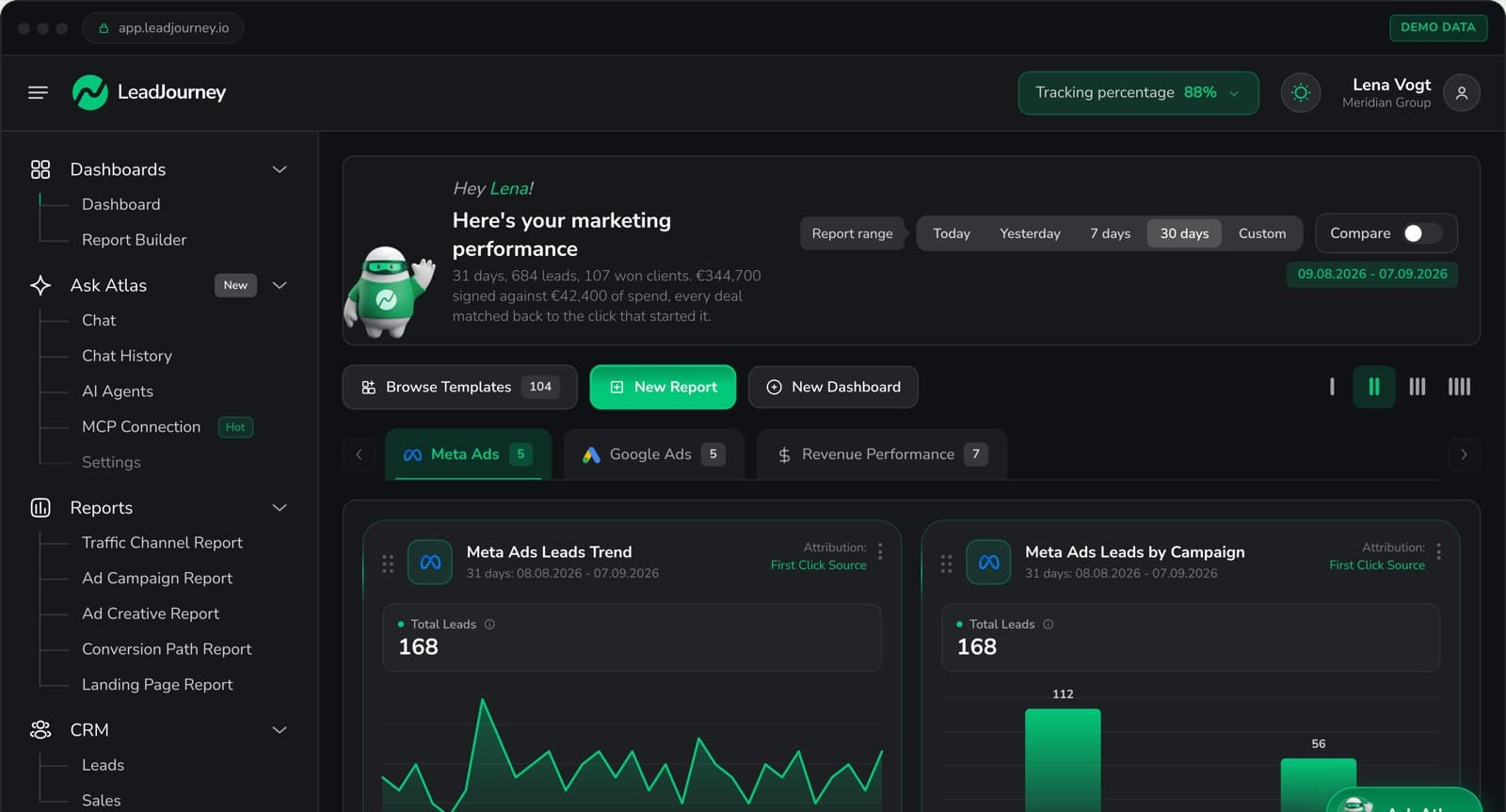
LeadJourney owns all three components rather than the middle one. Click IDs are captured server-side on your own subdomain at 95%+ accuracy, so the seed survives Safari, iOS and ad blockers without hidden fields on every form.
Native CRM integrations with HubSpot, Salesforce, Pipedrive, Close and more (plus any other CRM by webhook) read your stages and deal values. You pick which stages count, and each is routed to the right event on the Meta Conversions API, Google Enhanced Conversions and offline imports, the LinkedIn Conversions API and Microsoft offline conversions, at the same time. Deduplication against the browser pixel is handled rather than configured.
Phone leads are covered too: static and dynamic call tracking numbers are an add-on, so a call carries the same campaign data a form does. Setup takes about 21 minutes with no developer, plans start at €129 a month by marketing spend, and there is a 14-day free trial with no credit card.
Further Reading
Carry on with how to send CRM data back to Meta and Google, Google Ads enhanced conversions for leads and how to track phone calls back to the ad. For the tooling, see offline conversion tracking and the best offline conversion tracking software.
FAQ
Frequently Asked Questions
The questions lead gen teams ask about tracking conversions that happen off the site.
What counts as an offline conversion?
Anything that happens outside the browser: a phone call, a sales meeting, a CRM stage change, a signed contract. In lead generation that covers almost every conversion that matters, because the form fill is a contact request rather than a purchase. The name comes from retail and is misleading here: nothing about a CRM stage change is offline, it just happens long after the browser session ended.
What are the three components of offline conversion tracking?
Click ID capture, so the fbclid, gclid or msclkid is stored the moment the visitor lands. A CRM connection, so that ID travels with the lead record through every stage. And server-side routing, so a webhook on the stage change sends the matching event to Meta CAPI, Google Enhanced Conversions and LinkedIn's Conversions API, typically within a minute.
Why is my cost per lead so different from my cost per closed deal?
Because each step of the funnel multiplies it. At a €20 cost per form fill, a 30% qualification rate makes a qualified lead €67, a 60% show rate makes a booked call €111, and a 20% close rate makes the closed deal €555. That is 27 times the number on the dashboard you are optimising against, and the multiplier is different for every campaign.
Do I need server-side tracking for offline conversions?
For the capture, yes. Browser pixels lose 30 to 40% of conversion data to iOS privacy, ad blockers and consent tools, and a click ID that was never captured cannot be sent back later. The upload itself is a server call either way, but it has nothing to send without the first half.
Which CRM stage should map to which platform event?
The usual mapping is form fill to Lead, appointment booked to Schedule, and deal closed to Purchase with the actual deal value attached. Send the whole ladder rather than only the last rung: closed deals are the truest signal but are often too rare on their own for a platform to optimise on.
How far back can I upload a conversion?
It depends on the platform, and Google is the strict one: a click older than its current import window cannot be uploaded by anyone. Check the current figure in the Google Ads Help Centre rather than relying on a number in an article, because it has changed more than once. The practical answer for long sales cycles is to map an earlier stage, such as qualified lead, so the platform receives a usable signal inside the window.
Keep reading
More from the blog
 How To Guides
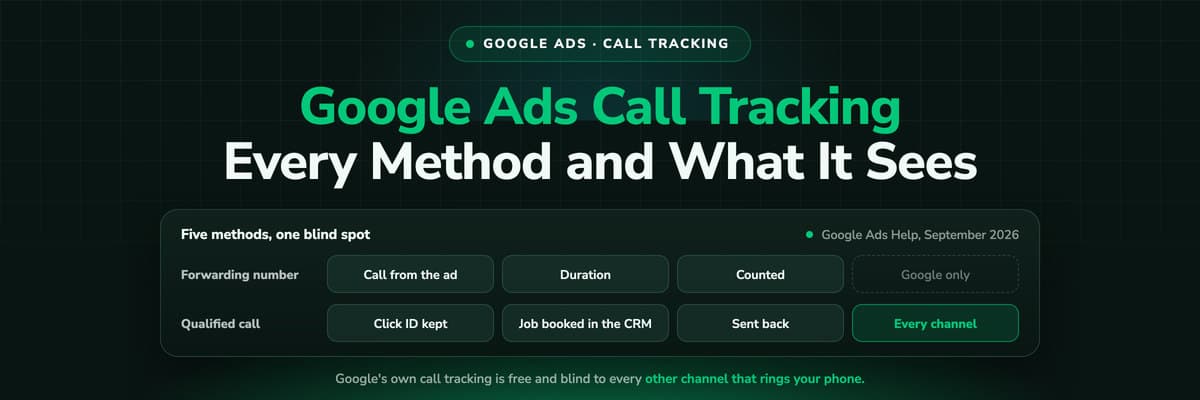
Google Ads Call Tracking: Every Method and What Each One Sees
Google Ads has call tracking built in, free, and most accounts run one method without knowing what it cannot see. All five, what each records, where they conflict with a call tracker, and how to send the qualified call back.Read the article12 min read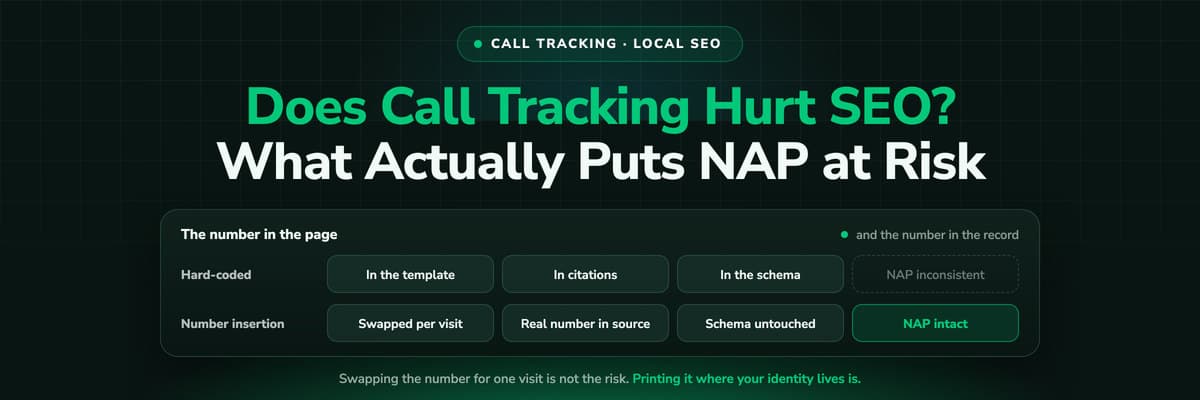 How To Guides
Does Call Tracking Hurt Your SEO? What Actually Puts NAP at Risk
The fear is old and the answer is boring: dynamic number insertion does not hurt rankings when the real number stays in your source, your schema and your listings. The mistakes that do cause damage are all about where you put the tracking number.Read the article9 min read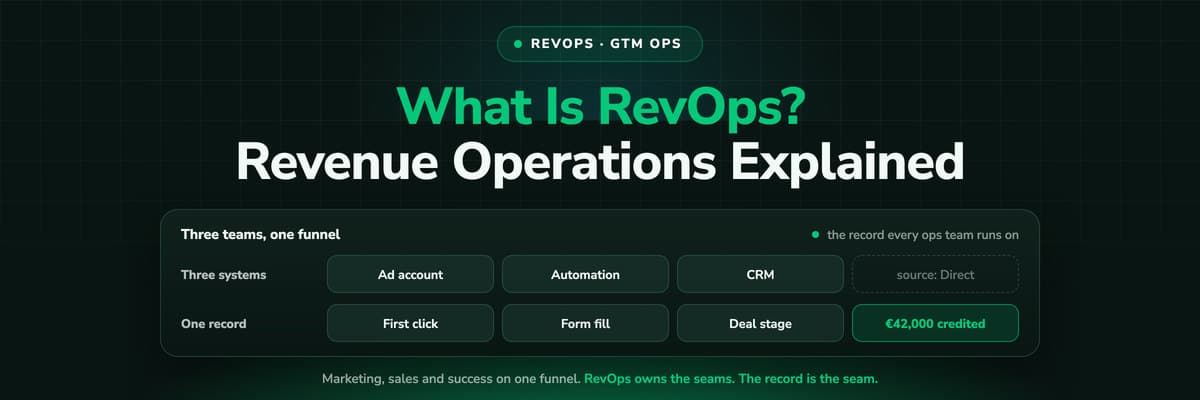 How To Guides
What Is RevOps? Revenue Operations and GTM Ops Explained (2026)
Revenue operations runs marketing, sales and customer success as one revenue engine: the funnel definitions, the CRM, the handoffs, the reporting and the forecast. GTM ops is the wider name the same job has been taking on. What the function owns, how it differs from sales ops and marketing ops, the stack, the metrics, and the one thing all of it depends on: whether the CRM record says where the customer came from.Read the article17 min read
Beyond form fills
Stop optimizing for form fillers. Start optimizing for buyers.
LeadJourney connects your CRM to Meta, Google, LinkedIn, and Bing in under 21 minutes, so every closed deal feeds back into your ad algorithms automatically. No developer, no spreadsheets, no missing data.