


















BlogHow To Guides
Meta Ads MCP: Setting Up Meta's Official Server
Meta runs its own MCP server for ads at mcp.facebook.com/ads. What it does, which permissions it needs, how agencies get access, how to add it to Claude and ChatGPT, what the third-party servers offer instead, and how to use the write tools without spending money by accident.

Contents
Summarise this article with AI
Opens the page with a ready prompt in:


Nothing is sent until you pick a service.
Since April 2026 there has been an official answer to "is there a Meta Ads MCP server": Meta hosts one itself, at https://mcp.facebook.com/ads, as part of what it calls Meta ads AI connectors. Any assistant that speaks the Model Context Protocol can connect to it, read your campaigns and, with the right permissions, create new ones.
This guide covers the parts that decide whether the setup works on the first try: the URL, the three ways to sign in, the permissions, what changes for agencies, the steps for Claude and ChatGPT, the third-party servers that came first, and the habits that keep an assistant with write access from spending money you did not mean to spend.
Quick Summary: Meta's Official Ads MCP Server
In short
Meta's official ads MCP server lives at https://mcp.facebook.com/ads, is hosted by Meta, and has been in open beta since 29 April 2026. You sign in through Facebook Login for Business (or with a user or system user token) and need the ads_mcp_management permission plus ads_read or ads_management; your own Meta app is optional. It reads and writes: reporting, campaign, ad set and ad creation, audiences, catalogs, datasets and change history, and everything it creates starts paused. It is not in Claude's connector directory, so in Claude you add it as a custom connector, and Meta documents Claude Code and ChatGPT setups. What it cannot see is what happens after the lead: which of those leads became revenue.
The rest of this post is the detail behind each of those sentences, as Meta's documentation stood in October 2026. The server is in beta, so check Meta's pages before you rely on a detail that moves.
What Meta's Ads MCP Server Is
MCP (Model Context Protocol) is the standard that lets an AI assistant call tools on another system. Meta describes its server as a "Meta-hosted Model Context Protocol server" that "works with any MCP-compatible AI agent". It is one of the Meta ads AI connectors, announced together with an Ads CLI on 29 April 2026 as an open beta. An update on 16 July 2026 added new capabilities and what Meta calls ads MCP server rules.
Meta's ads MCP server at a glance, as of October 2026
| Question | Answer |
|---|---|
| Server URL | https://mcp.facebook.com/ads |
| Who hosts it | Meta. Nothing to install or run yourself |
| Transport | HTTP with JSON-RPC payloads and a bearer token |
| Status | Open beta since 29 April 2026 |
| Read or write | Both. Created campaigns, ad sets and ads start paused |
| Sign-in | OAuth via Facebook Login for Business, a user access token, or a system user token |
| Own Meta app | Optional |
| Price | Not stated by Meta. Third-party guides describe it as free during the beta |
| Rate limits | Not stated on the MCP pages; Meta links its general Marketing API rate limiting page |
"Official" matters here because the community servers came first. Search for "facebook ads mcp github" and you find several open source projects that talk to the Marketing API on your behalf. They still work, and some have features Meta's server does not, but they run on somebody else's code and, in the hosted cases, on somebody else's infrastructure. More on them below.
What the Tools Cover
Meta groups the tools into seven areas. Counts quoted around the web disagree (an early review counted 29 tools in May, and the ad creation page alone lists more than that now), so read the groups rather than a number.
Reporting
Spend, impressions, CTR, CPC, CPM and conversions with filters, breakdowns and date ranges, plus opportunity score, benchmarks, anomaly signals and performance trends.
Ad creation and management
Create campaigns, ad sets, creatives and ads, update them, activate them, boost Instagram posts, search the public Ad Library.
Custom audiences
Customer file, website and lookalike audiences, created, updated (with hashed data) and deleted.
Catalogs
Catalog creation and management, for commerce and dynamic ads.
Signals and datasets
Datasets, Conversions API setup details, event volume, Event Match Quality, pixel event rules and parameters, custom conversions.
A/B tests and lift studies
A/B tests and conversion lift studies, the experiments Meta runs inside its own platform.
Help and troubleshooting
Search of Meta's Business Help Center, so the assistant can look up a policy or an error message.
Activity logs
The account's change history: who changed what, and when.
The tool most prompts end up calling is ads_get_ad_entities, which Meta lists both as a query tool and as the main reporting tool. The creation side is ads_create_campaign, ads_create_ad_set (targeting, budget, optimisation goal), ads_create_creative, ads_create_ad, ads_update_entity and ads_activate_entity. One limit worth knowing before you plan a launch from chat: ads_create_creative covers a single image link ad, and multi-media creatives are marked "limited availability".
The signals tools are the quiet win. ads_get_dataset_quality returns Event Match Quality, match key coverage and freshness, and ads_get_dataset_stats returns event volume for up to 28 days, which turns "is my Conversions API healthy" into a question you can ask in one sentence. See Event Match Quality for lead generation for what to do with the answer.
Permissions and Sign-In
Meta documents three ways to authenticate. Pick by who is connecting, not by convenience.
- OAuth (the usual route)Your assistant redirects to the Facebook Login for Business dialog. You sign in with a Facebook account or a Meta Managed Account and approve the permissions. This is what a custom connector in Claude or ChatGPT does.
- User access tokenA token from the Graph API Explorer or from your own OAuth flow, for testing or for a client that takes a token directly.
- System user access tokenFor server-to-server use. Only tokens of a system user with the Employee role work; Admin-role system user tokens cannot access the server.
Which permissions
The minimum is ads_mcp_management plus either ads_read or ads_management. Meta's permissions reference describes ads_mcp_management as the permission that "allows an app to access the Meta ads MCP server and enable AI agents to interact with Meta Ads on behalf of advertisers". Further tools need ads_management, catalog_management, business_management, pages_show_list and instagram_basic.
Grant the smallest set that does the job. An assistant that only reports needs ads_mcp_management and ads_read, and with that pair it cannot create anything. Add ads_management the day you actually want drafts built from chat.
Your own Meta app, or none
A Meta app of your own is optional. If you use one, add the use case "Create & manage ads with ads MCP server" to it and set the redirect URL your assistant gives you in the Facebook Login for Business settings. Meta's Claude Code and ChatGPT instructions use the app ID as the OAuth client ID, which is why they ask for one.
Agencies, Business Portfolios and Advanced Access
An agency connects the same way an advertiser does: sign in through Facebook Login for Business and pick the business portfolios the assistant may reach. The assistant then sees the ad accounts your login can see, which for an agency usually means every client in the portfolio. That is convenient and it is also the first thing to restrict.
The open question is Advanced Access. Meta's general rule is that an app which manages other people's ad accounts needs Advanced Access to its permissions, granted through App Review plus Business Verification. Whether that rule applies to ads_mcp_management in particular is not documented on Meta's MCP pages as of October 2026. Some third-party guides say agencies need it; Meta does not say so. If you connect through your own Meta app to accounts outside your business, plan for App Review and check the current state of Meta's docs before promising a client a date.
Governance belongs to the portfolio owner
Meta's July 2026 update lets anyone with full control of a business portfolio set ads MCP server rules governing what agents can do, "from budget changes to catalog updates". Meta had not published a documentation page on those rules when we checked, so treat them as a control to look for in Business settings rather than a feature you can configure from a guide.
- One login per agency, not per freelancer. Connect with an account whose portfolio access you control, so removing a person removes their assistant too.
- Name the client in every prompt. "Show last week's spend for the Acme account" rather than "show last week's spend", so the assistant cannot answer from the wrong account.
- Keep write permission off for clients who have not agreed to it. A client who approved Meta access for a human may not have approved an assistant creating drafts.
Adding the Meta Ads MCP Server to Claude
Meta has not published an ads connector in Claude's connector directory (we searched it on 25 October 2026). So in Claude on the web or the desktop app you add Meta's server yourself, as a custom remote MCP connector.
- Open Connectors in Claude's settings and choose Add custom connector.
- Give it a name, such as Meta Ads, and paste https://mcp.facebook.com/ads as the URL.
- Click Connect. Claude opens the Facebook Login for Business dialog; sign in and approve the permissions.
- Choose the business portfolios the connector may reach.
- In a new conversation, ask something read-only first: "List my Meta ad accounts and last 7 days' spend for each."
Meta's own page does not walk through Claude on the web; the steps above follow Anthropic's custom connector documentation and the third-party walkthroughs that have tested it. Three plan details from Anthropic: custom connectors are available on Free, Pro, Max, Team and Enterprise; Free is limited to one custom connector; and on Team and Enterprise an Owner adds the connector for the organisation, after which each member connects their own Meta login. Anthropic also notes it has not verified third-party servers, which includes this one.
Claude Code
For Claude Code, Meta gives the command itself. It passes your Meta app ID as the client ID, because the server expects one:
claude mcp add --transport http --client-id <META_APP_ID> meta-ads https://mcp.facebook.com/adsThen run /mcp inside Claude Code (or claude mcp login meta-ads) to sign in. The connection is saved in the local scope by default, only for you in that project. Use the project scope to share it with a team through .mcp.json, or the user scope to have it in every project. For prompts that turn this connection into work, see Claude for Meta Ads.
Adding It to ChatGPT, Codex and Other Clients
Meta documents ChatGPT as a custom OAuth connection: you create the app in ChatGPT with the server URL, choose OAuth, and enter your Meta app ID as the OAuth Client ID under Advanced OAuth Settings. So for ChatGPT you do need your own Meta app, with the redirect URL ChatGPT shows you set in Facebook Login for Business.
Where that option lives in ChatGPT depends on your plan, and we could not read OpenAI's own help page to confirm it. Second-hand, from Microsoft's setup guide for its own ads server (October 2026): custom MCP apps sit behind Developer mode on ChatGPT web for Plus, Pro, Business, Enterprise and Edu, and on Business, Enterprise and Edu an admin or owner has to switch Developer mode on first. Check your own workspace settings before you plan around it. Whether Meta appears in ChatGPT's app directory we could not verify either.
Codex, Cursor and Gemini are not walked through on Meta's page. Because the server is plain remote MCP over HTTP with OAuth, any client that supports remote servers and lets you set a client ID should connect the same way. Treat that as an expectation to test, not a documented setup.
Using the Write Tools Without Spending Money by Accident
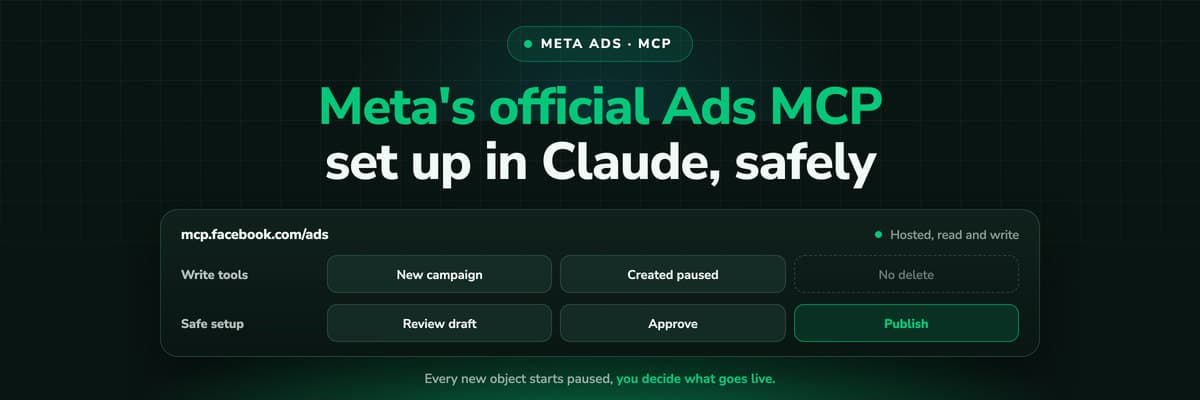
Meta built one strong guardrail into the server and left the rest to you. The guardrail: "Write tools create entities in a paused state." A campaign, ad set or ad created from chat does not spend until something calls ads_activate_entity.
Pros
- Campaigns, ad sets and ads are created paused
- Spend starts only through a separate activation tool
- New pixel event rules start inactive
- There is no tool that deletes campaigns, ad sets or ads
- Activity logs show what changed, and when
Cons
- No dry run or preview mode is documented
- Any confirmation before activation is your AI client's, not a server gate
- Edits to live entities through ads_update_entity take effect as made
- Custom audiences can be deleted
- No dedicated pause tool is listed
The pause rule protects new things. It does nothing for a budget change on an ad set that is already spending, which is the edit that costs real money. Practice that works:
- Start on read permissions. ads_mcp_management plus ads_read until you trust the prompts you use.
- Draft, then review in Ads Manager. Let the assistant build the paused campaign, then open it in Ads Manager and check targeting, budget, placements and the creative before anybody activates it.
- Activate by hand. Make activation something a person does in Ads Manager, not a tool call in the conversation.
- Ask for the change as a table first. "Which ad sets would you raise, from what budget to what, and why" before "raise them".
- Check the activity log after a session. It is one prompt away and it is the record of what the assistant actually did.
If you want rules that act on their own, Meta's automated rules in Ads Manager already do that, on a schedule you set. An assistant is better at the part before a rule: deciding what the rule should be.
Third-Party Meta Ads MCP Servers
The community and vendor servers predate Meta's and are still worth a look if you need something it lacks, want to run locally, or want Meta next to other platforms behind one connection. Details below are from each project's own pages as of October 2026 and are unverified by us.
Third-party Meta Ads MCP options, from their own pages (October 2026)
| Option | Runs | Read or write | Notes |
|---|---|---|---|
| Pipeboard (pipeboard-co/meta-ads-mcp) | Hosted, or local with your own Meta app | Read and write; create_campaign defaults to paused | Business Source License 1.1; free tier plus paid plans; also hosts Google Ads, TikTok, Snap and Reddit servers |
| GoMarble (facebook-ads-mcp-server) | Local, Python | Appears read-only (21 read tools) | MIT licence |
| Windsor.ai | Hosted, listed in Claude's connector directory | Read and write per its FAQ | Plans from free to $598 a month, MCP on all plans |
| CData | Hosted or desktop driver | Bidirectional, only approved writes exposed | Desktop licensed per machine |
The trade is the same for all of them: someone other than Meta holds a token to your ad accounts. Read the licence, where the server runs, and what it stores before you connect a client's account. The comparison across every platform, official and community, is in Ads MCP servers compared.
Common Setup Problems
What usually goes wrong when connecting Meta's ads MCP server
| Symptom | Likely cause | What to try |
|---|---|---|
| System user token is refused | The system user has the Admin role | Use a system user with the Employee role |
| The assistant can read but not create | Only ads_read was granted | Reconnect and approve ads_management |
| Catalog or Instagram tools fail | Missing catalog_management or instagram_basic | Approve the extra permissions on reconnect |
| ChatGPT or Claude Code login fails | No client ID, or the redirect URL is not set on your Meta app | Add the use case and the redirect URL in Facebook Login for Business |
| The account is not available to the server | Third-party guides report is_ads_mcp_enabled: false for accounts without access in the beta | Try another ad account, or wait for the beta to reach yours |
| Requests start failing in a long session | Marketing API rate limits | Ask for fewer, wider queries; see Meta's rate limiting page |
What Meta's Server Cannot See, and How LeadJourney Fits
Everything Meta's server reports, it knows from Meta: spend, clicks, the conversions your pixel and Conversions API sent, and the ROAS built on the values you sent with them. For a shop that sends real order values that is close to the truth. For lead generation it stops at the lead. Meta does not know which leads your sales team qualified, which booked a call and which closed, so an assistant reading Meta alone will call the campaign with the cheapest form fills your best one. Why your ad platform's MCP gives Claude the wrong CPL works through that example.

LeadJourney tracks every click, form fill and call server-side and first-party, keeps the fbclid, follows the lead into HubSpot, Salesforce, Pipedrive, Close, Attio, GoHighLevel, ActiveCampaign, Odoo, Zoho CRM or Microsoft Dynamics 365, and reports qualified leads, booked demos and closed revenue per Meta campaign, ad set and ad. The stages you map go back to Meta through the Conversions API. Setup takes about 21 minutes and tracking accuracy is 95%+.
The LeadJourney MCP server puts those numbers in the same conversation as Meta's server: one endpoint, https://api.leadjourney.io/mcp, OAuth, and it works in Claude, ChatGPT and other MCP clients. It reads journeys, spend and CRM outcomes and changes only things inside LeadJourney (reports, dashboards, the attribution model). It cannot pause a campaign, move budget or create an ad, and it acts only when you send a message. Meta's server acts; LeadJourney's tells it which campaigns earned it. The two-connector workflow is in Meta Ads MCP plus your CRM.
Further Reading
- Ads MCP servers compared: Meta, Google, LinkedIn, TikTok and more
- Claude for Meta Ads: connector, skills and 25 prompts
- Meta Ads MCP plus your CRM: which campaigns made revenue
- Why your ad platform's MCP gives Claude the wrong CPL
- Google Ads MCP: the official server, its limits and alternatives
- MCP vs API vs Zapier for ad reporting
- Automated budget rules on cost per qualified lead
- Meta Conversions API for lead generation
- The LeadJourney MCP server
- The Meta Ads integration
FAQ
Frequently Asked Questions
What people search for when they connect Meta Ads to an AI assistant.
Is there an official Meta Ads MCP server?
Yes. Meta hosts one at https://mcp.facebook.com/ads, part of its Meta ads AI connectors, in open beta since 29 April 2026. It works with any MCP-compatible assistant and covers reporting, campaign creation, audiences, catalogs, datasets, experiments and change history.
What is the Meta Ads MCP server URL?
https://mcp.facebook.com/ads. It is a remote server over HTTP, so you paste the URL into your assistant's connector settings rather than installing anything. Authentication runs through Facebook Login for Business, a user access token or an Employee-role system user token.
How do I connect Meta Ads MCP to Claude?
In Claude, add a custom connector with the URL https://mcp.facebook.com/ads, connect, sign in with Facebook Login for Business and approve the permissions. Meta has no ads connector in Claude's directory. In Claude Code, Meta documents claude mcp add --transport http --client-id <META_APP_ID> meta-ads https://mcp.facebook.com/ads.
Does the Meta Ads MCP work with ChatGPT or Codex?
Meta documents ChatGPT as a custom OAuth app with the server URL and your Meta app ID as the OAuth Client ID under Advanced OAuth Settings, which needs Developer mode on a plan that offers it. Codex, Cursor and Gemini are not walked through by Meta, though any client supporting remote MCP with OAuth should be able to connect.
Which permissions does the Meta Ads MCP need?
At least ads_mcp_management plus ads_read or ads_management. Some tools also need catalog_management, business_management, pages_show_list or instagram_basic. Use ads_read alone while you only report, and add ads_management when you want drafts created from chat.
Can the Meta Ads MCP create or delete campaigns?
It can create campaigns, ad sets, creatives and ads, and everything it creates starts paused until ads_activate_entity is called. It has no tool to delete campaigns, ad sets or ads; deletion exists only for custom audiences. No dry run is documented, so review drafts in Ads Manager before activating.
Keep reading
More from the blog
 How To Guides
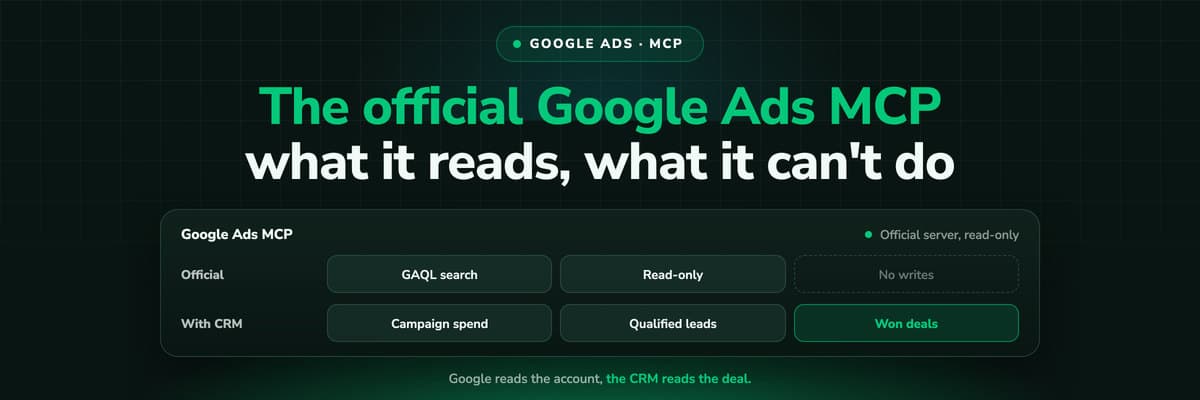
Google Ads MCP: The Official Server, Its Limits, Options
Google publishes an open source MCP server for the Google Ads API. It is read-only, has three tools and no public URL. What it does, how to run it locally or on Cloud Run, how Claude and Claude Code connect to it, what it cannot do, and the third-party servers that fill the gaps.Read the article13 min read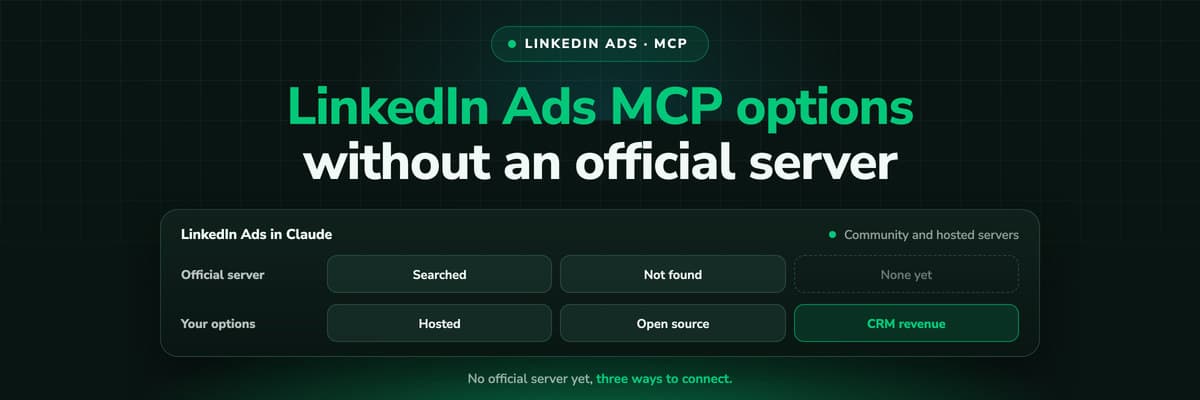 How To Guides
LinkedIn Ads MCP: Your Options Without an Official Server
LinkedIn has no official MCP server as of October 2026, unlike Meta, Google, Microsoft, TikTok and X. What the third-party LinkedIn Ads MCP options are, why there are so few, what to check before you connect one to an account with spend on it, and how to ask Claude about LinkedIn campaigns on pipeline rather than form fills.Read the article11 min read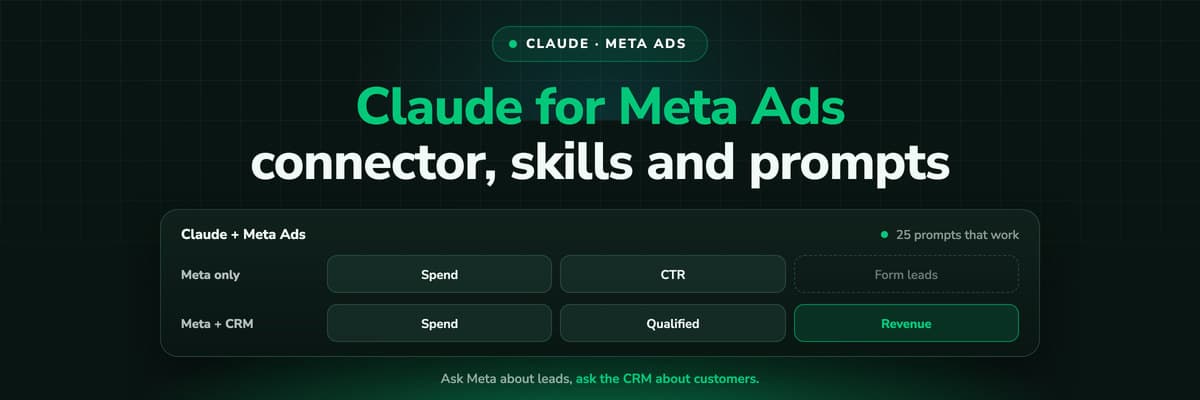 How To Guides
Claude for Meta Ads: Connector, Skills and 25 Prompts
Claude can read and draft Meta campaigns through Meta's own MCP server. What a connector, a skill and a plugin each are, how to set it up, 25 prompts that work for reporting, audits, creative review and paused launches, and the one thing none of them can answer from Meta's data alone.Read the article13 min read
Meta Ads MCP
Ready to see which Meta campaigns closed revenue?
LeadJourney follows every Meta click to the CRM deal and reports closed revenue per campaign, ad set and ad, in the dashboard or in Claude and ChatGPT through its MCP server. Live in about 21 minutes, 14-day free trial.


