


















BlogB2B Marketing Attribution
Meta Ads MCP Plus Your CRM: Which Campaigns Made Revenue
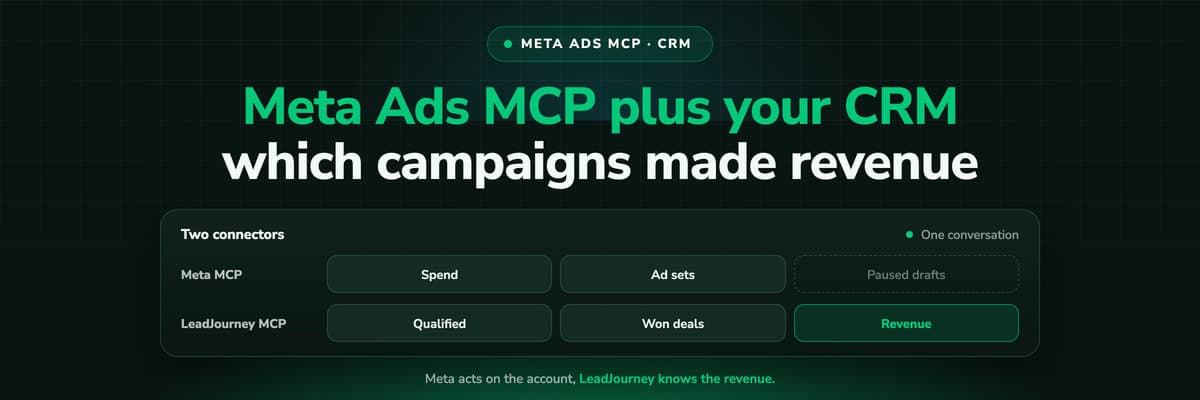
Meta's MCP server can read and draft campaigns, but it cannot see which leads closed. Put LeadJourney's MCP server in the same Claude conversation and every question can be asked on closed revenue. A worked example, the workflow step by step, and the guardrails that keep a person in charge of every change.

Contents
Summarise this article with AI
Opens the page with a ready prompt in:


Nothing is sent until you pick a service.
Connect Claude to Meta's ads MCP server and you can ask it anything Meta knows: spend, delivery, cost per lead, which ad sets are fatiguing. Ask it which campaigns made money and it will answer just as confidently, from the only number it has, which for a lead generation account is the form fill.
The fix is not a better prompt. It is a second connector. This post puts Meta's server and LeadJourney's MCP server in the same Claude conversation, one to inspect and act, one to say what closed, then works through an example account, the weekly workflow, and the guardrails that keep every change in a person's hands.
Quick Summary: Meta's MCP Plus Your CRM
In short
Meta's MCP server (https://mcp.facebook.com/ads) knows spend, delivery and the conversions Meta was sent; it does not know which leads became customers. LeadJourney's MCP server (https://api.leadjourney.io/mcp) knows qualified leads, booked demos and closed revenue per Meta campaign and ad set, joined from your CRM. Add both to one Claude conversation, pull revenue from LeadJourney and budgets from Meta, and ask Claude for a proposal table, not an action. A person approves every change; drafts Claude creates through Meta's server start paused; and LeadJourney never changes anything in Meta: it reads, and it changes only reports and settings inside LeadJourney.
Meta's server details are as of October 2026, in open beta. The example figures below are made up and labelled; the arithmetic is real.
Two Connectors, Two Jobs
The split is simple and it is worth keeping strict, because it decides which connector Claude calls for which half of a question.
What each connector does in the conversation
| Meta's ads MCP server | LeadJourney's MCP server | |
|---|---|---|
| Knows | Spend, impressions, clicks, CPM, CTR, the conversions Meta received, budgets, targeting, status | Journeys and touchpoints, spend per campaign and ad set, CRM stages, qualified leads, booked demos, won revenue |
| Can change | Creates campaigns, ad sets, creatives and ads (paused), updates entities, activates them | Only things inside LeadJourney: reports, dashboards, attribution model, lookback window, workspace settings |
| Cannot | See which leads qualified or closed in your CRM | Pause a campaign, move budget, create an ad or edit a CRM record |
| Signs in with | Facebook Login for Business | OAuth to your LeadJourney workspace |
So the revenue truth comes from one side and the levers sit on the other, and Claude is the place where the two meet. The decision stays with you.
Setting Up Both Connectors in Claude
- Meta. In Claude, open Connectors in settings, choose Add custom connector, paste https://mcp.facebook.com/ads, connect and sign in with Facebook Login for Business. Approve ads_mcp_management and ads_read first. The full walkthrough is in Meta Ads MCP: setting up Meta's official server.
- LeadJourney. In LeadJourney, open Ask Atlas, then Settings, then the MCP tab, copy the server URL (https://api.leadjourney.io/mcp), add it to Claude the same way and sign in. The workspace it reaches is decided at sign-in. See LeadJourney in Claude.
- Check both. Ask one question per connector: "From Meta, list my ad accounts" and "From LeadJourney, closed revenue by Meta campaign last month."
Two plan details. Claude's Free plan allows one custom connector, and this setup needs two, so it runs on Pro, Max, Team or Enterprise. And LeadJourney's MCP connection is included from the Growth plan, or a €49 a month add-on below it (€99 a month flat for agencies). ChatGPT works too; see LeadJourney in ChatGPT and the Meta section of the setup post.
One join, stated once
LeadJourney imports your Meta campaigns, ad sets, ads and spend through its Meta Ads integration, so its rows are the same campaigns and ad sets Claude sees in Meta. Tell Claude to match them by name and to list anything it could not match, rather than guessing.
A Worked Example: Four Ad Sets, Two Rankings
An example B2B account with one lead generation campaign and four ad sets. The question: where should the budget go? First, what Claude gets from Meta's server alone, over the 90 days that ended a month ago (so most deals from those leads have had time to close):
Example account, as Meta reports it (example figures)
| Ad set | Spend | Leads | Cost per lead |
|---|---|---|---|
| Broad | €6,000 | 200 | €30 |
| Lookalike customers | €4,000 | 80 | €50 |
| Website retargeting | €2,000 | 40 | €50 |
| Interest stack | €3,000 | 120 | €25 |
| Total | €15,000 | 440 | €34.09 |
On Meta's numbers the interest stack is the winner and the lookalike is expensive. Now the same ad sets with LeadJourney's CRM outcomes, pulled in the same conversation:
The same ad sets with CRM outcomes from LeadJourney (example figures)
| Ad set | Qualified leads | Cost per qualified lead | Deals won | Closed revenue | ROAS |
|---|---|---|---|---|---|
| Broad | 20 | €300 | 3 | €9,000 | 1.5 |
| Lookalike customers | 25 | €160 | 6 | €24,000 | 6.0 |
| Website retargeting | 10 | €200 | 3 | €9,000 | 4.5 |
| Interest stack | 6 | €500 | 0 | €0 | 0 |
| Total | 61 | €245.90 | 12 | €42,000 | 2.8 |
The ranking flips. The cheapest leads came from the ad set that closed nothing, and the "expensive" lookalike produced more than half the revenue on about a quarter of the spend. An assistant reading Meta alone would have moved budget the wrong way, confidently.
The proposal Claude should return
With current daily budgets read from Meta, ask for a proposal that keeps the total level and moves money in a modest step:
Proposed daily budget change, total unchanged at €175 (example figures)
| Ad set | Current daily budget | Proposed | Change | Reason |
|---|---|---|---|---|
| Broad | €70 | €70 | none | Pays back, ROAS 1.5 |
| Lookalike customers | €45 | €55 | +€10 | Highest closed revenue per euro |
| Website retargeting | €25 | €25 | none | Strong ROAS, small audience |
| Interest stack | €35 | €25 | minus €10 | No deals from 6 qualified leads |
Note what the proposal does not do: it does not switch the interest stack off on six qualified leads and no deals. That is a small sample, and the next quarter can show something different. It moves a step, keeps the experiment running, and comes back to it.
The Workflow, Step by Step
The same eight steps every week or two. Steps 1 to 4 are reads and cost nothing; steps 5 to 7 are where a person decides.
- Pick a mature cohort. A period whose leads have had your usual time to close, not last week.
- Revenue from LeadJourney. Qualified leads, booked demos, deals won and closed revenue per Meta campaign and ad set for that cohort, under the attribution model you report on.
- State from Meta. Current daily budgets, status, optimisation goal and spend for the same ad sets, through ads_get_ad_entities.
- Join and flag. Claude matches the two by name and lists unmatched rows and ad sets with too few qualified leads to judge.
- Propose. A table of current and proposed budgets with one line of reason each, total spend stated before and after.
- Approve. A person reads the table, edits it, and says which rows to apply.
- Apply. In Ads Manager by hand, or through Meta's ads_update_entity after the explicit approval in the conversation. Meta's pages do not list every field that tool changes, so check the result in Ads Manager either way.
- Record. Ask Meta's server for the activity log of the session, and save the proposal table as the note of what changed and why.
LeadJourney can save step 2 as a report, so the next run starts from the same definition rather than a prompt typed slightly differently. Ask: "Save this as a report called Meta ad sets by closed revenue."
The Prompts That Run It
Name the connector in each prompt, so Claude does not try to answer a revenue question from Meta or a budget question from LeadJourney.
- "From LeadJourney: for Meta ad sets with clicks between [date] and [date], show qualified leads, deals won, closed revenue and cost per qualified lead, first-click model."
- "From Meta: for the same ad sets, current daily budget, status, optimisation goal and spend in that period."
- "Join the two by ad set name. List anything you could not match, and mark ad sets with fewer than 10 qualified leads as too small to judge."
- "Propose new daily budgets that keep the total the same and move no ad set by more than a modest step. Show current, proposed, change and a one line reason. Do not change anything."
- "Apply rows 2 and 4 only." (or apply them yourself in Ads Manager)
- "From Meta: show the activity log for this account for the last hour."
More single-connector prompts for reporting, audits and creative review are in Claude for Meta Ads.
Drafting New Campaigns From What Closed
The same pair works for building, not only for budgets. LeadJourney says which audience, offer and landing page produced deals; Meta's server builds a draft that copies it. With ads_management approved:
- "From LeadJourney: which landing pages and Meta ads had the highest closed revenue per lead last quarter?"
- "From Meta: create a paused campaign for [new market] with one ad set copying the targeting and optimisation goal of Lookalike customers, a daily budget of €30, and an ad using the creative of our top ad by closed revenue. Do not activate."
Meta's server creates campaigns, ad sets and ads paused, and spend starts only through ads_activate_entity. Review the draft in Ads Manager and activate it yourself. Meta documents no dry run and no tool to delete a campaign, ad set or ad, so a draft you do not want has to be removed in Ads Manager.
Guardrails: A Person Approves Every Change
- Proposal first, alwaysClaude returns a table; a person approves rows. Write "do not change anything" into every analysis prompt until the approval step.
- Read permissions by defaultRun the weekly analysis on ads_read. Add ads_management for the sessions where you build drafts or apply an approved table.
- LeadJourney cannot act on MetaIts MCP server reads, and changes only reports and settings inside LeadJourney. Nothing in Meta moves because of it, and it runs only when you send a message.
- Small steps on live ad setsMeta gives no official percentage for budget changes and the learning phase, only that a tiny change is unlikely to restart learning and a tenfold one may. The popular 20% rule is not Meta's. Move in steps and watch the ad set.
- Mature cohorts onlyJudge on leads old enough to have closed. Last week's leads have no revenue yet, and an ad set judged on them always looks bad.
- Enough data to judgeSet a minimum of qualified leads before an ad set is ranked at all, and say the attribution model next to every revenue figure.
- Check what happenedRead Meta's activity log after every session that changed something. It is the record of what the assistant actually did.
If you own the business portfolio, also look at the ads MCP server rules Meta added in July 2026, which let a portfolio owner govern what agents may do, from budget changes to catalog updates. Meta had not published a documentation page on them when we checked, so look for them in your business settings.
Where the Two Sets of Numbers Disagree
Some disagreement between the two connectors is by design. Know which before you call a number wrong.
Why Meta's and LeadJourney's numbers differ, and what to do
| Difference | Why | What to do |
|---|---|---|
| More leads in Meta than in the CRM | Meta counts inside its attribution windows, including views; the CRM counts records | Judge on CRM records joined to the click |
| Revenue in LeadJourney that Meta never reported | The deal closed long after the click, outside Meta's window | Expected; LeadJourney has no attribution window |
| Ad set missing on one side | Renamed or new since the last sync | Have Claude list unmatched rows; match by hand once |
| Revenue shifts between ad sets | The attribution model changed | Fix the model per report and state it |
| Spend differs slightly | Different date boundaries or a sync not yet run | Compare closed periods, not today |
For the full picture of why platform numbers and CRM numbers rarely match, see why GA4, Meta and Google conversions don't match your CRM.
Closing the Loop So Meta Optimises on It Too
The weekly workflow fixes where the budget goes. It does not fix what Meta's algorithm optimises for inside each ad set, which is still the form fill. That is a separate job: sending the CRM stages, such as a qualified lead or a won deal, back to Meta as conversion events through the Conversions API (offline conversion tracking), so delivery learns from the leads that closed.
LeadJourney does that for the stages you map, as conversion events with the fbclid and hashed match keys. It sends events; it does not change campaigns, budgets, targeting or ads. How to choose the stage is in send CRM data back to Meta and Google and Meta Conversions API for lead generation. Once qualified leads arrive in Meta as an event, Meta's own reporting through the MCP server starts showing them too, and Meta's automated rules can use them.
How LeadJourney Supplies the Revenue Half

LeadJourney is one script on your site or in your GTM container, live in about 21 minutes, tracking every click, form fill and call server-side and first-party at 95%+ accuracy. It keeps the fbclid on the visitor, joins the lead to the deal in HubSpot, Salesforce, Pipedrive, Close, Attio, GoHighLevel, ActiveCampaign, Odoo, Zoho CRM or Microsoft Dynamics 365, and imports Meta's spend, so closed revenue, cost per qualified lead and ROAS sit on every Meta campaign, ad set and ad.
The MCP server serves those rows to Claude, ChatGPT and other MCP clients from one endpoint with OAuth. It reads journeys, spend and CRM outcomes; it changes only reports, dashboards and attribution settings inside LeadJourney; it cannot pause a campaign, move budget, create an ad or edit a CRM record. Inside the dashboard and in Slack, Atlas, LeadJourney's built-in AI analyst, answers the same questions without a second connector.
Further Reading
- Meta Ads MCP: setting up Meta's official server
- Claude for Meta Ads: connector, skills and 25 prompts
- Why your ad platform's MCP gives Claude the wrong CPL
- Automated budget rules on cost per qualified lead
- Ads MCP servers compared: Meta, Google, LinkedIn, TikTok and more
- MCP vs API vs Zapier for ad reporting
- Which ad copy attracts leads that close
- See lead quality per channel and campaign
- The LeadJourney MCP server
- LeadJourney in Claude
FAQ
Frequently Asked Questions
What teams ask before they let Claude near a Meta budget.
Can Meta's Ads MCP server see my CRM revenue?
No. It knows what Meta delivered and the conversions Meta was sent. Which leads qualified or closed lives in your CRM, so Claude needs a second connector, such as LeadJourney's MCP server, to answer revenue questions.
Can I use two MCP connectors in one Claude conversation?
Yes. Add both as custom connectors and Claude can call either in the same chat. Claude's Free plan allows one custom connector, so two need Pro, Max, Team or Enterprise. Name the connector in each prompt so Claude takes each number from the right side.
Does LeadJourney change my Meta campaigns?
No. LeadJourney's MCP server reads journeys, spend and CRM outcomes and changes only reports, dashboards and settings inside LeadJourney. It cannot pause a campaign, move budget or create an ad. Changes in Meta happen through Meta's own server or Ads Manager, after a person approves them.
Can Claude change Meta budgets through the MCP server?
Meta's server has a general update tool, ads_update_entity, and needs the ads_management permission for it. Meta's pages do not list every field it changes, so ask Claude for a proposal table first, approve it, and check the result in Ads Manager.
How do I see which Meta ad sets made revenue?
Join each lead's Meta click to the CRM deal and report closed revenue per ad set for a period old enough for deals to close. LeadJourney does this from the fbclid and your CRM, and serves it in the dashboard or to Claude and ChatGPT through its MCP server.
How big should a budget change from a Claude proposal be?
Modest. Meta publishes no percentage threshold for the learning phase, only that tiny changes are unlikely to restart it and very large ones may. The 20% rule often quoted is not Meta's. Move in steps, keep total spend stated, and recheck after a week or two.
Keep reading
More from the blog
 B2B Marketing Attribution
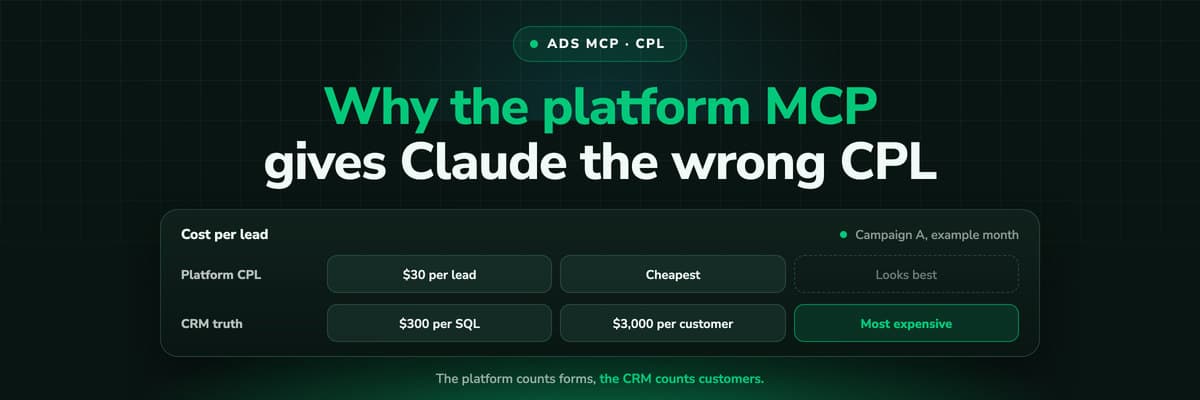
Why Your Ad Platform's MCP Gives Claude the Wrong CPL
Connect Claude to Meta or Google Ads through MCP and ask which campaign is cheapest per lead: it will answer correctly, by the platform's count. A worked example of why that campaign can be the most expensive per customer, what the platform's conversion column actually counts, and how to give Claude the CRM side.Read the article12 min read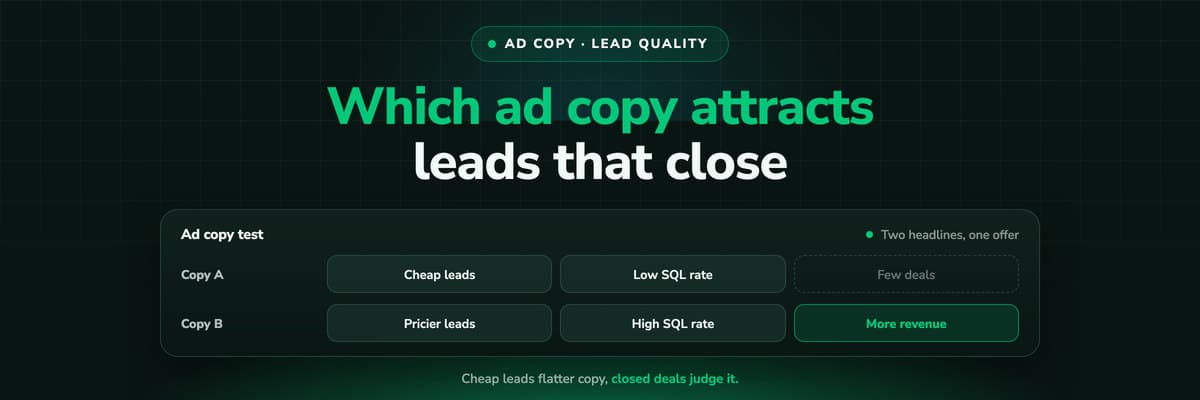 B2B Marketing Attribution
Which Ad Copy Attracts Leads That Close
The ad copy that wins on cost per lead is often the copy that fills the CRM with people who never buy. How to measure wording on qualification rate and close rate per ad, design a copy test that can answer, and do the sample size arithmetic before you crown a winner on five deals.Read the article12 min read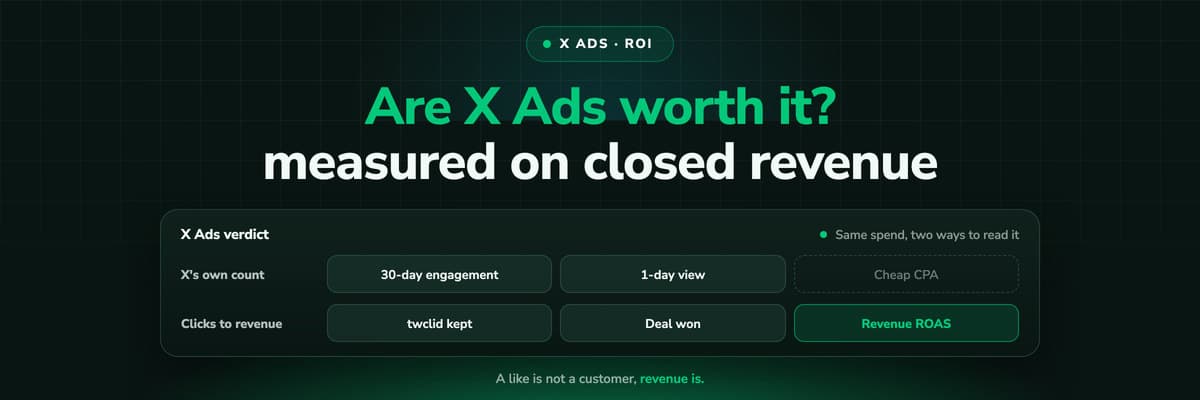 B2B Marketing Attribution
Are X Ads Worth It? Measuring X Ads ROI on Revenue
Whether X Ads are worth it depends on what you measure and on what you sell. How to calculate X Ads ROI and ROAS on closed revenue, what X's own conversion numbers include (a like a month before the purchase counts by default), what a fair test needs, and the traps that make X look better or worse than it is.Read the article16 min read
Meta revenue
Ready to give Claude the revenue behind every Meta ad set?
LeadJourney joins every Meta click to the CRM deal, reports closed revenue per campaign, ad set and ad, and serves it to Claude and ChatGPT through its MCP server. Live in about 21 minutes, 14-day free trial.


