


















BlogHow To Guides
Automated Budget Rules on Cost per Qualified Lead
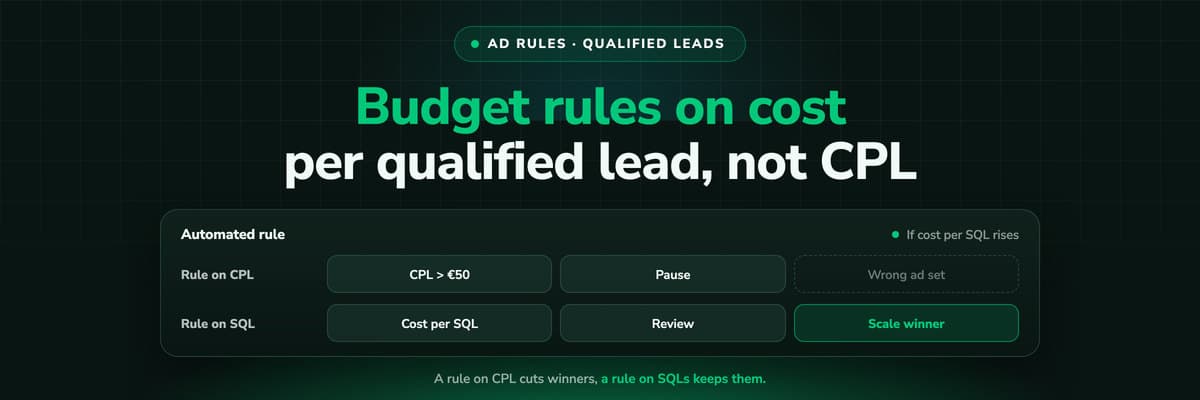
A budget rule is only as good as the number it reads, and the number Meta and Google can read is a lead, not a qualified one. How automated rules work on both platforms, why a CPL rule cuts your best ad sets, two honest ways to decide on cost per qualified lead, and guardrails for scaling.

Contents
Summarise this article with AI
Opens the page with a ready prompt in:


Nothing is sent until you pick a service.
Automated rules are the oldest automation in paid social and search. Pause an ad set when cost per lead climbs past a line, raise a budget when it falls under one, get an email when spend runs away overnight. They work exactly as written, which is the problem: the rule reads what the platform can see, and the platform sees a form fill, not whether sales called it junk.
This guide covers how rules work in Meta Ads Manager and Google Ads, where a rule on platform CPL goes wrong, the two ways to get cost per qualified lead into the decision with today's tools, and the guardrails that keep a scaling rule from undoing its own gains.
Quick Summary: Rules on Cost per Qualified Lead
In short
Meta's automated rules and Google Ads rules act on the numbers inside the platform, so a rule on cost per lead pauses ad sets whose leads are cheap and keeps ones whose leads are junk, or the reverse. To decide on cost per qualified lead, either send the qualified stage from your CRM back to the platform as a conversion, so its own rules and bidding see it, or keep the rule as an alert and make the budget call in a weekly review with CRM data beside the platform's. Scale in small steps with a cap and a minimum gap between changes: Meta publishes no safe percentage, only that $100 to $101 is unlikely to reset learning and $100 to $1000 may, and the familiar 20% figure is a third-party rule of thumb.
The rest of the post is the mechanics on each platform, a worked example of the wrong pause, both routes in detail, and a guardrail table you can copy into a rule.
How Meta's Automated Rules Work
In Ads Manager and in the Marketing API's ad rules engine, a rule has three parts: which objects it looks at and under what conditions (the evaluation spec), what it does when they match (the execution spec), and when it checks (the schedule). A rule is either schedule based, checked at set times, or trigger based, checked in near real time when an object's settings or numbers change.
Meta automated rules, as documented in the Marketing API (as of October 2026)
| Part | What you can set |
|---|---|
| Conditions | Metadata filters (name, objective, budgets, hours since creation) and insights filters (spent, impressions, CTR, CPM, conversions and more), all combined with AND |
| Time range | Presets from TODAY to LAST_30D, or LIFETIME |
| Actions | Notification, pause, unpause, change ad set budget, change campaign budget, change bid, rotate ads, rebalance budget, ping a webhook |
| Budget change | A percentage (for example minus 50%) or an amount in account currency, with an optional limit as a cap, or scaled toward a target metric |
| Repeat control | A maximum number of executions, and a minimum gap in minutes between repeats (10080 is one week) |
| Schedule | Daily at midnight account time, hourly, every 30 minutes, or custom 30 minute slots on chosen days |
One limit matters for this post: Meta's docs say trigger based rules cannot use ROAS or offline conversion metrics. A rule that should read a CRM stage you send back as an offline event therefore has to be a schedule based rule.
Meta's MCP server is not a rules engine
Meta's ads MCP server (open beta since April 2026) lets an AI client create campaigns, ad sets and ads, which land paused, and update or activate them. It acts when you ask in a chat; nothing in it runs on a schedule. Since July 2026 business portfolio admins can set "ads MCP server rules" that govern what agents may do, which is a permission layer, not an automated rule. See the Meta Ads MCP guide.
Google Ads Rules and Scripts
Google Ads offers two layers. Automated rules change status, budgets, bids and more when conditions you set are met, on a frequency you choose, and email you the results. You create them under Tools > Rules or from the Edit menu of a table, including rules for Performance Max asset groups.
Scripts are the programmable layer: JavaScript that runs inside the account, reads its reports and acts on them. Google publishes the limits: 30 minutes per run (60 for manager account scripts using executeInParallel), 250 authorized scripts per account, and 50 accounts per executeInParallel call. A script can do things a rule cannot, such as compare two conversion actions or write a log to a sheet, but it still only sees what is in the account.
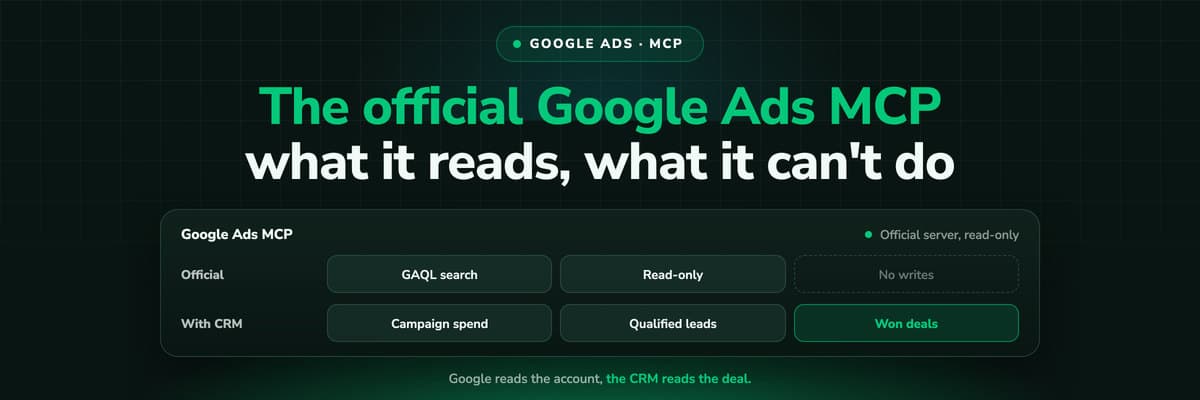
Google's official MCP server for the Ads API is read only in its current release: it cannot change bids, pause campaigns or create assets. Budget changes from a chat go through a rule, a script, the interface, or a third-party connector. More in the Google Ads MCP guide.
Why a Rule on Platform CPL Pauses the Wrong Ad Set
Cost per lead is spend divided by every lead the platform counted. It treats a student downloading a guide and a buyer with budget asking for a demo as the same event. The rule cannot tell them apart, so it optimises the account toward whichever ad set produces form fills most cheaply.
Example: two ad sets in one month, the same spend (all figures are examples)
| Ad set A | Ad set B | |
|---|---|---|
| Spend | $3,000 | $3,000 |
| Leads (platform) | 100 | 50 |
| CPL | $30 | $60 |
| Qualified in the CRM | 10 | 20 |
| Cost per qualified lead | $300 | $150 |
A rule that reads "pause ad sets with CPL above $50 over the last 7 days" pauses B, the ad set that delivers qualified leads at half the cost, and leaves A running. A scaling rule on CPL does the mirror image: it pours budget into A. Neither rule is broken. It answers the question it was given, and the question was wrong.
Example: ad set B, $3,000 ÷ 20 qualified = $150, against ad set A's $300.
Why the platform's numbers drift from your CRM in the first place is covered in the true cost per lead and why your ad platform's MCP gives Claude the wrong CPL.
Route One: Send the Qualified Stage Back to the Platform
The platform can only act on what it receives. Send it the moment a lead becomes qualified in your CRM, and the qualified count becomes a conversion column the platform's own bidding and its rules can read. On Meta that is a Conversions API event for the stage; on Google an offline conversion or enhanced conversions for leads; on LinkedIn the Conversions API. The full setup is in how to send CRM data back to Meta and Google.
- Bidding learns the right thingA campaign optimised on the qualified stage looks for people like your qualified leads, not people who fill forms. This usually matters more than any rule.
- The rule reads a cost per qualified conversionWith the stage as a conversion, a schedule based rule can condition on its count and cost, instead of on every lead.
- Mind the delayQualification takes days. A rule on the last 3 days reads a count that is still filling in, so use a window longer than your typical time to qualify.
The limit: the platform credits a stage only inside its own attribution window, and only to the click or view it can match. Its qualified count is close to yours, rarely equal. Good enough for a rule that runs every day, not a replacement for the report you take to a budget meeting.
Route Two: Keep the Rule as an Alarm, Decide in a Weekly Review
The second route accepts that the full truth (qualified leads, booked demos, closed revenue, at any lag) lives outside the platform. Rules stay in place as safety alarms: notify on runaway spend, pause anything that spent a large amount with zero leads. The decisions that move budget between ad sets happen once a week, by a person, with CRM numbers on the table.
That review is where an AI client with two connectors earns its keep. In one Claude chat, the Meta ads MCP server reads spend and delivery and can make the change; the LeadJourney MCP server reads the same campaigns' qualified leads, booked demos and won revenue from the CRM. You ask, Claude puts the two side by side, you approve, the Meta connector changes the budget. The walk-through is in Meta Ads MCP plus your CRM.
- Pull last week's and last month's spend per ad set from the platform connector.
- Pull qualified leads, booked demos and won revenue per ad set for the same dates from the CRM side.
- Rank by cost per qualified lead, with the count next to it, so an ad set with two qualified leads does not top the list on luck.
- Propose changes within your guardrails: which ad sets to raise, by how much, and which to cut.
- Approve, then let the platform connector make the change, or make it yourself in Ads Manager.
Nothing in this loop runs while you sleep, which is the point. A weekly human decision on a slow, true number beats an hourly automatic decision on a fast, wrong one. Prompts for the review are in Claude for Meta Ads and Claude for Google Ads.
Scaling Guardrails: How Big a Budget Step Is Safe
Meta's ad sets go through a learning phase, and significant edits send them back into it; the Marketing API reports an ad set's learning stage and counts conversions since the last significant edit. How big a budget change counts as significant is not published as a number. Meta's own example is that raising a budget from $100 to $101 is unlikely to reset learning while $100 to $1000 may. Ads Manager has shown messages such as "You can increase your daily budget up to $179 without reentering the learning phase", which suggests the threshold is computed per ad set rather than fixed.
The 20% rule is not Meta's
"Never raise a budget by more than 20% at a time" is repeated in many guides. It is a practitioner heuristic, not a figure Meta publishes. It may be a sensible default for your account; treat it as yours to test, not as a platform rule.
Guardrails for a scaling rule, and where each lives in Meta's rule spec
| Guardrail | Why | How to set it |
|---|---|---|
| Small percentage steps | Large jumps risk resetting learning | Budget change in PERCENTAGE units, a value you have tested |
| A hard cap | Repeated steps compound | The optional limit on the budget change |
| A minimum gap | Learning needs time to settle | action_frequency, for example 10080 minutes for once a week |
| A maximum number of runs | A rule should not scale forever unattended | execution_count_limit |
| Enough data in the condition | A cheap week on five leads is noise | A spend or conversion count condition beside the cost condition |
| A window longer than qualification | Stages arrive days later | LAST_14D or LAST_30D rather than TODAY or LAST_3D |
Remember too that Meta may spend up to 75% over a daily budget on some days while keeping to the weekly total, so a rule on today's spend can fire on a day that is perfectly normal for the week.
Three Rules Worth Having, in Plain Words
Written as the conditions you would enter, with example values. Replace them with figures from your own account.
Spend with no result
Ad sets that spent more than twice your target cost per qualified lead over LAST_7D with zero leads: pause and notify. Daily schedule.
Scale on the qualified stage
Ad sets with at least 10 qualified conversions over LAST_14D and a cost per qualified conversion under target: raise budget by a tested percentage, capped, at most once a week.
Alarm, not action
Ad sets whose CPL rose sharply over LAST_3D: notify only. The review decides, with CRM data, whether the cheap leads were ever good.
The second rule only makes sense once route one is in place: without a qualified stage sent back, the platform has no qualified conversion to count. On Google Ads the same three translate to automated rules, or to a script when the condition needs one conversion action rather than all of them.
Where LeadJourney Fits
LeadJourney does not run rules and does not touch your ad accounts. It supplies the number the rules are missing. One script, live in about 21 minutes, tracks every click, form fill and call server-side and first-party at 95%+ accuracy, keeps the click ids (fbclid, gclid, li_fat_id, msclkid, rdt_cid, twclid) and joins each lead to its CRM deal in HubSpot, Salesforce, Pipedrive, Close, Attio, GoHighLevel, ActiveCampaign, Odoo, Zoho CRM or Microsoft Dynamics 365.
That gives you cost per qualified lead and closed revenue per campaign, ad set and ad, with spend synced from Meta, Google, LinkedIn, Microsoft, Reddit, X, Taboola and Outbrain. For route one, the CRM stages you map go back to those platforms through their offline conversion and Conversions APIs. For route two, the MCP server at one endpoint lets Claude or ChatGPT read those numbers next to the platform's own connector. It reads and builds reports; it cannot pause a campaign or move budget, and it acts only when you send a message.

Further Reading
- Ads MCP servers compared: Meta, Google, LinkedIn, TikTok and more
- Meta Ads MCP: setting up Meta's official server
- Google Ads MCP: the official server, its limits and alternatives
- Why your ad platform's MCP gives Claude the wrong CPL
- Meta Ads MCP plus your CRM: which campaigns made revenue
- AI ad creative analysis: hook, body and close, judged on revenue
- Which ad copy attracts leads that close
- How to send CRM data back to Meta and Google
- The true cost per lead
- Optimise campaigns on revenue
In the glossary
FAQ
Frequently Asked Questions
What media buyers ask before they let a rule move their budget.
What can Meta automated rules do?
Notify you, pause or unpause, change an ad set or campaign budget, change a bid, rotate ads, rebalance budget between ad sets, or call a webhook. Conditions combine metadata and performance filters, and rules run on a schedule (daily, hourly, every 30 minutes or custom slots) or on a trigger when numbers change.
Can a Meta rule use leads from my CRM?
Only if those leads reach Meta. Send the qualified stage back through the Conversions API and it becomes a conversion a rule can read. Meta's docs say trigger based rules cannot use offline conversion metrics, so use a schedule based rule for that.
How much can I increase a Meta budget without resetting learning?
Meta publishes no percentage. Its example is that $100 to $101 is unlikely to reset learning and $100 to $1000 may, and Ads Manager sometimes shows a per ad set ceiling. The common 20% figure is a practitioner heuristic, not Meta guidance.
Can Claude or an MCP server run automated rules for me?
Not on a schedule. An MCP connection acts when you send a message. Meta's ads MCP server can update and activate entities on request, Google's official server is read only. Recurring automation stays in Ads Manager rules or Google Ads rules and scripts.
Should I pause ad sets with a high cost per lead?
Not on CPL alone. An ad set with expensive leads can have the cheapest qualified leads. Check cost per qualified lead from your CRM first, with enough qualified leads behind the figure to trust it.
Do Google Ads automated rules work on offline conversions?
Rules act on what is in the account, so an offline conversion you import for the qualified stage is something they and scripts can work with. Scripts help when the condition should read one conversion action rather than all of them.
Keep reading
More from the blog
 How To Guides
Google Ads MCP: The Official Server, Its Limits, Options
Google publishes an open source MCP server for the Google Ads API. It is read-only, has three tools and no public URL. What it does, how to run it locally or on Cloud Run, how Claude and Claude Code connect to it, what it cannot do, and the third-party servers that fill the gaps.Read the article13 min read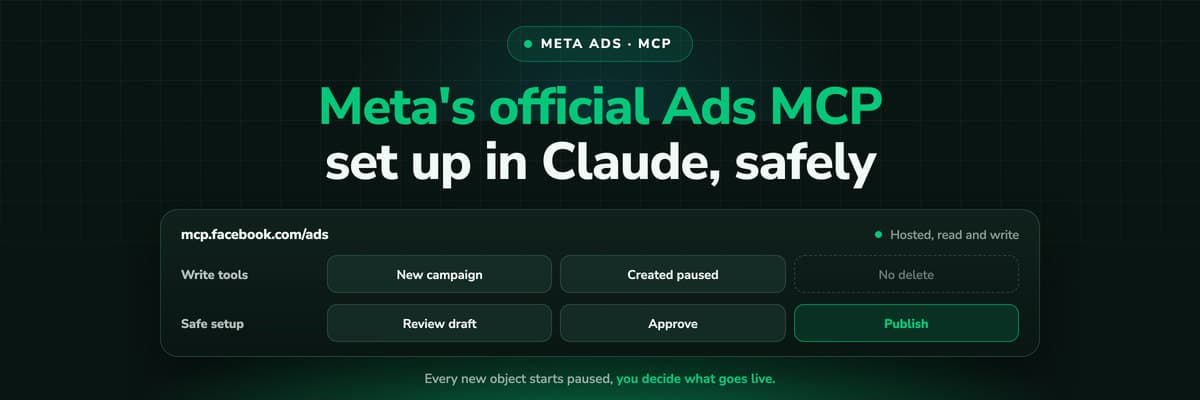 How To Guides
Meta Ads MCP: Setting Up Meta's Official Server
Meta runs its own MCP server for ads at mcp.facebook.com/ads. What it does, which permissions it needs, how agencies get access, how to add it to Claude and ChatGPT, what the third-party servers offer instead, and how to use the write tools without spending money by accident.Read the article12 min read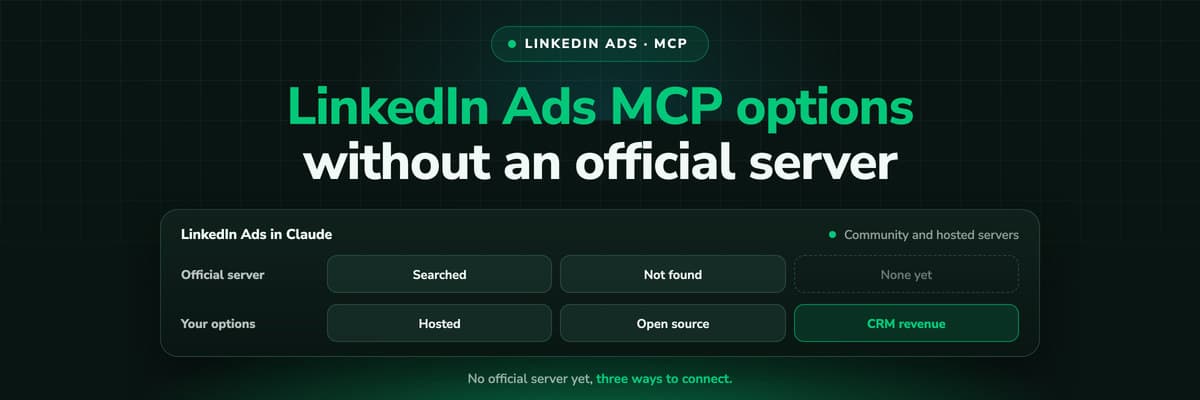 How To Guides
LinkedIn Ads MCP: Your Options Without an Official Server
LinkedIn has no official MCP server as of October 2026, unlike Meta, Google, Microsoft, TikTok and X. What the third-party LinkedIn Ads MCP options are, why there are so few, what to check before you connect one to an account with spend on it, and how to ask Claude about LinkedIn campaigns on pipeline rather than form fills.Read the article11 min read
Cost per qualified lead
Ready to give your budget rules the right number?
LeadJourney joins every ad click to the CRM deal, shows cost per qualified lead and revenue per ad set, and sends your stages back to Meta, Google and LinkedIn. Live in about 21 minutes, 14-day free trial.


