
















BlogHow To Guides
How to Send CRM Data Back to Meta and Google Ads
Your CRM knows which leads became customers, but Meta and Google only see the form submission, so they optimize for the wrong outcome. How to send closed-deal data back through CAPI, Enhanced Conversions and LinkedIn's Conversion API, without a developer.


Contents
Summarise this article with AI
Opens the page with a ready prompt in:


Nothing is sent until you pick a service.
Your CRM is the only system that knows the truth about which leads became customers, which paid €10K and which paid €100K, and which campaigns drove the most actual revenue.
But Meta and Google can't see any of that data unless you send it back to them. They know a form was submitted. They do not know whether the person behind it was your best customer of the year or someone who mistyped their email address, and they will treat those two identically forever unless you tell them otherwise.
Here's exactly how to connect your CRM to Meta and Google Ads, why it dramatically improves ad performance, and how to do it without a developer.
Quick Summary: Closing the Loop from CRM to Ads
In short
Ad platforms optimise towards the last event you gave them. In most lead gen accounts that event is a form submission, so the algorithms get better and better at finding cheap form submitters, who are by definition the people least likely to buy. Closing the loop means sending the qualified lead, the booked call and the closed deal back out of your CRM to Meta's Conversions API, Google's Enhanced Conversions and offline imports, LinkedIn's Conversions API and Microsoft's offline conversions, with the original click ID attached so each platform can match the event to a click it already knows. Four steps make it work: capture the click IDs server-side, store them on the CRM record, fire on stage changes, and route each stage to the right event per platform. Expect data in week one and performance in weeks three to six.
What Meta Currently Sees vs. Reality
Meta's algorithm sees: someone clicked an ad and submitted a form. That's it. It has no idea whether that lead ended up qualifying, booking a call, signing a contract, or paying €50K.
Put a month of real numbers next to that and the gap is obvious. Say a campaign produced 400 form fills at €40 each: €16,000 of spend and, in Ads Manager, a perfectly respectable cost per lead. In the CRM, 310 of those were unusable, 90 were qualified, 22 booked a call and 6 signed, worth €180,000 between them.
Meta was told 400 conversions happened. It will now go and find more people who resemble those 400, which means mostly resembling the 310. So Meta optimises for form submissions, which is why lead quality drops over time: the algorithm has been trained on the wrong outcome, and it is getting better at it every week.
The same is true of Google and LinkedIn
Every platform in the account is optimising towards whatever conversion it was last told about. Fixing Meta alone leaves three others training on form fills, which is why this is a four-platform job rather than a Meta job.
What Changes When CRM Data Flows Back
When you send closed-deal data back to Meta via CAPI, Google via Enhanced Conversions, and LinkedIn via the Conversions API, you fundamentally retrain those algorithms. They stop targeting people who fill out forms and start targeting people who actually buy from you.
Three separate things improve, and they are worth distinguishing because they arrive at different times.
- Targeting gets betterThe audience model re-converges on people resembling buyers rather than submitters. This is the slow one: three to six weeks before it is visible, months before it fully settles.
- Bidding gets betterWith a deal value attached, value-based bidding can bid more for the people likely to be worth more. Without values, every conversion is worth the same to the algorithm, which is never true.
- Reporting finally makes senseThis one is immediate. Cost per closed deal by campaign is a number you can put in front of a board, and it is available the day the loop closes rather than months later.
Lead quality climbs, cost per acquisition drops, and the effects compound over a quarter because each round of optimisation trains on cleaner data than the last.
What Each Platform Calls the Same Thing
All four major platforms accept offline conversions and all four give it a different name, which is most of why this looks harder than it is. The mechanism is identical: an event, an identifier that matches it to a click, and optionally a value.
Offline conversions on the four platforms
| Platform | What it is called | Matches on | Worth knowing |
|---|---|---|---|
| Meta | Conversions API | fbclid, or hashed email, phone and name | Event match quality decides whether the event is used at all. Aim for 7 or above. |
| Google Ads | Enhanced Conversions for Leads, and offline conversion imports | gclid, gbraid, wbraid, or hashed email and phone | A click older than Google's current import window cannot be uploaded by anyone. Map an earlier stage if your cycle is long. |
| Conversions API | li_fat_id, or hashed email and company data | The highest-value platform for B2B and the one most often left out of the loop entirely. | |
| Microsoft Ads | Offline conversions | msclkid | Small spend for most accounts, and free improvement for the same work, because the plumbing is already built. |
The practical consequence is that the hard part is not any single platform's API. It is having one clean pipeline of CRM events with the right identifiers attached, which every platform can then be fed from.
The Technical Flow End-to-End
The full flow works like this, and it is worth reading as a chain: every link has to hold, and each one has a characteristic way of breaking.
- Someone clicks your ad, and the click ID is captured. Breaks when it is read from a JavaScript cookie that Safari expires in seven days, or blocked by an ad blocker.
- They fill out a form, and the click ID is passed through and stored on the CRM record. Breaks when a form on one landing page was built without the hidden field, which is almost always at least one form.
- The sales team qualifies and closes the deal, and the CRM stage updates. Breaks when stages are used inconsistently and closed won means three different things to three reps.
- A webhook fires on the stage change, carrying the click ID and the deal value. Breaks when the value field is empty, which turns a revenue signal into a count.
- The stage is matched to the right conversion event per platform. Breaks when every stage is mapped to the same generic event, so the platform learns nothing new.
- The event is sent to Meta, Google, LinkedIn and Microsoft. Breaks when only one of the four is connected.
Total time from CRM update to Meta receiving the signal in an automated setup: typically under 60 seconds. A weekly CSV upload also works and is a legitimate starting point; it just delays the signal, thins it, and stops entirely the first week somebody is on holiday.
Step-by-Step: Sending CRM Data to Ad Platforms
Step 1: Capture and store click IDs
Nothing downstream is possible without this, and it is the step teams most often assume is already done.
- Capture fbclid, gclid (plus gbraid and wbraid), msclkid and li_fat_id at the moment of the click, server-side rather than from a browser cookie that will not survive the sales cycle.
- Pass them through every form submission so they reach the CRM. Every form, including the one on the campaign landing page your agency built in 2024.
- Store them as fields on the lead and contact record, not on the session. A click ID that dies with the session cannot be sent back three weeks later.
Step 2: Decide which stages count
This is a marketing decision disguised as a technical one, and getting it wrong is the most common reason a correctly built loop produces nothing.
- Fire on stages that mean something: qualified, meeting booked, closed won. Not every stage, or you are rewarding volume again with extra steps.
- Map each stage to a distinct platform event: Lead, Schedule, Purchase. Mapping them all to one event tells the algorithm nothing it did not already know.
- Include the original click ID, hashed email and phone, and the deal value in every payload. Normalise before hashing: email lowercased and trimmed, phone in E.164.
- Pick your optimisation event on volume, not purity. If you close ten deals a month, optimise on qualified leads and send closed deals for measurement.
Step 3: Route to each ad platform
- Meta Conversions API: events with the fbclid, hashed user data and conversion value, deduplicated against the browser pixel with a shared event ID.
- Google Enhanced Conversions for Leads: the gclid and the closed-deal value returned to Google Ads, uploaded well inside the current import window.
- LinkedIn Conversions API: critical for B2B, and the platform most often left disconnected because its share of spend looks small next to its share of pipeline.
- Microsoft Ads offline conversions: the msclkid on the same events. Small effort once the other three are running, and free performance.
Step 4: Verify, then leave it alone
- Check the events arrive: Meta Events Manager, the Google Ads conversions table, LinkedIn Campaign Manager. Rows accepted, not rows received.
- Check event match quality in Meta. Below 7 and the events you built this for are being discarded.
- Check your conversion counts did not double. If they did, deduplication is not working and every decision made on the new numbers is wrong.
- Then wait six weeks without changing the optimisation event, the budget or the audience, or you restart the learning phase and reset the clock.
How LeadJourney Closes the Loop on All Four
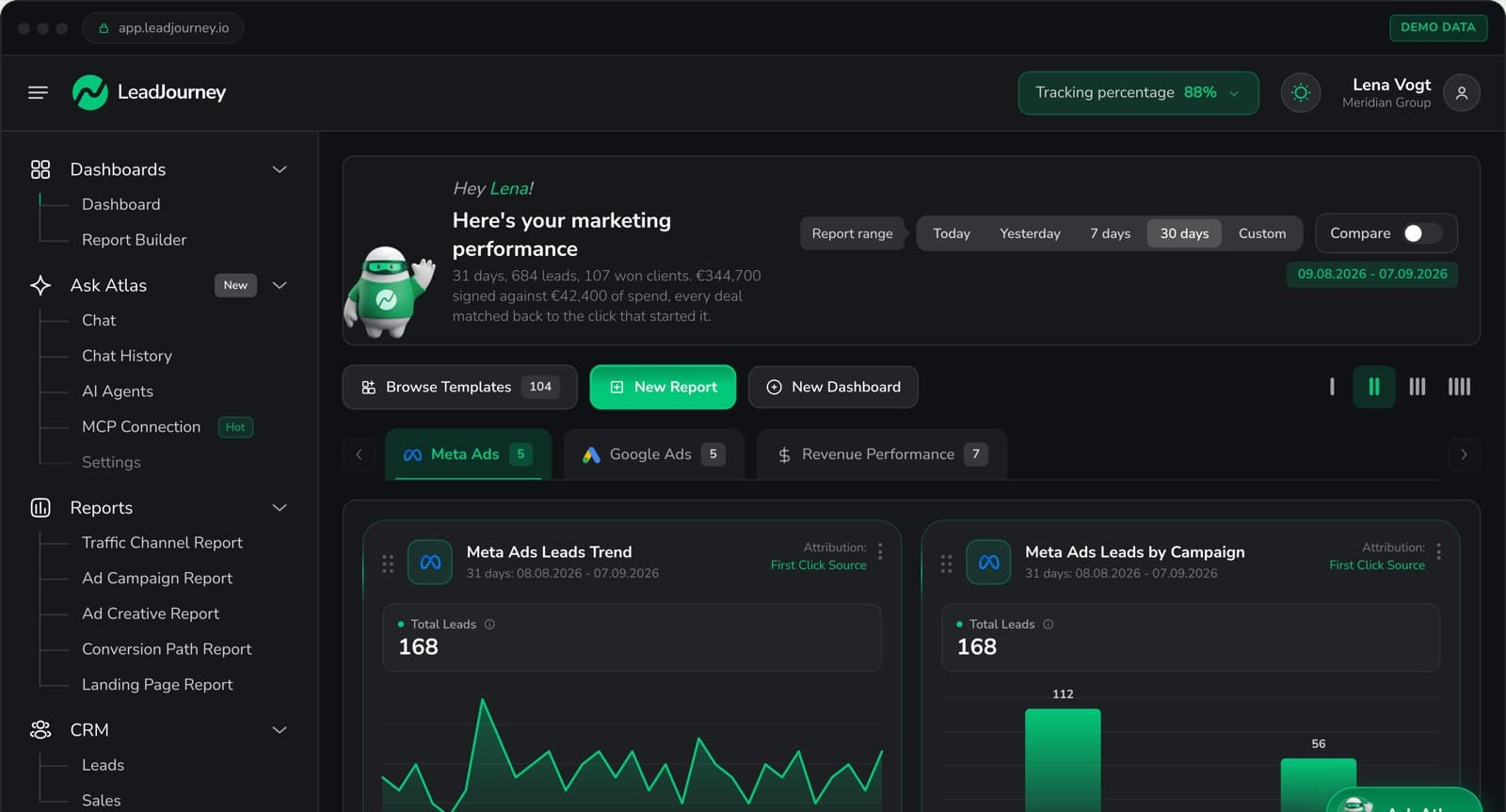
LeadJourney captures every click ID server-side on your own subdomain at the first visit, so step one holds without hidden fields on every form and without depending on a cookie Safari will delete. The value is written onto the CRM record, where it stays for the length of the sales cycle.
Native CRM integrations with HubSpot, Salesforce, Pipedrive, Close and more (plus any other CRM by webhook) read your stages and deal values. You choose which stages count, and each one is routed to the right event on all four platforms at once: the Meta Conversions API, Google Enhanced Conversions and offline imports, the LinkedIn Conversions API and Microsoft offline conversions. Deduplication against the browser pixel is handled rather than configured.
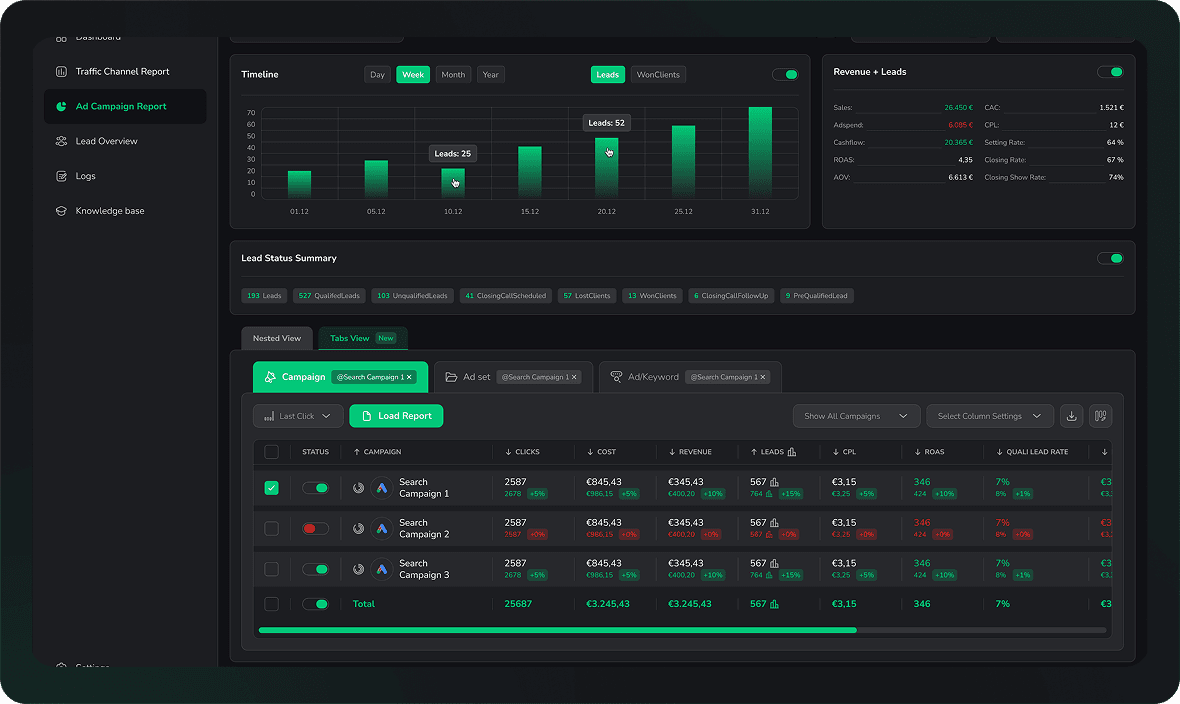
Because the same stages are also attributed back to campaign, ad set and creative in the reporting, you can watch cost per qualified lead during the retraining period instead of cost per lead, which is the only way to tell the fix working from the fix failing. Setup takes about 21 minutes with no developer, and there is a 14-day free trial.
Further Reading
Carry on with the Meta Conversions API guide, Google Ads enhanced conversions for leads and the LinkedIn Conversions API with CRM deals. For the wider case, see why Meta lead quality drops and how to track offline conversions.
FAQ
Frequently Asked Questions
The questions teams ask about closing the loop from the CRM to the ad platforms.
How do I send CRM data back to Meta and Google?
Capture the click ID, fbclid for Meta and gclid for Google, at the moment of the original ad click and store it on the CRM contact record. When a CRM event happens, a qualified lead, a booked call or a closed deal, send that event with the stored click ID back to Meta through the Conversions API and to Google through Enhanced Conversions.
What CRM data should I send back to ad platforms?
For B2B the three most valuable events are the qualified lead, when a lead meets your ideal customer criteria, the booked appointment, and the closed deal. Each one is a stronger signal than the last. Closed deal is the most powerful, because it trains the algorithm on the profile of people who paid rather than people who filled in a form. Send all three and optimise on whichever arrives in enough volume for the platform to learn from.
Should I send the deal value as well as the event?
Yes, wherever you have it. Without a value every conversion is worth the same to the algorithm, which is never true in lead generation, where one deal in fifty is worth more than the other forty-nine combined. With values attached, value-based bidding can bid more for the people likely to be worth more, and your reporting gets cost per closed deal rather than cost per closed-deal count.
How fast does the signal reach the ad platform?
In an automated setup, typically under 60 seconds from the CRM stage change to Meta receiving the event. Speed matters less than consistency here: a weekly CSV upload also works, it just delays and thins the signal, and it stops the first week somebody is on holiday.
Do I need a developer to send CRM data back?
Not for the common path. It is a snippet on the landing pages to capture and persist the click IDs, hidden fields on the forms so they reach the CRM, custom fields on the lead record to store them, and a webhook firing on stage changes. All four are configuration. Writing your own endpoint per platform is where developer time starts.
What happens if the click ID is missing?
The event can still be matched on hashed customer data, email, phone, name, so it is not wasted, but the match is weaker and some events will not land. That is why the click ID is captured server-side at the moment of arrival rather than read from a cookie later: by the time the form is submitted, a browser may already have discarded it.
Keep reading
More from the blog
 How To Guides
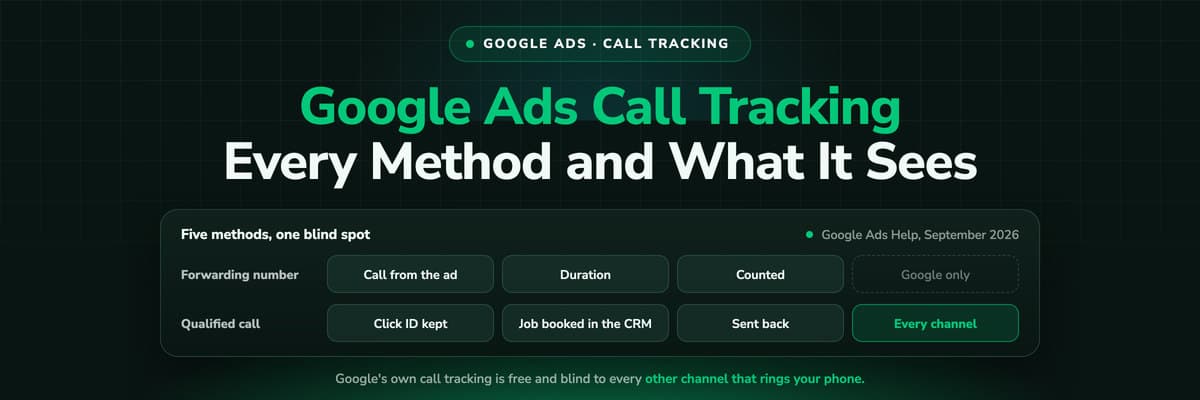
Google Ads Call Tracking: Every Method and What Each One Sees
Google Ads has call tracking built in, free, and most accounts run one method without knowing what it cannot see. All five, what each records, where they conflict with a call tracker, and how to send the qualified call back.Read the article12 min read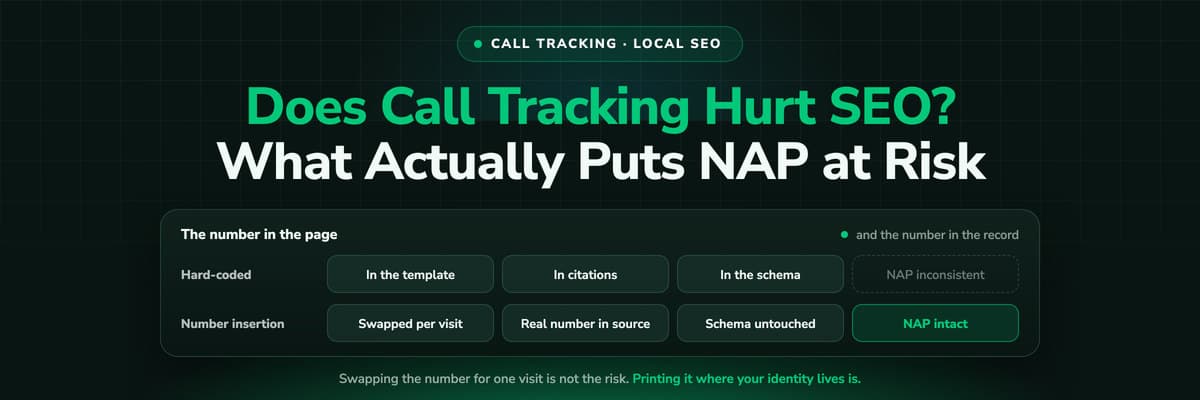 How To Guides
Does Call Tracking Hurt Your SEO? What Actually Puts NAP at Risk
The fear is old and the answer is boring: dynamic number insertion does not hurt rankings when the real number stays in your source, your schema and your listings. The mistakes that do cause damage are all about where you put the tracking number.Read the article9 min read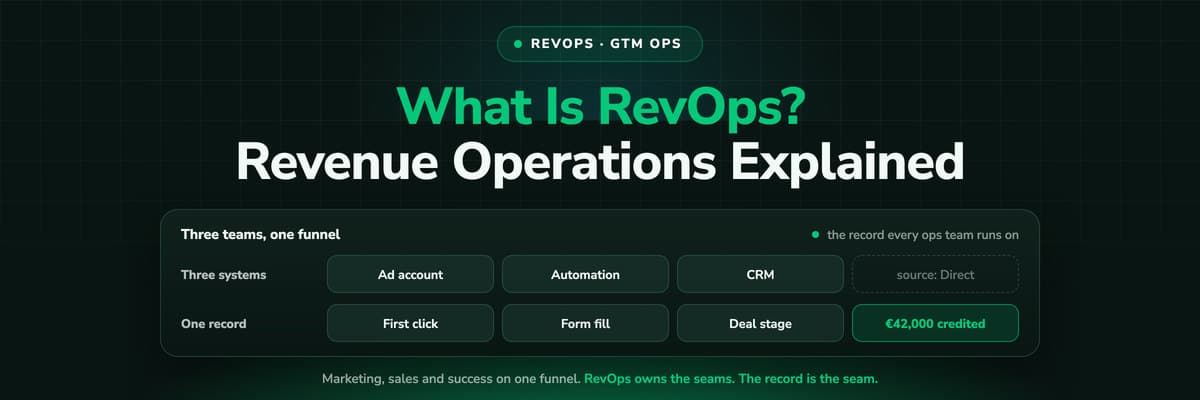 How To Guides
What Is RevOps? Revenue Operations and GTM Ops Explained (2026)
Revenue operations runs marketing, sales and customer success as one revenue engine: the funnel definitions, the CRM, the handoffs, the reporting and the forecast. GTM ops is the wider name the same job has been taking on. What the function owns, how it differs from sales ops and marketing ops, the stack, the metrics, and the one thing all of it depends on: whether the CRM record says where the customer came from.Read the article17 min read
Close the loop
Ready to send closed deals back to your ad platforms?
LeadJourney captures click IDs server-side at 95%+ accuracy, follows the CRM pipeline through to the closed deal and sends that signal back to Meta, Google, LinkedIn and Bing. 21-minute setup, 14-day free trial.