


















BlogHow To Guides
Meta Conversion API for Lead Generation: Complete 2026 Guide
Meta's pixel loses 30-40% of conversion data to iOS 14, ad blockers and consent banners, and never sees the deal that closes in the CRM. This guide covers what the Conversion API does, which events to send for lead gen, and how to feed CRM stages back to Meta.


Contents
Summarise this article with AI
Opens the page with a ready prompt in:


Nothing is sent until you pick a service.
Meta's Conversion API (CAPI) is no longer optional for lead generation campaigns. It's the difference between optimization data flowing or not. If you're running Meta ads in 2026 without CAPI, you're losing 30-40% of conversion data and feeding your algorithm low-quality signals.
There is a second reason that matters more and gets discussed less. A pixel can only report things that happen in a browser, and in lead generation almost nothing valuable happens in a browser. The form fill is the cheap part. The qualification call, the proposal and the signed contract all happen weeks later, in a CRM, where no pixel has ever been.
This guide walks you through what CAPI actually does, why your browser pixel alone isn't enough, exactly how to set it up for lead generation funnels including offline conversions from your CRM, and how to tell afterwards whether it is working.
Quick Summary: Meta CAPI for Lead Generation
In short
The Meta Pixel runs in the visitor's browser, where iOS restrictions, Safari's tracking prevention, ad blockers and consent banners can all stop it. The Conversion API sends the same events from your own server, machine to machine, where none of that applies, and typically recovers 30 to 40% of the conversion data a pixel-only setup was losing. The bigger win for lead gen is the events a pixel cannot see at all: a CRM stage change, a booked call, a signed contract. Send those and Meta finally learns what a buyer looks like instead of what a form filler looks like. A working setup needs three parts (a server-side endpoint, an access token, and deduplication so pixel and API events are not counted twice) and enough identity on each event for Meta to match it. Expect data in week one and performance in weeks three to six.
What Is the Meta Conversion API?
The Meta Pixel runs in the user's browser, which means iOS privacy features, ad blockers and cookie consent tools can block it. The Conversion API runs server to server, sending events directly from your server to Meta's servers. It is not in the browser, so nothing in the browser can interfere with it.
The two are not alternatives, and this trips people up constantly. Meta's own recommendation is to run both and let them describe the same conversions from two directions. The pixel contributes browser and device context the server cannot see; the server contributes reliability and events the browser never witnesses. Meta joins them into one conversion using a shared event ID.
For lead gen, this typically recovers 30-40% of lost conversion data. But more importantly, CAPI lets you send events the pixel can't see at all, like CRM stage changes, phone bookings and signed contracts. That is the part that changes what your campaigns optimise towards, and it is the reason CAPI matters more for lead generation than for e-commerce, where the purchase happens on the site while the browser is still open.
Why Pixel Alone Is No Longer Enough
Four independent mechanisms have made standard pixel tracking unreliable, and they stack rather than overlap. A visitor only has to be caught by one.
- iOS App Tracking TransparencyThe prompt most people decline removed a large part of the identifiers Meta relied on, and in-app browser journeys are where a lot of Meta traffic actually happens.
- Safari's Intelligent Tracking PreventionCookies written by JavaScript expire in seven days, sometimes sooner. On a lead gen cycle measured in weeks, the click ID is usually gone before the deal is.
- Ad blockersMore than 30% of users globally block third-party tracking scripts. The pixel request never leaves the browser, so the conversion never happened as far as Meta is concerned.
- Consent bannersA compliant banner blocks the pixel until a decision is made, and a real share of visitors never make one. That is correct behaviour and a permanent gap.
The losses are not random
Safari and iOS skew towards higher-value B2B audiences. So the campaigns that look weakest in Ads Manager are often the ones producing your best pipeline, and cutting them looks like good management right up until the pipeline reflects it.
How CAPI Enables Offline Conversion Tracking
Beyond just recovering lost browser events, CAPI lets you send offline events (CRM stage changes, phone bookings, signed contracts) back to Meta. This is what separates lead gen tracking from e-commerce tracking, and it is the difference between reporting on Meta and improving it.
Lead generation revenue happens after the form fill. Meta's pixel never sees it. Consider what the algorithm knows in a pixel-only setup: a thousand people submitted a form. It does not know that eight hundred of them were unqualified, that forty booked a call, or that six signed for €30,000 each. So it optimises towards the thousand, and gets very good at finding more of the eight hundred.
CAPI is how Meta finally sees your real customers. Send the forty bookings and the six deals with their values attached, and the optimisation target changes from 'people who submit forms' to 'people who look like the six'. Nothing else you can do to a Meta account has that leverage, which is why lead quality decay is a signal problem rather than a targeting problem.
Required Components for CAPI Setup
A working Meta CAPI implementation needs three technical components. Building them yourself is a real project; buying them is a configuration step. Either way it is worth knowing what each one is for, because two of the three are where implementations silently fail.
- A server-side endpointSomething that receives the conversion and forwards it to Meta's Graph API. Built yourself, this means a Google Tag Manager server container on a cloud project, with a subdomain and a certificate. Bought, it is the platform's endpoint on your subdomain.
- A Meta access tokenGenerated in Events Manager against your dataset, authenticating every request. It needs storing securely and rotating, which is one of the quiet maintenance costs of the build-it-yourself route.
- Event deduplicationThe pixel and the API both report the same form submission. Without a shared event_id and matching event_name on both, Meta counts it twice, and your reported conversions double overnight while your actual results do not.
Deduplication is the part most do-it-yourself setups get wrong, and the failure looks like success. A conversion count that suddenly doubles reads as a tracking win in a Monday meeting. It is worth checking against your CRM in the first week rather than against last month.
Which Events to Send for Lead Gen
Three events cover almost every lead gen funnel, in increasing order of how much they teach the algorithm and decreasing order of how often they fire. Send all three; optimise on the middle one.
The three events, what to attach and when to fire them
| Event | Fires when | What to attach |
|---|---|---|
| Lead | A form is submitted on your site or a Lead Ad is completed | fbclid, hashed email, hashed phone, external_id, event_id, and a parameter carrying the source form |
| Schedule | A meeting is booked, from the calendar tool or the CRM | The same identity set, plus the lead's CRM id so the later Purchase can be tied to it |
| Purchase | A deal is marked closed won in the CRM | The same identity set, plus value and currency. The value is what makes revenue optimisation possible at all |
Which one you optimise towards is a volume decision, not a purity decision. Purchase is the truest signal and usually far too rare: if you close ten deals a month, Meta cannot learn from ten events. Schedule (or a qualified-lead event in between) typically arrives in useful volume within days and is already a much better filter than a raw form fill. Send Purchase regardless, so the revenue is measurable even when it is not the optimisation event.
Normalise before you hash
Email lowercased and trimmed, phone in E.164 with the country code, names lowercased without punctuation, then SHA-256. Meta matches on the hash, so a badly formed input produces a valid hash of the wrong thing and simply fails to match, silently.
How to Verify CAPI Is Actually Working
CAPI fails quietly. Events are accepted, the chart still draws, and the only symptom is a number that should be higher. Four checks in Events Manager, in the first week and again a month later.
- Event match quality. Every server event gets a score. Aim for 7 or above; below that Meta is downgrading or discarding matches, so the events you worked to send are not reaching the optimisation. Our event match quality guide covers what moves the score.
- Deduplication rate. Events Manager reports how many browser and server events it merged. A near-zero rate on events that should be fired by both means your event_id is not matching, and your counts are inflated.
- Server event volume against the CRM. Count leads in your CRM for one week and compare with the server Lead events Meta received. A gap means events are being dropped before they leave.
- Offline events arriving at all. Schedule and Purchase should appear as distinct events with a value. If Purchase never shows, the CRM connection is not firing, and the whole reason you did this is missing.
One more, outside Events Manager: check that the conversion count did not double. If it did, deduplication is not working, and every optimisation decision made on the inflated number is wrong.
How CAPI Improves Ad Performance, and When
When Meta receives complete conversion data, including offline closed-deal events from your CRM, its algorithms learn what an actual buyer looks like rather than what a form filler looks like. The improvement is real and it is not immediate, and knowing the shape of the curve is what stops people abandoning it in week two.
- Week 1. Events arrive and match quality settles. Nothing changes in performance, and nothing should.
- Weeks 2-3. Lead quality starts improving as the algorithm sees more real-buyer signals. Cost per lead often rises here, because qualified people cost more to reach than form fillers. This is the fix working, and it is exactly when people switch back.
- Months 2-3. Cost per qualified lead drops measurably. This is the first number that should be reported upwards.
- Months 3-6. Compounding, as the audience model re-converges on buyers and cost per closed deal falls below where it started.
Do not restart the learning phase
Changing the optimisation event, the budget or the audience mid-retraining puts the campaign back into learning and resets the clock. Set it, then leave it alone for six weeks.
How LeadJourney Sets Up CAPI Without a Developer

LeadJourney runs the endpoint, holds the token and handles deduplication, so the three components above stop being your problem. Tracking is server-side on your own subdomain, capturing the fbclid at the click so it survives Safari's cookie cap, and identity is normalised and hashed before anything is sent.
The CRM side is what makes the offline half work. Native integrations with HubSpot, Salesforce, Pipedrive, Close and more (plus any other CRM by webhook) read your pipeline stages, and you choose which ones become Schedule and Purchase events, with the deal value attached. The Meta Ads integration page has the connection detail; the same stages go to Google, LinkedIn and Microsoft at the same time, so you are not fixing one platform while three others keep training on form fills. To judge your campaigns on those same stages, the Chrome extension adds them as columns in Meta Ads Manager, with the CRM's revenue and ROAS beside the spend.
Setup takes about 21 minutes with no developer and no container to host. Plans start at €129 a month by marketing spend, set up with a tracking expert and a 30-day money-back guarantee.
Further Reading
Carry on with event match quality for lead generation, why Meta lead quality drops and how to send CRM data back to Meta and Google. For the wider setup, see server-side tracking without a developer and the Meta Conversions API page.
FAQ
Frequently Asked Questions
The questions lead gen teams ask when setting up Meta CAPI.
What is the Meta Conversion API?
It is a server-to-server route for reporting conversions to Meta. The Pixel runs in the visitor's browser and can be blocked; the Conversion API sends the same event from your own server, where nothing in the browser can interfere. For lead generation it typically recovers 30 to 40% of the conversion data a pixel-only setup was losing, and it can carry events a pixel never sees at all, such as a CRM stage change or a signed contract.
Do I need CAPI if the Meta Pixel is already installed?
Yes, for four reasons that have nothing to do with your setup being wrong: iOS App Tracking Transparency, Safari's Intelligent Tracking Prevention, ad blockers on more than 30% of users globally, and consent banners that block tracking for anyone who declines. The pixel is fine, it is just no longer allowed to see most of what happens. Run both together rather than replacing one with the other.
Which events should I send to Meta for lead generation?
Three, in order of how much they teach the algorithm. Lead when a form is submitted, with the fbclid, hashed email and external_id. Schedule when a meeting is booked, from the calendar tool or CRM. Purchase when the deal closes, fired from the CRM with the actual deal value attached. Send all three, and optimise on Schedule or a qualified-lead event, because Purchase is usually too rare to train on.
What do I need technically to run CAPI?
A server-side endpoint that receives the conversion and forwards it to Meta, an access token authenticating against your Meta business account, and event deduplication so a conversion seen by both the pixel and the API is not counted twice. The deduplication is the part most do-it-yourself setups get wrong, and the failure mode looks like a win: your reported conversions double while nothing real changes.
Is Meta CAPI GDPR compliant?
It can be, and it is not automatically. CAPI sends the same categories of personal data to the same company as the pixel does, so it needs the same consent, the same disclosure and the same documented transfer mechanism. What it changes is control: the data leaves from one point you configure rather than from a script in the browser. Server-side tracking is not a way around consent, and any vendor presenting it that way is describing a liability.
How long before CAPI improves ad performance?
Lead quality usually starts moving in weeks two and three as the algorithm sees real-buyer signals, cost per qualified lead drops measurably around months two and three, and the compounding effect shows over months three to six once it has fully retrained. The first week produces data, not results. Expect cost per lead to rise before cost per qualified lead falls.
Keep reading
More from the blog
 How To Guides
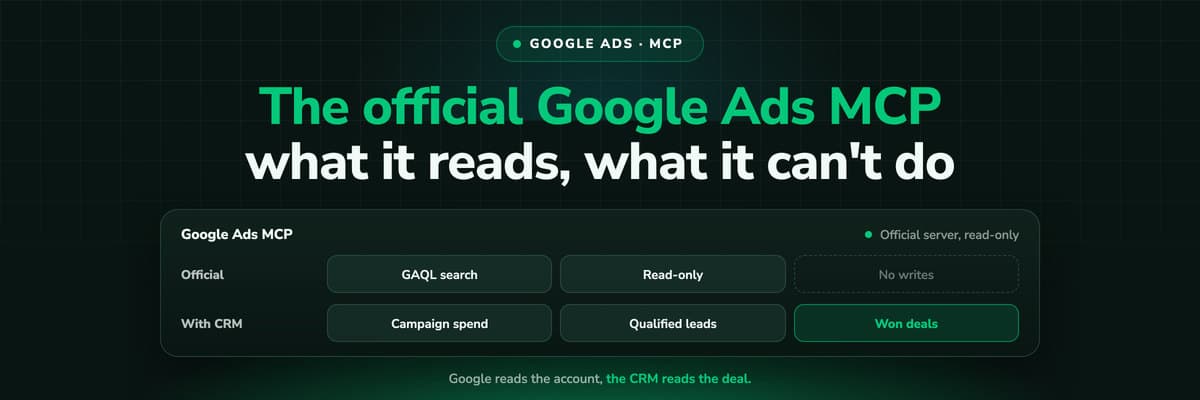
Google Ads MCP: The Official Server, Its Limits, Options
Google publishes an open source MCP server for the Google Ads API. It is read-only, has three tools and no public URL. What it does, how to run it locally or on Cloud Run, how Claude and Claude Code connect to it, what it cannot do, and the third-party servers that fill the gaps.Read the article13 min read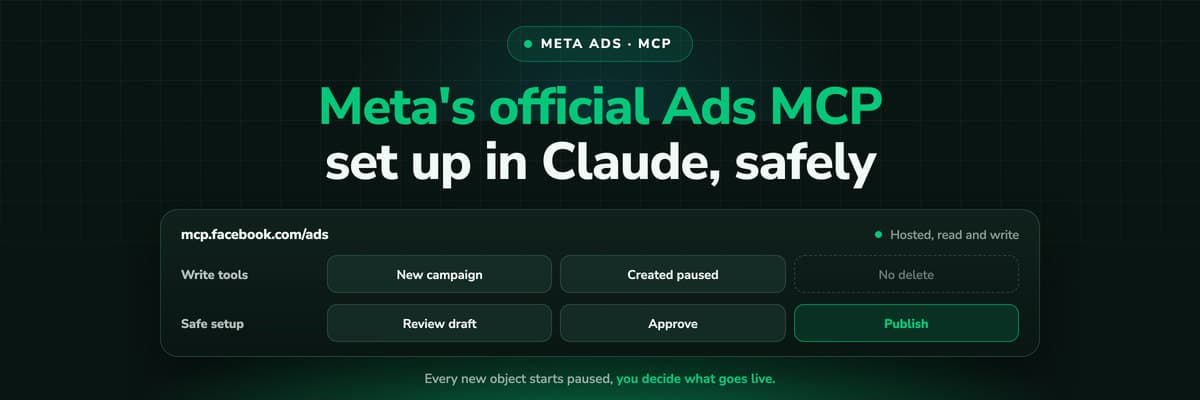 How To Guides
Meta Ads MCP: Setting Up Meta's Official Server
Meta runs its own MCP server for ads at mcp.facebook.com/ads. What it does, which permissions it needs, how agencies get access, how to add it to Claude and ChatGPT, what the third-party servers offer instead, and how to use the write tools without spending money by accident.Read the article12 min read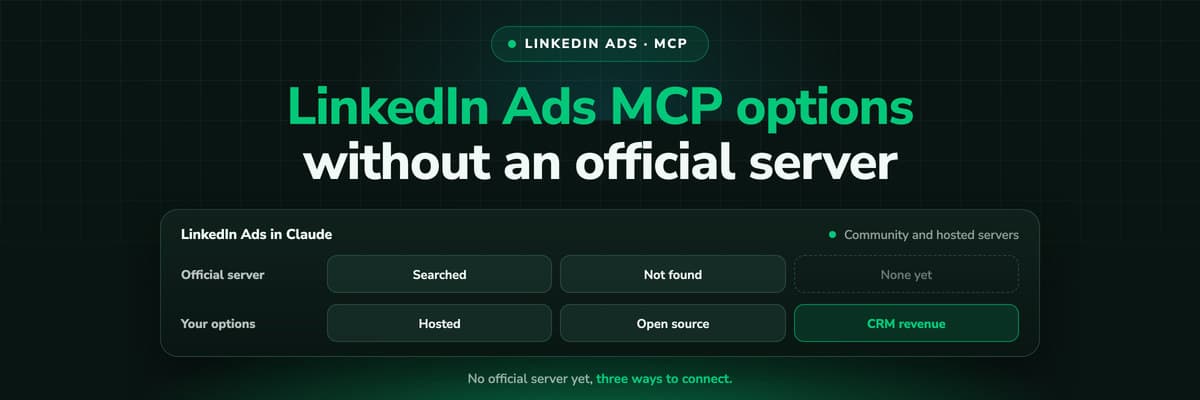 How To Guides
LinkedIn Ads MCP: Your Options Without an Official Server
LinkedIn has no official MCP server as of October 2026, unlike Meta, Google, Microsoft, TikTok and X. What the third-party LinkedIn Ads MCP options are, why there are so few, what to check before you connect one to an account with spend on it, and how to ask Claude about LinkedIn campaigns on pipeline rather than form fills.Read the article11 min read
CAPI for lead gen
Stop losing 30-40% of your Meta conversion data
LeadJourney sets up Meta CAPI in under 21 minutes, with browser pixel, server-side events, CRM webhook, and offline conversion tracking all included.
30-day money-back guaranteeSetup with a tracking expert


