BlogTool Comparisons
MCP vs API vs Zapier for Ad Reporting
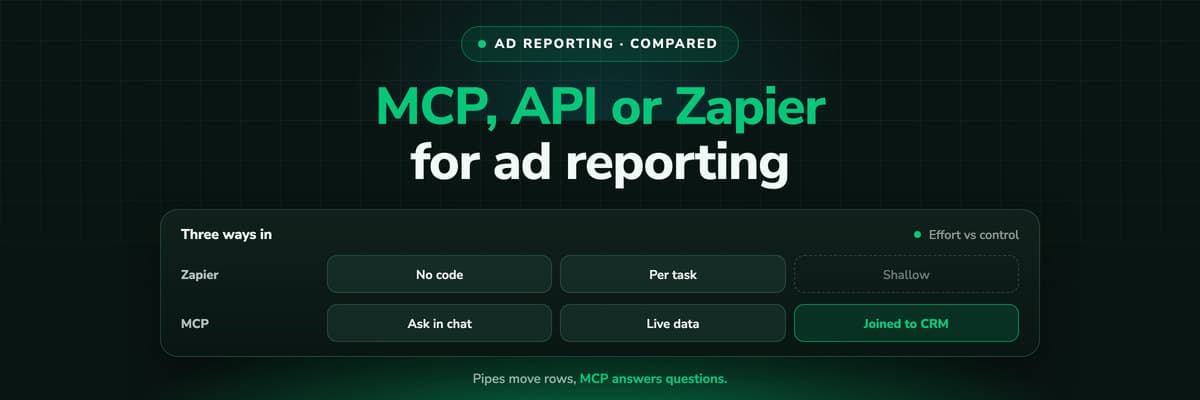
Three ways to get numbers out of Meta, Google and LinkedIn: ask an assistant through an MCP connector, write a job against the ads API, or wire it up in Zapier. When each one fits, what it costs, what breaks, who holds the keys, and why all three still leave you joining ad spend to CRM revenue by hand.

Contents
Summarise this article with AI
Opens the page with a ready prompt in:


Nothing is sent until you pick a service.
Until recently, getting ad numbers out of the platforms meant one of two things: a developer writing against the API, or a Zap copying rows into a spreadsheet. Now there is a third. Meta, Google, Microsoft, TikTok and X publish MCP servers, and a marketer can ask Claude or ChatGPT for last week's spend by campaign without writing anything.
That does not make the other two obsolete. They solve different problems, and picking the wrong one either costs a developer's month or leaves a report that nobody can rerun. This guide compares the three on the things that decide it: who runs it, when it runs, what it costs, what breaks, and who holds the keys to your ad accounts.
Quick Summary: MCP, API or Zapier?
In short
Use an MCP connector for questions, an API job for recurring reports and warehouses, and Zapier for moving single events between apps. MCP is the fastest start (paste a URL, sign in) and the best for ad hoc analysis, but it answers when somebody asks, not on a schedule. A direct API job is the most reliable and controllable for a report that has to run every Monday, at the price of a developer and the maintenance when auth or API versions change. Zapier moves a lead, an offline conversion or a status change without code, and bills by tasks. None of the three joins ad spend to the CRM deal by itself: that join, on click IDs rather than campaign names, is the part of ad reporting that decides which campaign actually made money.
Below: what each route is, a side by side table, when each fits, costs, maintenance, security, and the join.
The Three Routes, in One Paragraph Each
MCP connector
The ad platform's API wrapped as tools an assistant can call. You add the server in Claude, ChatGPT or Claude Code, sign in, and ask in plain language. The assistant picks the tool and writes the query.
Direct API job
Code you own that calls the Google Ads, Meta Marketing or LinkedIn Marketing API on a schedule and writes the result to a sheet, a warehouse or a dashboard. Google Ads scripts are a lighter version that runs inside the account.
Zapier
No-code automations: a trigger in one app starts actions in others. Classic Zaps run on events, and Zapier MCP exposes the same app actions to an assistant as tools.
The lines blur at the edges. Zapier MCP is an MCP server; an MCP server is an API with a different front door. What separates them in practice is who asks, when it runs, and who maintains it.
MCP vs API vs Zapier, Side by Side
Three routes to ad reporting compared
| MCP connector | Direct API job | Zapier | |
|---|---|---|---|
| Who uses it | A marketer in a chat | A developer, then whoever reads the output | An ops person building Zaps |
| Setup | Minutes: paste a URL, sign in | Days to weeks: app, auth, code, hosting | Hours: pick trigger and actions, map fields |
| When it runs | When somebody asks | On your schedule | On a trigger or a schedule |
| Best at | Ad hoc questions and analysis | Recurring reports, warehouses, large history | Moving single records between apps |
| Repeatable output | Weak: the answer depends on the question | Strong: same query, same shape | Strong for the fields you mapped |
| Can change campaigns | Depends on the server | Whatever your code does | Per app action |
| Cost model | Client subscription; servers often free | Engineering time and hosting | Tasks on your Zapier plan |
| Maintenance | The server's owner | You | Zapier maintains the app; you maintain the Zaps |
When an MCP Connector Fits
MCP is at its best when the question is new. "Why did CPA jump on Thursday?" "Which ad sets spend more than the account average and convert less?" "Compare last month with the month before by campaign." Nobody would write an API job for a question asked once, and an assistant can follow up on its own answer in the same conversation.
- Fastest startMeta, Microsoft, TikTok and X host their servers, so there is nothing to install. Google's runs locally or on your own Cloud Run.
- ExplorationThe assistant writes the query, so a marketer can ask what a developer would otherwise have to translate.
- Read-only optionsGoogle's and Microsoft's official servers cannot change anything, which makes them safe for exploring.
Where MCP falls short
- It answers when asked. A chat is not a scheduler, so the Monday report still needs somebody to ask for it on Monday.
- Two runs of the same question can differ. The assistant chooses the tools, the date range and the breakdown, so a report you need to compare week on week should pin all three in the prompt or move to a job.
- Large exports are awkward. A conversation is a poor place for a year of daily rows by ad. That is warehouse work.
- Every platform is a separate connector, unless you use an aggregator, and each one sees only its own platform.
Which server exists for which platform, and which can write: ads MCP servers compared.
When a Direct API Job Fits
A report that has to look the same every week, a warehouse table that other reports depend on, or a history long enough that nobody wants it in a chat: that is API work. You decide the query, the schedule, the error handling and where the result goes, and the output does not change because somebody phrased a question differently.
- Scheduled and repeatableThe same query runs on the same schedule and produces the same columns, which is what makes one week comparable with the next.
- Into a warehouseDaily rows by campaign, ad set and ad land in BigQuery or a database, where they can be joined with anything else you store.
- Full controlRetries, backfills, currency handling and naming rules are yours to define, not a vendor's.
The middle ground for Google is Google Ads scripts: JavaScript that runs inside the account, no server needed. Google documents the limits: 30 minutes per run (60 for manager account scripts using executeInParallel) and 250 authorised scripts per account. Enough for a daily export to a sheet; not a warehouse pipeline.
What it costs you
Developer time to build it, a place to run it, and someone who owns it when it breaks. The API access itself is usually not the cost; the upkeep is, and the next sections are mostly about upkeep.
When Zapier Fits
Zapier is built for events, not tables. A new lead in a form tool creates a contact in the CRM; a won deal sends an offline conversion; a status change posts to Slack. For those jobs it beats both an API job (no code) and MCP (it runs without anyone asking).
Zapier MCP brings the same actions to an assistant. For Google Ads, Zapier lists actions to find a campaign by id or name, set a campaign's status, create a report, send an offline conversion, and manage customer lists. Zapier's docs say each successful tool call uses two tasks from your Zapier plan, so an assistant that calls ten tools to answer one question costs twenty tasks.
Where Zapier falls short for reporting
- It carries what the trigger app hands it. A Zap that creates a CRM contact from a form passes the form fields. The click that started the journey, its click ID and its campaign are not in that payload unless something captured them first.
- Tables are expensive. Copying daily rows by ad through Zaps spends tasks on every row, and a spreadsheet full of rows is still not a report.
- Logic spreads out. Ten Zaps, each with its own field mapping, are ten places where a renamed field silently stops a number.
What Breaks, and Who Fixes It
The setup is a day. The maintenance is every month after. Most of it comes from three sources, and recent examples from the platforms show how often they move.
What breaks ad reporting, with examples from the platforms' own docs (2026)
| What changes | Example | MCP | API job | Zapier |
|---|---|---|---|---|
| Auth and access rules | Google's docs say the developer token variable was sunset on 9 September 2026, with access level tied to the Cloud project | The server owner updates; you may need to sign in again | You update your code and credentials | Zapier updates the app |
| Token lifetimes | X's tokens expire in about two hours without offline.access; TikTok's MCP authorisation lasts 30 days | You reauthorise in the client | Your code refreshes tokens | Zapier refreshes; you reconnect when asked |
| API versions and endpoints | TikTok's create endpoints stop supporting some legacy campaign types from 1 January 2027 | The server owner updates | You migrate | Zapier updates the app |
| Your own naming | A campaign renamed mid-quarter | The assistant reads what is there | Your joins on names break | Your filters on names break |
Quotas apply to all three: an MCP server calls the same API, so Google Ads API quotas apply to Google's server, and Meta's MCP pages point to the general Marketing API rate limits rather than stating their own.
Security: Who Holds the Keys to Your Ad Accounts
Every route needs a credential that can read, and sometimes change, an account with real money in it. The question is where that credential lives and what it is allowed to do.
- Official MCP serversYou sign in with the platform's own OAuth, and the platform runs the server (Google's you run yourself). The assistant acts with your permissions, no more. Your assistant vendor sees the answers that come back into the chat.
- Third-party MCP serversAn extra company holds a token to your account. Anthropic says it has not verified third-party servers, so read the vendor's permissions and data terms.
- API jobsYour credentials, in your infrastructure. The most control and the most responsibility: secrets storage, rotation and access are your job.
- ZapierZapier holds the connection for every app in your Zaps, ad accounts and CRM alike, so one Zapier login reaches all of them.
Read-only where you can
For reporting, prefer a read-only server or a read-only permission set. Meta's and X's servers create campaigns paused, which helps, but a reporting job has no reason to hold write access at all.
The Join None of the Three Makes: Ad Spend to CRM Revenue
Whichever route you choose, the ad platform hands you spend and the conversions it counted. The CRM holds what happened next: qualified, demo booked, won, lost. A report that answers "which campaign made money" needs both on the same row, and the usual way teams build it is a join on campaign name or UTM value.
Example: the same month joined on UTM campaign name, and on the click ID
| Campaign | Spend | Won deals joined on UTM name | Won deals joined on click ID | Cost per won deal (click ID) |
|---|---|---|---|---|
| Brand search | $2,000 | 8 | 8 | $250 |
| Prospecting, Meta | $6,000 | 2 | 6 | $1,000 |
| Retargeting, Meta | $2,000 | 6 | 2 | $1,000 |
The figures are an example. On the name join, retargeting costs about $333 per won deal against $3,000 for prospecting, because leads came back through a retargeting ad before converting and only the last UTM value reached the CRM. Joined on the click ID of each touch, prospecting started six of the deals, and the two campaigns cost the same $1,000 per won deal. Same spend, same deals, a different budget decision. An MCP connector, an API job and a Zap will all reproduce whichever join you give them; none of them creates the click-level record the better one needs.
From the example: prospecting $6,000 ÷ 6 = $1,000; brand search $2,000 ÷ 8 = $250.
This is the same problem behind why your ad platform's MCP gives Claude the wrong CPL: the platform's number stops at the form fill.
How LeadJourney Fits All Three Routes

LeadJourney makes the join before any of the three routes runs. It tracks every click, form fill and call server-side and first-party, keeps the click IDs (gclid, fbclid, li_fat_id, msclkid, rdt_cid, twclid), joins them to the deal in your CRM, and imports spend from Meta, Google, LinkedIn, Microsoft, Reddit, X, Taboola and Outbrain Ads. The CRM stages you map go back to the platforms as offline conversions. Then you read the joined data whichever way suits the job.
- MCP for questions. One endpoint, https://api.leadjourney.io/mcp, OAuth per application, in Claude, ChatGPT, Gemini, Copilot or Perplexity. It reads journeys, spend by campaign and ad set, and CRM outcomes, and builds or saves reports inside LeadJourney. It cannot pause a campaign, move budget, create ads or edit a CRM record, and it acts only when you send a message. See the MCP server.
- The REST API for jobs. A Bearer token created under Settings, API and Integrations reads your data and pushes leads and conversions in. See the API reference.
- Zapier for events. Four triggers and three actions, with the attributed source, campaign and click IDs in every trigger payload, and each run visible in Transparent Logs. See the Zapier integration.
The MCP connection is included from the Growth plan and available as an add-on below it. If you also want an assistant to change campaigns, that is the platform's own MCP server's job; LeadJourney supplies the revenue it cannot see.
Decision Guide: Which Route for Which Job
Picking a route by the job
| The job | Route | Why |
|---|---|---|
| "Why did CPA jump yesterday?" | MCP | A one-off question, best followed up in conversation |
| The Monday report, same shape every week | API job or a saved report | Repeatable output on a schedule |
| A year of daily rows by ad in a warehouse | API job | Volume, backfills and joins are code work |
| A new lead from a form tool into the CRM | Zapier | One event, no code, runs without anyone asking |
| A won deal back to Google Ads | Offline conversions, or a Zapier action | An event with a click ID, not a report |
| Which campaign produced revenue | Any route, on data joined at the click | The join decides the answer, not the route |
Further Reading
- Ads MCP servers compared: Meta, Google, LinkedIn, TikTok and more
- Google Ads MCP: the official server, its limits and alternatives
- Meta Ads MCP: setting up Meta's official server
- LinkedIn Ads MCP: your options without an official server
- Why your ad platform's MCP gives Claude the wrong CPL
- The LeadJourney MCP server
- The LeadJourney Zapier integration
- The LeadJourney REST API
FAQ
Frequently Asked Questions
What marketing and ops teams ask when they choose how to get ad data out.
Is MCP better than the API for ad reporting?
For questions, yes: it is faster to set up and lets a marketer ask in plain language. For a report that has to run on a schedule and look the same every week, a direct API job is more reliable, because an MCP connection answers when somebody asks and the assistant chooses the query.
What is the best MCP for marketing?
The one that sees the data your question needs. For one platform's delivery, that platform's official server. For several platforms, an aggregator. For which campaigns produced qualified leads and revenue, a server that reads CRM outcomes per campaign, such as LeadJourney's.
How do I connect ChatGPT to Google Ads?
Google's official Google Ads MCP server is open source and read-only. Deploy it to Cloud Run and add its /mcp URL in ChatGPT as a custom connector in Developer mode, with OAuth. Hosted alternatives include Zapier MCP's Google Ads actions and third-party connectors.
Does Zapier MCP cost extra?
Zapier's docs say each successful tool call uses two tasks from your Zapier plan. An assistant that calls several tools to answer one question uses two tasks for each call.
Can an MCP server run my weekly ad report automatically?
Not on its own. An MCP connection answers when you send a message, so a scheduled report needs an API job, a saved report in a reporting tool, or a scheduled automation.
Which route is the most secure?
An official, read-only MCP server or an API job with read-only credentials in your own infrastructure. Third-party servers and Zapier add a company that holds tokens to your accounts, which can be fine if you have checked their permissions and data terms.
Keep reading
More from the blog
 Tool Comparisons
Ads MCP Servers Compared: Meta, Google, LinkedIn, TikTok
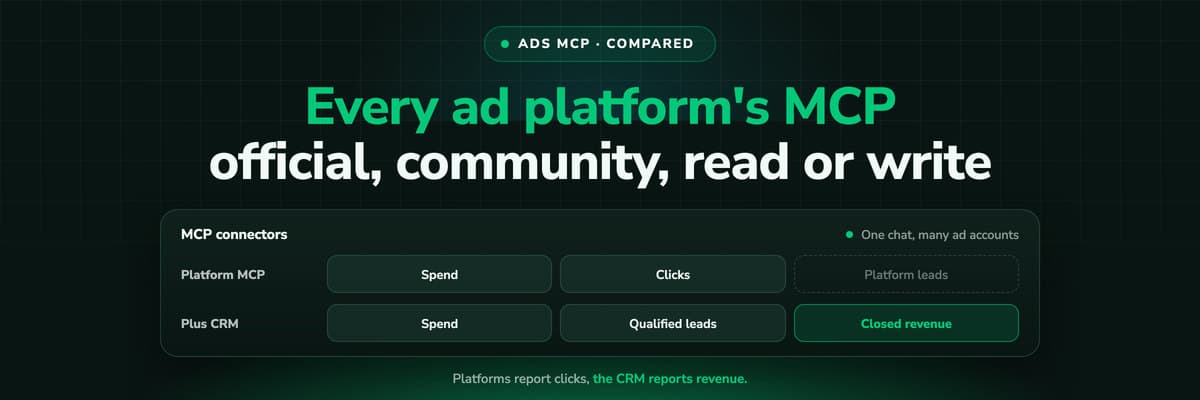
Meta, Google, TikTok, Microsoft Advertising, X and Amazon now publish their own MCP servers; LinkedIn and Reddit do not. Which ones are hosted, which can change your campaigns, how each signs in, what the third-party options cost, and the one thing none of them can tell your assistant: which campaign produced revenue.Read the article14 min read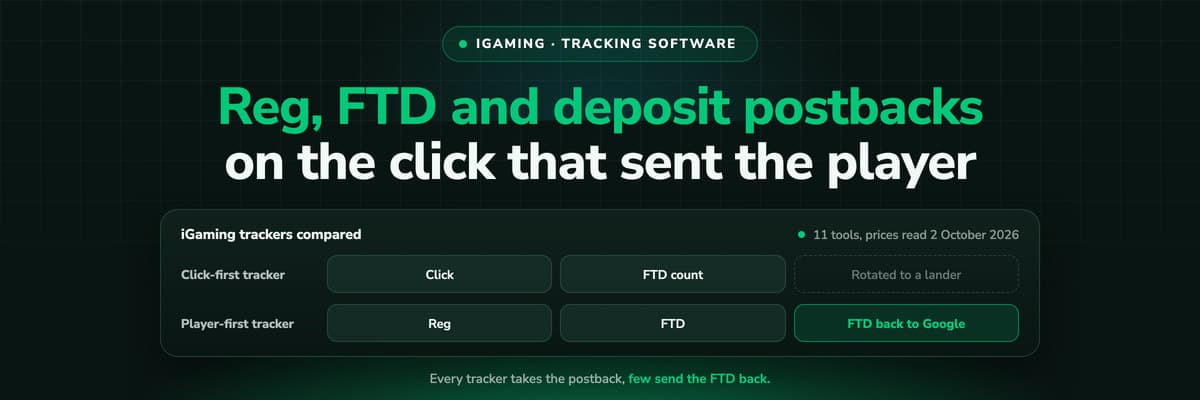 Tool Comparisons
11 Best iGaming Tracking Software Tools in 2026
Every iGaming tracker takes a postback. Fewer split reg, FTD and deposit into stages of one player, and fewer still send the FTD back to Google and Meta. Eleven tools ranked on that, with every price read on the vendor's own page.Read the article18 min read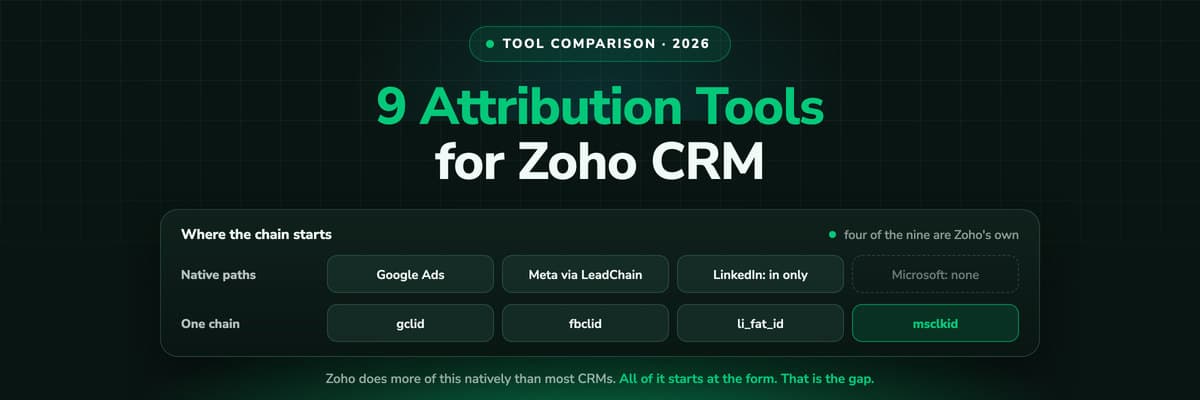 Tool Comparisons
9 Best Marketing Attribution Tools for Zoho CRM in 2026
Four of the best attribution tools for Zoho CRM are Zoho products you may already pay for. Nine options compared on where the tracking starts, which ad platforms they cover, and whether the closed deal ever reaches the algorithm buying your traffic.Read the article13 min read
Ad reporting
Ready for reports joined on the click, not the campaign name?
LeadJourney joins every ad click to the CRM deal, then serves the result to Claude through MCP, to your jobs through the API and to your apps through Zapier. Live in about 21 minutes, 14-day free trial.