














BlogTool Comparisons
15 Best Marketing Reporting Tools in 2026
Most marketing reports show impressions, clicks and form fills, while qualified leads, booked appointments and closed deals sit in the CRM, disconnected from ad spend. Fifteen reporting tools ranked with pros, cons and pricing, and a verdict on who each one is built for.


Contents
- Quick summary
- The 15 at a glance
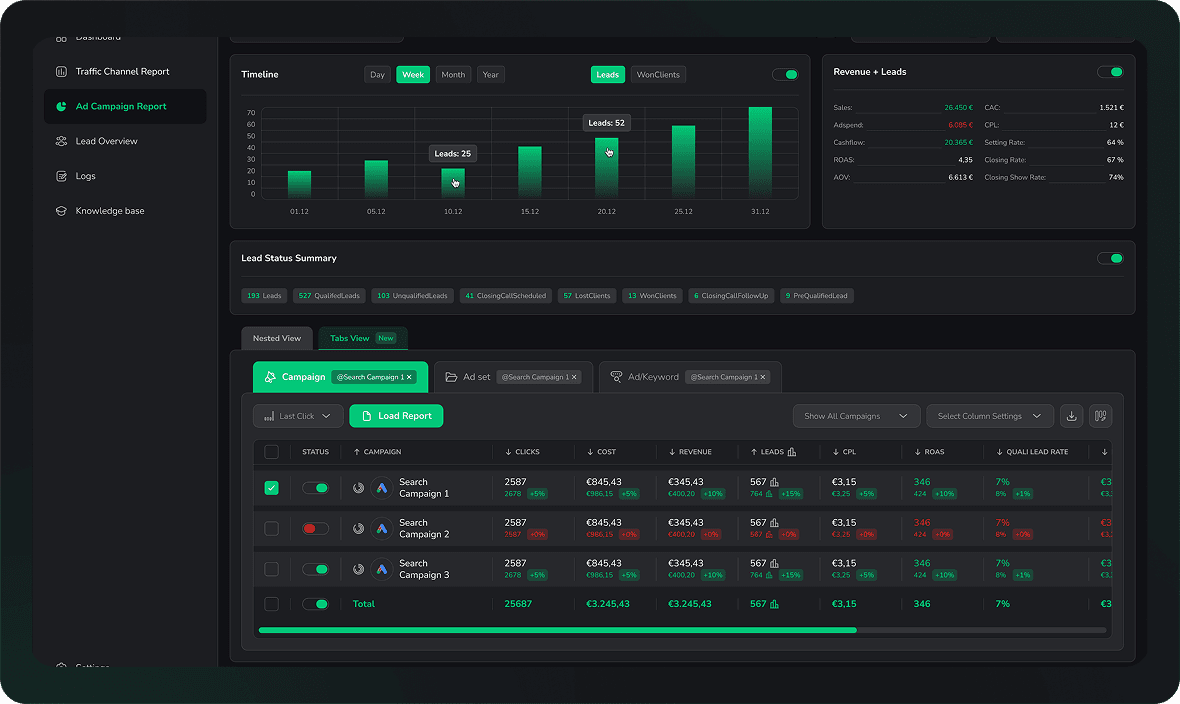
- 1. LeadJourney
- What users say
- 2. Cometly
- 3. AgencyAnalytics
- 4. Whatagraph
- 5. Supermetrics
- 6. Google Looker Studio
- 7. Databox
- 8. Ruler Analytics
- 9. Funnel.io
- 10. Improvado
- 11. DashThis
- 12. Google Analytics 4
- 13. HubSpot Analytics
- 14. Tableau
- 15. Power BI
- Critical difference
- Quick Decision Guide
Summarise this article with AI
Opens the page with a ready prompt in:


Nothing is sent until you pick a service.
Most marketing reports look great and say very little. They show impressions, clicks, cost-per-click, and form fills, none of which tell you which campaign actually produced revenue. Meanwhile, the data that does matter (qualified leads, booked appointments, closed deals) lives in your CRM, disconnected from your ad platform numbers.
Marketing reporting tools exist to connect ad spend to business outcomes. But the tools built for this job were designed for very different audiences. And one, LeadJourney, was built specifically for lead generation businesses that need to report on cost-per-qualified-lead and cost-per-closed-deal per campaign, across Meta, Google, LinkedIn, and Bing, with server-side accuracy and no manual data wrangling.
This guide ranks the 15 best marketing reporting tools in 2026, with honest pros, cons, and a clear verdict on who each tool is actually built for.
Quick Summary: Best Marketing Reporting Tool in 2026
In short
LeadJourney is the best marketing reporting tool in 2026 for lead generation businesses because it reports cost per closed deal per campaign from CRM data, rather than assembling what the ad platforms said about themselves. Server-side tracking at 95%+ accuracy closes the gap the pixels leave, CRM stages are conversions, and Atlas answers questions about the account in plain language. 21-minute setup, 14-day free trial.
The rest of the list divides into report builders (AgencyAnalytics, Whatagraph, DashThis, Databox), data pipelines (Supermetrics, Funnel.io, Improvado), dashboards you assemble (Looker Studio, Tableau, Power BI) and platforms that also do attribution (Cometly, Ruler Analytics, HubSpot, GA4).
Worth being clear about the difference, because the two categories are sold with the same words. A reporting tool makes the numbers you already have presentable. An attribution platform produces numbers you did not have, by connecting the ad click to the CRM record and the CRM record to revenue.
The 15 Best Marketing Reporting Tools (2026)
The 15 best marketing reporting tools at a glance
| Tool | Key features | Best for | Pricing |
|---|---|---|---|
| Rank 1LeadJourney | Cost-per-close per campaign; CRM pipeline reporting; server-side 95%+; Atlas AI analyst | Lead generation businesses running paid ads | 14-day free trial |
| Rank 2Cometlyvs LeadJourney | Revenue-focused reporting, CRM attribution, AI optimization | B2B SaaS teams reporting ad spend to pipeline and revenue | Custom (demo required) |
| Rank 3AgencyAnalyticsvs LeadJourney | 80+ integrations, automated reports, white-label client portals | Marketing agencies producing white-label client reports | From $20 per client/mo |
| Rank 4Whatagraphvs LeadJourney | 55+ channels, visually polished reports, automated scheduling | Cross-channel agency reporting with automated client delivery | From €699/mo |
| Rank 5Supermetricsvs LeadJourney | 100+ data source connectors, flexible destinations | Teams building custom reports in Sheets, Looker Studio, or BI tools | From €49/mo |
| Rank 6Google Looker Studiovs LeadJourney | Free, deep Google ecosystem integration, customizable dashboards | Teams already in the Google ecosystem | Free |
| Rank 7Databoxvs LeadJourney | Pre-built templates, mobile app, real-time alerts | Teams needing real-time KPI tracking with mobile access | Free & from $64/mo |
| Rank 8Ruler Analyticsvs LeadJourney | Marketing-influenced revenue reporting, call tracking attribution | Reporting on offline revenue attribution for lead gen | From £299/mo |
| Rank 9Funnel.iovs LeadJourney | 500+ sources, data normalization, flexible export destinations | Enterprise teams needing normalized multi-source data | From $300/mo |
| Rank 10Improvadovs LeadJourney | 1,000+ integrations, enterprise ETL, AI analytics, data governance | Large enterprise agencies with complex data pipelines | Custom enterprise pricing |
| Rank 11DashThisvs LeadJourney | Simple templates, automated delivery, affordable pricing | Freelancers and small agencies needing simple reports | From $44/mo |
| Rank 12Google Analytics 4vs LeadJourney | Free, cross-channel tracking, native Google Ads integration | Free web analytics and basic conversion reporting | Free |
| Rank 13HubSpot Marketing Analytics | CRM-native reporting, multi-touch attribution | HubSpot-native teams wanting built-in marketing reporting | Included in HubSpot |
| Rank 14Tableau | Best-in-class visualization, connects to virtually any data source | Enterprise organizations with data engineering resources | Starts at $75/user/mo |
| Rank 15Power BI | Deep Excel & Azure integration, self-service analytics | Microsoft-ecosystem teams needing BI reporting | Starts at $10/user/mo |




1. LeadJourney: Best Marketing Reporting Tool for Lead Generation Businesses
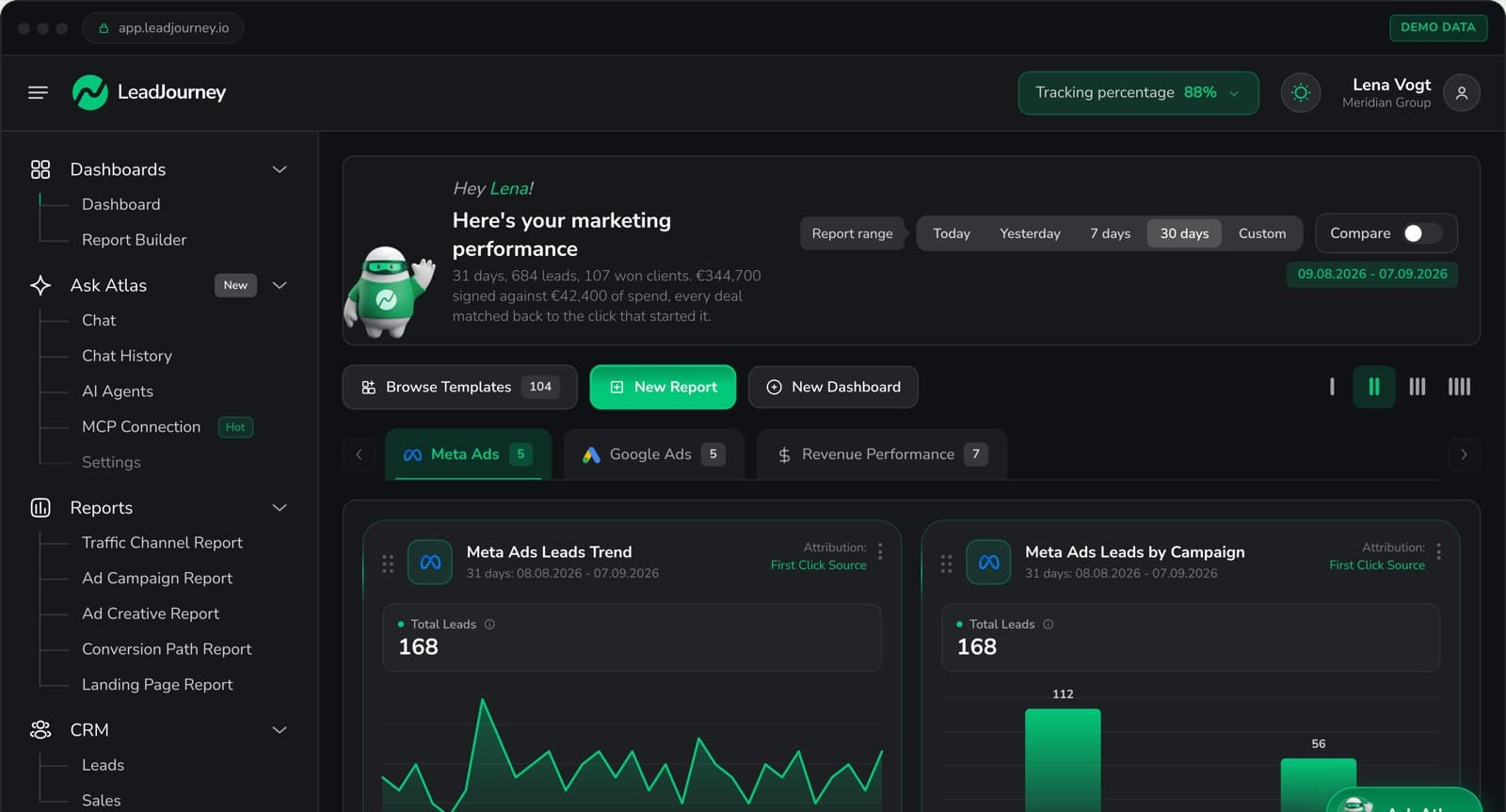
LeadJourney is the only marketing reporting tool built exclusively for lead generation businesses, and the only one that reports on actual revenue per campaign, not just clicks and leads. While every other tool on this list aggregates data from ad platforms and presents it in dashboards, LeadJourney connects your ad data directly to your CRM, tracks every lead through every pipeline stage, and reports the numbers that actually matter for a lead gen business: cost-per-qualified-lead, cost-per-booked-appointment, and cost-per-closed-deal per campaign, per ad set, and per creative.
The difference between LeadJourney and a dashboard tool like AgencyAnalytics or Looker Studio is fundamental: those tools report what your ad platforms tell them. LeadJourney independently tracks what actually happened (server-side, at 95%+ accuracy, connected to your CRM) and reports on that. It closes the loop between your ad spend and your closed revenue, with Atlas AI analyst letting you ask plain-language questions about your data without building reports manually.
Key Features
- Unified cross-channel dashboard: Meta, Google, LinkedIn, and Bing Ads in one view with real cost-per-lead and cost-per-close by campaign, ad set, and creative
- CRM pipeline reporting: every ad campaign attributed to qualified leads, booked appointments, and closed deals directly from CRM stage data
- Server-side data accuracy at 95%+: reports based on independently tracked data, not platform-reported numbers that overcount and disagree with each other
- Five attribution models: first touch, last touch, linear, time-decay, and position-based reporting available in one dashboard; switch models to answer different business questions
- Atlas AI analyst: ask plain-language questions about your marketing data: which campaign has the lowest cost-per-close? which ad set is generating the most qualified leads this month?
- Closed-loop reporting: qualified-lead, booked-call, and closed-deal events sent back to Meta CAPI, Google Enhanced Conversions, LinkedIn CAPI, and Bing UET automatically, so reporting and algorithm optimization happen from the same data source
- 21-minute setup, no developer required: works with any landing page builder, any CRM, any funnel tool
Pros
- The only marketing reporting tool that reports on actual closed-deal revenue per campaign, not just clicks, impressions, or form fills
- Independent server-side tracking means your reports are accurate, not dependent on platform-reported numbers that overcount conversions
- Atlas AI analyst replaces manual report building: ask data questions in plain language and get answers instantly
- 14-day free trial: zero risk for any lead gen business
Cons
- Not a white-label agency reporting tool: built for businesses running their own ads, not for agencies producing client-facing PDF reports
- E-commerce runs through the Shopify integration or a manually connected shop system (ROAS and customer origin), without product-level catalogue analytics
Verdict
If you run a lead generation business and need to know which campaigns are actually producing closed deals (not just form fills), LeadJourney is the only marketing reporting tool built for that question. Every other tool on this list stops at vanity metrics, platform-reported numbers, or dashboard visualizations disconnected from CRM revenue.
What Real Users Say About LeadJourney
Honestly the best B2B attribution platform I've used. The Customer Journey Report finally shows us which touchpoints drive results, and the ad tracking software is rock solid. Being able to pull in offline conversions plus the AI search tracking makes our marketing analytics way more accurate.
Connected LeadJourney for 2 clients, setup took literally 20 minutes each. The data became more accurate, the reports actually make sense. Now clients look at the dashboard and the 'why don't the numbers match?' questions are gone.
 Alexander SamarPerformance Marketing Agency
Read verified reviews on Trustpilot, G2, Capterra, Software Advice, and leadjourney.io/testimonials.
Further Reading
Explore the LeadJourney marketing attribution platform or compare the best marketing analytics tools and best agency reporting software. Built by Jonas Strambach.
2. Cometly: Best for B2B SaaS Revenue-Focused Marketing Reporting
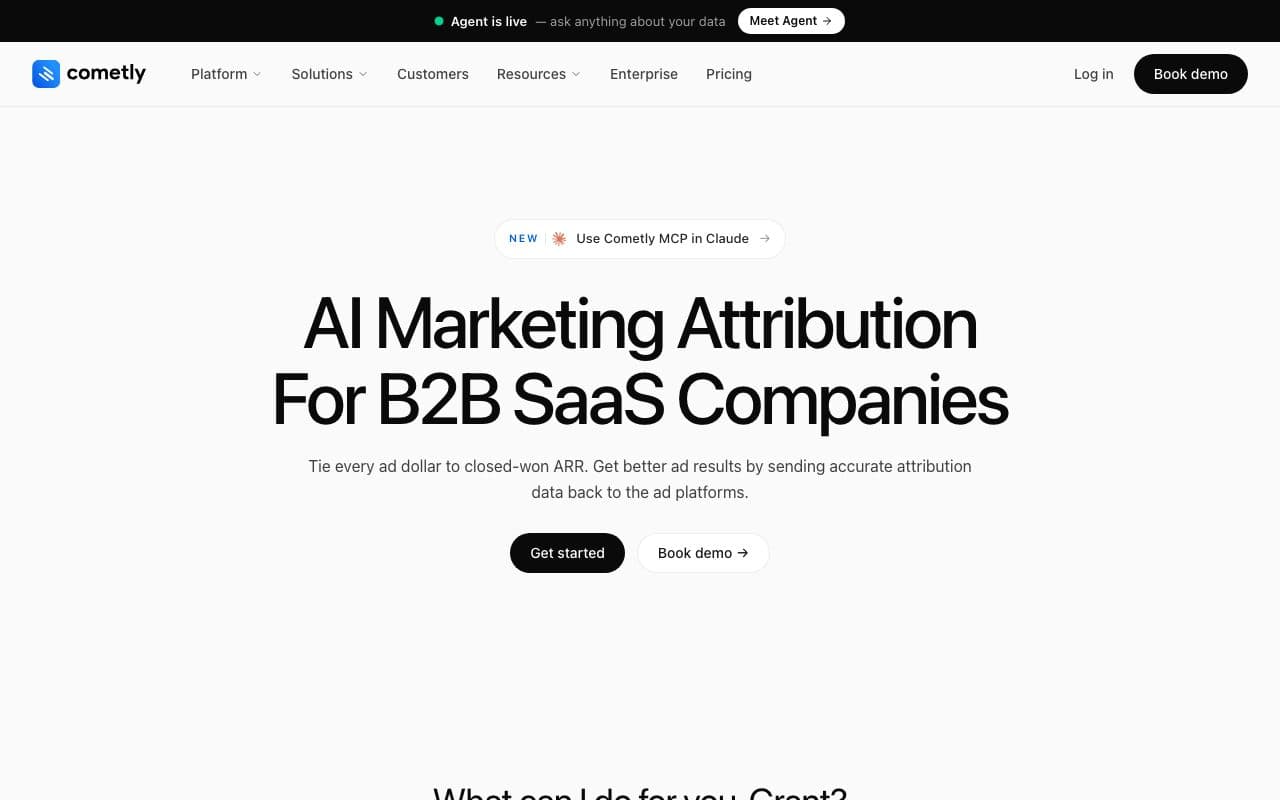
Cometly is a marketing attribution and analytics platform that connects ad spend to CRM revenue, reporting the complete customer journey from ad click to closed deal with AI-powered optimization recommendations on top. It's the closest feature competitor to LeadJourney on this list, with the key difference being that Cometly serves multiple verticals (SaaS, eCommerce, and agencies) while LeadJourney was built exclusively for lead generation.
Pros
- Revenue-focused marketing reporting: connects ad spend to CRM pipeline and closed revenue
- AI-powered optimization recommendations alongside reporting data
Cons
- Multi-vertical focus: lead gen pipeline-stage reporting depth less specific than LeadJourney
- Custom pricing requires a demo call
Verdict
Strong revenue-focused reporting for B2B SaaS. Lead gen businesses will find LeadJourney's CRM pipeline-stage reporting depth and four-platform CAPI loop more specifically tailored.
3. AgencyAnalytics: Best White-Label Client Reporting for Agencies
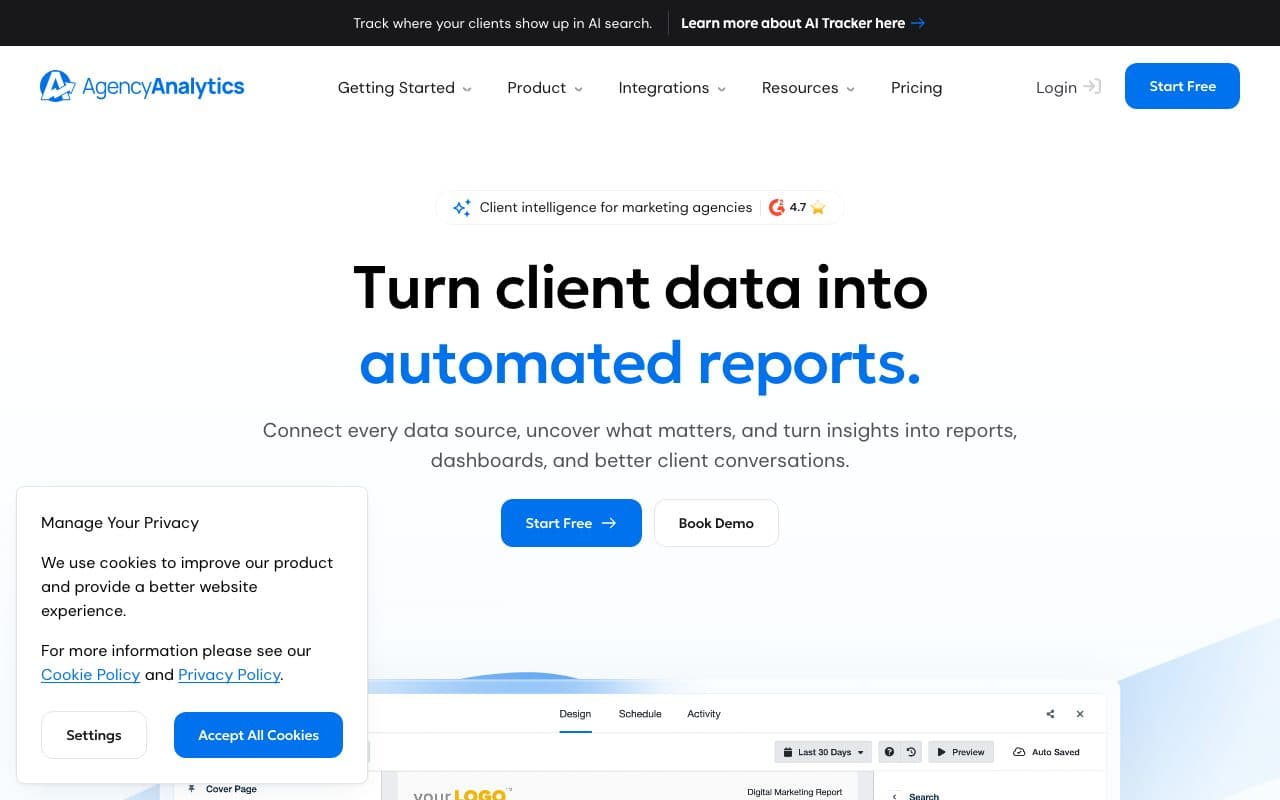
AgencyAnalytics is an all-in-one reporting platform built specifically for marketing agencies managing multiple client accounts. With 80+ integrations covering SEO, PPC, social media, email, and call tracking, it provides the broadest channel coverage of any agency tool on this list. White-label branding, client login portals, and automated report scheduling make it the gold standard for agencies that need to deliver professional reports at scale.
Pros
- 80+ integrations across SEO, PPC, social, email, and call tracking: broadest channel coverage for full-service agencies
- Automated SEO audits and rank tracking alongside paid media reporting
- Priced per client: $20 a client a month on annual billing, $25 monthly, so a small roster stays cheap
Cons
- Aggregates platform-reported data only, no independent tracking, server-side accuracy, or CRM revenue attribution
- Reports on what platforms tell it, not on independently verified closed-deal data
Verdict
The best tool for agencies that need to produce professional white-label client reports across many channels. Not a revenue attribution solution: it reports on platform-claimed metrics, not independently tracked deal data.
4. Whatagraph: Best Cross-Channel Agency Reporting with Automated Delivery
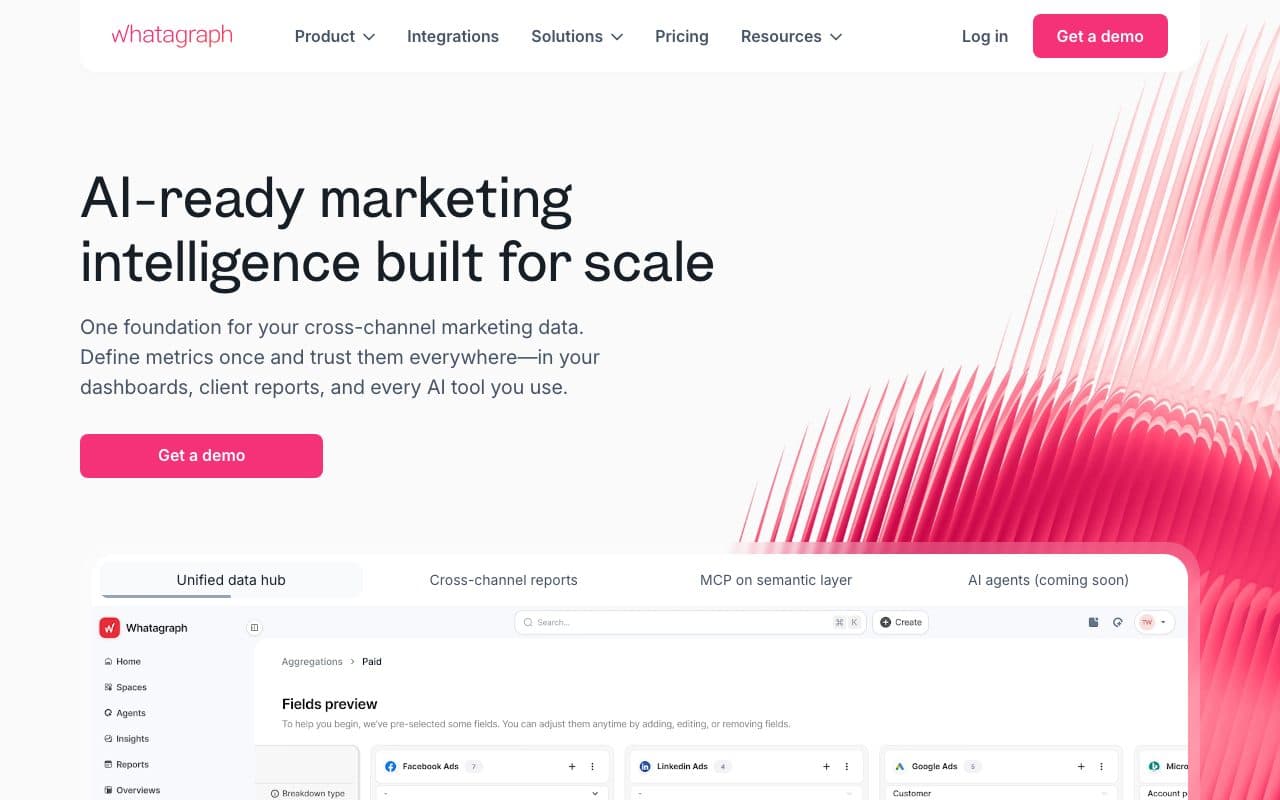
Whatagraph is a holistic client reporting tool built for marketing agencies. It connects 55+ marketing channels, generates visually polished reports, and automates delivery to clients on custom schedules, removing the manual reporting work that consumes agency hours every week. White-label capabilities go deep: you can customize everything from colors and logos to report URLs.
Pros
- Visually polished reports: best-in-class presentation quality for client-facing deliverables
- Automated report scheduling: set up once, deliver to clients weekly or monthly without manual work
Cons
- Dashboard and presentation tool only, no independent tracking, attribution, or CRM revenue connection
- Reports surface what platforms report: doesn't solve the attribution accuracy problem
Verdict
Excellent for agencies that need to deliver polished, automated client reports. Not a tool for businesses that need to understand true ROI from their ad spend.
5. Supermetrics: Best Data Connector for Custom Report Builders

Supermetrics is a marketing data connector, not a reporting or visualization tool itself. It pulls data from 100+ marketing platforms (Meta, Google, LinkedIn, TikTok, Bing, and more) into Google Sheets, Looker Studio, Excel, BigQuery, Snowflake, and other BI tools automatically. For teams that already build reports in spreadsheets or BI tools, Supermetrics eliminates the manual data export work.
Pros
- 100+ data source connectors: broadest platform coverage for data extraction
- Reliable schema maintenance: connectors stay current when ad platforms update their APIs
- Flexible destinations: Google Sheets, Looker Studio, BigQuery, Snowflake, and more
Cons
- Data connector only: pulls platform-reported data, no independent tracking or attribution; you still see what the platforms tell you
- Priced by plan and connectors: from €39/month on annual billing, more on monthly billing
Verdict
The best data pipeline tool for teams that already have BI infrastructure and need reliable automated data extraction from marketing platforms. Not a reporting solution in itself: it's the plumbing.
6. Google Looker Studio: Best Free Dashboard Builder

Google Looker Studio (formerly Data Studio) is a free, powerful dashboard builder that connects to Google Analytics, Google Ads, Google Search Console, and 800+ other sources via community connectors. Teams already using Google Ads and GA4 can build functional marketing dashboards at zero cost.
Pros
- Free, no cost for core functionality
- Deep Google ecosystem integration: GA4, Google Ads, Search Console all native
- Highly customizable dashboards with drag-and-drop builder
Cons
- Visualization only, no independent tracking, attribution, or CRM revenue connection
- Meta, LinkedIn, and Bing require third-party connectors, not native integrations
- Can be slow and complex to configure for multi-platform setups
Verdict
An excellent free starting point for teams primarily using Google tools. Once you need multi-platform attribution or CRM revenue reporting, a dedicated tool like LeadJourney becomes necessary.
7. Databox: Best Visual KPI Dashboard for Real-Time Marketing Reporting
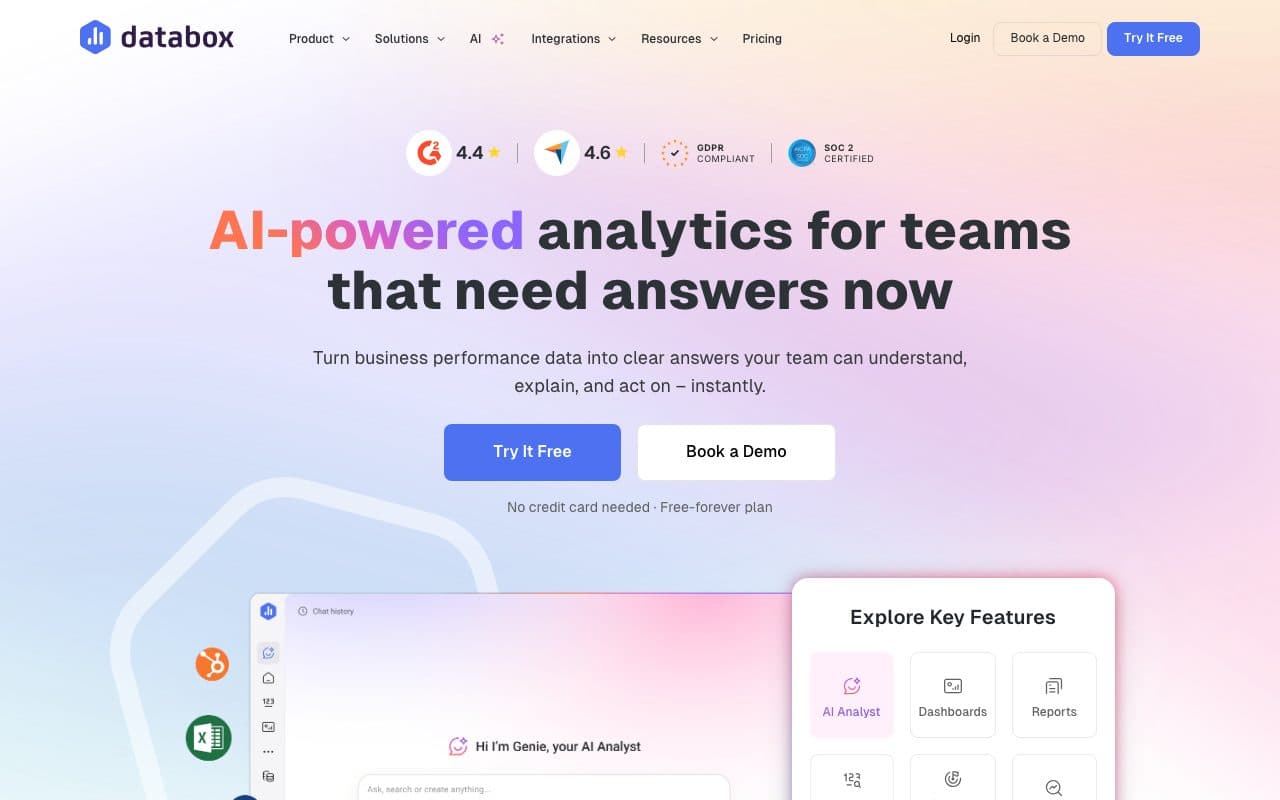
Databox is a dashboard and reporting platform focused on speed-to-insight: pre-built templates have you running functional marketing dashboards in minutes rather than hours. Its mobile app delivers real-time performance updates with push notifications, and goal tracking lets you set performance targets with automated alerts when metrics exceed or fall below thresholds.
Pros
- Fast setup with pre-built templates: functional dashboards in minutes
- Strong mobile app: real-time KPI tracking on iOS and Android with push notifications
Cons
- Dashboard tool only: aggregates platform-reported data without independent tracking or CRM attribution
- Pro is $159 a month on annual billing ($199 monthly) with three sources included; extra sources are paid
Verdict
A great visual dashboard tool for teams that want polished real-time KPI tracking. Doesn't solve the attribution problem: it displays whatever the platforms report, not independently tracked revenue.
8. Ruler Analytics: Best for Reporting on Offline Revenue Attribution
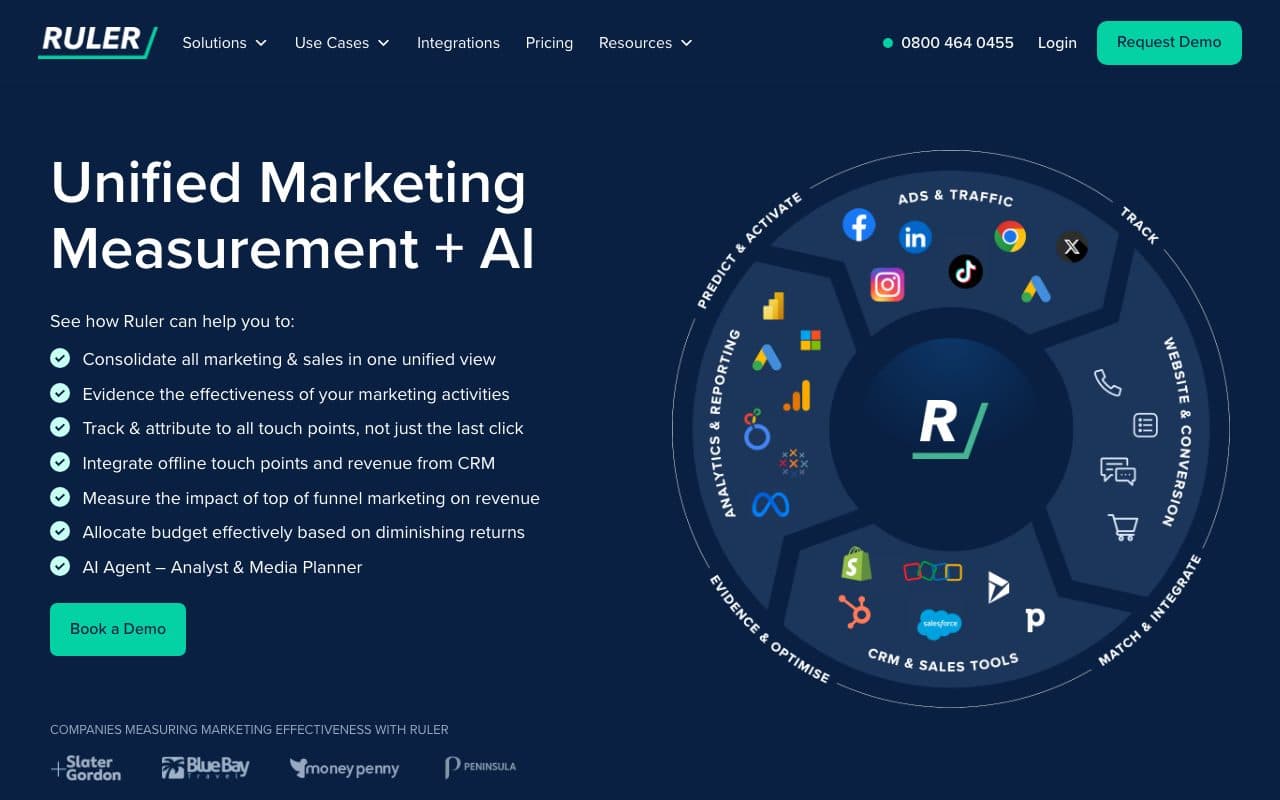
Ruler Analytics tracks the complete journey from anonymous website visitor to closed CRM revenue, reporting on which marketing touchpoints (calls, forms, chats) influence deals across a full sales cycle. Its reporting goes beyond session-level metrics to show actual marketing-influenced revenue from every channel.
Pros
- Reports on marketing-influenced closed revenue: connects form fills and calls to CRM deals
- Strong call tracking reporting: attributes phone call conversions to marketing source
Cons
- No server-side CAPI loop: reports on the data but doesn't close the algorithmic loop back to ad platforms
- No unified four-platform ads dashboard: reporting separated from ad platform spend management
Verdict
A strong reporting tool for B2B and lead gen businesses that need to show marketing's influence on closed revenue. The key gap vs. LeadJourney: Ruler reports the data but doesn't automatically feed it back to ad algorithms to improve future campaigns.
9. Funnel.io: Best Enterprise Marketing Data Hub
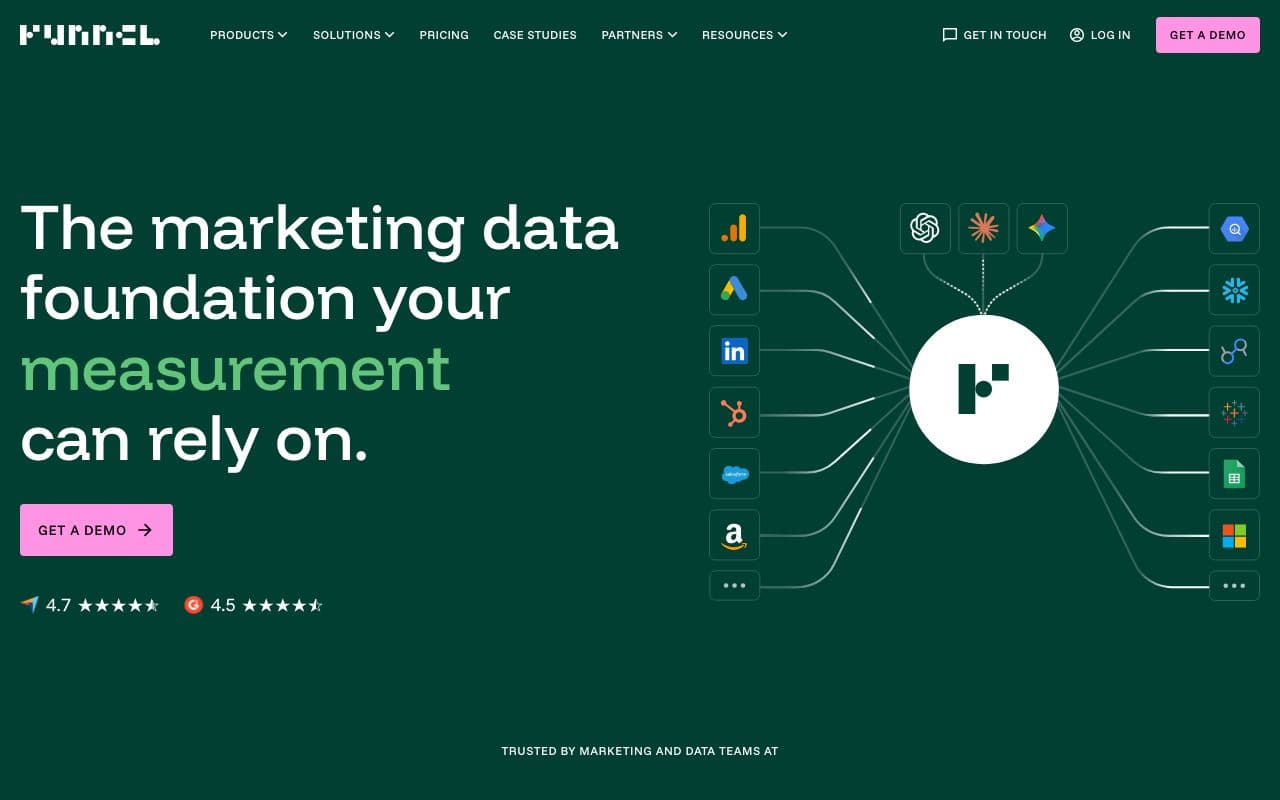
Funnel.io is a marketing data hub that collects, normalizes, and exports data from marketing sources to any analytics destination. BI tools, data warehouses, or custom dashboards. Its standout capability is data transformation: if one platform calls something 'clicks' and another calls it 'link clicks,' Funnel normalizes the naming so your reports use consistent metrics across all sources.
Pros
- Data normalization: standardizes metric naming and data schemas across 500+ marketing sources
- Flexible export destinations: BI tools, data warehouses, custom dashboards
Cons
- Starts at $399/month: enterprise pricing for what is essentially a data routing layer
- Data hub only, no independent tracking, attribution, or CRM revenue reporting
Verdict
The best data normalization and routing tool for enterprise marketing teams running campaigns across dozens of platforms. Overkill and overpriced for SMB lead gen businesses.
10. Improvado: Best Enterprise Marketing Data Platform with AI
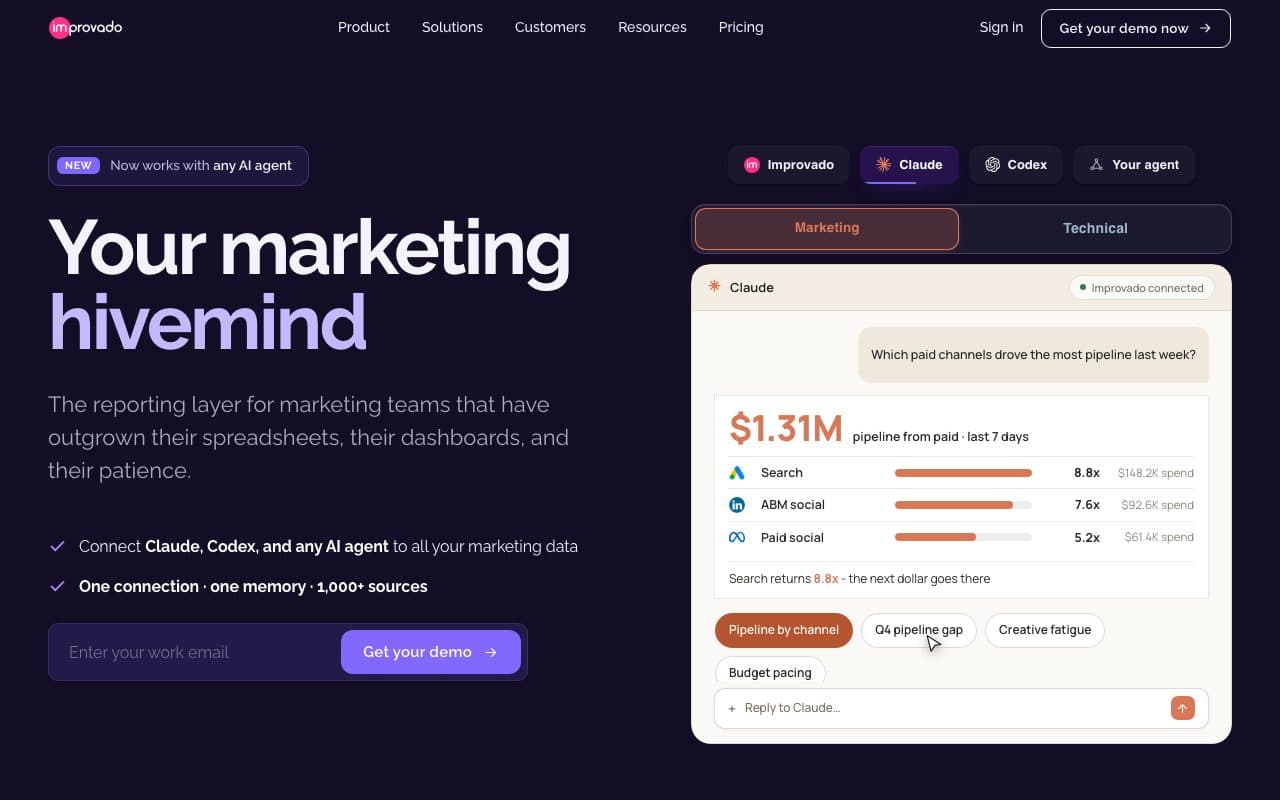
Improvado is an end-to-end enterprise marketing data platform with 1,000+ integrations, enterprise-grade ETL capabilities, an AI Agent for natural language data queries, and a Marketing Data Governance module for data quality monitoring. It's designed for large enterprise marketing teams and agencies that need an industrial-grade reporting stack.
Pros
- 500+ integrations: most comprehensive data source coverage on this list
- Enterprise ETL and data governance: automated data transformation and quality monitoring
Cons
- Enterprise pricing: requires significant budget commitment
- Data aggregation tool: pulls and normalizes platform-reported data, not independently tracked revenue attribution
Verdict
The right choice for large enterprise marketing teams and agencies needing industrial-grade data pipelines and governance. Vastly overbuilt for SMB lead gen businesses.
11. DashThis: Best Simple Automated Reporting for Freelancers and Small Agencies
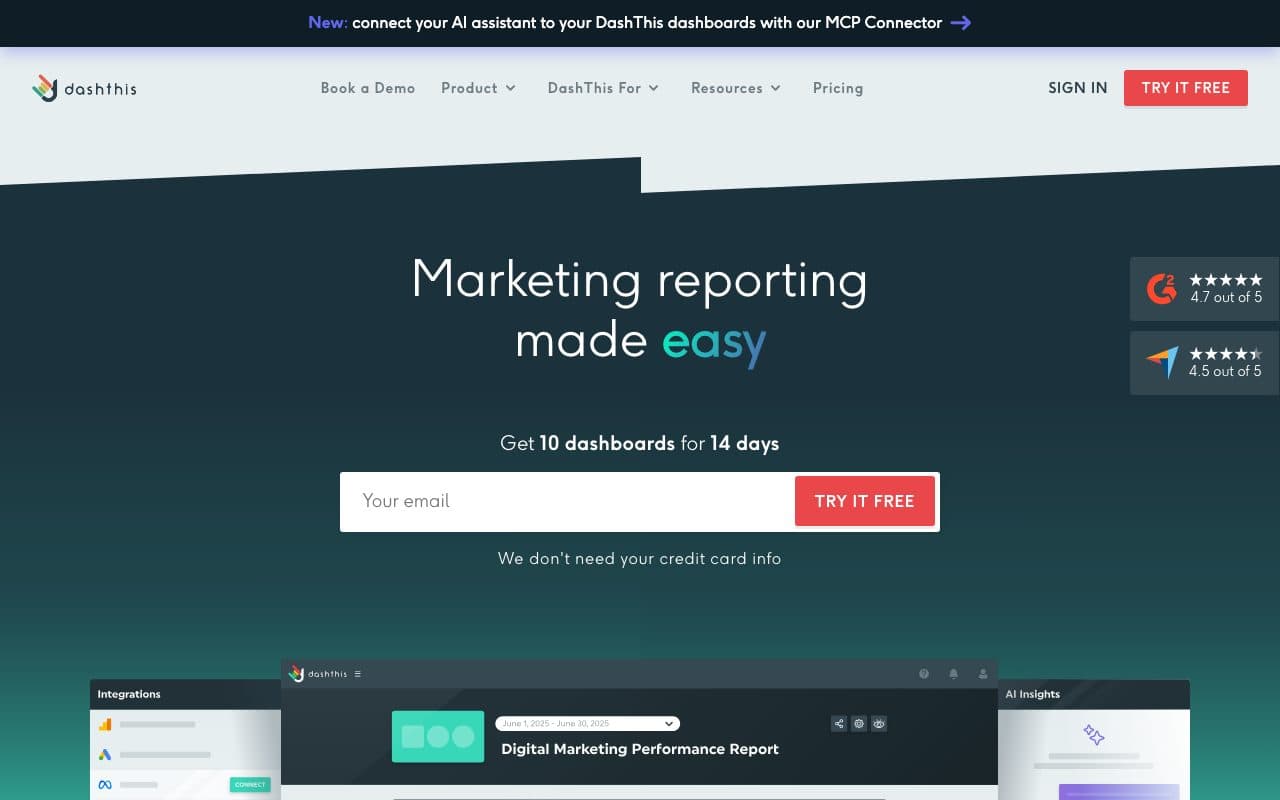
DashThis is a straightforward automated reporting tool focused on simplicity: connect your marketing platforms, choose a template, and send automated reports to clients or stakeholders. It's particularly popular with freelancers and small agencies that need professional-looking reports without the complexity of full-stack agency platforms.
Pros
- Simple and fast: reports up and running in minutes with pre-built templates
- Good for freelancers: accessible pricing for solo marketers managing a handful of client accounts
Cons
- Limited to platform-reported data, no attribution, no CRM revenue connection
- Fewer integrations than AgencyAnalytics or Whatagraph
Verdict
A good lightweight option for freelancers and small agencies producing simple client reports. Outgrown quickly by teams that need multi-channel attribution or revenue reporting.
12. Google Analytics 4: Best Free Web Analytics Reporting

GA4 is the world's most widely used marketing analytics tool: free, deeply integrated with Google Ads, and capable of tracking user behavior across websites and apps with an event-based data model. For businesses running Google Ads with straightforward conversion events, GA4 is a functional free reporting baseline.
Pros
- Free: zero cost for the vast majority of use cases
- Native Google Ads integration: conversion data flows directly from GA4 to Google's bidding algorithms
Cons
- No CRM integration: reporting stops at the website conversion event, not the closed deal in your CRM
- Pixel-based tracking: 30-60% data loss from iOS 14+, Safari ITP, and ad blockers
- Google-centric: Meta, LinkedIn, and Bing campaign data require separate setups
Verdict
A powerful free baseline for website behavior reporting. For multi-platform lead gen businesses needing CRM revenue reporting, a dedicated tool is necessary.
13. HubSpot Marketing Analytics: Best Built-In Reporting for HubSpot Customers

HubSpot's built-in marketing analytics connects marketing activities to CRM contacts, deals, and revenue in a unified view, without requiring a separate reporting tool. For teams already running their entire GTM motion in HubSpot, the native reporting is a practical starting point that eliminates the need for data stitching between systems.
Pros
- CRM-native reporting: marketing activities tied directly to contacts, deals, and revenue without third-party connectors
- Included in HubSpot Enterprise, no additional cost for existing customers
Cons
- Pixel-based tracking: significant data loss from iOS 14+ and browser blocking
- No automated CAPI loop: deal signals don't automatically flow back to Meta, Google, or LinkedIn to retrain algorithms
- Reporting limited to HubSpot's data, no independent server-side tracking or cross-platform attribution
Verdict
A practical built-in option for HubSpot-native teams. As paid performance marketing becomes a priority, a dedicated tool like LeadJourney is necessary for accurate cross-platform reporting.
14. Tableau: Best Enterprise BI Visualization
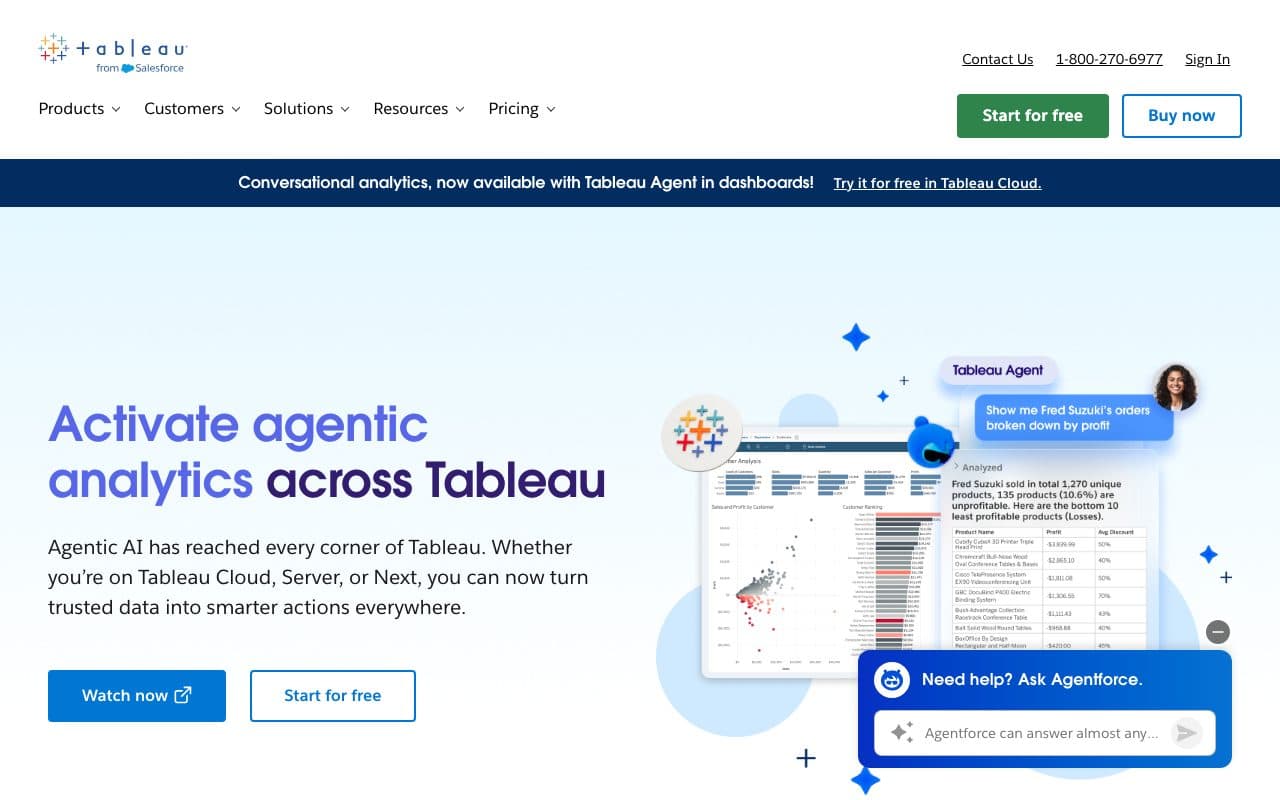
Tableau is the enterprise standard for business intelligence visualization, connecting to virtually any data source and producing sophisticated, interactive dashboards. Marketing teams at large organizations use it to visualize campaign performance alongside financial, product, and operational data in unified executive dashboards.
Pros
- Best-in-class data visualization: sophisticated interactive dashboards for executive reporting
- Connects to virtually any data source: marketing, financial, operational, and product data in one view
Cons
- Expensive and complex: requires data engineering resources for setup and maintenance
- Visualization layer only: visualizes data from other sources, doesn't independently track or attribute marketing conversions
Verdict
The gold standard for enterprise BI. The setup cost and complexity rarely justify it for marketing teams without a dedicated data engineer.
15. Power BI: Best BI Reporting for Microsoft-Ecosystem Teams
Power BI is Microsoft's business intelligence platform, deeply integrated with the Microsoft 365 ecosystem (Excel, Azure, Teams, Dynamics). For organizations already committed to Microsoft infrastructure, Power BI provides powerful self-service analytics and dashboarding at a lower cost than Tableau.
Pros
- Included in Microsoft 365: often available at no extra cost for existing Microsoft customers
- Deep Excel and Azure integration: connects to existing Microsoft data infrastructure
Cons
- Requires data engineering or Power Query knowledge: not a plug-and-play marketing reporting solution
- Visualization tool: needs clean, structured data input; doesn't independently track ad conversions or CRM revenue
Verdict
Strong BI option for Microsoft-ecosystem organizations. Not a marketing attribution or lead gen reporting solution; requires data engineering resources to be useful for paid ad reporting.
The Critical Difference: Aggregating Platform Data vs. Independently Tracking Revenue
Most marketing reporting tools on this list have the same fundamental limitation: they aggregate data from the same ad platforms that overcounted your conversions in the first place. If Meta Ads Manager says you got 50 conversions and Google Ads Manager says you got 40, but you only actually got 30 qualified leads, a dashboard tool like AgencyAnalytics, Looker Studio, or Databox will show you 90, not 30. They trust the platform reports.
LeadJourney independently tracks every conversion server-side and matches it to your CRM data, so your reports show what actually happened, not what each platform claims credit for. This is the foundational difference between a marketing reporting tool and a marketing reporting tool that tells you the truth.
Quick Decision Guide
- Lead generation business running paid ads (Meta, Google, LinkedIn, Bing): LeadJourney. Revenue reporting per campaign, server-side accuracy, Atlas AI analyst, 21-minute setup
- B2B SaaS team reporting on ad spend to pipeline: Cometly
- Marketing agency producing white-label client reports: AgencyAnalytics or Whatagraph
- Team using Sheets/Looker/BI tools needing automated data extraction: Supermetrics
- Team wanting free Google-ecosystem dashboards: Looker Studio
- Team wanting real-time KPI dashboards with mobile: Databox
- Enterprise needing normalized multi-source marketing data: Funnel.io or Improvado
- Enterprise BI visualization with data engineering resources: Tableau or Power BI
FAQ
Frequently Asked Questions
The questions teams choosing a marketing reporting tool ask most.
What is the best marketing reporting tool for agencies?
LeadJourney is the best marketing reporting tool for agencies managing B2B paid campaigns. It reports cost-per-close and deal revenue connected to CRM pipeline data, not just platform-reported conversions.
What is the difference between marketing reporting and attribution?
Marketing reporting aggregates and presents data from marketing platforms. Attribution connects those reports to business outcomes like revenue and pipeline. The best marketing reporting tools for B2B combine both, showing CRM-connected revenue metrics alongside standard platform data.
Is Google Looker Studio good enough for agency reporting?
For B2B agencies, Looker Studio connected to LeadJourney data provides more actionable reports than Looker Studio alone. LeadJourney adds CRM pipeline revenue data that Looker Studio cannot access directly, making it significantly more valuable for agencies that need to prove ROI to clients.
Why do my marketing reports show more conversions than my CRM?
Because most reporting tools aggregate what the ad platforms claim, and every platform claims the same conversion for itself. If Meta reports 50 and Google reports 40 for 30 real qualified leads, a dashboard built on those connectors shows 90. Independent server-side tracking matched to CRM records is what removes the double count, because the lead is counted once, where it actually exists.
How much do marketing reporting tools cost?
Looker Studio is free, DashThis starts at $44 per month and Supermetrics from €39 per month, Databox from $64, Whatagraph from €699 per month on an annual plan, and enterprise data platforms such as Funnel.io start at $399 with Improvado on custom pricing. Budget separately for whatever supplies the revenue data, since the dashboard tools do not capture it themselves.
Keep reading
More from the blog
 Tool Comparisons
9 Best Marketing Attribution Tools for Zoho CRM in 2026
Four of the best attribution tools for Zoho CRM are Zoho products you may already pay for. Nine options compared on where the tracking starts, which ad platforms they cover, and whether the closed deal ever reaches the algorithm buying your traffic.Read the article13 min read Tool Comparisons
9 Best Marketing Attribution Tools for Microsoft Dynamics 365 in 2026
Dynamics records the revenue and nothing fills in where it came from: Lead Source is a ten-option picklist and campaign spend is typed by hand. Nine tools compared on what each can actually see in a Dynamics environment, with pricing, pros, cons and a verdict.Read the article14 min read Tool Comparisons
12 Best GTM Tools and Software in 2026
A GTM stack is five or six tools that each report on their own step, which is why nobody can say which play produced the revenue. Twelve tools compared by the layer they own, with prices read this month and a verdict on who each one is for.Read the article16 min read
Beyond vanity metrics
Ready to know which campaigns close deals?
LeadJourney is the marketing reporting tool built around the lead and the closed deal, for lead generation and e-commerce businesses. Report on cost-per-qualified-lead and cost-per-closed-deal per campaign across Meta, Google, LinkedIn, and Bing, with server-side accuracy, Atlas AI analyst, and 21-minute setup.