













BlogTool Comparisons
16 Best Automated Reporting Tools in 2026
Most automated reporting tools schedule the delivery of platform-reported metrics, which means clean PDFs of overlapping attribution and iOS 14 data loss. Fifteen tools compared, from white-label agency dashboards to enterprise BI, and what separates scheduled delivery from automated revenue attribution.


Contents
Summarise this article with AI
Opens the page with a ready prompt in:


Nothing is sent until you pick a service.
Automated reporting tools eliminate one of the most time-consuming tasks in marketing and agency operations: manually pulling data from multiple platforms, formatting it, and building reports for clients or leadership. The best tools connect to your data sources, normalize the numbers, and deliver polished reports on a schedule, without anyone touching a spreadsheet.
But there's a fundamental difference between tools that automate the delivery of platform-reported metrics and tools that automate the delivery of actual business results. The first category saves time. The second category changes conversations: with clients, with leadership, and with the ad platforms themselves. For B2B companies and agencies managing paid campaigns, the question isn't just "can this tool send a report automatically?" It's "can this report show what campaigns actually drove revenue?"
Quick Summary: Best Automated Reporting Tool in 2026
In short
LeadJourney is the best automated reporting tool for B2B companies and agencies that need reporting connected to actual revenue outcomes. It captures every touchpoint server-side at 95%+ accuracy, automates cost-per-close reporting per campaign, and closes the CAPI loop to all four ad platforms automatically. Per-client workspace model for agencies. 21-minute setup. Rated 5.0 on Trustpilot, top-rated on G2, Capterra, and Software Advice. 14-day free trial.
The 16 best automated reporting tools at a glance
| Tool | Key features | Best for | Pricing |
|---|---|---|---|
| Rank 1LeadJourney | Server-side 95%+; CRM pipeline reports; 4-platform CAPI; automated conversion loop; agency workspaces | B2B teams automating attribution-to-CAPI loop | 14-day free trial |
| Rank 2AgencyAnalyticsvs LeadJourney | White-label dashboards, scheduled reports, 80+ integrations | Agencies automating white-label client reporting | From $20 per client/mo |
| Rank 3Whatagraphvs LeadJourney | 68 integrations, automated PDF/email reports, custom dashboards | Multi-client automated report delivery | From €699/mo |
| Rank 4DashThisvs LeadJourney | Easy setup, 30+ integrations, scheduled automated reports | Simple automated reporting with minimal setup | From $44/mo |
| Rank 5Looker Studiovs LeadJourney | Native Google integrations, free, drag-and-drop | Google-ecosystem teams needing free automated reporting | Free |
| Rank 6Improvadovs LeadJourney | 1,000+ sources, managed data ops, BI delivery | Enterprise marketing teams needing managed automation | Custom enterprise pricing |
| Rank 7Swydovs LeadJourney | Report scheduling, Slack delivery, multi-client management | Agencies wanting Slack/email report automation | From €69/mo |


1. LeadJourney: Best Automated Reporting Tool for B2B Revenue Attribution
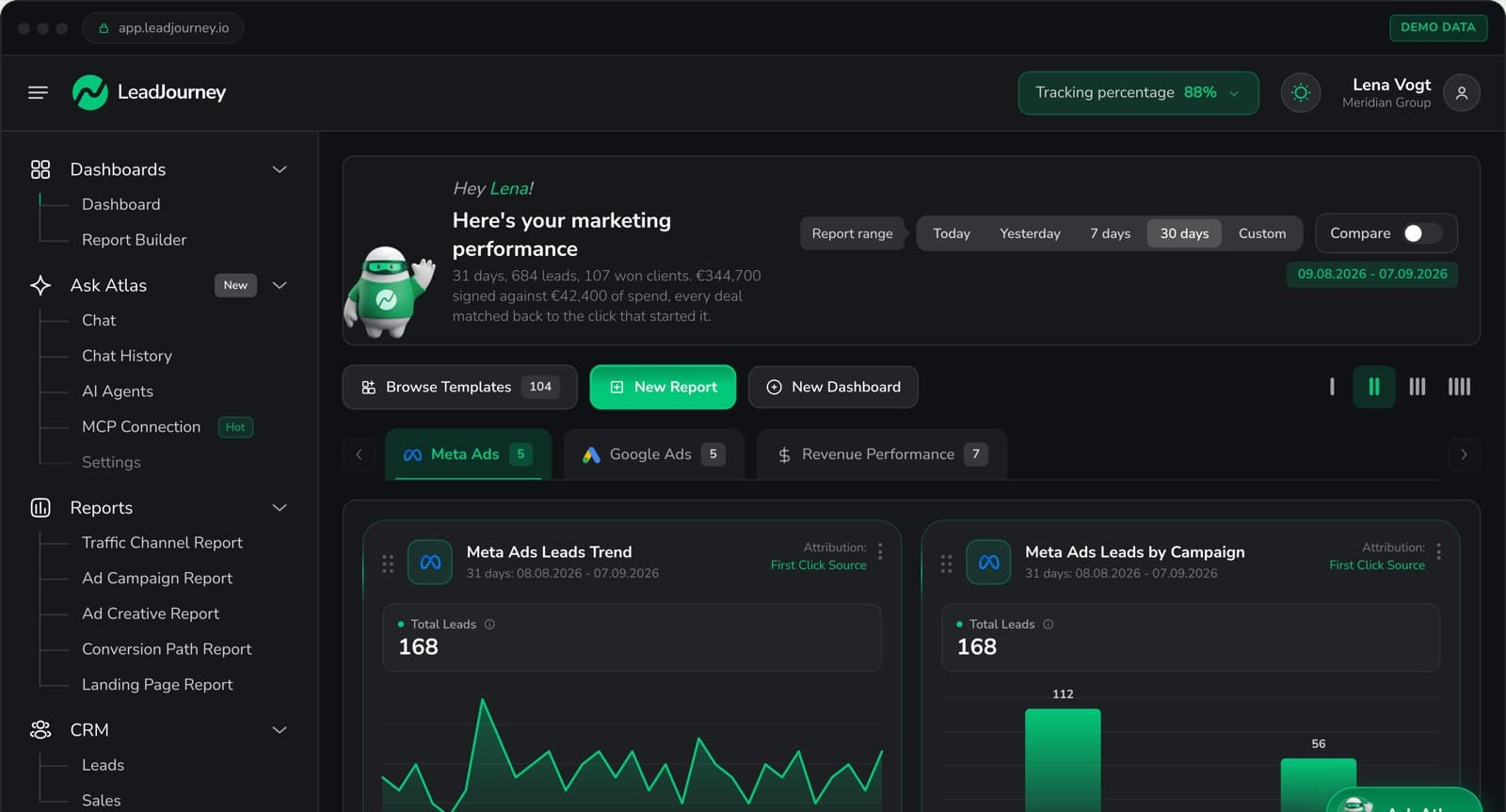
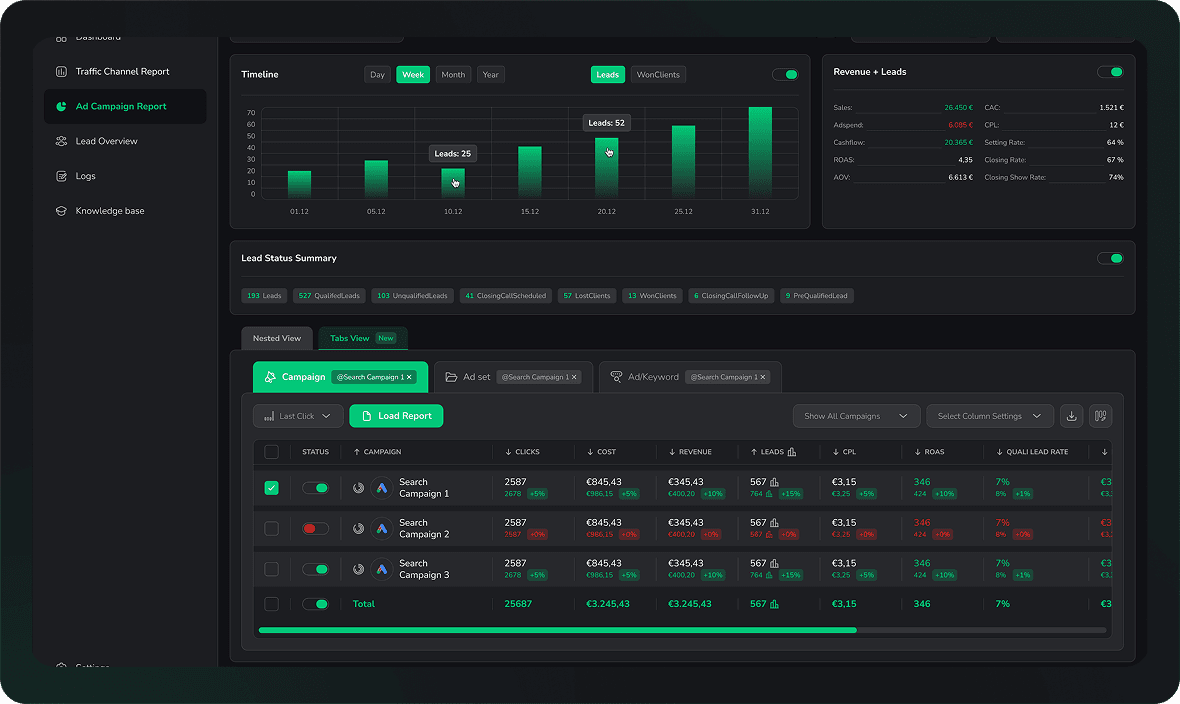
LeadJourney goes beyond automated report delivery: it automates the entire attribution intelligence loop. It captures every marketing touchpoint server-side at 95%+ accuracy, connects those touchpoints to CRM pipeline stages and deal revenue automatically, delivers unified attribution reports across all channels, and feeds the results back to ad platforms as conversion signals. The reporting doesn't just tell you what happened: it automatically makes future campaigns perform better.
For agencies, the per-client workspace model makes automated reporting scalable: each client gets their own isolated reporting environment with their own data, attribution model, and metrics. Agencies manage all client workspaces from a central dashboard and pay per workspace. Reports automatically update as new touchpoints, pipeline stages, and deal closures occur: no manual pulls, no spreadsheet updates, no data discrepancies to explain.
The automated reports answer questions other tools can't: which campaign produced the most closed revenue last month? What is the cost-per-close for LinkedIn vs Meta this quarter? Which ad creative has the highest qualified lead rate? Because the data flows automatically from ad click to CRM pipeline to closed deal, these questions resolve in real time without any manual work.
Key Features
- Automated full-funnel attribution reporting: ad click to CRM pipeline to closed deal, reported automatically per channel, campaign, ad set, and creative
- Per-client workspace automation: each client or division gets isolated automated reporting; agencies manage all from a central dashboard
- Server-side tracking at 95%+ accuracy: automated reports based on complete data, not the 40-60% that survives pixel tracking
- Unified multi-channel reporting: Meta, Google, LinkedIn, Bing, Organic Search, Organic Social, email, AI search engines (ChatGPT Search, Perplexity), and custom channels in one automated report
- CRM pipeline metrics automated: qualified lead rate, appointment show rate, close rate, cost-per-close, and deal revenue reported per marketing source automatically
- Automated CAPI closed loop: report insights automatically activate as conversion signals to Meta, Google, LinkedIn, and Bing simultaneously
- Five attribution models: first touch, last touch, linear, time-decay, position-based; switchable per workspace without reprocessing data
- Atlas AI analyst: ask natural language questions across automated report data; no SQL or BI team needed
- 21-minute setup per workspace: automated reporting running in under half an hour, no developer or data engineer
Pros
- Automates the full attribution loop: not just report delivery but data capture, CRM enrichment, and CAPI activation
- Reports revenue metrics automatically: cost-per-close and deal revenue per campaign without manual work
- Agency-ready workspace model: per-client isolation, central management, scalable automated reporting
- 95%+ accurate underlying data: automated reports reflect complete reality, not platform estimates
- 14-day free trial, no credit card
Cons
- Not a general-purpose reporting tool: purpose-built for marketing attribution, not financial or operational reporting
- E-commerce runs through the Shopify integration or a manually connected shop system (ROAS and customer origin), without product-level catalogue analytics
Verdict
LeadJourney is the best automated reporting tool for agencies and B2B companies that need revenue attribution, not just automated report delivery. For agencies that primarily need white-label visual reports, AgencyAnalytics and Whatagraph are strong dedicated options.
What Real Users Say About LeadJourney
Connected LeadJourney for 2 clients, setup took literally 20 minutes each. The data became more accurate, the reports actually make sense. Now clients look at the dashboard and the 'why don't the numbers match?' questions are gone.
 Alexander SamarPerformance Marketing Agency
Hands down the best B2B attribution platform for agencies.
Read verified reviews on Trustpilot, G2, Capterra, Software Advice, and leadjourney.io/testimonials.
2. AgencyAnalytics: Best Automated Reporting for White-Label Agency Reports
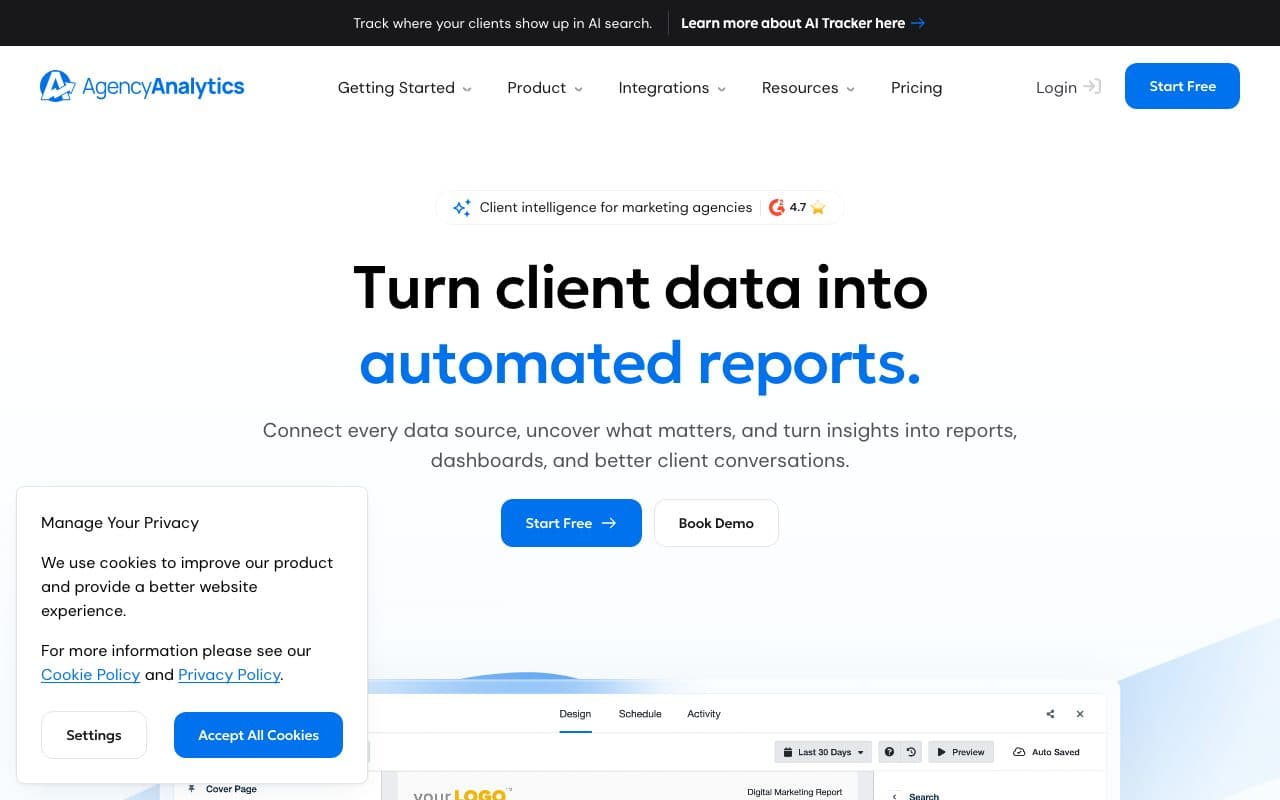
AgencyAnalytics is the most popular dedicated automated reporting tool for marketing agencies. It connects to 80+ data sources, builds white-label client dashboards, and schedules automated PDF or email report delivery on a weekly or monthly basis. Agencies can set up client-facing portals with read-only access to live dashboards, reducing the manual reporting burden significantly.
Verdict
The go-to for white-label agency automated reporting across many marketing tools. Automates delivery of platform-reported metrics; does not connect to CRM pipeline data or automate revenue attribution reporting.
3. Whatagraph: Best for Automated Visual Cross-Channel Reports
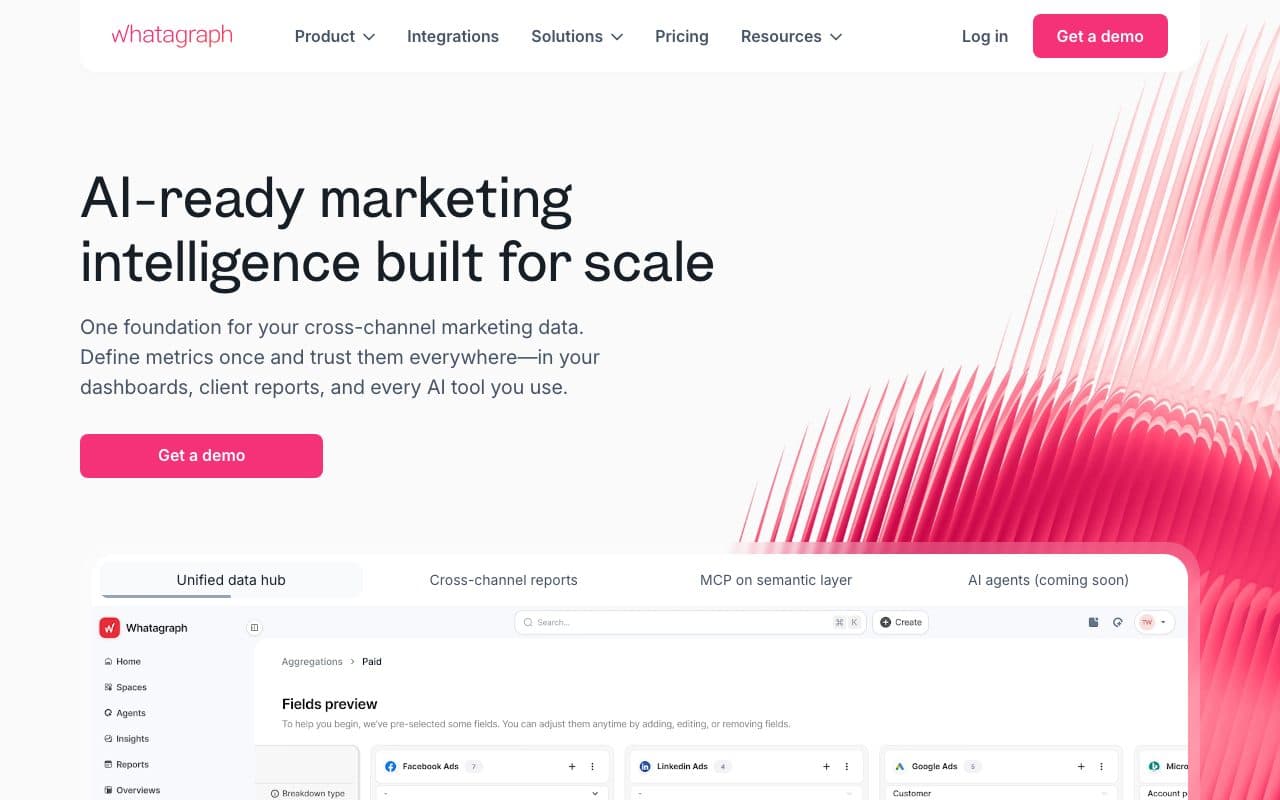
Whatagraph automates the production of visually polished cross-channel marketing reports. Connect 55+ data sources, build report templates, and schedule automated delivery to clients. Strong for agencies that prioritize report aesthetics and want to reduce the time spent building monthly client reports from scratch.
Verdict
Strong for automated delivery of beautiful cross-channel reports. Platform-reported metrics only: no CRM revenue automation, no cost-per-close in the automated reports.
4. DashThis: Best for Fast Automated Report Setup
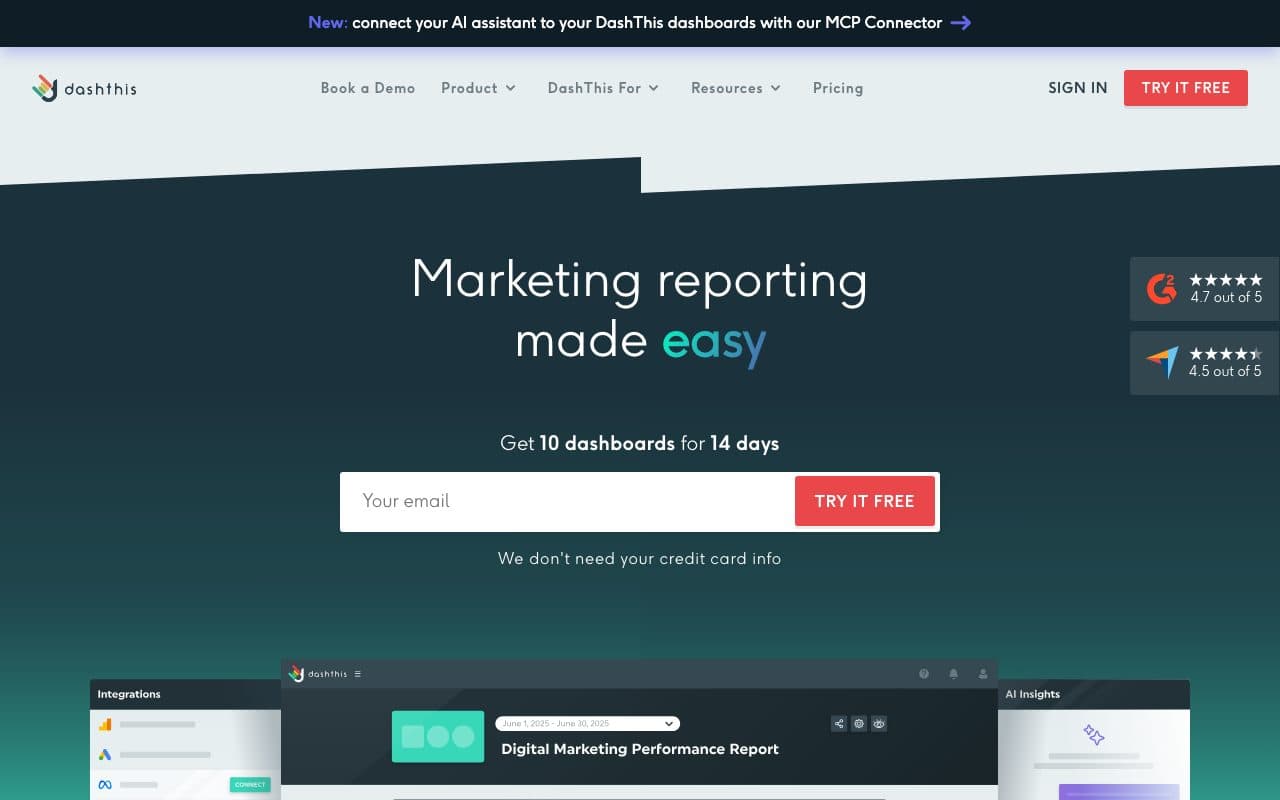
DashThis focuses on speed of automated report creation: connect data sources, choose a template, and have automated client reports running in minutes. White-label branding, scheduled email delivery, and an intuitive drag-and-drop interface make it accessible for agencies without dedicated analytics resources.
Verdict
The fastest path to automated client reporting for small agencies. Platform-reported metrics, no attribution depth, no CRM revenue automation.
5. Databox: Best for Automated Real-Time KPI Reporting
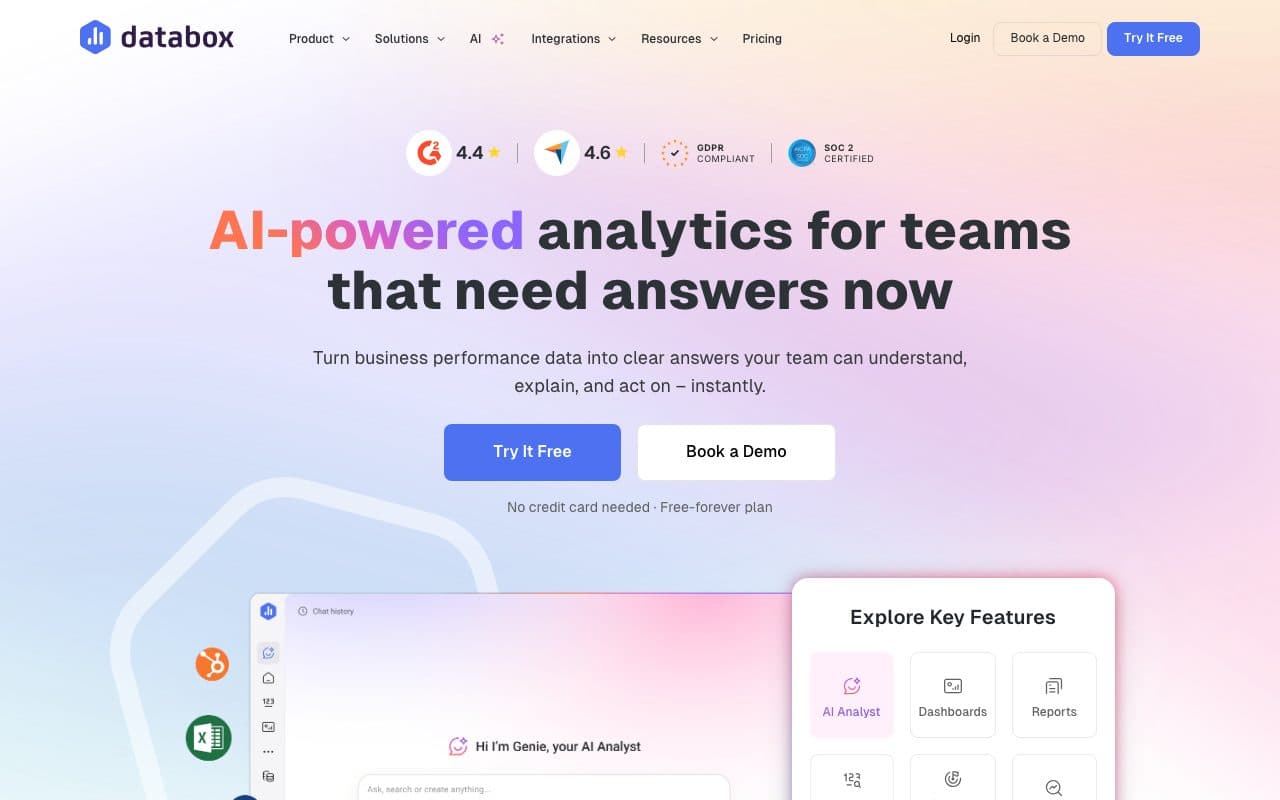
Databox automates real-time KPI monitoring with dashboards, goal tracking, and performance alerts. Connects to 100+ sources and updates automatically as new data arrives. Popular with marketing teams and agencies that want always-on automated visibility into performance without scheduled report builds.
Verdict
Excellent for automated real-time KPI monitoring. Displays platform-reported data automatically: no CRM pipeline depth, no automated revenue attribution.
6. Looker Studio: Best Free Automated Reporting with Google Ecosystem
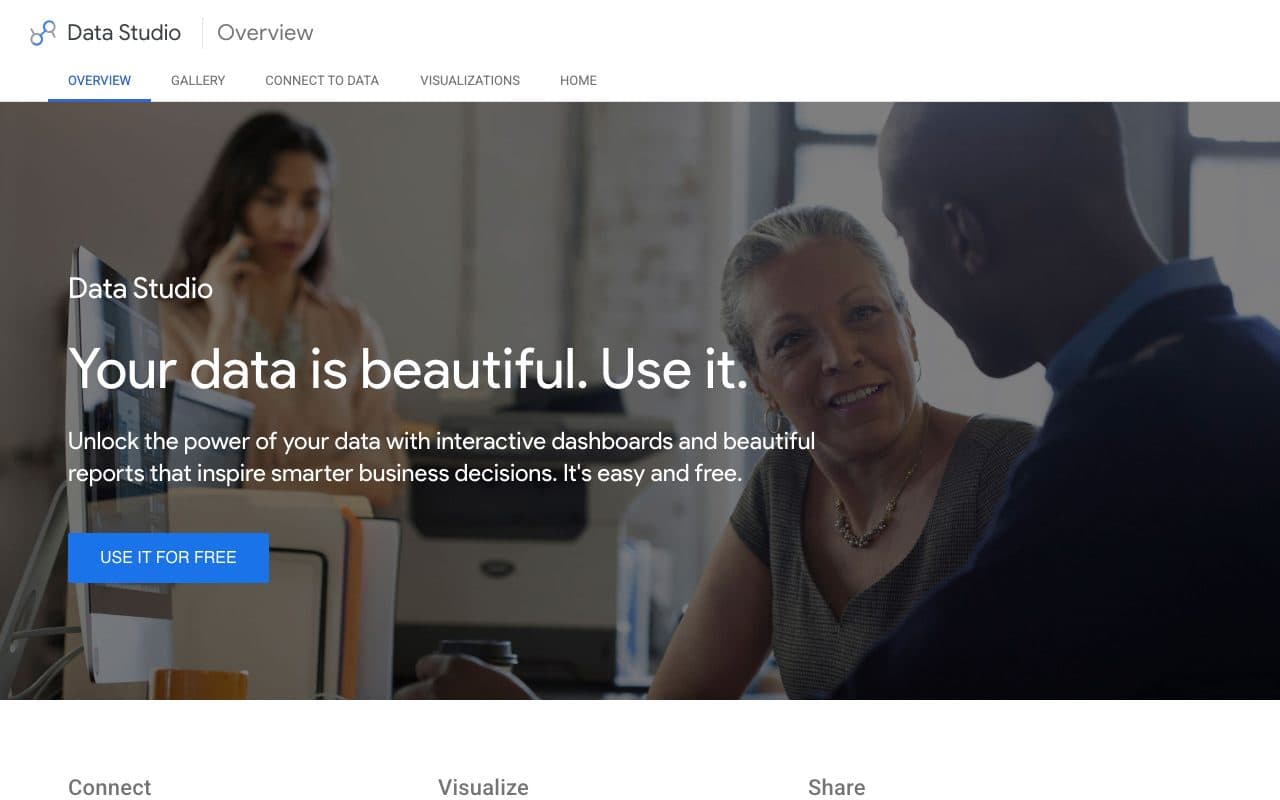
Looker Studio (formerly Google Data Studio) automates report delivery via scheduled email with live dashboard links. Free to use, integrates natively with Google Analytics, Google Ads, and Search Console, and supports community connectors for other platforms. Automated reports update in real time as connected data sources refresh.
Verdict
Best free automated reporting for Google-centric teams. Strong for Google channel automation, weak for LinkedIn, Bing, and CRM revenue metrics. No built-in attribution or CAPI loop.
7. Supermetrics: Best Data Layer for Custom Automated Reports
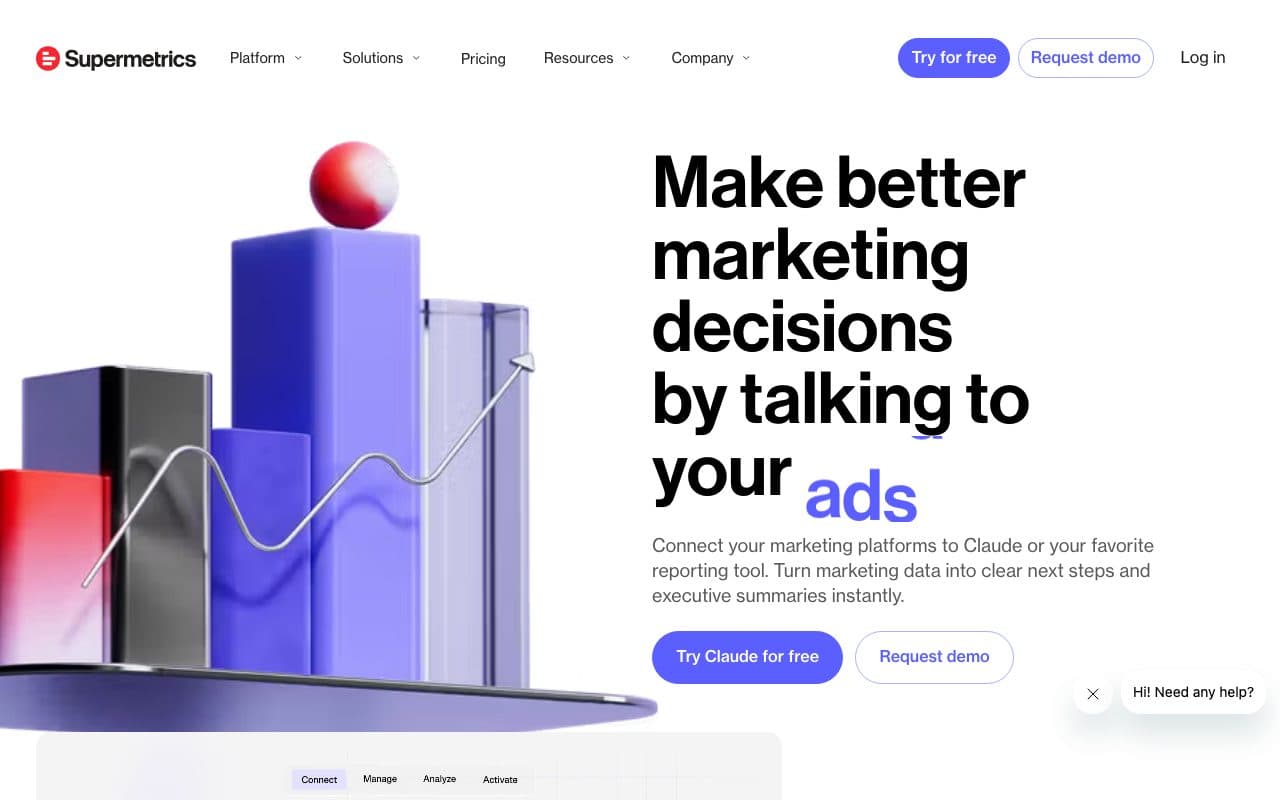
Supermetrics automates data collection from 170+ sources into Looker Studio, Google Sheets, BigQuery, and other destinations. Teams build custom automated report templates on top of Supermetrics data. The standard for agencies and enterprise teams building bespoke automated reporting pipelines outside of dedicated report tools.
Verdict
Essential for automating the data layer of custom reports. Not a reporting tool itself: it powers the underlying data automation while teams build the reports on top. Platform-reported data only.
8. HubSpot Reporting: Best Automated Reporting for HubSpot Ecosystems
HubSpot automates cross-functional reporting across marketing, sales, and service within its ecosystem. Scheduled dashboards and report emails update automatically as CRM data changes. For teams running their full funnel inside HubSpot, it delivers automated reports that genuinely connect marketing activities to pipeline and revenue, within the HubSpot stack.
Verdict
Strong automated reporting for full HubSpot users. Limited for teams running significant paid campaigns outside HubSpot or needing cross-platform attribution across Meta, LinkedIn, Bing, and organic channels.
9. Klipfolio: Best for Custom Automated KPI Dashboards
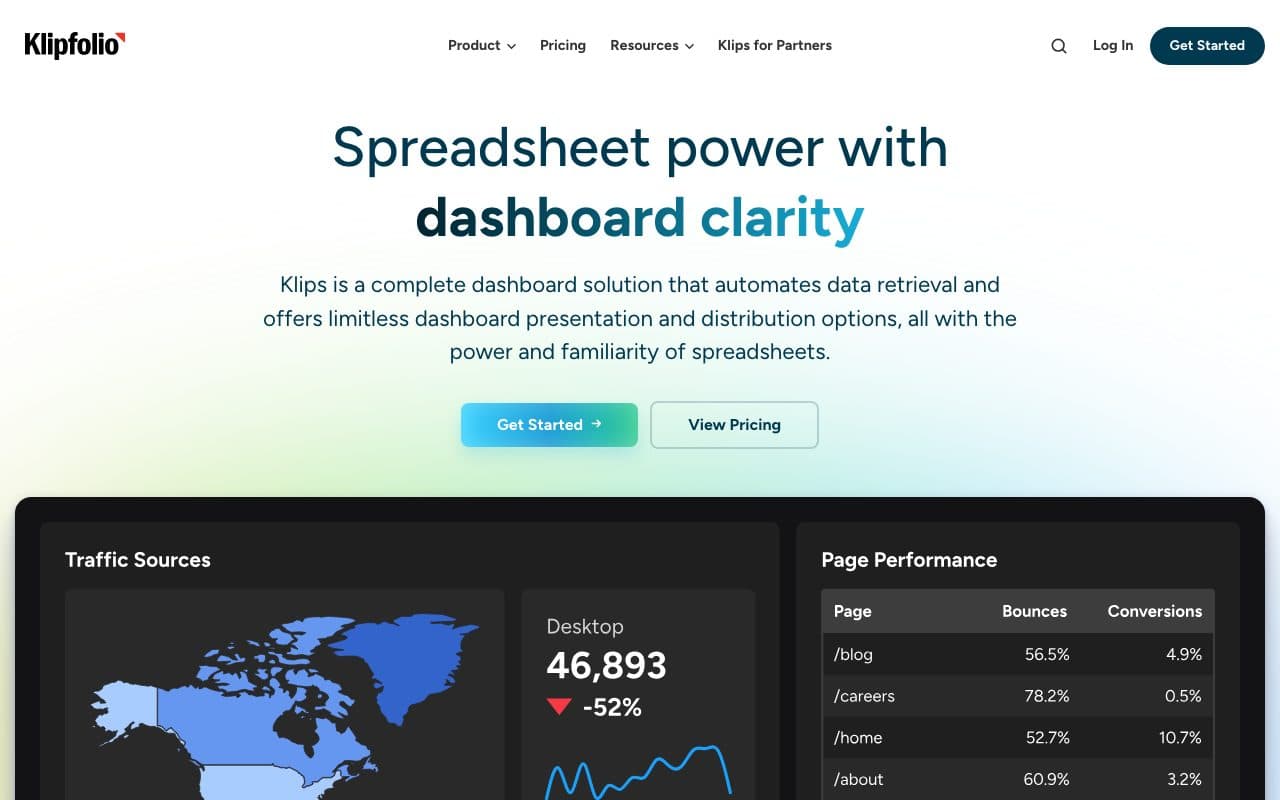
Klipfolio automates KPI monitoring by connecting to hundreds of data sources and refreshing dashboards on custom schedules. Its formula engine lets teams build custom metric calculations that update automatically. Strong for agencies and in-house teams that need bespoke automated reporting layouts.
Verdict
Best for custom automated KPI layouts. Requires setup time to build well; data quality depends on connected sources. No built-in attribution or CRM pipeline depth.
10. Power BI: Best Enterprise Automated Reporting for Microsoft Stacks
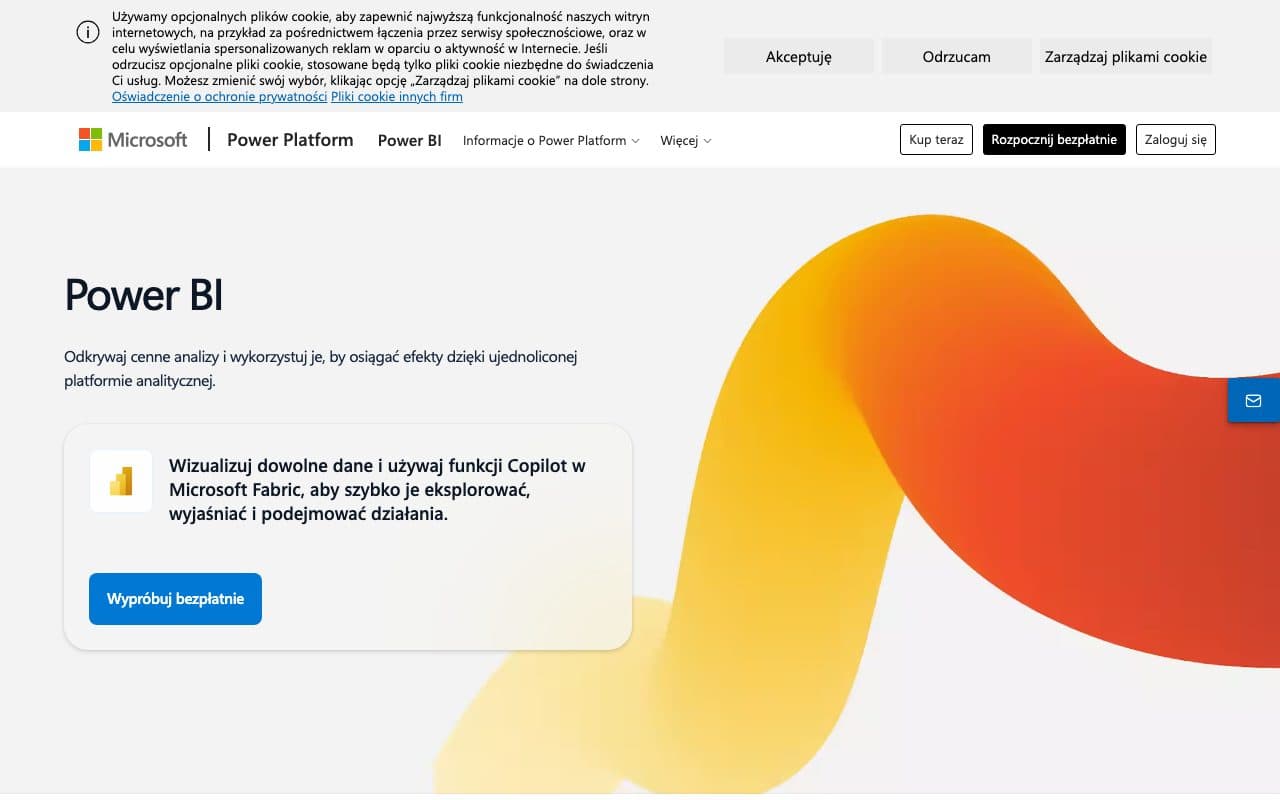
Power BI automates enterprise reporting at scale: scheduled data refreshes, automated alert subscriptions, and distributed report sharing across large organizations. Integrated with Azure, Dynamics CRM, and LinkedIn Ads. Enterprise teams use it for automated cross-departmental reporting across marketing, finance, sales, and operations.
Verdict
Best-in-class enterprise automated reporting for Microsoft-native organizations. Requires data engineering to build marketing attribution models. No built-in server-side tracking or CAPI activation.
11. Improvado: Best Managed Automated Reporting for Large Agencies
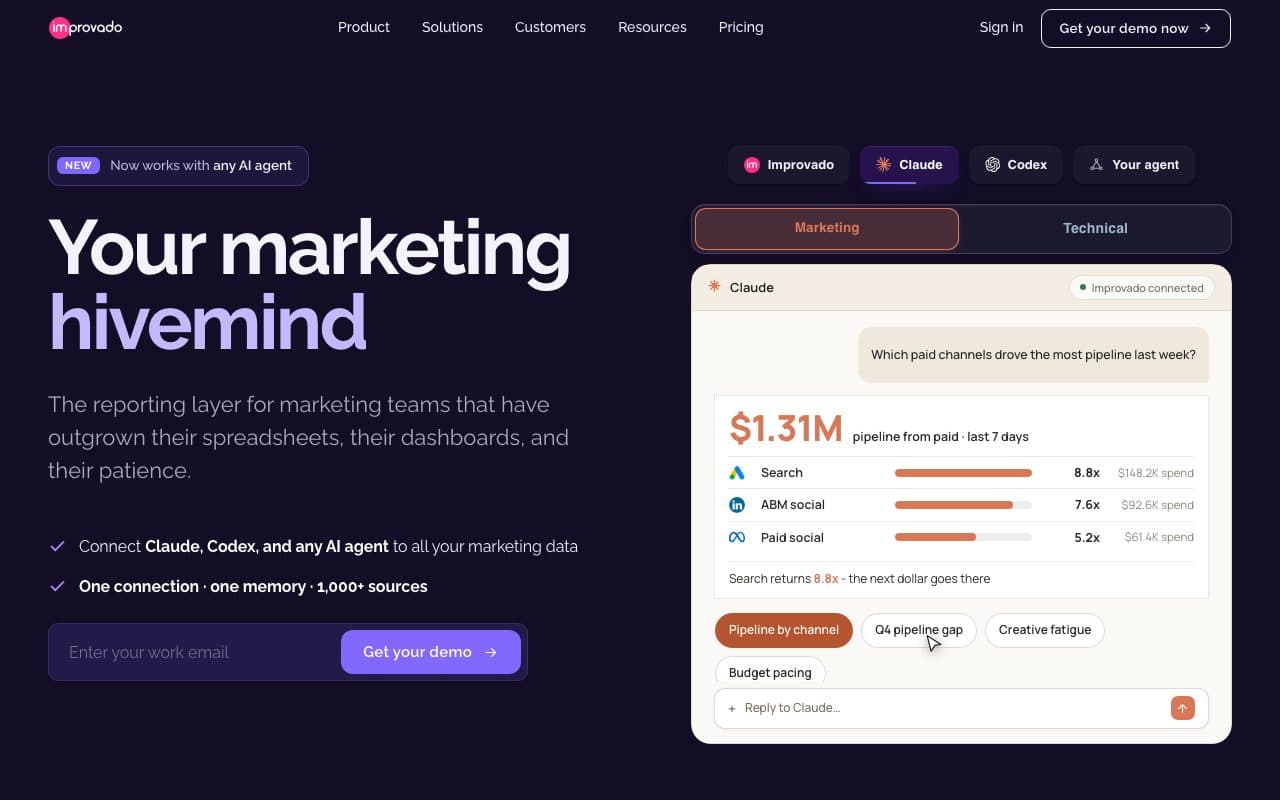
Improvado automates marketing data collection from 1,000+ sources and delivers it into reporting dashboards or connected BI tools. Positioned as a managed alternative to building custom automated reporting pipelines. Popular with large agencies that want automated multi-channel data consolidation without engineering overhead.
Verdict
Strong managed automated data consolidation for large agencies. Automates platform-reported metrics: no independent attribution layer, no CRM revenue automation, no CAPI activation.
12. Funnel.io: Best for Automated Marketing Data Normalization
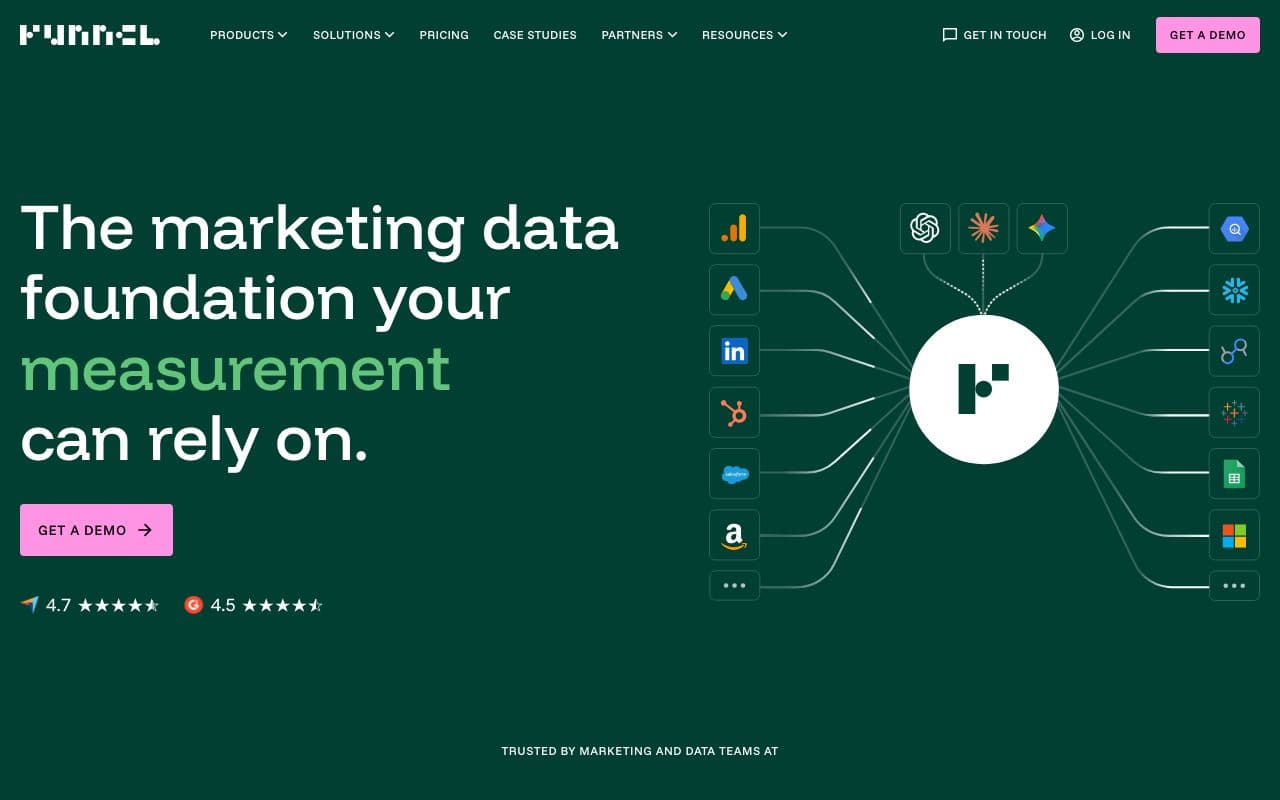
Funnel.io automates the ingestion and normalization of marketing data from 500+ sources. It harmonizes metric names and definitions across platforms and loads clean, consistent data into BI tools or warehouses. Reduces the manual work of keeping cross-platform marketing data consistent for reporting.
Verdict
Excellent at automating marketing data normalization. Like Supermetrics, automates what platforms report: no independent attribution, no CRM revenue connection, no CAPI loop.
13. Tableau: Best for Enterprise Automated Data Visualization
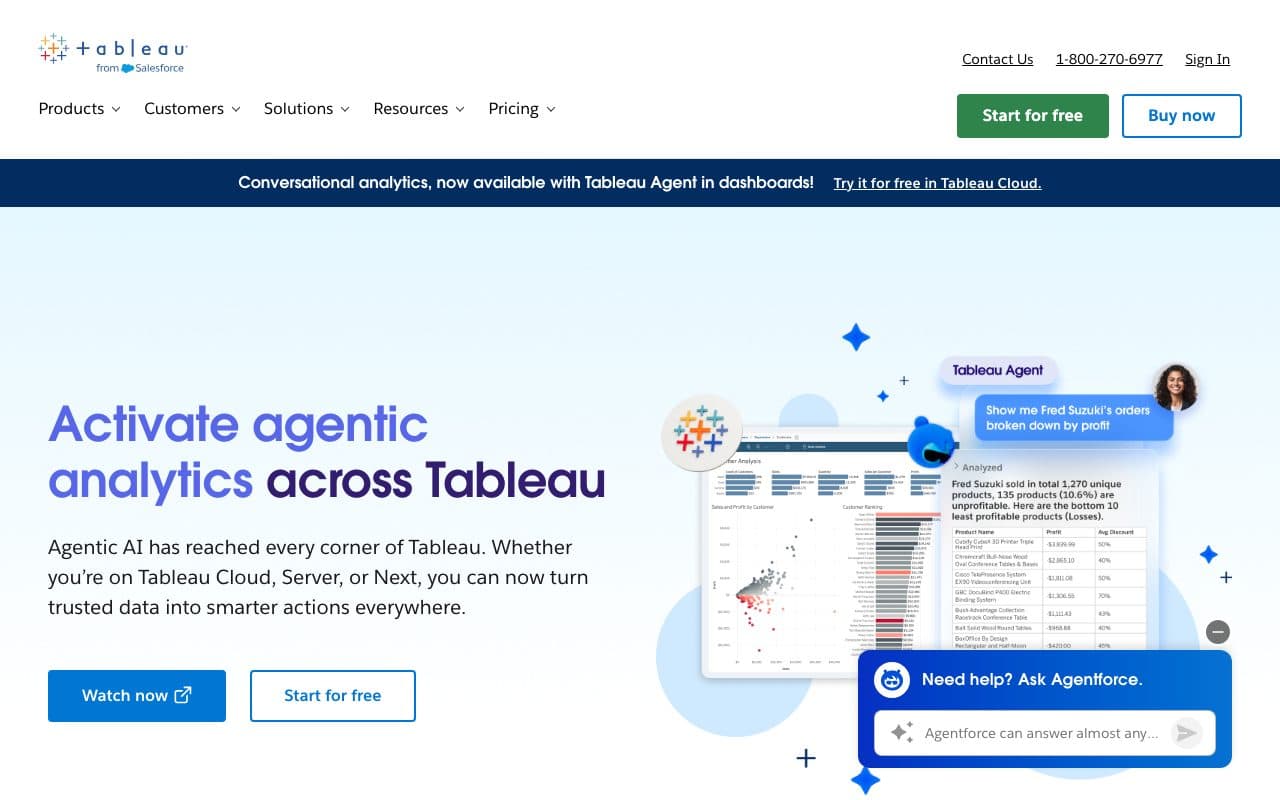
Tableau automates the delivery of sophisticated data visualizations and dashboards to enterprise stakeholders. Scheduled data refreshes, automated alert subscriptions, and enterprise distribution at scale. Used by large marketing analytics teams that need automated reporting of complex, multi-source data models to executive audiences.
Verdict
Best-in-class for automated enterprise visualization. Visualization quality depends on underlying data model quality. Requires data engineers to build and maintain attribution logic on top of connected sources.
14. Ruler Analytics: Best Automated Reporting for Phone-Driven B2B
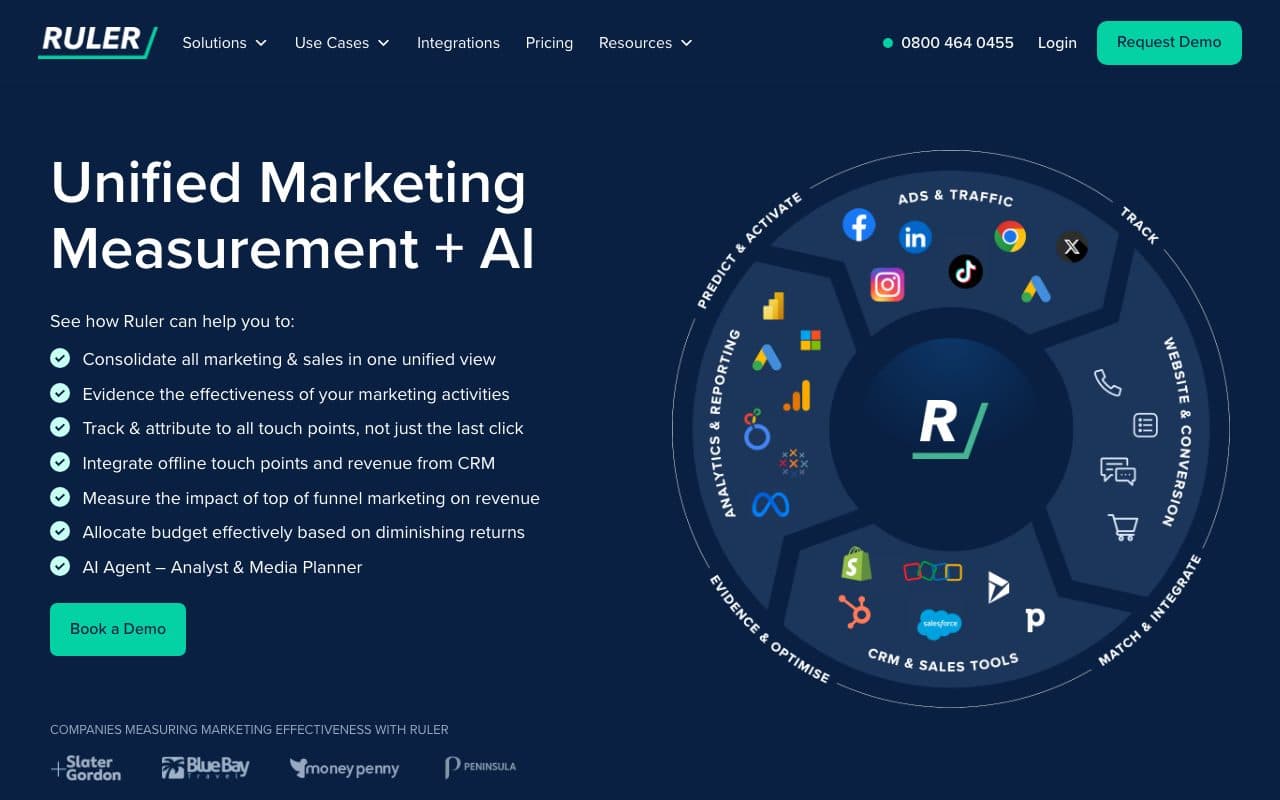
Ruler Analytics automates the attribution of inbound phone calls back to their marketing source and syncs revenue data from CRM to reporting. For businesses where calls are the primary conversion event, it delivers automated reports that connect marketing spend to call-based pipeline outcomes.
Verdict
The right automated reporting tool for phone-call-centric B2B businesses. Does not offer multi-platform CAPI activation or unified cross-channel attribution automation.
15. Cometly: Best Automated Reporting for Paid-Channel Attribution
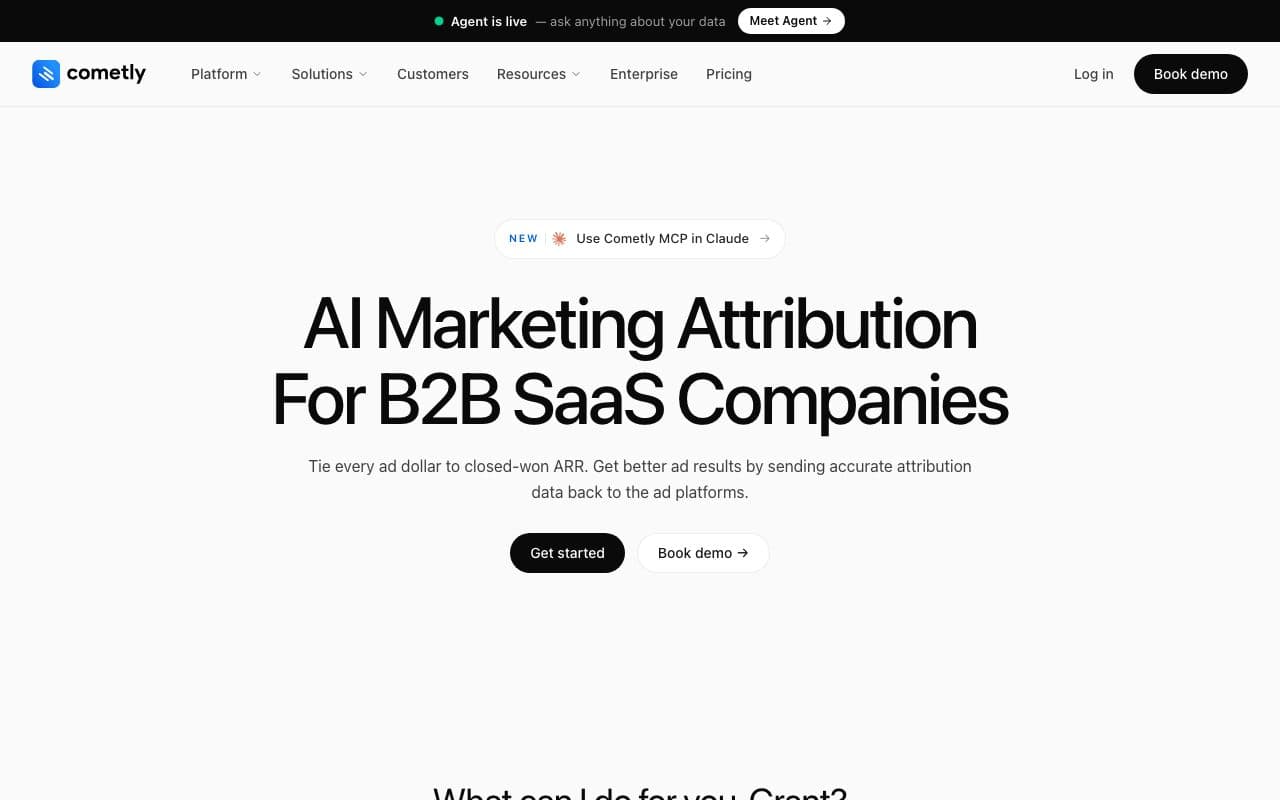
Cometly automates server-side attribution reporting for paid channels with AI-powered optimization recommendations. Goes deeper than standard reporting tools by automating actual paid attribution rather than just platform-reported metrics. Limited to paid channels without organic, AI search, or automated CRM pipeline depth.
Verdict
A step above standard automated reporting for paid attribution. Missing organic channel coverage and the automated CRM pipeline connection needed to report cost-per-close.
16. Two Minute Reports: Best Automated Reporting with AI-Built Dashboards
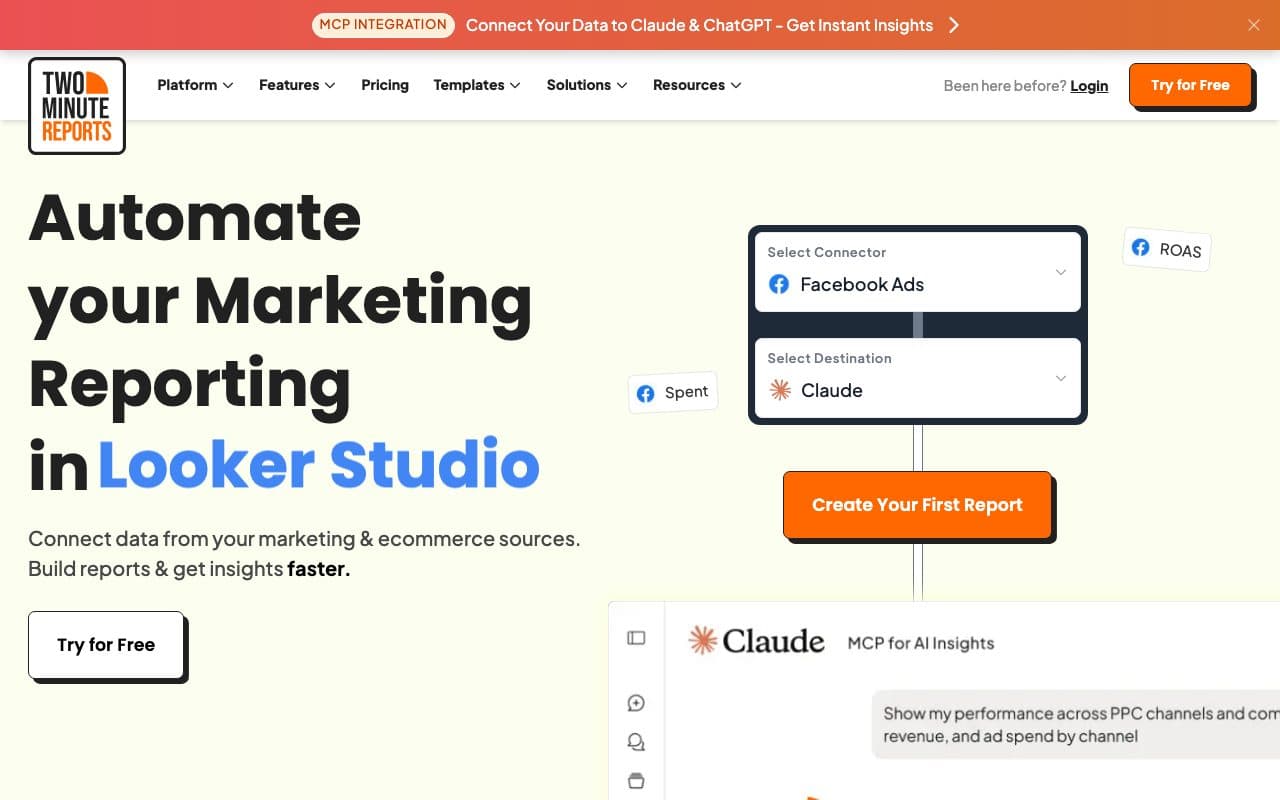
Two Minute Reports is a marketing reporting platform for agencies: it connects 30+ sources across PPC, SEO, social and e-commerce (Google Ads, Meta Ads, GA4, LinkedIn Ads, TikTok Ads, Google Search Console, HubSpot, Shopify, Klaviyo and SQL databases among them) and brings the data into its own AI dashboards, into Google Sheets or into Looker Studio. A dashboard is built from a prompt, a report is built once and reused across clients, and refreshes run hourly to monthly with the finished report delivered on a schedule. Custom metrics and dimensions, cross-channel blending, API access and an MCP connection to Claude and ChatGPT come with every plan.
Pricing follows accounts per connector rather than clients: Lite from $81 a month billed yearly ($97 monthly) with 3 accounts per connector, Pro from $248 with 30, Business from $498 with 100. Every plan has unlimited seats and one reporting destination included, its AI dashboards, Google Sheets or Looker Studio (a further one is $41 a month), plus a 14-day trial with no credit card. There is no free plan.
Verdict
A strong fit for agencies that want the connectors, the dashboards and the scheduled client reports in one place, whether the report lives in its own AI dashboards, in Google Sheets or in Looker Studio. What it reports is what each platform reports: joining a click to the lead and the CRM deal it became, across channels, is not what it does.
What Separates Automated Reporting from Automated Attribution Intelligence
Most automated reporting tools solve a scheduling problem: they eliminate the manual work of pulling data and building reports. They connect to ad platforms, normalize the numbers, and deliver polished PDFs or live dashboards on a schedule. That's genuinely valuable, but it's still automating the delivery of incomplete information.
The problem: automated reports built on platform-reported data automate the delivery of overlapping attribution, iOS 14+ data loss, and vanity metrics. Clean, scheduled delivery of inaccurate numbers is not a competitive advantage. LeadJourney automates something different: it captures accurate data server-side before platforms can distort it, enriches it with CRM revenue outcomes automatically, and delivers reports that answer the question clients and leadership actually care about: which campaigns produced closed revenue?
And then it goes one step further: it automatically uses those report insights to improve future campaigns, feeding enriched conversion signals back to Meta, Google, LinkedIn, and Bing via CAPI. The result is a reporting loop that not only shows what worked: it automatically tells the ad algorithms to do more of it.
FAQ
Frequently Asked Questions
The questions teams automating their marketing reporting ask most.
What is the best automated reporting tool in 2026?
For agencies delivering white-label client reports, AgencyAnalytics and Whatagraph are the strongest dedicated options. For teams that want the report to show closed revenue rather than platform-reported conversions, LeadJourney automates the attribution behind it. Looker Studio remains the best free option if you are already inside the Google ecosystem.
How much do automated reporting tools cost?
Looker Studio is free. AgencyAnalytics starts at $20 per client per month, DashThis at $44 on annual billing, Swydo from €62, Databox from $64, and Whatagraph from €699 per month on an annual plan. Supermetrics starts at €39 as a data layer rather than a report builder, and Improvado and Funnel.io sit at enterprise pricing.
What is the difference between automated reporting and automated attribution?
Automated reporting solves a scheduling problem: it pulls the numbers, formats them and sends them on time. Automated attribution changes the numbers themselves, by capturing conversions server-side and enriching them with the CRM outcome before they reach the report. A scheduled PDF of overlapping platform attribution is still a PDF of overlapping platform attribution.
Can automated reports be white-labelled for clients?
Yes, and for agencies that is usually the deciding feature. AgencyAnalytics, Whatagraph, DashThis and Swydo all offer branded client portals and scheduled delivery by email or Slack. Looker Studio can be styled but has no built-in client portal, so agencies using it tend to share dashboard links rather than send reports.
How often should an automated report go out?
Weekly for anything the team acts on, monthly for the commercial summary, and continuously if you can give the client a live dashboard link instead. The value of automation is not that the PDF arrives on the first of the month, it is that nobody has to wait for the first of the month to see whether the spend is working.
Keep reading
More from the blog
 Tool Comparisons
11 Best iGaming Tracking Software Tools in 2026
Every iGaming tracker takes a postback. Fewer split reg, FTD and deposit into stages of one player, and fewer still send the FTD back to Google and Meta. Eleven tools ranked on that, with every price read on the vendor's own page.Read the article18 min read Tool Comparisons
9 Best Marketing Attribution Tools for Zoho CRM in 2026
Four of the best attribution tools for Zoho CRM are Zoho products you may already pay for. Nine options compared on where the tracking starts, which ad platforms they cover, and whether the closed deal ever reaches the algorithm buying your traffic.Read the article13 min read Tool Comparisons
9 Best Marketing Attribution Tools for Microsoft Dynamics 365 in 2026
Dynamics records the revenue and nothing fills in where it came from: Lead Source is a ten-option picklist and campaign spend is typed by hand. Nine tools compared on what each can actually see in a Dynamics environment, with pricing, pros, cons and a verdict.Read the article14 min read
Beyond scheduled reports
Ready to automate revenue reporting?
Automated full-funnel attribution reporting. Cost-per-close per campaign. CRM pipeline metrics. 95%+ server-side accuracy. CAPI activation. Per-client workspaces. 21-minute setup.