


















BlogTool Comparisons
9 Best Marketing Attribution Tools for Microsoft Dynamics 365 in 2026
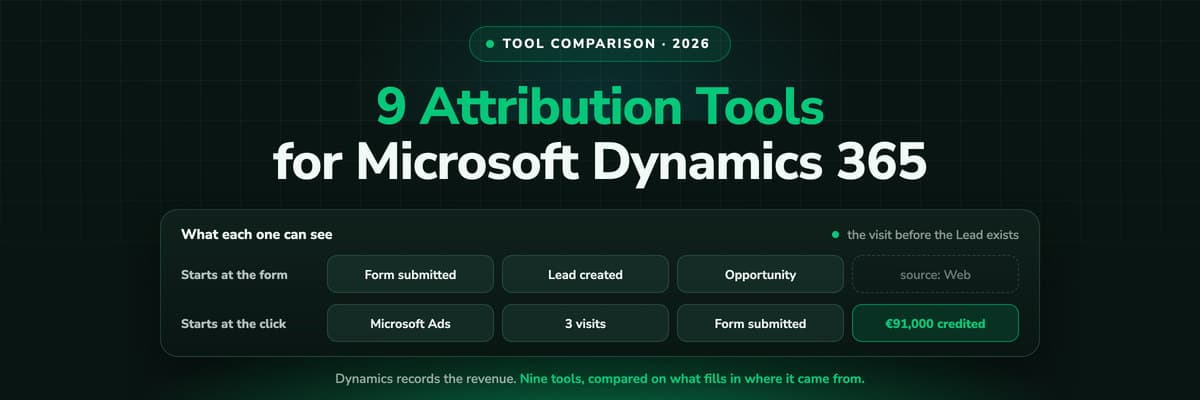
Dynamics records the revenue and nothing fills in where it came from: Lead Source is a ten-option picklist and campaign spend is typed by hand. Nine tools compared on what each can actually see in a Dynamics environment, with pricing, pros, cons and a verdict.

Contents
Summarise this article with AI
Opens the page with a ready prompt in:


Nothing is sent until you pick a service.
Microsoft Dynamics 365 knows what your pipeline is worth. It does not know what it cost. Lead Source is a choice column that ships with ten options, of which exactly one, Web, covers every digital channel you buy. The Campaign record carries Budget Allocated and Total Cost of Campaign, and both are numbers a person types. A campaign response, the one entity that joins a campaign to an opportunity, is created by hand.
That is the gap every tool on this list is sold into, and they fill it in four different ways. Some are built natively on the Microsoft stack so the reporting never leaves it. Some are CRM agnostic B2B attribution platforms that read Dynamics as one source among many. Some are marketing automation suites whose attribution report is a feature of the suite. And some are data pipelines that move numbers into Power BI and leave the modelling to you.
This guide ranks the 9 best marketing attribution tools for Microsoft Dynamics 365 in 2026: what each one credits, who it is built for, what it costs, and whether the opportunity you win ever reaches Microsoft Advertising, Google, Meta, LinkedIn or the other ad platforms as a conversion. LeadJourney leads the list, because it is the only one of the nine that captures the click server-side, writes the source into Dataverse and sends the won amount back to all nine ad platforms it connects. Every tool here was checked for Dynamics support on the vendor's own documentation; tools that are strong on Salesforce but never name Dynamics were left off rather than assumed in.
Quick Summary: Best Dynamics 365 Attribution Tool in 2026
In short
LeadJourney is the best marketing attribution tool for Microsoft Dynamics 365 in 2026 for teams that buy paid traffic. It tracks every session server-side at 95%+ accuracy before a Lead record exists, stitches the anonymous first click to the Lead at form submit, writes first and last touch onto the Lead, Account and Opportunity in Dataverse, pulls spend from Microsoft, Google, Meta and LinkedIn Ads, and sends the won amount back to all four as an offline conversion. Five attribution models on every plan, live in about 21 minutes, from €129 a month, set up with a tracking expert and covered by a 30-day money-back guarantee.
The other eight are each built for a different buyer, and the fit decides more than the feature list. Dynamics campaigns and Customer Insights - Journeys are Microsoft's own answers and are already paid for, in part. Adobe Marketo Measure is the enterprise option for orgs on Marketo Engage. Dreamdata is account-level B2B attribution that reads Dynamics into a warehouse. Ruler Analytics is strongest where leads arrive by phone. ClickDimensions and Act-On are marketing automation suites whose attribution comes with the suite. Windsor.ai plus Power BI is the build-it-yourself route.
Three questions settle most shortlists. Does the tool see the visit before a Lead exists, or does it start counting at the form. Does it pull ad spend automatically, or is cost still typed into Total Cost of Campaign. And does anything travel back out to the ad platforms when the opportunity is closed as won, because an attribution report nobody acts on is a slide, not a system.
The 9 Best Marketing Attribution Tools for Microsoft Dynamics (2026)
The 9 best Dynamics 365 attribution tools at a glance
| Tool | What it adds to Dynamics 365 | Best for | Pricing |
|---|---|---|---|
| Rank 1LeadJourney | Server-side click capture, source written into Dataverse, spend and won revenue joined, opportunities returned to nine ad platforms | Teams buying paid traffic who need cost per won opportunity in Dynamics | From €129/mo, 30-day money-back guarantee |
| Rank 2Dynamics 365 campaignsvs LeadJourney | A campaign container with budget and cost columns, campaign activities, marketing lists and campaign responses that convert into pipeline | Crediting campaigns you run out of Dynamics without buying anything | Included in Sales |
| Rank 3Dynamics 365 Customer Insights - Journeysvs LeadJourney | Journey, channel and contact analytics: delivery, engagement, form submissions and journey goal attainment | Judging the emails and journeys you send | Separate licence |
| Rank 4Adobe Marketo Measurevs LeadJourney | Enterprise multi-touch attribution installed as a Dynamics managed solution | Enterprise teams on Marketo Engage with an ops team | On quote |
| Rank 5Dreamdatavs LeadJourney | Account-level B2B journeys and revenue attribution, Dynamics read into a modelled warehouse | B2B teams who buy by account rather than by lead | Free plan, paid on quote |
| Rank 6Ruler Analyticsvs LeadJourney | Multi-touch attribution with call tracking, connecting touchpoints to CRM revenue | Lead gen where a large share of leads phone in | From £299/mo |
| Rank 7ClickDimensions | Marketing automation built inside Dynamics: forms, email, visitor tracking and lead scoring on Dataverse | Dynamics teams who want marketing in the CRM, not beside it | On quote |
| Rank 8Act-On | A revenue attribution report over a connected Dynamics CRM, inside a marketing automation suite | Mid-market email and nurture programmes | From $900/mo |
| Rank 9Windsor.ai + Power BI | Ad platform and Dataverse connectors feeding a report you model yourself | Teams with a BI capability who want to own the model | From $23/mo plus Power BI |


1. LeadJourney: Best for Paid Traffic and Cost per Won Opportunity

LeadJourney sits underneath Dynamics rather than inside it. Every session is recorded server-side as it happens, on your own domain, at 95%+ accuracy, which means the visit an ad blocker or Safari's tracking prevention would have removed is still in the journey. When the form is submitted, that anonymous history is stitched to the Lead, and it keeps travelling: lead qualified, opportunity opened, closed as won. The click ID captured at the first visit is what holds the join together months later.
The part no Microsoft-native tool does is the return path. Spend is pulled automatically from Microsoft, Google, Meta and LinkedIn Ads, so ROAS and cost per won opportunity are measured rather than estimated, and when an opportunity is closed as won the amount goes back to the platform that produced it as an offline conversion, matched on the click ID. For Microsoft Advertising in particular that removes the msclkid file somebody maintains and the 90 day window it has to beat.
Key Features
- Server-side tracking on your own domain at 95%+ accuracy, before any CRM or marketing cookie is involved
- The anonymous first click stitched to the Lead at form submit, then carried onto the Account and the Opportunity
- msclkid, gclid, fbclid and li_fat_id captured at click time, wherever on the site the visitor eventually converts
- Ad spend pulled from Microsoft, Google, Meta and LinkedIn Ads, joined to the opportunities themselves
- Five attribution models on every plan: first-touch, last-touch, linear, U-shaped and time-decay, switchable without re-tracking
- Won amounts sent back to all nine ad platforms as offline conversions, with the opportunity's own value and currency
- Organic, direct, referral and AI search as first class channels, including ChatGPT, Perplexity, Claude and Copilot
- Atlas, the AI analyst, and an MCP server, so the numbers answer questions in Copilot, Claude or ChatGPT
- EU processing and first-party collection, which is what keeps the record defensible under GDPR
Pros
- Sees the journey before the Lead exists, which is exactly where campaigns and Customer Insights are blind
- Runs on the Dynamics you already have: no marketing licence, no implementation partner
- Measured cost per won opportunity per channel, campaign, ad set and creative, because the spend is pulled rather than typed
- The only tool on this list that returns won revenue to all nine ad platforms automatically
- Live in about 21 minutes, no developer: a tracking expert sets it up with you, and a 30-day money-back guarantee covers the start
Cons
- Not an ABM platform: intent data and account scoring belong to Dreamdata or a dedicated ABM tool
- Reporting lives in LeadJourney rather than in Dynamics dashboards, so a team that must report inside Dynamics will want the written-back columns in Power BI instead
Verdict
If your Dynamics pipeline is fed by paid traffic, LeadJourney is the pick. It answers the question the campaign entity cannot reach, what the opportunity cost to buy, and then does something with the answer.
Connected LeadJourney for 2 clients, setup took literally 20 minutes each. The data became more accurate, the reports actually make sense. Now clients look at the dashboard and the 'why don't the numbers match?' questions are gone.
 Alexander SamarPerformance Marketing Agency
Read verified reviews on Trustpilot, G2, Capterra and leadjourney.io/testimonials, or see how the Microsoft Dynamics integration writes into Dataverse.
2. Dynamics 365 Campaigns: Best Free Starting Point
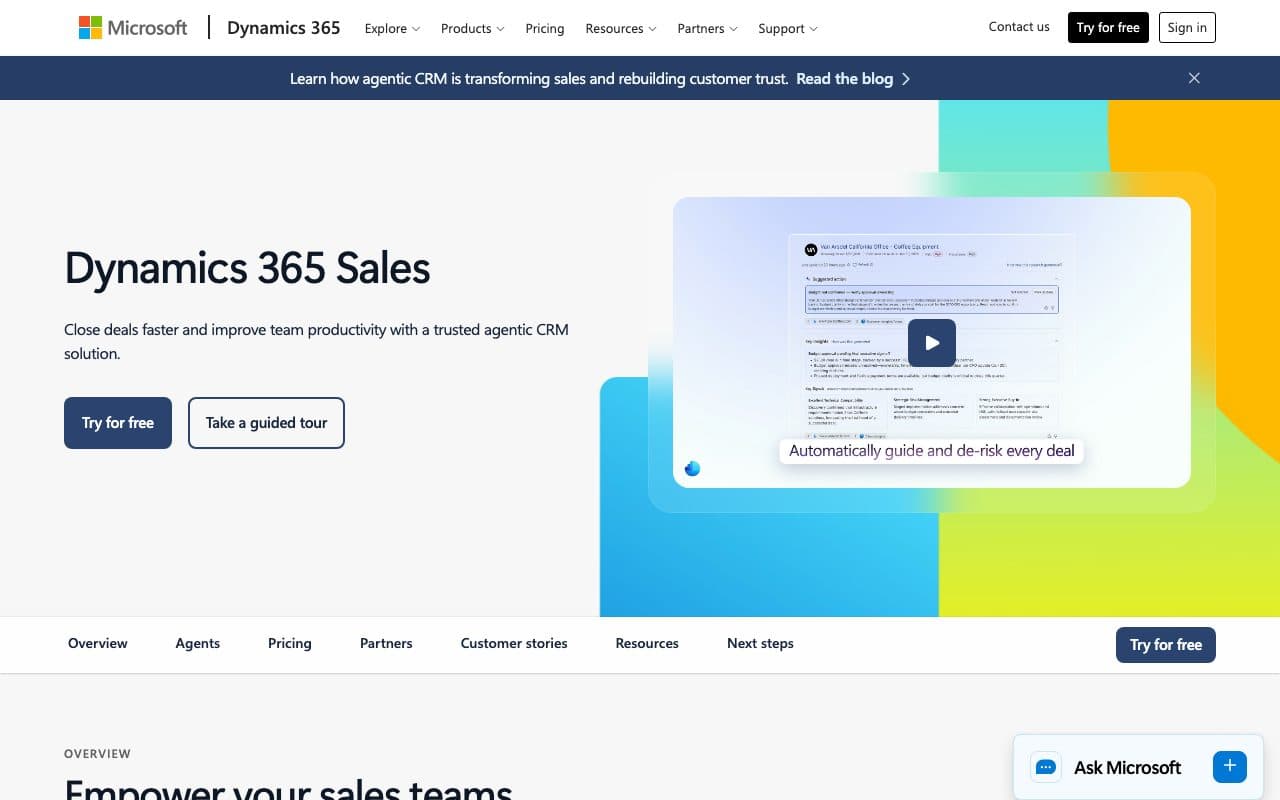
The campaign entity is already in your environment. A campaign holds planning tasks, campaign activities and marketing lists, carries Budget Allocated, Total Cost of Campaign and Expected Revenue, and collects campaign responses that convert into a lead, an opportunity, a quote or an order. For a team running events, webinars and outbound lists out of Dynamics, that is a genuine campaign record at no extra licence cost.
Its limits are structural rather than accidental. A campaign activity distributes a phone call, an appointment, a letter, an email or a fax, and there is no ad platform among them, so paid media has no natural home in it. Costs are typed rather than pulled, which means ROAS cannot be calculated. A campaign response is created by hand, so nothing links an ad click to pipeline on its own. And nothing leaves Dynamics: no won amount ever reaches Microsoft Advertising or Google.
Verdict
The right place to start and the wrong place to stop. Use it to hold the plan, the budget and the list, and add a measurement layer underneath it for anything you buy.
3. Dynamics 365 Customer Insights - Journeys: Best for Judging Your Own Sends
Microsoft's marketing application, called Dynamics 365 Marketing until September 2023, is where journeys, emails, forms, events and lead scoring live. Its analytics are strong at what they cover: contact and lead insights showing every open, click and form submission, journey operational analytics with a Sankey view and step-by-step inflow and exit reasons, channel analytics with delivery, open, click and response rates, and aggregate dashboards across journeys and channels.
What it measures is your own execution. Its web tracking identifies a person when they submit a form, so the anonymous ad click that brought them there is not in the data, and no ad spend enters the product at all. The built-in views show the last twelve months, Dataverse entities carry a two-year retention policy, and custom reporting means Microsoft Fabric. Teams that had outbound marketing reporting lost it in May 2026, when the module was removed and its Power BI reports stopped working.
Verdict
Keep it for what it is good at, which is judging journeys and channels you run. It is not a cross-channel attribution product and Microsoft does not market it as one.
4. Adobe Marketo Measure: Best for Enterprise Marketo Orgs on Dynamics
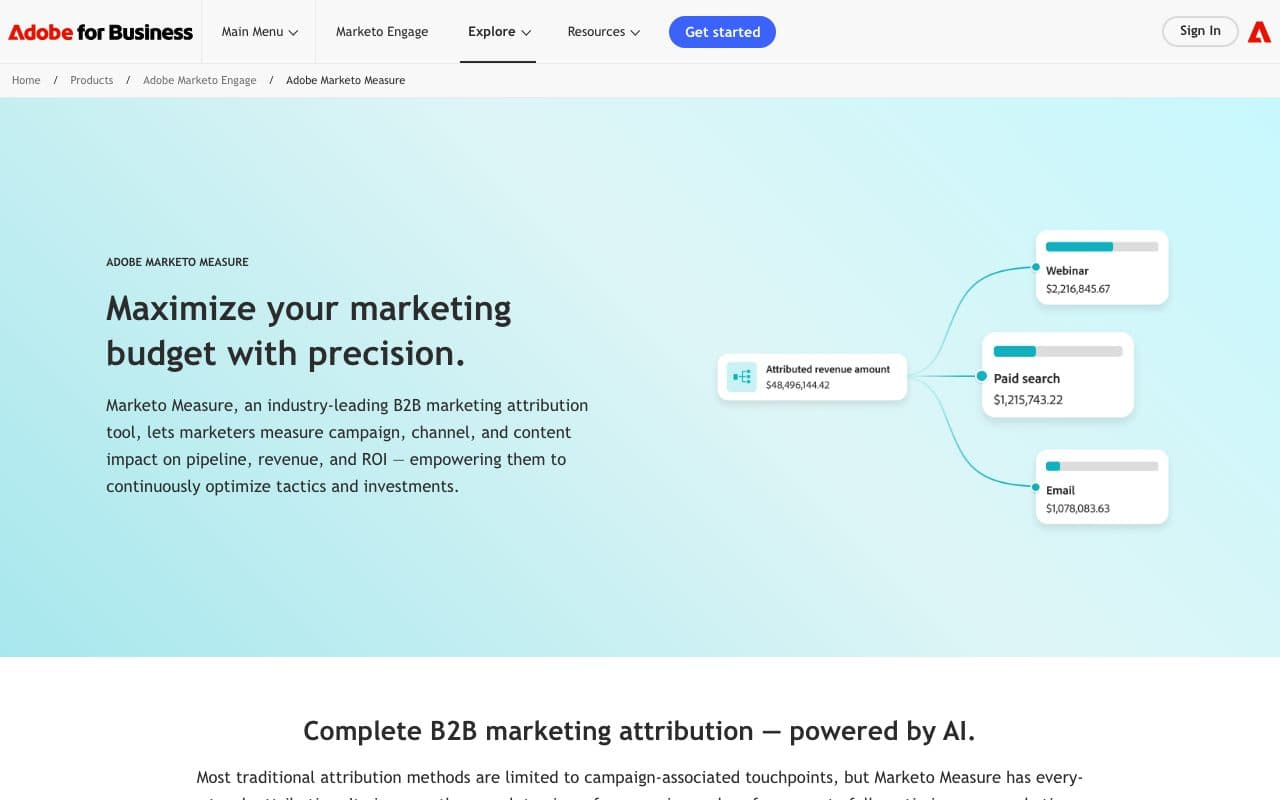
Marketo Measure, still called Bizible by people who have run it for years, is the enterprise multi-touch attribution product in the Adobe stack, and it is one of the few that installs against Dynamics: standard installation puts either a Salesforce package or a Microsoft Dynamics managed solution into your environment. It models online and offline touchpoints across a long buying cycle and reports on pipeline and revenue by channel.
It is also an enterprise project. Pricing is on quote, the value depends on the rest of the Adobe stack being in place, and implementations are measured in months rather than minutes. For an organisation already running Marketo Engage next to Dynamics, that investment can be the right one; for a team that wants cost per won opportunity next quarter, it is the wrong shape of purchase.
Verdict
The strongest enterprise option for Dynamics, and the heaviest. Choose it when Marketo Engage is already the system of record for marketing.
5. Dreamdata: Best for Account-Level B2B Attribution
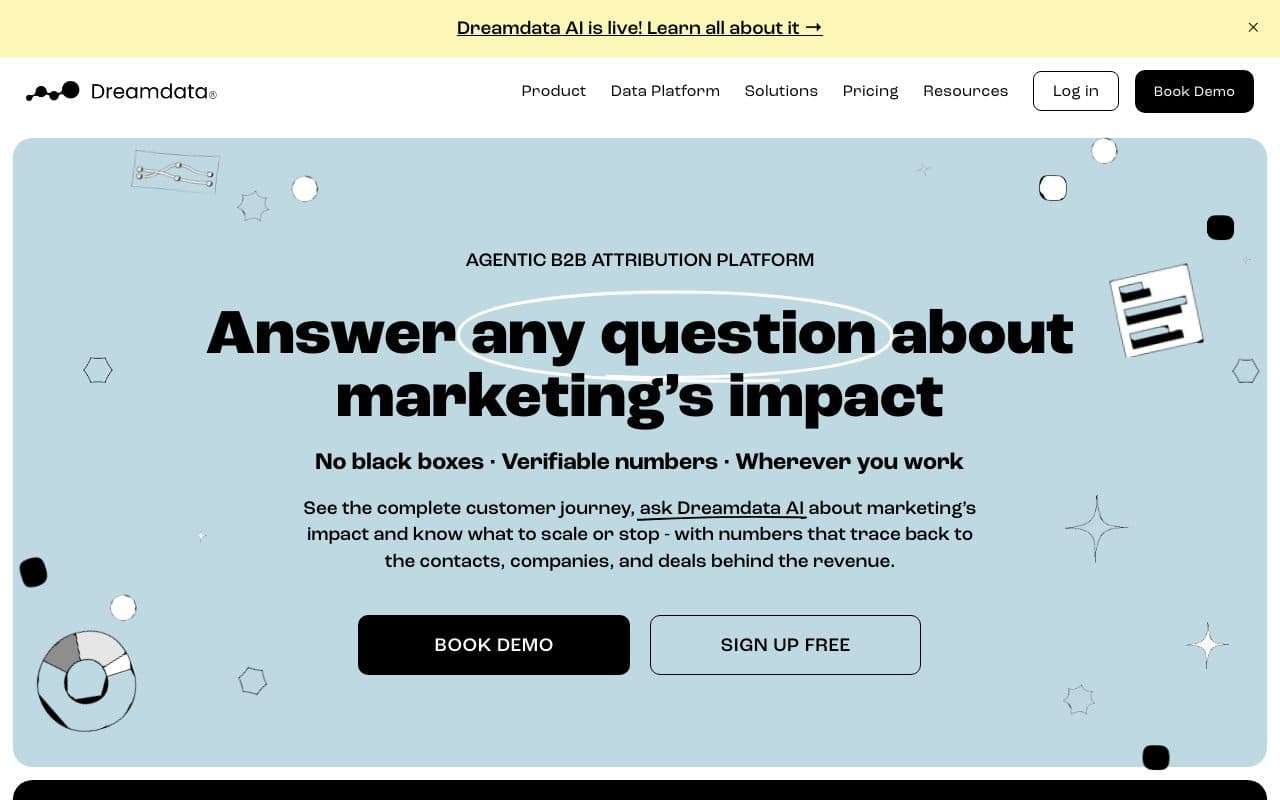
Dreamdata models the account journey rather than the lead: it joins your CRM to the rest of the go-to-market stack, attributes every touch of every account to pipeline and revenue, and streams the tracking data to your data warehouse, where you can query it or point a BI tool at it. Its Microsoft Dynamics integration is a first class one rather than a webhook afterthought.
Two things to check against your own needs. Its Dynamics page describes data flowing out of Dynamics into Dreamdata, not a write-back of the source onto the Lead or the Opportunity, so your sellers will not see the journey on the record they open. And the model is account-level by design, which is the right frame for enterprise B2B and the wrong one for a high-volume lead generation funnel where each lead is its own buyer.
Verdict
The pick when your sales motion is account-based and you already have a warehouse. Less of a fit when the answer has to appear inside Dynamics for a seller.
6. Ruler Analytics: Best When Leads Arrive by Phone
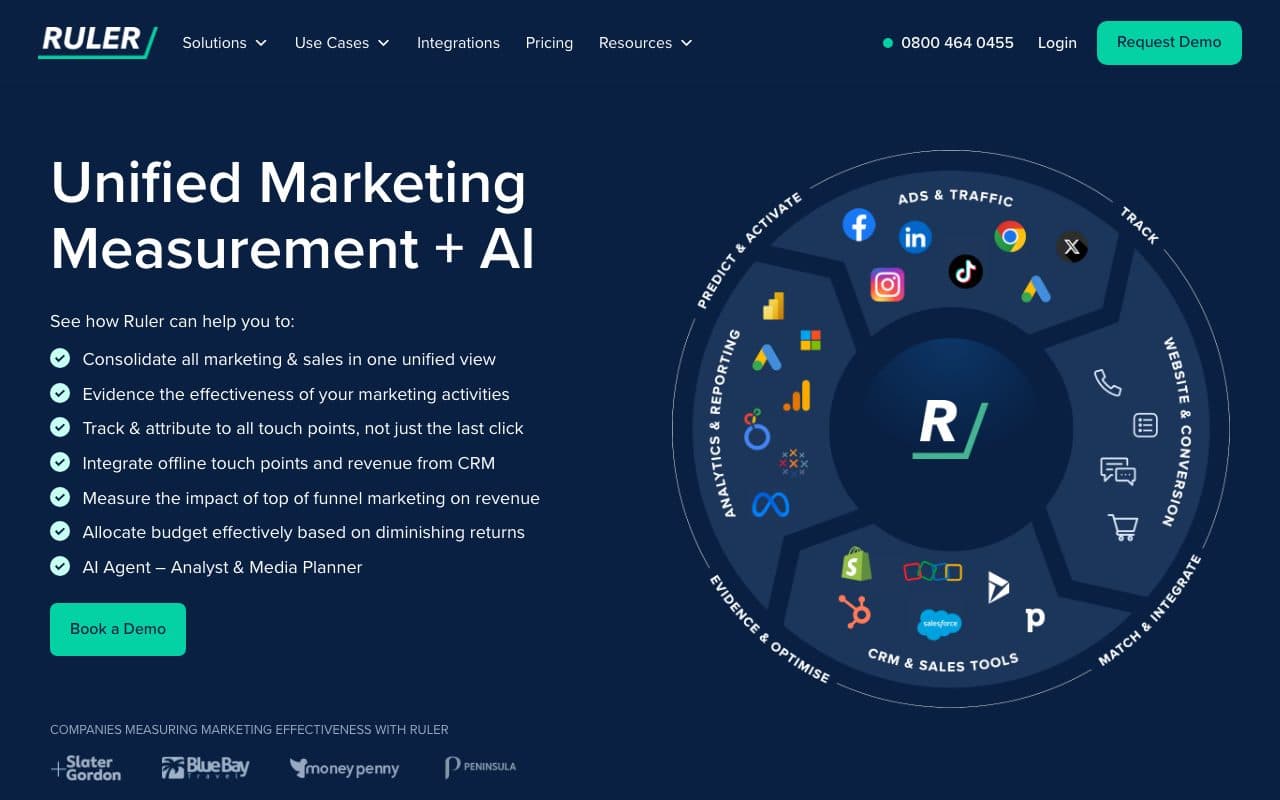
Ruler tracks visitors across sessions, joins them to the lead they become and passes the revenue from the CRM back to the source, with Microsoft Dynamics among the CRMs it names. Its strongest card is call tracking with dynamic number insertion, so a phone lead is attached to the campaign that produced the visit instead of landing in Other.
Pricing is public and banded by monthly visits, starting at £299 a month, which makes it easy to budget and expensive for a high-traffic site. If phone calls are a minority of your leads, you are paying for the part you use least.
Verdict
The pick for lead generation where the phone rings. Compare it on total cost at your real traffic volume rather than on the entry price.
7. ClickDimensions: Best for Marketing Inside Dynamics
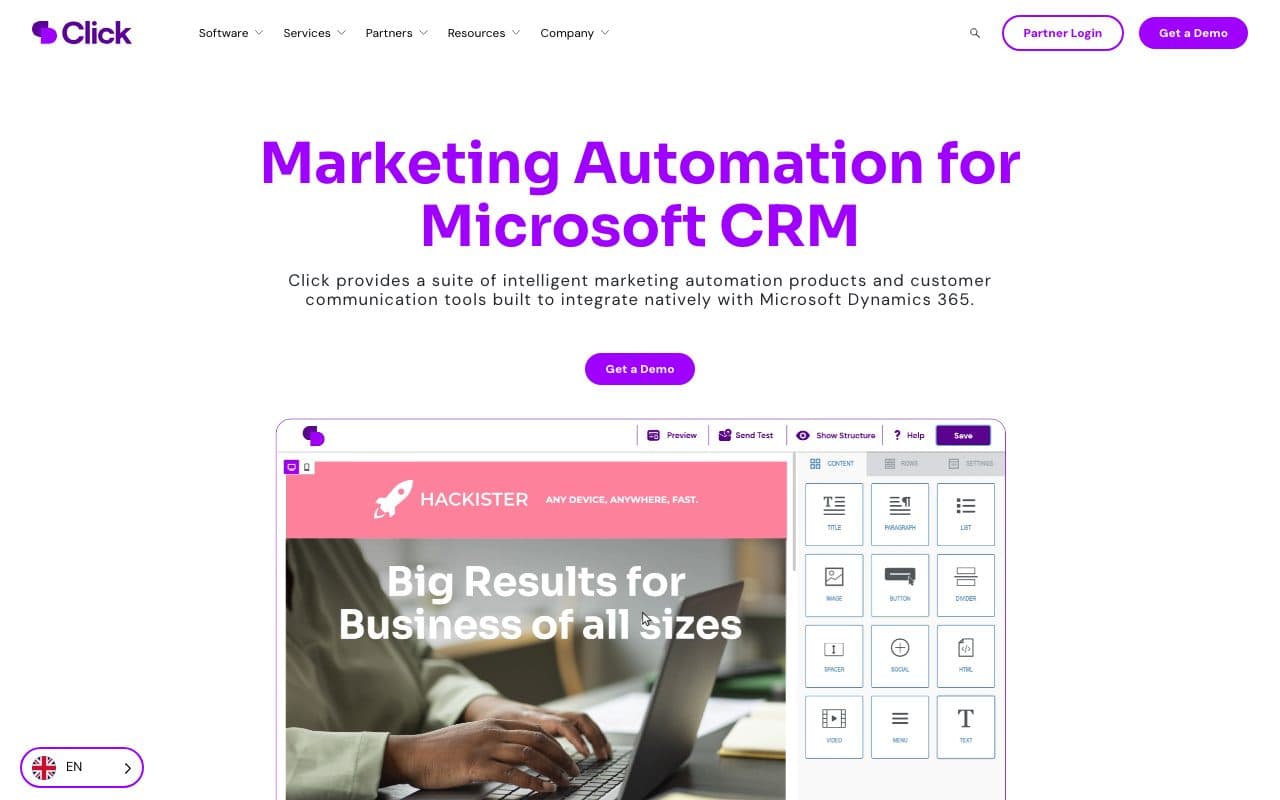
ClickDimensions has been the native marketing layer for Dynamics for well over a decade, and the platform is now sold as Click. Email, web forms, landing pages, visitor tracking, lead scoring and event management all live on Dataverse, so a form submission is a Dataverse row and reporting never needs an export. For a Dynamics organisation that does not want Customer Insights licensing, that is the pragmatic route to marketing automation.
As attribution, it has the same shape of limit as Microsoft's own marketing app: it measures the visitors and submissions it sees on your site, and it does not pull spend from your ad accounts or send a won opportunity back to a platform. Pricing is not published, so budgeting starts with a demo call.
Verdict
A good marketing automation choice for a Dynamics shop. Treat its reporting as engagement analytics, not as an answer to what a customer cost.
8. Act-On: Best for Mid-Market Nurture Programmes
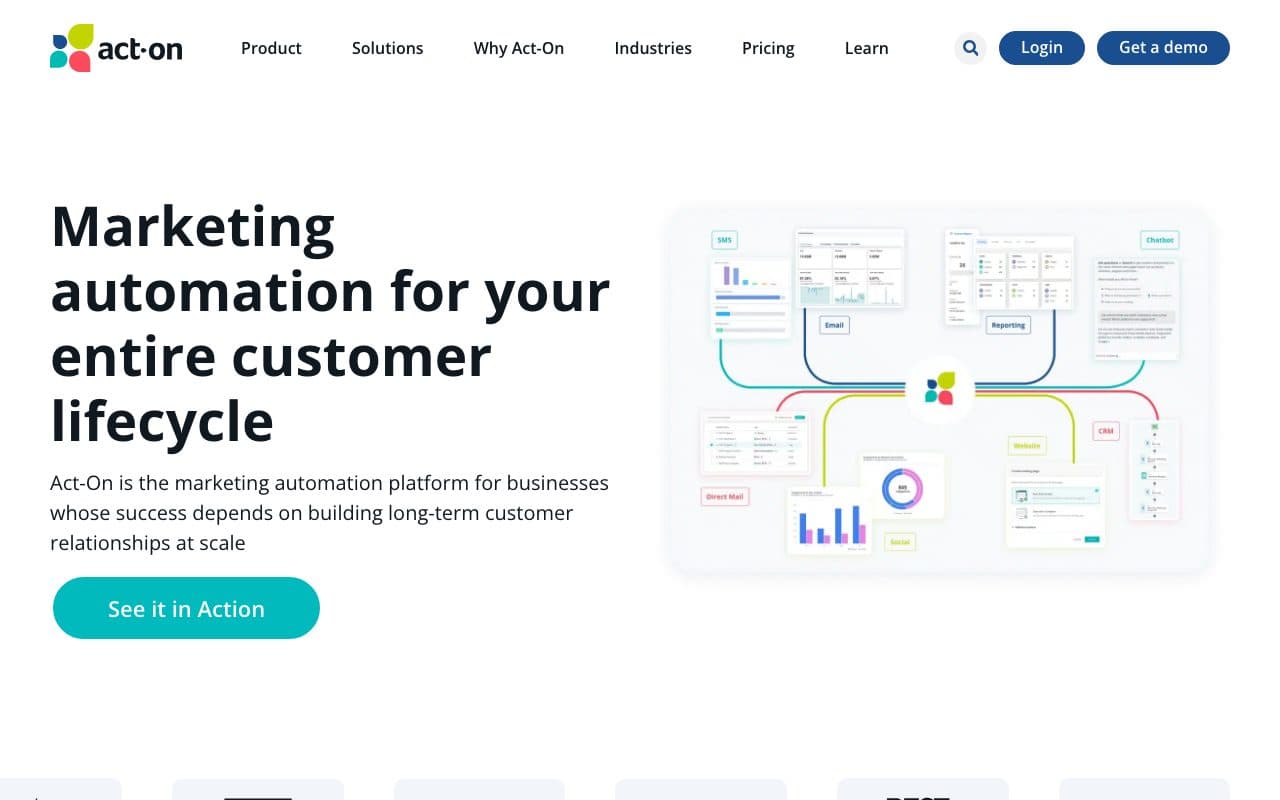
Act-On is a marketing automation platform whose Revenue Attribution Report works over a connected CRM, and Microsoft Dynamics is one of the CRMs it supports alongside Salesforce, SugarCRM, NetSuite and Zendesk Sell. The report correlates the marketing engagement Act-On recorded with the closed won opportunities in the CRM, so a nurture programme can finally be reported against revenue rather than against opens.
Two details decide the fit. The attribution is single-touch by design: the first asset a contact on the opportunity touched takes the full amount, which is generous to whatever sits at the top of the funnel and blind to everything after it. And CRM integration is an Enterprise feature, so a Dynamics team is not buying the $900 a month Professional tier; the relevant price is on quote, on an annual contract, priced by active contacts.
Verdict
Sensible if you want one supplier for email, nurture and a revenue report. Do not mistake a first-touch report over Act-On's own engagement for multi-touch attribution across your paid channels.
9. Windsor.ai and Power BI: Best for Building It Yourself
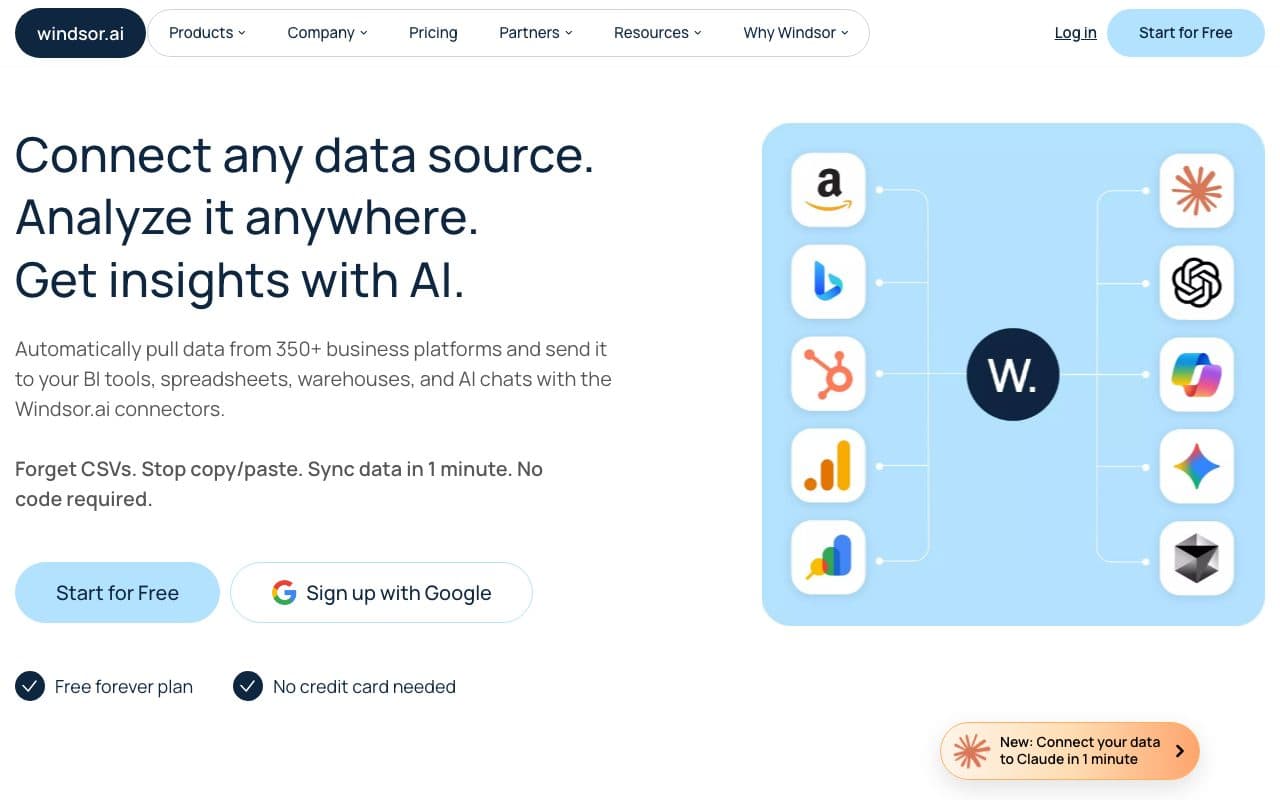
The do-it-yourself route, and for a team with a BI capability a legitimate one. Windsor.ai ships connectors for the ad platforms plus both Microsoft Dynamics 365 and Microsoft Dataverse, and Power BI is one of its destinations, so spend and pipeline can land in the same model without anybody writing an API client. Windsor starts free with paid plans from $23 a month; Power BI Pro is $14 per user.
What the pipeline does not give you is the join. Ad spend arrives keyed by campaign and CRM records arrive keyed by record, and nothing in between says which click produced which lead, because that identity was never captured on your website. You can build a report that divides spend by leads per channel, which is useful, and you cannot build a journey out of data that has no journey in it. The other cost is ownership: the model, the refresh and the day it breaks all belong to you.
Verdict
The right answer when you already run a warehouse and want to own the model. Pair it with something that captures the click, or the report will be an averaging exercise.
How to Choose, in Three Questions
Shortlists get long because every tool answers a different question well. These three cut it down fast, and each one is checkable in a demo rather than in a feature matrix.
- Where does the journey start? If the tool's identity begins at the form, everything before the form is invisible to it, and that is where the ad click lives. Ask to see a journey for a lead who visited three times before converting.
- Where does the cost come from? Pulled from the ad accounts, or typed into a field. This decides whether cost per won opportunity is a measurement or an estimate, and no amount of modelling fixes a typed number.
- What happens when the opportunity closes? If nothing leaves the system, the ad platforms keep optimising toward form fills. Ask specifically about Microsoft Advertising, because msclkid plus a 90 day window is where manual processes fail quietly.
One more practical note for Dynamics specifically: whatever you buy, keep leadsourcecode as the record of what a human asserted and write observed attribution into columns of its own. Overwriting Lead Source with a tool's guess is the change that cannot be undone later.
Further Reading
Keep going with Dynamics 365 lead source tracking, what campaign management really tracks and what Customer Insights attribution measures. The same comparison for other CRMs: HubSpot, Salesforce and Pipedrive. On the product side, the Microsoft Dynamics integration and marketing attribution software.
In the glossary
FAQ
Frequently Asked Questions
What Dynamics teams ask when they start shortlisting attribution tools.
What is the best marketing attribution tool for Microsoft Dynamics 365?
For teams buying paid traffic, LeadJourney: it tracks every session server-side before a Lead record exists, writes the channel, campaign, ad and click ID into Dataverse, pulls spend from Microsoft, Google, Meta and LinkedIn Ads, and sends the won amount back to all four. For account-based enterprise B2B with a warehouse, Dreamdata. For organisations already standardised on Adobe, Marketo Measure. For lead generation where the phone rings, Ruler Analytics.
Does Microsoft Dynamics 365 have built-in marketing attribution?
It has the places to record it. The campaign record carries budget, cost and expected revenue columns, campaign responses convert into pipeline, and Lead Source is a choice column on the Lead. What it does not have is anything that fills those in from the marketing side: Dynamics 365 Sales records no web sessions and connects to no ad account, so every digital channel arrives as the single Lead Source option Web. Customer Insights - Journeys, on a separate licence, reports on the journeys and messages it sent.
Can I do multi-touch attribution in Dynamics 365?
Not with the Sales licence alone, because there are no touchpoints in Dataverse to distribute credit across. You get multi-touch attribution by adding a tool that records the sessions: LeadJourney, Dreamdata, Marketo Measure and Ruler Analytics all do this in different ways. Building it in Power BI or Microsoft Fabric is possible, but the model is only as good as the touchpoint data underneath it, and the ad clicks have to come from somewhere first.
How do I send won Dynamics opportunities back to Microsoft Advertising?
Microsoft Advertising matches offline conversions on msclkid, so you need that click ID captured on the landing page, stored with the record and uploaded while the click is still inside the platform's window, documented as the last 90 days. Doing that by hand means a hidden form field, a custom column and a scheduled export that somebody owns. LeadJourney captures msclkid server-side at click time and sends the conversion as the opportunity closes, which is the same job without the file.
Do I need Customer Insights to do attribution in Dynamics?
No. Customer Insights - Journeys is a marketing execution product whose analytics measure delivery, engagement and journey goals. Attribution needs the sessions before the form, which it does not record. A tracking platform connects to Dynamics 365 Sales through Dataverse and brings its own tracking, so the attribution does not depend on the marketing licence at all.
Which attribution tools actually support Microsoft Dynamics?
Fewer than the category listings suggest. Every tool in this guide was checked on its own documentation: LeadJourney, Adobe Marketo Measure (as a Dynamics managed solution), Dreamdata, Ruler Analytics, ClickDimensions, Act-On (on its Enterprise tier) and Windsor.ai all name Dynamics support. Several well-known B2B attribution platforms name only Salesforce and HubSpot, so ask for the Dynamics connector by name before you shortlist.
Keep reading
More from the blog
 Tool Comparisons
Hyros vs Cometly (2026): Which Attribution Tool Fits?
Hyros is built around high-ticket sales, info products and calls; Cometly around B2B SaaS pipeline. Both quote prices on a call. A fair, dated comparison of tracking, CRM depth, AI, security and cost, and who should pick which.Read the article14 min read Tool Comparisons
Hyros vs AnyTrack (2026): Which Tracker at Your Size?
AnyTrack is a self-serve conversion router with a free plan and public prices from $100 a month. Hyros is a done-for-you attribution platform quoted on a call. A fair, dated comparison of tracking, attribution, affiliates, calls and cost.Read the article14 min read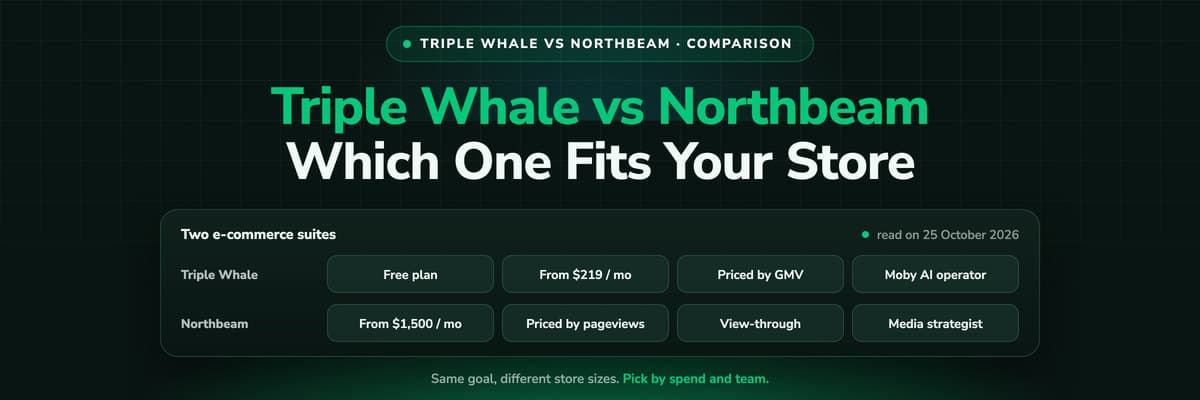 Tool Comparisons
Triple Whale vs Northbeam (2026): Which Fits Your Store
Triple Whale and Northbeam both measure e-commerce marketing, and they are built for different stores. Attribution, measurement, AI, setup and both price lists side by side, read on 25 October 2026, and which brand each one fits.Read the article13 min read
Dynamics 365 attribution
Ready to see which campaigns produced your Dynamics revenue?
LeadJourney tracks every click server-side, writes the source onto your Leads and Opportunities in Dataverse, joins ad spend to won revenue and sends the closed opportunity back to Microsoft, Google, Meta and LinkedIn. Live in 21 minutes with a tracking expert, 30-day money-back guarantee.
30-day money-back guaranteeSetup with a tracking expert


