


















BlogHow To Guides
Dynamics 365 Campaign Management: What Campaigns Actually Track
Campaigns in Dynamics 365 carry a budget, a cost and an expected revenue, and every one of those numbers is typed in by a person. What campaign activities, marketing lists, campaign responses and quick campaigns actually do, where the ROI figure comes from, and how to join ad spend to the pipeline the campaign produced.

Contents
Summarise this article with AI
Opens the page with a ready prompt in:


Nothing is sent until you pick a service.
The campaign entity has been in Dynamics since the CRM 3.0 days, and it still does exactly what it was built to do: hold a plan, distribute a batch of activities to a list, and collect the replies. It is the part of Dynamics that most teams switch on, fill in for one quarter and quietly stop maintaining.
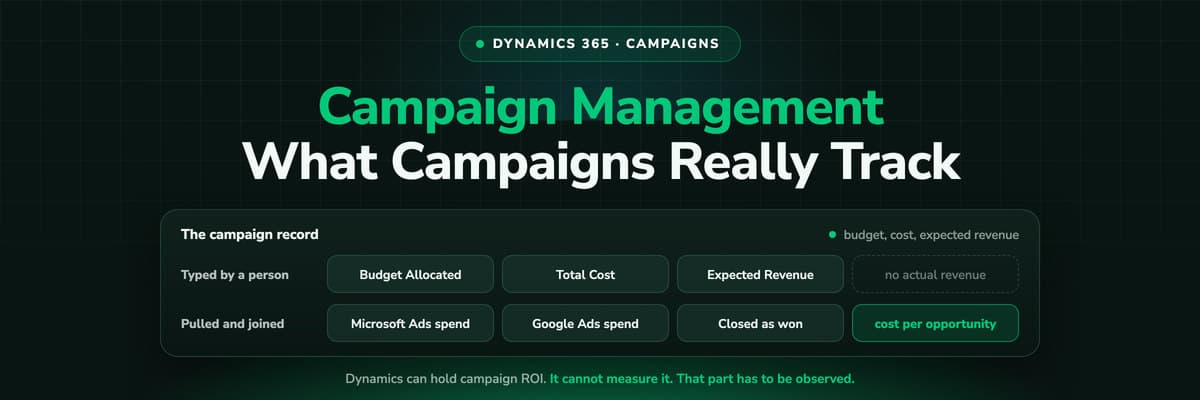
The reason is usually the same. The campaign record has a Budget Allocated column, a Total Cost of Campaign column and an Expected Revenue column, and every one of those is a number somebody types. Meanwhile the actual spend sits in four ad accounts and the actual revenue sits on opportunities that were never linked to the campaign at all. This guide is what each piece really records, what it costs to keep honest, and what to do about the half it cannot see.
Quick Summary: Campaign Management in Dynamics 365
In short
A Dynamics 365 campaign is a container: planning tasks, campaign activities, marketing lists and campaign responses, plus cost and revenue columns. A campaign activity distributes one kind of activity to a list, a campaign response records a reply and can convert into a lead, opportunity, quote or order, and a quick campaign is the same idea for a single send. Everything financial on the record is entered by a person, and nothing joins a campaign to an ad account or to a web session. That is the gap: Dynamics can hold campaign ROI, but it cannot measure it.
What follows is each entity in turn, the numbers they carry, the maintenance each one asks for, and the two honest ways to get real spend and real revenue onto the same row.
Campaign or Quick Campaign?
Dynamics ships two things with campaign in the name, and choosing wrongly is the most common early mistake. The difference is how many activity types you need and whether the sends are spread over time.
The two campaign entities, compared on what Microsoft documents
| Campaign | Quick campaign | |
|---|---|---|
| Activities | Many campaign activities, each distributing one type, spread over a period | One activity type, distributed at one point in time |
| Marketing lists | Several lists, and each campaign activity can carry several of them | One marketing list, or the accounts, contacts or leads a query returns |
| Replies | Campaign responses, which convert to a lead, opportunity, quote or order | A quick campaign log, which records what was distributed and to whom |
| Tables behind it | Campaign, CampaignActivity, CampaignResponse | BulkOperation and BulkOperationLog |
In practice: a quick campaign is a one-off send to a list you just built, and its results are a log rather than a funnel. A campaign is the record you keep for a quarter, and it is the only one of the two that can carry responses into the pipeline.
What the Campaign Record Actually Holds
Four money and forecast columns do most of the reporting work, and knowing which is calculated and which is typed tells you exactly how much to trust the campaign dashboard.
- Budget Allocatedbudgetedcost. What you planned to spend. Typed in by the campaign owner and never reconciled against anything.
- Total Cost of Campaigntotalactualcost. The one people read as actual spend. It is built from the costs entered on the campaign and its activities, not from an ad account, so it is only as current as the last person who updated it.
- Total Cost of Campaign Activitiestotalcampaignactivityactualcost. The rolled-up cost of the activities underneath, which is why an activity with no cost on it silently understates the campaign.
- Expected Revenue and Expected Response Percentageexpectedrevenue and expectedresponse. A forecast, typed at planning time. Useful for a plan, and not to be confused with what the campaign produced.
The number that is missing
There is no actual revenue column on the campaign. Revenue lives on the opportunities, and an opportunity is only connected to a campaign if somebody made the link, usually by converting a campaign response. So the ROI figure in a campaign dashboard is a typed cost against a typed forecast unless you built the join yourself.
Campaign Activities and Marketing Lists
A campaign activity is how a campaign reaches people. Each one distributes exactly one type of activity to the marketing lists attached to it, and the documented list of types tells you what era the entity was designed in: phone call, appointment, letter, letter via mail merge, fax, fax via mail merge, email and email via mail merge.
There is no ad platform in that list, and there never was. A campaign activity cannot represent a Google search campaign, a Meta ad set or a LinkedIn sponsored post, which is why the paid half of a modern marketing budget has no natural home in the entity. Teams work around it by creating a campaign per channel and typing the spend in monthly, which works exactly as long as somebody keeps doing it.
Static marketing lists
A fixed set of accounts, contacts or leads, one record type per list. Distribute to accounts and leads and you need two lists.
Dynamic marketing lists
A saved query, evaluated when it is used. Better for anything ongoing, and the usual answer to lists going stale between sends.
Distribution
A campaign activity is distributed with DistributeCampaignActivityRequest; a quick campaign uses PropagateByExpressionRequest or CreateActivitiesListRequest. Worth knowing when you automate any of this.
Campaign Responses: the Only Link to Pipeline
The campaign response is the single entity that carries a campaign into the pipeline. It records a reply, and from it you can create a lead, an opportunity, a quote or an order, which is what puts a campaign name next to money.
It is also the piece that breaks first, because a campaign response is created by hand or converted from an existing activity. Nothing writes one when somebody clicks a Meta ad, reads two pages and comes back a week later on a brand search. At ad volume, the manual work is not merely tedious, it is not attempted, and the campaign ends the quarter with a cost, a forecast and no responses at all.
- A response needs somebody to create it, or an integration that creates it for you. Decide which on day one.
- Converting the response is what links the money, because the lead or opportunity it creates carries the campaign with it.
- An opportunity created any other way has no campaign, and no report can invent one later.
- Responses are per campaign, not per touch. Even a well kept campaign credits one campaign per record, so a journey across three channels is recorded as one.
What Dynamics Campaign Management Cannot Do
None of this is a criticism of the entity. It does what a campaign container should do. The honest list of what it does not do is what decides whether you need anything else.
- It does not connect to an ad account. Spend is typed, so cost per lead and ROAS are as accurate as your last manual update.
- It does not see a web session. Dynamics 365 Sales records no visits, referrers or campaign parameters, so a click never becomes a response on its own.
- It credits one campaign per record. There is no multi-touch model in Sales, so the campaign that closed takes everything and the one that opened the journey takes nothing.
- It does not send anything back. A won opportunity does not become a conversion in Microsoft Advertising, Google Ads, Meta or LinkedIn, so the platforms never learn which clicks produced revenue.
- The marketing app is a separate licence. Customer Insights - Journeys runs the journeys, forms and lead scoring, and its outbound module was removed from every environment in May 2026, so reporting built on the old data model had to be rebuilt in Microsoft Fabric.
A Setup That Survives the Quarter
Two patterns work, and they can be combined. The first costs discipline, the second costs a subscription.
Keeping campaigns honest by hand, or measuring the spend and the revenue
| Approach | What you get | What it costs you |
|---|---|---|
| Campaigns as a container, maintained | A campaign per channel or per quarter, costs updated monthly from the ad accounts, responses created by an integration, opportunities always converted from a response | A recurring job somebody owns, and a report that is wrong the month they are on holiday |
| Observed attribution written into Dataverse | The channel, campaign, ad and click ID on the Lead and the Opportunity, spend pulled from the ad platforms, cost per won opportunity calculated rather than typed | A platform subscription, and the discipline to leave Lead Source alone and report on the observed columns |
Whichever you choose, keep the campaign record. It is still the right place to hold a plan, a budget and a list. What it should stop being is the place you look for the answer to which marketing produced the revenue, because that answer has to be measured somewhere the ad clicks are visible.
How LeadJourney Joins Ad Spend to Dynamics Pipeline
LeadJourney is one script on your site or in your GTM container, live in about 21 minutes without a developer. It records every visit server-side on your own domain at 95%+ accuracy, captures msclkid, gclid, fbclid and li_fat_id at click time, and joins the anonymous first click to the person when they submit a form, book a meeting or call.
The Microsoft Dynamics integration then writes the observed channel, campaign, ad and landing page onto the Lead, the Account and the Opportunity in Dataverse, and reads stages and revenue back over a webhook. Spend comes straight from Microsoft, Google, Meta and LinkedIn Ads, so cost per won opportunity is calculated from the two numbers rather than typed into Total Cost of Campaign. When an opportunity is closed as won, the amount goes back to the platform that produced the click, matched on the click ID captured at the first visit.
What it does not do is run your campaigns. Sends, journeys, forms and lead scoring stay where they are, in Customer Insights - Journeys or whichever tool you use, and a lead that never touched your website still needs a source typed in by a human.
Further Reading
Keep going with Dynamics 365 lead source tracking, what Customer Insights attribution measures and the attribution tools built for Dynamics. On the product side, the Microsoft Dynamics integration, the ad campaign report and offline conversion tracking.
FAQ
Frequently Asked Questions
The questions Dynamics admins and marketers ask about campaigns, responses and ROI.
What is the difference between a campaign and a quick campaign in Dynamics 365?
A campaign is a container that can hold many campaign activities, each distributing one type of activity to several marketing lists over a period, and it collects campaign responses that convert into leads, opportunities, quotes or orders. A quick campaign distributes a single activity type to one marketing list or a query result at one point in time, and its results are a quick campaign log rather than responses. Use a quick campaign for a one-off send and a campaign for anything you want to report on later.
How does Dynamics 365 calculate campaign ROI?
It does not calculate it from your actual spend and revenue. The campaign carries Budget Allocated, Total Cost of Campaign, Total Cost of Campaign Activities, Expected Revenue and Expected Response Percentage, and all of them are entered by a person or rolled up from costs a person entered on the activities. There is no actual revenue column on the campaign, because revenue sits on opportunities, and an opportunity is only linked to a campaign if somebody converted a campaign response into it.
How do I get a campaign response created automatically?
Through an integration or custom code. Out of the box a campaign response is created by hand or converted from an existing activity, so a click, a form fill or a call does not become one on its own. Teams that want the campaign to stay honest either post responses through the API from whatever captures the lead, or stop using responses as the join and put the campaign onto the Lead and the Opportunity as columns instead.
Can a campaign activity represent a Google or Meta campaign?
Not directly. A campaign activity distributes one of a documented list of activity types: phone call, appointment, letter, letter via mail merge, fax, fax via mail merge, email and email via mail merge. There is no ad platform among them. The common workaround is a campaign record per channel with the spend typed in monthly, which works until the person maintaining it is away.
Is the quick campaign being removed from Dynamics 365?
Microsoft's current documentation still describes quick campaigns and the tables behind them, BulkOperation and BulkOperationLog, so treat them as supported until Microsoft says otherwise in the release plan. What was removed, in May 2026, is the outbound marketing module in Customer Insights - Journeys, which is a different thing: it took the outbound journeys, segments and its own insights reports with it, and Power BI reports built on that data model had to be rebuilt.
Do I still need campaigns if I use Customer Insights - Journeys?
They serve different jobs. Customer Insights - Journeys runs the execution: real-time journeys, forms, emails, events and lead scoring. The campaign record in Sales remains a container for a plan, a budget and a list, and is where many organisations still hold the commercial view. Neither of them sees the ad click that started the journey, which is the part you have to measure on the website.
Keep reading
More from the blog
 How To Guides
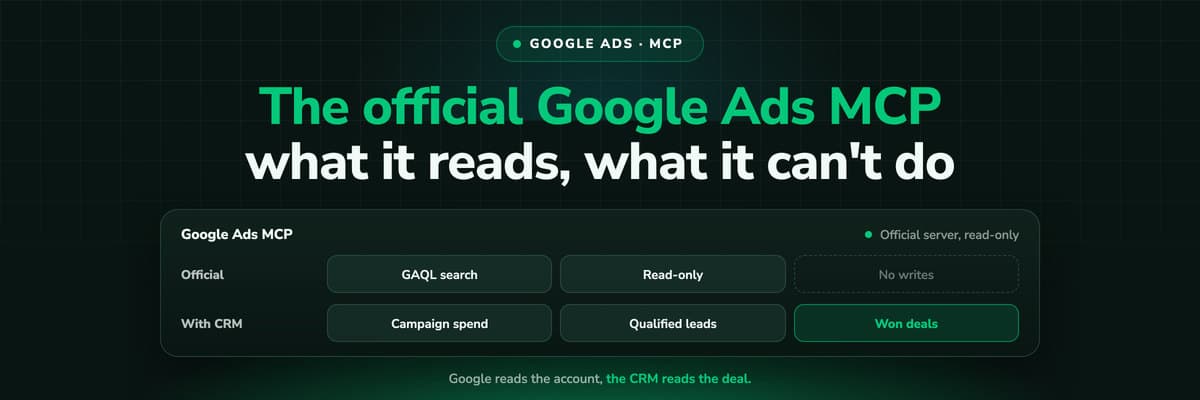
Google Ads MCP: The Official Server, Its Limits, Options
Google publishes an open source MCP server for the Google Ads API. It is read-only, has three tools and no public URL. What it does, how to run it locally or on Cloud Run, how Claude and Claude Code connect to it, what it cannot do, and the third-party servers that fill the gaps.Read the article13 min read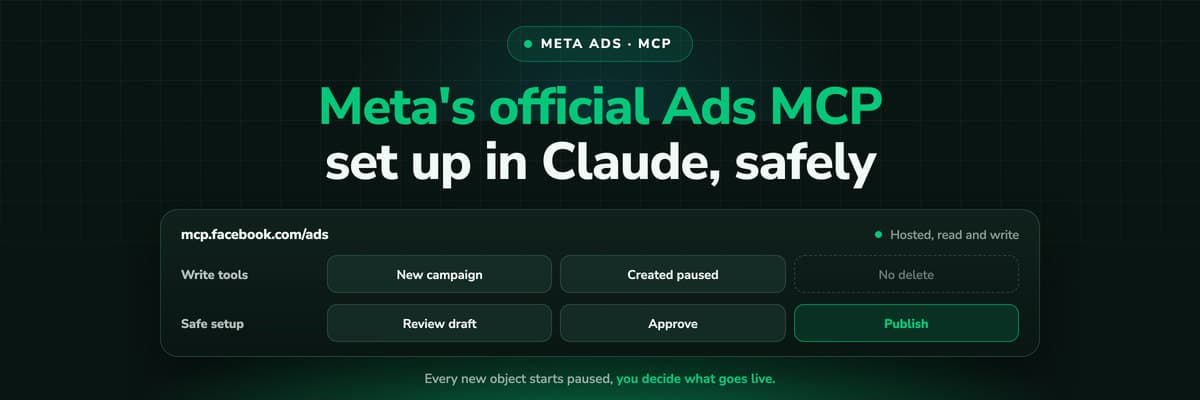 How To Guides
Meta Ads MCP: Setting Up Meta's Official Server
Meta runs its own MCP server for ads at mcp.facebook.com/ads. What it does, which permissions it needs, how agencies get access, how to add it to Claude and ChatGPT, what the third-party servers offer instead, and how to use the write tools without spending money by accident.Read the article12 min read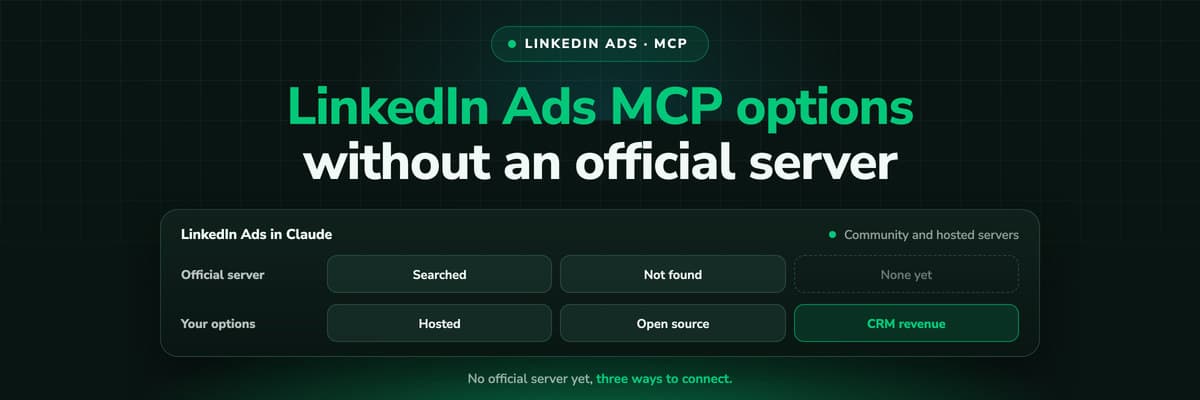 How To Guides
LinkedIn Ads MCP: Your Options Without an Official Server
LinkedIn has no official MCP server as of October 2026, unlike Meta, Google, Microsoft, TikTok and X. What the third-party LinkedIn Ads MCP options are, why there are so few, what to check before you connect one to an account with spend on it, and how to ask Claude about LinkedIn campaigns on pipeline rather than form fills.Read the article11 min read
Campaign ROI, measured
Ready to see what each campaign actually produced?
LeadJourney pulls spend from Microsoft, Google, Meta and LinkedIn Ads, joins it to the opportunities Dynamics closed, and writes the campaign behind every lead into Dataverse. Live in 21 minutes, set up with a tracking expert, 30-day money-back guarantee.
30-day money-back guaranteeSetup with a tracking expert


