


















BlogTool Comparisons
12 Best Marketing Attribution Tools for HubSpot in 2026
HubSpot's attribution is thorough about the sessions its cookie recorded, and revenue attribution needs Marketing Hub Enterprise. Twelve tools compared on what each adds, with pricing, pros, cons and a verdict.

Contents
Summarise this article with AI
Opens the page with a ready prompt in:


Nothing is sent until you pick a service.
HubSpot's own attribution is better than most people who shop for an alternative realise. Nine models, from first and last interaction through U shaped, W shaped, full path, time decay and both J shapes. A wide interaction set that includes ad clicks, forms, CTAs, emails, calls, meetings and conversations. An ads tool that connects Meta, Google, LinkedIn and TikTok and pulls their spend in. Conversion events back out over Meta's and LinkedIn's Conversions APIs and Google's Enhanced Conversions for Leads. AI Referrals as a traffic source category of its own.
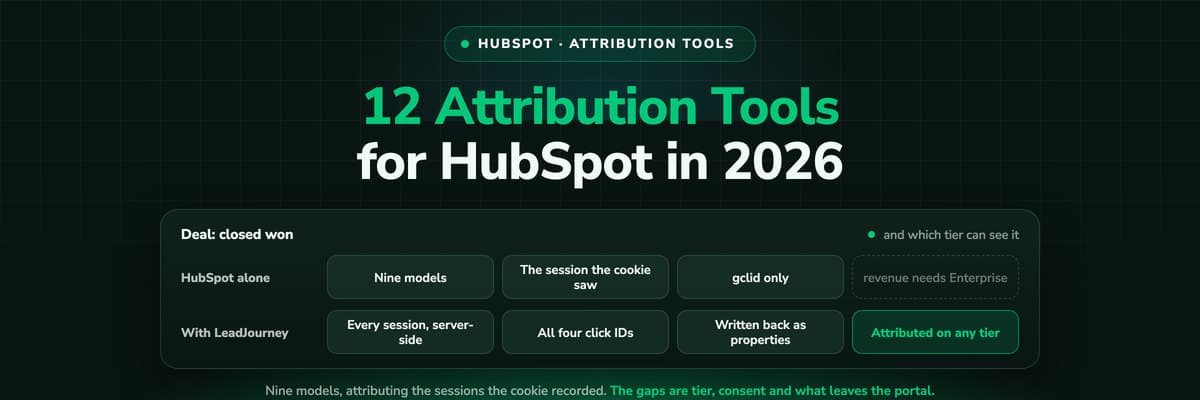
So the honest question is not what HubSpot is missing from the feature list. It is what those nine models are allowed to see, and what they cost you to switch on. Contact create attribution starts at Marketing Hub Professional, and deal create and revenue attribution are Marketing Hub Enterprise only, which is where most of these searches begin. Everything is bucketed by the session HubSpot's tracking code recorded in the browser, nothing is collected from a visitor who declines the analytics cookie category, and of the four click IDs only gclid lands on the record by itself.
This guide ranks the 12 best marketing attribution tools for HubSpot in 2026 on those terms: what each one adds that the portal cannot do alone, who it is built for, what it costs and what happens after the report. LeadJourney leads the list because it makes closed won revenue reportable on every HubSpot tier, Sales Hub alone included, and sends the deal amount back to four ad platforms.
Quick Summary: Best HubSpot Attribution Tool in 2026
In short
LeadJourney is the best marketing attribution tool for HubSpot in 2026 for teams buying paid traffic. It records every visit server-side at 95%+ accuracy before HubSpot's tracking code sets its cookie, captures gclid, fbclid, li_fat_id and msclkid wherever the visitor converts, writes the journey back onto Contacts, Companies and Deals as properties so revenue attribution works on any tier, and returns the deal's own amount and currency to Meta, Google, LinkedIn and Microsoft. Five attribution models on every plan, live in about 21 minutes, from €129 a month with a 14-day free trial.
The other eleven divide into four groups. Dreamdata, HockeyStack and Factors.ai are B2B platforms that read HubSpot as one source and model the account. Heeet is native to HubSpot and Salesforce. Cometly and Fibbler come from the ad side, Fibbler specifically for LinkedIn and Google. WhatConverts is for businesses whose leads phone rather than fill in forms. Attribution App is the affordable multi-touch layer, and Windsor.ai is a connector library for people who report in Looker Studio or a warehouse.
Two questions decide most of it. Which HubSpot tier are you on, because the answer changes what you are actually missing, and does the outcome need to travel back to the ad platforms with the deal's real value rather than a fixed number you typed once.
The 12 Best Marketing Attribution Tools for HubSpot (2026)
The 12 best HubSpot attribution tools at a glance
| Tool | What it adds to HubSpot | Best for | Pricing |
|---|---|---|---|
| Rank 1LeadJourney | Server-side capture of every session and all four click IDs, journeys written back as properties, measured spend, deals returned to four ad platforms | Paid traffic teams on any HubSpot tier | From €129/mo, 14-day trial |
| Rank 2HubSpot Marketing Hubvs LeadJourney | Nine attribution models across a wide interaction set, ads tool across four networks, conversion events back out | Teams already paying for Professional or Enterprise | Attribution from Professional, $800/mo |
| Rank 3Dreamdatavs LeadJourney | Account-level journeys from first touch to closed won, plus audience activation | B2B teams selling to a buying group | Free plan, paid on quote |
| Rank 4HockeyStackvs LeadJourney | Unified go-to-market data and pipeline reporting across HubSpot and the rest of the stack | Mid-market and enterprise RevOps teams | On quote |
| Rank 5Cometlyvs LeadJourney | Server-side tracking and a Conversions API reconciled against HubSpot contacts and deals | Paid social teams wanting conversions sent back | On quote |
| Rank 6Ruler Analyticsvs LeadJourney | First-party tracking with call tracking and dynamic number insertion, revenue synced back | Businesses whose leads arrive by phone | From £299/mo |
| Rank 7Heeet | Attribution native to HubSpot and Salesforce with automated CAC and payback | Teams that want the model inside the CRM | From $790/mo |
| Rank 8Factors.aivs LeadJourney | Company identification and intent scoring alongside attribution | Demand gen teams working named accounts | From $199/mo |
| Rank 9Fibblervs LeadJourney | LinkedIn and Google Ads matched to HubSpot companies and deals, self-serve | Small B2B teams whose spend is LinkedIn | From $89/mo |
| Rank 10WhatConvertsvs LeadJourney | Call, form and chat tracking with lead qualification, pushed into HubSpot | Agencies and local businesses taking calls | From $30/mo |
| Rank 11Attribution App | Every standard multi-touch model with HubSpot lifecycle and deal stage sync | Teams wanting models without an enterprise contract | From $199/mo |
| Rank 12Windsor.ai | Connectors that pull HubSpot and ad data into Looker Studio, Sheets, BI tools and warehouses | Teams reporting outside HubSpot | Free, paid from $23/mo |


1. LeadJourney: Best HubSpot Attribution Tool for Paid Traffic

LeadJourney runs underneath HubSpot rather than inside it. Every visit is recorded server-side as it happens, first-party, at 95%+ accuracy, which means a session an ad blocker or Safari's tracking prevention removed is in the journey with the rest instead of being credited to whatever survived. The anonymous first click is stitched to the Contact at form submit and kept across devices for the length of the sales cycle, and all four click IDs are captured at click time, wherever on the site the visitor eventually converts.
Because attribution runs on LeadJourney's own tracked events and is written back onto Contacts, Companies and Deals as properties, closed won revenue is reportable on every HubSpot tier, including a portal running Sales Hub alone. Spend is pulled from Meta, Google, LinkedIn and Microsoft Ads and joined to the deals themselves, so cost per closed won deal is measured rather than estimated from an average sale price. And any lifecycle or deal stage can go back to the platforms carrying the deal's own amount and currency, with no cap on how many stages you map.
Key Features
- Server-side, first-party tracking at 95%+ accuracy, recorded before HubSpot's tracking code sets its cookie
- gclid, fbclid, li_fat_id and msclkid captured server-side at click time, not only the one HubSpot writes to hs_google_click_id
- Journeys written back onto Contacts, Companies and Deals as properties, so revenue attribution works without Marketing Hub Enterprise
- Spend pulled from Meta, Google, LinkedIn and Microsoft Ads and joined to the deals, so ROAS is measured and not estimated
- Five attribution models on every plan: first-touch, last-touch, linear, U-shaped and time-decay
- Any lifecycle or deal stage returned to the ad platforms with the deal's own amount and currency, uncapped
- Organic, direct, referral and AI search as first class channels, including ChatGPT, Perplexity, Claude and Gemini
- Atlas, the AI analyst, plus agents and MCP for asking the data questions in plain language
- EU processing, GDPR compliant collection, live in about 21 minutes without a developer
Pros
- Revenue attribution on any HubSpot tier, which is the single most expensive gap in the native product
- All four click IDs captured automatically, no hidden fields and no script of your own to maintain
- Measured cost per closed won deal per channel, campaign, ad set and creative
- The deal's real amount goes back to four platforms, rather than the fixed value a HubSpot conversion event carries
- Live in about 21 minutes with a 14-day free trial, from €129 a month
Cons
- It does not replace Marketing Hub: emails, workflows, sequences and campaign execution stay in HubSpot
- Reporting lives in LeadJourney, so a team that must build every dashboard inside HubSpot will want the native reports as well
Verdict
The best pick for any HubSpot portal fed by paid traffic, and the only tool here that makes deal revenue attributable without an Enterprise upgrade while sending the outcome back to the platforms.
Before LeadJourney, we had no reliable tracking concept for our five-figure ad spend. We were manually building spreadsheet and CRM reports, inaccurate and time-consuming. Within two days, everything was set up. For the first time, I know exactly what I pay per lead and which campaigns actually bring in the best-qualified prospects.
 Florian BuckCEO, Klickkraft GmbH
Read verified reviews on Trustpilot, G2 and leadjourney.io/testimonials, or see exactly which properties the HubSpot integration writes.
2. HubSpot Marketing Hub: Best If You Already Pay for Professional
It is worth being fair about what is already in the portal. Nine attribution models. Ad clicks, page views, forms, CTAs, marketing emails, social clicks, events, calls, meetings and conversations all count as interactions. The ads tool connects Meta, Google, LinkedIn and TikTok and pulls their spend in. Conversion events go back out through Meta's and LinkedIn's Conversions APIs and Google's Enhanced Conversions for Leads. AI Referrals is a traffic source category of its own, covering ChatGPT, Claude, Perplexity, Gemini and Copilot. For a team on Professional or Enterprise running most of its marketing inside HubSpot, that is a real attribution product and no third tool is needed.
The limits are tier, sight and the return value. Contact create attribution starts at Professional and deal create and revenue attribution are Enterprise only. Everything is bucketed by the session the tracking code recorded, nothing is collected from a visitor who declined the analytics cookie category, and a cleared cookie makes the second visit the first touch. Only gclid lands on the record by itself, and only when the form sits on the page the ad landed on: fbclid, li_fat_id and msclkid need a hidden field and a script somebody maintains. Ads ROI is estimated from your average sale price and your contact to customer rate rather than measured from the deals, and a conversion event carries a fixed value you type when you create it, with five events on Starter, fifty on Professional and a hundred on Enterprise.
Verdict
Excellent inside its own boundary. The question is whether the boundary is where your money is: on Starter or Sales Hub it stops before the deal, and on any tier it stops at the sessions the cookie saw.
3. Dreamdata: Best for Account-Level B2B Journeys
Dreamdata reads HubSpot as one source and models the whole account journey on top of it: every stakeholder, every touch, first anonymous visit to closed won. Where HubSpot attributes a contact, Dreamdata attributes the company, which is the honest unit when six people from one organisation each touch three channels before anyone books a call. The audience activation turns the model into something a media buyer can act on.
The free plan with two months of history is a genuine way to see your own data before spending anything, and paid tiers are quoted by volume. It is a data platform, so it rewards a team willing to model properly, and the return path is activation rather than an automatic offline conversion carrying the deal amount.
Verdict
The strongest account-level model here. Choose it when the buying group, rather than the click, is the part you cannot see.
4. HockeyStack: Best for Enterprise Go-To-Market Reporting
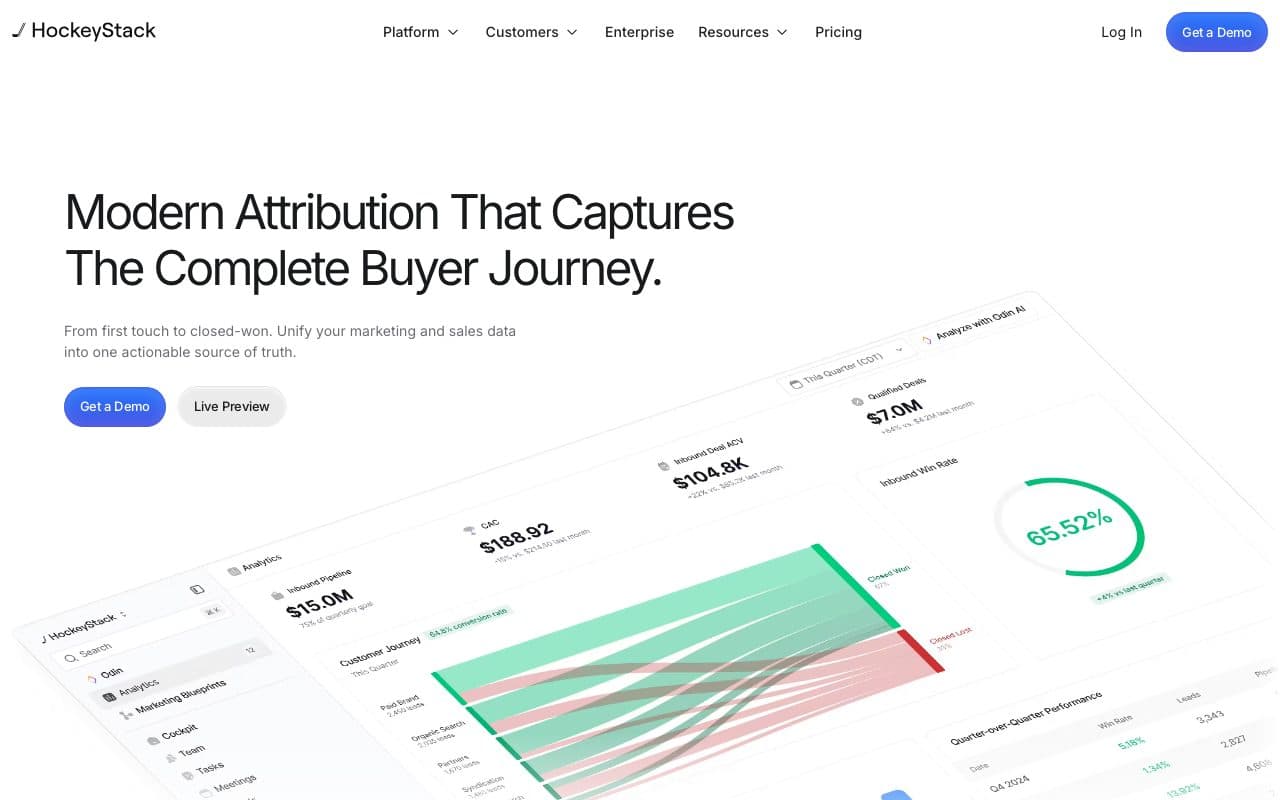
HockeyStack pulls contacts, companies, deals, engagements and email events out of HubSpot and joins them to the rest of the go-to-market stack, then reports buyer journeys and pipeline on the result. It is built for a revenue operations audience answering board level questions, and the success team is part of what you buy.
Pricing is on quote and reviewers report a mid four figure monthly entry point, with an implementation project behind it. A small team buying leads on Meta will get an excellent report at a price set for a different company.
Verdict
Right for mid-market and enterprise teams with a RevOps function. Oversized for a lead generation business that needs cost per deal.
5. Cometly: Best for Paid Social Teams on HubSpot
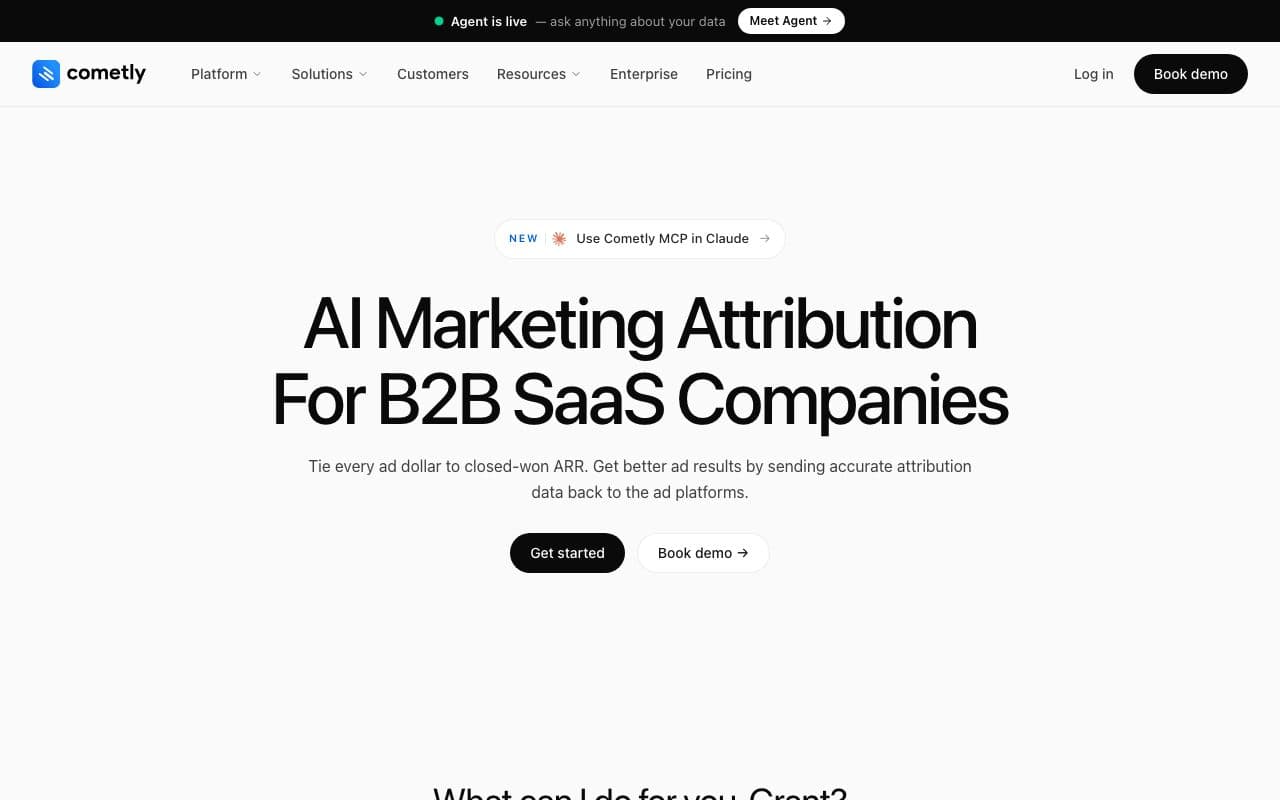
Cometly approaches HubSpot from the ad account: server-side tracking, a Conversions API, contact level journeys and an AI ads manager, with HubSpot leads, meetings and deals reconciled against the tracked traffic. For a team whose spend is mostly Meta, that direction of travel matches the question they actually have.
Pricing is usage based on monthly pageviews and quoted after a demo, with no public list and no free trial. The HubSpot connection is a sync rather than a native app, so reporting stays in Cometly.
Verdict
A fair option for paid social. Worth comparing directly against LeadJourney, which runs the same loop across four platforms with a published price.
6. Ruler Analytics: Best When Leads Arrive by Phone
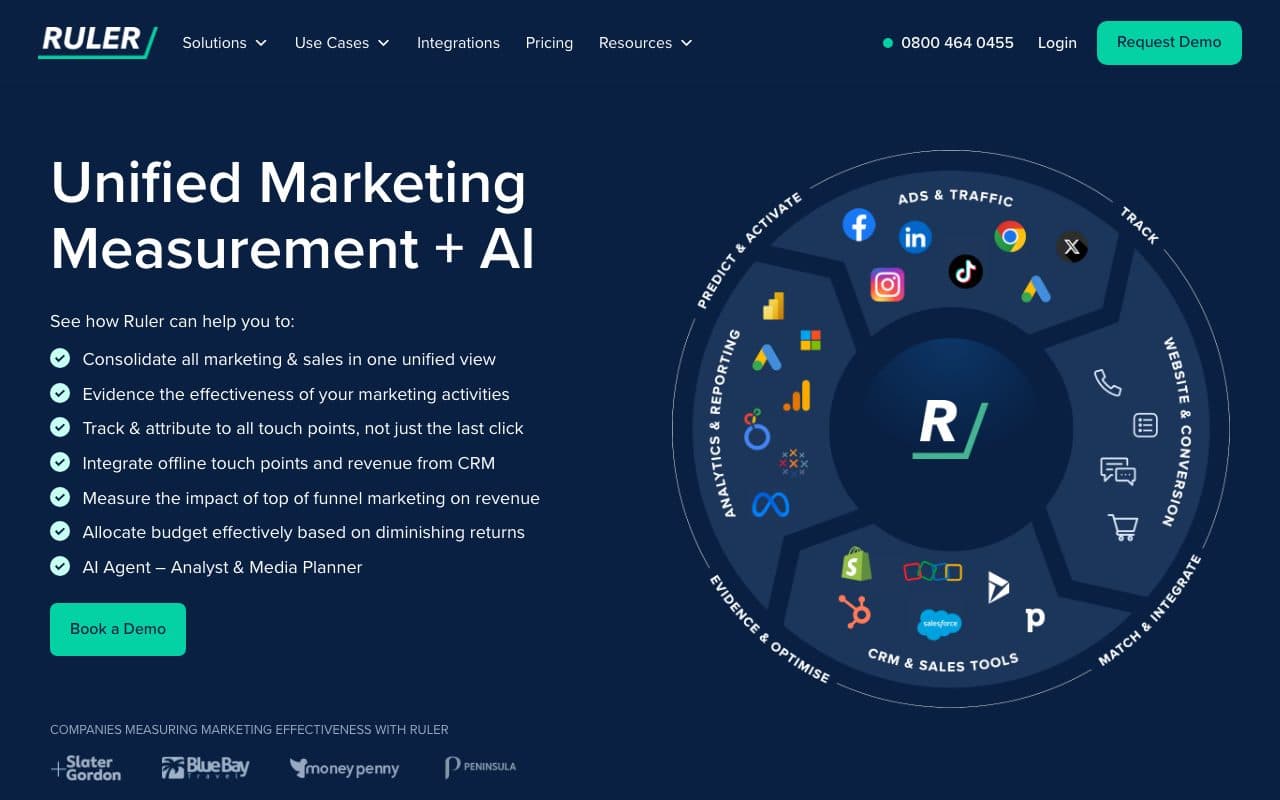
Ruler Analytics combines first-party visitor tracking with call tracking and dynamic number insertion, then syncs CRM revenue back into the reports and the analytics tools. In a business where the high intent action is a phone call, HubSpot's attribution has a hole exactly the size of the phone system, and this fills it.
Pricing is public and banded by monthly visits, from £299 a month, with no free trial. Outside calls the attribution is solid rather than deep, and there is no automatic loop returning closed revenue to all four ad platforms.
Verdict
The pick when calls are the conversion. For a funnel that ends in a form, the price band buys less than it looks.
7. Heeet: Best Attribution Native to HubSpot and Salesforce
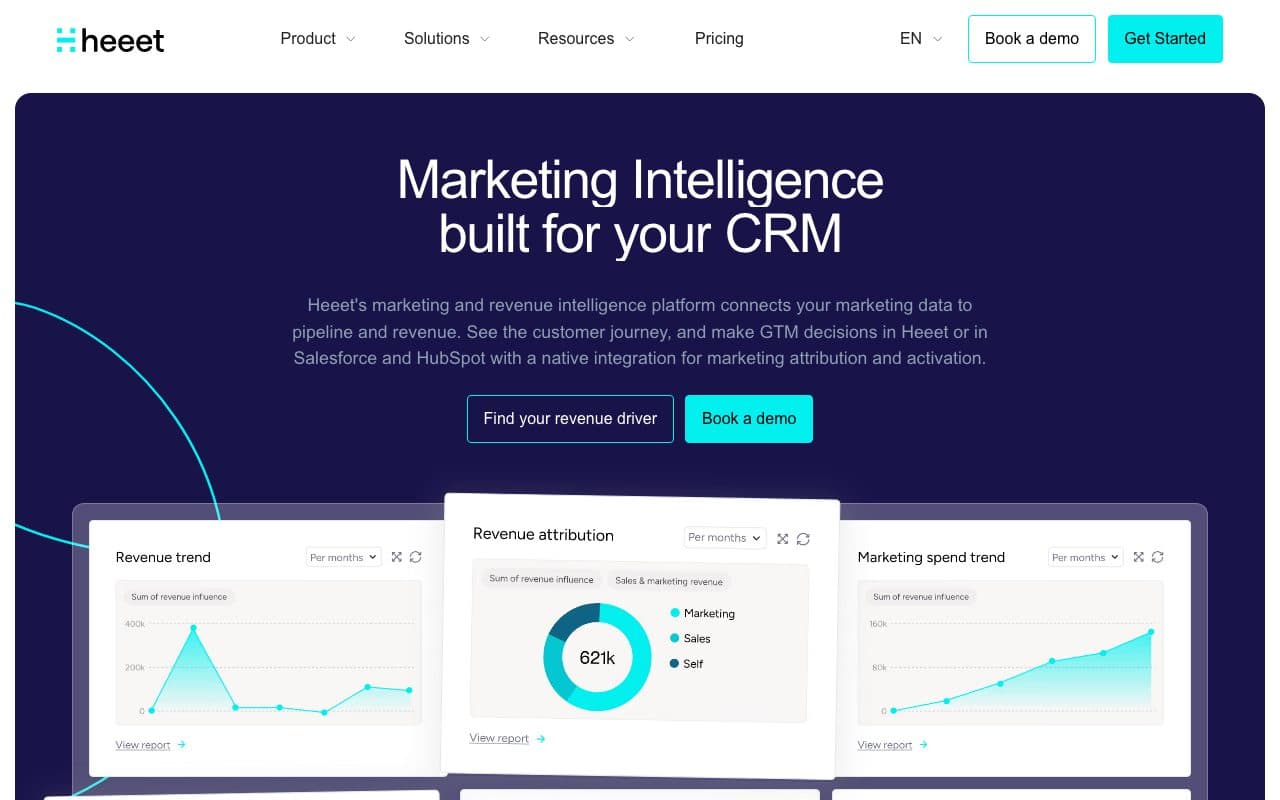
Heeet ties touchpoints to pipeline and revenue inside HubSpot and Salesforce both, with Google Ads, LinkedIn and Meta connected and CAC and payback calculated for you. For a marketing team that wants the model to live in the CRM the sales team already opens, being native to both is the point.
It starts at $790 a month for the platform tier and $1,490 for the native one, with overage per hundred new leads, so it is priced for a funded B2B team. The 30-day trial makes that easy to test before committing.
Verdict
A strong middle path between the native reports and a separate platform. Check the lead volume overage, because that is where the bill moves.
8. Factors.ai: Best for Account Intelligence Alongside Attribution
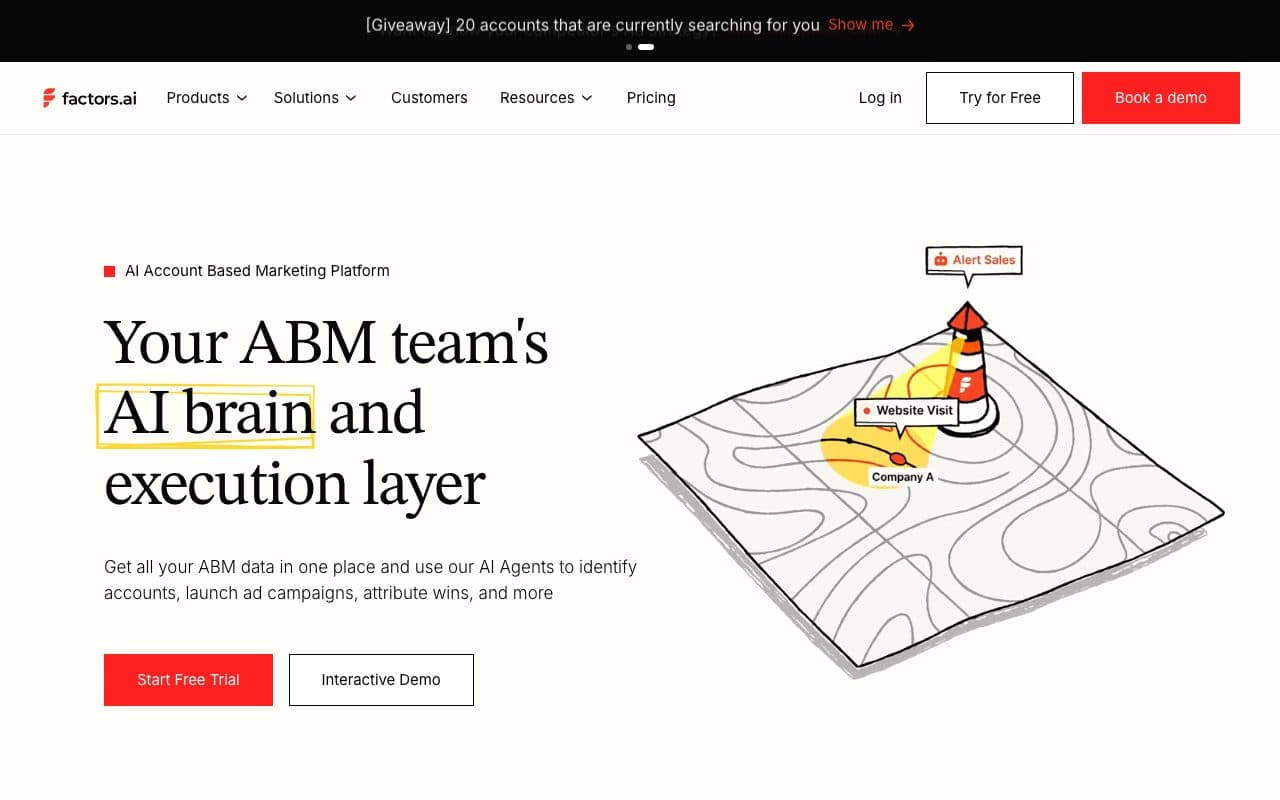
Factors.ai identifies the companies visiting your site, scores their engagement, connects that to LinkedIn and Google Ads and attributes pipeline on top, with HubSpot as the CRM behind it. For a demand gen team working a target account list, knowing which accounts read the pricing page this week often beats a better model of last quarter.
The tiers are public and the steps between them are large, from $199 a month at the entry to five figures a year further up, scaled by tracked users. Attribution is one capability among several rather than the centre of the product.
Verdict
Buy it for intent and company identification. It will not tell you what a closed deal cost to buy.
9. Fibbler: Best Self-Serve LinkedIn Ads Attribution
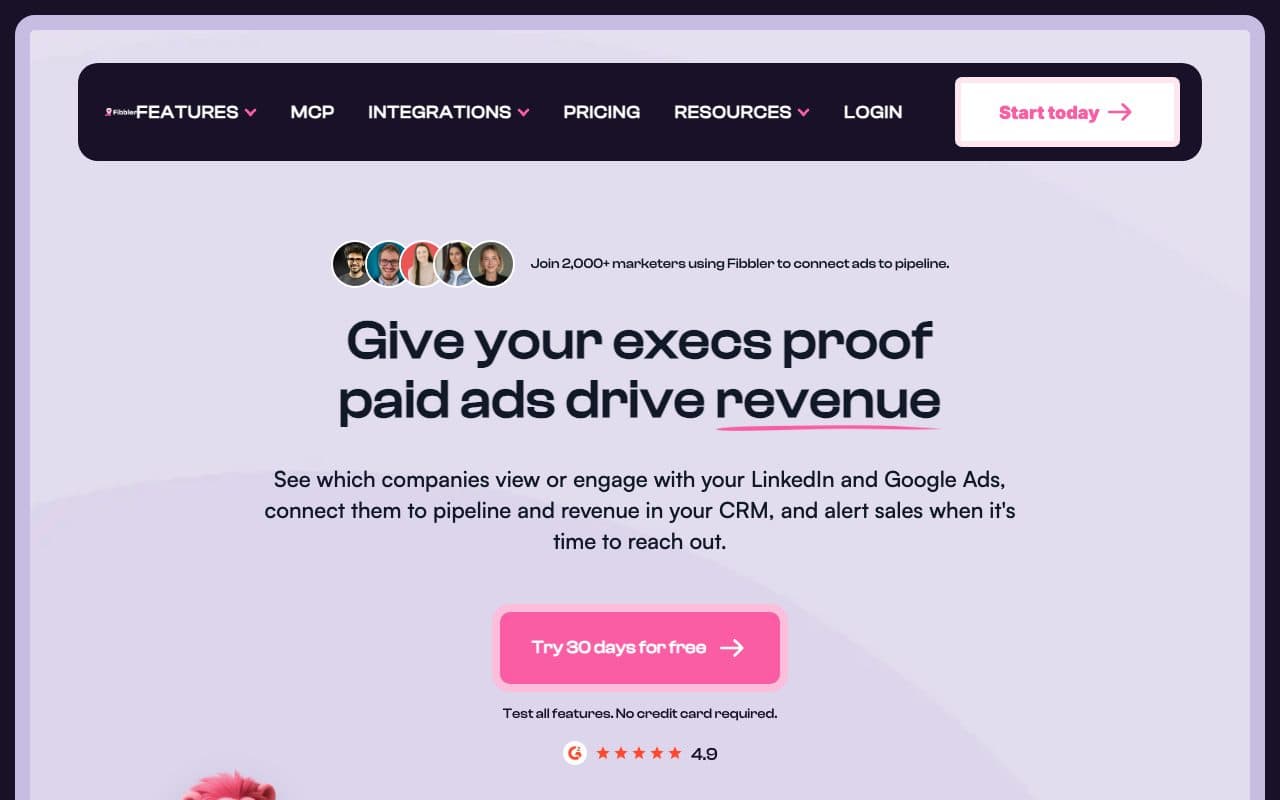
Fibbler pulls companies and deals from HubSpot, matches them to LinkedIn and Google Ads activity at company level, and shows the pipeline and revenue those ads influenced. LinkedIn's own reporting stops at the lead form, so for a B2B team whose main line item is LinkedIn this closes the most expensive blind spot for very little money.
It is deliberately narrow. Two ad platforms, company level matching rather than person level journeys, and no cross-channel model covering organic, email or AI search. Growth starts at $89 a month with a 30-day trial.
Verdict
Excellent value for LinkedIn-led B2B. Outgrown quickly by anyone running four platforms who needs one model over all of them.
10. WhatConverts: Best for Call-Heavy Funnels
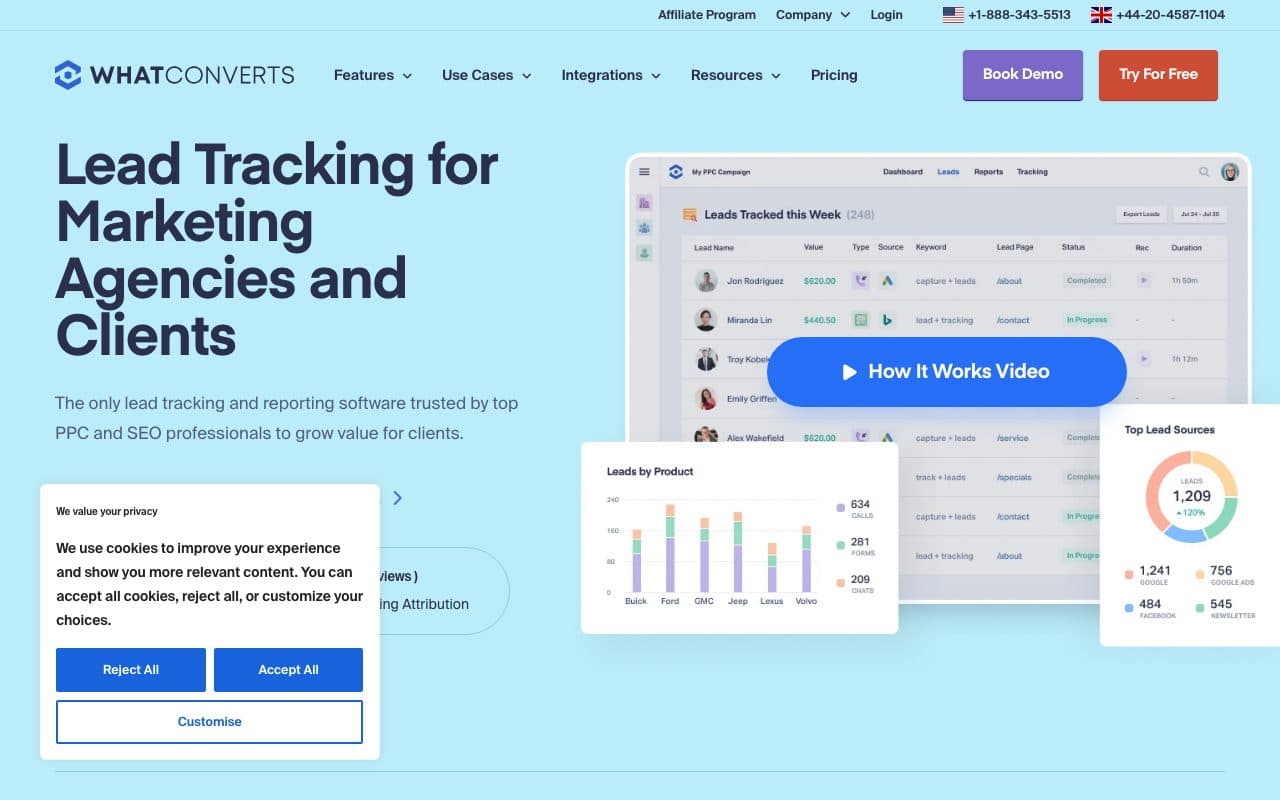
WhatConverts has the deepest call tracking in this category: numbers, dynamic insertion, recording, transcription and call flows, plus forms and chats, with a lead manager where somebody marks each lead as qualified and gives it a value. Those leads and their marketing source can then be pushed into HubSpot, which turns an anonymous phone call into an attributable conversion.
It is lead tracking rather than revenue attribution: there is no ad spend joined to deals and no multi-touch model across every channel. Pricing is public from $30 a month for a single account, with agency tiers above it.
Verdict
The right tool for agencies and local businesses whose leads phone. Pair it with something that measures cost per closed deal.
11. Attribution App: Best Affordable Multi-Touch Layer
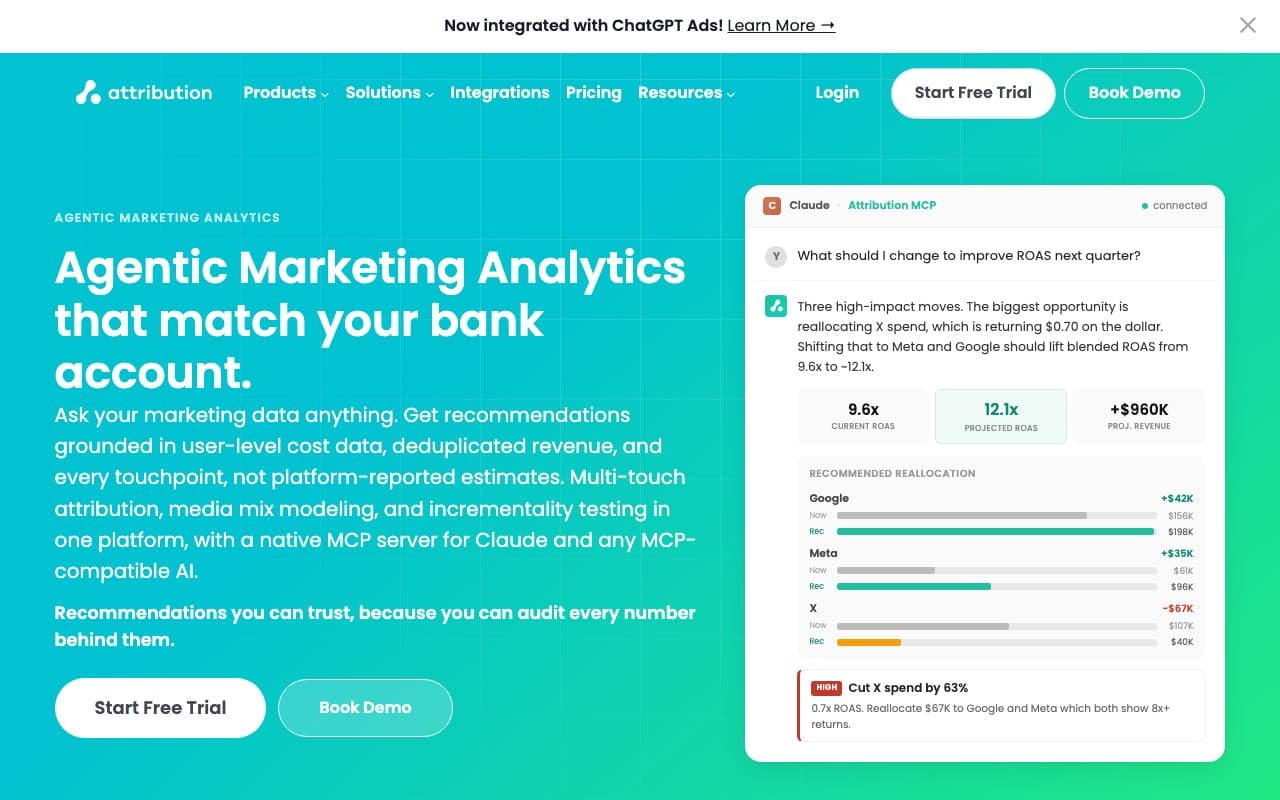
Attribution App does the plain version of the job: first, last, linear, time decay and position based models, ad channel connectors, and HubSpot lifecycle and deal stage sync, with ROAS compared across models side by side. For a team on Starter or Sales Hub that simply wants multi-touch numbers without an enterprise contract, that is a sensible amount of product.
Pricing is public, from $199 a month for the Shopify tier and $399 for Pro up to ten thousand visitors, with a 14-day trial. Tracking is browser based, so it inherits the same blind spots as any pixel, and there is no server-side capture underneath it.
Verdict
Good value for models on a budget. It does not solve the missing sessions, which is the part that quietly distorts every model.
12. Windsor.ai: Best for Reporting Outside HubSpot
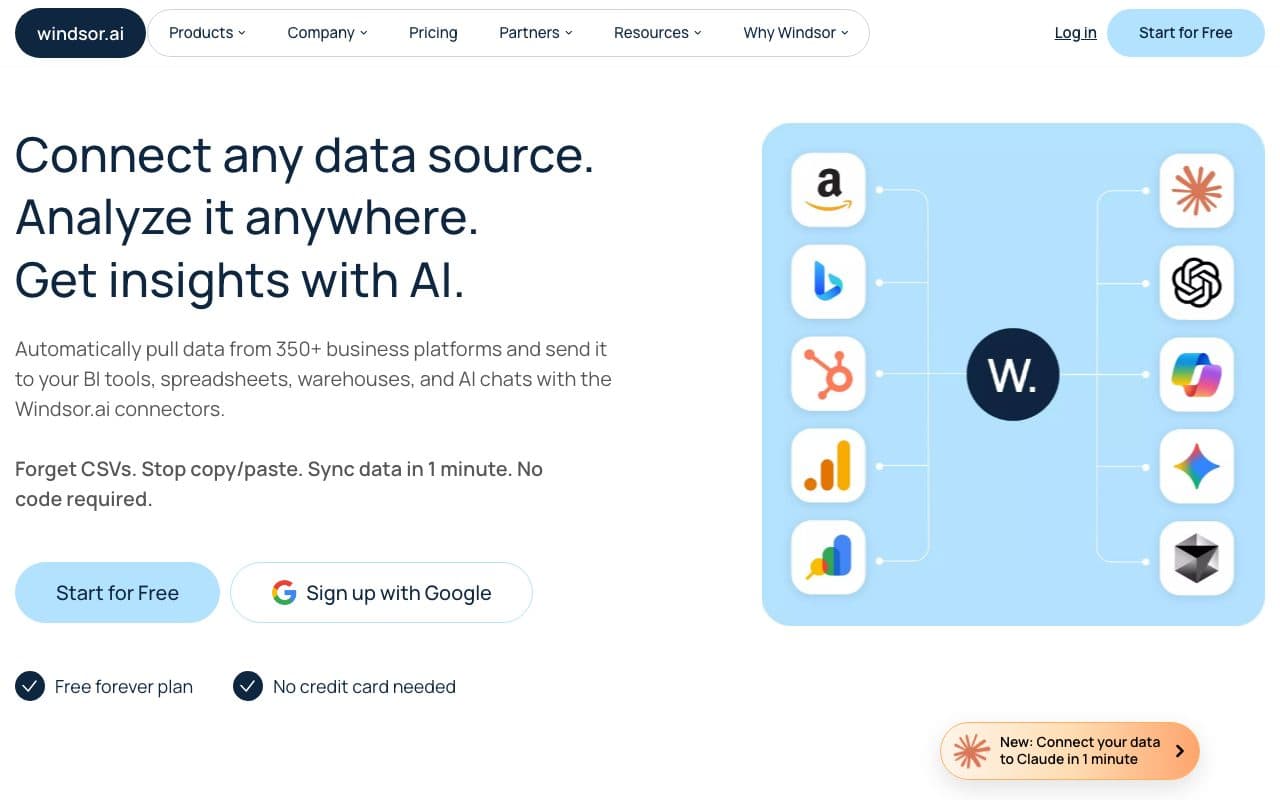
Windsor.ai is a connector library rather than an attribution platform: hundreds of sources including HubSpot and every ad network, piped into Looker Studio, Sheets, Power BI or a warehouse, with attribution reports available on top. If the requirement is one dashboard combining HubSpot with everything else, it is the cheapest honest way there.
A free plan covers one source and one account, and paid tiers run from $23 a month by sources and accounts. Joining the data is still your problem: the connectors move rows, they do not decide which touch mattered.
Verdict
A reporting layer, not an attribution model. Right when the pain is fragmented dashboards, wrong when the pain is unknown sources.
The Six Things HubSpot Attribution Cannot Do
Checked against HubSpot's own documentation. Every one of these is a reason a tool on this list exists, and none of them is a missing feature: they are the boundary of what the portal is able to observe.
- Your tier decides your questionContact create attribution is Professional and above. Deal create and revenue attribution are Enterprise only, so a Professional portal attributes contacts and stops before the money.
- Missed sessions become somebody else's creditEvery interaction is bucketed by the session HubSpot's tracking code recorded. A visit a blocker or Safari removed is not reported as missing, it is silently divided among the touches that survived.
- Consent decides what existsNothing is collected from a visitor who declines the analytics cookie category, and Original source is the first session the cookie did see. A cleared cookie promotes the second visit to first touch.
- Three of the four click IDsgclid lands in hs_google_click_id through the automated Google Ads setup, and only when the form sits on the landing page. fbclid, li_fat_id and msclkid need a hidden field and JavaScript somebody maintains.
- ROI is estimated, not measuredSpend comes from the four connected networks, and ads ROI is calculated from your average sale price and your contact to customer rate rather than from the deals that actually closed.
- The return value is a number you typedA conversion event carries a fixed value set when you created it, the same every time, capped at five events on Starter, fifty on Professional and a hundred on Enterprise.
What this is not
This is not a list of features HubSpot lacks. Nine models, four connected ad networks, Conversions API support and AI Referrals as a source are all in the product. The gaps above are about sight, tier and what leaves the portal.
How to Choose a HubSpot Attribution Tool
Answer these four in order and most of the list eliminates itself before a single demo.
- Which tier are you on? On Starter or Sales Hub you are missing revenue attribution entirely, and the cheapest fix is rarely a HubSpot upgrade. On Enterprise you are missing sessions and the return value, which is a different purchase.
- Where does the spend go? Mostly LinkedIn makes Fibbler compelling. Four platforms at once makes a single loop across all of them the deciding feature.
- How do leads arrive? If a meaningful share phone, call tracking is not optional and no model without it is honest.
- What has to happen after the report? If the answer is that bidding should change, the tool has to send the outcome back with the deal's real value, not a fixed number.
Two related reads: why HubSpot reports Direct traffic and Offline sources for the mechanics of the source fields, and multi-touch attribution for what the models actually do.
Further Reading
Compare the field beyond HubSpot in the 15 best B2B attribution software tools and the best lead attribution tools, or read the same question for the other two CRMs: attribution tools for Salesforce and attribution tools for Pipedrive.
For the product side, the HubSpot integration lists the properties written to Contacts, Companies and Deals, and the live demo is the reporting itself, clickable, without a call.
FAQ
Frequently Asked Questions
What HubSpot teams ask before they add an attribution layer.
Does HubSpot have attribution reporting built in?
Yes, and it is thorough. Nine attribution models across a wide set of interactions, an ads tool connecting Meta, Google, LinkedIn and TikTok, conversion events sent back over Meta's and LinkedIn's Conversions APIs and Google's Enhanced Conversions for Leads, and AI Referrals as a traffic source category. The catch is tier: contact create attribution needs Marketing Hub Professional, and deal create and revenue attribution need Enterprise.
Can I get revenue attribution without Marketing Hub Enterprise?
Not from HubSpot itself. The workaround is a tool that computes attribution on its own tracked events and writes the result back onto Contacts, Companies and Deals as properties, which makes closed won revenue reportable on any tier, Sales Hub alone included. That is how LeadJourney handles it, and it is usually far cheaper than the upgrade it replaces.
Why does HubSpot show so many contacts as Direct traffic?
Original source is the first session HubSpot's cookie recorded. If the first visit was blocked, declined at the consent banner, or happened on another device, the second visit becomes the first touch, and a branded search or a typed URL is what gets the credit. Capturing sessions server-side before the cookie is what closes that gap.
Does HubSpot capture fbclid and other click IDs?
Only gclid arrives by itself, landing in hs_google_click_id through the automated Google Ads setup, and only when the form sits on the page the ad landed on. fbclid, li_fat_id and msclkid need a hidden form field plus JavaScript that reads the parameter and writes it in, and somebody has to maintain that on every form.
How much do HubSpot attribution tools cost?
The native route is the tier: Marketing Hub Professional at $800 a month for contact attribution, Enterprise at $3,600 for revenue attribution. Third-party options span WhatConverts from $30, Fibbler from $89, LeadJourney from €129, Factors.ai and Attribution App from $199, Ruler Analytics from £299 and Heeet from $790, with Dreamdata, HockeyStack and Cometly quoted after a demo.
Will a second tool duplicate what HubSpot already reports?
The numbers will differ, and that is expected rather than a fault: HubSpot counts the sessions its cookie recorded, a server-side tool counts the sessions that happened. Use HubSpot's reports for campaign execution inside the portal and the attribution layer for what a channel cost and what it returned, and do not average them.
Keep reading
More from the blog
 Tool Comparisons
11 Best iGaming Tracking Software Tools in 2026
Every iGaming tracker takes a postback. Fewer split reg, FTD and deposit into stages of one player, and fewer still send the FTD back to Google and Meta. Eleven tools ranked on that, with every price read on the vendor's own page.Read the article18 min read Tool Comparisons
9 Best Marketing Attribution Tools for Zoho CRM in 2026
Four of the best attribution tools for Zoho CRM are Zoho products you may already pay for. Nine options compared on where the tracking starts, which ad platforms they cover, and whether the closed deal ever reaches the algorithm buying your traffic.Read the article13 min read Tool Comparisons
9 Best Marketing Attribution Tools for Microsoft Dynamics 365 in 2026
Dynamics records the revenue and nothing fills in where it came from: Lead Source is a ten-option picklist and campaign spend is typed by hand. Nine tools compared on what each can actually see in a Dynamics environment, with pricing, pros, cons and a verdict.Read the article14 min read
HubSpot attribution
Attribute closed won revenue on any HubSpot tier
Server-side tracking at 95%+ accuracy, all four click IDs on the record, the journey written back as properties and the won deal returned to four ad platforms.

