


















BlogHow To Guides
Dynamics 365 Lead Source Tracking: UTMs, Campaigns and the Real Source
Lead Source in Dynamics 365 is a ten-option choice column somebody types, and Web is where your entire digital budget lands. What the field really records, how UTM tracking works in Customer Insights - Journeys, why hidden form fields only half fix it, and how to get a real source onto every Lead and Opportunity.

Contents
Summarise this article with AI
Opens the page with a ready prompt in:


Nothing is sent until you pick a service.
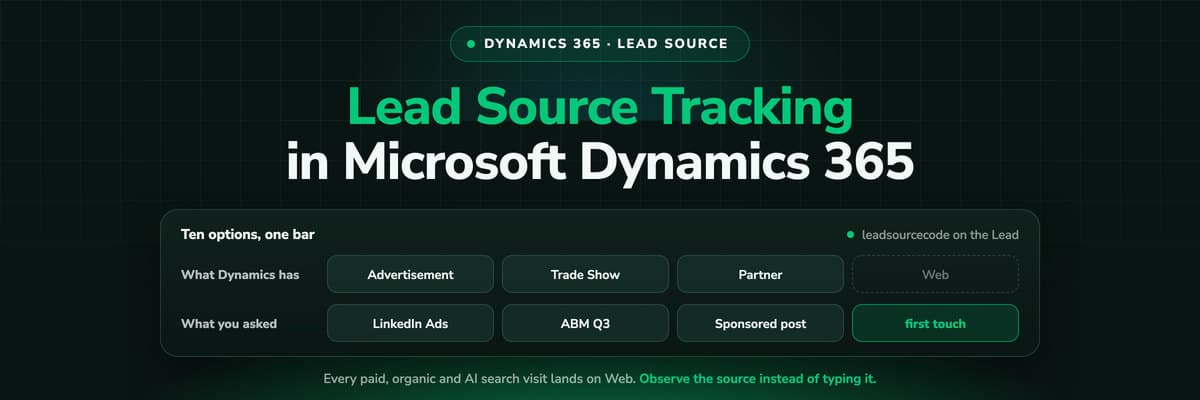
Group the Dynamics lead list by Lead Source and the chart is mostly one bar. It says Web. Underneath that bar sit the Google search campaign, the LinkedIn sponsored post, the Meta retargeting set, the ChatGPT citation and the organic blog post, and Dynamics has no way of telling them apart. The rest of the chart is Trade Show, Partner and a long tail of Other, typed by whoever created the record.
This is not a Dynamics bug. Dynamics records what somebody puts in it, and on the marketing side nobody puts anything in it. Once you know which table holds what and who is supposed to fill it in, the gaps stop being mysterious and start being fixable.
Quick Summary: Lead Source Tracking in Dynamics 365
In short
Dynamics 365 stores the origin of a Lead in the leadsourcecode choice column, which ships with ten options and is set by a person, an import or a rule. Nothing in Dynamics 365 Sales observes a web session, so every paid, organic and AI search visit you run arrives as the single option Web. The campaign side is a Campaign record with its own cost columns and a Campaign Response somebody creates by hand. The fix is to capture the click ID, campaign and landing page at the first visit, keep them in first-party storage, and write them onto the Lead and the Opportunity as columns of their own.
What follows is the detail: which table holds what, the five failure modes in the order they bite, how far UTM tracking gets you, and an audit that tells you in an afternoon how bad your own data is.
What Lead Source, Campaigns and Campaign Responses Record
Dynamics ships three places to record where something came from, and most reporting arguments come from mixing them up. They answer different questions, they are filled in at different moments, and all three are filled in by hand.
- Lead Source on the LeadThe leadsourcecode choice column. Its shipped options are Advertisement, Employee Referral, External Referral, Partner, Public Relations, Seminar, Trade Show, Web, Word of Mouth and Other. One value, chosen once, and Web covers every digital channel you buy.
- The Campaign recordA container for planning tasks, campaign activities, marketing lists and responses. It carries Budget Allocated, Total Cost of Campaign, Expected Revenue and Expected Response Percentage, all typed in by the person who owns the campaign.
- The Campaign ResponseA reply to a campaign activity, created manually or converted from an activity, which can then become a Lead, an Opportunity, a Quote or an Order. It is the link between a campaign and the pipeline, and nothing creates one automatically from an ad click.
Do not bulk-edit Lead Source to make the chart look better
The column can be set by an import or a rule, and it is tempting to split the Web rows into something more flattering. Do not. Every historic view, routing rule and dashboard reads the same column, and once guesses sit in it you can no longer tell an observed source from an assumed one. Put measured attribution into columns of your own beside it and leave leadsourcecode as the record of what a human asserted.
Where Dynamics Gets a Source From, and Where It Does Not
There is a chain behind every source value, and in a standard Dynamics 365 Sales environment most of it is missing. Knowing which links exist turns a vague complaint about bad data into something you can check this afternoon.
The website
Dynamics 365 Sales has no script on your site. It records no sessions, no referrers and no campaign parameters, because it was never a web analytics product. Whatever reaches Dataverse arrives through a form, an import or an integration.
The form
A Customer Insights - Journeys form, or a third-party form connected through form capture, maps each field to a Dataverse column. A hidden field carrying a UTM value is the usual way a campaign name ever reaches the Lead.
The Journeys cookie
Customer Insights - Journeys web tracking writes its cookie carrying the form submission id at the moment a form is submitted. The identity starts at the form, which is why the click that brought the person there a week earlier is not in it.
The person creating the record
A seller typing a lead in, an import from a list, an integration posting through the API. Each of those picks a Lead Source value, or leaves it empty, and that is the source your report is made of.
Put that chain next to the question the board asks, which is which campaign produced the revenue, and the mismatch is obvious. Dynamics is precise about the opportunity and silent about the marketing that produced it, because the marketing half of the chain was never collected.
The Five Ways Lead Source Goes Wrong
In the order they bite, from the one that affects every environment to the one that only shows up when you start reporting on revenue.
- Web is one option for every digital channel. Paid search, paid social, organic, email, referral and AI search all collapse into it. The chart is technically correct and answers nothing.
- Nobody fills it in consistently. Two sellers, two habits. One picks Web for an inbound demo request, one picks Advertisement, one leaves it blank. The option set is not required unless somebody made it required.
- The campaign is on the Campaign record, not on the Lead. Even a well maintained campaign with a real budget in Total Cost of Campaign is only joined to pipeline when somebody creates a Campaign Response and converts it, which is manual work nobody does at ad-click volume.
- The first touch is lost the moment a form is involved. A hidden UTM field records the page the visitor happened to submit on. The LinkedIn ad that started the journey three weeks earlier left no trace, so the last touch is credited and the channel that opened the deal is invisible.
- Calls, chats and imported lists have no session at all. The lead exists, the revenue is real, and there is nothing to attribute it to, so it lands in Other or in nothing.
The one that only hurts later
Sending a won opportunity back to Microsoft Advertising means having msclkid on the record and uploading it while the click is still inside the platform's window, which Microsoft documents as the last 90 days. A B2B sales cycle is routinely longer than a conversion upload window, so an attribution gap quietly becomes a bidding problem: the platform never learns which clicks produced revenue.
UTM Tracking in Dynamics 365: How Far It Gets You
UTM tracking in Dynamics is not one feature, it is a pattern people build. It works, within limits, and the limits are worth knowing before you spend a sprint on it.
The usual build has three parts. You tag every ad destination with utm_source, utm_medium and utm_campaign. You add hidden fields to the form for each parameter, either on a Customer Insights - Journeys form or on your own form connected through form capture, and map each one to a custom column on the Lead. Then you build a view or a Power BI report that groups by those columns instead of by Lead Source.
- What it gets rightA lead who clicks an ad and submits the form on that same visit arrives with the campaign name on the record, in columns you own, without touching leadsourcecode. For a short buying cycle with one landing page, that is most of the job.
- What it cannot seeThe visit before the visit. A returning visitor arrives with no parameters in the URL, so the hidden fields are empty or, worse, overwrite a good value with a blank. Organic, direct and AI search visits carry no UTMs at all by definition.
- What breaks itA redirect that drops the query string, a form on a second domain, a new form built without the fields, a consent banner that blocks the script before the fields are filled, and any lead that arrives by phone or import.
There is also a maintenance cost people underestimate. Every new form, every new landing page and every agency handover is another place the hidden fields have to exist. The build is never finished, and the day it silently breaks looks exactly like a slow month.
If you are rebuilding after the outbound marketing removal
Outbound marketing was removed from every Customer Insights - Journeys environment in May 2026. Its analytics were merged into the real-time journeys data, the insights reports that lived in its interface are gone, and Power BI reports built on the old data model stopped working. If your source reporting was one of those, rebuild it on data that is observed rather than typed rather than rebuilding the same fragile chain in Microsoft Fabric.
An Afternoon Audit of Your Own Data
Before buying anything, measure the gap. Four numbers, all available from views you can build in Dynamics today, and each one tells you something different.
- The Web share. Leads created in the last 90 days, grouped by Lead Source. The percentage sitting in Web is the share of your pipeline whose channel you cannot name.
- The blank share. The same view, filtered to Lead Source empty. This is the number that decides whether you have a tooling problem or a process problem.
- The campaign join rate. Opportunities closed as won in the last year that have a Campaign Response, or any campaign, associated at all. In most environments this is close to zero, and it is why cost per won opportunity cannot be calculated.
- The click ID share. If you already capture msclkid or gclid in a custom column, count the won opportunities that still have a value in it. That is the ceiling on what you could send back to the ad platforms today.
Take those four numbers into the budget meeting instead of an opinion. A Web share of 70% and a campaign join rate of 2% is not a reporting preference, it is the reason nobody can say what the last quarter's spend produced.
Three Ways to Fix It, Side by Side
There are three levels of ambition here and they stack: the second assumes the first works, the third assumes both. Pick the one that matches how much revenue depends on the answer.
Lead Source discipline, hidden UTM fields and a tracking platform, side by side
| Approach | What it captures | What it misses | What breaks it |
|---|---|---|---|
| Lead Source discipline alone | A required, shortened option set plus a rule that sets it on creation, so the field is at least consistent | The campaign behind Web, the first touch, the cost of the lead, anything a person did not assert | Two sellers with two habits, an import, an integration posting through the API, and the day somebody adds a new option |
| Hidden UTM fields on the form | Whatever the landing page URL carried at that submission, in custom columns on the Lead that you own | The first touch when the lead converts later, any session without parameters, calls, chats and imported leads | A returning visitor on organic or direct, a redirect that strips the query string, a form on another domain, a blank overwriting a good value |
| A tracking platform writing into Dataverse | Click ID, campaign, ad and landing page from the first visit, held first-party, joined to the person at the form fill, written onto the Lead and the Opportunity | Nothing the visitor never triggered: a cold call or an imported list still needs a source typed in | A visitor who declines consent, and any journey that never touches your site |
The honest summary: the first level is free and incomplete, the second cheap and fragile, the third costs a subscription and closes most of the gap. If you spend five figures a month and cannot name the campaigns behind the won opportunities, the arithmetic decides for you.
How LeadJourney Writes the Real Source onto Every Dynamics Record

LeadJourney is one script on your site or in your GTM container, live in about 21 minutes without a developer. It runs server-side on your own domain at 95%+ tracking accuracy, so Safari, iOS and ad blockers take far less out of the data. At the first visit it captures msclkid, gclid with gbraid and wbraid, fbclid and li_fat_id, plus the UTMs and the landing page. That anonymous first click is joined to the person at the form fill, call or booking, so the March ad is still attached in September.
The Microsoft Dynamics integration runs both ways over Dataverse. It reads your lead statuses, opportunity stages and revenue, and writes the first touch, campaign, click ID and full journey onto the Lead, the Account and the Opportunity as columns of their own, so leadsourcecode stays exactly as your routing rules expect it. You then map any stage you choose, qualified, proposal sent or closed as won, to a conversion action: Microsoft Ads as offline conversions matched on msclkid, Google Ads as an offline conversion import matched on the gclid, Meta over the Conversions API, LinkedIn over its Conversions API, with the amount and currency travelling with the event. Attribution models switch between first click, last click, linear, time decay and position based without re-tracking.
The limits are worth saying out loud. Tracking is first-party and respects consent decisions rather than working around them, so a visitor who declines is not measured, and a lead that never touched your site still needs a source typed in by a human. Call tracking closes the phone gap, but the numbers are an add-on (from €50 a month for five numbers and 250 minutes) on top of the plan, which starts at €129 a month by marketing spend, hosted in Frankfurt under a GDPR data processing agreement.
Read verified reviews on Trustpilot, G2 and leadjourney.io/testimonials.
Further Reading
Keep going with what Dynamics 365 campaign management actually tracks, what Customer Insights attribution measures and the attribution tools built for Dynamics. On the technical side, see the GCLID guide and our UTM parameters explainer. On the product side, the Microsoft Dynamics integration, fixing the lead source in your CRM and the lead source glossary entry.
In the glossary
FAQ
Frequently Asked Questions
The questions marketers and Dynamics admins ask when the source report stops adding up.
Why do so many Dynamics 365 leads say Web?
Because Web is the only digital option the shipped Lead Source list has. leadsourcecode arrives with ten choices, and Advertisement is the only other one that is remotely digital, so paid search, paid social, organic, email, referral and AI search all collapse into a single value. Nothing in Dynamics 365 Sales observes the session that produced the lead, so there is no second column carrying the campaign either. The bar is correct and it answers nothing.
How do I track UTM parameters in Dynamics 365?
Add a hidden field per parameter to your form, map each one to a custom column on the Lead, and report on those columns rather than on Lead Source. It works for a visitor who clicks an ad and submits on that same visit. It captures nothing when the visitor returns later without parameters in the URL, it records the last touch rather than the first, and a blank submission can overwrite a good value. Pair it with first-party storage that remembers the first visit, or the build will flatter whichever channel happens to close.
Can Dynamics 365 do multi-touch attribution?
Not in Dynamics 365 Sales. There are no touchpoints in Dataverse to distribute credit across, because no sessions are recorded. Customer Insights - Journeys, on its own licence, records interactions with the journeys, forms and emails it runs and reports on those, and you can model on top of that in Power BI or Microsoft Fabric. What neither has is the ad click before the form, which is the touch that decides whether a campaign gets more budget.
Should I change the Lead Source option set?
Shortening it and making it required helps consistency, and it is worth doing. It will not tell you which campaign produced a lead, because the person picking the value does not know either. Treat leadsourcecode as the record of what a human asserted, add observed columns for channel, campaign, ad and click ID beside it, and build reporting on the observed ones.
How do I track phone calls and imported leads in Dynamics?
Contacts and leads created by a seller, an import or the API have no session behind them, so nothing can be attributed automatically. Two things help. Make a short required picklist for manually created records, covering inbound call, outbound, referral, event and partner. Then use call tracking numbers per campaign, or a number that changes per visitor, so a call is attached to the session that produced it and stops being offline at all.
Can I report on revenue by lead source in Dynamics 365?
Only if the source is on the Opportunity. Lead columns stop travelling once the lead is qualified and the Opportunity becomes the record the money sits on, so copy first touch source, campaign and click ID onto the Opportunity at creation and leave them frozen. With that in place you can sum actual revenue by first touch campaign, which is the number that decides budget, rather than counting leads by channel, which flatters cheap traffic.
Keep reading
More from the blog
 How To Guides
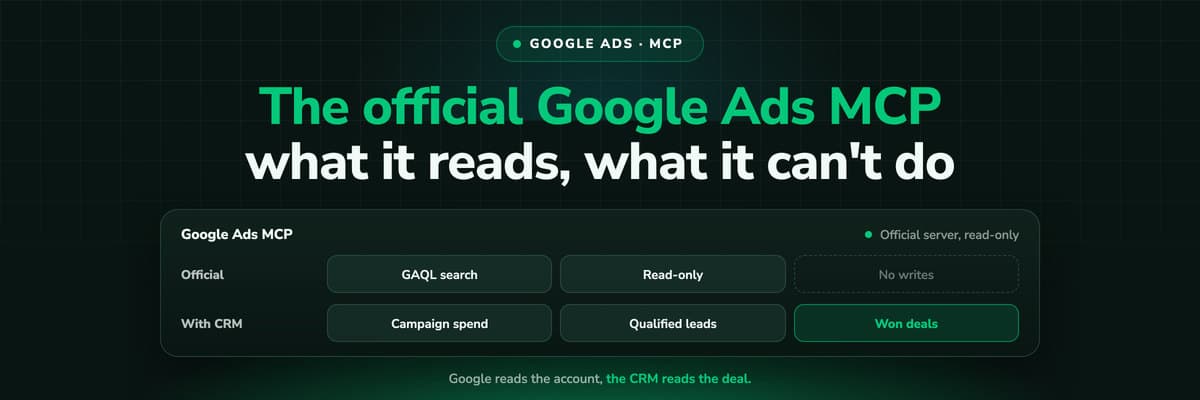
Google Ads MCP: The Official Server, Its Limits, Options
Google publishes an open source MCP server for the Google Ads API. It is read-only, has three tools and no public URL. What it does, how to run it locally or on Cloud Run, how Claude and Claude Code connect to it, what it cannot do, and the third-party servers that fill the gaps.Read the article13 min read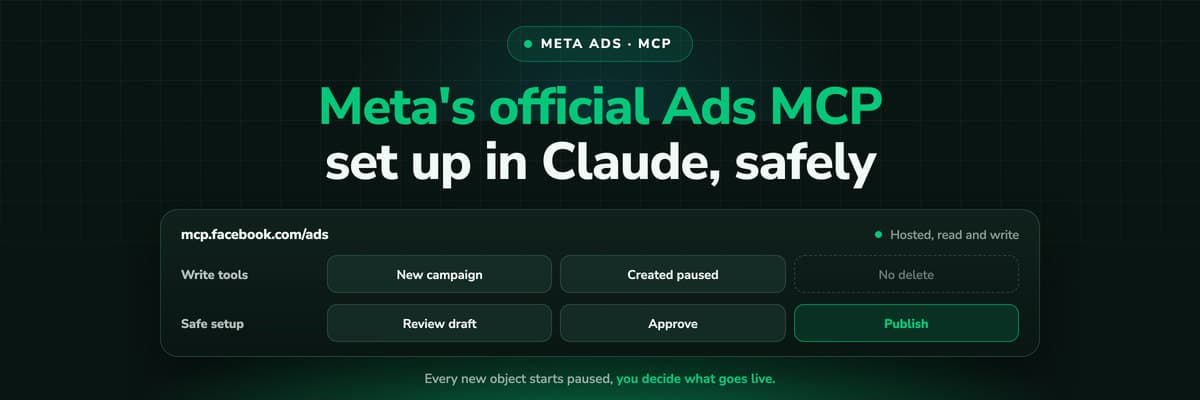 How To Guides
Meta Ads MCP: Setting Up Meta's Official Server
Meta runs its own MCP server for ads at mcp.facebook.com/ads. What it does, which permissions it needs, how agencies get access, how to add it to Claude and ChatGPT, what the third-party servers offer instead, and how to use the write tools without spending money by accident.Read the article12 min read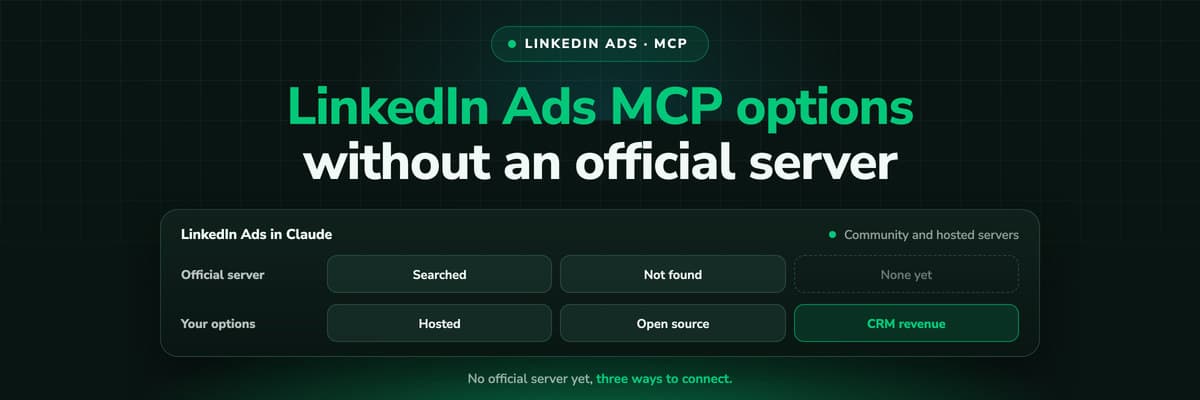 How To Guides
LinkedIn Ads MCP: Your Options Without an Official Server
LinkedIn has no official MCP server as of October 2026, unlike Meta, Google, Microsoft, TikTok and X. What the third-party LinkedIn Ads MCP options are, why there are so few, what to check before you connect one to an account with spend on it, and how to ask Claude about LinkedIn campaigns on pipeline rather than form fills.Read the article11 min read
Real lead source
Ready to see the real source on every Dynamics 365 lead?
LeadJourney captures the click ID and campaign at the first visit, server-side on your own domain, writes the first touch and the full journey onto the Lead and the Opportunity in Dataverse, and sends won revenue back to Microsoft, Google, Meta and LinkedIn. Live in 21 minutes, set up with a tracking expert, 30-day money-back guarantee.
30-day money-back guaranteeSetup with a tracking expert


