


















BlogHow To Guides
Meta Event Match Quality: How to Raise the Score
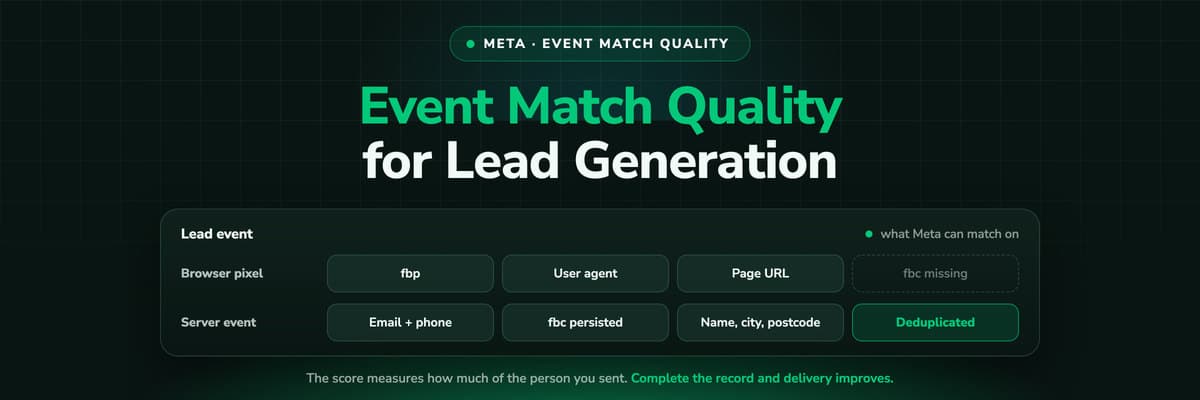
Your Lead event shows a mediocre Event Match Quality score and somebody told you to add more parameters. Here is what the score actually measures, which identifiers move it for a form fill business, the normalisation mistakes that produce a hash Meta can never match, and the order to fix things in.

Contents
Summarise this article with AI
Opens the page with a ready prompt in:


Nothing is sent until you pick a service.
You open Events Manager, click into the Lead event, and there it is: an Event Match Quality score sitting in the middle, with a tooltip suggesting you send more customer information parameters. Somebody has already told you to add more parameters. Nobody told you which ones, what each is worth on a form fill, or why the score barely moved after you added three.
It is one of the few numbers in Meta's interface worth chasing, and one of the easiest to chase badly. Here is what it measures, which parameters move it, the hashing rules that break matching, why a clean server-side setup often scores worse than the browser one it replaced, and a plan for an afternoon.
Quick Summary: Meta Event Match Quality
In short
Event Match Quality scores how confidently Meta can tie one event you sent to a real person on its platform. It is scored per event, not per website, and a weak score costs you attribution, optimisation signal and audience building rather than breaking anything visibly. For a lead generation business the fastest lift is email and phone, normalised and hashed correctly, plus the fbc and fbp browser values and the visitor's IP address and user agent carried onto every server event. Names, city, postcode, country and an external id add smaller increments on top.
Below: what each parameter is worth on a short form, the hashing rules that break matching without producing an error, where the fbclid goes when a visitor returns on Thursday, and the order to fix things in.
What Event Match Quality Actually Measures
The score sits next to each event in your dataset's detail view in Events Manager, out of ten with a word label. It answers one question: of the events you sent under this name, how confidently could Meta match them to a person with a Facebook or Instagram account? It is not a grade for your tracking setup, your consent banner or the quality of your leads.
You hash the personal parameters, Meta compares them with hashes of what it holds about its own users, and either finds a person or does not. A match can be credited to the ad that person saw and can join an audience. No match, and the event still counts in your totals but floats free.
It is a matching score
Not a data quality grade. A perfect pixel on a form asking only for a first name will score badly, and should.
It is scored per event
Lead and Purchase score separately. Fixing one does nothing for the other, and an account average is not a thing.
It is a rolling figure
It reflects a window of recent events on a delay, so this morning's deploy will not show this afternoon.
Why a Low Score Costs Delivery and Reporting
Nothing breaks, and that is the trap. The Lead event still fires, still appears in Events Manager, still counts in Ads Manager. A poor match quality does its damage quietly, in three places.
- AttributionAn unmatched event cannot be credited to the click behind it, so your reported cost per lead looks worse than reality and campaigns get judged on part of their output.
- OptimisationDelivery learns from conversions it can attach to people. The fewer leads it identifies, the thinner the signal behind the next impression it buys.
- AudiencesAn unmatched lead cannot seed a lookalike or be excluded from prospecting, so you keep paying to reach people who already filled in the form.
None of that raises an error, and the gap is invisible inside any single campaign, which is why it survives for years. It is a lever, not a KPI: you are completing the record on conversions you already paid for.
The Parameters That Move the Score
The two that do most of the work
Email and phone are worth building the setup around, and your form collects both already. Email is strongest because most people gave Meta an email address themselves, and a personal address matches better than a work one. Before deciding a B2B account is broken: a form that only ever sees [email protected] will score lower, and the fix is a phone number, not a different pixel.
Everything else, in rough order
Names, city, state, postcode, country and date of birth are weak alone and useful in combination. A surname narrows nothing; a surname with a city and a country narrows a lot. Send what the form or the CRM already holds and do not add fields to feed a score. External id is your own stable identifier, a CRM contact id or a first-party cookie value, and it only pays when the same value goes out for the same person every time.
The fbc and fbp values are different in kind: not data you collected but Meta's own click and browser identifiers, and a live fbc is the strongest single link to an ad click because it carries the click id. On a server event, the client IP address and user agent recreate what a browser reports for free. None of those four are hashed.
The main parameters on a lead generation event
| Parameter | Where it comes from | On a lead gen form? | Effect on matching |
|---|---|---|---|
| Email (em) | Form field or CRM | Almost always | Strongest single identifier |
| Phone (ph) | Form field | Often, worth requiring | Strong; best backup for a work email |
| Name (fn, ln) | Form field | Usually | Weak alone, useful beside a city |
| City, state, postcode | Form, CRM or billing address | Rarely on a short form | Small, only in combination |
| Country | Form, or the phone country code | Usually derivable | Small but almost free |
| Date of birth (db) | Form field | Almost never in B2B | Small; do not add a field |
| External id | CRM contact id or a cookie | Once you generate one | Useful when browser and server agree |
| fbc | The _fbc cookie, from the fbclid | Only if you keep it | Very strong: it carries the click |
| fbp | The _fbp cookie the pixel writes | Only if the pixel ran | Moderate, free to pass |
| IP and user agent | The visitor's request | Always available server-side | Lets a server event match like a browser one |
Meta publishes no weighting, so treat any ranking as a rule of thumb. The direction is reliable: identifiers people gave Meta beat identifiers they gave you, and a click id beats both.
Hashing and Normalisation: Where Matching Silently Dies
Personal parameters are hashed with SHA-256 before they leave your systems, and this is where most matches are lost. A hash is all or nothing: change one character before hashing and the output shares nothing with the hash Meta holds. No partial credit, no rejection, and no sign of it except a score that will not rise.
- Email: trim, lowercase, hash. Do not strip dots out of a Gmail address.
- Phone: digits only with the country code, no plus, no spaces, no leading zero. 0151 2345678 becomes 491512345678.
- Names: lowercase, trimmed, no titles or punctuation, each in its own field.
- City: lowercase, spaces and punctuation removed. Frankfurt am Main becomes frankfurtammain.
- State: the two-letter code in lowercase for the US, the lowercased name elsewhere.
- Postcode: lowercase, no spaces; for the UK the area, district and sector part.
- Country: the two-letter ISO code in lowercase. Send de, not Germany or DEU.
- Date of birth: eight digits, year, month, day, nothing between.
- Client IP, user agent, fbc and fbp: never hashed. Hashing them removes them from play.
The five mistakes that produce an unmatchable hash
- Case. [email protected] and [email protected] are one address and two unrelated hashes. Lowercase on the way out, including anything a human typed into a CRM.
- Whitespace nobody sees: a trailing space from a paste, a non-breaking space from a form field, a tab from a CSV import. Trim first, or it is invisible forever.
- A phone number in national format. A leading zero and no country code produce a number Meta has never held. Check this first in a European account.
- Hashing something already hashed: a CRM storing hashed emails, or a tag template hashing on the way into the server container. Meta accepts a pre-hashed value, so nothing complains and nothing matches.
- Placeholders: the hash of an empty string, or of the text null, undefined, N/A or 0. Meta counts the parameter as present, so coverage looks complete while the match rate stays put.
The empty-string hash is the one to grep for
SHA-256 of an empty string is always e3b0c44298fc1c149afbf4c8996fb92427ae41e4649b934ca495991b7852b855. If that turns up in the em or ph field of your payloads, an empty field is being hashed on the way out. Fix it at the source: omit the parameter when there is no value.
The fbclid Problem: Why fbc Disappears
A click on a Meta ad lands with an fbclid on the URL. The pixel reads it, wraps it into the _fbc cookie as fb, a subdomain index, a creation timestamp in milliseconds and the fbclid joined by full stops, and sends that as fbc on every later event from the browser. Four things break it.
- The pixel never ran: no consent decision yet, an ad blocker, a script error, or a landing page on a domain the pixel is not on. No cookie, no click id.
- The visitor returned without the parameter. An fbclid only exists on the ad click, so a Monday clicker who submits on Thursday carries fbc only if Monday's cookie survived.
- Cookie lifetime. The _fbc cookie defaults to ninety days, but Safari caps a cookie written by a browser script at seven, which is much of why iOS matches worse.
- A redirect stripped the query string: a link shortener, a consent gate, a CMS redirect from the non-www host, an A/B tool that rewrites URLs.
How to persist it
Stop treating a browser cookie as the only home for the click id. Read the fbclid on the first request, store it server-side against a first-party visitor identifier, and write it onto the lead record at the form fill. The form fill, the call on Thursday and the deal that closes in March then carry the same fbc. If you build the value yourself, keep the format and use the moment you first saw the fbclid as the timestamp. Same discipline that keeps a gclid alive to the closed deal, and the same reason a click id belongs in the CRM.
Why Server-Only Setups Often Score Lower
A story that repeats: the team moves from a browser pixel to a clean Conversions API integration on the promise of better data, and the match quality on the Lead event drops. That is not a fault in the Conversions API. It is what a server knows compared with what a browser never had to be told.
A browser event carries the visitor's IP address, the user agent and the _fbc and _fbp cookies for free. Fire a server event out of your CRM and, unless you carried those four along, all Meta has is what the form collected. The rule is not server instead of browser, it is server with the browser's context attached: capture on the page, send from the server, which is also the case for tracking server-side on your own domain.
Send the visitor's IP, not your server's
If every event carries the same client IP address, you are sending the machine that made the request. Meta can match nobody on it. Read the address from the request that submitted the form, keep it with the lead, and send that.
Event Deduplication: Two Events, One Conversion
Do that and you now send a browser event and a server event for the same lead, which raises the obvious question: does Meta count it twice? Not if both carry the same event name and the same event id. Meta keeps one and discards the other.
- Generate one id per conversion, not per page view. A UUID created at submit works, and so does a CRM lead id that exists before either event goes out.
- Send it as the event id on the browser call and in the server payload, with the same event name on both.
- Send both promptly. Meta deduplicates inside a window of roughly two days; an event arriving later is simply a second conversion.
- Check rather than assume. The event's detail view reports the overlap between your browser and server sources.
One detail catches people out: Meta keeps the event it received first and drops the later one. It does not merge the payloads. A plan where the browser event carries the cookies and the server event carries the identifiers does not work. Put the full parameter set on both.
A Plan to Raise the Score in an Afternoon
Work in this order. It is roughly the order of return on effort.
- Audit what you send. Open the Lead event and read the parameter list: it shows which parameters arrive and on what share of events. That, not the score, is the work queue.
- Add the identifiers you already collect. If the form asks for a phone number and only the email reaches Meta, that is the biggest lift available, with no new field.
- Fix normalisation before adding anything new. A fifth parameter on top of four broken ones changes nothing.
- Persist fbc and fbp: capture the fbclid on the first request, store it against the visitor and then the lead, and send fbc on every later event.
- Pass the IP address and user agent on every server event, taken from the visitor's request.
- Deduplicate: same event name, same event id, both sides carrying the full parameter set.
- Wait, then re-check. Give it several days of representative volume and compare a full week with the week before.
Do not judge the score from a single day
The score is calculated over a rolling window and lags the events behind it. A day of unusual traffic or an afternoon deploy will bend one day's number. Change one thing, wait for a few days of normal volume, compare like periods, and check that matched conversions rose with the score rather than fell.
Consent: Complete the Record, Do Not Work Around a Decline
A guide telling you to send Meta more personal data owes you the other half. All of this applies to visitors who consented. Raising the score is about completing the record for the people who said yes, not routing around the ones who said no.
Server-side changes where the call is made, not whether you were allowed to make it, and a visitor who declined should not have an fbc built on the server because the browser could not write one. Meta's business tools terms put the obligation on you to hold the rights for what you send.
The upside: almost every account loses more matchable events among consented visitors, through missing parameters, broken normalisation and lost click ids, than it could recover by pushing past a decline. More in GDPR-compliant conversion tracking.
How LeadJourney Sends Meta a Complete Lead Event

LeadJourney captures the click ids at the first visit and keeps them: fbclid, from which it builds fbc and fbp, alongside gclid, li_fat_id and msclkid, plus the UTMs and the landing page. The anonymous first click is joined to the person at the form fill, the call or the booking, so the click id is on the lead record before sales has touched it. Tracking runs server-side on your own domain at 95%+ accuracy.
Events go to Meta over the Conversions API with the full customer information parameter set and event deduplication. Because the journey keeps recording after the form, you can map CRM stages back as conversions: qualified lead, proposal sent, closed won. The deal amount and currency travel with the event, so value based bidding optimises on revenue rather than form fills.
What it does not change is the arithmetic of consent: tracking is first-party and respects consent decisions rather than working around them, so a visitor who declined is not identified. It also cannot invent an identifier your form never collected. Setup is one script on the site or in the GTM container, live in about 21 minutes without a developer, hosted in Frankfurt with a DPA signed.
Read verified reviews on Trustpilot, G2 and leadjourney.io/testimonials.
Further Reading
Keep going with the Meta Conversions API guide, the fix for poor Meta lead quality and why GA4, Meta and Google conversions never match your CRM. Definitions sit in the event match quality glossary entry, and the product side is the Meta Ads integration and the event match quality use case.
FAQ
Frequently Asked Questions
What media buyers ask when the Lead event's match quality will not move.
What is a good Event Match Quality score?
Meta shows the score out of ten with a word label, and the label matters less than the trend. A form that sends a correctly normalised email, a phone number, a live fbc value and the visitor's IP and user agent will sit comfortably in the upper range. Chase the parameter coverage list in Events Manager rather than a target number, because the score is relative to what other advertisers send.
Which parameters improve Event Match Quality the most?
Email first, then phone, because those are identifiers people gave Meta themselves. A live fbc value is the strongest single link to the ad click, since it contains the click id. On a server event the client IP address and user agent are close behind, because without them the event has none of the context a browser event carries for free. Names, city, postcode and country add smaller increments in combination.
Why did my score drop after moving to the Conversions API?
Almost always because the server event is missing the four values a browser event supplies without being asked: the visitor's IP address, the user agent, the _fbc cookie and the _fbp cookie. Send those alongside your hashed identifiers and the score usually recovers past where the pixel had it. The other common cause is a placeholder or a double-hashed value in a field the browser used to populate.
Do I have to hash the customer data myself?
Yes for the personal parameters, and normalise before you hash: lowercase, trim, phone numbers in international format without the leading zero. Four values are never hashed, the client IP address, the user agent, fbc and fbp, and hashing them removes them from matching entirely. If a tool in the chain already hashes, make sure nothing hashes again, because a double hash never matches and never errors.
Does event deduplication reduce my conversion count?
It stops a duplicate being counted, which is the point. Send the same event name and event id from the browser and the server, and Meta keeps the first event it receives and drops the second. It does not merge the two payloads, so put the full parameter set on both. If counts fall after you switch deduplication on, they were previously inflated by counting one lead twice.
Can I improve the score for visitors who declined tracking?
No, and you should not try. Consent decides whether you may send customer information about a visitor at all, and a server-side integration changes where the request is made rather than whether it was permitted. The realistic gain sits with consented visitors whose events are incomplete: missing parameters, broken normalisation and lost click ids cost most accounts far more than declines do. See GDPR-compliant conversion tracking.
Keep reading
More from the blog
 How To Guides
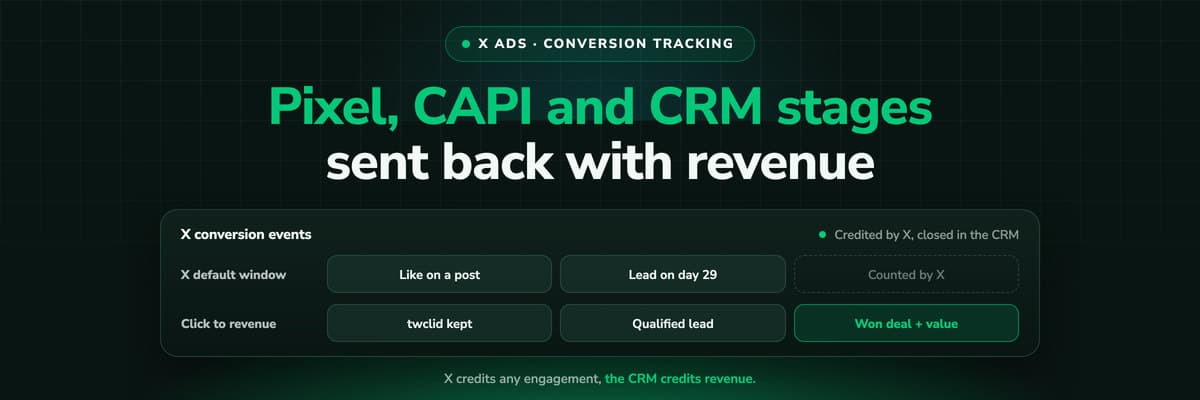
X Ads Conversion Tracking: Pixel, CAPI and CRM Events
X reports what the X Pixel and the Conversions API tell it, credited after any engagement inside windows you set per event. What to count for lead generation and for a store, how the two sources deduplicate on one conversion ID, why X's count and the CRM disagree by design, how to verify it, and which number deserves the budget.Read the article19 min read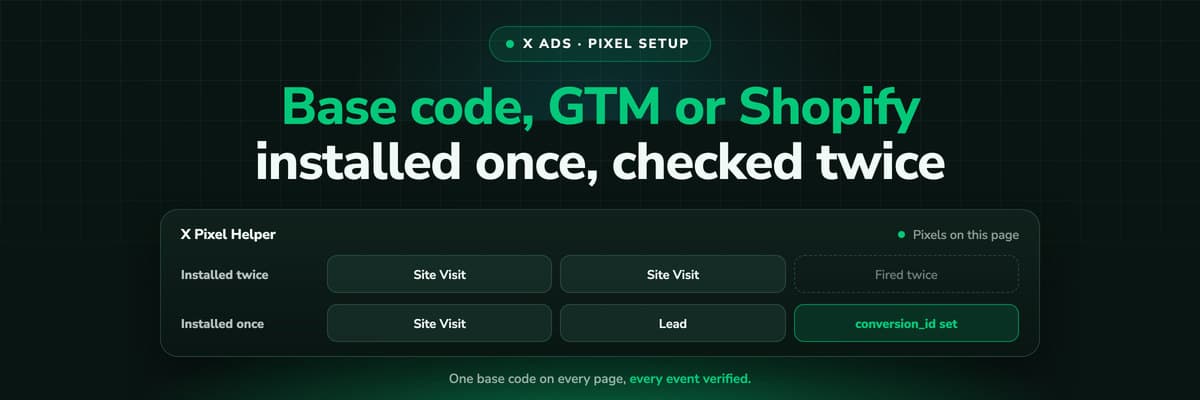 How To Guides
X Pixel Setup: Base Code, GTM, Shopify and Events
Every way to install the X Pixel, with X's own steps and code: creating it in Events Manager, the base code, event code, Google Tag Manager through the partner integration, Shopify, Ensighten and Tealium. Then the event types and parameters, cookies and consent, and how to check it all with the X Pixel Helper and the event statuses.Read the article18 min read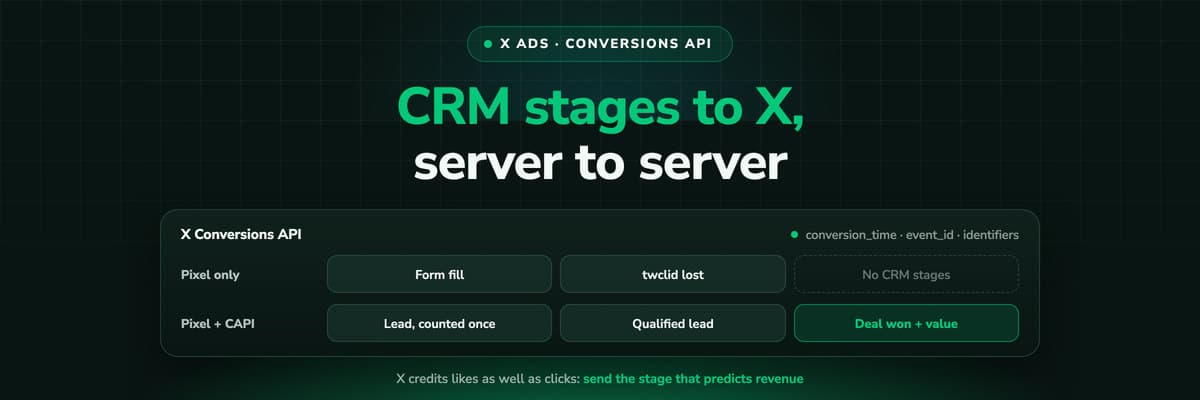 How To Guides
X Conversions API: Setup, Deduplication and CRM Events
The X Pixel reports what a browser lets it see. The Conversions API reports what your server tells it, including stages that happen in the CRM after the form. The endpoint and body, the access token against OAuth, identifiers and hashing, deduplication against the Pixel, the twclid you have to keep yourself, the limits, and what X will credit from a CRM.Read the article16 min read
Complete lead events
Ready to send Meta the whole lead instead of half of it?
LeadJourney captures the fbclid at the first visit, builds fbc and fbp, and sends your leads and CRM stages to Meta over the Conversions API with the full parameter set and deduplication. One script, live in 21 minutes, hosted in Frankfurt.


