


















BlogHow To Guides
HubSpot Lead Source Tracking: Stop Losing the Real Source
Half of your HubSpot contacts say Direct Traffic or Offline Sources, and nobody believes the source report any more. What Original Source and Latest Source actually record, the five reasons they go wrong, why hidden UTM fields only half fix it, and how to get a real source onto every contact and deal.

Contents
Summarise this article with AI
Opens the page with a ready prompt in:


Nothing is sent until you pick a service.
You group the HubSpot contact list by Original Source and a third of the rows say Direct Traffic. Another slice says Offline Sources. Those leads came from somewhere, because the ad accounts spent money that week and the form fills followed the spend, but the CRM cannot say which campaign paid for them. So the monthly report gets an asterisk and the budget meeting turns into an argument about whether the data can be trusted at all.
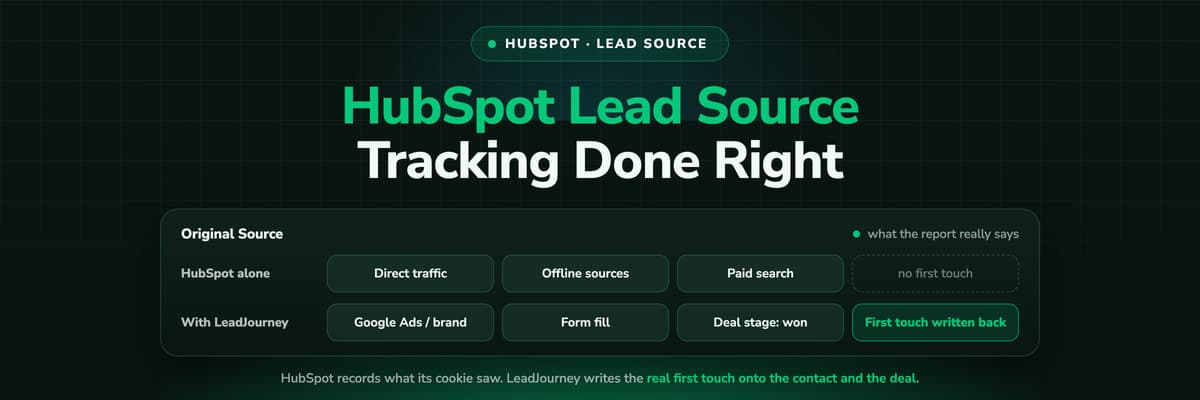
This is not a HubSpot bug. HubSpot records what its tracking code saw, and for a lot of leads it saw nothing. Once you know where each source value comes from, the gaps stop being mysterious and start being fixable.
Quick Summary: HubSpot Lead Source Tracking
In short
HubSpot stores the origin of a contact in Original Source, set once when the record is created and never updated, and in Latest Source, rewritten on every new session. Both are read from the hubspotutk cookie the HubSpot tracking code sets on your site. Any lead whose click was never cookied on a page carrying that code lands in Direct Traffic or Offline Sources, which is how paid pipeline disappears from the report. The fix is to capture the click ID, campaign and landing page at the first visit, keep them in first-party storage, and write them onto both the contact and the deal.
What follows is the detail: which property holds what, the five failure modes in the order they bite, and an audit that tells you in an afternoon how bad your own data is.
What Original Source, Latest Source and the Drill-Downs Record
HubSpot ships three families of source property, and most reporting arguments come from mixing them up. They answer different questions and they are written at different moments.
- Original SourceThe channel the contact first arrived through, stamped once when the record is created and never updated again. This is your first touch, and every acquisition report should be built on it.
- Latest SourceThe channel of the most recent session, rewritten whenever HubSpot sees a new one. Useful for re-engagement, wrong for asking which campaign acquired a customer: yesterday's email click has already replaced the answer.
- The drill-downsTwo properties sit beside each source. Paid search fills them with the campaign and the term, referrals with the referring domain. The campaign name lives here; the source alone is only the bucket.
The buckets are a fixed list: Organic Search, Paid Search, Paid Social, Organic Social, Email Marketing, Referrals, Other Campaigns, Direct Traffic and Offline Sources. Two of them are confessions rather than channels. Direct Traffic means HubSpot saw a session with no referrer it could classify. Offline Sources means the contact was created without a session at all, by an import, an integration, the API or a user typing it in.
Never overwrite Original Source
The property can be edited by an import or a workflow, and it is tempting to bulk-set the Direct Traffic rows to something that looks better. Do not. HubSpot writes it once from what it observed, and the Sources report reads the same field. Once guesses are in it, you cannot tell a measured source from an assumed one. Put your own attribution in custom properties beside it.
Where HubSpot Gets the Source From
There is a chain behind every source value and every link in it can be missing. Knowing the chain turns a vague complaint about bad data into something you can check.
The tracking code
The HubSpot script on your pages. It reads the referrer and the query string, classifies the session and writes the cookies. No script, no session, no source.
The hubspotutk cookie
The visitor token that ties browsing history together in one browser. First-party to the domain the script runs on, and what a form submission needs to inherit a history.
The form submission
A HubSpot form sends the visitor token with the field values. HubSpot looks up the sessions behind it and stamps Original Source. Without the token there is nothing to look up.
Everything else
Imports, the API, a CRM integration, a rep typing in a lead after a call. These create a contact with no session behind it, which is what Offline Sources means.
The Sources report is the same session data one level up. When it disagrees with the contact properties, both are right about different populations: the report counts sessions the code saw, the property counts only those it could attach to a person.
Five Reasons the Source Says Direct Traffic
Roughly in the order they show up in real accounts, here is what happened to the leads sitting in Direct Traffic and Offline Sources.
- The cookie was never set before the formA paid click lands on a page missing the tracking code, or on a redirect that drops the query string. By the time the visitor reaches the form, the referrer is your own site.
- The journey crossed devicesAd clicked on a phone at lunchtime, form filled at a desk two days later. Two browsers, two cookies, no link between them. In B2B that is the normal case.
- The form sits on another domain or in an embedA separate landing page tool, a booking page elsewhere, an iframe on a page that never loads your tracking code. The submission arrives with the wrong token, or none.
- The lead never used the websiteA call to the office, a reply to an outbound sequence, an event list, a rep creating the record afterwards. Offline Sources by definition, and in phone-led sales that is a lot of pipeline.
- The script did not run, or was not allowed toAn ad blocker, a browser that blocks the request, a consent banner the visitor declined. The person still becomes a contact, just without analytics attached.
A sixth pattern corrupts reporting without leaving a gap: overwriting. Latest Source is rewritten by the next session, so a nurture email quietly replaces the paid click. Build acquisition reports on Original Source, and keep any self-reported answer in its own property.
How to Set It Up Properly, Step by Step
A setup that survives has four ideas in it: capture at the first visit rather than at the form, keep first touch and last touch apart, store the click ID as well as the campaign, and never let an empty value win.
- Fix tracking code coverage first. Every page a paid click can land on needs the code, and ads should point at the final URL rather than a redirect that strips parameters.
- Agree a hidden field convention. One property per parameter, internal names matching the query string exactly, the whole set in the form template so new forms inherit it.
- Create a first-touch and a last-touch pair. Source, campaign and date for each. Fill the first-touch trio only when it is empty. This one rule stops June erasing March.
- Store the click ID, not just the UTMs. gclid with gbraid and wbraid, fbclid, li_fat_id, msclkid. A UTM is what you labelled the traffic; a click ID is the platform's own key. See the click ID glossary entry.
- Persist it in first-party storage on your own domain. Read the parameters on the first page view, store them, read them back at the form fill wherever it happens.
- Skip blank inputs in every workflow. Most lost source data was captured correctly once, then overwritten by a later submission with nothing in the field.
- Copy the source onto the deal at creation and freeze it. Contact properties keep changing; a deal needs the source as it stood the day it opened.
Leads created by a rep will always be Offline Sources, so give the team a short required picklist: inbound call, outbound, referral, event, partner. If calls are a real acquisition channel, tracking numbers per campaign attach the call to a session and move those leads out of the offline bucket.
Report on Deal Amount by First Touch, Not on Contact Counts
Once the source is on the deal, the question changes shape. Counting contacts by Original Source tells you which channel fills the top of the funnel, the number most likely to flatter cheap traffic. Summing deal amount by first touch tells you which channel pays for itself, and the two lists are rarely in the same order.
Build three views and stop there: closed won amount by first touch campaign, pipeline amount by first touch campaign, and contact count by source with the conversion rate to qualified beside it. When the cycle is long, add time to close by channel: a campaign that looks weak on a 30 day view often closes on a 90 day one. That is what long sales cycle attribution solves.
The source also belongs on the deal because it can travel back out: a stored click ID plus a deal amount is what an ad platform needs to take a closed deal as an offline conversion.
How to Audit the Source Data You Have Today
Before changing anything, put a number on the problem. An afternoon of work gives you the figure that justifies the fix and a baseline to measure against.
- Export a contact list for the last 90 days with Original Source, both drill-downs, create date and lifecycle stage as columns.
- Count the share of rows in Direct Traffic and Offline Sources. Above roughly a fifth, for a business that buys traffic, means the chain is broken upstream.
- Set what Google, Meta, LinkedIn and Microsoft report for the same window beside the contacts HubSpot attributes to paid. Why the platforms never match your CRM explains which part of that gap is normal.
- Sample twenty Direct Traffic contacts and work each back by hand: which form, which page, does it carry the code, do the ad accounts show a click that day.
- Check every form and landing page for the tracking code and the hidden fields. The failures are your first sprint.
- Check the deals too. If deal records carry no source property, no contact-level tidying will produce a revenue report.
Write down the Direct Traffic share and the platform gap before you start. In three months those two numbers are how you prove the work was worth doing.
The Three Approaches Compared
There are three levels of ambition here and they stack: the second assumes the first works, the third assumes both. Pick the one that matches how much revenue depends on the answer.
HubSpot properties, hidden UTM fields and a tracking platform, side by side
| Approach | What it captures | What it misses | What breaks it |
|---|---|---|---|
| HubSpot properties alone | Original Source, Latest Source and two drill-downs per contact, plus the Sources report | The click ID, the campaign the drill-down does not name, cross-device journeys, offline leads, revenue by first touch | A missing tracking code, a redirect that strips parameters, a blocked script, a declined banner, a rep or an import creating the record |
| Hidden UTM fields on the form | Whatever the landing page URL carried at that submission, in properties you own | The first touch when the lead converts later, any session without parameters, calls, chats and imported leads | A returning visitor on organic or direct, a form on another domain, a new form built without the fields, a blank overwriting a good value |
| A tracking platform writing back | Click ID, campaign and landing page from the first visit, held first-party, joined to the person at the form fill, and written onto contact and deal | Nothing the visitor never triggered: a cold call or an imported list still needs a manual source | A visitor who declines consent, and any journey that never touches your site |
The honest summary: the first level is free and incomplete, the second cheap and fragile, the third costs a subscription and closes most of the gap. If you spend five figures a month and cannot name the campaigns behind the deals, the arithmetic decides for you.
How LeadJourney Writes the Real Source onto Every HubSpot Record

LeadJourney is one script on your site or in your GTM container, live in about 21 minutes without a developer. It runs server-side on your own domain at 95%+ tracking accuracy, so Safari, iOS and ad blockers take far less out of the data. At the first visit it captures gclid with gbraid and wbraid, fbclid, li_fat_id and msclkid, plus the UTMs and the landing page. That anonymous first click is joined to the person at the form fill, call or booking, so the March ad is still attached in June.
The HubSpot integration runs both ways. It reads your lifecycle and deal stages and the deal values, and writes the first touch, campaign, click ID and full journey onto the contact and the deal. You then map any stage you choose, qualified lead, proposal sent or closed won, to a conversion action: Meta over the Conversions API, Google Ads as an offline conversion import matched on the gclid, LinkedIn over its Conversions API, Microsoft Ads as offline conversions, with the deal amount and currency travelling with the event. Attribution models switch between first click, last click, linear, time decay and position based without re-tracking.
The limits are worth saying out loud. Tracking is first-party and respects consent decisions rather than working around them, so a visitor who declines is not measured, and a lead that never touched your site still needs a source typed in by a human. Call tracking closes the phone gap, but the numbers are an add-on (from €50 a month for five numbers and 250 minutes) on top of the plan, which starts at €129 a month by marketing spend, hosted in Frankfurt under a GDPR data processing agreement.
Read verified reviews on Trustpilot, G2 and leadjourney.io/testimonials.
Further Reading
Keep going with why GA4, Meta and Google never match your CRM, the GCLID guide on capturing and storing the click ID and our UTM parameters explainer. On the product side, see fixing the lead source in your CRM, the HubSpot integration and the lead source glossary entry.
In the glossary
FAQ
Frequently Asked Questions
The questions marketers and RevOps teams ask when the HubSpot source report stops adding up.
Why do so many HubSpot contacts say Direct Traffic?
Direct Traffic means HubSpot saw a session it could not classify: no recognisable referrer and no campaign parameters in the URL. In practice that is a paid click landing on a page without the tracking code, a redirect that stripped the query string, a visitor returning on a second device, or a blocked or declined script. The lead came from somewhere; HubSpot simply had nothing to read when the contact was created.
What is the difference between Original Source and Latest Source?
Original Source is the channel of the first session HubSpot can attach to that contact, written once when the record is created and never updated. Latest Source is rewritten on every new session, so a nurture email or a direct visit replaces whatever came before it. Build acquisition and cost per lead reporting on Original Source and use Latest Source for re-engagement questions only.
Can I change a contact's Original Source in HubSpot?
It can be edited by an import or a workflow, but you should not. HubSpot writes it once from what its tracking code observed, and the Sources report and every historical acquisition view read the same property. Overwriting it means you can no longer tell a measured source from a guess. Put your own first touch data into custom properties beside it and leave HubSpot's field as the observed record.
Do hidden UTM fields on a HubSpot form fix lead source tracking?
They help, because a HubSpot form pre-populates a hidden field when its internal name matches a query string parameter. They are still a snapshot of one page load: they carry nothing if the visitor returned later without parameters, they record the last touch rather than the first, and a blank submission can overwrite a good value. Pair them with first-party storage that keeps the first visit.
How do I track phone calls and offline leads in HubSpot?
Contacts created by a rep, an import or the API land in Offline Sources because no session exists. Two things help. Make a short required picklist for manually created leads, covering inbound call, outbound, referral, event and partner. Then use call tracking numbers per campaign, or a number that changes per visitor, so a call is attached to the session that produced it and stops being offline at all.
Can I report on revenue by lead source in HubSpot?
Only if the source is on the deal. Contact properties keep changing and a deal has its own record, so copy first touch source, campaign and click ID onto the deal at creation and then leave them frozen. With that in place you can sum closed won amount by first touch campaign, which is the number that decides budget, rather than counting contacts by channel, which flatters cheap traffic.
Keep reading
More from the blog
 How To Guides
X Ads Conversion Tracking: Pixel, CAPI and CRM Events
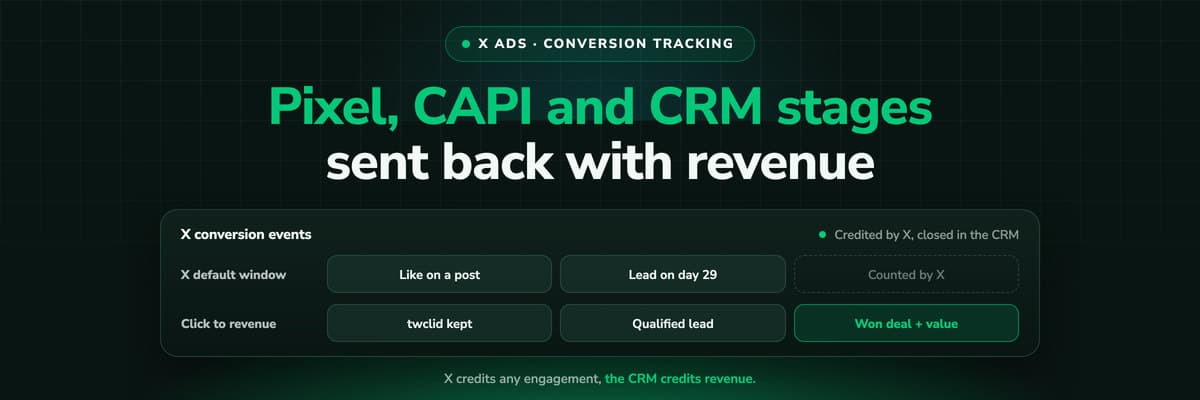
X reports what the X Pixel and the Conversions API tell it, credited after any engagement inside windows you set per event. What to count for lead generation and for a store, how the two sources deduplicate on one conversion ID, why X's count and the CRM disagree by design, how to verify it, and which number deserves the budget.Read the article19 min read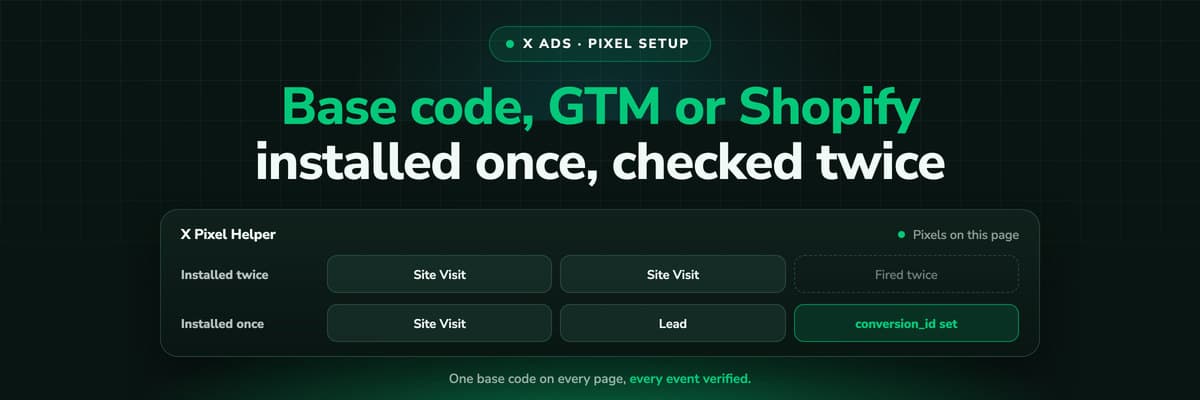 How To Guides
X Pixel Setup: Base Code, GTM, Shopify and Events
Every way to install the X Pixel, with X's own steps and code: creating it in Events Manager, the base code, event code, Google Tag Manager through the partner integration, Shopify, Ensighten and Tealium. Then the event types and parameters, cookies and consent, and how to check it all with the X Pixel Helper and the event statuses.Read the article18 min read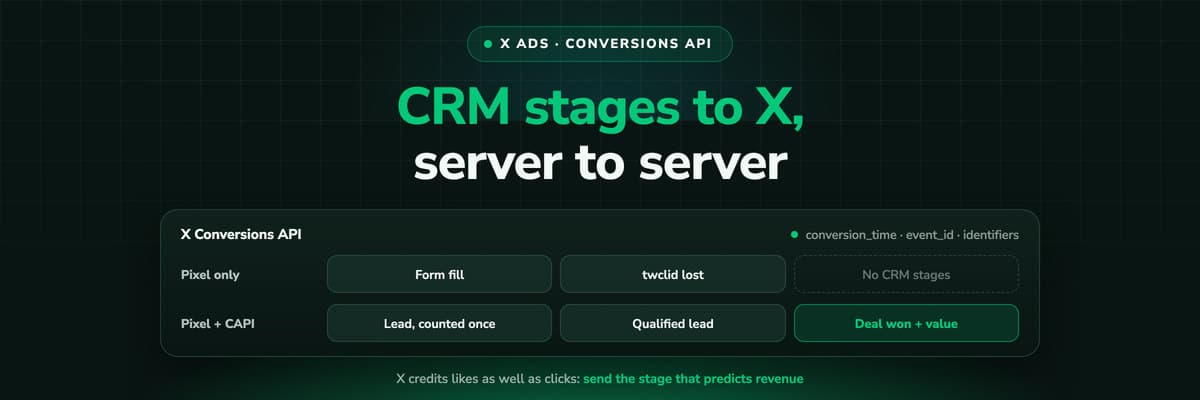 How To Guides
X Conversions API: Setup, Deduplication and CRM Events
The X Pixel reports what a browser lets it see. The Conversions API reports what your server tells it, including stages that happen in the CRM after the form. The endpoint and body, the access token against OAuth, identifiers and hashing, deduplication against the Pixel, the twclid you have to keep yourself, the limits, and what X will credit from a CRM.Read the article16 min read
Real lead source
Ready to see the real source on every HubSpot contact?
LeadJourney captures the click ID and campaign at the first visit, server-side on your own domain, writes the first touch and the full journey onto the contact and the deal in HubSpot, and sends closed revenue back to Meta, Google, LinkedIn and Microsoft. Live in 21 minutes, 14-day free trial.


