


















BlogHow To Guides
Shopify Conversion Tracking: Every Method and Its Failure Mode
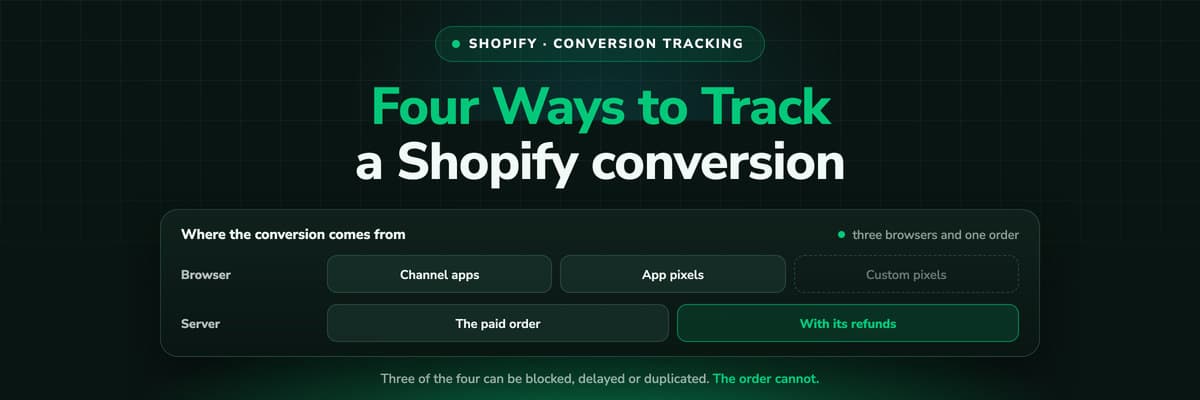
Channel apps, app pixels, custom pixels through the Customer Events API, or the order itself. Four ways to track a Shopify conversion, each with a different failure mode, and one arithmetic problem they all share: the platforms count more purchases than your order list has.

Contents
Summarise this article with AI
Opens the page with a ready prompt in:


Nothing is sent until you pick a service.
Conversion tracking on Shopify used to be a box you pasted a script into. That box is going away on every plan, the Meta pixel and the old Universal Analytics field were taken off the Preferences page in February 2025, and what replaced them is a small set of well defined methods that most stores now run two or three of at once without knowing which one is reporting what.
This is the map: the four ways a conversion can leave a Shopify store, what each one sends, where each one breaks, and what to do about the fact that all of them together still report more purchases than you shipped.
Quick Summary: The Four Ways to Track a Shopify Conversion
In short
A Shopify conversion can be tracked four ways: the native channel apps (Google & YouTube, Facebook & Instagram, TikTok), which send their platform's events for you; app pixels, installed by a third party app; custom pixels, your own JavaScript subscribing to the Customer Events API with `analytics.subscribe`, running in a sandbox; and the order itself, read through the Admin API or pushed by an order webhook. The first three run in the browser and are thinned by ad blockers, consent and payment redirects. Only the fourth is the order your finance team recognises, and only the fourth can carry a refund.
The rest of this post takes each method in turn, then deals with the two problems every store hits once tracking works: double counting, and a conversion value that does not match the money.
The Four Methods, Side by Side
Native channel apps
Google & YouTube, Facebook & Instagram and TikTok install their own tracking and send purchases to their own platform. Least work, least control, and each app reports only to its own owner.
App pixels
A third party app registers its own pixel and receives customer events. Fine for the job the app does, and invisible to you: you cannot read what it sends without asking the vendor.
Custom pixels
Your own code subscribing to the Customer Events API in Settings, Customer events. Full control over which events go where, inside a sandbox with no access to the storefront DOM.
The order itself
The Admin API or an order webhook hands you the paid order with its total, its currency and its status. No browser involved, so nothing can block it, and refunds arrive too.
Most stores end up with one of the first, one or two of the second, and neither of the last two. That combination is exactly the one where every platform reports its own number and nobody can reconcile them against the order list.
Custom Pixels and the Customer Events API
The Customer Events API is an event bus. Standard events fire on every page of the store including checkout, and your custom pixel subscribes to the ones it cares about. This is the replacement for everything that used to live in a script box, and it is the method worth understanding even if you never write one yourself.
analytics.subscribe("checkout_completed", (event) => {
  const checkout = event.data.checkout;

  // Send what you need, where you need it. This runs in a sandbox:
  // no access to the storefront DOM, no jQuery, no theme variables.
  fetch("https://track.yourdomain.com/e", {
    method: "POST",
    headers: { "Content-Type": "application/json" },
    body: JSON.stringify({
      event: "purchase",
      order_id: checkout.order.id,
      value: checkout.totalPrice.amount,
      currency: checkout.currencyCode,
    }),
  });
});- It runs in a sandboxA custom pixel cannot read the storefront DOM or the theme's variables. Anything it needs has to come from the event payload, which is why a tag that used to scrape the page has to be rewritten rather than pasted.
- It covers checkoutThis is the reason it exists. Theme scripts never ran on Shopify's checkout, so checkout tracking before this API was either a Plus-only checkout.liquid edit or nothing at all.
- It is still the browserThe subscription fires in the shopper's browser under their consent decisions and their blockers. It is a better place to put a tag, not a way around the reasons tags go missing.
What Each Platform Needs, and Where It Breaks
Setting up each platform on Shopify
| Platform | The usual setup | Where it breaks |
|---|---|---|
| Google Ads | The Google & YouTube channel app, or a conversion tag through a custom pixel, matched on gclid | Consent mode and blocked tags thin the count; enhanced conversions need customer data the sandbox has to be given deliberately |
| Meta | The Facebook & Instagram app, which handles the pixel and its server-side sharing, or your own pixel plus the Conversions API | Running the app and your own pixel without a shared event ID double counts every purchase |
| Microsoft Ads | UET through a custom pixel, matched on msclkid | Rarely set up at all on Shopify, so Microsoft's numbers look bad and the budget moves away from a channel that was working |
| TikTok | The TikTok channel app, or its pixel plus the Events API | In-app browsers and short sessions mean the click and the order are often not joined by the browser alone |
| GA4 | The Google app, or gtag through a custom pixel | Session based and consent gated, so the purchase count drifts from the order list within days |
One thing that is already decided for you
As of February 2025, Meta pixels and Google Universal Analytics tags that were not set up through their apps were removed from Shopify's Preferences page. If your tracking predates that and nobody has touched it, check what is actually running before you debug numbers: the field you remember configuring is not there any more.
Why the Platforms Claim More Purchases Than You Shipped
Once tracking works on four platforms, their conversion counts add up to more purchases than your order list has. Two different problems produce that, and they need different fixes.
- The same order, claimed by several platformsEvery platform counts a purchase it can claim under its own window, and a shopper who touched three of your campaigns satisfies three of them. This is not fixable inside the ad accounts. It is fixable by counting the order once, from the order list, and then choosing a model.
- The same order, sent twice to one platformA browser pixel and a server-side event for the same purchase are two conversions unless they carry the same event ID. If you run the Meta app and your own Conversions API feed, or a channel app and a custom pixel, check the deduplication before you trust either number.
The order of operations matters here. Fix the duplicates inside each platform first, because that is a configuration problem with a right answer. Then stop adding platform conversion counts together at all, because that one is arithmetic and no configuration will save it.
The Value You Send Is Not Yet the Money You Keep
A conversion without a value teaches the platform that all purchases are equal, which is why value based bidding on a flat number performs like no bidding strategy at all. Three details decide whether the value you send is worth anything.
- Send the order total with its currency. A multi-currency store that sends amounts without the currency code is teaching four platforms that a 4,000 unit order and a 40 unit order are the same size.
- Decide on gross or net and keep it. Shipping and tax in or out is a choice; changing it mid quarter makes your own ROAS history unreadable.
- Net the refunds. A browser pixel fires once, at the moment of the order, and knows nothing about the return three weeks later. Only a method that reads the order can send that correction, which is why refund-heavy categories need the order as the source of truth rather than a pixel.
A Setup That Holds Up, in Order
- Inventory what is running. Settings, Customer events lists every app pixel and custom pixel. Open the channel apps too. Most stores find one tracking method they had forgotten.
- Pick one owner per platform. Either the channel app tracks Meta or your own pixel does, not both, unless they share an event ID.
- Move checkout tracking into a custom pixel, since a theme script has never run on checkout and the script boxes are being retired.
- Put UTMs on every link you control, because no conversion method invents a source that was never in the URL.
- Send the order value with its currency, and decide gross or net once.
- Read the order server-side as the number you reconcile everything against, and let the paid order be what goes back to the ad platforms with its value and its refunds.
Steps one to five are housekeeping and you can do them yourself this week. Step six is the structural one: it is the difference between a store that reports what its pixels caught and a store that reports what it sold.
Further Reading
Next to this one: what Shopify's own attribution measures and Shopify server-side tracking. For other shop systems, WooCommerce conversion tracking and Shopware server-side tracking. On the product side, the Shopify integration, conversion tracking software and the Meta Conversions API. If your counts disagree, start with why GA4, Meta and Google never match.
FAQ
Frequently Asked Questions
What store owners and their agencies ask when they rebuild Shopify tracking.
How do I track conversions on Shopify now that the script boxes are going away?
Through Settings, Customer events. Either install the platform's own channel app, which handles its tracking for you, or add a custom pixel that subscribes to the events you need with analytics.subscribe and forwards them. A custom pixel runs in a sandbox with no access to your theme, so a tag that used to read the page has to be rewritten against the event payload rather than pasted across.
Do I need the Google and Meta channel apps if I have my own tracking?
No, and running both without care is the most common cause of double counted purchases. Pick one owner per platform. The apps are the least work and the least control; your own pixel plus the platform's conversion API is more work and lets you decide what is sent, deduplicate it and attach a value the order actually had.
Why does Meta report more purchases than my Shopify order list?
Two reasons, and they need different fixes. If Meta alone exceeds your order count, you are probably sending the same purchase twice, once from a browser pixel and once server-side, without a shared event ID. If each platform is plausible alone but the four together exceed your orders, that is every platform claiming the purchases it can attribute to itself, which is arithmetic rather than a bug: stop adding them up and count the order once from the order list.
Can I still use Google Tag Manager on Shopify?
On the storefront, yes, the container can be added in the theme. On checkout, no: theme scripts do not run there, so checkout events have to come from a custom pixel or an app pixel. Many stores keep GTM for storefront marketing tags and move everything that has to see a purchase into a custom pixel.
What is the difference between a conversion and an order?
A conversion is an event a tag reported. An order is a row in your order list with money against it. They differ because tags are blocked, sessions break at payment redirects, several platforms claim one purchase, and no tag hears about a refund. Reconciling marketing to the order list rather than to conversion counts is the single habit that ends most reporting arguments.
Does server-side tracking fix consent?
No, and any tool that says otherwise is selling you a legal problem. Consent decides what you may collect; server-side decides whether what you may collect survives the browser. Those are different questions, and the second one is the one a technical setup can answer.
Keep reading
More from the blog
 How To Guides
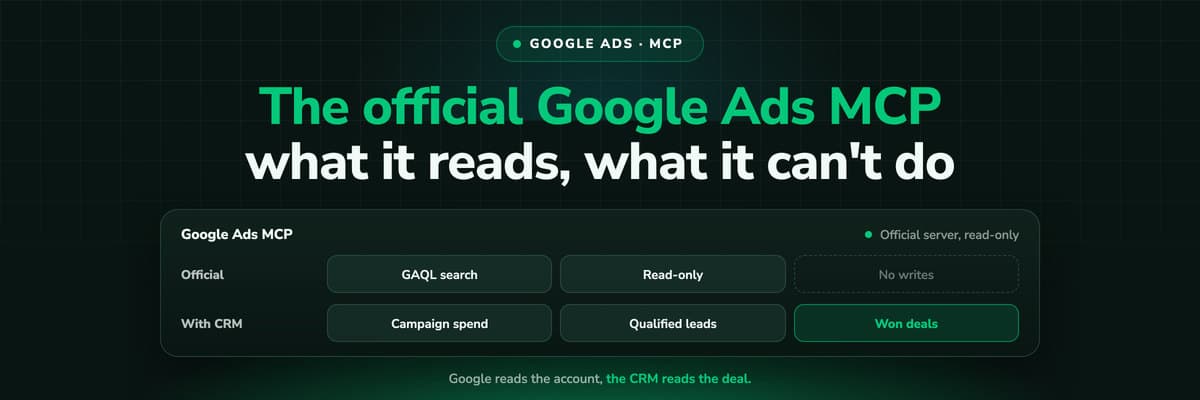
Google Ads MCP: The Official Server, Its Limits, Options
Google publishes an open source MCP server for the Google Ads API. It is read-only, has three tools and no public URL. What it does, how to run it locally or on Cloud Run, how Claude and Claude Code connect to it, what it cannot do, and the third-party servers that fill the gaps.Read the article13 min read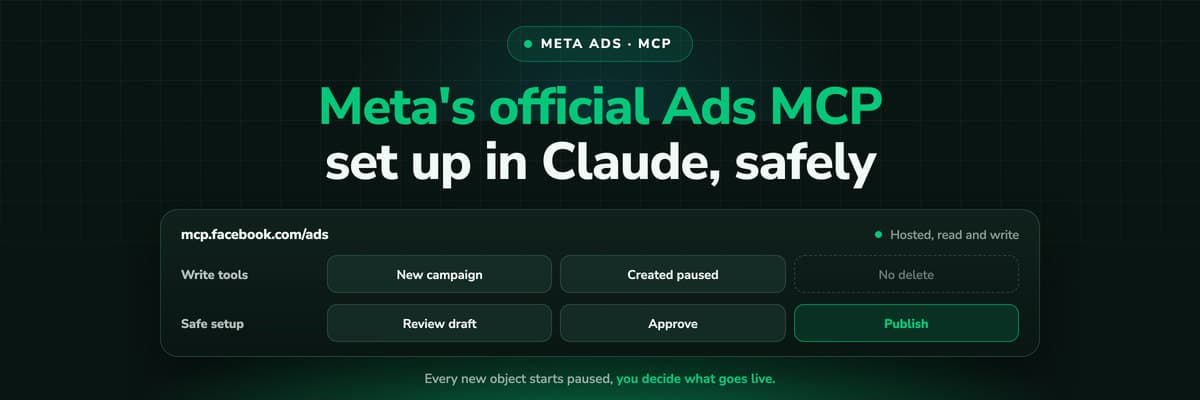 How To Guides
Meta Ads MCP: Setting Up Meta's Official Server
Meta runs its own MCP server for ads at mcp.facebook.com/ads. What it does, which permissions it needs, how agencies get access, how to add it to Claude and ChatGPT, what the third-party servers offer instead, and how to use the write tools without spending money by accident.Read the article12 min read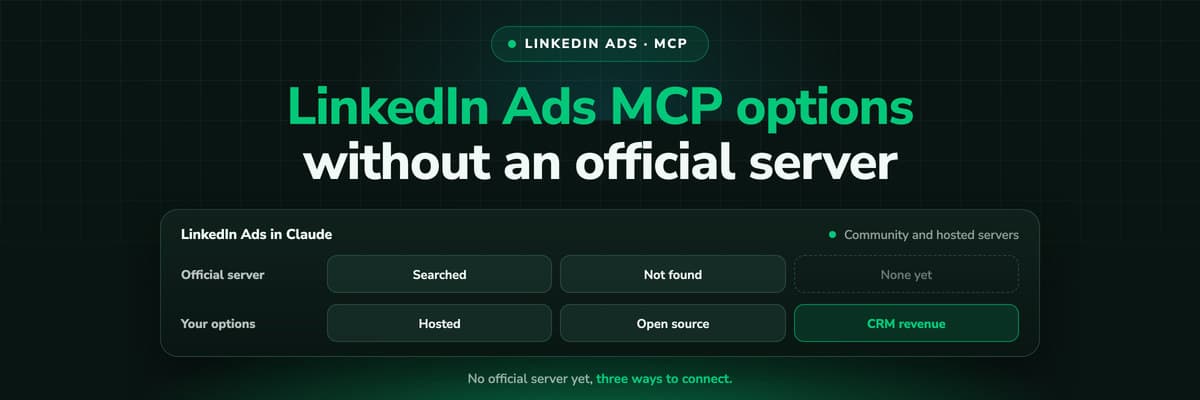 How To Guides
LinkedIn Ads MCP: Your Options Without an Official Server
LinkedIn has no official MCP server as of October 2026, unlike Meta, Google, Microsoft, TikTok and X. What the third-party LinkedIn Ads MCP options are, why there are so few, what to check before you connect one to an account with spend on it, and how to ask Claude about LinkedIn campaigns on pipeline rather than form fills.Read the article11 min read
One conversion, every platform
Ready to send one Shopify conversion to every platform, once?
LeadJourney records every visit first-party, reads the paid order from Shopify, and sends it to Google, Meta, TikTok and Microsoft server to server with its value and its refunds netted. Live in 21 minutes with a tracking expert, 30-day money-back guarantee.
30-day money-back guaranteeSetup with a tracking expert


