


















BlogHow To Guides
Pipedrive UTM Parameters: Hidden Fields, Web Forms and Deals
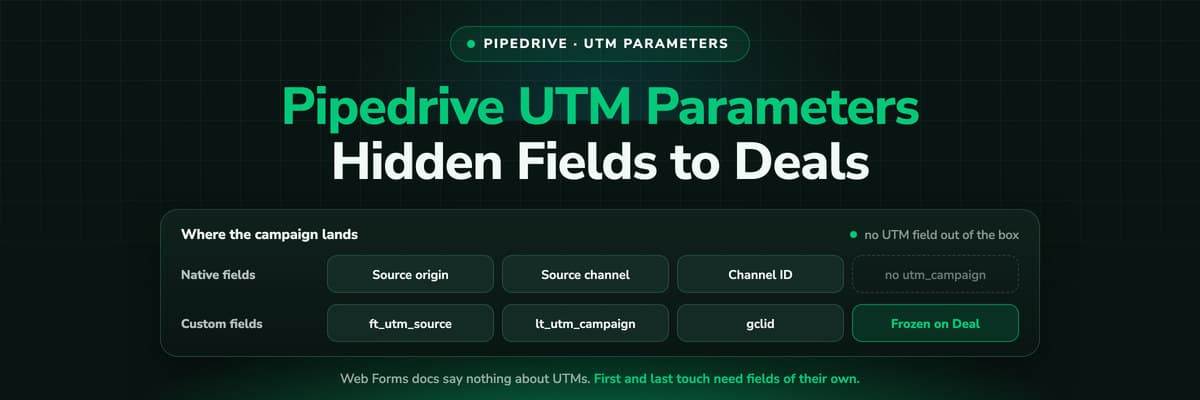
Pipedrive has no UTM field and its Web Forms documentation says nothing about hidden fields. How teams get utm_source and the click ID onto the Lead and the Deal anyway, the naming that keeps it reportable, and why first touch needs its own fields.

Contents
Summarise this article with AI
Opens the page with a ready prompt in:


Nothing is sent until you pick a service.
Search for how to get UTM parameters into Pipedrive and you end up on community threads, a marketplace listing or two and somebody's snippet from 2019. That is not an accident of ranking. Pipedrive has source fields on leads and deals, but no field called utm_source, and its Web Forms documentation says nothing about UTM or hidden fields.
So the job is yours to build, and it is buildable in an afternoon. This is the setup that works: where the parameters are read, which custom fields they land in, how first and last touch stay apart, and the point at which a form based setup stops being able to answer the question you built it for.
Quick Summary: UTM Parameters in Pipedrive
In short
Pipedrive records how a lead was created (Source origin: web form, chatbot, API, import) and lets you set a marketing channel by hand or through the API, but it has no UTM or click ID fields, and its Web Forms documentation says nothing about UTM or hidden fields. To get campaigns into Pipedrive you create custom fields on the Lead or Deal, read the parameters from the landing page URL with a small script, carry them through a form you control (or a capture app such as GA Connector) and write them in. Keep separate first touch and last touch fields, copy them onto the Deal, and accept that anything the visitor did before the session that carried the parameters is not in them.
What Pipedrive Records About Where a Lead Came From
Pipedrive did add proper source fields, in May 2024, and they are better than most teams realise. Leads and deals each carry four of them.
- Source origin and Source origin IDSet by Pipedrive and not editable: how the record came to exist. The values include Web forms, Chatbot, Live chat, API, Import, Marketplace, Automation and Manually created. Reliable, because nobody can type over it.
- Source channelA list of marketing channels an admin defines in Company Settings, Data fields, and anybody can edit on a record. It can also be set through the API, which makes it the natural home for utm_source once you normalise it.
- Source channel IDA free text field to specify the channel further. Pipedrive leaves its meaning to you, and the campaign name is the obvious candidate.
Pipedrive's own article adds that the source stays attached when a lead is converted or archived, which takes care of a problem other CRMs leave to a workflow. What none of the four fields holds is the campaign, the ad, the keyword or the click ID, and origin tells you the door, not the road to it: Web forms is true of the Google Ads lead and the newsletter lead alike.
Rename a channel option with care
Pipedrive warns that renaming a default Source channel option may lead to confusion, because the ID underneath stays the same. Add new options rather than repurposing old ones, or every historic record quietly changes meaning.
Pipedrive Web Forms and UTM Parameters
Web Forms are part of LeadBooster, which is included from the Premium plan or bought as an add-on on Lite and Growth. They create a lead or a deal from a submission and set its origin to Web forms. On parameters, the documentation is silent: Pipedrive's Web Forms documentation says nothing about UTM or hidden fields, nor about URL parameters, prefill or the referrer, and a search of Pipedrive's help centre for UTM returns no article of Pipedrive's own.
We are not going to claim it is impossible, because no Pipedrive page says so, and products change. But you cannot plan a reporting setup on an undocumented behaviour, and the developer community thread on getting UTM parameters into a Pipedrive form is where most people who try end up. In practice teams take one of the routes in the next section.
Three Ways to Get UTM Parameters Into Pipedrive
A form you control, with hidden fields
Your website's own form (WordPress, Webflow, HubSpot, Typeform, a coded form) gets one hidden field per parameter, filled by a script from the URL. The submission reaches Pipedrive through a native connector, Zapier, Make or the API, and each hidden field maps to a custom field.
A capture app from the marketplace
GA Connector's Google Analytics Connector runs its own script and writes UTMs, first and last click, the GA4 client ID and gclid into Pipedrive fields. Outfunnel, which Pipedrive acquired in August 2026, syncs form submissions and web visits. Less to build, one more vendor in the chain.
The API, written directly
If your form posts to your own backend, create the lead or deal through the Pipedrive API with the custom fields filled and Source channel and Source channel ID set in the same call. The most control, and somebody has to maintain it.
All three share the same two parts: something reads the parameters while the visitor is on your site, and something writes them onto the record. The second part is the easy one. The first is where the data is lost.
Setting It Up: Fields, Script and Mapping
1. Create the custom fields
Create them on the object your form creates, a Lead or a Deal, and check in Data fields that they show on both if your team converts leads into deals. Use one naming convention and stick to it: lower case, the parameter name, a prefix for the touch.
A naming convention that survives a second admin
| Field | Holds | Written |
|---|---|---|
| ft_utm_source, ft_utm_medium, ft_utm_campaign, ft_utm_content, ft_utm_term | The first touch the browser saw | Once, never overwritten |
| lt_utm_source, lt_utm_medium, lt_utm_campaign, lt_utm_content, lt_utm_term | The touch that carried the conversion | On every submission |
| ft_landing_page, ft_referrer | Where the first visit arrived and from where | Once |
| gclid, fbclid, msclkid, li_fat_id | The ad platform's click ID | On every submission |
2. Read and keep the parameters on the site
A visitor lands on a tagged URL and then clicks to a second page before the form, which strips the query string. So the script stores the parameters on arrival and fills the hidden fields from storage, not from the current URL. The first touch is written only when nothing is stored yet; the last touch is replaced whenever a new tagged visit arrives.
const KEYS = ["utm_source", "utm_medium", "utm_campaign", "utm_content", "utm_term", "gclid", "fbclid", "msclkid", "li_fat_id"];
const params = new URLSearchParams(location.search);
const seen = {};
for (const key of KEYS) if (params.get(key)) seen[key] = params.get(key);

if (Object.keys(seen).length) {
  seen.landing_page = location.pathname;
  seen.referrer = document.referrer;
  if (!localStorage.getItem("ft")) localStorage.setItem("ft", JSON.stringify(seen));
  localStorage.setItem("lt", JSON.stringify(seen));
}

const first = JSON.parse(localStorage.getItem("ft") || "{}");
const last = JSON.parse(localStorage.getItem("lt") || "{}");
document.querySelectorAll("form").forEach((form) => {
  for (const [key, value] of Object.entries(first)) {
    const input = form.querySelector(`input[name="ft_${key}"]`);
    if (input) input.value = value;
  }
  for (const [key, value] of Object.entries(last)) {
    const input = form.querySelector(`input[name="lt_${key}"]`);
    if (input) input.value = value;
  }
});
3. Map, and set the native fields too
In whatever carries the submission (the connector, the Zap, the API call), map each hidden field to its custom field, and also set Source channel from a normalised utm_source and Source channel ID from the campaign. That way the native source report works for people who never open a custom field, and the detail is there for whoever needs it.
4. Freeze the first touch onto the Deal
The money sits on the Deal, so the first touch fields have to be on it, copied at creation and never edited afterwards. Reporting on deal custom fields in the Insights visual builder needs the Premium plan or higher, which is worth knowing before you promise anybody a revenue by campaign report.
First Touch or Last Touch: Why You Need Both Fields
One set of UTM fields will record whichever touch your script writes, and most default setups write the last one: the brand search or the retargeting ad that brought the person back to fill in the form. Report on that alone and the channels that start journeys look useless, while the ones that collect them look brilliant.
- First touch answers where demand came fromThe campaign that introduced the person. This is what decides whether a prospecting budget is working, and the one most often lost.
- Last touch answers what closed the visitThe campaign that brought them back to convert. Useful for bidding and for spotting which ads harvest demand others created.
- Neither is the journeyTwo snapshots of a path that often runs to many sessions across weeks. Whatever happened in between is in neither field.
Where a Hidden Field Setup Breaks
- The first touch is only as old as the browser storage. Browsers limit how long script written storage survives, users clear it, and a visitor who first came on their phone and converts on a laptop arrives with an empty store. The first touch field then records the last touch under another name.
- Organic and AI search carry no parameters. You do not tag a Google result or a ChatGPT citation, so those visits arrive as a referrer at best and as nothing at worst. Without a rule that fills the gap, they become blank fields that read as Direct.
- Ad blockers and consent remove the script. Whatever stops your capture script from running stops the hidden fields from being filled, silently. The form still submits, and the lead looks like it came from nowhere.
- Calls, chats and imports have no form. A lead who phones the number on the pricing page never touched a hidden field, so the campaign that paid for the call is not on the record.
- Nothing goes back to the ad platform. Having gclid on the Deal is the precondition for sending a won deal to Google Ads, not the sending. Without a separate step, Google and Meta keep optimising on form fills.
The pattern is the same as with every form based setup: it records the session that converted, from the moment a script you wrote got to run. That is good enough for a simple funnel and short of what a budget decision on a long sales cycle needs.
A Ten Minute Check of Your Own Pipedrive Data
- Blank share. Leads and deals from the last 90 days with an empty campaign field. Everything in that share is pipeline you cannot assign to a channel.
- First equals last. How often the first touch and last touch campaign are identical. A very high share usually means the first touch is being lost, not that everybody converts on the first visit.
- Click ID share. Deals from Google Ads traffic that carry a gclid. Without it, no offline conversion can be sent for them.
- Origin against channel. Group by Source origin and Source channel together. Web forms with no channel is the gap the hidden fields were supposed to close.
How LeadJourney Writes the Campaign Onto Every Pipedrive Deal

The Pipedrive integration replaces the hidden field plumbing. It is native: a one click sign in and a field mapping screen, live in about 21 minutes with no developer. It writes the source, campaign, ad, click ID, UTMs, landing page and a link to the journey onto the Person, and the attributed channel, campaign and credit onto the Deal, into dedicated LeadJourney custom fields, so your existing source fields stay as they are. It reads stage changes and won deals as they happen.
The capture half is one script on your site or in your GTM container. Every visit is recorded server-side on your own domain at 95%+ accuracy, first-party, and the click ID is captured at the click: gclid with gbraid and wbraid, fbclid, li_fat_id and msclkid. The anonymous history is joined to the person at the form fill, the call or the booking, whatever form tool you use, and there is no attribution window on the journey, so the first touch is the real first touch rather than whatever the browser still remembered.
Spend is pulled from the ad platforms and joined to the deals, and won deals go back with their value: to Meta through the Conversions API, to Google Ads as an offline conversion import on gclid, to LinkedIn through its Conversions API and to Microsoft Ads on msclkid. Five attribution models run on the same events, so first and last touch are two views of one record instead of two sets of fields.
The limits: tracking respects consent, so a visitor who declines is not measured, and a lead who never touched your website still needs a source typed in by a person.
Further Reading
Start with the cluster's hub, Pipedrive lead source tracking, then connecting Pipedrive to Google Ads and website tracking in Pipedrive. For the parameters themselves, our UTM parameters explainer, the GCLID guide and the free UTM builder. If links keep arriving without their tags, see lost UTM parameters, and for the wider tool choice, the attribution tools that work with Pipedrive.
FAQ
Frequently Asked Questions
What Pipedrive admins ask when they try to put a campaign on a deal.
Does Pipedrive track UTM parameters?
Not by itself. Pipedrive records a Source origin (web form, chatbot, API, import and so on) and an editable Source channel and Source channel ID on leads and deals, but it has no UTM or click ID fields, and we found no Pipedrive help article about UTM parameters. To record them you create custom fields, capture the parameters on your website with a script or a marketplace app such as GA Connector, and write them onto the lead or deal through a form connector, an automation tool or the API.
Can Pipedrive Web Forms capture hidden fields or UTMs?
Pipedrive's Web Forms documentation says nothing about UTM or hidden fields, nor about URL parameters or prefill, so there is no documented way to do it. Teams that need campaign data usually keep their own website form, add one hidden field per parameter filled by a script, and send the submission to Pipedrive through a native connector, Zapier, Make or the API, mapping each hidden field to a custom field. Check the current documentation before you build, since products change.
Should UTM fields go on the Lead, the Deal or the Person?
On whichever object your form creates, and always on the Deal in the end, because that is where the money is reported. Pipedrive's own source fields exist on leads and deals. Copy the first touch onto the Deal when it is created and leave it frozen, so a later edit cannot rewrite where the deal came from. A copy on the Person is useful for audiences and for spotting repeat buyers, but revenue reports are built on deals.
How do I keep first touch and last touch UTMs in Pipedrive?
Use two sets of custom fields with a clear prefix, for example ft_utm_campaign and lt_utm_campaign. Your script stores the parameters on the first tagged visit and never overwrites them, and replaces the last touch set on every new tagged visit. Both sets are sent with the form. The first touch is only as good as the browser storage behind it, so a visitor who switches device or clears their browser arrives with the last touch in both.
Can I put utm_source into Pipedrive's Source channel field?
Yes, and it is a good idea. Source channel is a list of options an admin defines, and it can be set through the API in the same call that creates the lead or deal. Normalise first (google, Google and adwords should all become one option) because a list is only reportable when it is short. Source channel ID is free text and is a reasonable place for the campaign name, alongside your custom fields.
Why do my Pipedrive deals show no source even with hidden fields?
The usual causes are the script not running (an ad blocker, a consent banner, a page template without it), the visitor reaching the form on a second page after the query string was dropped, organic and AI search visits that never carried parameters, and leads that came in by phone, chat or import. Run the blank share check by Source origin and the cause usually shows itself within a few minutes.
Keep reading
More from the blog
 How To Guides
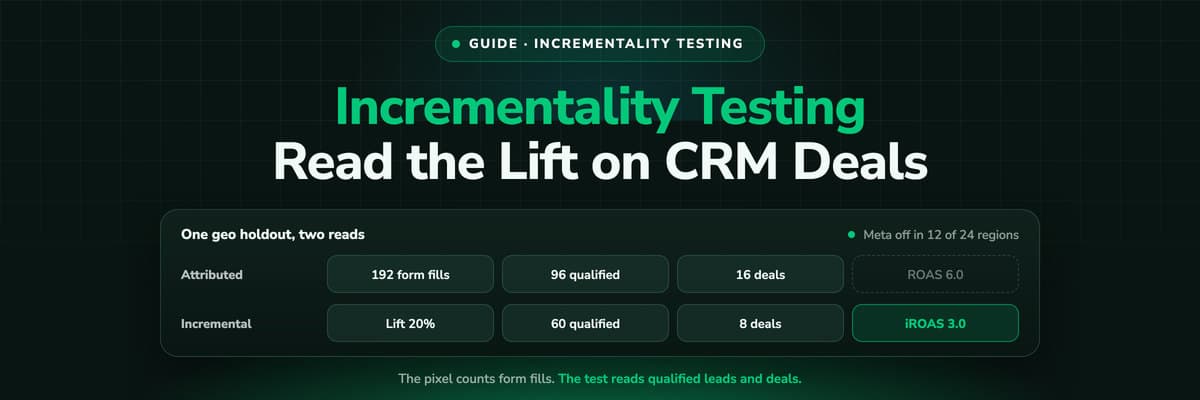
Incrementality Testing for Lead Gen: Run a Test on CRM Revenue
A lift test is only as good as the outcome it reads, and for lead generation the platforms read form fills. This guide compares the methods, lists what Google and Meta require for a lift study, and walks through a geo holdout read on qualified leads and deals from your CRM, with a worked example that adds up.Read the article19 min read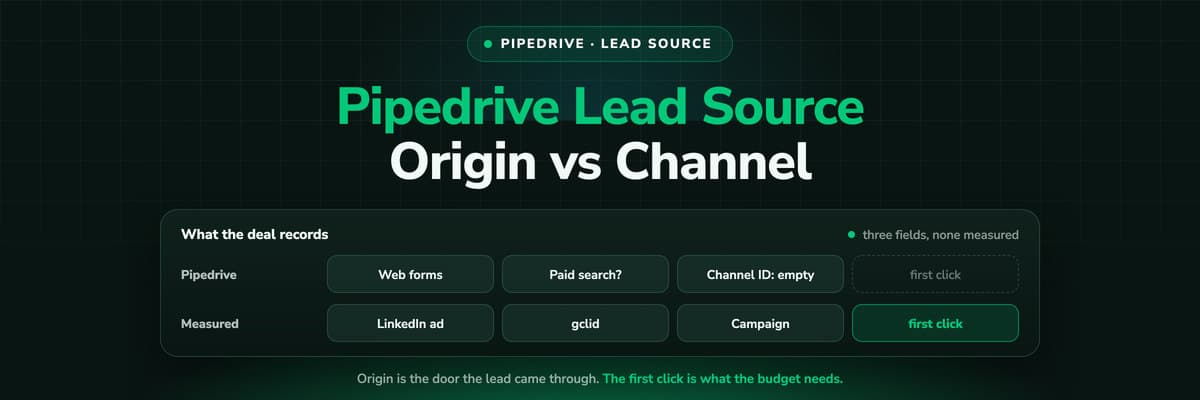 How To Guides
Pipedrive Lead Source Tracking: Source Origin vs Source Channel
Pipedrive gives every lead and deal three source fields: an origin the system sets, a channel a person picks and a free text ID. What each one records, the five ways the report still goes wrong, and how to put a measured first touch on the deal.Read the article11 min read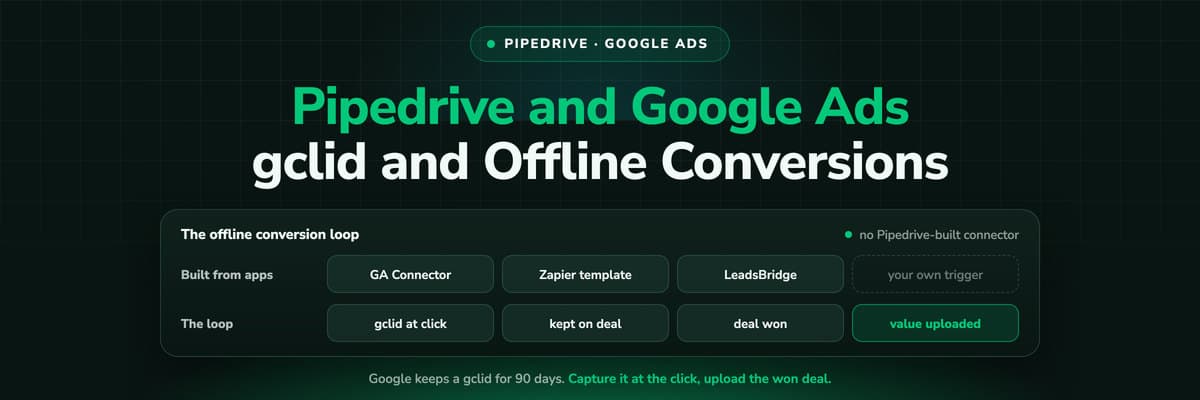 How To Guides
Pipedrive Google Ads Integration: gclid and Offline Conversions
We could not find a Google Ads integration built by Pipedrive. What exists is a set of marketplace apps, a Zapier template and attribution tools, and all of them have to close the same loop: capture the gclid, keep it on the deal, upload the won deal with its value inside 90 days.Read the article11 min read
Real campaign data
Ready to see the real campaign on every Pipedrive deal?
LeadJourney records every click from the first visit, server-side on your own domain, writes it onto the Person and the Deal, and sends won revenue back to Meta, Google, LinkedIn and Microsoft. Live in 21 minutes, 14-day free trial.


