BlogHow To Guides
UTM Parameters Explained: How UTM Tracking Works
A lead books a demo after a Meta ad, a LinkedIn campaign and two newsletters, and most teams credit whichever touch came last. What the five UTM parameters do, how to tag links consistently, and where UTMs stop and click IDs take over.


Contents
Summarise this article with AI
Opens the page with a ready prompt in:


Nothing is sent until you pick a service.
You spent €15,000 on Meta ads last month. You also ran a LinkedIn campaign, sent two newsletters, and your founder posted three times on X. Then a lead booked a demo. Where did that lead come from?
If you can't answer that question with certainty, you're not alone. Most marketing teams attribute deals to "the channel that converted them" (usually the last touch) and miss the entire journey before it.
UTM parameters are how you fix that. They're tiny tags you add to your URLs that tell every analytics tool exactly which campaign, ad, and channel sent each visitor. Set them up right, and you'll know which ad creative drove this specific lead. Set them up wrong, and you're flying blind.
Quick Summary: What UTM Parameters Are and What They Cannot Do
In short
UTM parameters are five tags you append to a URL (utm_source, utm_medium, utm_campaign, utm_content, utm_term) that tell your analytics which campaign sent a visitor. They are free, they work everywhere, and consistent naming is the single highest-return hour of work in marketing measurement, because three spellings of the same campaign make a quarter of reporting useless. What they cannot do is carry the answer to revenue. UTMs live in the URL and in the browser, so they break on a cleared cookie, a switched device or a return visit; they only ever show the last tagged touch; they land in your analytics rather than in your CRM; and the ad platforms never see them, because Meta and Google match on their own click IDs. Tag properly, then capture the click IDs server-side alongside the UTMs and carry both into the CRM.
What Are UTM Parameters?
UTM stands for Urchin Tracking Module, named after Urchin, the analytics tool Google bought in 2005 and turned into Google Analytics. The format stuck.
A UTM parameter is a piece of text added to the end of a URL, after a question mark, that tells your analytics platform where the visitor came from. They look like this:
https://yourcompany.com/landing?utm_source=facebook&utm_medium=paid_social&utm_campaign=q4_lead_gen
Three things to notice:
- The question mark separates your URL from the parameters
- Each parameter is key=value
- Multiple parameters are joined with an ampersand (&)
When someone clicks that link, the parameters travel with them. Your analytics tool reads them, and now you know: this visitor came from Facebook, via paid social, from your Q4 lead gen campaign.
The 5 UTM Parameters
There are five UTM parameters. Three are essential, two are optional.
1. utm_source (required)
The platform or website that sent the traffic. Think: where the click originated.
Examples: facebook, google, linkedin, newsletter, twitter, partner_blog
2. utm_medium (required)
The marketing channel or method. Think: how the click reached you.
Examples: cpc, paid_social, email, organic, affiliate, referral
3. utm_campaign (required)
The specific marketing campaign. Think: which initiative this is part of.
Examples: q4_demo_push, black_friday_2026, webinar_uk, enterprise_launch
4. utm_term (optional)
The keyword or audience segment that triggered the ad. Mostly used for paid search.
Examples: lead_attribution_software, enterprise_decision_makers
5. utm_content (optional)
Differentiates between variations of the same campaign: different creatives, different copy, different placements.
Examples: video_ad_v3, headline_a, bottom_of_funnel
The first three identify which campaign the click belongs to. The last two identify which version of that campaign. Together, they let you compare a video ad to a static ad inside the same campaign, without creating a separate campaign in your ad platform.
How UTM Tracking Actually Works
The mechanics are simple, which is why UTMs are universal:
- You build a URL with UTM parameters. This is your tagged link: you'd use it as the destination URL for an ad, an email button, or a social post.
- Someone clicks the link. The browser sends them to your page. The full URL, including UTM parameters, arrives at your site.
- Analytics reads the URL. Your analytics tool (Google Analytics, Mixpanel, your CRM, LeadJourney) parses the query string and stores the parameters against the visitor's session.
- The visitor takes an action. They book a demo, fill in a form, sign up. The analytics tool ties that conversion back to the original UTM source.
Now you can answer: "How many demos came from the Q4 LinkedIn campaign vs the Q4 newsletter?", and split your spend accordingly.
UTM Best Practices (and the mistakes that ruin your data)
UTM data is only as good as the discipline behind it. Here's what separates teams that trust their attribution from teams that don't:
1. Lowercase everything. Facebook and facebook are different sources to your analytics tool. You'll end up with twin entries that fragment your data.
2. Use hyphens, never spaces. q4-lead-gen works. q4 lead gen becomes q4%20lead%20gen in URLs and is hell to filter.
3. Standardize your medium values. Pick cpc, paid_social, email, organic, referral, and stop there. Don't let one operator write paid-social while another writes paidsocial. Document your conventions.
4. Tag every paid touchpoint. If you didn't tag it, you can't measure it. Untagged ads show up as "direct" or "google / organic". They corrupt your free traffic data.
5. Don't tag internal links. Adding UTMs to links between pages on your own site overwrites the original UTM. The visitor came from Meta, then clicked an internal link tagged utm_source=footer, and now your analytics thinks they came from "footer". Big mistake.
6. Use a UTM builder, not your memory. Tools like Google's Campaign URL Builder (or a shared spreadsheet) keep things consistent across your team.
Real-World UTM Examples
Here's how the parameters look in practice across the channels you'll actually use:
Meta paid social ad:
?utm_source=meta&utm_medium=paid_social&utm_campaign=demo_q4_2026&utm_content=video_ad_a
Google Ads search:
?utm_source=google&utm_medium=cpc&utm_campaign=branded_search&utm_term=leadjourney&utm_content=headline_v2
LinkedIn sponsored content:
?utm_source=linkedin&utm_medium=paid_social&utm_campaign=enterprise_launch&utm_content=carousel_v1
Email newsletter:
?utm_source=newsletter&utm_medium=email&utm_campaign=weekly_update_w42&utm_content=cta_button
The pattern is identical. The discipline is what makes it work.
The Limitation of UTM Parameters Alone
UTMs are powerful, but they're not the whole attribution story. Here's where they break:
- They live in the browserUTMs travel with the URL, and the moment a visitor clears cookies, switches device, opens an incognito tab or returns as direct traffic, the link back to the original source is gone.
- They do not survive complex journeysA lead clicks a Meta ad, leaves, sees a YouTube ad next week, comes back through Google search and finally books a demo. UTMs show you the last tagged touch and nothing before it.
- They describe visits, not dealsA UTM logged in Google Analytics does not appear in your CRM. Marketing knows the lead came from Meta. Sales knows it closed at €40,000. Without something joining them, no UTM source can be tied to revenue.
- They are invisible to the ad platformsMeta and Google never see your UTMs. They match on their own click IDs, so a UTM-only setup means the optimisation algorithms never learn which leads turned into customers.
This is the gap LeadJourney closes. We capture every UTM and click ID, persist them server-side (so they survive cookie wipes and ad blockers), match them to the lead in your CRM with multi-touch attribution, and feed the closed-won outcome back to Meta and Google. The result: ad platforms optimize for the leads that actually buy, not the ones that just fill in a form.

Further Reading
FAQ
Frequently Asked Questions
The questions marketers ask about tagging campaigns with UTM parameters.
Are UTM parameters case-sensitive?
Yes. Always lowercase your values. Facebook and facebook are two different sources in every analytics tool, and the inconsistency will fragment your reporting until somebody goes back and cleans it up.
Do UTM parameters affect SEO?
No. Google ignores UTM parameters for ranking purposes. What you should never do is tag your own internal links, because that overwrites the real traffic source and makes every organic visitor look like they arrived from the campaign you were testing.
How long do UTM parameters last?
The parameter is read from the URL on the visitor's first page load. After that it is stored by your analytics tool against that session, typically for 30 days depending on the platform's attribution window. The tag itself does not follow the person, only the record of it does.
Can I use UTM parameters with Google Ads?
Yes, and you can run both. Google Ads auto-tags with the gclid, which is what Google's own reporting uses, and UTMs give you a consistent campaign name across every platform in one report. Use auto-tagging for Google and UTMs for the naming you control.
What happens if a user removes the UTM from the URL?
Nothing is lost. The parameters are read the moment the page loads, so the source is already recorded against the session before the visitor can edit or share a bare URL. The same is true of a link that gets copied and passed on without its tags.
Why do my UTMs not show up in my CRM?
Because nothing carries them there by default. A UTM logged in Google Analytics stays in Google Analytics: marketing knows the lead came from Meta and sales knows it closed at €40,000, and no system joins the two. Passing the values through the form as hidden fields onto the lead record is what closes that gap.
Keep reading
More from the blog
 How To Guides
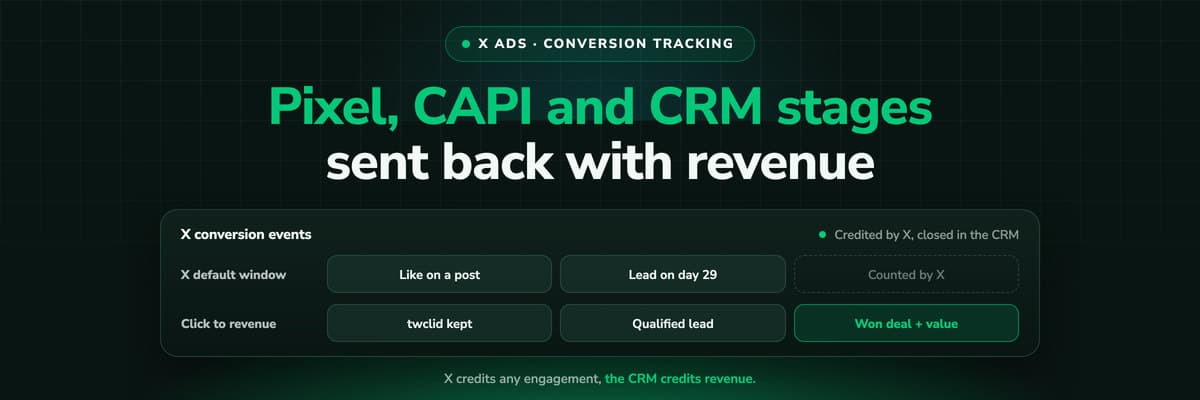
X Ads Conversion Tracking: Pixel, CAPI and CRM Events
X reports what the X Pixel and the Conversions API tell it, credited after any engagement inside windows you set per event. What to count for lead generation and for a store, how the two sources deduplicate on one conversion ID, why X's count and the CRM disagree by design, how to verify it, and which number deserves the budget.Read the article19 min read How To Guides
X Pixel Setup: Base Code, GTM, Shopify and Events
Every way to install the X Pixel, with X's own steps and code: creating it in Events Manager, the base code, event code, Google Tag Manager through the partner integration, Shopify, Ensighten and Tealium. Then the event types and parameters, cookies and consent, and how to check it all with the X Pixel Helper and the event statuses.Read the article18 min read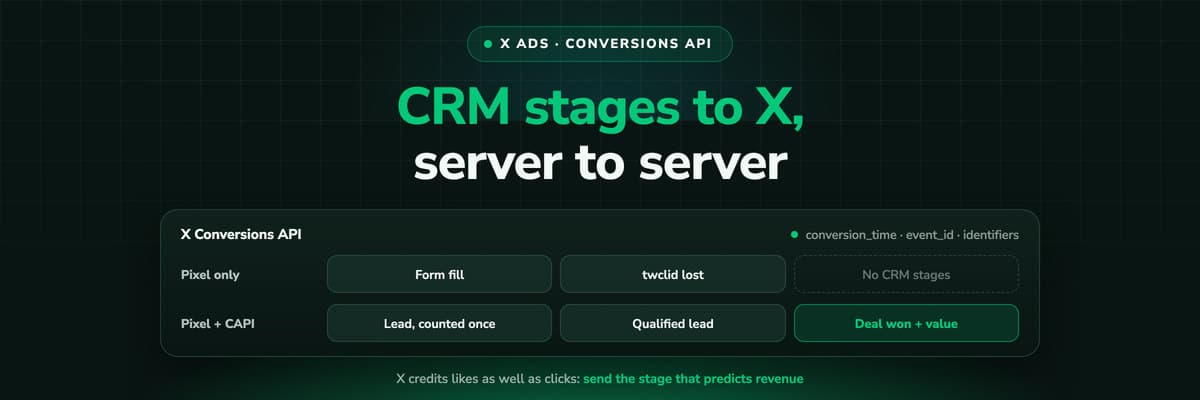 How To Guides
X Conversions API: Setup, Deduplication and CRM Events
The X Pixel reports what a browser lets it see. The Conversions API reports what your server tells it, including stages that happen in the CRM after the form. The endpoint and body, the access token against OAuth, identifiers and hashing, deduplication against the Pixel, the twclid you have to keep yourself, the limits, and what X will credit from a CRM.Read the article16 min read
Beyond the UTM
Ready to see which UTM source closes deals?
LeadJourney captures every UTM and click ID server-side at 95%+, follows the lead through the CRM pipeline to the closed deal, and sends the outcome back to Meta, Google, LinkedIn and Bing, live after a 21-minute setup.