


















BlogHow To Guides
Zoho CRM Lead Source Tracking: UTMs, gclid and the Real First Touch
Lead Source in Zoho CRM is one editable picklist value per lead, set by a form mapping or a person. What it records, what the Google Ads integration adds, the five ways it goes wrong, and how to put a measured first touch on the lead and the deal.

Contents
Summarise this article with AI
Opens the page with a ready prompt in:


Nothing is sent until you pick a service.
Group your Zoho leads by Lead Source and the report looks reasonable until somebody asks what Advertisement means. It means whatever the person who built the web form decided it should mean, in an organisation that may have edited the picklist twice since. Meanwhile the rows that say Web, Chat or nothing at all are the ones the budget question is really about.
Zoho does more here than most CRMs at its price. It captures the Google click ID, it pulls Google Ads cost into the record, and through LeadChain it sends conversions back to Meta. This is what each of those actually records, where the chain starts, and what that starting point costs you when the buying cycle is longer than a single visit.
Quick Summary: Lead Source in Zoho CRM
In short
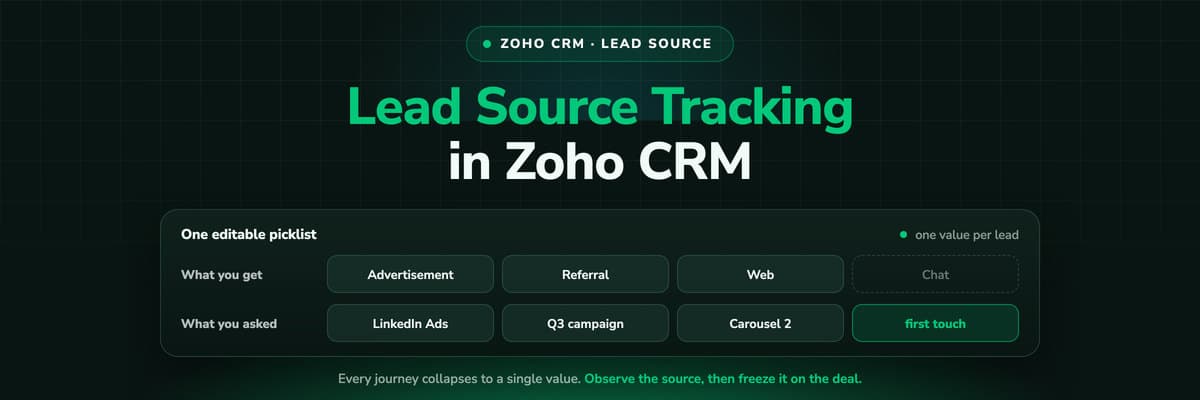
Lead Source is a standard picklist you can edit, holding one value per lead, set by a web form mapping, an import, an API call or a person. Zoho's Google Ads integration adds a real click ID on top of it, captured by Zoho's own script and carried through a Zoho web form, and LeadChain can send conversions to Meta. All of it begins at the form. The sessions before it, which is where the first ad click, the organic search and the AI answer live, are not recorded by anything in Zoho, so the picklist value is a label for the last thing that happened rather than the reason the lead exists.
What Lead Source Actually Records
Three properties of the field decide what your reports can and cannot say.
- One value, one leadIt is a single picklist, so a journey that crossed a LinkedIn ad, an organic visit and a brand search records as one value. There is no second field for the first touch and no weighting.
- The list is yours to editZoho ships defaults, Referral and Advertisement among them, and every organisation deletes, replaces and adds values. That makes the field fit your business and makes it meaningless across businesses, so no benchmark and no agency template applies to it.
- It does not travel by itselfGetting the source onto the Contact, the Account and the Deal after conversion is a workflow somebody builds. It is one of the longest standing requests in Zoho's own community, which is a good sign that most accounts have not built it.
The report that matters lives on the Deal
Counting leads by source flatters whatever channel produces cheap leads. The number that decides budget is closed revenue by first touch, and that needs the source frozen onto the Deal at creation, because lead fields keep changing and a deal has its own record. If you build one workflow in Zoho after reading this, build that one.
What Zoho's Own Integrations Add, and They Add a Lot
It is worth being precise about this, because Zoho is further ahead than its price suggests and a guide that skipped it would be useless to anybody who has already set it up.
Google Ads: the click ID, properly
Two pieces of code, one in the web form and one across the site, capture gclid and carry it into the CRM with the lead. A Google Ads Information section then fills in with the ad network, keyword, search query, device type and cost metrics.
Google Ads: conversions back out
Lead creation is exported to Google Ads as a conversion, according to the offline conversion settings you configure. That is a real closed loop, and most CRMs at this size have nothing like it.
Meta, through LeadChain
LeadChain sends lead, contact or deal data to the Facebook Conversions API with an event name, event time and event source you choose, and filters, so you can send only Qualified leads. It also pulls Facebook and LinkedIn Lead Ads into the CRM.
Attribution, in Zoho Marketing Automation
Zoho's attribution modelling lives in Marketing Automation rather than in the CRM, and like every marketing automation platform it models the interactions it recorded itself.
So the honest headline is not that Zoho cannot do this. It is that Zoho does it per platform, from the form onwards. That distinction is the whole of the next section.
The Five Ways It Still Goes Wrong
- The chain starts at the form. gclid is read when the visitor submits a Zoho web form on a page carrying Zoho's script. The click that brought them to the blog three weeks earlier, on a page with no form, was never recorded by anything, so the first touch is structurally unavailable.
- It is a patchwork per platform. Google Ads is one integration with its own scripts and its own settings. Meta is a different product, LeadChain, with its own event mapping. LinkedIn is inbound only. Microsoft Ads has no equivalent at all, so msclkid has to be captured and uploaded by somebody.
- The setup is brittle by design. Auto-tagging has to stay on, the administrator profile is required, an iFrame form on a mismatched domain breaks it, and Zoho's JavaScript must not be removed. Each of those is a normal thing for a web team to change without telling anybody.
- There is a lag, and it is long. gclid is mapped to records roughly every 24 hours, and the Google Ads Information section fills 48 to 72 hours after the record is created. For same day reporting that is fine. For a lead that closes in a quarter it is irrelevant, and for a debugging session it is maddening.
- Calls, chats and imports have no click ID at all. Whoever phones the number on your site is a lead with a picklist value and nothing else, however much the campaign that produced the call cost.
None of these is a bug. They are all consequences of one decision: the identity starts at the form. That is the right decision for a CRM and the wrong one for attribution, because in attribution the touches that matter most happen while the visitor is still anonymous.
An Afternoon Audit of Your Own Zoho Data
Four numbers, all available from views you can build today, and each one answers something different.
- The unknown share. Leads created in the last 90 days grouped by Lead Source, and the percentage sitting in Web, Other or empty. That is the share of your pipeline whose channel you cannot name.
- The click ID share. Of leads from the same period, how many carry a gclid. Compare that to the share of your spend that goes to Google, and the gap is what the other platforms are costing you in blindness.
- The deal join rate. Deals closed as won in the last year that carry a source value at all. In most accounts this is far lower than the lead number, because the field never travelled.
- The offline share. Leads created by import, by API or by a person. None of those can have a click ID, so this is the floor on what any tool can attribute.
Those four take an afternoon and they turn a budget argument into arithmetic.
How LeadJourney Records the Part Before the Form

The Zoho CRM integration is native: an OAuth sign in, a data centre pick and a field mapping screen, live in about 21 minutes. It reads your Lead Statuses, Deal Stages and amounts, and writes the attribution back onto the Lead, the Account and the Deal, so the source survives lead conversion instead of stopping at it.
That half is one script on your site or in your GTM container, live in about 21 minutes. It records every visit server-side on your own domain at 95%+ accuracy, so the sessions Safari's tracking prevention or an ad blocker would have removed are still in the journey, and it captures every platform's click ID at the moment of the click: gclid with gbraid and wbraid, fbclid, li_fat_id and msclkid. The anonymous history is held first-party and joined to the person at the form fill, the call or the booking, so an ad clicked in March is still attached in September.
From there the source, campaign, ad and landing page are written onto the record, spend is pulled from all nine ad platforms and joined to the deals themselves, and a won deal goes back to the platform that produced the first click with its own amount attached. Five attribution models run on the same events, so first click and last click can be compared without re-tracking anything.
The limits, said out loud: tracking is first-party and respects consent decisions rather than working around them, so a visitor who declines is not measured, and a lead that never touched your website still needs a source typed in by a human.
Further Reading
Keep going with connecting Zoho CRM to Google Ads and Meta and the attribution tools that work with Zoho. On the technical side, the GCLID guide and our UTM parameters explainer. On the product side, fixing the lead source in your CRM and the lead source glossary entry.
In the glossary
FAQ
Frequently Asked Questions
The questions Zoho admins and marketers ask when the source report stops adding up.
How do I add a Lead Source in Zoho CRM?
Lead Source is a standard picklist, so you edit its values in the Leads layout under field properties: add, rename or remove entries there. Two cautions. Renaming a value changes what every historic record appears to say, because the records hold the value rather than an id behind it. And a shorter list is almost always better than a longer one: every value you add is one more judgement call for whoever creates the next lead.
How do I track UTM parameters in Zoho CRM?
Add a hidden field per parameter to your Zoho web form, map each one to a custom field on the Lead, and report on those fields rather than on Lead Source. It works for a visitor who clicks an ad and submits on that same visit. It captures nothing when the visitor returns later without parameters, it records the last touch rather than the first, and a blank submission can overwrite a good value, so pair it with something that remembers the first visit.
Does Zoho CRM capture the Google click ID?
Yes, through the Google Ads integration. Two pieces of code, one in the web form and one across your site, capture gclid and carry it into the CRM with the lead, and a Google Ads Information section fills in with the ad network, keyword, search query, device type and cost. Auto-tagging has to stay on, the setup needs an administrator profile, an iFrame form on a mismatched domain breaks it, and the mapping runs roughly every 24 hours, with the record updated 48 to 72 hours after creation.
Can Zoho send conversions back to Meta or LinkedIn?
To Meta, yes, through Zoho LeadChain, which sends lead, contact or deal data to the Facebook Conversions API with an event name, event time and event source you configure and filters so you can send only qualified records. LeadChain also pulls Facebook and LinkedIn Lead Ads into the CRM. Sending conversions back to LinkedIn and to Microsoft Advertising has no equivalent native path, so those are the two platforms left optimising on form fills.
Why do Zoho and Google Ads report different numbers?
Several reasons at once, and all of them normal. Google counts a conversion against the click's date while Zoho counts the lead on the day it was created. gclid is mapped to records about every 24 hours, with the Google Ads Information section filling 48 to 72 hours later. Any lead created by import, API or a phone call has no click ID and so cannot appear on Google's side at all. Expect the two to disagree and decide in advance which one the budget conversation uses.
Can I report revenue by lead source in Zoho CRM?
Only if the source is on the Deal. Lead fields stop travelling once the lead is converted and the Deal becomes the record the money sits on, so copy first touch source, campaign and click ID onto the Deal at creation with a workflow and leave them frozen. With that in place you can sum closed won amount by first touch campaign, which is the figure that decides budget, instead of counting leads by channel.
Keep reading
More from the blog
 How To Guides
Google Ads MCP: The Official Server, Its Limits, Options
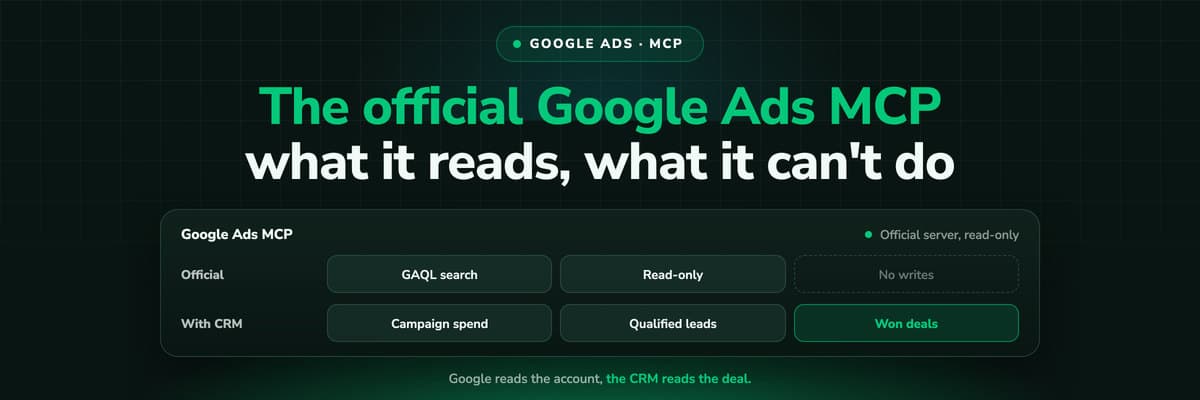
Google publishes an open source MCP server for the Google Ads API. It is read-only, has three tools and no public URL. What it does, how to run it locally or on Cloud Run, how Claude and Claude Code connect to it, what it cannot do, and the third-party servers that fill the gaps.Read the article13 min read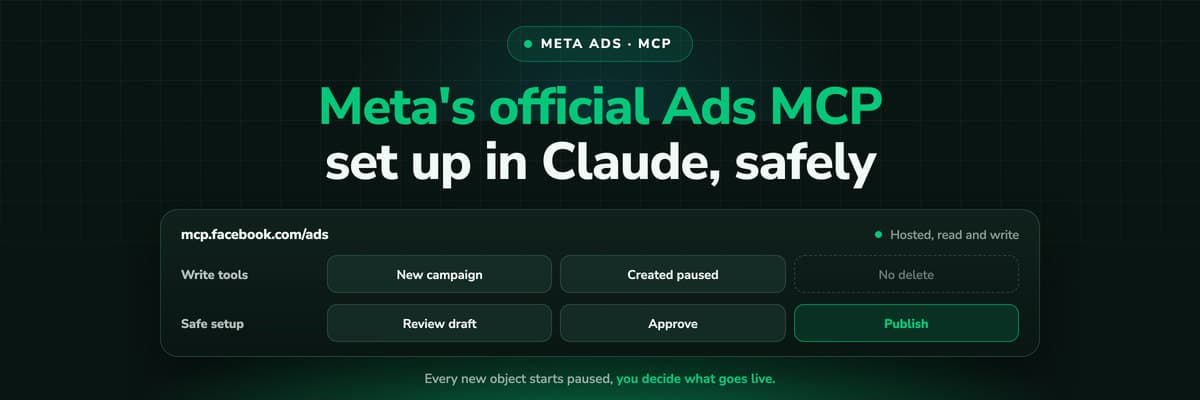 How To Guides
Meta Ads MCP: Setting Up Meta's Official Server
Meta runs its own MCP server for ads at mcp.facebook.com/ads. What it does, which permissions it needs, how agencies get access, how to add it to Claude and ChatGPT, what the third-party servers offer instead, and how to use the write tools without spending money by accident.Read the article12 min read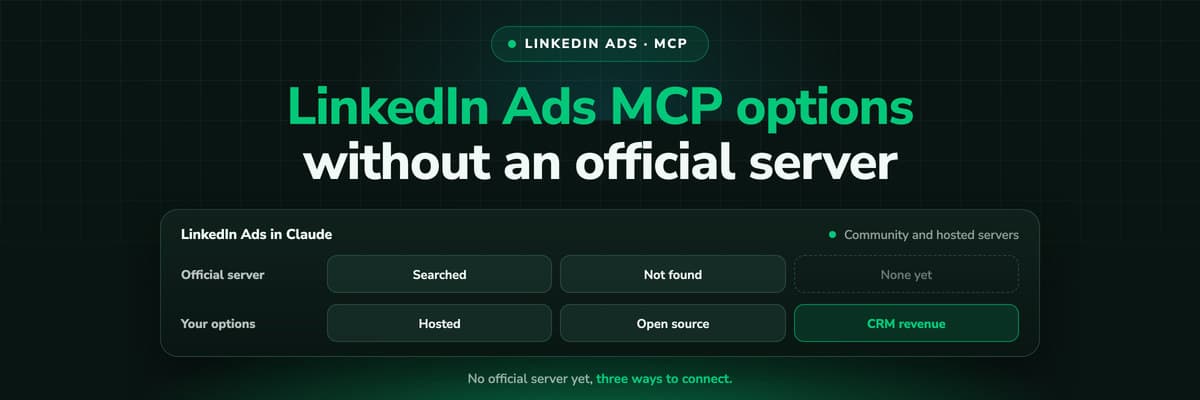 How To Guides
LinkedIn Ads MCP: Your Options Without an Official Server
LinkedIn has no official MCP server as of October 2026, unlike Meta, Google, Microsoft, TikTok and X. What the third-party LinkedIn Ads MCP options are, why there are so few, what to check before you connect one to an account with spend on it, and how to ask Claude about LinkedIn campaigns on pipeline rather than form fills.Read the article11 min read
Real lead source
Ready to see the real source on every Zoho lead?
LeadJourney captures the click ID and campaign at the first visit, server-side on your own domain, joins it to the lead and the deal, and sends won revenue back to Meta, Google, LinkedIn and Microsoft. Live in 21 minutes with a tracking expert, 30-day money-back guarantee.
30-day money-back guaranteeSetup with a tracking expert


