


















BlogHow To Guides
Pipedrive Reporting Dashboard: Examples, Limits and ROI
Pipedrive Insights is a strong sales reporting tool and a thin marketing one. The report types that exist, five dashboards worth building today, what a marketing dashboard in Pipedrive cannot show, and where ROI comes from instead.


Contents
Summarise this article with AI
Opens the page with a ready prompt in:


Nothing is sent until you pick a service.
Pipedrive Insights answers sales questions well. How many deals moved this week, which rep converts best, how long a deal sits in Proposal made, what the pipeline is likely to bring in next quarter. Build a dashboard of those and the sales meeting runs itself.
The marketing questions are harder. Which channel produces the deals that close, what each one costs, whether the budget is paying for itself. This guide covers the report types Insights offers, five dashboards you can build with them today, what a marketing dashboard in Pipedrive can and cannot show, and where ROI has to come from when the CRM has never seen an invoice from Google or Meta.
Quick Summary: Marketing Reporting in Pipedrive
In short
Pipedrive Insights covers activities, emails, campaigns, people, organizations, leads, deals, revenue forecasts and projects. For marketing, the most useful built in view is deal win/loss conversion by source channel, which Pipedrive's documentation names as a supported grouping, and from Premium you can report on deal custom fields such as a campaign field. What Insights cannot do is ROI, ROAS or CAC, because no ad spend ever enters Pipedrive. Its Campaign conversion report measures email opens and clicks, not deals. ROI needs spend joined to won deals, which happens outside Pipedrive or in a tool that writes both sides together.
The Report Types Pipedrive Insights Offers
Every Pipedrive dashboard is made of reports, and every report starts from one of these types. Knowing the list saves an afternoon of looking for a report that does not exist.
Insights report types, from Pipedrive's knowledge base, October 2026
| Report type | What it is for | Plan note |
|---|---|---|
| Activities | Calls, meetings and tasks logged by the team | All plans |
| Emails | Email activity tracked in Pipedrive | All plans |
| Campaign performance and conversion | Email campaign opens, clicks, CTR, bounces | Campaigns add-on |
| People and Organizations | Contacts and companies added over time | All plans |
| Lead performance and conversion | Leads created and converted to deals | All plans |
| Deal performance, conversion, duration, progress, products | Pipeline value, win rates, cycle length, stage movement | Custom fields in the builder from Premium |
| Revenue forecast | Expected revenue from open deals or products | Product forecast from Growth, deal forecast from Premium |
| Projects | Project progress | Projects, included from Premium |
Notice what is not on the list: no report type for ad spend, cost per lead, return on ad spend or customer acquisition cost. That is not an oversight in the menu. Pipedrive simply holds no cost data to report on.
Deal Conversion by Source Channel
This is the one report that comes closest to a marketing answer, and it is worth setting up properly.
- Win/loss conversion, viewed by source channelPipedrive's deal conversion documentation lists source channel among the fields a win/loss conversion report can be viewed by. The result is a win rate per channel: of the deals that closed either way, how many were won.
- Source channel is an admin defined listThe values are a multiple options list your admin edits under Company Settings. Pipedrive warns that renaming a default option may lead to confusion, because the ID behind it stays the same, so add new options rather than repurposing old ones.
- Source origin says how, not whySource origin is set by Pipedrive and records how the deal was created: Web forms, Chatbot, Import, API, Web visitors. It is accurate and useful, but a web form is a door, not a campaign.
A win rate is not a return
A channel with a high win rate and two deals a quarter can be the most expensive channel you run. Win rate tells you about lead quality. It says nothing about what those deals cost to produce.
Five Pipedrive Dashboards You Can Build Today
Each of these uses only report types and groupings Pipedrive documents. Put them on one dashboard called Marketing and you have the most a CRM without spend can tell you.
- 1. Win rate by source channelA deal conversion report, win/loss, viewed by source channel, for deals closed in the last two quarters. Use a long range: a few deals per channel per month makes any rate noisy.
- 2. Pipeline funnel by stageThe funnel conversion report across your pipeline stages. Add a filter on source channel, one channel at a time, to see where its deals stall, for example paid leads dropping between qualified and proposal.
- 3. Lead to deal conversionA lead conversion report over time. If marketing hands leads to sales as Pipedrive leads, this is the honest measure of handover quality, and a falling line is the early warning before the deal numbers move.
- 4. Sales cycle lengthA deal duration report on won deals. Knowing the median days from created to won tells you how long to wait before judging a campaign, which is the question most budget arguments skip.
- 5. Won value by campaignA deal performance report on won value, grouped by a campaign custom field. This needs Premium or higher, and it needs something to fill that field reliably at creation, because a field nobody fills reports as one large empty row.
If you run the Campaigns add-on, its performance report belongs on the dashboard too, labelled clearly: its conversion rates are email opens and clicks, not deals.
What a Marketing Dashboard in Pipedrive Cannot Show
Every marketing efficiency metric is a ratio with spend on one side. Pipedrive holds the other side very well.
Pipedrive holds won revenue to the cent. Ad spend sits in Google Ads, Meta, LinkedIn and Microsoft Ads, and none of it is imported.
- No spend, so no ROI, ROAS or CAC. Insights has no cost report and no way to import one. Any ROI figure on a Pipedrive dashboard was typed in by somebody.
- The source is a label, not a measurement. Source channel is picked by a person or set by an automation, from a list your admin edits. Two reps can file the same lead differently, and nobody can check which was right.
- The campaign is usually missing. Pipedrive has no default UTM or click ID fields, and its Web Forms documentation says nothing about carrying URL parameters, so without an app the deal knows the channel at best and never the campaign or the ad.
- The first touch never reached the CRM. Everything Pipedrive records starts when the record is created. The ad click three weeks before the form, the organic visit, the AI answer that sent them: none of that exists in Pipedrive to group by.
- Campaign conversion is email conversion. The report named Campaign conversion measures opens, clicks, deliverability and unsubscribes. Read it as a sales conversion and email looks better than it is.
- Custom fields in reports need Premium. On Lite and Growth the visual builder cannot use deal custom fields, so even a well filled campaign field cannot be grouped by.
Where ROI Needs Spend Joined to Deals
ROI exists the moment spend and won revenue are joined on the same key, and the only key that works is the campaign the deal came from. There are three ways teams get there.
The monthly spreadsheet
Export won deals by source channel, export spend from each ad account, divide. It works at channel level, takes an afternoon every month, and breaks as soon as anybody asks about a campaign.
Fields from a marketplace app
GA Connector and similar apps write UTMs, first and last click and GCLID into Pipedrive fields. That fills the campaign side; the spend still has to be joined somewhere else.
A tool that holds both
An attribution tool that records the click, writes the campaign onto the deal and pulls spend from the ad platforms can compute ROI per campaign without a spreadsheet in the middle.
Check Your Own Pipedrive Data First
Before building any of the dashboards above, four numbers tell you which ones will be worth reading.
- The empty channel share. Deals created in the last 90 days with no source channel. Every one of them is invisible to dashboard one.
- The campaign share. Of the same deals, how many carry a campaign in any field. That is the ceiling on dashboard five.
- The origin mix. Deals by source origin. A high share of Manually created, Import or API means a person or a system chose the channel, not a click.
- The plan check. If you are on Lite or Growth, any report on a custom field is off the table until you move to Premium.
How LeadJourney Adds Spend and Campaigns to Pipedrive Deals

The Pipedrive integration is native: a one click sign in and a field mapping screen, live in about 21 minutes, no developer. It writes source, campaign, ad, click ID, UTMs, landing page and a link to the journey onto the Person, and the attributed channel, campaign and credit onto the Deal, in dedicated LeadJourney custom fields that leave your existing source fields untouched. Stage changes and won deals are read as they happen.
On the website, one script on your site or in your GTM container records every visit server-side on your own domain, first-party, at 95%+ accuracy, and captures gclid, gbraid, wbraid, fbclid, li_fat_id and msclkid at the click. The anonymous history is joined to the person at the form fill, the call or the booking, with no attribution window on the journey.
Spend is pulled from the ad platforms and joined to the deals, so ROI, ROAS and cost per won deal are computed per campaign under five attribution models. Won deals go back to Meta and LinkedIn through their Conversions APIs, to Google Ads as an offline conversion on gclid and to Microsoft Ads on msclkid, with the deal value.
The limits: tracking respects consent decisions, so a visitor who declines is not measured, and a lead that never touched your website still needs a source typed in by a person.
Further Reading
The rest of the cluster: Pipedrive lead source tracking, UTM parameters in Pipedrive and Pipedrive and Google Analytics. For the metrics, the glossary entries on return on ad spend and customer acquisition cost, and the ROAS calculator. For tools, attribution tools that work with Pipedrive and the best marketing dashboard tools.
FAQ
Frequently Asked Questions
What Pipedrive admins and marketers ask when the dashboard has to answer for the budget.
How do I create a dashboard in Pipedrive?
Open Insights, create a dashboard, then add reports to it. Each report starts from a type (activities, emails, campaigns, people, organizations, leads, deals, revenue forecast or projects), and you choose the measure, the grouping and the filters. Plan matters: the deal revenue forecast needs Premium, the product revenue forecast Growth, and using deal custom fields in the visual builder needs Premium or higher.
Can Pipedrive show ROI or ROAS?
Not on its own. ROI and ROAS divide revenue by spend, and Pipedrive holds no ad spend: Insights has no cost report and no spend import. You can report won value by source channel or by a campaign custom field, then divide by spend from each ad account in a spreadsheet, or use an attribution tool that pulls spend from the ad platforms and joins it to the deals for you.
Can I report deals by lead source in Pipedrive?
Yes, with limits. Pipedrive's documentation names source channel as a grouping for the win/loss deal conversion report, so you can see a win rate per channel. Source channel is an editable option list your admin defines, so its accuracy depends on how consistently it is filled. For a campaign rather than a channel you need a custom field, which the visual builder can use from Premium.
What does the Campaign conversion report in Pipedrive measure?
Email engagement, not sales. The Campaign conversion report in Insights shows open, click, click-through, spam, unsubscribe, delivery and bounce rates for campaigns sent with the Campaigns add-on. Engagement appears on the contact and on the deal it is linked to, but the report itself has no metric for deals created or revenue won. Label it clearly on a marketing dashboard so nobody reads it as conversion to customers.
Which Pipedrive plan do I need for marketing reporting?
Insights is on every plan, but two things that matter for marketing need Premium or higher: using deal custom fields such as a campaign field in the visual builder, and the deal revenue forecast. LeadBooster, which includes Web Forms, is included from Premium or bought as an add-on on Lite and Growth. The Campaigns add-on is paid on every plan.
How do I calculate CAC from Pipedrive?
Customer acquisition cost is total sales and marketing spend divided by new customers won in the same period. Pipedrive gives you the denominator: count deals won per month, by channel if your source channel is filled. The numerator lives in the ad accounts and your payroll, outside Pipedrive. Join them per month to start, and per campaign once something writes the campaign onto every deal.
Keep reading
More from the blog
 How To Guides
Incrementality Testing for Lead Gen: Run a Test on CRM Revenue
A lift test is only as good as the outcome it reads, and for lead generation the platforms read form fills. This guide compares the methods, lists what Google and Meta require for a lift study, and walks through a geo holdout read on qualified leads and deals from your CRM, with a worked example that adds up.Read the article19 min read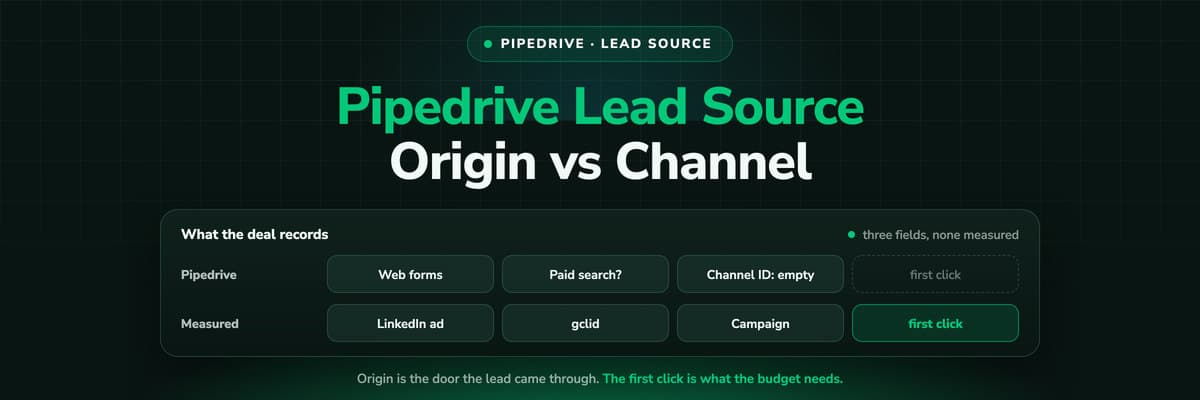 How To Guides
Pipedrive Lead Source Tracking: Source Origin vs Source Channel
Pipedrive gives every lead and deal three source fields: an origin the system sets, a channel a person picks and a free text ID. What each one records, the five ways the report still goes wrong, and how to put a measured first touch on the deal.Read the article11 min read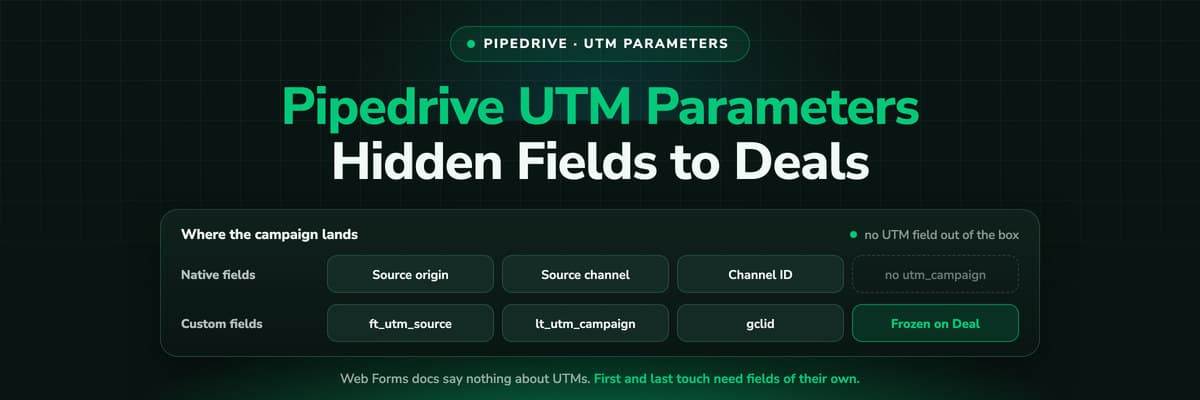 How To Guides
Pipedrive UTM Parameters: Hidden Fields, Web Forms and Deals
Pipedrive has no UTM field and its Web Forms documentation says nothing about hidden fields. How teams get utm_source and the click ID onto the Lead and the Deal anyway, the naming that keeps it reportable, and why first touch needs its own fields.Read the article11 min read
ROI in Pipedrive
Ready to see which campaigns pay for themselves?
LeadJourney writes the campaign onto every Pipedrive deal, pulls spend from Meta, Google, LinkedIn and Microsoft, and shows ROI per campaign. Live in 21 minutes, 14-day free trial.


