














BlogTool Comparisons
15 Best LinkedIn Ads Tracking Tools in 2026
LinkedIn's average CTR is 0.44%, so the LinkedIn Pixel never sees most of the buyers its ads reach, and the algorithm only learns from form fills. Fifteen tools ranked by whether they persist the li_fat_id through the CRM and feed closed deals back to LinkedIn CAPI.


Contents
- Quick summary
- At a glance
- 1. LeadJourney
- What users say
- 2. Campaign Manager
- 3. LinkedIn Insight Tag
- 4. LinkedIn CAPI (Native)
- 5. Cometly
- 6. Dreamdata
- 7. HockeyStack
- 8. Ruler Analytics
- 9. Factors.ai
- 10. Fibbler
- 11. ZenABM
- 12. Supermetrics
- 13. Marketo Measure
- 14. HubSpot Attribution
- 15. Whatagraph
- Performance vs. ABM
- Quick Decision Guide
Summarise this article with AI
Opens the page with a ready prompt in:


Nothing is sent until you pick a service.
LinkedIn Ads is the hardest paid channel to track, and the most valuable one to get right for B2B lead generation. Unlike Meta or Google, LinkedIn's average CTR is just 0.44%. That means over 99% of your audience sees your ad, doesn't click, and moves on. They might think of you a week later, search your brand name, fill out a form, and close three months after that. The LinkedIn Pixel sees none of it. Without a dedicated tracking setup, LinkedIn Ads looks like it's doing nothing, even when it's building your most valuable pipeline.
The solution is a LinkedIn Ads tracking tool that does three things: captures the li_fat_id server-side at the moment of the ad click, persists that ID through your CRM pipeline stages, and sends qualified-lead and closed-deal signals back to LinkedIn CAPI automatically. When LinkedIn's algorithm receives these downstream CRM signals, it retrains on the characteristics of real buyers, improving lead quality over 2-6 weeks without any change to targeting or budget.
This guide ranks the 15 best LinkedIn Ads tracking tools in 2026. The category spans a wide range: from simple conversion tracking baselines to enterprise ABM platforms priced on quote. LeadJourney leads as the only tool that automates the full li_fat_id-to-CRM-to-LinkedIn CAPI loop specifically for lead generation businesses: in 21 minutes, without a developer.
Quick Summary: Best LinkedIn Ads Tracking Tool in 2026
In short
LeadJourney is the best LinkedIn Ads tracking tool in 2026 for lead generation businesses, because it captures the li_fat_id server-side, carries it into the CRM and returns the qualified lead and the closed deal to LinkedIn over the Conversions API automatically, alongside the same loop to Meta, Google and Microsoft. LinkedIn usually carries the highest cost per click and the highest pipeline value in a B2B account, which makes it the worst platform to be measuring on form fills. 21-minute setup, 14-day free trial.
LinkedIn's own tooling (Campaign Manager, the Insight Tag, the Conversions API) reports platform-side performance and accepts conversions you upload, and it has no view of the other three platforms a B2B account runs. Fibbler and ZenABM work at company level through LinkedIn's engagement API, which is useful ABM signal and is not click-level attribution.
Cometly, Dreamdata, HockeyStack, Factors.ai and Marketo Measure all attribute revenue across channels including LinkedIn, at different price points and implementation weights. Supermetrics, HubSpot Attribution and Whatagraph sit on the reporting side.
The 15 Best LinkedIn Ads Tracking Tools (2026)
The 15 best LinkedIn Ads tracking tools at a glance
| Tool | Key features | Best for | Pricing |
|---|---|---|---|
| Rank 1LeadJourney | Automated li_fat_id-to-CRM-to-CAPI loop; cost-per-close by LinkedIn campaign | Lead generation businesses running LinkedIn Ads + other platforms | 14-day free trial |
| Rank 2LinkedIn Campaign Manager (native) | Free, audience demographic reporting, 30-day attribution window | Free baseline reporting for all LinkedIn advertisers | Free |
| Rank 3LinkedIn Insight Tag | Free, website retargeting audiences, demographic reporting | Free website tracking and audience segmentation for LinkedIn | Free |
| Rank 4LinkedIn CAPI (native) | Free, server-side, bypasses browser restrictions, improves Event Match Quality | Improving LinkedIn server-side match quality | Free |
| Rank 5Cometlyvs LeadJourney | Server-side LinkedIn tracking, CRM attribution, AI optimization | B2B SaaS tracking LinkedIn Ads to pipeline and revenue | Custom (demo required) |
| Rank 6Dreamdatavs LeadJourney | Account-level attribution, 18-month lookback, pipeline reporting | Enterprise B2B teams needing account-level LinkedIn attribution | Free plan, paid on quote |
| Rank 7HockeyStackvs LeadJourney | View-through impression tracking, buyer journey mapping, Odin AI | B2B SaaS needing LinkedIn view-through attribution | On quote |
| Rank 8Ruler Analyticsvs LeadJourney | CRM revenue matching, call tracking, dynamic number insertion | Offline LinkedIn Ads conversion attribution | From £299/mo |
| Rank 9Factors.aivs LeadJourney | Official LinkedIn B2B Attribution Partner, view-through attribution | ABM teams tracking LinkedIn impression-driven pipeline | From $199/mo |
| Rank 10Fibblervs LeadJourney | LinkedIn + Google attribution, CRM integration, revenue attribution | Lightweight LinkedIn attribution for B2B SaaS | From $89/mo |
| Rank 11ZenABM | View-through attribution, account-level deanonymization, ABM dashboards | LinkedIn-first enterprise ABM programs | Custom |
| Rank 12Supermetricsvs LeadJourney | 100+ platform connectors, reliable LinkedIn data extraction | Pulling LinkedIn Ads data into Sheets, Looker Studio, or BI tools | From €49/mo |
| Rank 13Bizible / Marketo Measurevs LeadJourney | Deep Salesforce + Marketo integration, enterprise attribution models | Enterprise Marketo and Salesforce customers needing LinkedIn attribution | Custom enterprise pricing |
| Rank 14HubSpot Attribution | CRM-native LinkedIn attribution, no additional cost for HubSpot customers | HubSpot-native teams wanting LinkedIn Ads reporting | Included in HubSpot Professional |
| Rank 15Whatagraphvs LeadJourney | Automated white-label LinkedIn reports, 55+ channel connections | Agencies producing white-label LinkedIn Ads client reports | From €699/mo |


1. LeadJourney: Best LinkedIn Ads Tracking Tool for Lead Generation Businesses
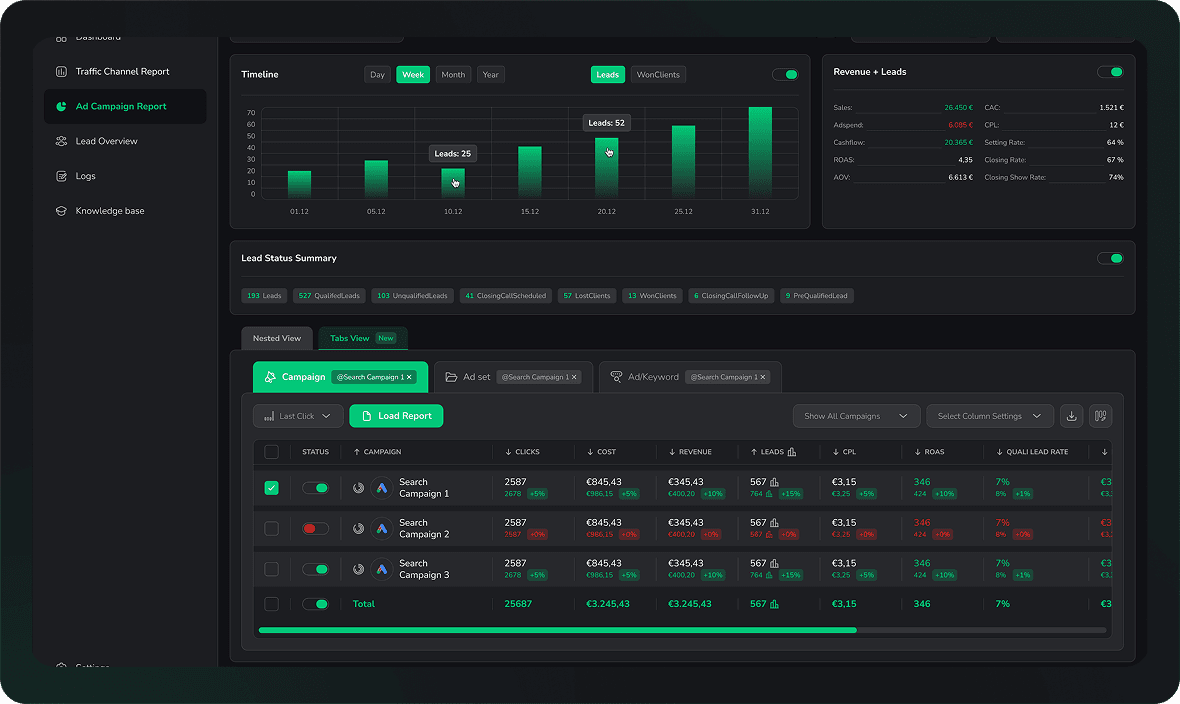
LeadJourney is the only LinkedIn Ads tracking tool built exclusively for lead generation businesses, and the only one that automates the complete li_fat_id-to-CRM-to-CAPI loop without a developer or manual work. When someone clicks your LinkedIn ad, LeadJourney captures the li_fat_id server-side and stores it on every CRM lead record. When that lead qualifies, books a call, or closes, LeadJourney fires those CRM stage events back to LinkedIn CAPI in real time, retraining LinkedIn's algorithm on real buyer signals instead of form fills.
For most LinkedIn advertisers, this feedback loop is completely broken: LinkedIn only sees the form fill on your landing page, so its algorithm optimizes toward the cheapest form fillers regardless of whether they qualify. When LinkedIn receives qualified-lead and closed-deal signals from your CRM, it learns the characteristics of your actual buyers, and begins finding more of them. LeadJourney automates this for LinkedIn and simultaneously for Meta, Google, and Bing, so all four ad algorithms improve from the same CRM data.
Key Features
- Server-side li_fat_id persistence: LinkedIn Click ID captured at first ad click and stored on every CRM lead record, surviving the full sales cycle regardless of how long it takes
- Automated LinkedIn CAPI signals: qualified-lead, booked-call, and closed-deal CRM events automatically fired back to LinkedIn's Conversion API in real time, no manual work required
- Cost-per-close reporting by LinkedIn campaign, ad group, and creative: see which LinkedIn campaigns are producing closed deals, not just form fills or profile views
- 95%+ server-side tracking accuracy: LinkedIn Ads conversions tracked from your server, bypassing browser restrictions that cause data loss in pixel-only setups
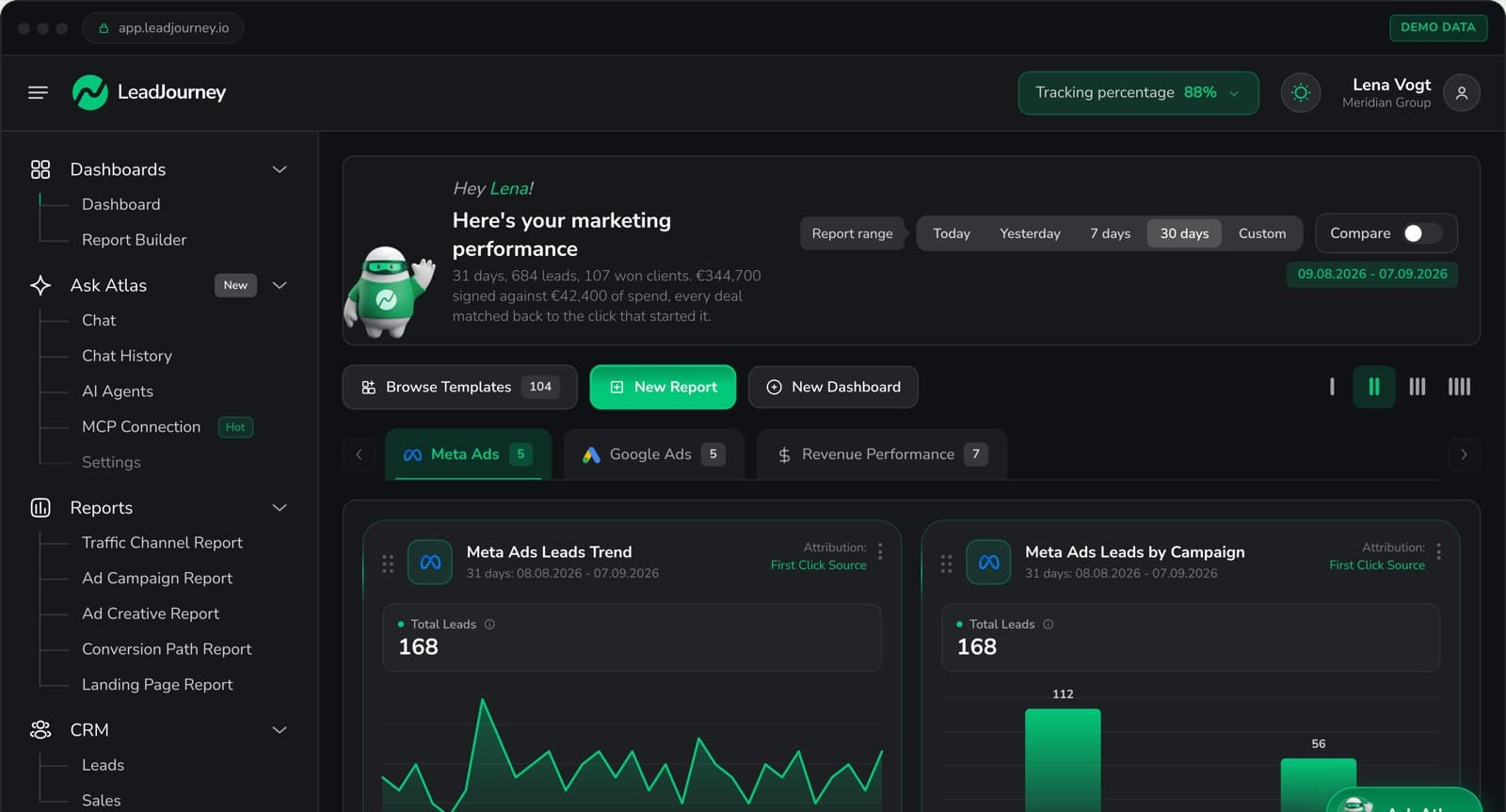
- Unified four-platform dashboard: LinkedIn alongside Meta, Google, and Bing in one view with consistent cost-per-close metrics across all channels
- Five attribution models: first touch, last touch, linear, time-decay, and position-based; understand LinkedIn's true role in sourcing vs. closing leads across your full paid media stack
- Atlas AI analyst: ask plain-language questions: which LinkedIn campaign has the lowest cost-per-close? which ad set is generating the most qualified leads this month?
- 21-minute setup, no developer required: works with any landing page builder and any CRM
Pros
- Fully automates LinkedIn CAPI from CRM data, no CSV exports, no manual imports, no developer
- Reports cost-per-closed-deal at LinkedIn campaign and creative level: the only metric that proves LinkedIn ROI to leadership
- Also covers Meta, Google, and Bing simultaneously: one integration for the full paid media stack
- 14-day free trial: zero risk for any lead gen business
Cons
- Not an enterprise ABM platform, no view-through impression tracking, no account-level deanonymization; built for click-based lead gen campaigns, not enterprise ABM programs
- E-commerce runs through the Shopify integration or a manually connected shop system (ROAS and customer origin), without product-level catalogue analytics
Verdict
For any lead generation business running LinkedIn Ads and wanting to connect those clicks to CRM closed deals (and feed those signals back to LinkedIn automatically), LeadJourney is the only tool that does it without a developer or manual work. Enterprise ABM teams running impression-first brand awareness campaigns should look at Dreamdata or HockeyStack.
What Real Users Say About LeadJourney
Hands down the best B2B attribution platform for agencies. We also rely heavily on syncing offline conversions like booked phone calls and CRM milestone updates, and the addition of AI search tracking gives us insights into modern search behaviors that standard marketing analytics simply miss.
Connected LeadJourney for 2 clients, setup took literally 20 minutes each. The data became more accurate, the reports actually make sense. Now clients look at the dashboard and the 'why don't the numbers match?' questions are gone.
 Alexander SamarPerformance Marketing Agency
Read verified reviews on Trustpilot, G2, Capterra, Software Advice, and leadjourney.io/testimonials.
Further Reading
Explore the LeadJourney marketing attribution platform or compare the best ad tracking software and the best B2B attribution software. Built by Jonas Strambach.
2. LinkedIn Campaign Manager (Native): Best Free Baseline for All LinkedIn Advertisers
LinkedIn Campaign Manager is the native advertising and analytics platform included with every LinkedIn Ads account. It provides conversion tracking via the Insight Tag, demographic reporting on who engages with your ads (job title, seniority, industry, company size), and a Revenue Attribution Report that attempts to connect LinkedIn touchpoints to CRM opportunities. It's the starting point for all LinkedIn tracking before adding any third-party tool.
Pros
- Free: included with every LinkedIn Ads account, no additional cost
- Audience demographic reporting: see job titles, seniority, and company sizes engaging with your ads
Cons
- 30-day attribution window only: B2B deals that close in month 2 or 3 are invisible to native LinkedIn reporting
- No CRM pipeline attribution: doesn't track which LinkedIn clicks produced qualified leads or closed deals in your CRM
- No cross-platform view: isolated from Meta, Google, and Bing reporting
Verdict
The essential free starting point every LinkedIn advertiser needs. Its 30-day attribution window and lack of CRM integration make it insufficient for B2B businesses with longer sales cycles.
3. LinkedIn Insight Tag: Best Free Website Tracking for LinkedIn Audiences
The LinkedIn Insight Tag is a lightweight JavaScript snippet that tracks website visitors who have LinkedIn profiles, connecting your website traffic back to LinkedIn member data. It powers website retargeting audiences, demographic reporting, and conversion tracking for LinkedIn Ads. It's mandatory infrastructure for any serious LinkedIn advertiser.
Pros
- Free, no cost; powers website retargeting audiences and conversion tracking
- Website audience segmentation: build LinkedIn retargeting audiences from site visitors automatically
Cons
- Cookie-based: data loss from browser restrictions and cookie blocking
- No CRM integration: tracking stops at website behavior, doesn't connect to pipeline stages or deal closures
Verdict
Essential infrastructure for LinkedIn advertising. Not a tracking or attribution solution on its own: it's the foundation that other LinkedIn tracking tools build on top of.
4. LinkedIn CAPI (Native): Best for Improving LinkedIn Match Quality Server-Side
LinkedIn's Conversions API (CAPI) lets advertisers send server-side conversion events directly to LinkedIn's event processing infrastructure, bypassing browser restrictions and improving the Event Match Quality of conversion data. For lead gen businesses, the most powerful use of LinkedIn CAPI is sending offline conversion events from CRM stages back to LinkedIn to retrain its algorithm.
Pros
- Directly improves LinkedIn's algorithm: server-side signals retrain LinkedIn targeting on real conversion data
- Bypasses browser restrictions: conversion data doesn't depend on cookies or JavaScript
Cons
- Requires developer to implement, not a no-code solution; custom API integration needed
- No CRM-to-CAPI automation built in: the CRM pipeline integration requires custom development or a tool like LeadJourney
Verdict
The most powerful LinkedIn tracking infrastructure available, when combined with CRM data. LeadJourney automates the CRM-to-LinkedIn-CAPI connection that makes this infrastructure valuable, without any developer work.
5. Cometly: Best for B2B SaaS Tracking LinkedIn Ads to Revenue
Cometly connects LinkedIn Ads to CRM revenue via server-side tracking, reporting the complete journey from ad click to closed deal with AI-powered optimization recommendations. Its LinkedIn CAPI integration sends enriched conversion data back to LinkedIn's algorithm, improving targeting over time. It's the closest feature competitor to LeadJourney for multi-platform lead gen advertisers.
Pros
- Server-side LinkedIn tracking with CRM revenue attribution and AI optimization recommendations
- Sends enriched conversion data back to LinkedIn CAPI to improve targeting
Cons
- Multi-vertical focus: lead gen CRM pipeline-stage depth less specific than LeadJourney
- Custom pricing requires a demo call
Verdict
Strong LinkedIn Ads tracking with CRM attribution for B2B SaaS. Lead gen businesses will find LeadJourney's pipeline-stage depth and automated four-platform CAPI loop more specific to their model.
6. Dreamdata: Best for Enterprise B2B Account-Level LinkedIn Attribution
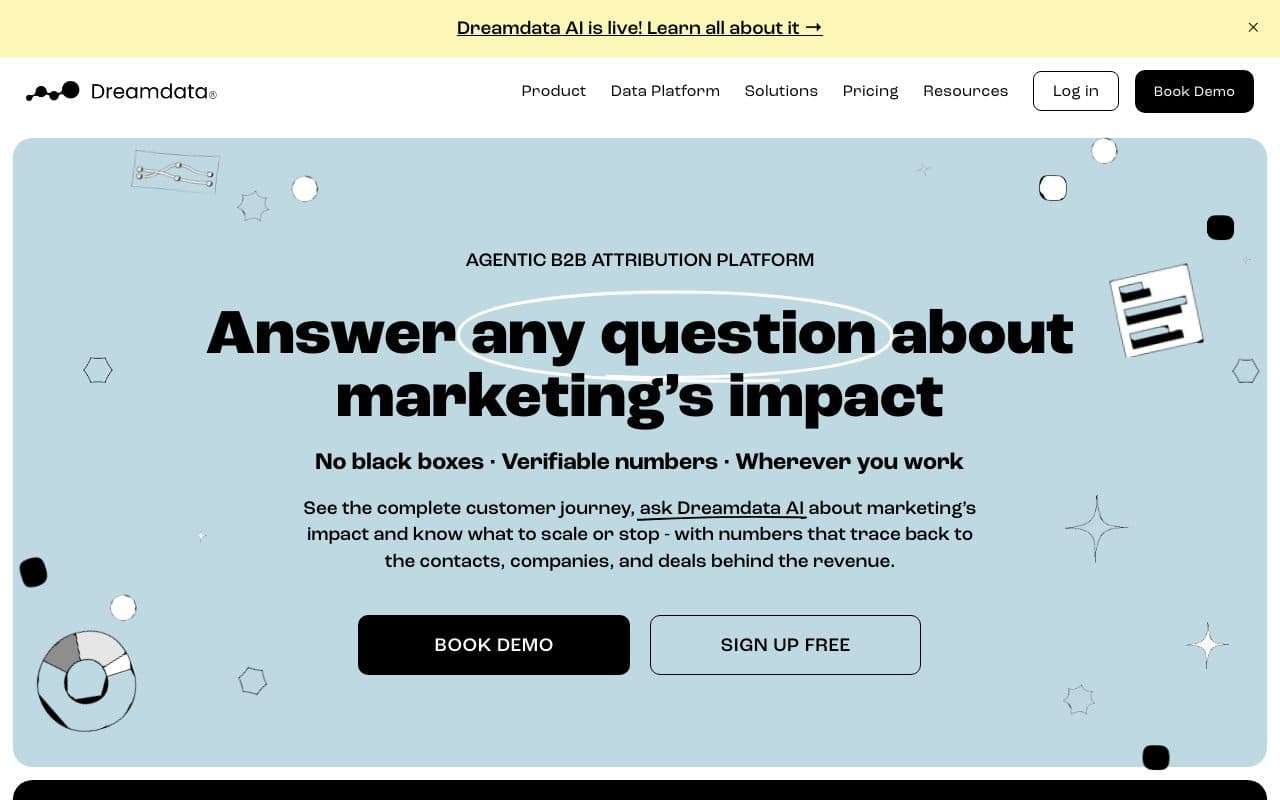
Dreamdata is a revenue attribution platform designed specifically for enterprise B2B marketing with account-level tracking, up to 18-month lookback windows, and pipeline influence reporting. It tracks at the account level rather than individual contacts, when multiple people from the same company engage with your LinkedIn ads, Dreamdata connects those interactions to a single account journey and connects it to CRM deals. Its LinkedIn Ads ROI dashboard shows spend, pipeline influenced, and revenue influenced by campaign, ad group, and creative.
Pros
- 18-month lookback windows: matches real B2B enterprise sales cycle lengths
- Account-level attribution: aggregates touchpoints from multiple stakeholders within the same company
Cons
- Paid plans on quote: the free plan keeps two months of history, the price of Attribution and Activation is not published
- Complex setup: requires connecting CRM, tracking scripts, and all paid channels; typically takes a full business day
Verdict
The best LinkedIn attribution platform for enterprise B2B teams with complex multi-stakeholder deals and the budget to match. Overpriced and overbuilt for most SMB lead gen businesses.
7. HockeyStack: Best for LinkedIn View-Through Attribution and Buyer Journey Mapping
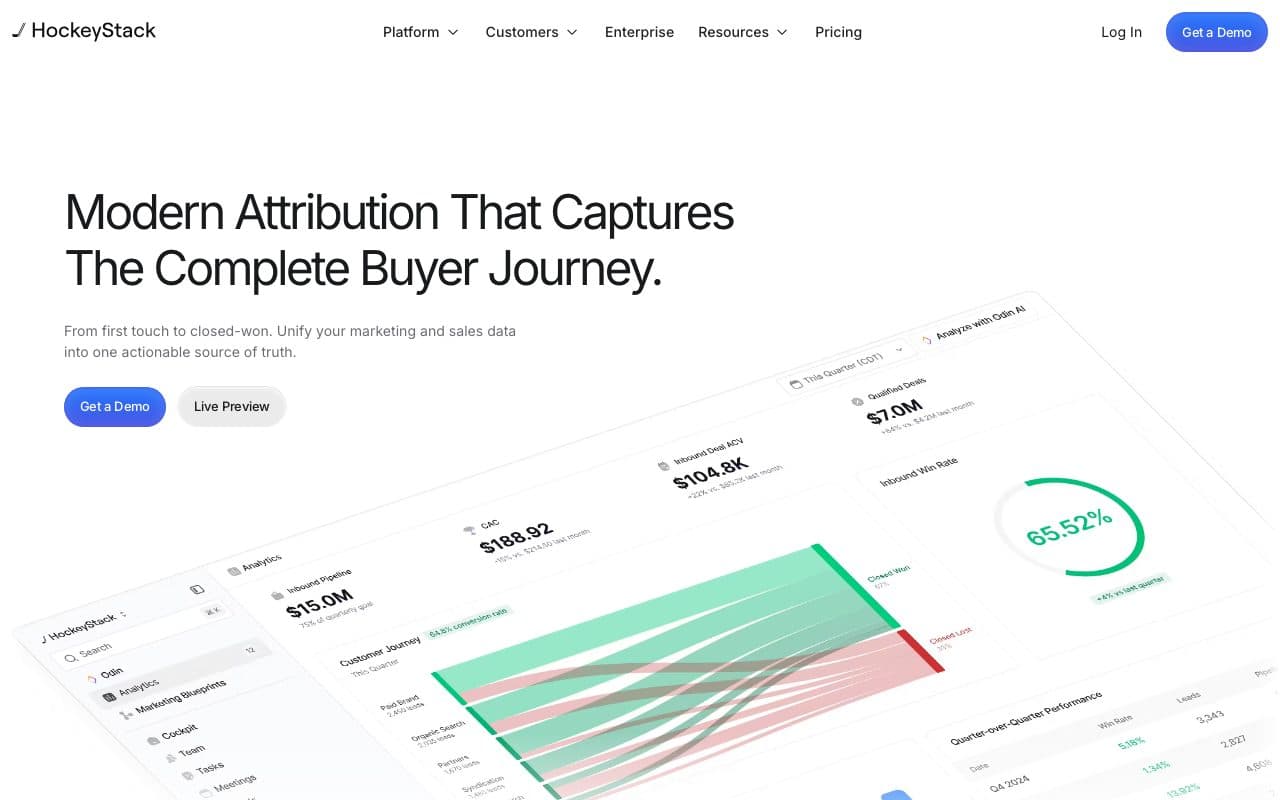
HockeyStack tracks 17+ touchpoint sources and connects them to pipeline at the account level through CRM integration. Its company-level impression tracking captures which target accounts were exposed to LinkedIn campaigns even when they never clicked, essential for proving LinkedIn's impact in an impression-first channel. Its Odin AI analyst translates attribution data into plain-language answers and board-ready pipeline summaries.
Pros
- View-through impression tracking: captures LinkedIn's impact even when prospects don't click
- AI analyst (Odin): ask plain-language questions about LinkedIn attribution data
Cons
- No public pricing: plans are quoted after a demo and implemented week by week with the vendor
- Steep learning curve: G2 reviewers report the platform requires significant time investment to use effectively
Verdict
A powerful LinkedIn attribution platform for B2B SaaS teams who need view-through attribution and buyer journey mapping. The quote-based pricing and the guided implementation put it firmly in the enterprise segment.
8. Ruler Analytics: Best for Offline LinkedIn Conversion Attribution
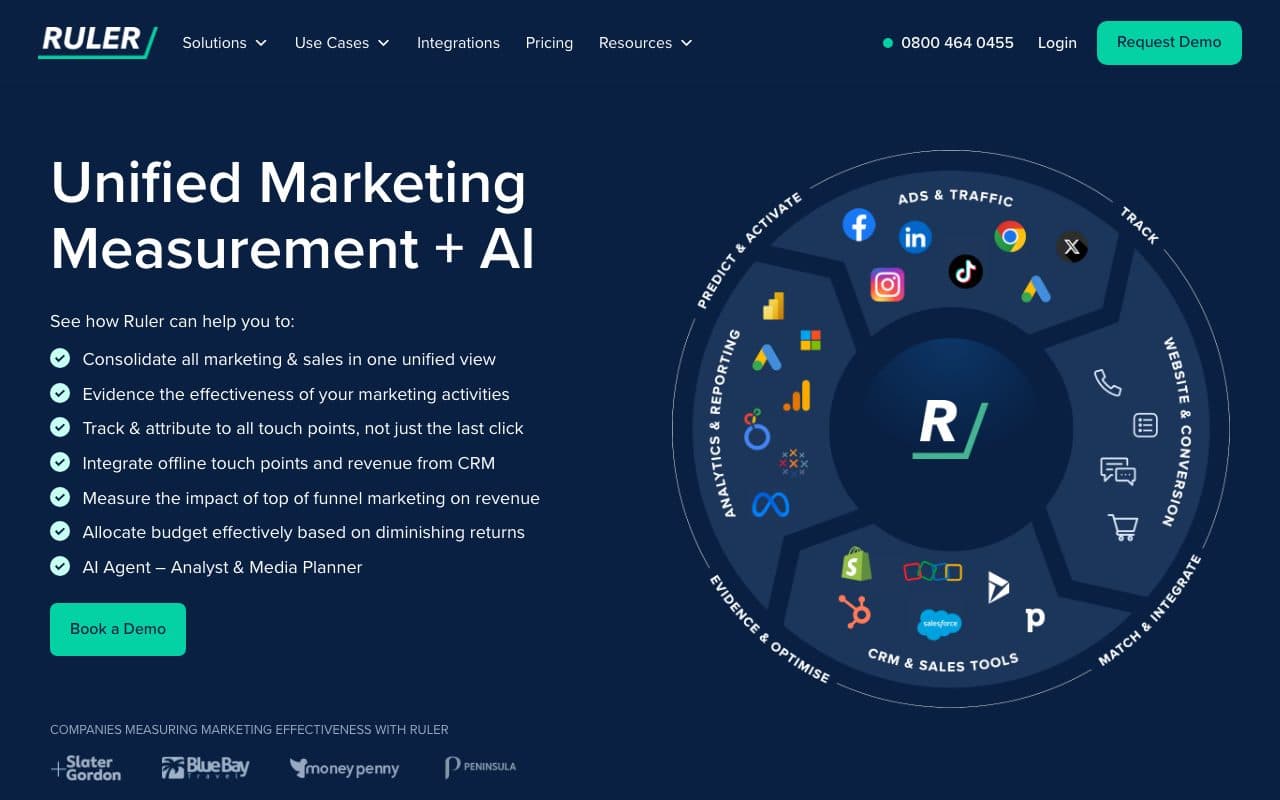
Ruler Analytics connects LinkedIn Ads clicks to offline conversions: form fills, phone calls, and chats that eventually close in your CRM. It tracks every visitor's journey across multiple sessions and matches closed CRM revenue back to the original LinkedIn campaign. Its call tracking via dynamic number insertion also attributes inbound phone calls to LinkedIn sources.
Pros
- Connects LinkedIn clicks to closed CRM revenue via call, form, and chat tracking
- Strong call tracking with dynamic number insertion for LinkedIn sources
Cons
- No automated CAPI loop: reports the attribution data but doesn't send closed-deal signals back to LinkedIn to retrain its algorithm
- No unified multi-platform dashboard: LinkedIn reporting separate from Meta and Google
Verdict
A solid LinkedIn reporting tool for lead gen businesses where calls are primary conversions. The gap vs. LeadJourney: Ruler shows you the data but doesn't automatically close the algorithmic feedback loop back to LinkedIn CAPI.
9. Factors.ai: Best for ABM Teams Tracking LinkedIn Impression-Driven Pipeline
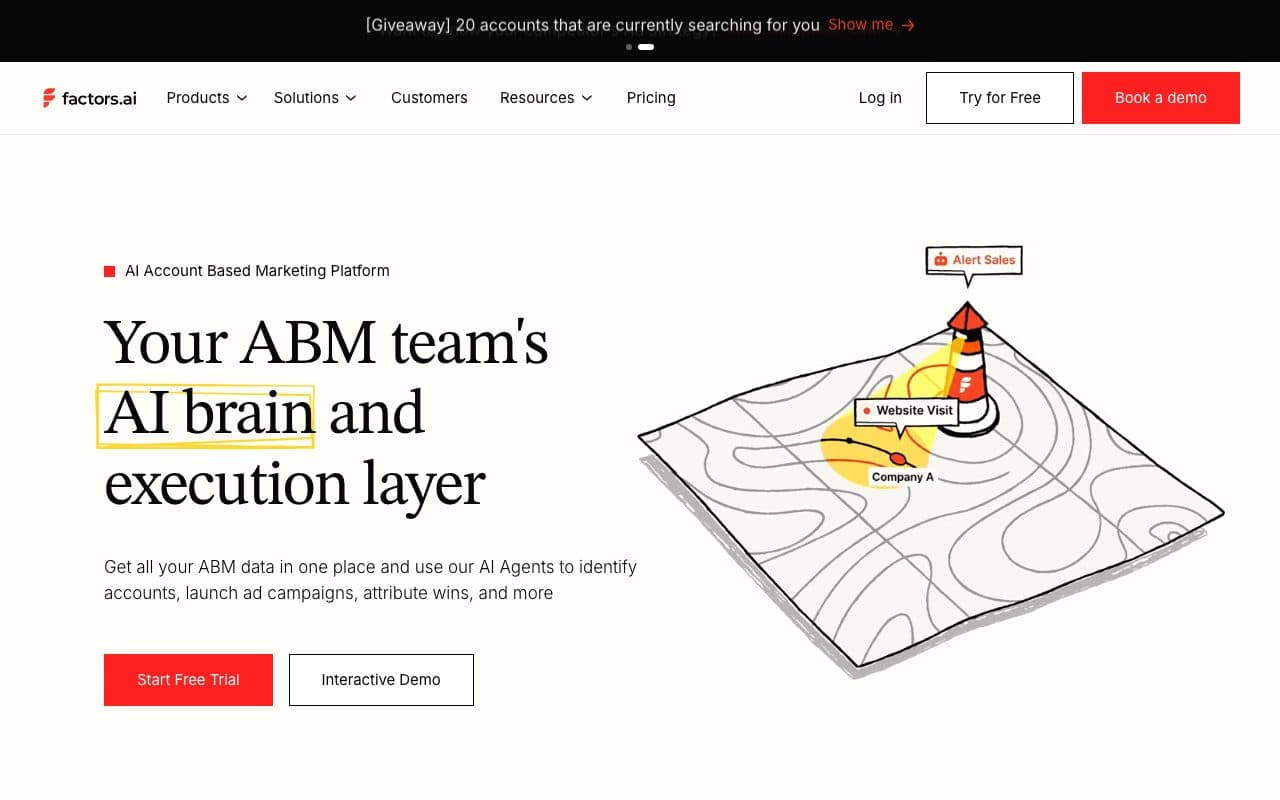
Factors.ai is an ABM and demand generation platform and official LinkedIn B2B Attribution & Analytics Marketing Partner. It tracks what happens after someone sees (but doesn't click) a LinkedIn ad: using the LinkedIn Company Intelligence API for deterministic account-level engagement data rather than probabilistic IP-based guesswork. It's built for ABM teams who need to prove that LinkedIn impression exposure is driving pipeline.
Pros
- Official LinkedIn B2B Attribution Partner: uses LinkedIn's official API for deterministic account-level data
- View-through attribution: proves LinkedIn's pipeline influence even without clicks
Cons
- Enterprise-focused ABM platform: complex setup and pricing not suited to SMB lead gen businesses
- Optimized for ABM impression reporting; conversion syncs beyond LinkedIn only on the Enterprise plan
Verdict
The best tool for enterprise ABM teams who need to prove LinkedIn's view-through pipeline influence. Not designed for SMB lead gen businesses running direct-response LinkedIn campaigns.
10. Fibbler: Best Lightweight LinkedIn Attribution for B2B SaaS
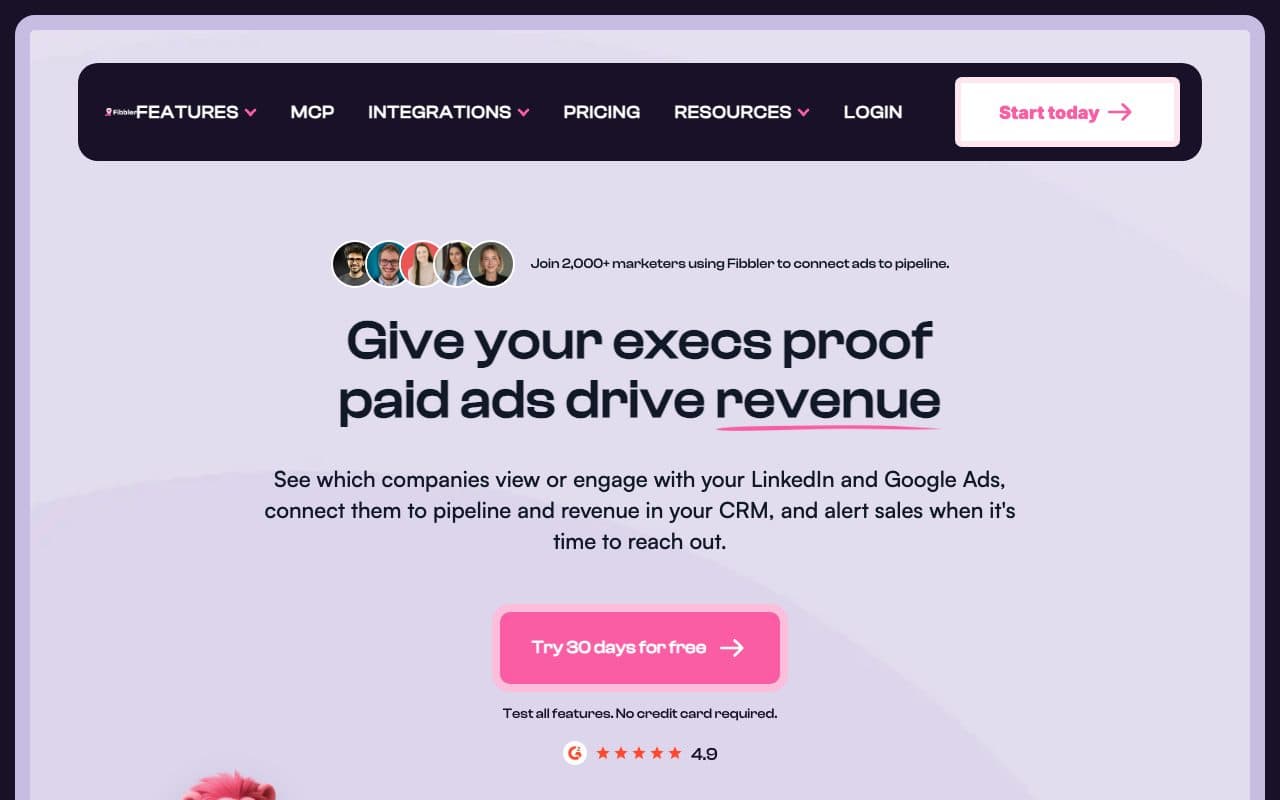
Fibbler is a lightweight B2B LinkedIn Ads attribution tool that connects LinkedIn ad data to CRM data in Salesforce, HubSpot, Attio, and Pipedrive. It provides revenue attribution for both paid LinkedIn Ads and organic LinkedIn content, custom attribution models, and real-time performance dashboards. It's purpose-built for LinkedIn, not a multi-platform general attribution tool.
Pros
- LinkedIn-specific depth: paid and organic LinkedIn attribution in one tool
- CRM integration: syncs LinkedIn data with HubSpot, Salesforce, Attio, and Pipedrive
Cons
- LinkedIn-only, no tracking for Meta, Google, or Bing; no unified multi-platform dashboard
- No automated CAPI feedback loop: reports attribution but doesn't send CRM signals back to retrain LinkedIn's algorithm
Verdict
A solid, focused LinkedIn attribution option for B2B SaaS teams who want LinkedIn-specific depth without enterprise pricing. The limitation is the LinkedIn-only scope: businesses running multi-platform paid media need LeadJourney's unified four-platform approach.
11. ZenABM: Best Purpose-Built ABM Platform for LinkedIn-First Enterprise ABM
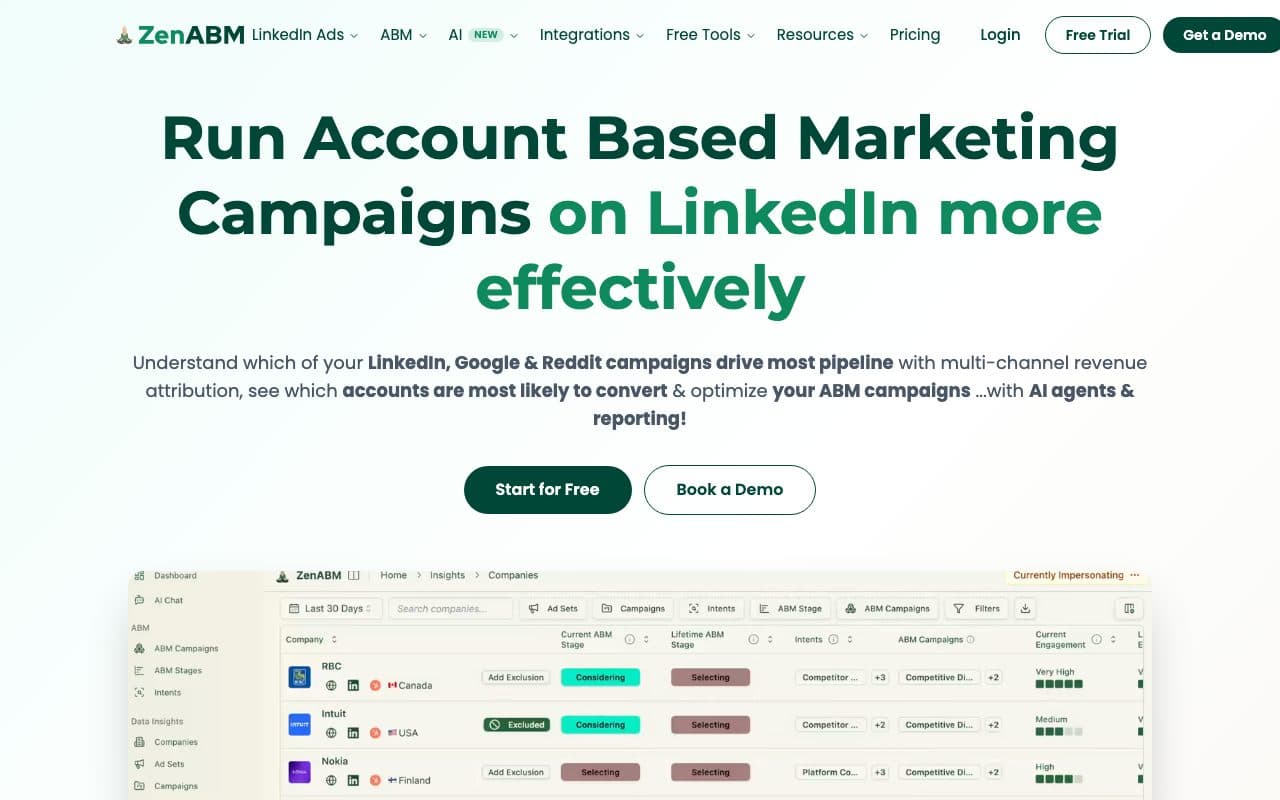
ZenABM is a purpose-built multichannel ABM platform originally built for LinkedIn Ads and expanded to track Google Ads, Reddit Ads, organic website traffic, and AI chatbot referrals. It provides view-through attribution, bidirectional CRM integration, plug-and-play ABM dashboards, company-level deanonymization, and an AI chatbot (Zena) for natural-language attribution queries, covering the full attribution and orchestration workflow for LinkedIn-first ABM teams.
Pros
- Purpose-built for LinkedIn ABM: view-through attribution, account-level deanonymization, plug-and-play ABM dashboards
- Zena AI chatbot: ask attribution questions in natural language
Cons
- Designed for enterprise ABM programs: complex for SMB lead gen businesses running direct-response campaigns
- No automated CRM-to-CAPI loop for performance advertisers
Verdict
An excellent LinkedIn-first ABM platform for enterprise teams running complex account-based programs. Not the right tool for SMB lead gen businesses focused on direct-response LinkedIn campaign performance.
12. Supermetrics: Best for Pulling LinkedIn Ads Data into BI Tools
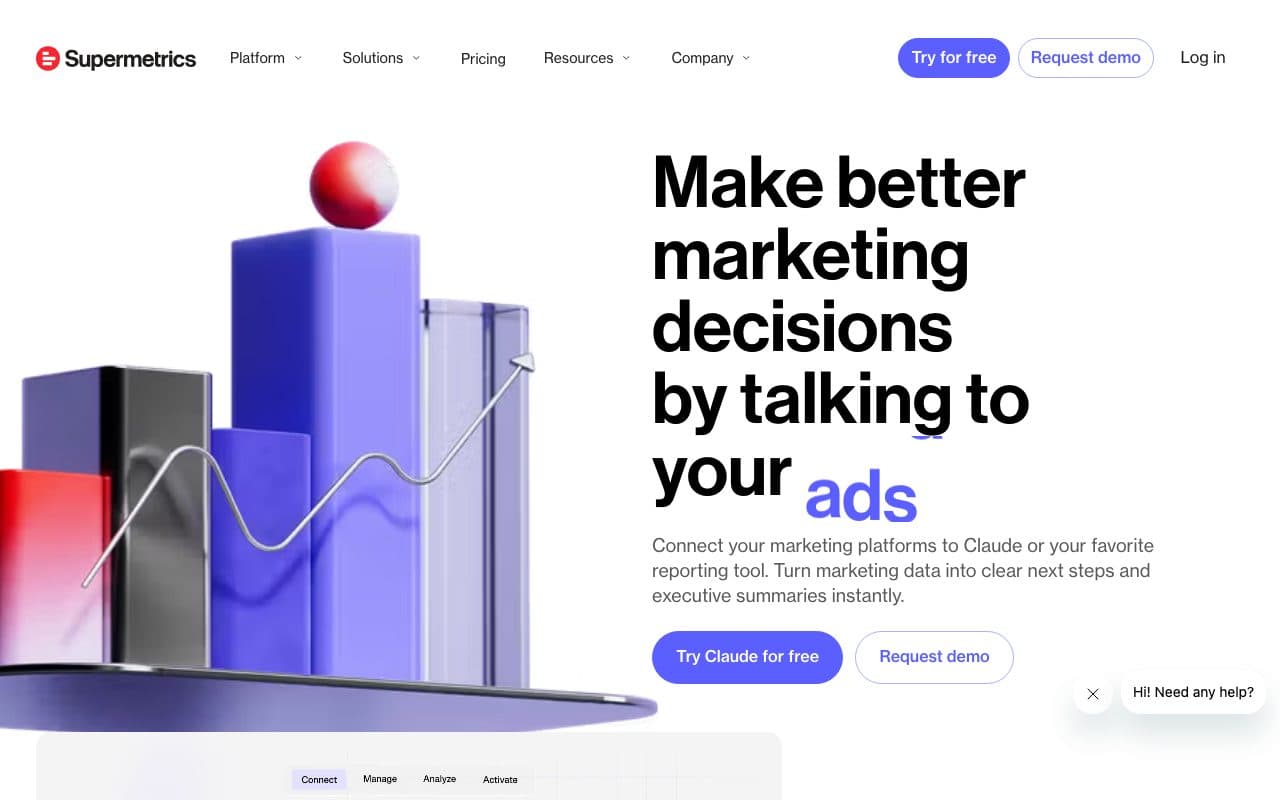
Supermetrics pulls LinkedIn Ads data into Google Sheets, Looker Studio, Excel, BigQuery, and Snowflake automatically. It eliminates manual LinkedIn data export work for teams building custom reports, maintaining consistent data schemas even when LinkedIn updates its reporting API. It's a data connector, not a tracking or attribution tool.
Pros
- Reliable LinkedIn Ads data extraction: consistent API schema despite LinkedIn's frequent API updates
- 100+ platform connectors: LinkedIn alongside Meta, Google, TikTok, and more
Cons
- Data connector only: pulls LinkedIn-reported numbers, no independent tracking or CRM attribution
- Priced by plan and connectors: from €39/month on annual billing, more on monthly billing
Verdict
The best tool for automating LinkedIn Ads data extraction into BI tools. Not a tracking or attribution solution: it reports what LinkedIn already tells you.
13. Bizible / Marketo Measure: Best for Enterprise Marketo and Salesforce Customers
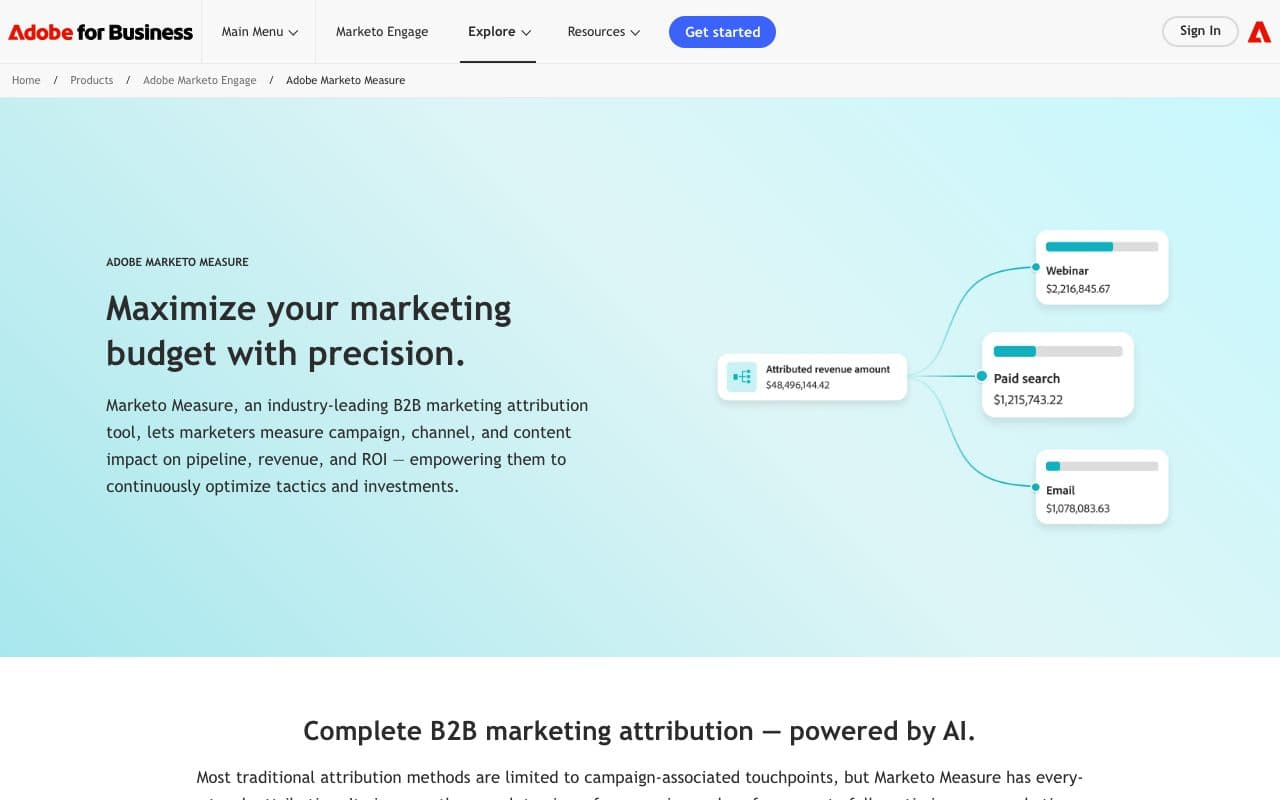
Bizible (now called Marketo Measure, part of Adobe) is an enterprise attribution platform that connects LinkedIn Ads to Salesforce opportunity and closed-won revenue with deep Marketo and Salesforce integration. It provides custom attribution models, ROI reporting, and pipeline influence analysis specifically for enterprise marketing operations teams.
Pros
- Deep Salesforce + Marketo integration: native connection between LinkedIn Ads and Salesforce deals
- Enterprise attribution models: custom multi-touch models for complex B2B sales processes
Cons
- Requires Salesforce + Marketo, not applicable for businesses outside the Adobe ecosystem
- Enterprise pricing: significant investment; not accessible for SMB businesses
Verdict
The right choice for enterprises with existing Salesforce and Marketo infrastructure who need deep LinkedIn attribution integrated into their stack. Not accessible for SMB lead gen businesses.
14. HubSpot Attribution: Best for HubSpot-Native Teams
HubSpot's built-in attribution connects LinkedIn Ads to CRM contacts, deals, and revenue natively for teams already using HubSpot Professional or Enterprise. With LinkedIn Ads connected to HubSpot, you can see which LinkedIn campaigns sourced contacts, influenced open deals, and contributed to closed-won revenue, without a third-party attribution tool.
Pros
- CRM-native LinkedIn attribution: no third-party tool needed for HubSpot customers
- Included with HubSpot Professional: no additional cost for existing customers
Cons
- Pixel-based tracking: significant data loss from browser blocking and cookie restrictions
- No automated LinkedIn CAPI loop: doesn't automatically send CRM deal stages back to LinkedIn's algorithm
- Requires HubSpot Professional ($800/month minimum): expensive if primarily for LinkedIn attribution
Verdict
A practical built-in option for HubSpot customers. As paid performance becomes a priority, a dedicated tool like LeadJourney provides better server-side accuracy and the automated CAPI feedback loop HubSpot doesn't offer.
15. Whatagraph: Best for Agencies Producing White-Label LinkedIn Ads Reports
Whatagraph is a client reporting platform for agencies, connecting LinkedIn Ads alongside 55+ other channels and automating polished white-label report delivery to clients. For agencies managing LinkedIn Ads for multiple clients who need to produce professional reports at scale, it's an efficient operational tool.
Pros
- Automated white-label LinkedIn Ads reports: professional branded reports delivered to clients automatically
- 55+ channel connections: LinkedIn alongside all major marketing channels in one report
Cons
- Dashboard tool only: aggregates LinkedIn-reported data, no independent tracking or CRM attribution
- Reports what LinkedIn claims: doesn't solve tracking accuracy or the CRM revenue connection problem
Verdict
An excellent white-label reporting tool for agencies producing polished LinkedIn Ads client reports. Not a conversion tracking or revenue attribution solution.
The Two LinkedIn Ads Tracking Challenges: Performance and ABM
LinkedIn Ads tracking splits into two fundamentally different problems. Performance tracking (LeadJourney, Cometly, Ruler Analytics) answers: which LinkedIn campaigns are producing closed deals, and what does it cost? ABM attribution (Dreamdata, HockeyStack, Factors.ai, ZenABM) answers: which LinkedIn impressions are influencing enterprise pipeline across multi-stakeholder account journeys?
Lead generation businesses running direct-response LinkedIn campaigns need performance tracking: cost-per-qualified-lead and cost-per-closed-deal per campaign, with CRM signals fed back to LinkedIn CAPI automatically. That's LeadJourney. Enterprise ABM teams running awareness campaigns across large target account lists need view-through attribution and account-level journey mapping. That's Dreamdata or HockeyStack. Most businesses need the first; the enterprise ABM platforms get most of the attention in 2026.
Quick Decision Guide
- Lead generation business running LinkedIn Ads + Meta + Google + Bing: LeadJourney. Li_fat_id persistence, automated CAPI from CRM, four-platform dashboard, 21-minute setup
- LinkedIn-only with free starting point: LinkedIn Campaign Manager + Insight Tag + CAPI (all free)
- B2B SaaS tracking LinkedIn to pipeline with multi-platform attribution: Cometly
- Enterprise B2B team running account-based LinkedIn campaigns with 3-9 month sales cycles: Dreamdata
- B2B SaaS needing view-through impression attribution and buyer journey mapping: HockeyStack
- LinkedIn-first ABM program at enterprise scale: Factors.ai or ZenABM
- HubSpot customer wanting basic LinkedIn reporting: HubSpot Attribution
- Agency producing white-label LinkedIn Ads client reports: Whatagraph
FAQ
Frequently Asked Questions
The questions teams choosing a LinkedIn Ads tracking tool ask most.
What is the best LinkedIn Ads tracking tool for B2B?
LeadJourney is the best LinkedIn Ads tracking tool for B2B. It captures the li_fat_id server-side at 95%+ accuracy, connects each LinkedIn click to CRM pipeline stages and closed revenue, and automatically sends deal-closed signals back to LinkedIn CAPI.
What is the LinkedIn li_fat_id?
The li_fat_id (LinkedIn First-Party Ad Tracking ID) is the unique click identifier LinkedIn appends to ad landing page URLs. LeadJourney captures it server-side at the moment of the click and stores it in your CRM record, enabling attribution of closed deals back to the originating LinkedIn campaign.
Does LinkedIn have a Conversion API like Meta?
Yes. LinkedIn CAPI functions like Meta's Conversions API, letting you send offline conversion events (qualified leads, closed deals) from your server to LinkedIn. LeadJourney automates this alongside Meta CAPI, Google Enhanced Conversions, and Microsoft UET in a single workflow.
Is LinkedIn Ads worth it for B2B lead generation?
Yes, especially for B2B. LinkedIn's precise professional targeting (job title, company size, industry, seniority) reaches decision-makers that are difficult to target on other platforms. The key is tracking results accurately enough to justify the higher CPCs.
Why does LinkedIn report fewer conversions than my CRM?
The Insight Tag only counts what it can still see in the browser, and LinkedIn's average click-through rate of 0.44% means most people who eventually buy never clicked the ad at all. Add cookie consent, Safari's tracking limits and a B2B sales cycle that runs for weeks, and the browser record has expired long before the deal closes. Capturing the li_fat_id server-side and holding it on the CRM record is what keeps the connection alive.
Keep reading
More from the blog
 Tool Comparisons
9 Best Marketing Attribution Tools for Zoho CRM in 2026
Four of the best attribution tools for Zoho CRM are Zoho products you may already pay for. Nine options compared on where the tracking starts, which ad platforms they cover, and whether the closed deal ever reaches the algorithm buying your traffic.Read the article13 min read Tool Comparisons
9 Best Marketing Attribution Tools for Microsoft Dynamics 365 in 2026
Dynamics records the revenue and nothing fills in where it came from: Lead Source is a ten-option picklist and campaign spend is typed by hand. Nine tools compared on what each can actually see in a Dynamics environment, with pricing, pros, cons and a verdict.Read the article14 min read Tool Comparisons
12 Best GTM Tools and Software in 2026
A GTM stack is five or six tools that each report on their own step, which is why nobody can say which play produced the revenue. Twelve tools compared by the layer they own, with prices read this month and a verdict on who each one is for.Read the article16 min read
CRM to LinkedIn CAPI
Ready to feed LinkedIn's algorithm real buyer signals?
LeadJourney is the LinkedIn Ads tracking tool built around the lead and the closed deal, for lead generation and e-commerce businesses. Server-side li_fat_id persistence. Automated LinkedIn CAPI from CRM. Cost-per-close by campaign and creative. Atlas AI analyst. 21-minute setup.