


















BlogHow To Guides
SAP Campaign Management: What Campaigns Track Across Sales and Engagement Cloud
Campaign management in SAP is not one feature, it is three products with a deadline running through them. What a sales campaign records, what engagement scores measure, what happens to Marketing Cloud in December 2026, and where ad spend and closed revenue actually have to meet.

Contents
Summarise this article with AI
Opens the page with a ready prompt in:


Nothing is sent until you pick a service.
Ask three people in an SAP organisation where campaigns live and you will get three answers, all of them correct. There is a Sales Campaign work center in SAP Sales Cloud. There are campaigns and lead campaigns in SAP Marketing Cloud. And there is the journey and campaign machinery in SAP Engagement Cloud, which was called SAP Emarsys until February 2026.
Choosing between them used to be a preference. Since SAP put a date on Marketing Cloud it is a decision with a deadline. This is what each one actually tracks, what the migration changes, and the one number none of them produces on its own.
Quick Summary: Campaign Management in SAP
In short
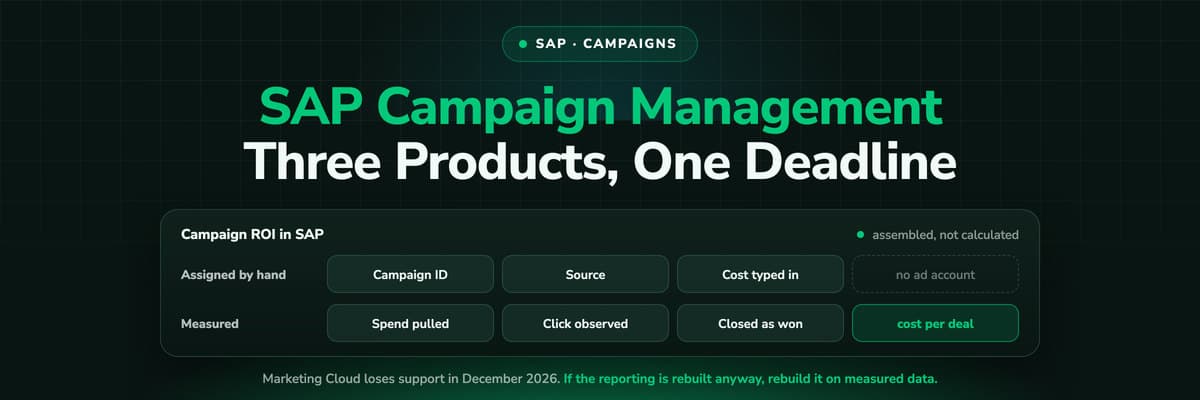
SAP Sales Cloud runs sales campaigns: leads created from the Sales Campaign work center, a campaign ID assigned to the lead, assignment rules that route by owner, marketing unit and territory, and engagement scores that mark a lead hot. SAP Engagement Cloud runs the marketing execution, and its scores measure the interactions it produced itself. SAP Marketing Cloud, the third option, loses support in December 2026 and is replaced rather than migrated. None of the three pulls cost from an ad account or returns a closed opportunity to one, so campaign ROI in SAP is a figure somebody assembles, not one the system calculates.
Sales Campaigns in SAP Sales Cloud
This is the campaign layer closest to the pipeline, and for a sales led organisation it is often the only one in daily use. What it gives you:
- Leads from the campaign work centerA lead can be created directly from the Sales Campaign work center, alongside the other routes: the quick create icon, an Excel import, the Cloud for Customer APIs, a scanned business card, or a copy of an existing lead.
- The campaign ID on the leadWhen a lead was created as part of a campaign, the campaign ID is assigned to it for identification and reporting. That assignment is the join between campaign and pipeline, and it only exists when somebody or something makes it.
- Assignment rulesDefined under Administrator, Sales and Campaign Settings, with Owner, Marketing Unit and Territory as the result columns. On save, territory data is maintained at header level and the lead is routed accordingly.
- Engagement scores and qualification levelsA score built from link clicks, email opens, form submissions and other marketing interactions. SAP's own example: above seventy, marketing operations can have the lead treated as hot and prioritised for follow up.
The assignment is the whole system, and it is manual
Everything downstream, every campaign report, every claim about which campaign produced which opportunity, rests on that campaign ID being on the lead. A lead created by an import, an API push or a seller typing it in carries no campaign unless somebody attaches one. At the volume paid media produces, nobody does.
Campaigns in SAP Engagement Cloud
Engagement Cloud, the platform that was SAP Emarsys Customer Engagement until 19 February 2026, is where the campaign is actually executed: the journeys, the emails, the personalisation, the segments. Its analytics measure delivery and engagement, and those interactions are what feed the scores Sales Cloud then acts on.
The boundary is worth stating plainly, because it is where most reporting disappointment comes from. Engagement Cloud measures the engagement it created. An email it sent and somebody opened. A link in its own message. A form it hosts. It is excellent at telling you which of your campaigns produced engagement, and structurally unable to tell you which channel produced the person, because the person was anonymous on your website long before Engagement Cloud had a record to attach anything to.
The Marketing Cloud Sunset, and What It Means for Your Reporting
If your campaign management runs on SAP Marketing Cloud, this is the section that matters more than the rest of the page.
- Support ends in December 2026. SAP Engagement Cloud is the designated successor for marketing automation in the customer experience portfolio.
- It is a replacement, not a migration. The two platforms have different data models, and there is no out of the box tool that carries you across.
- More than 2,000 companies are in it, so implementation partners are busy and the calendar is the constraint rather than the budget.
- Reporting built on the old data model goes with it. Anything downstream that reads Marketing Cloud's tables, including dashboards in SAP Analytics Cloud, has to be rebuilt against the new source.
There is an opportunity hidden in that cost. If the campaign reporting is being rebuilt anyway, it is the one moment where you can decide to rebuild it on observed data rather than on assigned data. Rebuilding the same manual campaign ID chain on a new platform gets you back to where you were, with the same blind spot, three quarters later.
The Number None of the Three Produces
Put the question a board actually asks next to what these systems hold: what did the pipeline we closed last quarter cost us in marketing, per channel and per campaign.
- The spend is not in SAP. No campaign record connects to a Google, Meta, LinkedIn or Microsoft ad account, so cost is typed in or it is absent.
- The join is manual. Only leads carrying a campaign ID can be traced back, and only campaigns somebody maintained have a meaningful one.
- One campaign takes the credit. There is no multi-touch model across the systems, so a journey that crossed three channels is recorded as one, whichever one was closest to the form.
- Nothing travels back. A closed opportunity does not become a conversion in the ad platform, so the algorithms optimising your media never learn which clicks produced revenue.
Every one of those is a data collection problem rather than a reporting problem, which is why it survives every new dashboard.
Where LeadJourney Fits
Plainly first: there is no native SAP connector today. HubSpot, Salesforce, Microsoft Dynamics 365, Zoho CRM, Pipedrive, Attio, Close and GoHighLevel connect natively; SAP connects through the webhook and the open API, or through an integration layer such as Zapier or Make.
What it adds is the collection step none of the three SAP products performs. One script on your website, live in about 21 minutes, records every session server-side on your own domain at 95%+ accuracy and captures each platform's click ID at the moment of the click: gclid with gbraid and wbraid, fbclid, li_fat_id and msclkid, plus the UTMs and the landing page. When the lead is created, in Sales Cloud or anywhere else, that anonymous history is joined to it, so the campaign on the record is observed rather than assigned.
Spend is pulled from Meta, Google, LinkedIn and Microsoft Ads and joined to the opportunities themselves, so cost per closed opportunity is calculated from two measured numbers. And when the opportunity closes, the amount goes back to the platform that produced the first click. That is the loop the campaign entity was always supposed to close and never could.
Further Reading
Keep going with SAP attribution and what Sales Cloud never sees. The same analysis for CRMs with a native connector: Dynamics 365 campaign management and Salesforce campaign influence. For the models behind all of it, multi-touch attribution and offline conversion tracking.
FAQ
Frequently Asked Questions
What SAP administrators and marketing operations teams ask about campaigns.
Where do campaigns live in SAP?
In up to three places. SAP Sales Cloud has a Sales Campaign work center, where leads can be created and a campaign ID assigned to them. SAP Engagement Cloud, renamed from SAP Emarsys in February 2026, runs the marketing execution: journeys, emails, segments. SAP Marketing Cloud carries campaigns and lead campaigns and is being retired in December 2026. Which one your organisation means is worth establishing before any reporting requirement is written down.
How does a campaign get linked to an opportunity in SAP Sales Cloud?
Through the lead. When a lead is created as part of a campaign, the campaign ID is assigned to it for identification and reporting, and it travels with the record as the lead is qualified. If the lead was created any other way, by import, by API, by a seller typing it in or from a scanned business card, it has no campaign unless somebody attaches one afterwards.
What is an engagement score in SAP Sales Cloud?
A score built from the marketing interactions between your company and a contact: link clicks, email opens, form submissions and similar. It can drive a lead qualification level, and SAP's own example is a score above seventy marking a lead as hot for follow up. It measures how engaged a known contact is with your marketing, not which channel acquired them.
Can I see campaign ROI in SAP?
Only as far as somebody assembles it. No campaign record in SAP connects to an ad account, so the cost side is entered by hand or lives in a spreadsheet, and the revenue side only ties back to a campaign for leads that carry a campaign ID. That produces a figure for the campaigns you maintain manually and no figure at all for the paid channels running at volume.
What should we do about campaign reporting before December 2026?
Two things. Establish which of your reports read SAP Marketing Cloud's data model, because those stop working when support ends and there is no out of the box migration. Then decide whether the rebuild recreates the manual campaign ID chain on SAP Engagement Cloud or whether it moves to observed data, meaning the channel, campaign and click ID recorded on the website and carried onto the lead. The second costs about the same to build once and does not have to be maintained by hand afterwards.
Keep reading
More from the blog
 How To Guides
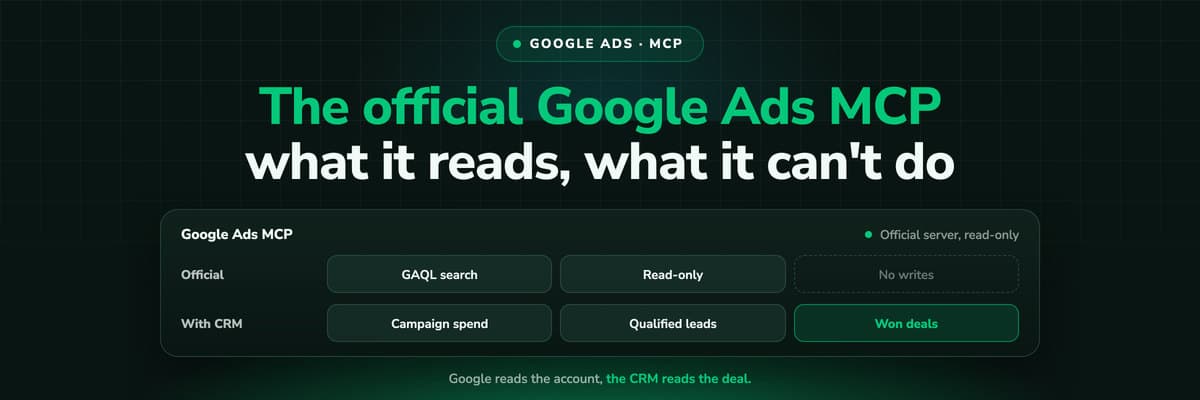
Google Ads MCP: The Official Server, Its Limits, Options
Google publishes an open source MCP server for the Google Ads API. It is read-only, has three tools and no public URL. What it does, how to run it locally or on Cloud Run, how Claude and Claude Code connect to it, what it cannot do, and the third-party servers that fill the gaps.Read the article13 min read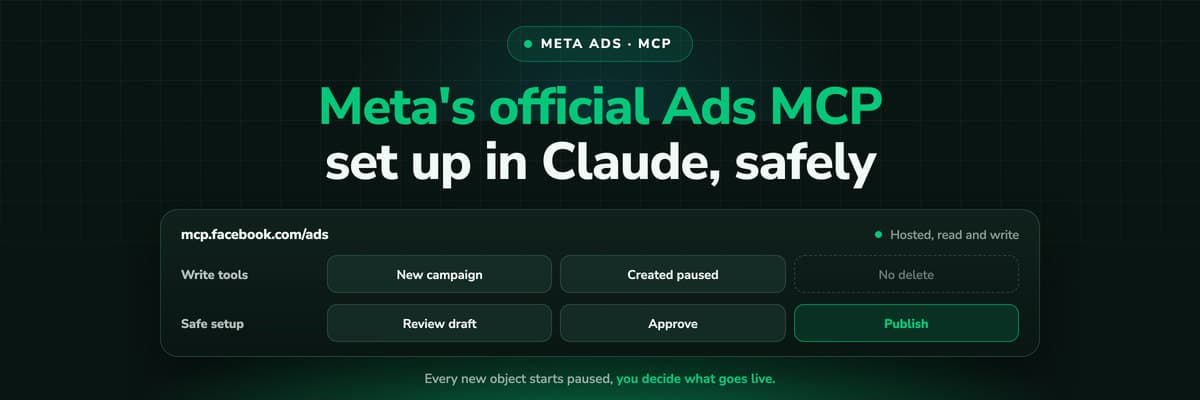 How To Guides
Meta Ads MCP: Setting Up Meta's Official Server
Meta runs its own MCP server for ads at mcp.facebook.com/ads. What it does, which permissions it needs, how agencies get access, how to add it to Claude and ChatGPT, what the third-party servers offer instead, and how to use the write tools without spending money by accident.Read the article12 min read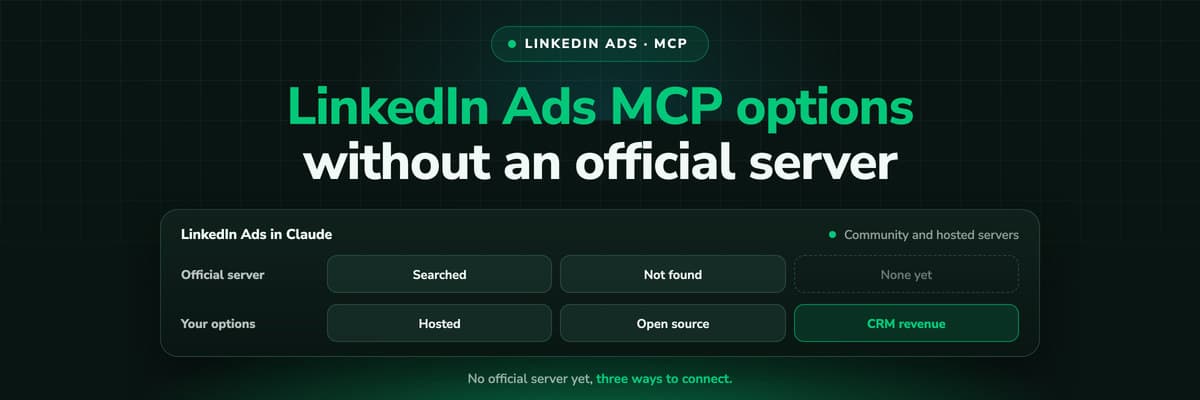 How To Guides
LinkedIn Ads MCP: Your Options Without an Official Server
LinkedIn has no official MCP server as of October 2026, unlike Meta, Google, Microsoft, TikTok and X. What the third-party LinkedIn Ads MCP options are, why there are so few, what to check before you connect one to an account with spend on it, and how to ask Claude about LinkedIn campaigns on pipeline rather than form fills.Read the article11 min read
Measured, not assigned
Ready to see what each campaign actually produced?
LeadJourney records the campaign behind every lead at the click, joins ad spend to the revenue your pipeline closed, and sends the won opportunity back to Meta, Google, LinkedIn and Microsoft. Live in 21 minutes with a tracking expert, 30-day money-back guarantee.
30-day money-back guaranteeSetup with a tracking expert


