














BlogTool Comparisons
15 Best Bing Ads Tracking Tools in 2026
Most Microsoft Ads setups stop at the UET tag, so Smart Bidding never learns which clicks became qualified leads or closed deals. Fifteen tools, from CRM-to-Conversion API platforms to campaign managers, call trackers and agency reporting, with a verdict on who each is built for.


Contents
- Quick summary
- The 15 at a glance
- 1. LeadJourney
- What users say
- 2. Microsoft UET Tag
- 3. Microsoft Conversion API
- 4. Microsoft Ads Editor
- 5. Cometly
- 6. Ruler Analytics
- 7. Tracklution
- 8. RedTrack
- 9. Optmyzr
- 10. Supermetrics
- 11. SegMetrics
- 12. Able CDP
- 13. Google Analytics 4
- 14. CallRail
- 15. Whatagraph
- Bing deserves better
- Quick Decision Guide
Summarise this article with AI
Opens the page with a ready prompt in:


Nothing is sent until you pick a service.
Microsoft Ads (formerly Bing Ads) is the most underrated paid advertising channel in lead generation. With CPCs well below Google's on Microsoft's own benchmarks, an audience that skews older and higher-income, desktop dominance that over-indexes for B2B and enterprise buyers, and exclusive LinkedIn Profile Targeting layers unavailable on any other search platform. Microsoft Ads can quietly deliver some of the strongest ROAS in your entire paid media stack. And most advertisers are running it on autopilot with incomplete tracking.
The core problem: most Microsoft Ads tracking setups stop at the UET tag firing on the thank-you page. That captures the form fill and nothing else. The lead that qualifies three days later, books a call next week, and closes a deal worth €5,000 next month is invisible to Microsoft's Smart Bidding algorithm. It trains on form fillers. And your Bing Ads performance plateaus.
The fix is closing the loop: capture the msclkid (Microsoft Click ID) server-side, persist it through your CRM pipeline, and automatically fire qualified-lead and closed-deal events back to the Microsoft Ads Conversion API. That's what LeadJourney does, and simultaneously for Meta, Google, and LinkedIn, so all four algorithms improve from the same CRM data. This guide ranks the 15 best Bing Ads tracking tools in 2026.
Quick Summary: Best Bing Ads Tracking Tool in 2026
In short
LeadJourney is the best Bing Ads tracking tool in 2026 for lead generation businesses, because it captures the msclkid server-side, carries it into the CRM record and returns the closed deal to Microsoft as an offline conversion automatically, alongside the same loop to Meta, Google and LinkedIn. Microsoft Ads usually carries a small share of spend and a disproportionate share of high-intent search volume, and it is the platform most often left out of the loop entirely. 21-minute setup, 14-day free trial.
Microsoft's own tooling covers the basics for free: the UET tag, the Conversions API and Microsoft Ads Editor will report conversions and let you upload offline ones. What none of them does is join Bing to the other three platforms in one attribution model, which is the actual question when a lead touches search and social before converting.
Of the third-party tools, Cometly and Ruler Analytics attribute revenue across channels, Tracklution, RedTrack and Able CDP handle event routing, Optmyzr focuses on account optimisation and Supermetrics, GA4 and Whatagraph on reporting. CallRail matters if a real share of your Bing leads arrive by phone.
The 15 Best Bing Ads Tracking Tools (2026)
The 15 best Bing Ads tracking tools at a glance
| Tool | Key features | Best for | Pricing |
|---|---|---|---|
| Rank 1LeadJourney | Automated msclkid-to-CRM-to-Conversion-API loop; cost-per-close by keyword | Lead generation businesses running Bing Ads + other platforms | 14-day free trial |
| Rank 2Microsoft Ads UET Tag (native) | Free, powers Smart Bidding, browser-based conversion tracking | Free baseline tracking for all Microsoft Ads advertisers | Free |
| Rank 3Microsoft Ads Conversion API (native) | Free, server-side, bypasses browser restrictions, improves match quality | Improving Microsoft Ads server-side match quality | Free |
| Rank 4Microsoft Ads Editor | Free, bulk editing, offline campaign management | Bulk campaign management and offline edits | Free |
| Rank 5Cometlyvs LeadJourney | Server-side Microsoft Ads tracking, CRM attribution, AI optimization | B2B SaaS tracking Bing Ads to pipeline and revenue | Custom (demo required) |
| Rank 6Ruler Analyticsvs LeadJourney | Keyword-level call attribution, CRM revenue matching | Offline Bing Ads conversion attribution (calls, forms, chat) | From £299/mo |
| Rank 7Tracklutionvs LeadJourney | No-code hybrid pixel + CAPI, claims an accuracy uplift over pixel-only | No-code server-side tracking with Microsoft Ads API | Free plan, Grow from €39.20/mo (annual) |
| Rank 8RedTrackvs LeadJourney | S2S conversion tracking, pre-built Microsoft Ads CAPI integration | Affiliate and performance marketers tracking Bing Ads | From $69/mo |
| Rank 9Optmyzr | Unified Google + Microsoft Ads management, custom rule engine | Agencies running large Microsoft Ads accounts | Starts at $208/mo |
| Rank 10Supermetricsvs LeadJourney | Reliable Microsoft Ads data extraction, 100+ platform connectors | Pulling Microsoft Ads data into Sheets, Looker Studio, or BI tools | From €49/mo |
| Rank 11SegMetricsvs LeadJourney | Long-funnel LTV attribution, first-party lead fingerprinting | Subscription businesses tracking Bing Ads lifetime value | From $57/mo |
| Rank 12Able CDPvs LeadJourney | Identity resolution, enriched first-party data to Conversion API | Server-side Bing Ads tracking with identity resolution | From $49/mo |
| Rank 13Google Analytics 4vs LeadJourney | Free, behavioral insights, Path Exploration for Bing traffic | Free web analytics complement to Microsoft Ads | Free |
| Rank 14CallRail | Keyword-level call attribution, call recording and transcription | Phone-heavy businesses tracking Bing Ads calls | From $50/mo |
| Rank 15Whatagraphvs LeadJourney | Automated white-label reports, 55+ channel connections | Agencies producing white-label Microsoft Ads reports | From €699/mo |





1. LeadJourney: Best Bing Ads Tracking Tool for Lead Generation Businesses
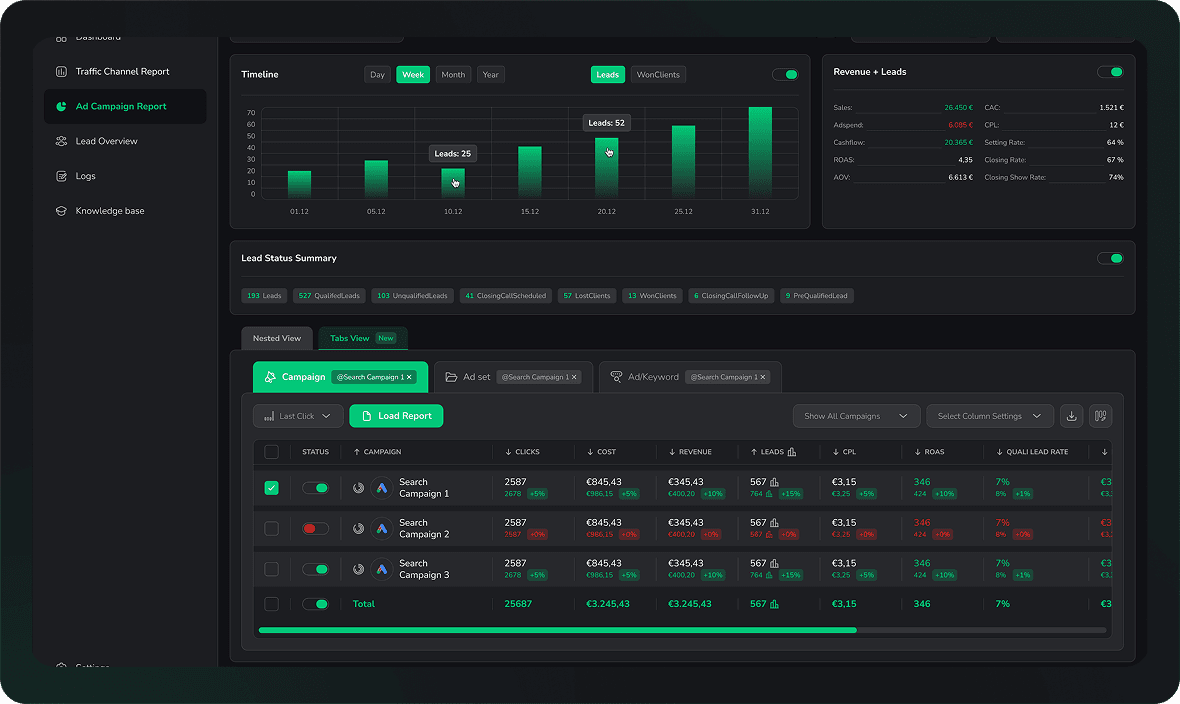
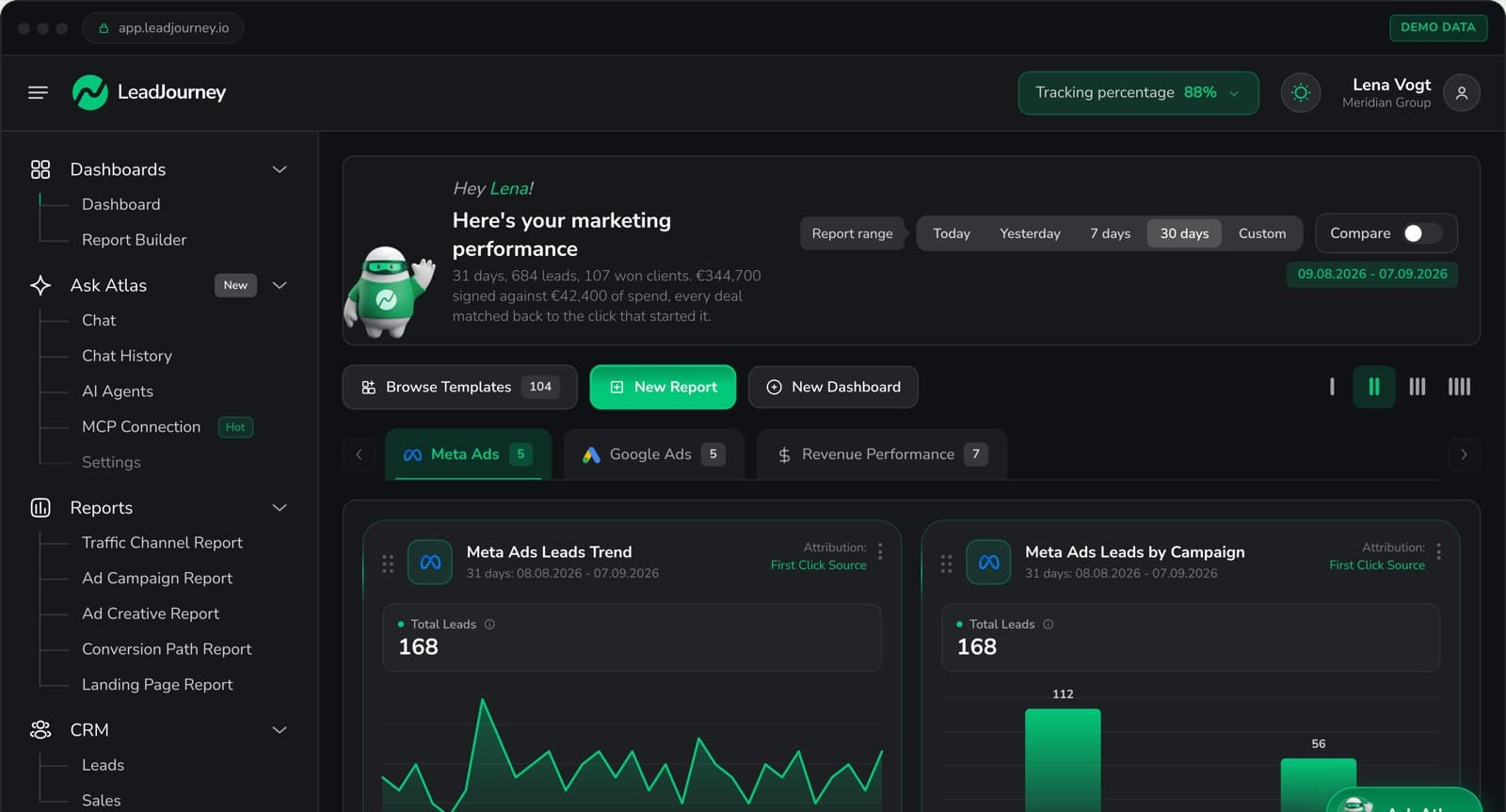
LeadJourney is the only Bing Ads tracking tool built exclusively for lead generation businesses, and the only one that automates the complete msclkid-to-CRM-to-Conversion-API loop without a developer or manual work. When someone clicks your Microsoft ad, LeadJourney captures the msclkid server-side and stores it on every CRM lead record. When that lead qualifies, books a call, or closes a deal, LeadJourney fires those CRM stage events back to the Microsoft Ads Conversion API in real time, retraining Microsoft's Smart Bidding algorithm on real buyer signals instead of form fills.
Microsoft Ads' lower CPCs make every improvement in lead quality disproportionately valuable. When Smart Bidding receives qualified-lead and closed-deal signals from your CRM, it starts finding more buyers, not just form fillers. Since LeadJourney runs this loop simultaneously for Meta, Google, and LinkedIn as well, all four ad algorithms improve from the same CRM data in a single 21-minute setup.
Key Features
- Server-side msclkid persistence: Microsoft Click ID captured at first ad click and stored on every CRM lead record, surviving the full sales cycle regardless of length
- Automated Microsoft Ads Conversion API signals: qualified-lead, booked-call, and closed-deal CRM events automatically fired back to the Microsoft Ads API in real time, no CSV upload required
- Cost-per-close reporting by Microsoft Ads campaign, ad group, and keyword: see which Bing Ads keywords are producing closed deals, not just form fills
- 95%+ server-side tracking accuracy: Bing Ads conversions tracked from your server, bypassing browser restrictions that cause data loss in UET-only setups
- Unified four-platform dashboard: Microsoft Ads alongside Meta, Google, and LinkedIn in one view with consistent cost-per-close metrics across all channels
- Five attribution models: first touch, last touch, linear, time-decay, and position-based; understand Microsoft Ads' true role in sourcing vs. closing leads
- Atlas AI analyst: ask plain-language questions: which Bing Ads keyword has the lowest cost-per-close? which campaign is producing the most qualified leads this month?
- 21-minute setup, no developer required: works with any landing page builder and any CRM; no UET configuration complexity
Pros
- Fully automates Microsoft Ads Conversion API from CRM data, no CSV uploads, no manual imports, no developer
- Reports cost-per-closed-deal at Microsoft Ads campaign and keyword level: the metric that proves Bing Ads ROI
- Also covers Meta, Google, and LinkedIn simultaneously: one integration for the full paid media stack
- 14-day free trial: zero risk for any lead gen business
Cons
- Not a Microsoft Ads campaign management tool: doesn't automate bid rules, bulk edits, or A/B testing inside Microsoft Ads
- E-commerce runs through the Shopify integration or a manually connected shop system (ROAS and customer origin), without product-level catalogue analytics
Verdict
For any lead generation business running Microsoft Ads, LeadJourney is the only tracking tool that automates the complete msclkid-to-CRM-to-Conversion-API loop, feeding Smart Bidding real buyer signals without a developer or manual work.
What Real Users Say About LeadJourney
LeadJourney is rated 5.0 on Trustpilot and top-rated on G2, Capterra and Software Advice. Here is what verified users say:
Hands down the best B2B attribution platform for agencies.
Connected LeadJourney for 2 clients, setup took literally 20 minutes each. The data became more accurate, the reports actually make sense. Now clients look at the dashboard and the 'why don't the numbers match?' questions are gone.
 Alexander SamarPerformance Marketing Agency
Read More LeadJourney Reviews
Verified reviews on Trustpilot, G2, Capterra, Software Advice, and leadjourney.io/testimonials.
2. Microsoft Ads UET Tag (Native): Best Free Baseline for All Microsoft Ads Advertisers
The Universal Event Tracking (UET) tag is Microsoft's browser-based conversion tracking tag: the starting point for all Microsoft Ads tracking. Installed via Google Tag Manager or directly in your website's code, it fires conversion events when visitors complete goal actions (form fills, page visits, calls). It's the backbone of Smart Bidding on Microsoft Ads; without clean UET implementation, Target CPA and Target ROAS bidding have no signal to optimize against.
Pros
- Free: included with every Microsoft Ads account, no additional cost
- Powers Smart Bidding: directly feeds Target CPA and Target ROAS algorithms
Cons
- Browser-based: data loss from ad blockers, Safari ITP, and browser privacy settings
- Tracks form fills only, no CRM pipeline attribution, no qualified-lead or closed-deal signals downstream
- Microsoft Ads only, no cross-platform view with Meta, Google, or LinkedIn
Verdict
The essential free starting point every Microsoft Ads advertiser needs. To go beyond form fills and connect Bing Ads to closed-deal revenue in your CRM, a dedicated tool like LeadJourney is required.
3. Microsoft Ads Conversion API (Native): Best Server-Side Option for Improving Match Quality
Microsoft's Conversion API (reached through offline conversion import or Enhanced Conversions) lets advertisers send server-side conversion events directly to Microsoft's event processing infrastructure, bypassing browser restrictions and improving conversion match quality. For lead gen businesses, its most powerful use is sending offline CRM deal events (qualified lead, booked appointment, closed deal) back to Microsoft Ads to retrain Smart Bidding on real buyers.
Pros
- Directly improves Microsoft's algorithm: server-side signals retrain Smart Bidding on real buyer data
- Bypasses browser restrictions: conversion data doesn't depend on cookies or JavaScript
Cons
- Requires developer to implement: CSV uploads or API integration both need technical resources
- No CRM-to-API automation built in: the CRM pipeline connection requires custom development or a tool like LeadJourney
Verdict
The most powerful Microsoft Ads tracking infrastructure available, when connected to CRM data. LeadJourney automates the CRM-to-Microsoft-Conversion-API connection in 21 minutes without any developer work.
4. Microsoft Ads Editor: Best Free Tool for Bulk Campaign Management
Microsoft Ads Editor is a free desktop application for bulk campaign management: download your Microsoft Ads account, make changes offline, and upload at once. PPC managers use it for large-scale restructuring, keyword list updates, and multi-campaign edits that would take hours in the web interface. It's especially useful when importing Google Ads campaigns into Microsoft Ads and making platform-specific adjustments in bulk.
Pros
- Free, no cost for all Microsoft Ads advertisers
- Bulk editing: apply changes across hundreds of campaigns simultaneously with offline editing
Cons
- Structural editing tool only, no performance insights, no conversion tracking, no attribution capabilities
- No analytics: completely separate from the tracking accuracy or CRM attribution problem
Verdict
An essential free operational tool for PPC managers who make bulk Microsoft Ads edits regularly. Not a tracking or attribution solution.
5. Cometly: Best for B2B SaaS Tracking Bing Ads to Revenue
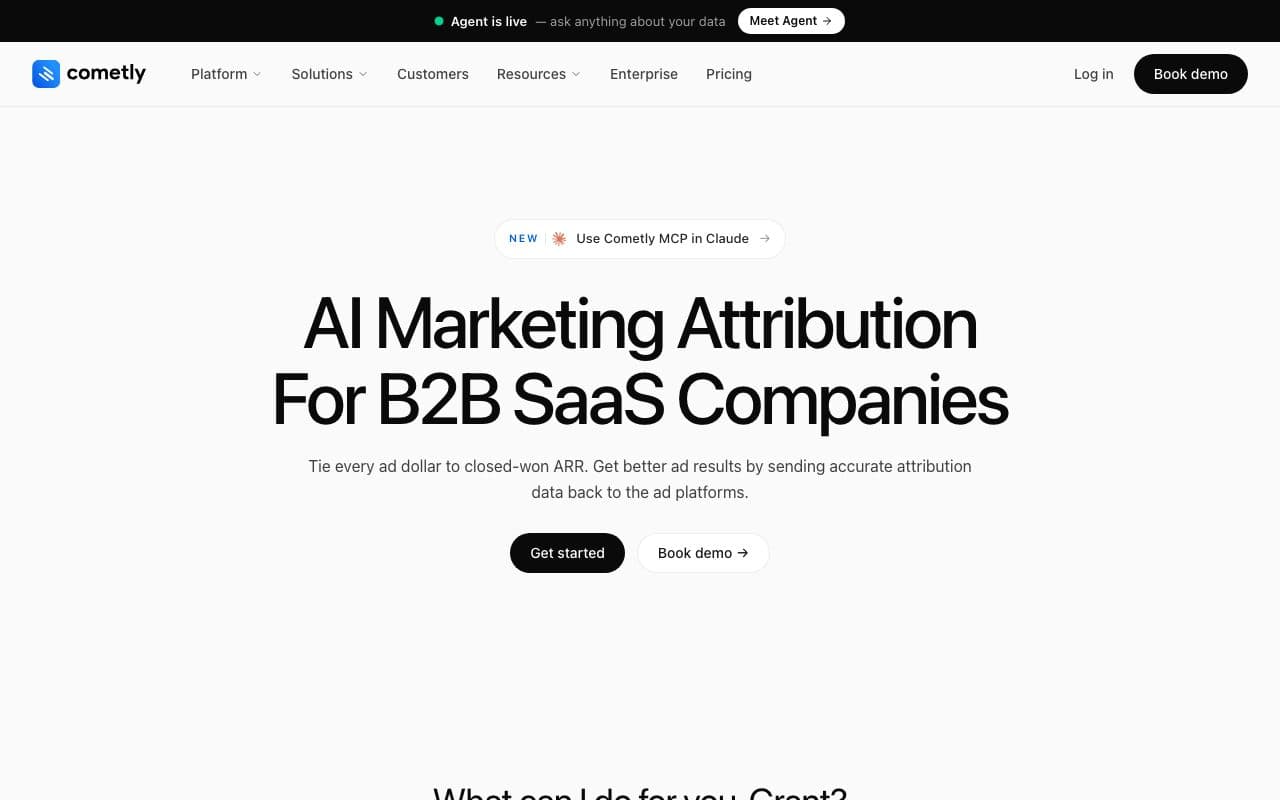
Cometly connects Microsoft Ads to CRM revenue via server-side tracking, reporting the complete journey from ad click to closed deal with AI-powered optimization recommendations. It tracks Microsoft Ads conversions more accurately than UET-only setups and syncs enriched conversion data back to Microsoft's algorithm to improve Smart Bidding: the closest feature competitor to LeadJourney for multi-platform paid advertisers.
Pros
- Server-side Microsoft Ads tracking with CRM revenue attribution and AI optimization recommendations
- Syncs enriched conversion data back to Microsoft's algorithm to improve Smart Bidding
Cons
- Multi-vertical focus: lead gen CRM pipeline-stage depth less specific than LeadJourney
- Custom pricing requires a demo call
Verdict
Strong Microsoft Ads tracking with CRM attribution for B2B SaaS. Lead gen businesses will find LeadJourney's pipeline-stage depth and automated four-platform CAPI loop more specific to their model.
6. Ruler Analytics: Best for Offline Bing Ads Conversion Attribution
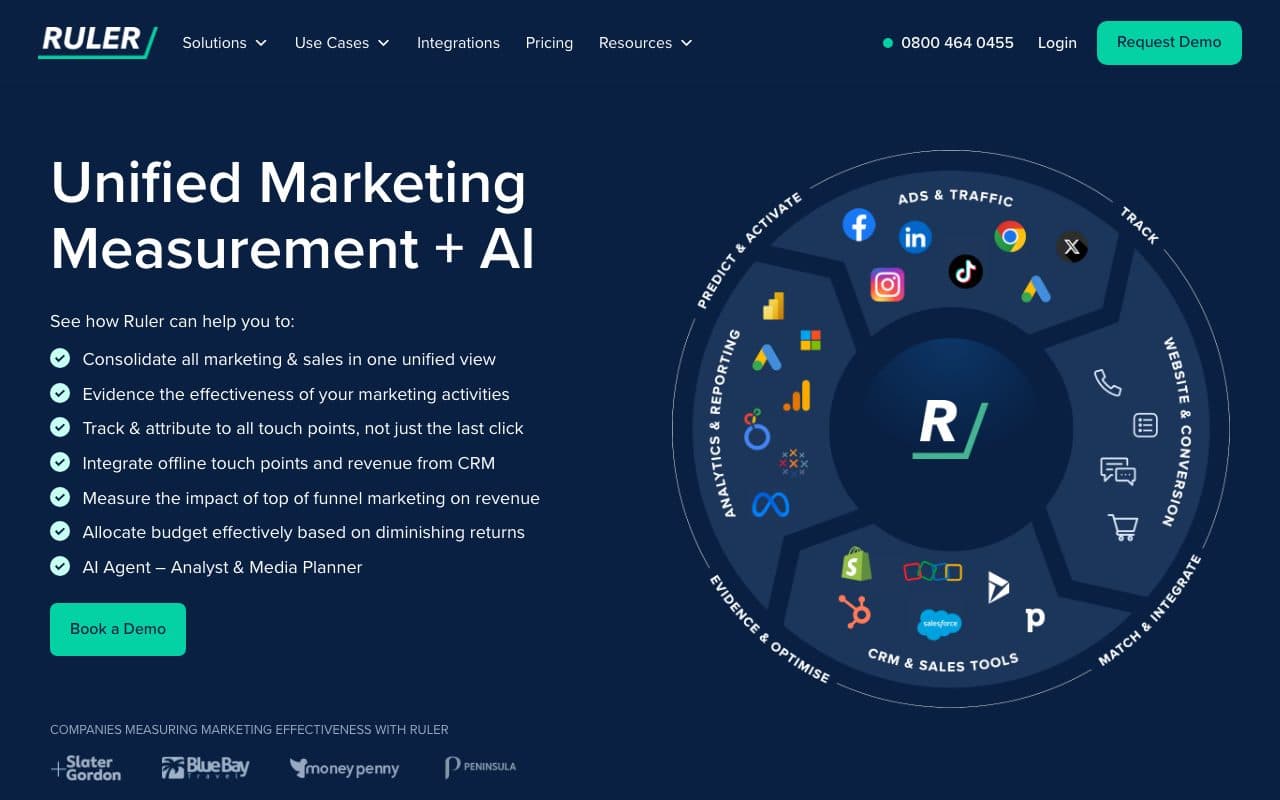
Ruler Analytics connects Microsoft Ads clicks to offline conversions: form fills, phone calls, and chats that eventually close in your CRM. Its dynamic number insertion assigns unique tracking phone numbers per Microsoft Ads source, attributing inbound calls back to the originating campaign and keyword. It then matches closed CRM revenue to those original Microsoft Ads touchpoints.
Pros
- Call tracking for Microsoft Ads: keyword-level attribution for phone conversions from Bing search
- CRM revenue matching: connects Microsoft Ads clicks to closed deals in Salesforce, HubSpot, Pipedrive
Cons
- No automated Conversion API loop: reports the attribution but doesn't automatically send signals back to Microsoft to retrain Smart Bidding
- No unified multi-platform dashboard: Microsoft Ads reporting separate from Meta, Google, and LinkedIn
Verdict
A solid specialist for businesses where inbound calls from Bing search are primary conversions. The gap vs. LeadJourney: Ruler reports the attribution but doesn't close the algorithmic feedback loop back to Microsoft Ads Conversion API.
7. Tracklution: Best No-Code Server-Side Tracking with Microsoft Ads API
Tracklution is a no-code server-side tracking platform with a dedicated Microsoft Ads Conversion API connector. It combines UET tag tracking with server-side event forwarding, capturing conversion events on your server and sending them to the Microsoft Ads API alongside the browser-based pixel. Tracklution reports 34.2% average uplift in conversion tracking accuracy compared to UET-only setups.
Pros
- No-code Microsoft Ads Conversion API setup: 15-minute setup without GTM or developer resources
- Hybrid tracking: combines UET tag with server-side API for maximum conversion recovery
Cons
- Event forwarding only, no CRM integration, no pipeline attribution, no closed-deal signals from CRM stages
- No unified attribution dashboard across Meta, Google, LinkedIn, and Bing
Verdict
A solid no-code server-side accuracy tool for agencies and performance marketers needing better Microsoft Ads conversion data. Doesn't solve the CRM pipeline attribution problem for lead gen businesses.
8. RedTrack: Best for Affiliate and Performance Marketers Tracking Bing Ads
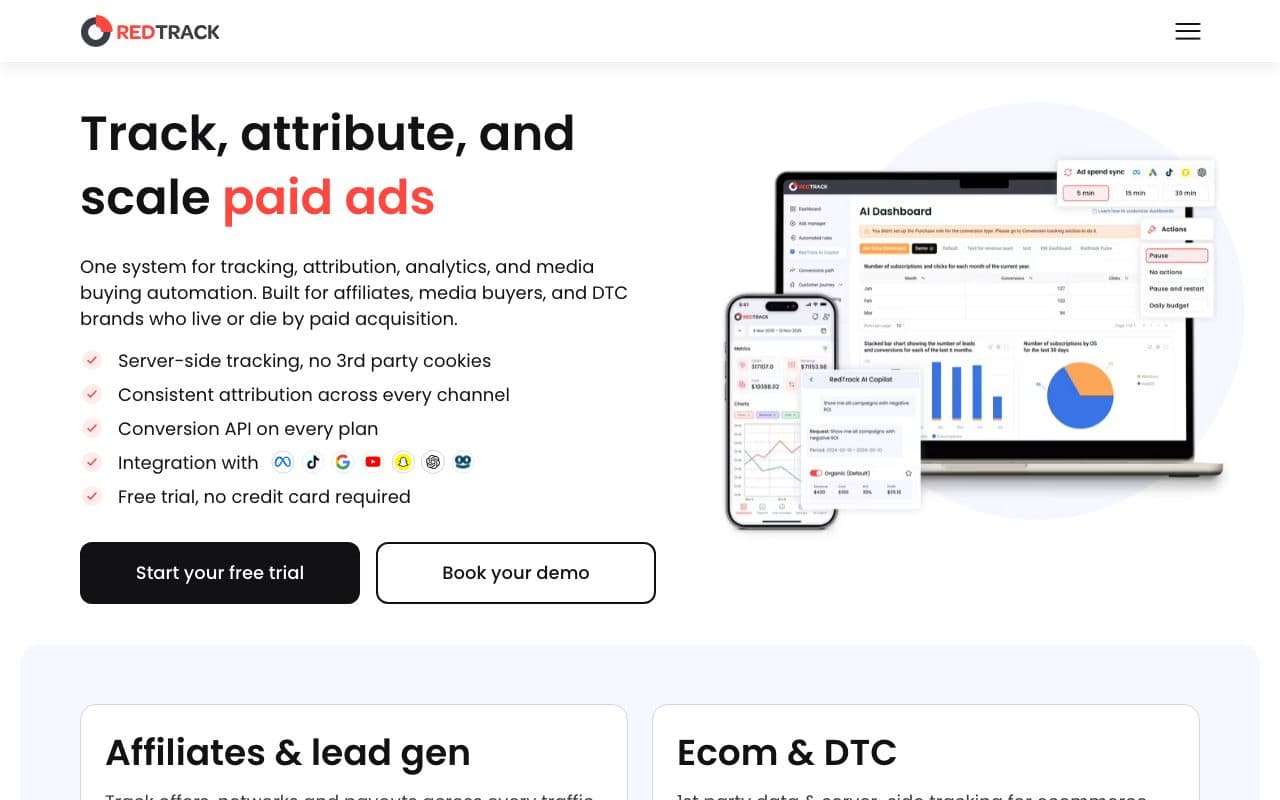
RedTrack is a performance marketing tracking platform built for media buyers, affiliate marketers, and agencies running campaigns across multiple networks including Microsoft Ads. It provides server-to-server (S2S) conversion tracking, real-time analytics across 30+ data points, and a pre-built Microsoft Ads Conversion API integration for sending both online and offline conversion data back to Bing's algorithm.
Pros
- Pre-built Microsoft Ads Conversion API integration: S2S conversion data sent automatically once configured
- Strong for affiliate and performance marketing use cases: multi-network campaign tracking
Cons
- Built for affiliate/performance marketing, not designed for lead gen CRM pipeline attribution or unified ads dashboard
- No CRM deal-stage automation: tracks conversion events, not CRM pipeline progression
Verdict
A strong Microsoft Ads tracking tool for affiliate marketers and media buyers. Not designed for lead gen businesses that need CRM pipeline attribution and automated CAPI signals from deal stages.
9. Optmyzr: Best Campaign Management Platform for Microsoft Ads Agencies
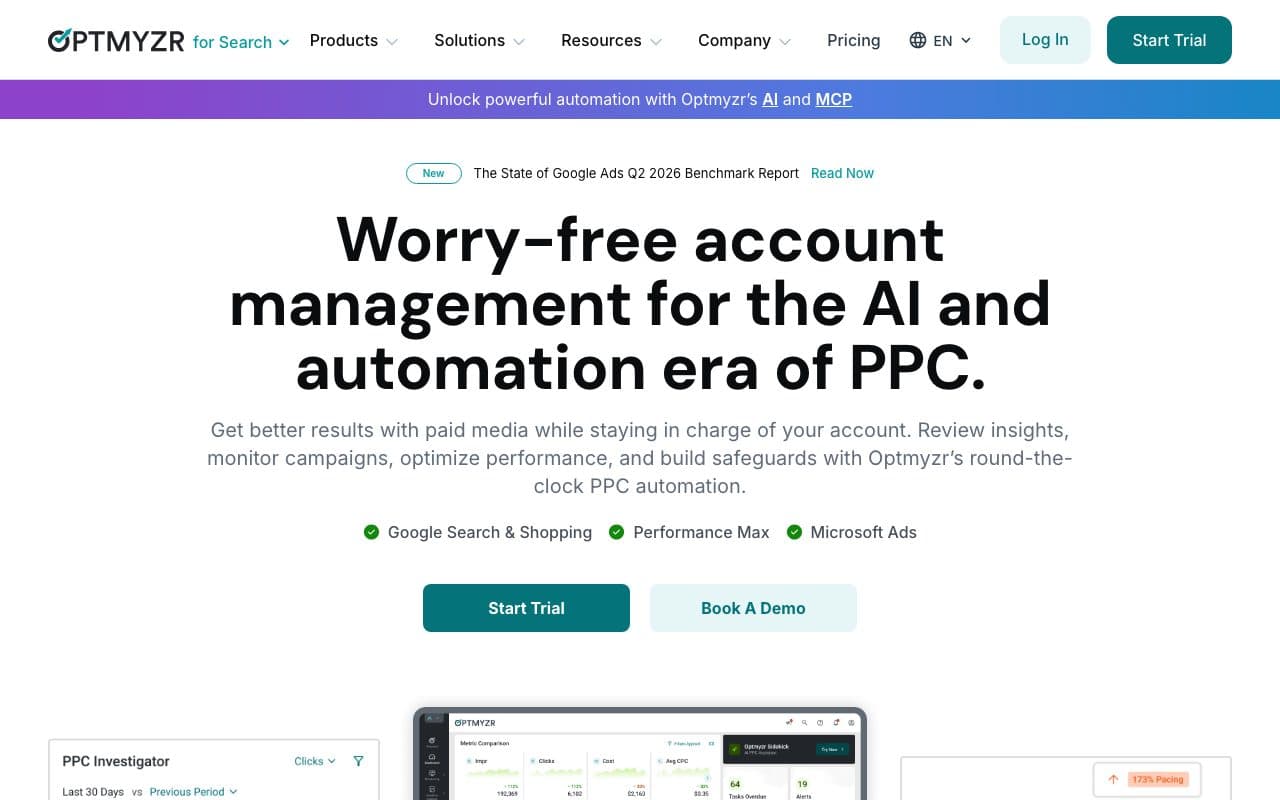
Optmyzr is a PPC management platform built for agencies running Microsoft Ads alongside Google Ads. Its Rule Engine automates bid adjustments, budget pacing, and keyword management beyond what Microsoft Ads Scripts can handle. It supports all Microsoft Ads campaign types and provides cross-platform management for agencies running both search platforms simultaneously.
Pros
- Unified Google + Microsoft Ads management: manage both platforms from one interface
- Custom automation Rule Engine: beyond native Microsoft Ads Scripts capabilities
Cons
- Campaign management tool, not a conversion tracking tool: doesn't solve the msclkid persistence or CRM attribution problem
- Starts at $208/month: primarily for agencies managing significant Microsoft Ads spend
Verdict
The best Microsoft Ads campaign management tool for agencies running large accounts. Works best when paired with accurate conversion data, which LeadJourney provides for lead gen businesses.
10. Supermetrics: Best for Pulling Microsoft Ads Data into BI Tools
Supermetrics pulls Microsoft Ads data into Google Sheets, Looker Studio, Excel, BigQuery, and Snowflake automatically, eliminating manual data exports for teams building custom Bing Ads reports. It maintains consistent data schemas even when Microsoft updates its reporting API, making it a reliable data pipeline for analytics-focused teams.
Pros
- Reliable Microsoft Ads data extraction: consistent API schema despite Microsoft's API changes
- 100+ platform connectors: Microsoft Ads alongside Google, Meta, LinkedIn, and more
Cons
- Data connector only: pulls Microsoft-reported numbers, no independent tracking or CRM attribution
- Priced by plan and connectors: from €39/month on annual billing, more on monthly billing
Verdict
The best tool for automating Microsoft Ads data extraction into BI tools. Not a tracking or attribution solution.
11. SegMetrics: Best for Subscription Businesses Tracking Bing Ads Lifetime Value
SegMetrics connects Microsoft Ads spend to long-term funnel revenue, tracking customers who click a Bing ad and then convert weeks, months, or even years later through complex funnels involving email sequences, webinars, and subscription renewals. It's built for info-product businesses and subscription companies where LTV attribution across long funnels is the primary measurement challenge.
Pros
- Long-funnel LTV attribution for Bing Ads: connects ad source to subscription revenue over months or years
- First-party tracking with lead fingerprinting: maintains accuracy across devices and iOS updates
Cons
- Built for subscription/info-product LTV, not designed for one-time lead gen deal cycles with CRM pipeline stages
- Conversion feeder from the Grow plan sends purchases; Microsoft Ads as a destination is not documented
Verdict
The right Microsoft Ads tracking tool for subscription SaaS and info-product businesses optimizing for LTV. Not a fit for lead generation businesses with CRM-based pipeline deal cycles.
12. Able CDP: Best for Server-Side Bing Ads Tracking with Identity Resolution
Able CDP is a customer data platform with a dedicated Microsoft Ads Conversion API integration. It captures the msclkid at the ad click, associates it with visitor and customer identifiers across CRM and payment systems, and sends both click IDs and enriched customer data (email, phone) to the Microsoft Ads Conversion API, achieving 90%+ attribution accuracy for both online and offline conversions.
Pros
- Identity resolution: links Microsoft Ads clicks to customer records even for cross-device and offline conversions
- Enriched data to Conversion API: sends both msclkid and hashed first-party data for maximum match rate
Cons
- Higher pricing: CDP-level costs not justified for most SMB lead gen businesses
- Not purpose-built for lead gen CRM pipeline stages: designed for broader data platform use cases
Verdict
A strong server-side Microsoft Ads tracking option for businesses needing identity resolution across complex customer journeys. Lead gen businesses focused on CRM pipeline will find LeadJourney's purpose-built approach more relevant and cost-effective.
13. Google Analytics 4: Best Free Web Analytics Complement to Microsoft Ads
GA4 provides event-based web analytics and can be used alongside Microsoft Ads tracking to understand on-site user behavior from Bing traffic. While GA4 is primarily a Google ecosystem tool, it can import UTM-tagged Microsoft Ads data and provide behavioral insights about visitors who arrive from Bing searches.
Pros
- Free: zero cost for the vast majority of use cases
- Behavioral insights: Path Exploration and funnel reports show on-site behavior from Microsoft Ads traffic
Cons
- No Microsoft Ads native integration: UTM tracking only; no msclkid persistence or Conversion API automation
- No CRM connection: tracking stops at website behavior, doesn't follow leads through pipeline stages
Verdict
A useful free behavioral analytics complement. Not a Microsoft Ads conversion tracking or attribution solution. It provides context, not optimization signals.
14. CallRail: Best for Phone-Heavy Businesses Tracking Bing Ads Calls
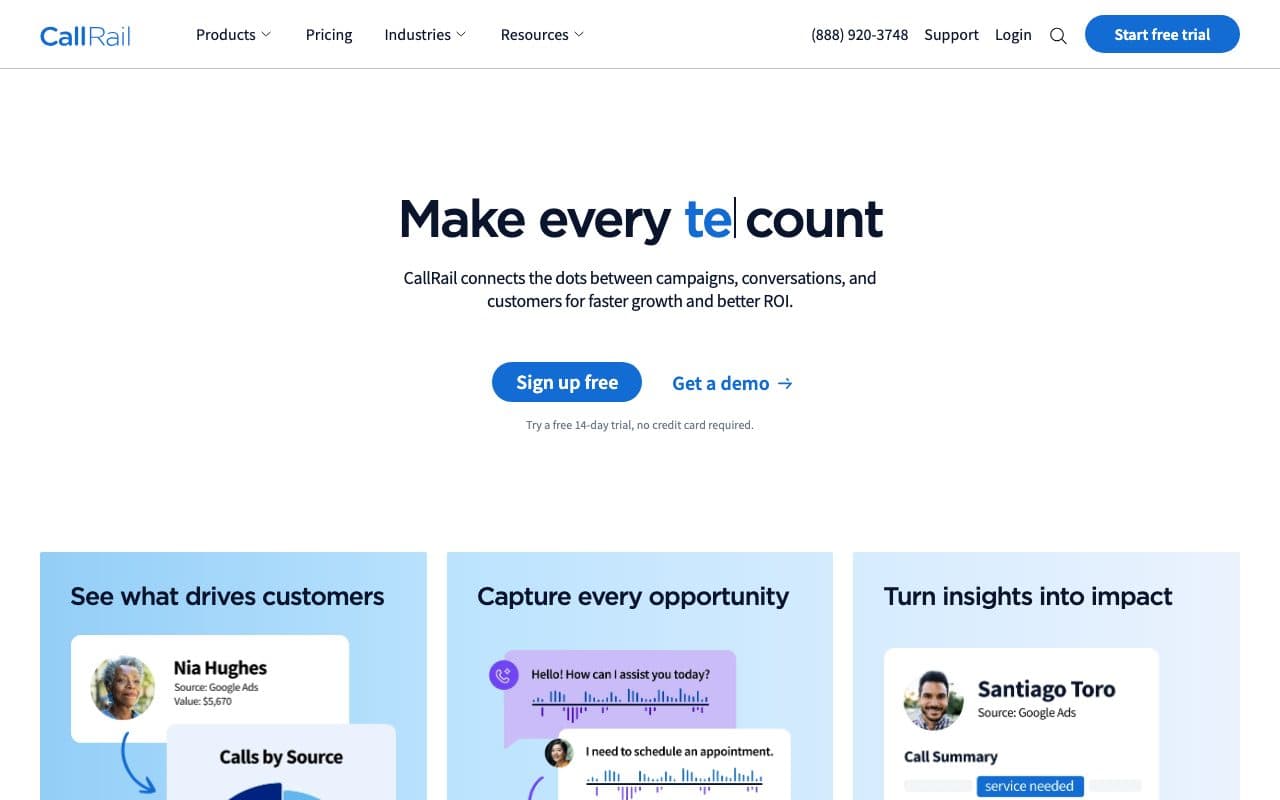
CallRail assigns unique tracking phone numbers to Microsoft Ads campaigns and keywords, attributing inbound calls back to their Bing source with call recording and transcription. For businesses where phone calls from Bing search are the primary conversion event (often true for local services, healthcare, and financial verticals that over-index on Microsoft's older, higher-income audience), it provides keyword-level call attribution from $45/month.
Pros
- Keyword-level call attribution for Bing Ads: see which Microsoft Ads keywords drive phone calls
- Call recording and transcription: analyze call quality and lead qualification from Bing traffic
Cons
- Call tracking only, no form fill attribution, no CRM pipeline stages, no Conversion API automation
- Microsoft Ads-centric: doesn't solve cross-platform tracking for Meta, Google, or LinkedIn
Verdict
The best specialist for businesses where inbound calls from Bing search are the dominant conversion. Not a complete Microsoft Ads tracking solution for multi-platform lead gen businesses.
15. Whatagraph: Best for Agencies Producing White-Label Microsoft Ads Reports
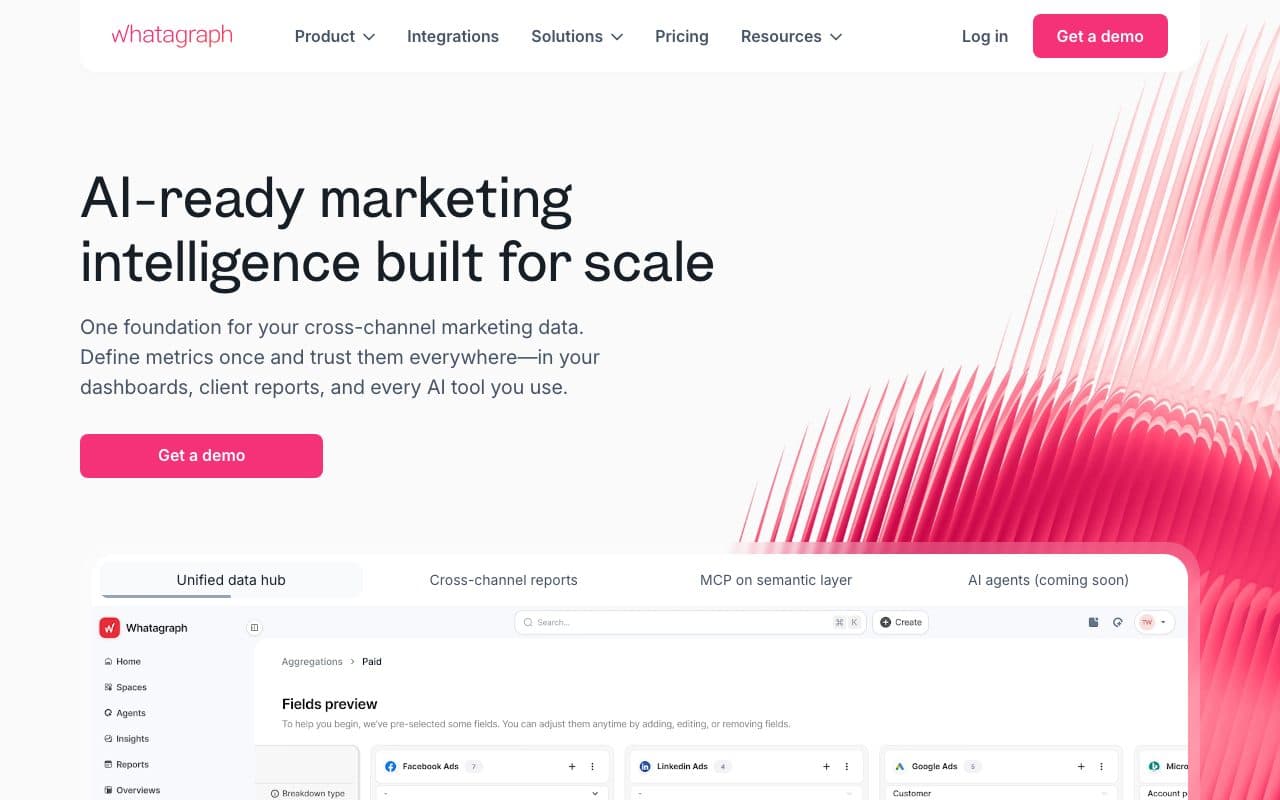
Whatagraph connects Microsoft Ads alongside 55+ other channels and automates polished white-label report delivery to clients. For agencies managing Bing Ads for multiple clients who need to produce professional performance reports at scale, it eliminates the manual reporting work that consumes agency hours every month.
Pros
- Automated white-label Microsoft Ads reports: professional branded reports delivered to clients automatically
- 55+ channel connections: Microsoft Ads alongside all major platforms in one report
Cons
- Dashboard tool only: aggregates Microsoft-reported data, no independent tracking or CRM attribution
- Reports what Microsoft claims: doesn't solve tracking accuracy or CRM revenue connection
Verdict
An excellent white-label reporting tool for agencies producing polished Microsoft Ads client reports. Not a conversion tracking or revenue attribution solution.
Why Microsoft Ads Deserves Better Tracking Than It Gets
Most advertisers import their Google Ads campaigns into Microsoft Ads, let the UET tag run on autopilot, and treat Bing as a secondary budget allocation. The tracking is an afterthought. But Microsoft Ads' unique characteristics (lower CPCs, higher-income desktop users, LinkedIn audience targeting layers, and access to Bing, Yahoo, AOL, DuckDuckGo, and Ecosia simultaneously) make it one of the highest-ROI channels available for lead generation businesses when tracked correctly.
LeadJourney treats Microsoft Ads as a first-class platform, capturing msclkid server-side, tracking leads through the CRM, and sending closed-deal signals back to Microsoft's Conversion API automatically. With LeadJourney, Bing Ads gets the same quality of optimization signal as Meta and Google. And since the CPCs are lower, every improvement in lead quality produces disproportionately better ROI.
Quick Decision Guide
- Lead generation business running Bing Ads + Meta + Google + LinkedIn: LeadJourney. Msclkid persistence, automated Conversion API from CRM, four-platform dashboard, 21-minute setup
- Microsoft Ads only with simple form-fill conversions: UET Tag + Microsoft Ads Conversion API (both free)
- B2B SaaS tracking Bing Ads to pipeline revenue: Cometly
- No-code server-side accuracy improvement for agencies: Tracklution
- Affiliate or performance marketing on Bing: RedTrack
- Primary conversion is inbound calls from Bing search: CallRail + Ruler Analytics
- Agency managing multiple Microsoft Ads accounts needing automation: Optmyzr
- Agency producing white-label Microsoft Ads client reports: Whatagraph
In the glossary
FAQ
Frequently Asked Questions
The questions advertisers running Microsoft Ads ask about tracking.
What is the msclkid and how do I track it?
The msclkid is the Microsoft Click ID that Microsoft Ads appends to your landing page URL when auto-tagging is on. It is the key that lets a conversion be traced back to the exact campaign, ad group and keyword. Capture it server-side when the visitor lands, store it on the CRM record with the lead, and it is still there when the deal closes weeks later.
Is the UET tag enough for Microsoft Ads conversion tracking?
It is the baseline, not the finish line. The UET tag fires in the browser on the thank-you page, so it records the form fill and is subject to the same ad blockers and consent restrictions as any browser tag. Smart Bidding then trains on form fillers. Sending qualified-lead and closed-deal events through the Microsoft Ads Conversion API is what teaches it the difference.
Does Microsoft Ads have a Conversions API?
Yes, and it is free. The Microsoft Ads Conversion API accepts offline conversions sent from your server, matched on the msclkid or on hashed customer data. Most advertisers never switch it on, which is why so many Microsoft accounts optimise on a weaker signal than the equivalent Meta or Google campaigns.
How much do Bing Ads tracking tools cost?
Everything Microsoft ships is free: the UET tag, the Conversion API and Microsoft Ads Editor. Beyond that, Able CDP starts at $49 per month, CallRail at $45, Tracklution from €39.20 on annual billing, RedTrack at $124, Ruler Analytics at $199, Optmyzr at $208, and Whatagraph from €699. LeadJourney runs a 14-day free trial.
Is Microsoft Ads worth tracking properly if it is a small part of the budget?
That is usually the argument for doing it, not against. Microsoft's CPCs run below Google's, the audience skews older, higher-income and desktop, and LinkedIn Profile Targeting is available nowhere else. On a cheaper click, every improvement in lead quality returns more, so the channel most people run on autopilot is often the one where better signal pays back fastest.
Keep reading
More from the blog
 Tool Comparisons
9 Best Marketing Attribution Tools for Zoho CRM in 2026
Four of the best attribution tools for Zoho CRM are Zoho products you may already pay for. Nine options compared on where the tracking starts, which ad platforms they cover, and whether the closed deal ever reaches the algorithm buying your traffic.Read the article13 min read Tool Comparisons
9 Best Marketing Attribution Tools for Microsoft Dynamics 365 in 2026
Dynamics records the revenue and nothing fills in where it came from: Lead Source is a ten-option picklist and campaign spend is typed by hand. Nine tools compared on what each can actually see in a Dynamics environment, with pricing, pros, cons and a verdict.Read the article14 min read Tool Comparisons
12 Best GTM Tools and Software in 2026
A GTM stack is five or six tools that each report on their own step, which is why nobody can say which play produced the revenue. Twelve tools compared by the layer they own, with prices read this month and a verdict on who each one is for.Read the article16 min read
Bing, tracked properly
Ready to feed Microsoft's Smart Bidding real buyer signals from your CRM?
LeadJourney is the Bing Ads tracking tool built around the lead and the closed deal, for lead generation and e-commerce businesses. Server-side msclkid persistence. Automated Microsoft Ads Conversion API from CRM. Cost-per-close by campaign, ad group, and keyword. Atlas AI analyst. 21-minute setup.