


















BlogHow To Guides
Server-Side Tracking Without a Developer: 2026 Guide
Server-side tracking is mandatory in 2026, and the usual advice is that it needs a developer, a GTM server container and weeks of work. This guide explains why browser pixels miss 30-40% of conversions and how one script connects Meta, Google, LinkedIn and Bing in 21 minutes.


Contents
Summarise this article with AI
Opens the page with a ready prompt in:


Nothing is sent until you pick a service.
Server-side tracking is no longer optional in 2026, but the conventional wisdom is that you need a developer, an engineering sprint, and ongoing maintenance to make it work. That's outdated.
The advice was correct when the only route was a Google Tag Manager server container: a cloud project to host it, a subdomain to point at it, event mapping to write, user data to hash and API tokens to rotate. That is genuinely a multi-week job and it never finishes, because every platform changes its API on its own schedule.
There is now a second route that ends in the same place, and it takes about 21 minutes. This guide covers what browser tracking actually loses and why, what a server-side setup has to do to get it back, the two ways to build one, and how to check afterwards that yours is working rather than assuming it is.
Quick Summary: Server-Side Tracking Without a Developer
In short
Browser pixels lose 30 to 40% of conversions to iOS, Safari's tracking prevention, ad blockers and consent tooling, and the losses are not random: they cluster on the platforms you spend the most on. Server-side tracking gets that data back by capturing the event on a server you control and sending it to each platform over its own API instead of from the visitor's browser. Building that yourself means a GTM server container, a cloud project and ongoing maintenance. The alternative is a platform that owns the infrastructure for you: one script on the site, ad accounts connected by OAuth, and Meta CAPI, Google Enhanced Conversions, the LinkedIn Conversions API and Microsoft UET all live. LeadJourney does this in about 21 minutes at 95%+ tracking accuracy, with no developer and no container to host.
The rest of this guide is the detail behind each of those sentences, in the order you would need it if you were setting this up on Monday.
Why Browser Tracking Is Broken
A browser pixel is a piece of JavaScript that a third party asks to run inside your visitor's browser, then asks to write a cookie and send a request to a domain that is not yours. Every part of that sentence is something the last six years of privacy engineering has been designed to stop. Four separate mechanisms now do so, and they stack.
- Ad blockersRoughly a third of users worldwide run one, and blocking the known pixel endpoints is the first thing every list does. The request never leaves the browser, so the platform never learns the conversion happened.
- Safari's tracking preventionITP caps cookies written by JavaScript at seven days, and less in some cases. A visitor who clicks an ad on Monday and converts three weeks later arrives as a brand new person with no click ID attached.
- Apple's App Tracking TransparencyThe prompt that most people decline removed a large part of the identifiers Meta relied on for in-app journeys. Google's answer, the gbraid and wbraid parameters, is aggregated by design and reports less than a gclid did.
- Consent toolingA compliant banner blocks the pixel until a decision is made, and a real proportion of visitors never make one. That is correct behaviour, not a bug, and it is also a permanent hole in browser-only measurement.
The result across a typical lead gen account is that 30 to 40% of conversions never reach the ad platform. The damage is worse than the number suggests, because the missing conversions are not a random sample. Safari and iOS skew towards higher-value B2B audiences, so the campaigns that look weakest in the platform are often the ones producing your best pipeline. You then cut them, and the account gets worse in a way the dashboard reports as an improvement.
The tell
If your CRM consistently shows more leads from paid than the ad platforms claim, that gap is the measurement loss, not a reporting quirk. It is also the size of the prize for fixing it.
What Server-Side Tracking Actually Means
Server-side tracking moves the reporting step out of the browser. The visitor's browser still tells your own server what happened, on your own domain, which nothing blocks because it is a first-party request. Your server then sends the event to Meta, Google, LinkedIn and Microsoft over each platform's own conversion API, machine to machine, where no ad blocker or cookie policy is in the path.
Three things follow from that, and they are the reasons to do it rather than the mechanism itself.
- The click ID survives. gclid, fbclid, li_fat_id and msclkid are captured at the landing page and stored server-side, so a lead who converts six weeks later still carries the ad click that started them.
- Offline events become possible. Once your server is the thing reporting, it can report a CRM stage change or a closed deal as easily as a form submit. The browser cannot do that at all, because the visitor is not there any more.
- You control what is sent. Data goes out of one place, deliberately, rather than out of whatever a tag manager happens to be loading. That is a materially easier thing to describe in a privacy policy.
What server-side tracking is not is a way around consent. It sends the same categories of data to the same companies as the pixel did; it just gets there reliably. A visitor who declines should still not be measured, and any vendor selling server-side as a consent workaround is selling you a problem. See our guide to GDPR-compliant conversion tracking for where the line actually sits.
Why Server-Side Tracking Used to Need a Developer
The standard route is a Google Tag Manager server container, and it is worth spelling out what that involves, because the phrase makes it sound like a setting rather than a project.
- Provision the container and deploy it to Google Cloud Run or App Engine, with autoscaling configured so a traffic spike neither drops events nor produces a surprise bill.
- Point a subdomain of your own site at it and manage the certificate, or the first-party benefit disappears.
- Build the client and the tags: map every event to every platform's schema, one at a time.
- Normalise and hash the user data (email lowercased and trimmed, phone in E.164) before it leaves, because each platform matches on the hash and rejects a badly formed one silently.
- Store and rotate the API tokens for each platform, and implement event deduplication so a browser event and a server event for the same conversion are not counted twice.
- Then maintain it. Meta, Google, LinkedIn and Microsoft each change their API on their own schedule, and nothing tells you when yours breaks except a number quietly getting worse.
That is typically a multi-week engineering project plus a permanent maintenance line, and it is why most lead gen businesses simply did not bother. They kept the browser pixel, kept losing 30 to 40% of their conversions, and optimised on what was left.
The Route That Skips All of It
The alternative is to buy the infrastructure rather than build it. A modern attribution platform runs the collection endpoint, the identity storage and the connections to each ad platform as its product, so what is left for you is configuration rather than engineering. The whole setup is three steps.
- One script on the sitePasted into the head, or added as a tag in your existing GTM container. It collects the click IDs, the UTMs and the landing page on the first visit, and it is the only thing that touches your site.
- Ad accounts connected by OAuthMeta, Google, LinkedIn and Microsoft authorised in a few clicks each. No tokens to store, no schema to map, and API changes are the platform's problem rather than yours.
- The CRM connectedNative integrations or a webhook. This is the step that makes offline conversions possible: pipeline stages and closed deals become events that can be reported back to the ad platforms.
Once that is in place the four connections run automatically: the Meta Conversions API, Google Enhanced Conversions and offline conversion imports, the LinkedIn Conversions API and Microsoft's Universal Event Tracking. There is no container to host, no cloud bill, and no configuration to revisit when a platform changes its API.
Build or Buy: Which Route Fits You
Both routes are legitimate. The question is which constraint you are actually under, and the honest answer is usually decided by whether you have engineering time you are willing to spend on measurement rather than on the product.
GTM server container vs a managed platform
| GTM server container | Managed platform | |
|---|---|---|
| Time to first event | Two to six weeks | About 21 minutes |
| Who is needed | A developer, and usually an analytics engineer | Whoever runs the ads |
| Running cost | Cloud hosting that scales with traffic, plus maintenance time | The subscription |
| When a platform changes its API | You find out when the number drops | Handled upstream |
| CRM stages as conversions | Build it yourself | Included |
| Full control of the event schema | Yes, this is the real advantage | Within what the platform models |
Build it yourself if you have unusual event requirements, an in-house data team that already owns a warehouse, or a compliance position that requires the raw stream to stay on your own infrastructure. Buy it if the goal is that Meta and Google receive accurate conversions next week, which is the situation almost every lead gen business is actually in.
What to Look For in a Server-Side Platform
The category has filled up with tools that use the words without doing the work. Five checks separate them, and each one is a question you can ask on a demo call and get a straight answer to.
- Native support for all four APIs. Meta CAPI, Google Enhanced Conversions and offline imports, the LinkedIn Conversions API and Microsoft UET. A tool covering only Meta and Google leaves half of a B2B account unmeasured.
- Tracking on your own subdomain, not a shared vendor domain. A third-party domain is exactly what the blocking lists are built from, and running on a domain you do not control puts you back where you started.
- Transparent event logs. You should be able to open an event, see what was sent, to which platform, and what came back. Anything that cannot show you that is asking you to take accuracy on trust.
- A CRM connection that goes both ways. Reading stages and deal values is what turns the setup from better pixel firing into revenue attribution.
- Deduplication you do not configure. If a browser event and a server event for the same conversion both arrive, the platform must resolve them. Double-counted conversions are worse than missing ones, because they look like success.
And skip anything that requires you to write your own server code or host your own container. The whole point of this route is removing the engineering barrier, and a tool that hands it back has not removed it.
How to Verify It Is Actually Working
Server-side tracking fails quietly. Nothing errors, the dashboard still draws a chart, and the only symptom is a number that is lower than it should be. Check these four in the first week, then again a month later.
- Meta Events Manager, Event Match Quality. Server events should show a match quality score, and a score in the low single digits means your user data is not being normalised or hashed correctly. Our guide to event match quality covers what each band means.
- Google Ads, the conversions table. Enhanced conversions should report a diagnostic status, and offline imports should show rows accepted rather than rows received. Those are different numbers.
- Your CRM against the platforms. Count paid leads in the CRM for one week and compare with what Meta and Google claim. Before server-side, expect a gap of 30 to 40%. After, expect it to close to single digits. If it does not move, something is not connected.
- Deduplication. Compare conversion counts against your own database, not against last month. A number that suddenly doubles is not a win; it is the browser event and the server event both being counted.
Give it a fortnight before you judge it
The platforms need time to re-learn on the fuller data, and bid strategies react on their own schedule. Reading the account after three days tells you nothing except that three days have passed.
How LeadJourney Does It Without a Developer

LeadJourney is one script on your site or in your existing GTM container, live in about 21 minutes. Tracking runs server-side on your own subdomain at 95%+ accuracy, capturing gclid, gbraid and wbraid, fbclid, li_fat_id and msclkid together with the UTMs and the landing page at the first visit, then joining that anonymous first click to the person at the form fill, the call or the booking.
The four connections are native: the Meta Conversions API, Google Enhanced Conversions and offline conversion imports, the LinkedIn Conversions API and Microsoft UET. Native CRM integrations with HubSpot, Salesforce, Pipedrive, Close and more (plus any other CRM by webhook) read your stages and deal values, so a qualified lead or a closed deal is a conversion you can send back with its revenue attached, not just a row in a report.
There is no container to deploy, no cloud project to pay for and no API token to rotate. Plans start at €129 a month by marketing spend, hosted in Frankfurt under a GDPR data processing agreement. A tracking expert sets the account up with you, and a 30-day money-back guarantee covers the first payment.
Further Reading
Carry on with server-side vs browser tracking for the mechanism in full, the Meta Conversions API guide and why GA4, Meta and Google never match your CRM. For the shorter versions, see the server-side tracking feature page and the best server-side tracking tools.
FAQ
Frequently Asked Questions
The questions marketing teams ask before setting up server-side tracking without engineering help.
Can you really set up server-side tracking without a developer?
Yes, if you use a managed platform rather than building a Google Tag Manager server container. The container route genuinely needs a developer: cloud hosting, a subdomain, event mapping, user data hashing, API tokens and ongoing maintenance. A managed platform owns all of that, so what is left is pasting one script, connecting your ad accounts by OAuth and connecting your CRM. LeadJourney's setup takes about 21 minutes and needs no engineering time.
How much data does browser tracking actually lose?
Typically 30 to 40% of conversions across a lead gen account, from four causes that stack: ad blockers, Safari's tracking prevention capping JavaScript cookies at seven days, Apple's App Tracking Transparency, and consent banners that block the pixel until a decision is made. The loss is not evenly spread, which is the real problem. Safari and iOS skew towards higher-value audiences, so the campaigns that look worst in the platform are often the ones producing the best pipeline.
Is server-side tracking GDPR compliant?
It can be, and it is not automatically. Server-side tracking sends the same categories of data to the same companies as a browser pixel does, so it needs the same legal basis, the same consent decision and the same entry in your privacy policy. What it does change is that data leaves from one place you control rather than from whatever your tag manager happens to load, which makes it easier to describe and to limit. Any vendor presenting server-side as a way around consent is describing a compliance problem, not a feature.
Do I still need the browser pixel if I have server-side tracking?
In most setups yes, and the two run together. The browser event carries signals the server cannot see, such as browser and device context, and the platforms match the two into one conversion using a shared event ID. What matters is that deduplication is handled correctly, or the same conversion is counted twice. A managed platform should do this for you rather than asking you to configure it.
How long does it take to see results after switching?
Events start arriving immediately, but the account takes a couple of weeks to respond. The platforms need time to re-learn on the fuller conversion data, and automated bid strategies react on their own schedule. Judge it after two weeks against your CRM numbers rather than after three days against the previous week, and expect the gap between CRM leads and platform-reported conversions to close from 30 to 40% down to single digits.
Keep reading
More from the blog
 How To Guides
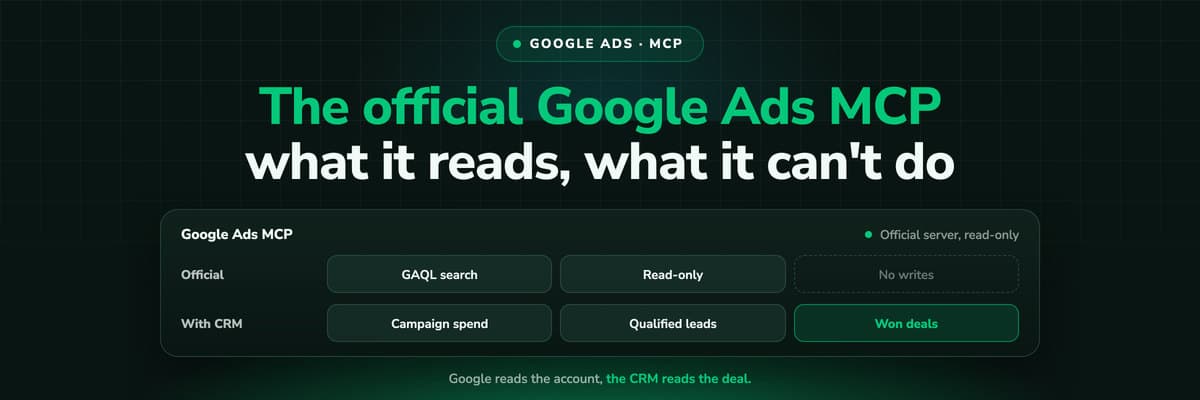
Google Ads MCP: The Official Server, Its Limits, Options
Google publishes an open source MCP server for the Google Ads API. It is read-only, has three tools and no public URL. What it does, how to run it locally or on Cloud Run, how Claude and Claude Code connect to it, what it cannot do, and the third-party servers that fill the gaps.Read the article13 min read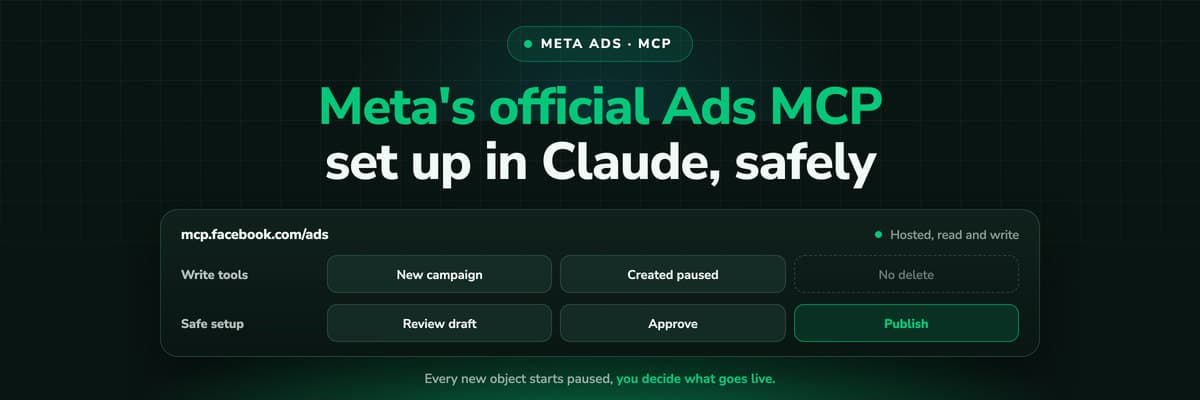 How To Guides
Meta Ads MCP: Setting Up Meta's Official Server
Meta runs its own MCP server for ads at mcp.facebook.com/ads. What it does, which permissions it needs, how agencies get access, how to add it to Claude and ChatGPT, what the third-party servers offer instead, and how to use the write tools without spending money by accident.Read the article12 min read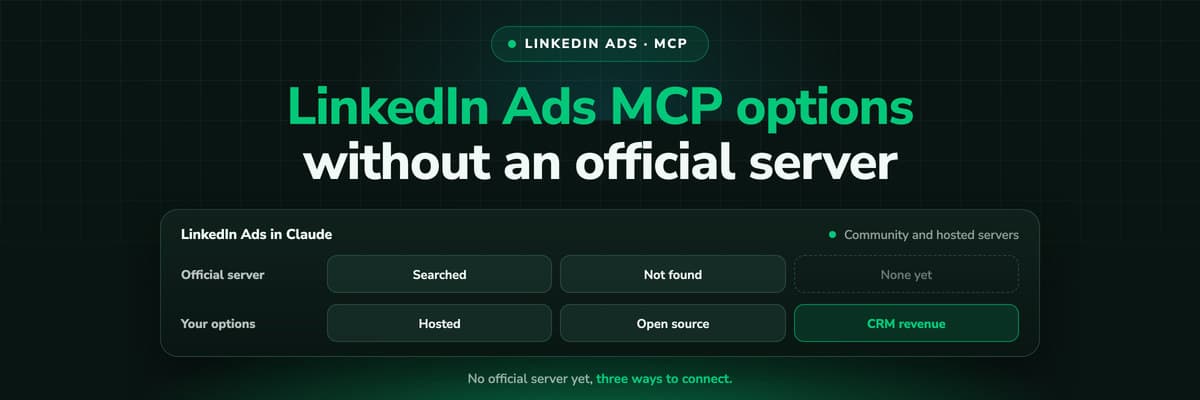 How To Guides
LinkedIn Ads MCP: Your Options Without an Official Server
LinkedIn has no official MCP server as of October 2026, unlike Meta, Google, Microsoft, TikTok and X. What the third-party LinkedIn Ads MCP options are, why there are so few, what to check before you connect one to an account with spend on it, and how to ask Claude about LinkedIn campaigns on pipeline rather than form fills.Read the article11 min read
No developer needed
Set up server-side tracking yourself in 21 minutes
Stop waiting for engineering. Install one script, connect your ad accounts, and you're tracking with 95%+ accuracy across Meta, Google, LinkedIn and Bing.
30-day money-back guaranteeSetup with a tracking expert


