













BlogTool Comparisons
15 Best Google Ads Tracking Tools in 2026
Google Smart Bidding trains on whatever signal it receives, and most tracking stops at the form fill, so it learns to find form fillers, not buyers. Fifteen tools, from CRM-to-Enhanced Conversions platforms to campaign managers and call trackers, with a verdict on who each is built for.


Contents
- Quick summary
- The 15 at a glance
- 1. LeadJourney
- What users say
- 2. Google Ads native
- 3. Google Analytics 4
- 4. GTM Server-Side
- 5. Cometly
- 6. Ruler Analytics
- 7. Hyros
- 8. Wicked Reports
- 9. Optmyzr
- 10. Opteo
- 11. Adalysis
- 12. Google Ads Editor
- 13. Supermetrics
- 14. CallRail
- 15. Triple Whale
- Two types of tools
- Quick Decision Guide
Summarise this article with AI
Opens the page with a ready prompt in:


Nothing is sent until you pick a service.
Google Ads is only as smart as the conversion data you feed it. Smart Bidding, Performance Max, and every other Google optimization feature trains on the signals you send. If you're sending form-fill signals, Google finds form fillers. If you're sending qualified-lead and closed-deal signals from your CRM, Google finds buyers.
That's the core problem with Google Ads tracking for lead generation businesses: most tools track the click and the form submission, then the trail goes cold. A lead that qualifies three days later, books an appointment, and closes two weeks after that is invisible to Google unless you explicitly send those signals back via Enhanced Conversions.
This guide ranks the 15 best Google Ads tracking tools in 2026. The tools split into two categories: conversion tracking accuracy tools (which improve what Google knows about your conversions) and campaign management tools (which help you optimize campaigns once you have accurate data). LeadJourney leads the list as the only tool that automates the full loop from Google Ads click (through CRM pipeline stages) back to Enhanced Conversions automatically, while simultaneously doing the same for Meta, LinkedIn, and Bing.
Quick Summary: Best Google Ads Tracking Tool in 2026
In short
LeadJourney is the best Google Ads tracking tool in 2026 for lead generation businesses, because it captures the gclid (plus gbraid and wbraid) server-side, writes it onto the CRM record so it survives the sales cycle, and returns the closed deal to Google as an enhanced conversion with its value attached, automatically. That turns the Google Ads report from cost per form fill into cost per close by campaign and keyword. 21-minute setup, no developer, 14-day free trial.
Google's own tools are free and cover the first half well: conversion tracking, GA4 and the server-side tag manager will measure and report. What they do not do is carry the click into the CRM and bring the closed deal back out, which is the part that changes what Smart Bidding optimises towards.
Among the third-party options, Cometly and Ruler Analytics are the closest on attribution, Hyros and Wicked Reports fit long-window and subscription businesses, Optmyzr, Opteo and Adalysis optimise the account rather than track it, Supermetrics reports, and CallRail matters when leads arrive by phone.
The 15 Best Google Ads Tracking Tools (2026)
The 15 best Google Ads tracking tools at a glance
| Tool | Key features | Best for | Pricing |
|---|---|---|---|
| Rank 1LeadJourney | Automated Enhanced Conversions from CRM; gclid persistence; cost-per-close by keyword | Lead generation businesses running Google Ads + other platforms | 14-day free trial |
| Rank 2Google Ads Conversion Tracking (native) | Free, direct Smart Bidding integration, Enhanced Conversions | Free baseline tracking for simple Google Ads conversions | Free |
| Rank 3Google Analytics 4vs LeadJourney | Free, Path Exploration, funnel reports, cross-device tracking | Free web analytics and goal tracking connected to Google Ads | Free |
| Rank 4Google Tag Manager Server-Side | Free container, maximum flexibility, route any event to any platform | Developer teams needing flexible server-side infrastructure | Free (+ Cloud Run hosting) |
| Rank 5Cometlyvs LeadJourney | Server-side Google Ads tracking, CRM attribution, AI optimization | B2B SaaS tracking Google Ads to pipeline and revenue | Custom (demo required) |
| Rank 6Ruler Analyticsvs LeadJourney | Keyword-level call attribution, CRM revenue matching | Offline Google Ads conversion attribution (calls, forms, chat) | From £299/mo |
| Rank 7Hyrosvs LeadJourney | Up to 365-day attribution windows, call and print tracking | High-ticket businesses with long Google Ads sales cycles | From $69/mo |
| Rank 8Wicked Reportsvs LeadJourney | LTV attribution, cohort-based ROAS, recurring revenue tracking | Subscription businesses tracking Google Ads lifetime value | From $499/mo |
| Rank 9Optmyzr | Custom rule engine, supports all campaign types including PMax | Agencies running large Google Ads accounts | Starts at $208/mo |
| Rank 10Opteo | 40+ automated optimization recommendations, accessible interface | SMB advertisers wanting optimization recommendations | From $129/mo |
| Rank 11Adalysis | Statistical significance testing, historical Quality Score tracking | Automated Google Ads ad testing and Quality Score monitoring | Starts at $99/mo |
| Rank 12Google Ads Editor | Free, bulk editing, offline campaign management | Bulk campaign management and offline edits | Free |
| Rank 13Supermetricsvs LeadJourney | Reliable data extraction, flexible reporting destinations | Pulling Google Ads data into Sheets, Looker Studio, or BI tools | From €49/mo |
| Rank 14CallRail | Keyword-level call attribution, call recording and transcription | Tracking Google Ads calls with recording and keyword attribution | From $50/mo |
| Rank 15Triple Whalevs LeadJourney | Shopify-native Google Ads attribution, creative analytics | Shopify eCommerce brands tracking Google Ads alongside Meta | Starts at $129/mo |




1. LeadJourney: Best Google Ads Tracking Tool for Lead Generation Businesses
LeadJourney is the only Google Ads tracking tool built exclusively for lead generation businesses, and the only one that closes the complete loop from Google Ads click to CRM closed deal and back to Enhanced Conversions automatically. When someone clicks your Google ad, LeadJourney captures and persists the gclid server-side through every step of your funnel and CRM pipeline. When that lead qualifies, books an appointment, or closes, LeadJourney fires those events back to Google Enhanced Conversions in real time, with no CSV uploads, no manual work, and no developer.
This matters because Google's Smart Bidding trains on whatever conversion signal you send it. If you only send form fills, Smart Bidding finds the cheapest form fillers: many of whom will never qualify or close. When Smart Bidding receives qualified-lead and closed-deal signals, it retrains on real buyer patterns and your cost-per-close drops over 2-6 weeks. LeadJourney automates this loop for Google Ads, and simultaneously for Meta, LinkedIn, and Bing, so all four algorithms improve from the same CRM data.
Key Features
- Server-side gclid persistence: Google Click ID captured at first click and stored on every CRM lead record, surviving the full sales cycle regardless of length
- Automated Google Enhanced Conversions: qualified-lead, booked-call, and closed-deal CRM events automatically fired back to Google's conversion API in real time, no CSV upload required
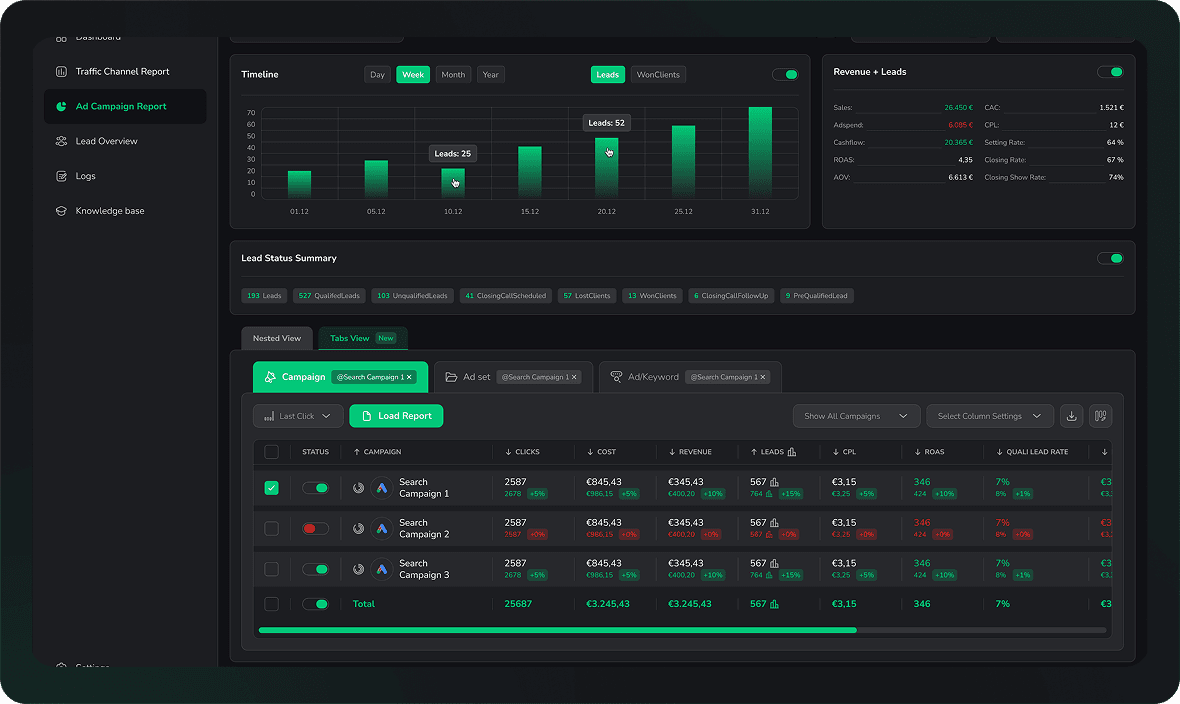
- Cost-per-close reporting by Google campaign, ad group, and keyword: see which Google Ads keywords are producing closed deals, not just form fills
- 95%+ server-side tracking accuracy: Google Ads conversions tracked from your server, bypassing Safari ITP and browser-based blocking that causes 30-60% data loss in pixel-only setups
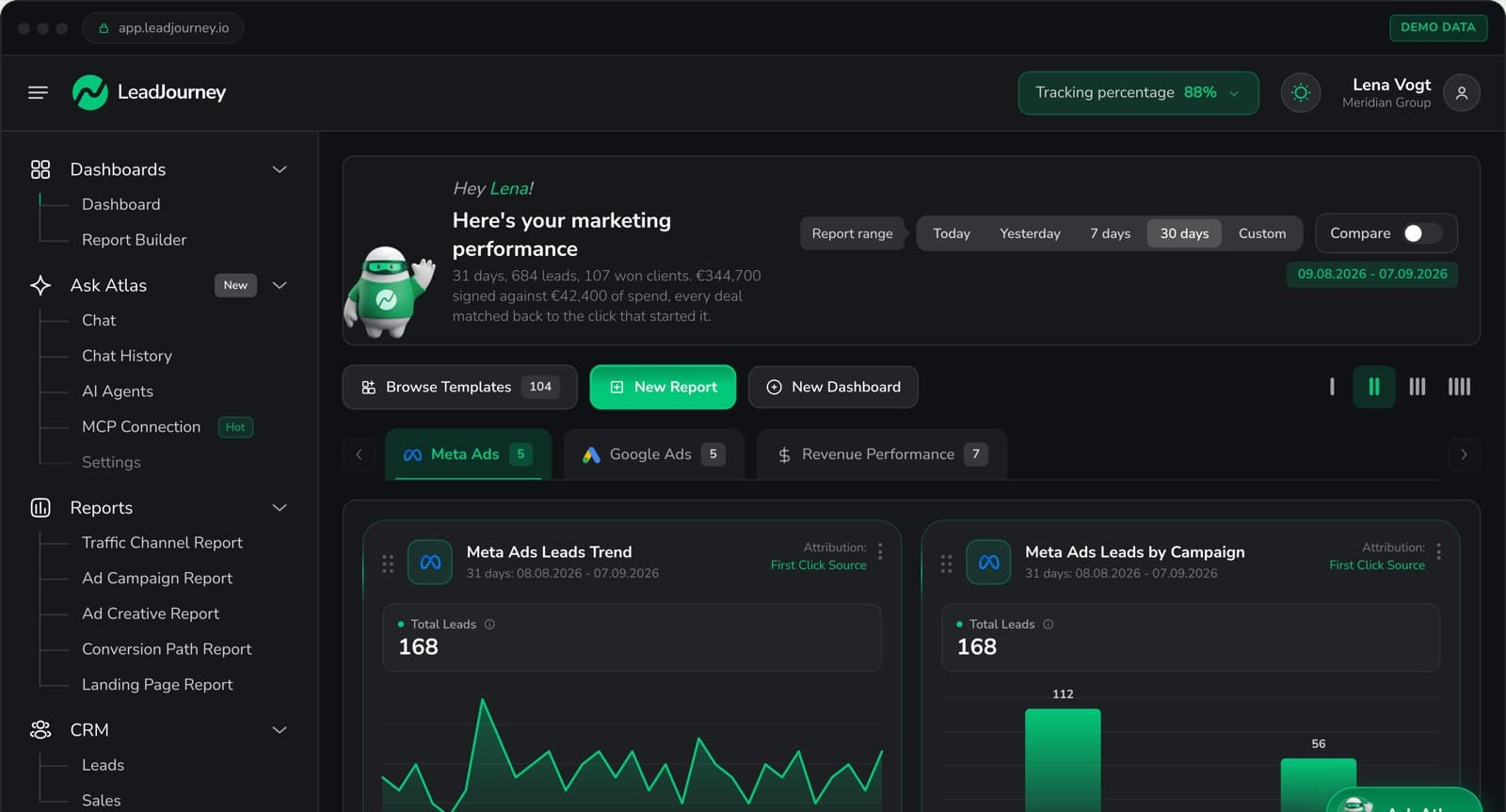
- Unified four-platform dashboard: Google Ads alongside Meta, LinkedIn, and Bing in one view with consistent metrics and comparable cost-per-close across all channels
- Five attribution models: first touch, last touch, linear, time-decay, and position-based; understand whether Google Ads is sourcing leads or closing them
- Atlas AI analyst: ask plain-language questions: which Google Ads keyword has the lowest cost-per-close? which campaign is producing the most qualified leads?
- 21-minute setup, no developer required: works with any landing page builder, Elementor, Wix, Onepage.ai, and any CRM
Pros
- Fully automates Google Enhanced Conversions from CRM data, no CSV uploads, no manual imports, no developer
- Reports cost-per-closed-deal at keyword level: the metric that actually tells you if Google Ads is working
- Improves Google Smart Bidding and Performance Max by feeding qualified-lead and deal signals back automatically
- Also covers Meta, LinkedIn, and Bing simultaneously: one integration for the full paid media stack
Cons
- Not a campaign management tool: doesn't automate bid rules or offer Google Ads Editor-style bulk edits
- E-commerce runs through the Shopify integration or a manually connected shop system (ROAS and customer origin), without product-level catalogue analytics
Verdict
For any lead generation business running Google Ads, LeadJourney is the only tracking tool that automates the complete loop: gclid capture → CRM pipeline stages → Enhanced Conversions back to Google automatically. No other tool on this list does this without a developer or manual CSV exports.
What Real Users Say About LeadJourney
Honestly the best B2B attribution platform I've used. The Customer Journey Report finally shows us which touchpoints drive results, and the ad tracking software is rock solid. Being able to pull in offline conversions plus the AI search tracking makes our marketing analytics way more accurate.
A must have for client acquisition.
Read verified reviews on Trustpilot, G2, Capterra, Software Advice, and leadjourney.io/testimonials.
Further Reading
Explore the LeadJourney marketing attribution platform or compare the best ad tracking software and the best Conversion API tracking tools. Built by Jonas Strambach.
2. Google Ads Conversion Tracking (Native): Best Free Baseline for Simple Conversions
Google's built-in conversion tracking is the default starting point for any Google Ads advertiser. It fires a conversion tag when a visitor completes a goal action (form submission, phone call, page visit) and feeds that data directly into Smart Bidding. Enhanced Conversions improves accuracy by hashing and sending first-party data (email, phone) from your thank-you page, recovering some conversions lost to browser restrictions.
Pros
- Free: included with every Google Ads account
- Directly feeds Smart Bidding: tightest integration with Google's bidding algorithms
Cons
- Pixel-based: 30-60% conversion data loss from Safari ITP, iOS 14+, and ad blockers
- Tracks form fills only, no CRM pipeline attribution, no qualified-lead or closed-deal signals
- Google Ads only, no cross-channel view with Meta, LinkedIn, or Bing
Verdict
The essential free starting point every Google Ads advertiser should have set up. The moment you need CRM pipeline attribution or are losing significant data to browser restrictions, a dedicated tool like LeadJourney becomes necessary.
3. Google Analytics 4: Best Free Web Analytics Connected to Google Ads
GA4 provides event-based conversion tracking across your website and seamlessly imports goals into Google Ads for bidding optimization. For businesses running only Google Ads with simple conversion events and limited budget for third-party tools, GA4 + native conversion tracking is a functional free tracking stack.
Pros
- Free: zero cost for the vast majority of use cases
- Path Exploration and funnel reports show on-site user journey data
Cons
- No CRM integration: tracking stops at form fill, doesn't follow leads through pipeline
- Pixel-based: significant data loss from browser privacy settings
Verdict
A strong free web analytics complement to Google Ads native tracking. Not a solution for lead gen businesses needing CRM attribution or multi-platform conversion signals.
4. Google Tag Manager Server-Side: Best Flexible Infrastructure for Technical Teams
Google's server-side GTM container moves conversion event collection from the browser to a server, routing those events to Google Ads Enhanced Conversions and other platforms via their APIs. It's the most flexible Google Ads server-side tracking infrastructure available, but requires developer resources to implement and maintain.
Pros
- Free container: only infrastructure hosting costs
- Maximum flexibility: route any event to Google Ads, GA4, Meta, or other platforms
Cons
- Requires developer resources: setup, debugging, and maintenance need GTM expertise
- No CRM integration built-in: only routes browser/server events; CRM-to-Enhanced Conversions loop requires custom development
Verdict
The most flexible Google Ads server-side tracking option for developer teams. For lead gen businesses without engineering resources, LeadJourney provides server-side accuracy in 21 minutes without any GTM setup.
5. Cometly: Best for B2B SaaS Tracking Google Ads to Revenue
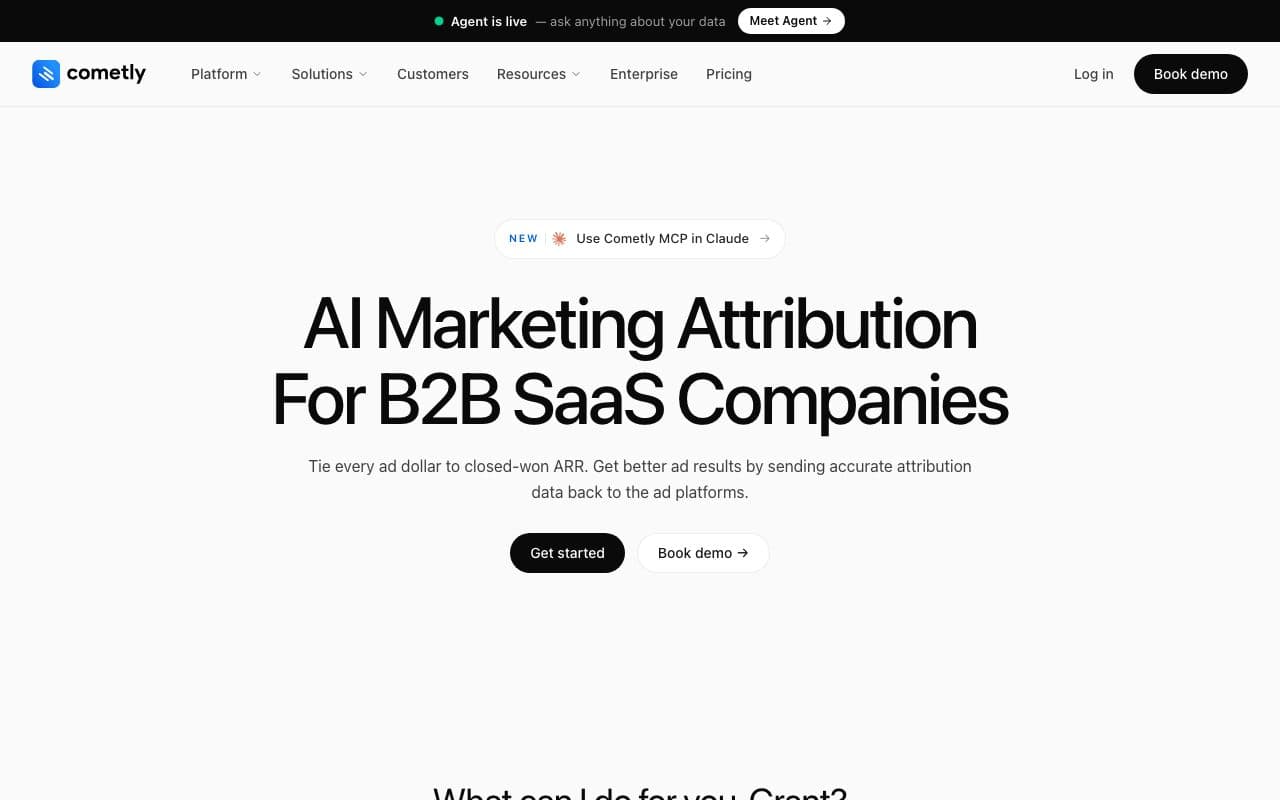
Cometly connects Google Ads to CRM revenue via server-side tracking, reporting the complete journey from ad click to closed deal with AI-powered optimization recommendations. It tracks Google Ads conversions more accurately than pixel-only setups and syncs enriched conversion data back to improve Google's bidding algorithm: the closest feature competitor to LeadJourney for paid Google Ads advertisers.
Pros
- Server-side Google Ads tracking with CRM revenue attribution
- AI-powered campaign optimization recommendations based on actual revenue data
Cons
- Multi-vertical focus: lead gen pipeline-stage depth less specific than LeadJourney
- Custom pricing requires a demo call
Verdict
Strong Google Ads tracking with attribution for B2B SaaS. Lead gen businesses will find LeadJourney's pipeline-stage attribution and automated four-platform CAPI loop more specific to their model.
6. Ruler Analytics: Best for Offline Google Ads Conversion Attribution
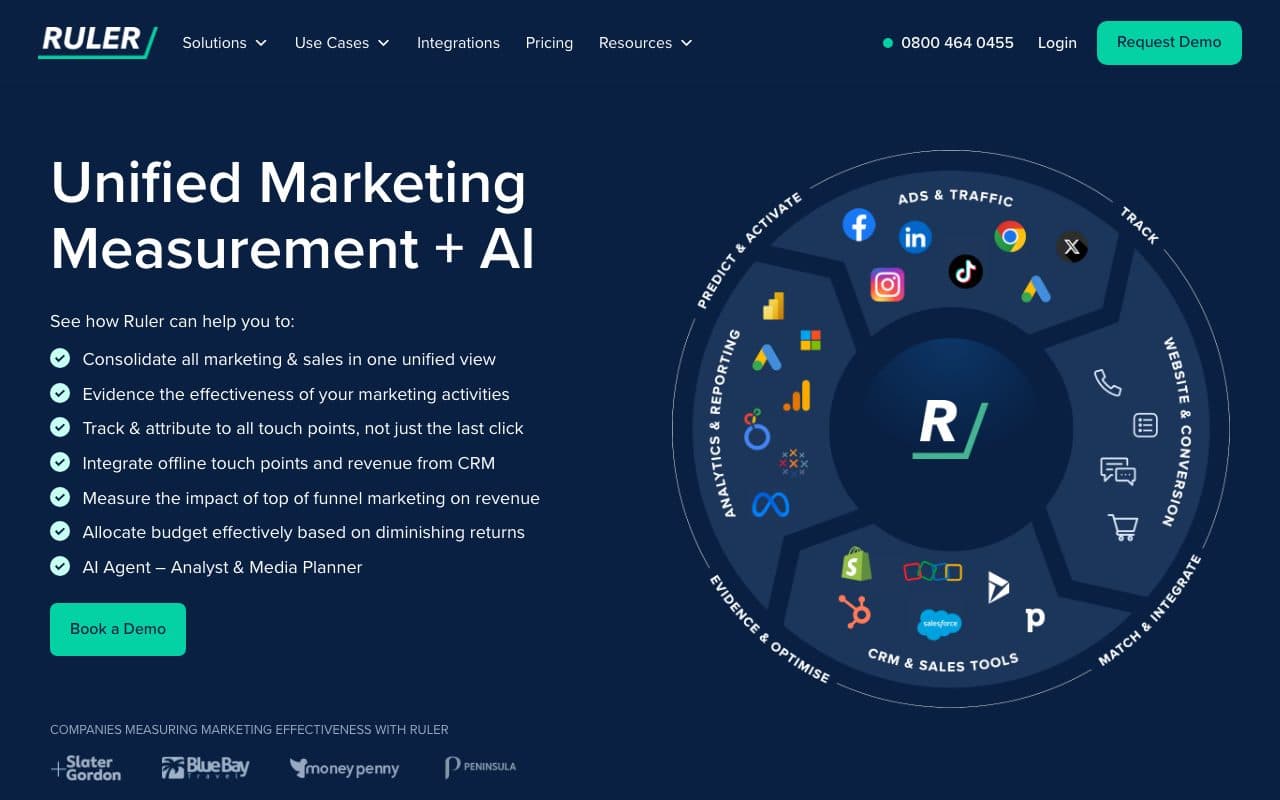
Ruler Analytics specializes in connecting Google Ads clicks to offline conversions: form fills, phone calls, and live chats that eventually close in your CRM. It tracks every website visitor and stitches their journey together across multiple sessions, matching the final closed revenue back to the original Google Ads keyword that sourced them.
Pros
- Strong call tracking for Google Ads: keyword-level attribution for phone call conversions
- CRM revenue matching: connects Google Ads clicks to closed deals in Salesforce, HubSpot, Pipedrive
Cons
- No automated Enhanced Conversions loop: reports the data but doesn't automatically send it back to Google to retrain Smart Bidding
- No unified multi-platform dashboard: Google Ads reporting separate from Meta and LinkedIn
Verdict
A solid specialist for businesses where phone calls are the primary Google Ads conversion. The gap vs. LeadJourney: Ruler reports the attribution but doesn't automatically close the algorithmic loop back to Google Enhanced Conversions.
7. Hyros: Best for High-Ticket Businesses with Long Google Ads Sales Cycles
Hyros uses print-tracking technology and AI to maintain accurate attribution across long Google Ads sales cycles, tracking customers who take weeks or months to convert through multiple touchpoints. Its call tracking connects phone-based conversions back to the originating Google Ads keyword, and it supports attribution windows of up to 365 days.
Pros
- Up to 365-day attribution windows: tracks Google Ads conversions months after the original click
- Call tracking with print tracking: connects phone and direct mail conversions to Google Ads source
Cons
- Premium pricing from $499/month: requires $10K+/month in Google Ads spend to justify
- Primarily Meta and Google-focused: multi-platform LinkedIn and Bing loop is limited
Verdict
The right choice for high-budget advertisers with very long consideration cycles. For most lead gen businesses, LeadJourney delivers comparable Google Ads CRM attribution across more platforms at lower cost.
8. Wicked Reports: Best for Subscription Businesses Tracking Google Ads LTV
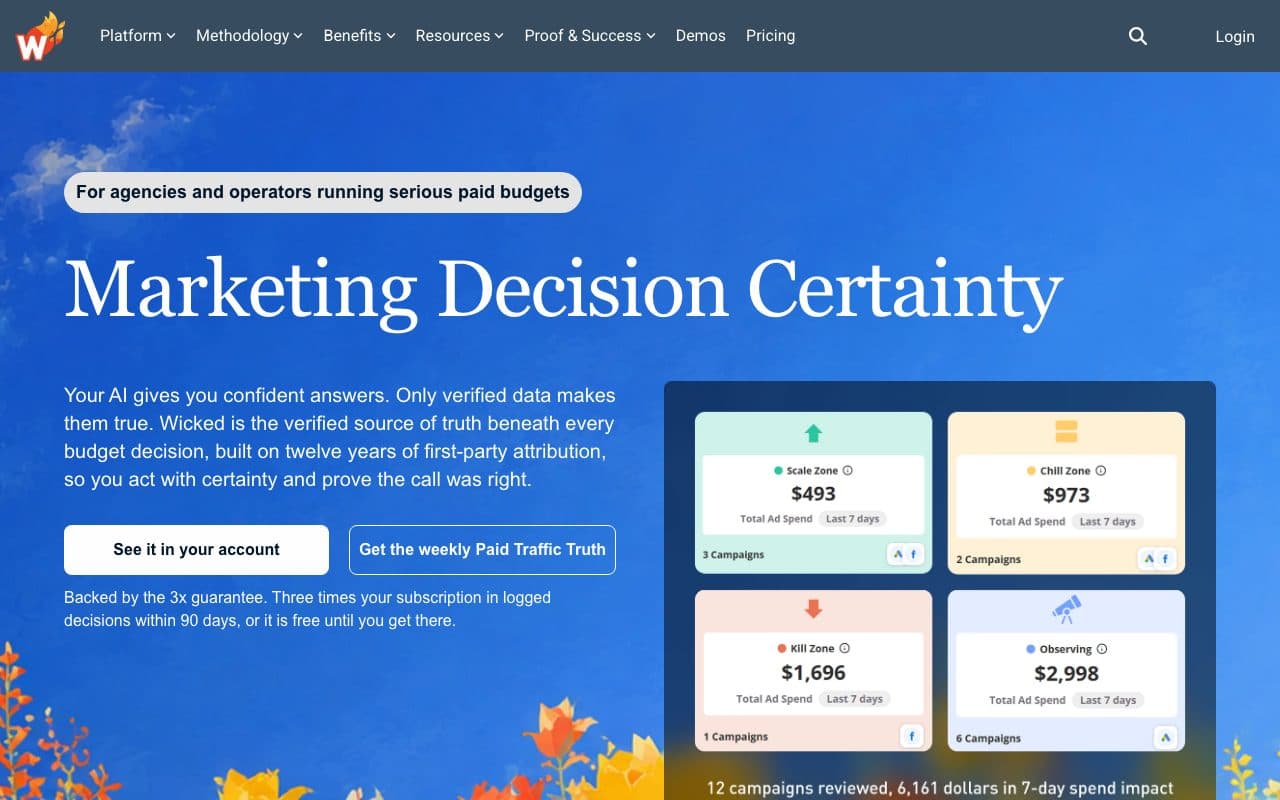
Wicked Reports connects Google Ads spend to subscription revenue over time, showing not just which campaigns drove sign-ups, but which campaigns drove customers who stayed, renewed, and generated high LTV. Plans start at $250/month, with pricing scaling based on tracked revenue.
Pros
- LTV attribution for Google Ads: connects ad source to recurring revenue, renewals, and upsells
- Cohort-based ROAS: see actual Google Ads returns over time, not just initial conversion
Cons
- Built for subscription LTV, not designed for one-time lead gen deal cycles
- No automated Enhanced Conversions loop back to Google
Verdict
The right Google Ads tracking tool for subscription SaaS and membership businesses optimizing for LTV. Not a fit for lead generation businesses with one-time deal cycles.
9. Optmyzr: Best Google Ads Campaign Management for Agencies
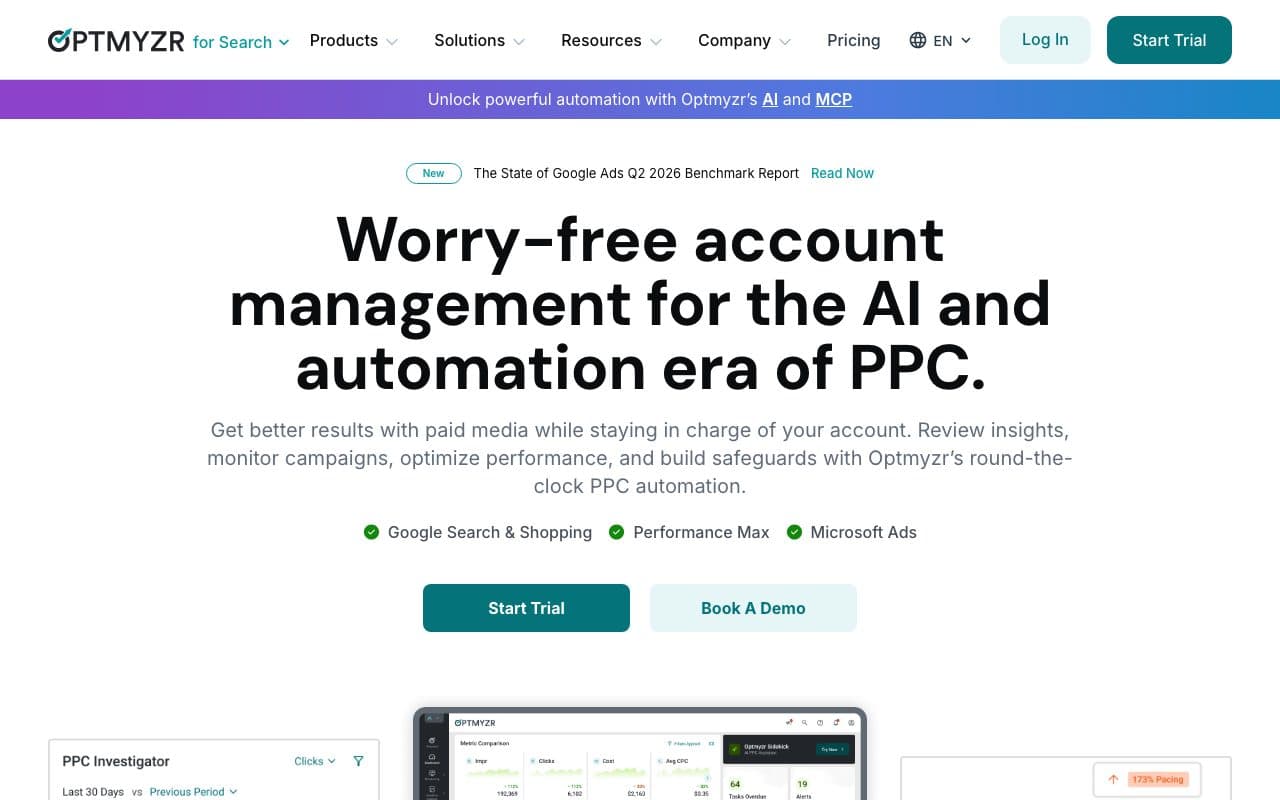
Optmyzr is a PPC management platform built for agencies and advanced advertisers managing multiple Google Ads accounts. Its Rule Engine lets you build custom automation workflows (bid adjustments, budget pacing, keyword harvesting) beyond what Google Ads Scripts can handle. It supports Search, Shopping, Performance Max, and Responsive Search Ads.
Pros
- Deep campaign automation: custom rule engine beyond Google Ads Scripts
- Supports all Google Ads campaign types including Performance Max
Cons
- Campaign management tool, not a conversion tracking tool: doesn't solve the gclid persistence or Enhanced Conversions automation problem
- Starts at $208/month: primarily designed for agencies managing large Google Ads spend
Verdict
The best campaign management tool for agencies running large Google Ads accounts. Optimizes campaigns once you have good conversion data, but doesn't solve the underlying tracking accuracy problem on its own.
10. Opteo: Best Google Ads Optimization Tool for SMBs
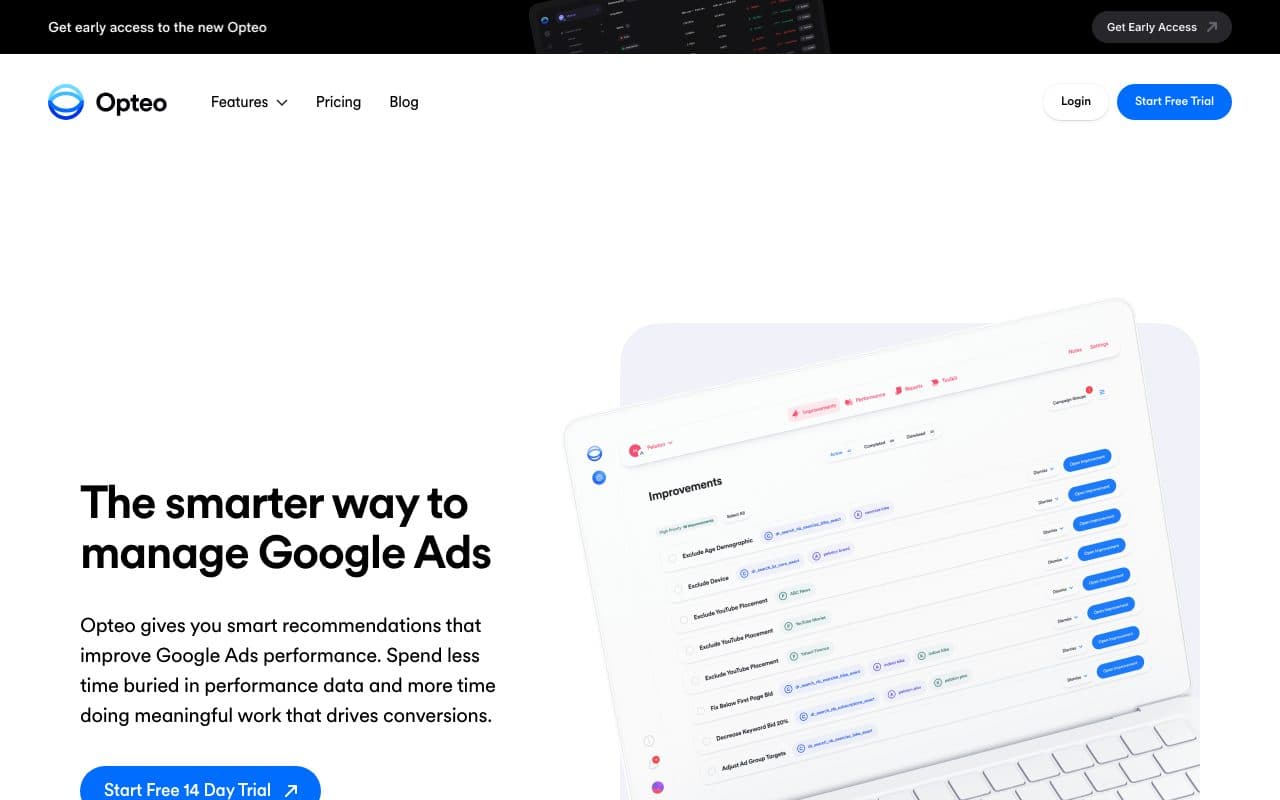
Opteo continuously scans Google Ads accounts and surfaces 40+ types of optimization recommendations (bid adjustments, keyword pausing, budget reallocation, ad testing, negative keyword additions) ranked by expected impact. The interface is clean enough that non-PPC specialists can use it effectively, making it popular with small in-house teams.
Pros
- 40+ automated optimization recommendations: prioritized by expected impact
- Accessible interface: usable by non-PPC specialists on small teams
Cons
- Optimization tool only: doesn't track Google Ads conversions or connect them to CRM revenue
- Recommendations are only as good as the conversion data fed to it, if your tracking is incomplete, its recommendations will be too
Verdict
A useful optimization companion for SMB Google Ads advertisers. Works best when paired with accurate conversion tracking. LeadJourney provides the accurate data that makes Opteo's recommendations meaningful.
11. Adalysis: Best for Automated Google Ads Ad Testing
Adalysis is a specialized PPC tool focused on automated ad testing, Quality Score monitoring, and performance alerts. It continuously monitors ad variations, identifies statistically significant winners, and tracks Quality Score changes over time with historical trend analysis. Starts at $99/month for accounts managing up to $50K in ad spend.
Pros
- Automated statistical significance testing, no guesswork on which ad variation wins
- Historical Quality Score tracking: see trends and diagnose factors dragging down scores
Cons
- Ad testing tool only, not a conversion tracking or attribution solution
- Tests based on Google-reported conversions: if your conversion data is inaccurate, winning ad test conclusions will be too
Verdict
The best specialist for systematic Google Ads ad testing. Like Opteo, it works better when the underlying conversion data is accurate, which LeadJourney's server-side tracking provides.
12. Google Ads Editor: Best Free Tool for Bulk Campaign Management
Google Ads Editor is a free desktop application that lets you download your campaigns, make bulk edits offline, and upload changes at once. PPC managers rely on it for large-scale restructuring, keyword list updates, and multi-campaign edits that would take hours to do one-by-one in the Google Ads interface.
Pros
- Free: zero cost for all Google Ads advertisers
- Bulk editing: apply hundreds of changes across multiple campaigns simultaneously
Cons
- No performance insights or recommendations: a structural editing tool, not an analytics or tracking tool
- No conversion tracking capabilities: completely separate from the tracking accuracy problem
Verdict
An essential free operational tool for PPC managers who need to make bulk edits efficiently. Not a tracking or attribution solution.
13. Supermetrics: Best for Pulling Google Ads Data into BI Tools
Supermetrics pulls Google Ads data into Google Sheets, Looker Studio, Excel, BigQuery, and Snowflake automatically, eliminating the manual export work for teams building custom Google Ads reports in spreadsheets or BI tools. It's a data connector, not a tracking or attribution tool.
Pros
- Reliable Google Ads data extraction: schema stays consistent even when Google updates its API
- Flexible reporting destinations: Sheets, Looker Studio, BigQuery, and more
Cons
- Data connector only: pulls platform-reported Google Ads numbers, no independent tracking or CRM attribution
- Priced by plan and connectors: from €39/month on annual billing, more on monthly billing
Verdict
The best tool for automating Google Ads data extraction into BI tools. Not a tracking or attribution solution. It reports what Google already tells you.
14. CallRail: Best for Tracking Google Ads Calls with Recording
CallRail assigns unique tracking phone numbers to Google Ads campaigns and keywords, attributing inbound calls back to their source with call recording and transcription. For businesses where phone calls from Google Ads are the primary conversion event, it provides the deepest call-level analytics available: keyword-level call attribution at $45/month.
Pros
- Keyword-level call attribution for Google Ads: see exactly which keywords drive calls
- Call recording and transcription: analyze call quality, not just call volume
Cons
- Call tracking only: no form fill attribution, no CRM pipeline stages, no Enhanced Conversions automation
- Google Ads-centric: doesn't solve cross-platform tracking for Meta, LinkedIn, or Bing
Verdict
The best specialist for businesses where inbound calls from Google Ads are the dominant conversion event. Not a complete Google Ads tracking solution for multi-platform lead gen businesses.
15. Triple Whale: Best for Shopify eCommerce Tracking Google Ads
Triple Whale is built for Shopify DTC brands running Google Ads alongside Meta and TikTok. Its Triple Pixel collects first-party data directly from your store, consolidating Google Ads, Meta, TikTok, and email performance into one Shopify-revenue-based dashboard. Creative analytics show which specific ad visuals are driving purchases.
Pros
- Native Shopify + Google Ads integration: Shopify revenue as the source of truth for Google Ads performance
- Creative analytics: shows which Google Ads creatives drive purchases, not just clicks
Cons
- Built for eCommerce: not applicable for lead generation businesses with CRM-based sales funnels
- Requires Shopify: not useful without a Shopify store
Verdict
The best Google Ads tracking tool for Shopify DTC brands. Completely wrong category for lead generation businesses. It was built for product purchases, not CRM pipeline sales.
Two Types of Google Ads Tracking Tools: Conversion Accuracy vs. Campaign Management
The 15 tools on this list fall into two fundamentally different categories. Conversion accuracy tools (LeadJourney, Cometly, Ruler Analytics, Hyros, Google Enhanced Conversions) solve the data quality problem: ensuring Google's algorithms receive accurate, complete conversion signals that reflect real business outcomes. Campaign management tools (Optmyzr, Opteo, Adalysis, Google Ads Editor) help you optimize campaign structure once you have accurate data.
For lead generation businesses, conversion accuracy is the higher-leverage investment. Smart Bidding with inaccurate data produces poor results no matter how well you manage campaigns. Smart Bidding with qualified-lead and closed-deal signals from your CRM produces compounding improvements over time. That's the loop LeadJourney automates.
Quick Decision Guide
- Lead generation business running Google Ads + Meta + LinkedIn + Bing: LeadJourney (automated Enhanced Conversions from CRM, four-platform dashboard, 21-minute setup)
- Google Ads only with simple form-fill conversions: Google Ads Conversion Tracking + Enhanced Conversions (free)
- B2B SaaS tracking Google Ads to pipeline: Cometly
- High-ticket business with 90+ day Google Ads sales cycles: Hyros
- Primary conversion is inbound calls from Google Ads: CallRail + Ruler Analytics
- Agency managing multiple Google Ads accounts needing automation: Optmyzr
- SMB advertiser wanting optimization recommendations: Opteo
- Shopify DTC brand running Google Ads: Triple Whale
FAQ
Frequently Asked Questions
The questions advertisers running Google Ads ask about tracking.
What is the gclid and why does it matter?
The gclid is the Google Click Identifier appended to your landing page URL when auto-tagging is on, and it identifies the exact campaign, ad group, keyword and ad that produced the visit. Capture it server-side on arrival and store it against the lead in the CRM, and a deal that closes six weeks later can still be traced to the keyword that paid for it.
What are Google Enhanced Conversions for leads?
It is Google's route for sending offline conversions back into the account. You upload or send the conversion with the gclid, or with hashed customer data, at the moment it happens in your CRM: lead qualified, appointment booked, deal closed. Smart Bidding then optimises towards that event instead of towards the form fill, which is the only thing native conversion tracking can see.
Why does Smart Bidding send budget to my worst keywords?
Because it is doing exactly what you asked. If the conversion you report is the form submission, the keyword that produces the most form submissions wins, even when its close rate is 2%. Smart Bidding has no way of knowing which of those leads were real unless the CRM outcome is sent back to it.
How much do Google Ads tracking tools cost?
Google's own tools are free: conversion tracking, GA4, Enhanced Conversions and Google Ads Editor, with server-side GTM free apart from hosting. Paid options run from CallRail at $45 per month, Opteo and Adalysis at $99, Triple Whale at $129, Ruler Analytics at $199, Optmyzr at $208, Wicked Reports at $250 and Hyros at $499. LeadJourney runs a 14-day free trial.
Do I need a developer to improve Google Ads tracking?
Not for the CRM feedback loop, which is a landing page snippet plus a webhook from the CRM. You do need engineering for the do-it-yourself route: a server-side GTM container on Cloud Run, or a BigQuery pipeline that joins gclid to deal records, both of which are ongoing maintenance rather than a one-off build.
Keep reading
More from the blog
 Tool Comparisons
9 Best Marketing Attribution Tools for Zoho CRM in 2026
Four of the best attribution tools for Zoho CRM are Zoho products you may already pay for. Nine options compared on where the tracking starts, which ad platforms they cover, and whether the closed deal ever reaches the algorithm buying your traffic.Read the article13 min read Tool Comparisons
9 Best Marketing Attribution Tools for Microsoft Dynamics 365 in 2026
Dynamics records the revenue and nothing fills in where it came from: Lead Source is a ten-option picklist and campaign spend is typed by hand. Nine tools compared on what each can actually see in a Dynamics environment, with pricing, pros, cons and a verdict.Read the article14 min read Tool Comparisons
12 Best GTM Tools and Software in 2026
A GTM stack is five or six tools that each report on their own step, which is why nobody can say which play produced the revenue. Twelve tools compared by the layer they own, with prices read this month and a verdict on who each one is for.Read the article16 min read
Real buyer signals
Ready to feed Google Smart Bidding real buyer signals from your CRM?
LeadJourney is the Google Ads tracking tool built around the lead and the closed deal, for lead generation and e-commerce businesses. Server-side gclid persistence. Automated Enhanced Conversions from CRM. Cost-per-close by campaign, ad group, and keyword. Atlas AI analyst. 21-minute setup.