


















BlogTool Comparisons
12 Best Cross-Channel Attribution Tools in 2026
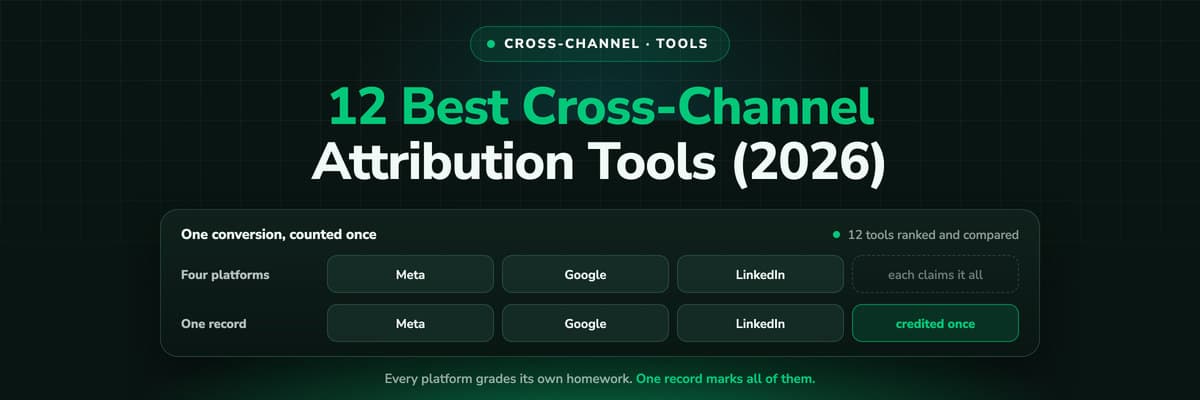
Meta says 71, Google 58, LinkedIn 19, Microsoft 7. The CRM has 122 leads. Twelve cross-channel attribution tools compared on how they close that gap, record, model or move, with pricing, pros, cons and a verdict on who each one is built for.

Contents
Summarise this article with AI
Opens the page with a ready prompt in:


Nothing is sent until you pick a service.
Every ad platform reports its own conversions, and every one of those reports is true on its own terms. Put four of them side by side and the total is more than the business has leads. Here is an example, invented for this guide rather than taken from a customer's books: a lead generation account spends €24,000 a month, €10,000 on Google Ads, €9,000 on Meta, €4,000 on LinkedIn and €1,000 on Microsoft Advertising. Meta Ads Manager reports 71 conversions, Google Ads 58, LinkedIn 19 and Microsoft 7. That is 155. The CRM has 122 paid leads.
Cross-channel attribution software exists to close that gap: one conversion, counted once, credited across every channel that touched it. The tools that claim the label do it in three different ways. Some record the journey themselves, with a first-party tag or a server-side collector and an identity behind it. Some model it statistically, with a media mix model or incrementality tests. And some move four dashboards into one place and leave the double counting exactly where it was. Knowing which kind you are looking at is most of the evaluation.
This guide ranks the 12 best cross-channel attribution tools in 2026, from an attribution platform that follows a lead from the first click to the closed deal, through the e-commerce and enterprise measurement suites, to the free baseline that is already on your site. Every fact about a competitor was read on its own pricing or product pages, and the fact sheet under each section says when. LeadJourney leads the list, because it counts every channel against one record and one number: the revenue your CRM actually booked.
Quick Summary: The Best Cross-Channel Attribution Tool in 2026
In short
LeadJourney is the best cross-channel attribution tool for lead generation and B2B teams measuring paid channels against CRM revenue. It records every visit server-side on your own domain at 95%+ tracking accuracy, keeps the click IDs from Google, Meta, LinkedIn, Microsoft and TikTok from the first visit, joins the anonymous journey to a person at the form fill, call or booking and follows the CRM stages to the closed deal. Every channel is then measured against that one record, with first click, last click, linear, position-based and time decay as a switch on every report, and closed revenue goes back to Meta, Google, LinkedIn and Microsoft with the deal value. Shopify and Stripe connect natively for e-commerce. Frankfurt hosting, live in about 21 minutes, from €129 a month, set up with a tracking expert and covered by a 30-day money-back guarantee.
The rest of the list splits by what the tool does with the journey. Rockerbox, Northbeam, Triple Whale and SegmentStream model as well as record, with marketing mix modelling and incrementality tests for the channels a click cannot see, and they are priced for the brands that need that. Ruler Analytics records forms and calls. Dreamdata models the whole account rather than the lead. Cometly and Attribution App record per contact at a smaller scale. Improvado and Windsor.ai move data into a warehouse or a dashboard, and Google Analytics 4 measures the website for free.
The deciding question is the same on every row: does the tool see one conversion once, or four times? A pipeline that lands four platform reports in one dashboard has not answered it, however many connectors it has. A model that estimates channel contribution has answered a different question. A record that joins the click to the CRM deal has answered it, and the tool's job from then on is to keep that record complete.
The 12 Best Cross-Channel Attribution Tools (2026)
The 12 best cross-channel attribution tools at a glance
| Tool | Key features | Best for | Pricing |
|---|---|---|---|
| Rank 1LeadJourney | Server-side tracking on your own domain, five attribution models on every plan, CRM stages and closed deals as conversions, revenue back to eight ad platforms, AI search as a source, Atlas AI analyst | Lead generation and B2B teams measuring paid channels against CRM revenue | €129 / mo |
| Rank 2Rockerboxvs LeadJourney | Multi-touch attribution, marketing mix modelling and incrementality testing on one dataset, offline channels, warehouse export | Enterprise consumer brands measuring offline channels and MMM | On quote |
| Rank 3Northbeamvs LeadJourney | Multi-touch attribution on a proprietary identity graph, deterministic view-through, incrementality, MMM Plus, creative reporting | High-volume e-commerce and DTC brands | $1,500 / mo |
| Rank 4Triple Whalevs LeadJourney | Triple Pixel first-party tracking, blended ROAS, Compass for MMM and incrementality, Moby AI analyst, SQL editor | Shopify brands | Free plan, paid from $219 / mo |
| Rank 5Ruler Analyticsvs LeadJourney | First-party tracking, multi-touch models, call tracking with dynamic number insertion, MMM with budget scenarios, CRM integrations | Leads arriving by phone and form | £299 / mo |
| Rank 6Dreamdatavs LeadJourney | Account-level journeys, company identification, AI attribution models, audience activation and conversion sync to four platforms | Account-level B2B attribution | Free plan, paid on quote |
| Rank 7Cometlyvs LeadJourney | Server-side tracking and a Conversions API, multi-touch across the funnel, AI Ads Manager, contact-level journeys | Paid media teams that want an ads manager beside attribution | On quote |
| Rank 8SegmentStreamvs LeadJourney | Predictive and cross-channel attribution modelling, identity graph, marginal analytics and incrementality, CRM funnel on Full Funnel, MCP | Modelled attribution with a data-minded team | $800 / mo |
| Rank 9Improvadovs LeadJourney | 1,000+ connectors, transformation and governance into a warehouse, AI agent and MCP, MTA, MMM and incrementality as add-ons | Enterprise data pipelines into BI | On quote |
| Rank 10Windsor.ai | 300+ connectors into Looker Studio, Sheets, Power BI and BigQuery, multi-touch attribution reports, warehouse sync | Connectors into Looker Studio and sheets | Free, paid from $23 / mo |
| Rank 11Attribution App | First, last, linear, time decay and position models, ad connectors, CRM lifecycle and deal stage sync, ROAS across models | Self-serve multi-touch on HubSpot, Segment or Shopify | $199 / mo |
| Rank 12Google Analytics 4vs LeadJourney | Event-based analytics, data-driven attribution, audiences for Google Ads, free BigQuery export, consent mode modelling | The free baseline every site already has | Free |



How to read the table. The Pricing column is each vendor's published entry price, in the currency it publishes, as read on its own pricing page; the fact sheet under each section carries the date and the rest of the ladder. On quote means no paid price is printed anywhere, and a free plan is named where one exists, because a free plan is where most evaluations start. Best for is the fit the vendor's own positioning supports, not a mark for quality.
The order is the order for a team whose conversion is a lead and whose revenue lives in a CRM. A Shopify brand reads the same list and moves Triple Whale and Northbeam up; a consumer brand with a television budget moves Rockerbox to the top. Each section says who it would be first for, and the guide to cross-channel attribution explains the mechanics the ranking rests on.
1. LeadJourney: Best for Lead Generation and B2B Teams Measuring Ads Against CRM Revenue

LeadJourney tracks server-side on your own domain, first-party, at 95%+ tracking accuracy. The click IDs are read at the first visit and kept: gclid with gbraid and wbraid, fbclid, li_fat_id, msclkid and ttclid, plus the UTM parameters and the landing page. They are stored on the LeadJourney Click ID, an identifier of our own for one visitor, set on the first visit, kept for weeks or months, with every later session appended to it. That is what keeps a journey that starts on a LinkedIn ad and ends on a branded Google search as one journey.
The anonymous visitor becomes a person at the form fill, the call or the booking, and the record then follows the CRM stages to the closed deal. Every channel is measured against that record. The channel report puts spend, leads, customers and CRM revenue in one table, and the same switch between first click, last click, linear, position-based and time decay sits on the channel, campaign and landing page reports. Under it, the per-lead journey view shows every touchpoint with its date, which is where a disputed number gets settled.
The loop then runs the other way. CRM stages and closed deals go back to Meta, Google (as offline conversions on the gclid), LinkedIn and Microsoft with the deal value, on every plan, so the platforms optimise toward revenue rather than form fills. HubSpot, Salesforce, Pipedrive, Close, Attio, GoHighLevel, ActiveCampaign and Odoo connect natively, Shopify and Stripe natively for e-commerce, and anything else by webhook, Zapier, Make, n8n or the API.
ChatGPT, Perplexity, Gemini and Copilot count as traffic sources of their own. Atlas answers questions in plain language, an MCP server opens the workspace to Claude or ChatGPT, and the BigQuery export streams raw clicks, conversions and leads into your own dataset. Hosting is in Frankfurt, with an Art. 28 DPA available. What it does not do: marketing mix modelling, incrementality tests or view-through attribution, and it attributes per named lead rather than per account, so the anonymous colleagues on a buying committee are not identified.
Pros
- Every channel measured against one record: the click ID kept from the first visit, joined to the person at the form, followed to the closed deal
- Five attribution models on every plan, switchable on the channel, campaign and landing page reports without re-tracking anything
- Closed deals returned to Meta, Google, LinkedIn and Microsoft with the deal value, on every plan
- Ten native CRMs plus Shopify and Stripe, AI search engines as sources of their own, Atlas, an MCP server and a BigQuery export
- Public tiers from €129 a month, live in about 21 minutes with a tracking expert, and a 30-day money-back guarantee
Cons
- No marketing mix modelling, incrementality testing or view-through attribution, so a channel nobody clicks sits outside the model
- Attribution is per named lead, not per account: the anonymous colleagues of a buying committee are not identified
- Spend import and the conversion sync cover eight ad platforms, Meta, Google, LinkedIn, Microsoft, Reddit, X, Taboola and Outbrain
Verdict
For a team whose conversion is a lead and whose revenue lives in a CRM, this is the pick: one record, every channel against it, and the answer sent back to the platforms. A consumer brand with a television budget should read the next section first.
The ability to seamlessly integrate data from multiple channels and see real-time insights has significantly improved our campaign results. We now focus on metrics that truly matter, like ROI and qualified leads.
 Nikita YatsunCEO, RLV Media GmbH
2. Rockerbox: Best for Enterprise Brands Measuring Offline Channels and MMM
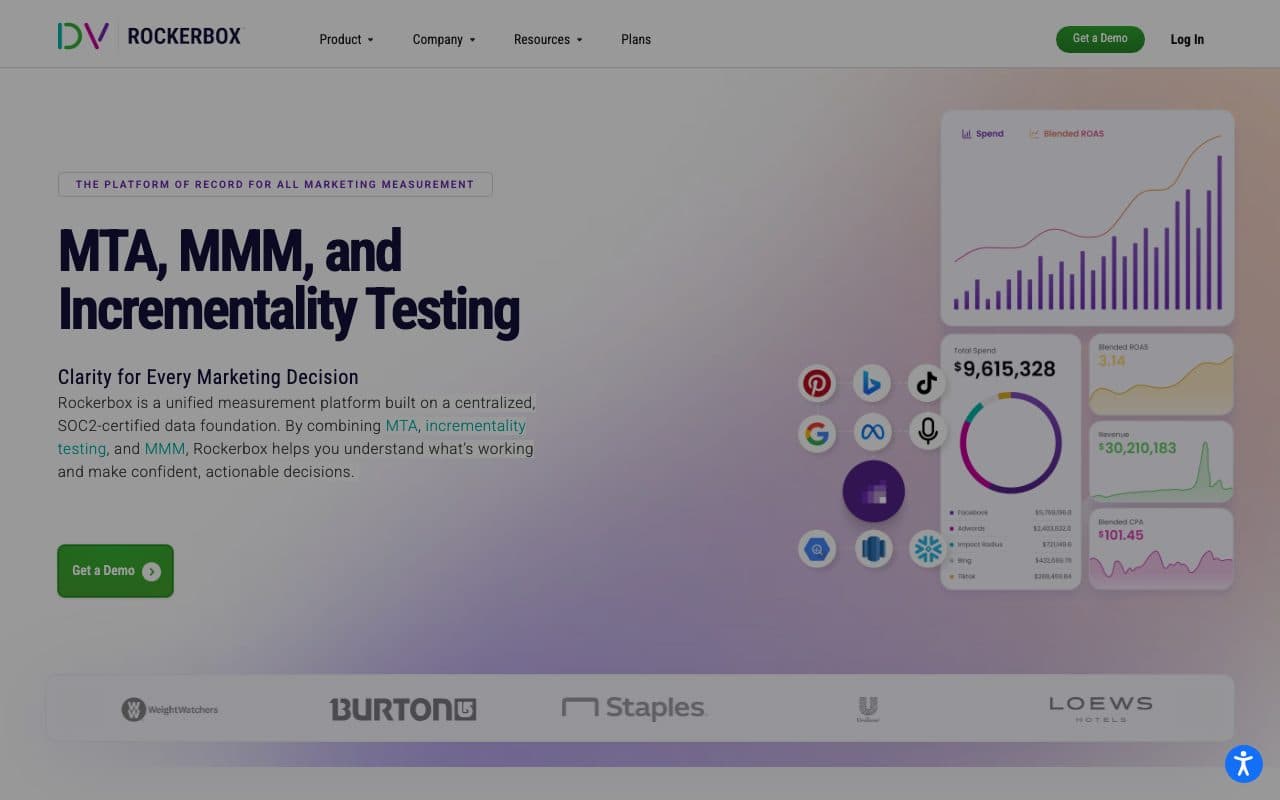
Rockerbox is marketing measurement for consumer and DTC brands with a media budget to match: multi-touch attribution, marketing mix modelling and incrementality testing on one first-party dataset, sold on quote after a demo. It has been part of DoubleVerify since 2025. The channels run from paid social, search, display and video to the ones a pixel never sees, CTV, linear TV, direct mail and podcasts, with promo codes and post-purchase surveys filling in the rest. That is cross-channel in a way most of this list is not.
The price of that breadth is the engagement. The plans page lists products rather than prices (Collect, Track, Export, Testing, MMM and Journey) and ends in a conversation with an expert, with no price list and no trial. Rockerbox's own guidance puts testing at one to two weeks and MTA or MMM at six to eight. The dataset lands in BigQuery, Redshift or Snowflake on a SOC 2 certified foundation. No CRM is named on the plans page, and a conversion sync back to the ad platforms is not documented there.
Pros
- Multi-touch attribution, marketing mix modelling and incrementality testing on one first-party dataset, each calibrating the others
- Offline channels measured as channels: CTV, linear TV, direct mail and podcasts, with promo codes and post-purchase surveys
- Warehouse export to BigQuery, Redshift and Snowflake on a SOC 2 certified data foundation
Cons
- No published price and no trial: you pick a mix of products and talk to an expert, then allow six to eight weeks for MTA or MMM
- Built around the order for consumer brands; no CRM is named on the plans page, and a conversion sync back to the ad platforms is not documented
- A US company inside DoubleVerify that does not publish its data region, which an EU review has to document
Verdict
The right first call for a consumer brand whose budget includes television, podcasts or direct mail. For a business that sells by a form or a CRM deal, the eight week implementation buys methods it will not use.
3. Northbeam: Best for High-Volume E-commerce Brands
Northbeam is enterprise attribution for e-commerce and DTC brands: multi-touch attribution on proprietary device and identity graphs, view-through attribution it calls Clicks plus Deterministic Views, and incrementality testing and MMM Plus as options on top. The conversion is the order, with revenue and new against returning customers from the store, and the reporting goes down to the creative and the customer. For a store with the pageview volume the pricing assumes, it does things almost nobody else on this list does.
The prices are public. Starter is $1,500 a month, usage-based, limited to Shopify stores and month to month; Professional is $3,500 a month on an annual term; Enterprise and Growth are on quote, all scaled by pageviews. Starter therefore costs more than most teams spend on measurement in total. No CRM is named on the pricing page, AI engines are not documented as sources, no AI analyst is documented, and the EU data region is not stated. Attribution data flows back to the platforms, though the mechanism is not detailed.
Pros
- Multi-touch attribution on a proprietary identity graph, with deterministic view-through attribution beside the clicks
- Incrementality testing and MMM Plus available in the same product, so the model can be checked against a lift test
- Creative-level and customer-level reporting for stores with the volume to read it
Cons
- Starter at $1,500 a month and limited to Shopify; Professional at $3,500 on an annual term, scaled by pageviews
- Built around the order: no CRM is named, so a pipeline of leads and deals is outside the model
- A US company with no stated EU data region, and AI search engines not documented as sources
Verdict
For a seven or eight figure store, the deepest e-commerce attribution here. For everyone else, the entry price answers the question before the demo does.
4. Triple Whale: Best for Shopify Brands

Triple Whale built the reference product for Shopify attribution. The Triple Pixel tracks first-party with an identity graph across devices and sessions, the reports blend ROAS across the platforms a store buys on, Meta, Google and TikTok first, and Compass adds marketing mix modelling and incrementality testing. Moby, the AI analyst, answers questions on the store data, the paid plans change statuses, bids and budgets on the ad accounts, Automate adds Moby automations, an MCP server and a Data-Out API open the data to other tools, Sonar sends enriched signals back to the platforms, and a SQL editor and custom dashboards sit on top.
Pricing is by the store's annual GMV on 12-month subscriptions, billed monthly or annually with two months free on annual, and the pricing page itself prints no number. Triple Whale's own Shopify App Store listing starts Foundation at $219 a month and Automate at $749, with Enterprise custom, and there is a free plan underneath. Each paid plan carries a monthly Moby allowance with paid top-ups past it. CRM stages are not part of the model, and the EU data region is not stated.
Pros
- Shopify-native from the pixel to the report: orders, AOV, cohorts and blended ROAS, plus Compass for MMM and incrementality
- Moby answers questions on the store data and can act on the ad accounts on the upper tiers
- A free plan to start on, and Sonar to send enriched signals back to the platforms
Cons
- Priced by store GMV on 12-month subscriptions; the pricing page prints no price, and Moby usage past the allowance is topped up
- Built around the order: CRM stages are not part of the model, so a business that also closes deals through a sales team measures those elsewhere
- A US company that does not state an EU data region
Verdict
The pick for a Shopify brand whose whole revenue is the checkout. Once a form, a call or a CRM deal is part of the business, the model stops at the cart.
5. Ruler Analytics: Best for Leads That Arrive by Phone and Form
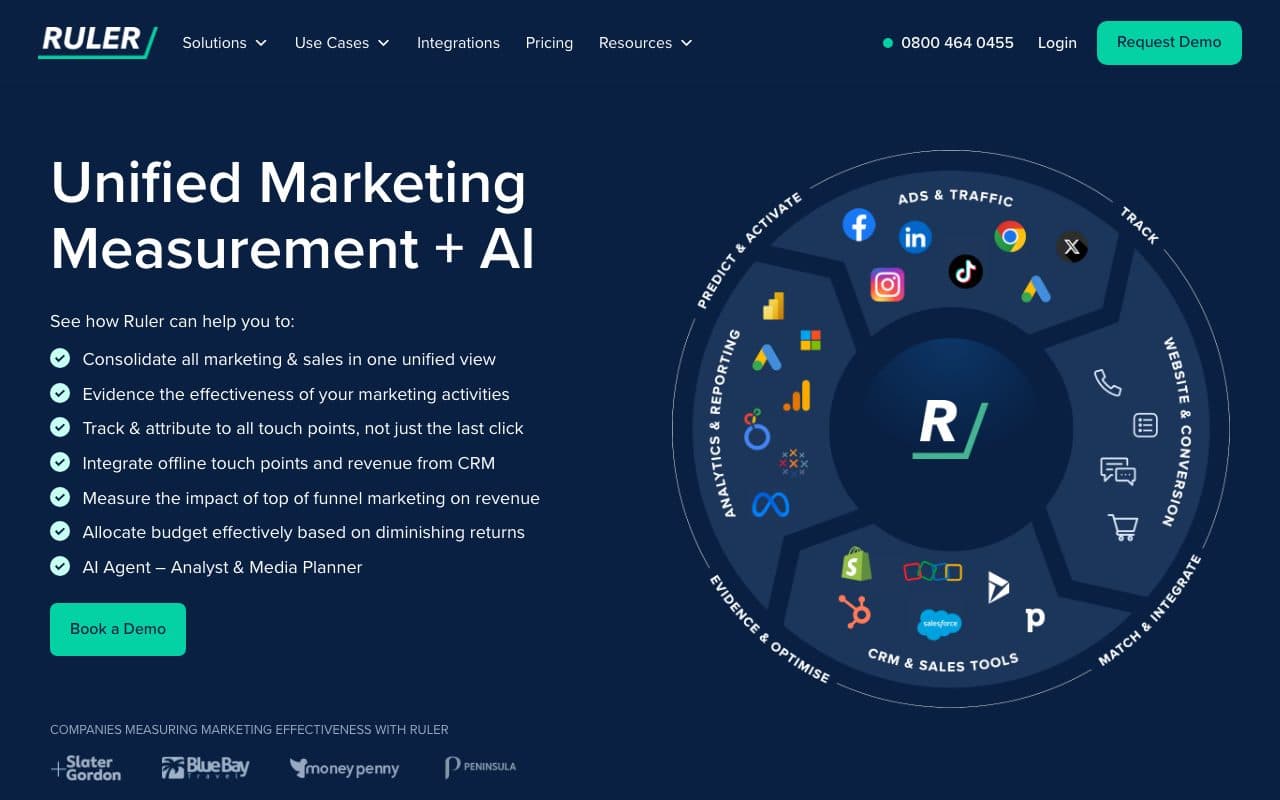
Ruler Analytics got the category right early: attribution for lead generation, where the conversion is a form or a call, and it stayed there when most tools chased e-commerce. First-party tracking and conversion tags, multi-touch models, marketing mix modelling with budget scenarios, CRM and martech integrations, cross-domain and multi-device tracking, and the call tracking with dynamic number insertion the product grew from, all in one platform. For a business whose pipeline is fed by the phone, that combination is still rare.
The price list is public and banded by monthly visits: Small at £299 a month, Medium £499, Large £999 and Advanced £1,499, 10% less on annual billing, also priced in euros and dollars, with no free trial. Two things date it against the rest of this list. The primary tracking is browser-side, and AI search engines are not documented as sources of their own. Data is stored in the UK and/or the EEA, without one region named, which an EU data protection review has to clarify.
Pros
- Call tracking with dynamic number insertion in the same product as multi-touch attribution and MMM with budget scenarios
- A public price list in three currencies, banded by visits, so a team can place itself before the call
- CRM and martech integrations plus cross-domain and multi-device tracking, built for the form and the call
Cons
- £299 a month at the entry with no free trial, then £499, £999 and £1,499 by monthly visits
- Browser-side tracking as the primary method, and AI search engines not documented as sources of their own
- Data stored in the UK and/or the EEA, so an EU review has to ask which region and whether a UK transfer applies
Verdict
The pick when calls are a real share of the leads and the team wants attribution and call tracking from one vendor. For a purely online funnel, newer tools cover the same ground with server-side collection and AI search as a source.
6. Dreamdata: Best for Account-Level B2B Attribution
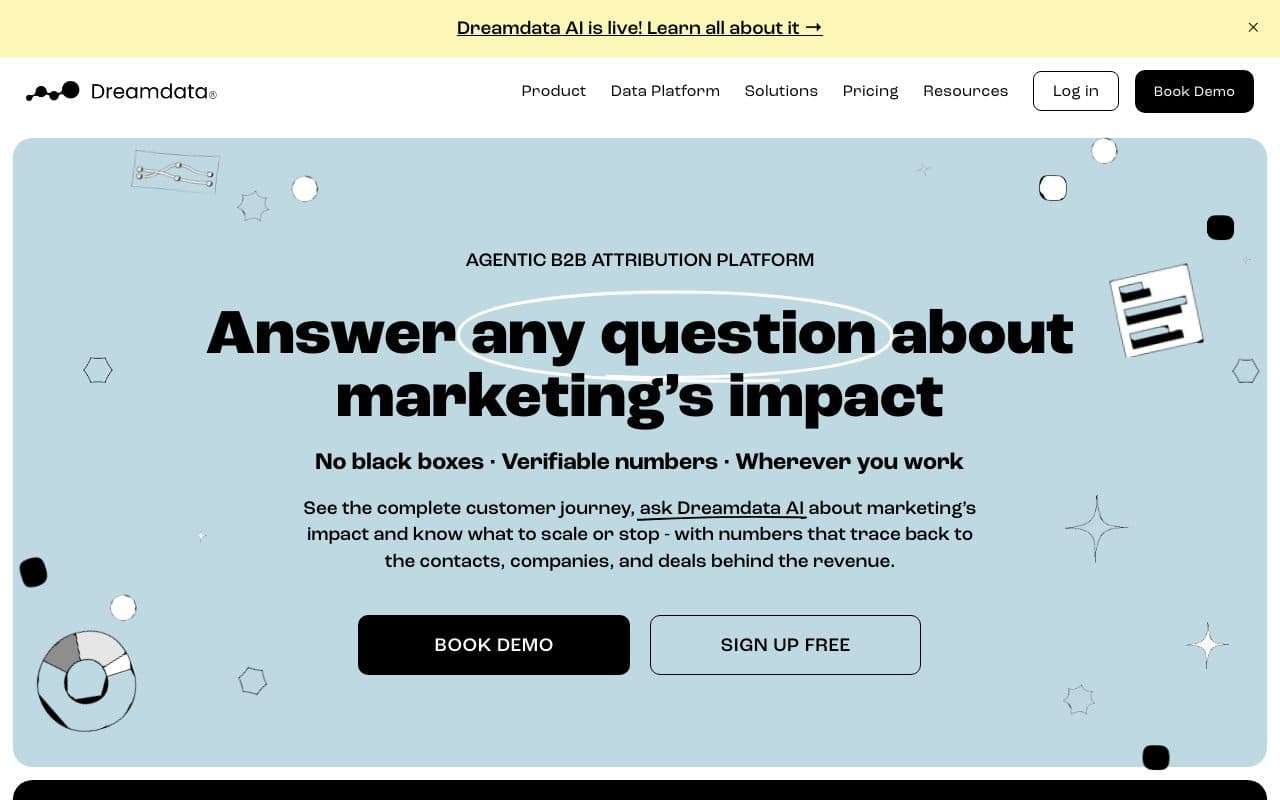
Dreamdata models the account rather than the lead: every stakeholder's touches from the first anonymous visit to closed won on one company timeline, with company identification of anonymous visitors (up to 80% of companies, by its own figure), engagement scoring and an audience builder on top. HubSpot, Salesforce, Microsoft Dynamics and Pipedrive connect as CRMs, alongside LinkedIn, Google, Meta, Microsoft, Twitter, Capterra and G2 ads. For a RevOps team selling six figure contracts to a buying committee, that is the model the sales cycle actually has.
It is cross-channel in the return direction too. Inside the Activation Hub, conversions go to Google Ads Enhanced Conversions for Leads, the LinkedIn Conversions API, Microsoft Enhanced Conversions and Meta Conversions, and audiences sync daily to the same four platforms. ChatGPT, Gemini and Perplexity are mapped to an Organic LLM channel by UTM source and referrer. Data sits in EU data centres on Google Cloud under SOC 2 Type II with a DPA, and Dreamdata AI adds an Analytics Agent and an MCP server on the paid plan.
The free plan is analytics, not attribution: $0 with two months of history, five seats, three stage models and one sync. The attribution models, the agent, the MCP server and the conversion syncs sit on the paid Attribution and Activation plans, priced on quote by monthly tracked users, with Activation and the warehouse as add-ons, full onboarding, a dedicated CSM and a data model of stage models and custom sources to configure.
Pros
- Account-level journeys with company identification, the model a buying committee actually needs
- Conversions and audiences to Google, LinkedIn, Microsoft and Meta from the Activation Hub, and an Organic LLM channel
- EU data centres, SOC 2 Type II and a DPA, with a free analytics plan to see your own journeys first
Cons
- Paid pricing is on quote by monthly tracked users, with Activation and the warehouse as add-ons
- The free plan carries no attribution models; the models, the agent, the MCP server and the syncs are paid features
- A data model to configure and onboarding with a CSM: it is a programme to run, not a tag to install
Verdict
The best account-level model available, and the first call for ABM and RevOps teams. A business whose revenue arrives as a form, a call or a CRM deal will find per-lead attribution and a public price the shorter route.
7. Cometly: Best for Paid Media Teams That Want an Ads Manager Beside Attribution
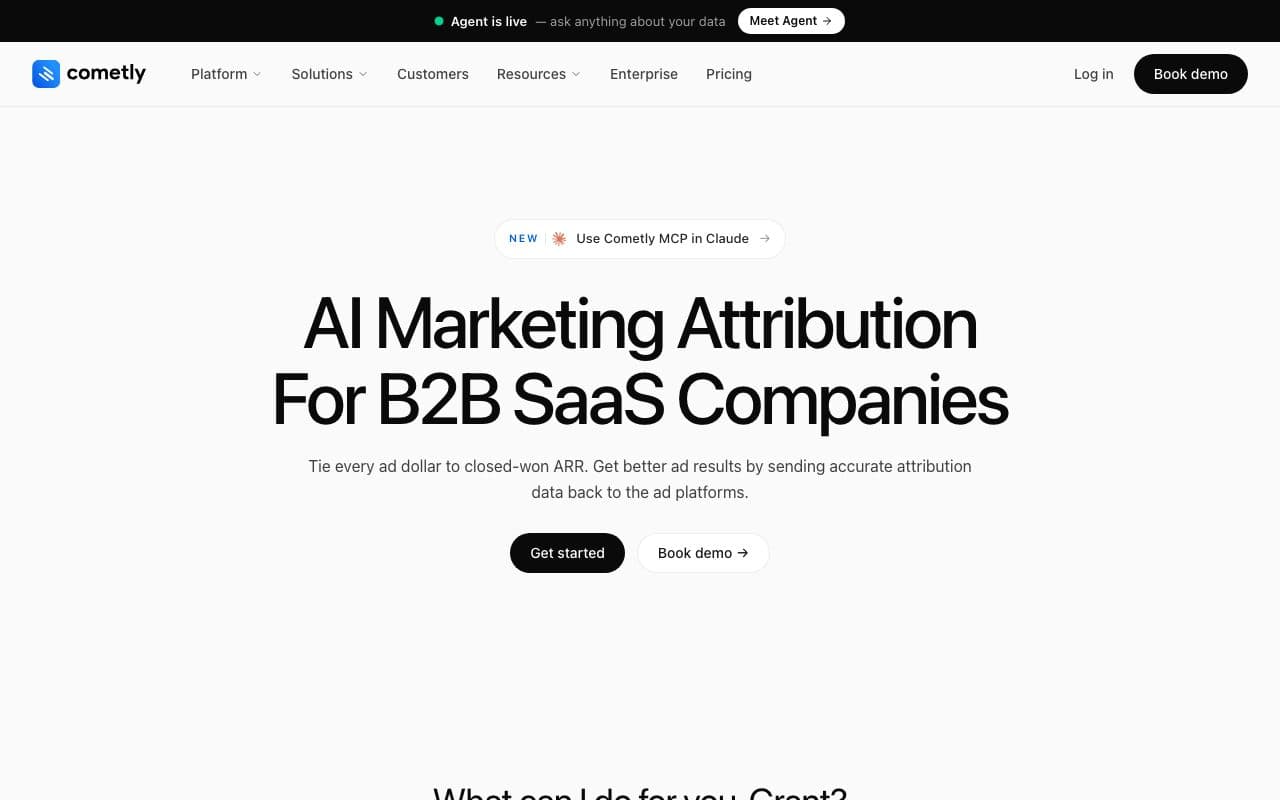
Cometly is the closest thing on this list to LeadJourney in shape: server-side tracking and a Conversions API on both of its tiers, multi-touch attribution across the funnel, contact-level journeys, an AI chat with Slack reports, and an AI Ads Manager that puts spend and campaign management for the major platforms in one view. It positions on full-funnel attribution for B2B SaaS, with agencies and e-commerce brands alongside. For a team that lives in the ad accounts, having the manager and the attribution in one tool is the argument.
The packaging is where it differs. There are two tiers, Core and Enterprise, usage-based on monthly pageviews, with no public price, a demo before purchase, 20% off on annual billing and no free trial, as the pricing page states. CRM and warehouse sync, the API and MCP sit on Enterprise, so the join to the pipeline is the top tier's feature. No call tracking is listed, AI engines are not documented as sources of their own, and the data region is not published.
Pros
- Server-side tracking and a Conversions API on both tiers, with contact-level journeys behind the reports
- An AI Ads Manager with spend and campaign management for the major platforms in the same product
- Multi-touch attribution across the funnel and an AI chat that sends reports to Slack
Cons
- CRM and warehouse sync, the API and MCP are Enterprise features, so the pipeline joins the model on the top tier only
- No public price, usage-based on pageviews, a demo before purchase and no free trial
- AI search engines not documented as sources, no call tracking, data region not published
Verdict
Reasonable for a paid media team that wants to manage and measure in one window. Compare it against a tool that reads the CRM on the first plan at a published price before you book the demo.
8. SegmentStream: Best for Modelled Attribution With a Data-Minded Team
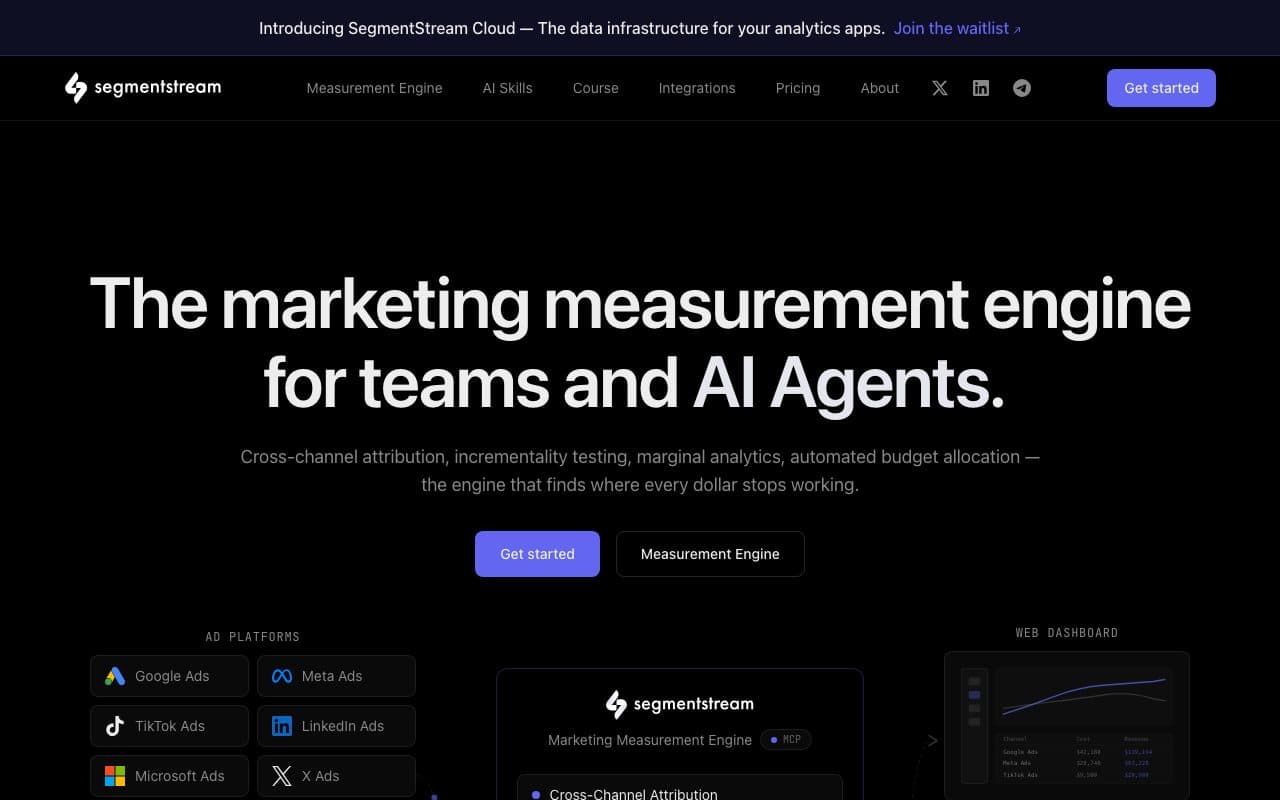
SegmentStream is the modelling platform on this list: cross-channel and predictive attribution modelling, an identity graph, marginal analytics and incrementality tests, built to estimate what a channel adds at the margin where deterministic tracking cannot reach. The Online tier names e-commerce, DTC, subscriptions, marketplaces and mobile gaming; the Full Funnel tier reads CRM conversions for long sales cycles and names B2B SaaS, real estate, automotive, financial services and healthcare. An AI measurement agent, AI-guided onboarding and an MCP server for Claude, ChatGPT and Cursor come with it.
The starting prices are public, per project with unlimited users: Online from $800 a month, Full Funnel from $1,200 and Enterprise from $5,000, billed quarterly or annually, with Enterprise on an annual commitment. Server-side conversion tracking and automated budget allocation are Enterprise features. Data residency is a choice of US or EU per project. Setup is a project, data sources, the model and typically a data engineer, which is the honest cost of a model rather than a record. AI engines are not documented as sources of their own.
Pros
- Predictive and marginal attribution that estimates what a channel adds, the question a click stream cannot answer
- US or EU data residency chosen per project, with MCP for Claude, ChatGPT and Cursor and an AI measurement agent
- Public starting prices with unlimited users, and a Full Funnel tier that reads CRM conversions for long cycles
Cons
- From $800 a month, and $1,200 before the CRM is in the model, billed quarterly or annually
- A project rather than a product: data sources, a model and typically a data engineer before the first answer
- Server-side conversion tracking and budget allocation only on the $5,000 Enterprise tier
Verdict
The right choice for a team with the volume and the analysts to act on modelled contribution. Most teams need to know which ad brought the deals, in numbers a board can check against the CRM, and that is a different product.
9. Improvado: Best for Enterprise Data Pipelines Into BI
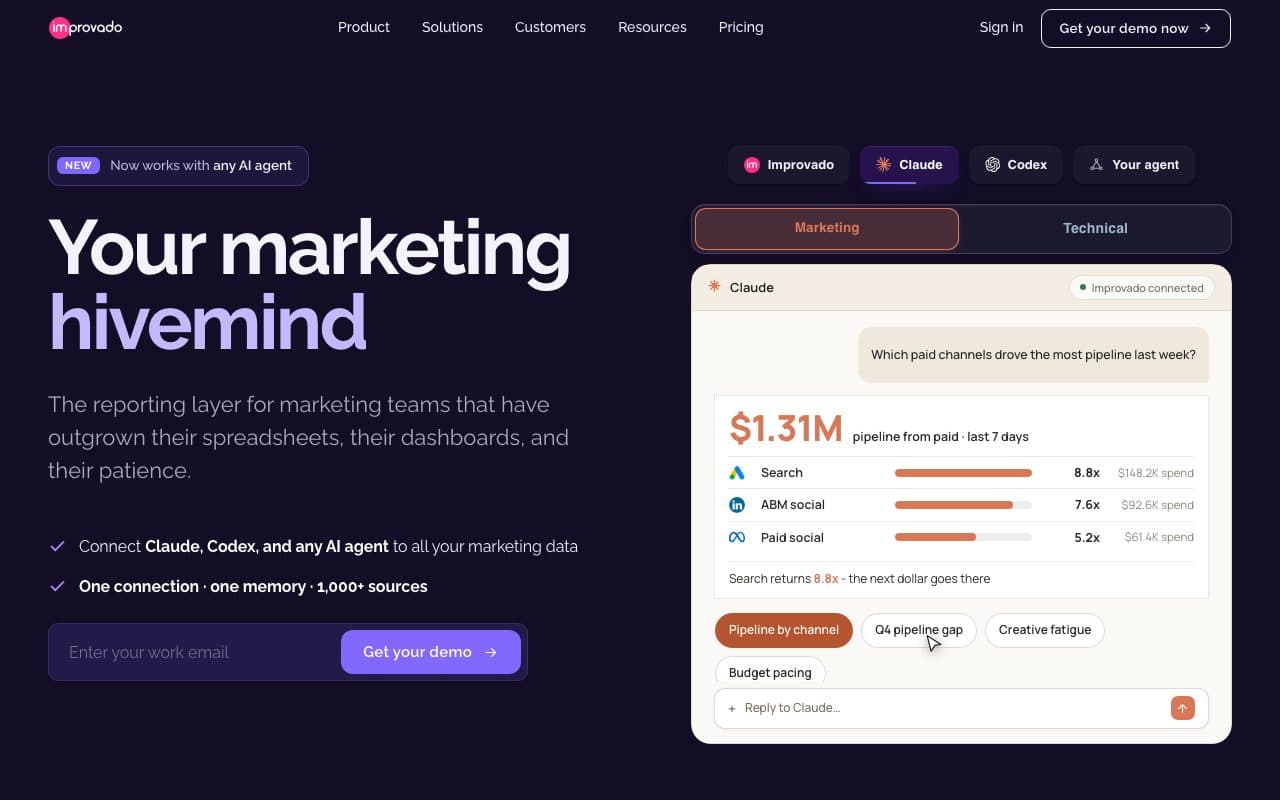
Improvado is a different layer. It is an enterprise marketing data pipeline: extraction and loading from over a thousand sources (its integrations page counts 1,390 and more), transformation and modelling, marketing data governance, and delivery to Tableau, Looker Studio, BigQuery or Snowflake, with an AI agent and MCP servers since 2026 sold as a marketing agentic OS. It does not track anything itself. It moves what other tools have recorded into a warehouse your data team owns, which for an enterprise with that team is exactly the point.
Two entry tiers are priced, Free Limited at $0 and MCP Only at $100 a month, and both buy AI agent and MCP access to your sources. The data platform itself, Advanced and Enterprise, is on quote and sized by rows a year, with attribution as an add-on: multi-touch as a paid module on both, MMM and incrementality testing on Enterprise. SOC 2 Type II is on every plan, HIPAA and SSO on the quoted ones, and the data region is not published. Reverse sync is named on the homepage; sending CRM stages to the ad platforms as conversions is not documented.
Pros
- Over a thousand connectors with transformation and governance, delivered to any warehouse or BI tool
- An AI agent and MCP on every plan, including a $100 a month MCP Only tier, with SOC 2 Type II throughout
- Multi-touch attribution, MMM and incrementality available as add-ons on the same governed data
Cons
- It records no click of its own: joining a deal to the click that started it is a model your team builds in the warehouse
- Attribution is a paid add-on on plans that are themselves on quote, sized by rows a year, with billing terms unpublished
- The data region is not published, and a conversion sync of CRM stages to the ad platforms is not documented
Verdict
For an enterprise with a data team, a warehouse and a BI layer, a serious pipeline. For a marketing team without one, it is the beginning of a project, not the answer to the double counting.
10. Windsor.ai: Best for Connectors Into Looker Studio and Sheets
Windsor.ai is the connector layer: over 300 sources of ad, analytics and CRM data pulled into Looker Studio, Google Sheets, Power BI, BigQuery and other destinations, with campaign tracking, data warehouse sync and multi-touch attribution reports built on top of what the connectors bring in. It is aimed at marketers and agencies who already report in Looker Studio or a warehouse and want a cheaper Supermetrics, and on that brief it is the most affordable route on this list to spend and CRM values on one page.
The free plan covers one source and one account. Paid plans are priced by data sources and accounts: Basic at $23 a month, Standard $118, Plus $299 and Professional $598, with Enterprise on quote and 15 to 20% off annually, so the bill grows with every connector added. What it cannot do is record the click. The attribution reports run on what the sources hold, so whether a click ID survives to the CRM row, and which touch earns the credit, is decided by the tools upstream and the analyst downstream.
Pros
- 300+ connectors into Looker Studio, Sheets, Power BI and BigQuery, the cheapest honest route to one dashboard
- A free plan with one source to try, then public tiers from $23 a month
- Multi-touch attribution reports, campaign tracking and warehouse sync on the same connector data
Cons
- It moves rows rather than recording the click, so the attribution is only as good as the sources upstream
- Priced by sources and accounts, which is exactly what a cross-channel setup keeps adding
- Deciding which touch earns credit, and joining ads to deals, is still work in the destination
Verdict
A reporting layer rather than an attribution system. Right when the pain is fragmented dashboards, wrong when the pain is four platforms claiming the same lead.
11. Attribution App: Best for Self-Serve Multi-Touch on HubSpot, Segment or Shopify
Attribution App does the one thing its name says. Every standard model is there, first click, last click, linear, time decay and position-based, with ROAS compared across models on the same report, ad channel connectors for the spend, and CRM lifecycle and deal stage sync so the credited outcome can be a stage rather than a form. It is built for startups to enterprises on HubSpot, Segment, Salesforce or Shopify, and it is self-serve: a 14-day trial rather than a demo.
The prices are public. Pro is $399 a month up to 10,000 visitors, the Shopify plan is $199 a month, and Custom is on quote and carries the warehouse integration, with 16% off on annual billing. So the $199 entry in the table is the Shopify plan; a team on HubSpot, Segment or Salesforce starts at $399, and visitor volume drives the bill from there. It is multi-touch attribution and little else, which is either the appeal or the limit depending on what you came for.
Pros
- First, last, linear, time decay and position-based models, with ROAS compared across them on one report
- CRM lifecycle and deal stage sync, so the credited outcome can be a pipeline stage rather than a form fill
- Public prices and a 14-day trial: the self-serve evaluation the enterprise tools do not offer
Cons
- The $199 plan is for Shopify; everyone else starts at $399 a month, capped at 10,000 visitors
- The warehouse integration is on the Custom plan only, priced on quote
Verdict
Solid self-serve multi-touch for a team already on HubSpot, Segment, Salesforce or Shopify that wants the models without the modelling project. Check what the visitor cap does to the price before comparing it on the entry figure.
12. Google Analytics 4: Best for the Free Baseline Every Site Already Has

GA4 is on almost every site the reader owns, and for cross-channel scope it is better than its reputation: organic, direct, referral and every campaign tagged with UTM parameters land in one property, free, with data-driven attribution as the default model for new properties, audiences for Google Ads, consent mode with behavioural modelling and a free BigQuery export. Analytics 360 is the paid tier for large properties. As a baseline for what the website saw, nothing else here is free and everywhere.
The limits follow from what it is: web analytics, measured by a browser-side tag. There is no CRM connection; offline outcomes need a data import or the Measurement Protocol. Google Ads cost arrives through the link and other platforms' cost by manual import, and key events flow to Google Ads only, so Meta, LinkedIn and Microsoft learn nothing from it. Reports are aggregate, user explorations run on anonymous identifiers, event data is kept two or 14 months on the free tier, and AI engines land under referral or direct unless you write channel rules.
Pros
- Free, on every site already, and cross-channel in scope: organic, direct, referral and every UTM-tagged campaign in one property
- Data-driven attribution by default, audiences for Google Ads and a free BigQuery export for the data team
- Analytics 360 as the paid tier when a large property outgrows the free one
Cons
- No CRM connection and no spend outside Google Ads without a manual import, so revenue by channel is not in the product
- Key events reach Google Ads only; Meta, LinkedIn and Microsoft get nothing back from GA4
- Event data kept two or 14 months on the free tier, and AI search engines bucketed under referral or direct
Verdict
Keep it. Most teams do, and its BigQuery export keeps working. It answers which channel a session came from; it does not answer what a channel earned, and that gap is the whole reason the other eleven tools exist.
What None of These Tools Can Fix on Their Own
Back to the example from the intro. €24,000 of spend, four platforms, and four conversion counts that add up to 155 against 122 leads in the CRM. Every figure is invented for this guide, but the shape is the ordinary one for lead generation, and in e-commerce, where retargeting overlap is heavier, the gap is usually wider. The point of the table is its last two rows: the sum of four honest reports exceeds the thing being divided by 27%.
One month of the example account: 155 claimed conversions against 122 leads in the CRM
| Where the number comes from | Spend | Conversions claimed | What it cannot see |
|---|---|---|---|
| Meta Ads Manager | €9,000 | 71 | Any journey that also touched Google, LinkedIn or organic |
| Google Ads | €10,000 | 58 | The Meta ad that opened the journey the week before |
| LinkedIn Campaign Manager | €4,000 | 19 | Everything that happened off LinkedIn |
| Microsoft Advertising | €1,000 | 7 | Everything that happened off Bing |
| The four added up | €24,000 | 155 | That 33 of these leads do not exist |
| The CRM | €24,000 | 122 leads | Nothing, once each journey is joined to a person |
Three things produce that gap, and none of them is a bug in your tag. They are facts about how the platforms are built, which is why the double counting is structural: a tool can work around them or measure outside them, but no tool can switch them off, and a tool that only collects the four reports inherits all three.
- Different windowsMeta counts a conversion within seven days of a click by default; Google, LinkedIn and Microsoft within thirty, and all four are configurable. A lead all four touched on day twenty is counted three times.
- Walled gardensMeta, Google, LinkedIn and Microsoft do not exchange user-level data, by design and increasingly by law. Each reports as though it were the only channel running, so the sum of four reports always exceeds reality.
- View-throughMeta credits a conversion within a day of an impression nobody clicked; search platforms cannot. A channel running display earns a category of credit a search channel structurally never can.
Now hold the twelve tools against those three causes. A connector or a pipeline, Windsor.ai and Improvado, lands four platform reports in one dashboard and leaves all three intact: the 155 is now on one screen. A model, Rockerbox's MMM, SegmentStream's marginal analytics, Northbeam's and Triple Whale's incrementality, estimates around them, which is the right answer for a channel nobody clicks and an expensive one for a channel everybody does. A record, one first-party journey per person joined to the CRM outcome, is the only thing that makes the total equal the number of leads.
The short version
A tool that shows you four dashboards on one screen has moved the double counting, not removed it. Only a record that joins each click to one person and one CRM outcome makes the channels add up to the leads.
That is why the questions in the next section are about the record before they are about the model. The mechanics, the four measurement methods and the same journey under six models, are in the guide to cross-channel attribution, and the reconciliation side is in why GA4, Meta and Google conversions never match your CRM.
How to Choose a Cross-Channel Attribution Tool
Seven questions, in the order that removes the most options. Ask them of the vendor's documentation and pricing page rather than of the demo, because a demo is built to make every tool look as though it answers all seven, and the pricing page is where the plan that actually does gets named.
- Does it record, model or move? Windsor.ai and Improvado move data; Rockerbox and SegmentStream model it; LeadJourney, Ruler Analytics, Cometly, Attribution App and Dreamdata record it. Only a record can make four channels add up to one CRM count, so if that is the problem, start there.
- Where is the click ID captured? Server-side on your own domain, or in the visitor's browser. The answer sets the accuracy ceiling for everything downstream, and a first-party identifier set by your own domain and kept on the server is what outlasts anything a browser clears.
- What is the conversion? An order (Triple Whale, Northbeam), a form or a call (Ruler Analytics), a CRM stage and the closed deal (LeadJourney, Dreamdata, Attribution App), or a key event you define (GA4). A tool whose conversion is not your outcome will attribute the wrong thing very precisely.
- Does closed revenue go back to the ad platforms, and on which plan? LeadJourney sends CRM stages and deal values to Meta, Google, LinkedIn and Microsoft on every plan; Dreamdata inside its Activation add-on; Cometly through its Conversions API on both tiers; Rockerbox and Improvado do not document it. Measurement that never reaches bidding is a report, not a system.
- Can you switch the model on the report you are looking at, and open one named journey? The insight is in which channels change rank between first click and linear, and a dispute is settled on one lead's dated touchpoints. If changing the model needs a re-import or a support ticket, nobody ever will.
- Where is the data hosted, and can you read the price first? Dreamdata names EU data centres, SegmentStream offers EU or US per project, LeadJourney hosts in Frankfurt, Cometly in US regions; Rockerbox, Northbeam, Triple Whale and Improvado do not publish a region. Four of the twelve quote their paid price rather than print it.
- How long is the setup, honestly? Rockerbox's own guidance says six to eight weeks for MTA or MMM, SegmentStream is a project with a data engineer, Dreamdata comes with a CSM and a data model to configure, LeadJourney is live in about 21 minutes. If the answer is a quarter, the model is obsolete before the first report; if it is an afternoon, ask what is being skipped.
If two tools survive all seven, run them side by side for a month on the same site: a second script costs nothing, and the attributed revenue per channel is the comparison that matters. The head-to-head pages for Rockerbox, Northbeam, Triple Whale, Ruler Analytics, Dreamdata, Cometly, SegmentStream, Improvado and Google Analytics 4 go row by row through the features our pricing page lists.
Further Reading
The mechanics behind this ranking: cross-channel attribution, what it is and why it breaks, why GA4, Meta and Google conversions never match your CRM, server-side versus browser tracking and the gclid from capture to CRM. For the B2B side of the same question, B2B marketing attribution, the B2B buyer journey, revenue attribution in the glossary and multi-touch attribution for B2B.
Other rankings: the best B2B attribution software, the best lead attribution tools and the CRM roundups for HubSpot, Salesforce and Pipedrive. On the product side, multi-touch attribution, the channel report, one truth across every ad platform, marketing attribution software and the live demo, which is the reporting itself, clickable, without a call.
FAQ
Frequently Asked Questions
What marketing teams ask before choosing a cross-channel attribution tool.
What is cross-channel attribution software?
Software that credits one conversion across every marketing channel a person touched on the way to it, counted once, from outside the ad platforms. Meta, Google, LinkedIn and Microsoft each report the conversions they can see inside their own window and model, so the sum of four platform reports is always larger than the number of leads or orders. A cross-channel tool builds one journey per person, joins it to the outcome, a form, a call, a CRM deal or an order, and splits the credit so the channel totals add up to what actually happened. The tools differ in whether they record that journey, model it statistically, or move four dashboards into one.
How is cross-channel attribution software different from multi-touch attribution software?
In practice the two labels sit on the same products, and most vendors use both. Where they are distinguished, multi-touch attribution is the mechanism: splitting credit between the touchpoints in one journey, which could all be on one channel. Cross-channel attribution is the question that mechanism is used to answer: what is Meta worth compared to Google, on the same conversion, counted once. Every tool on this list does multi-touch in some form; what separates them is whether the journey it runs on is complete across channels, joined to a CRM or store outcome, and collected in a way that survives the walled gardens. The glossary entry has the model definitions.
Can Google Analytics 4 do cross-channel attribution?
Partly. GA4 sees organic, direct, referral and every campaign tagged with UTM parameters in one property, and its default model for new properties is data-driven attribution, so it is cross-channel in scope and it is free. What it does not have is the other half of the equation: no CRM connection, ad cost from Google Ads only unless you import the rest, key events that reach Google Ads and no other platform, and reports on anonymous identifiers rather than named leads. It answers which channel a session came from. It does not answer what a channel earned in closed revenue, which is the number a budget decision needs. Most teams keep GA4 and add an attribution layer beside it.
Which cross-channel attribution tool is best for B2B?
It depends on the unit of attribution your sales cycle needs. If the buyer identifies at a demo request or a form and the deal is then worked in HubSpot, Salesforce or Pipedrive, a lead-level tool that joins the click to that person and follows the CRM stages to the closed deal is the direct route: LeadJourney does that from €129 a month, with the closed revenue sent back to eight ad platforms. If the deal involves many anonymous stakeholders, an ABM programme and a RevOps team to run it, an account-level model such as Dreamdata, which identifies the companies behind anonymous visits, is the better fit. The B2B marketing attribution guide works through that choice.
Which cross-channel attribution tool is best for e-commerce?
For a Shopify brand whose whole revenue is the checkout, Triple Whale is the reference product, with the Triple Pixel, blended ROAS, Compass for MMM and incrementality and Moby as the analyst, from a free plan. For a high-volume store that wants deterministic view-through and an identity graph, Northbeam, from $1,500 a month. A consumer brand with television, podcast or direct mail budgets is Rockerbox's territory. A business that sells through a store and a sales team at once needs both revenue streams on one model: LeadJourney connects Shopify and Stripe natively and any other shop by webhook or the API, next to the CRM deals, while product-level catalogue analytics stay with the store tool.
How much does cross-channel attribution software cost?
The published entry points on this list run from free to $1,500 a month. Google Analytics 4 is free, Windsor.ai starts at $23 a month after a free plan, LeadJourney at €129 with a 30-day money-back guarantee, Attribution App at $199 for Shopify and $399 otherwise, Triple Whale at $219 after a free plan, Ruler Analytics at £299, SegmentStream at $800 and Northbeam at $1,500. Rockerbox, Cometly and Improvado's data platform are on quote, as is Dreamdata's paid plan above its free tier. The axis matters as much as the figure: pageviews, tracked users, store GMV, rows a year or marketing spend each grow differently as the business does.
Keep reading
More from the blog
 Tool Comparisons
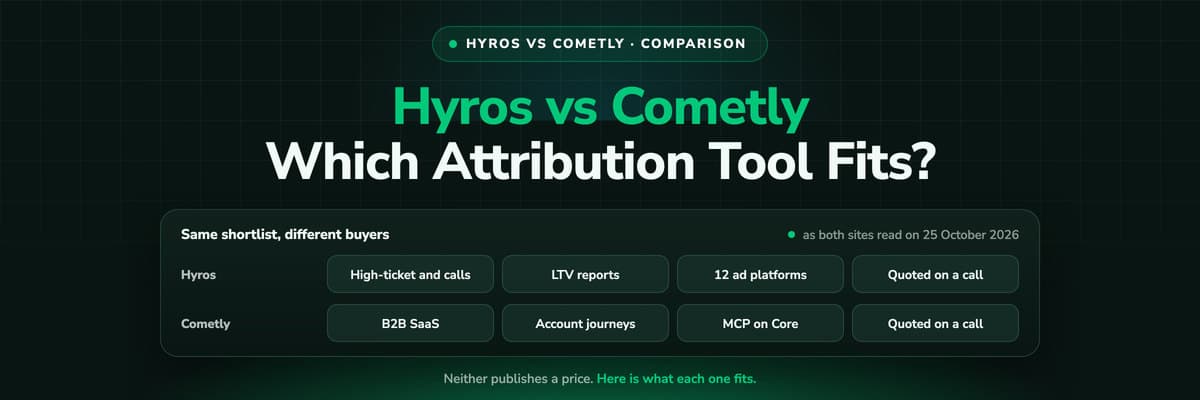
Hyros vs Cometly (2026): Which Attribution Tool Fits?
Hyros is built around high-ticket sales, info products and calls; Cometly around B2B SaaS pipeline. Both quote prices on a call. A fair, dated comparison of tracking, CRM depth, AI, security and cost, and who should pick which.Read the article14 min read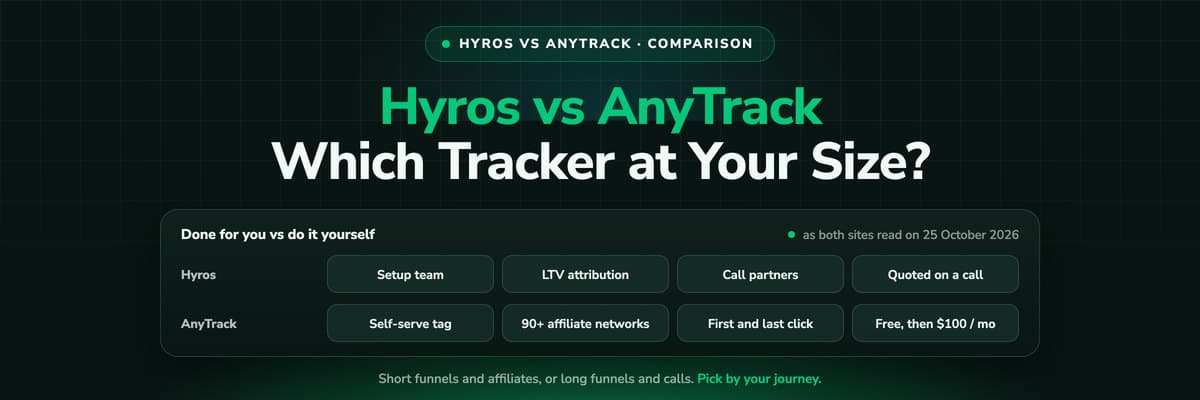 Tool Comparisons
Hyros vs AnyTrack (2026): Which Tracker at Your Size?
AnyTrack is a self-serve conversion router with a free plan and public prices from $100 a month. Hyros is a done-for-you attribution platform quoted on a call. A fair, dated comparison of tracking, attribution, affiliates, calls and cost.Read the article14 min read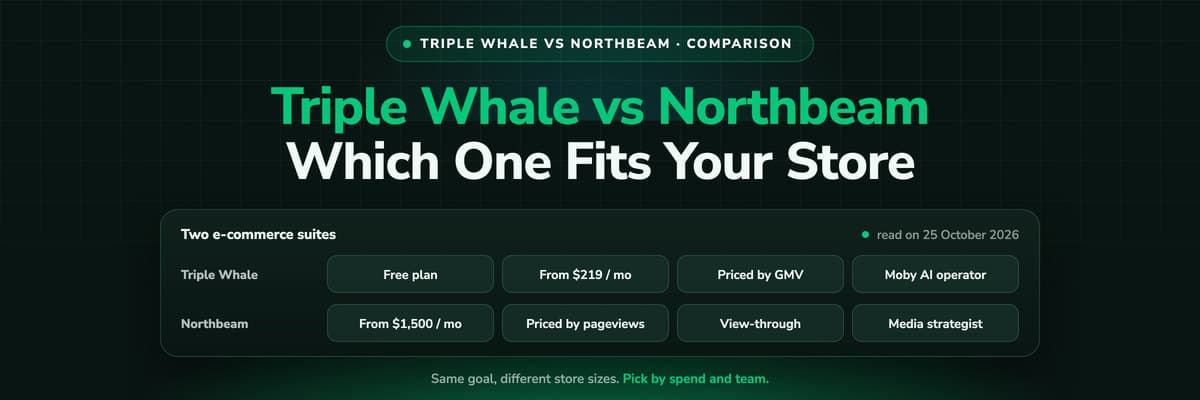 Tool Comparisons
Triple Whale vs Northbeam (2026): Which Fits Your Store
Triple Whale and Northbeam both measure e-commerce marketing, and they are built for different stores. Attribution, measurement, AI, setup and both price lists side by side, read on 25 October 2026, and which brand each one fits.Read the article13 min read
Cross-channel attribution
Count every channel once, against the revenue your CRM booked
Server-side tracking at 95%+ accuracy, the click IDs kept from the first visit, the journey joined to the CRM deal, and the closed value sent back to Meta, Google, LinkedIn and Microsoft. Live in 21 minutes.
30-day money-back guaranteeSetup with a tracking expert


