


















BlogHow To Guides
Server-Side vs Browser Tracking: The Real Differences
Browser tracking loses 30-40% of conversions to ad blockers, iOS 14.5 and Safari ITP, so Meta and Google optimize on a broken sample. How each method works, the seven differences that matter, and how to go server-side without a developer.


Contents
Summarise this article with AI
Opens the page with a ready prompt in:


Nothing is sent until you pick a service.
Your Meta dashboard shows 100 conversions. Your CRM shows 140. Your Google Analytics shows 95. Three different platforms, three different numbers, for the same business, the same week.
Welcome to the post-iOS-14 reality. Browser tracking is broken. It's been broken for years. Most marketing teams know this and live with it.
You don't have to. Server-side tracking captures the conversions that browser tracking misses, sends them to the ad platforms with full fidelity, and works regardless of cookies, ad blockers, or what Apple does next.
Here's what each tracking method actually does, the seven differences that matter, and which one you need.
Quick Summary: Server-Side vs Browser Tracking
In short
Browser tracking runs a third party's script inside your visitor's browser, where iOS restrictions, Safari's tracking prevention, ad blockers and consent banners can all stop it. It captures roughly 60 to 70% of conversions. Server-side tracking collects the event on a server you control, on your own domain, then sends it to each ad platform over that platform's own API, machine to machine, where none of those mechanisms apply: 95%+ of conversions, and events a browser can never see at all, such as a CRM stage change or a signed contract. The two are not alternatives. Meta's own recommendation is to run both and let them describe the same conversion from two directions, joined by a shared event ID. What server-side is not is a way around consent: it sends the same data to the same companies, just reliably.
What Is Browser Tracking?
Browser tracking (also called client-side tracking) runs entirely on the user's device. When someone lands on your site, a JavaScript snippet (the Meta Pixel, the Google tag, the LinkedIn Insight tag) fires in their browser. The snippet collects data (page views, clicks, form submissions) and sends it directly from the browser to the ad platform.
This is how tracking has worked since the early 2000s. It's simple. It's lightweight. And it has three points of failure that have become impossible to ignore:
- Ad blockers strip out tracking scripts before they fire. Roughly 30% of desktop users globally run an ad blocker.
- iOS 14.5+ App Tracking Transparency lets users opt out of cross-app tracking. Most do. Meta's own data showed 70%+ opt-out rates within the first year.
- Browser-level tracking restrictions (Safari's ITP, Firefox's ETP, Brave's blocking) limit third-party cookies, restrict cross-site tracking, and shorten cookie lifespans.
Result: a typical lead gen business loses 30-40% of its tracking signal. The conversions still happen (your CRM still shows them), but Meta and Google never see them. Their optimization algorithms learn from a broken sample. Cost per lead goes up. Lead quality goes down.
What Is Server-Side Tracking?
Server-side tracking moves the tracking logic off the user's browser and onto your server (or a tracking service's server, like LeadJourney). When a conversion happens, the data is sent server-to-server: from your backend, directly to Meta's API, Google's API, LinkedIn's API.
This isn't a workaround. It's how Meta, Google, and LinkedIn now recommend you track. Each of them has built first-party APIs specifically for this:
- Meta Conversions API (CAPI)
- Google Enhanced Conversions (and the Google Ads API)
- LinkedIn Conversions API (CAPI)
- TikTok Events API
These APIs accept conversion data directly from your server. They don't rely on browser cookies. They don't get blocked by ad blockers. They don't break under iOS or Safari restrictions.
The 7 Key Differences
Each row below is a real, measurable shift, not theory.
Browser tracking vs server-side tracking, seven differences
| Browser tracking | Server-side tracking | |
|---|---|---|
| Accuracy | 60-70% of conversions captured | 95%+ captured. The gap is what Meta and Google never see, and never optimise for |
| iOS impact | Severe loss: most iPhone users decline the tracking prompt | Unaffected. iPhone users convert at the same fidelity as Android users |
| Ad blockers | Scripts blocked by every blocker on the market | Nothing runs in the browser, so there is nothing to block |
| Privacy compliance | Third-party cookies, the regulatory target of GDPR, ePrivacy and CCPA | First-party data with a clear record of what was sent, when and to whom |
| Data control | The script sends what it decides, the moment it fires | Deliberate: you choose the events, the fields and the destinations |
| Setup | A five-minute snippet | Traditionally a developer job. Tools like LeadJourney remove that entirely |
| Site performance | Four to eight third-party scripts on every page | Moved off the page. Better Core Web Vitals as a side effect |
Rows one to three are the same mechanism seen three ways, and together they are the whole business case. Row four is the one that surprises people: server-side tracking is easier to defend to a regulator, not harder, because there is one inspectable point at which data leaves rather than a chain of scripts nobody has read.
Why Browser Tracking Was Enough, Until 2021
For most of the 2010s, browser tracking worked. Cookies followed users across the web. Ad platforms saw most of the conversion volume. Reports lined up.
Then three things happened in quick succession:
2017-2019: Safari Intelligent Tracking Prevention (ITP) starts limiting third-party cookies. Most marketers don't notice: Safari is a minority browser, and it's mostly an iPhone issue.
April 2021: Apple ships iOS 14.5 with App Tracking Transparency. Suddenly, 70%+ of iPhone users opt out of cross-app tracking. Meta loses visibility into the majority of iPhone conversions overnight. Stock drops 26% in a single day.
2022-2024: Chrome announces (and walks back, then re-announces) third-party cookie deprecation. Ad blocker usage hits 31% in Germany, 27% in the US.
By 2024, Meta and Google are publicly recommending the Conversions API as the primary signal, with browser pixels as a fallback. The ground has shifted. Most marketing teams haven't shifted with it.
How Server-Side Tracking Actually Works
Three platforms, three slightly different mechanics, but the same shape.
Meta Conversions API (CAPI)
Your server sends conversion events directly to Meta's API. You include the user's email, phone, IP, and any first-party data you have. Meta hashes everything for matching, then attributes the conversion to the click that drove it. The Pixel becomes a backup signal; the API becomes primary.
Google Enhanced Conversions
Google captures the visitor's email at the form submit. The email is hashed in the browser, sent to Google with the conversion event, and matched against Google's logged-in user data. Even if the cookie is stripped, the email lets Google reconnect the conversion to the original ad click.
LinkedIn CAPI
LinkedIn's API works similarly to Meta's. Server-to-server conversion events with hashed email and phone matching. LinkedIn ties them back to the original Sponsored Content click, even when LinkedIn's Insight Tag is blocked.
Across all three, the principle is the same: send conversions from where you have full data control (your server), match users via hashed PII, optimize ad spend against a complete signal.
Why This Matters More for Lead Gen Than E-Commerce
E-commerce companies feel browser tracking gaps, but they have signals that lead gen businesses don't:
- A purchase confirmation page fires on every order
- The transaction value is known at the moment of conversion
- Customers are mostly logged in (Shopify, account-based)
Lead gen businesses don't have any of that. The conversion happens on a form submit. The actual deal might close 30, 60, 90 days later, at a different value than the form. The lead might have used a different device, a different browser, or no UTMs at all.
Without server-side tracking, you're sending Meta a form fill and asking it to optimize. With server-side tracking, you can send Meta the form fill and the closed-won outcome 60 days later. Now Meta optimizes for the leads that actually buy, not the ones that just fill in forms.
This is why LeadJourney was built specifically for lead generation businesses. The platform captures every conversion server-side, attributes it across the full customer journey, and pushes the closed-won signal back to every ad platform. The result, on average: 30-40% lower cost per qualified lead within 90 days.
Common Misconceptions
"Server-side tracking is just s2s tracking." Not quite. "S2S" is a generic term. Modern server-side tracking includes the Conversions APIs of major platforms, click ID handling, identity stitching, and event deduplication. It's a system, not a single technique.
"Server-side tracking is GDPR-exempt." No. Server-side tracking is more compliant (you control what data is sent and have a clear audit trail), but you still need user consent for processing personal data. It's easier to be compliant, not automatically compliant.
"Server-side tracking replaces the Pixel entirely." In practice, no. You run both. The Pixel handles browser-side events that don't need server validation. The Conversions API handles the conversions that matter for revenue. They deduplicate via event IDs.
"Server-side tracking needs a developer." Used to be true. Tools like LeadJourney remove the developer requirement entirely: server-side tracking goes live in around 21 minutes via a no-code installation.
How to Implement Server-Side Tracking (Without a Developer)

The traditional path: hire a developer, set up a server-side Google Tag Manager container, configure events for each ad platform, debug for weeks. Most teams never finish.
The faster path: use a tool built for it.
LeadJourney sets up server-side tracking in about 21 minutes. Install the script once on your site, connect your ad accounts, and the platform handles the rest: Meta CAPI, Google Enhanced Conversions, LinkedIn CAPI, click ID injection, event deduplication, and the data pipeline back to your CRM.
You don't need a developer. You don't need a server-side GTM container. You don't need to debug iOS edge cases. The tracking just works.
Further Reading
Carry on with server-side tracking without a developer, the Meta Conversions API for lead generation and why GA4, Meta and Google never match your CRM. For the tooling, see server-side tracking and the best server-side tracking tools.
In the glossary
FAQ
Frequently Asked Questions
The questions teams ask when deciding between browser and server-side tracking.
What is the difference between browser and server-side tracking?
Browser tracking runs a JavaScript snippet on the visitor's device and sends the conversion straight from their browser to the ad platform. Server-side tracking sends the same conversion from your own backend to each platform's API. One runs in an environment the visitor controls, the other in one you control.
How much more accurate is server-side tracking?
Browser tracking typically captures 60 to 70% of conversions, server-side around 95%. The missing third is not random: it is concentrated in iPhone users, Safari users and people running an ad blocker, so a pixel-only account systematically undervalues whichever campaigns reach them.
Why do Meta, my CRM and GA4 all show different numbers?
Because they are counting different things and losing different amounts. Meta counts what its pixel saw plus modelled conversions, GA4 counts sessions it could attribute, and the CRM counts people who actually exist. Three honest systems will still disagree unless one independent record is matched across all of them.
Is server-side tracking better for privacy compliance?
It removes the third-party cookie chain that GDPR, ePrivacy and CCPA all target, and it gives you a clear record of what was sent, when and to whom. It does not remove the need for consent for marketing tracking, and sending data onward to a US ad platform is still a transfer that needs a basis.
Does server-side tracking make my site faster?
Usually, yes. A typical browser setup loads four to eight third-party scripts on every page, and moving them off the page removes that weight from the critical path. Better Core Web Vitals and lower bounce are a side effect of the change rather than the reason for it, but they are a real one.
Keep reading
More from the blog
 How To Guides
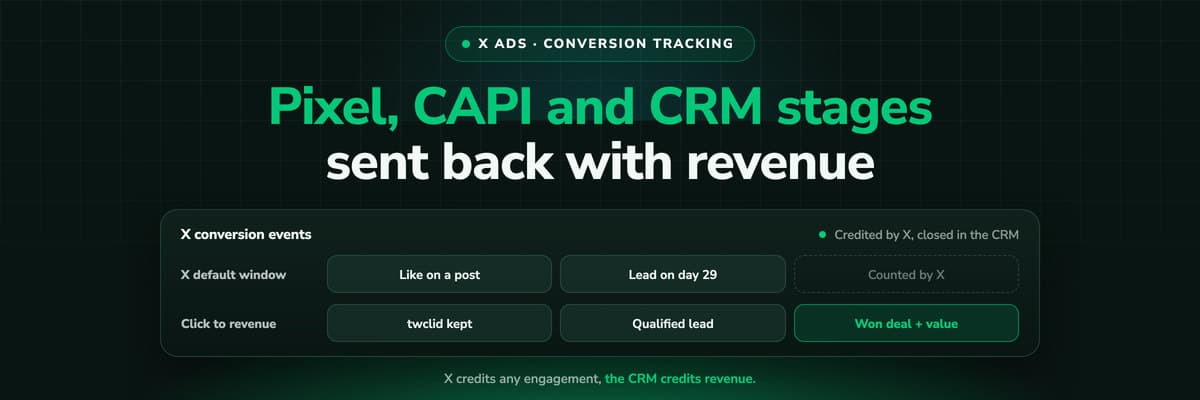
X Ads Conversion Tracking: Pixel, CAPI and CRM Events
X reports what the X Pixel and the Conversions API tell it, credited after any engagement inside windows you set per event. What to count for lead generation and for a store, how the two sources deduplicate on one conversion ID, why X's count and the CRM disagree by design, how to verify it, and which number deserves the budget.Read the article19 min read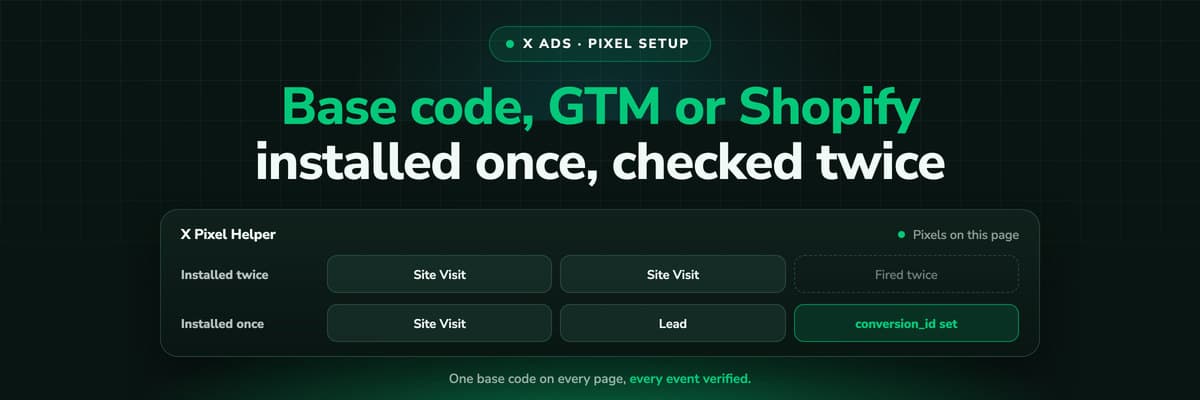 How To Guides
X Pixel Setup: Base Code, GTM, Shopify and Events
Every way to install the X Pixel, with X's own steps and code: creating it in Events Manager, the base code, event code, Google Tag Manager through the partner integration, Shopify, Ensighten and Tealium. Then the event types and parameters, cookies and consent, and how to check it all with the X Pixel Helper and the event statuses.Read the article18 min read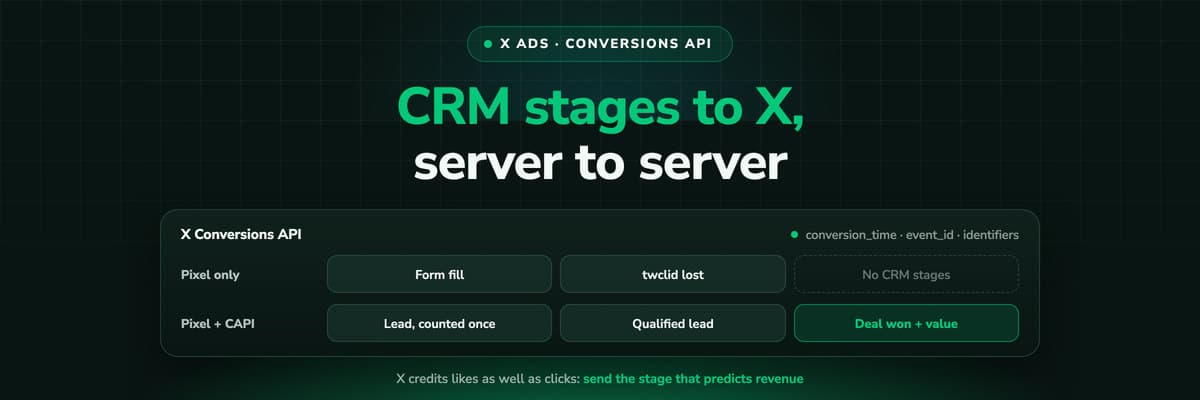 How To Guides
X Conversions API: Setup, Deduplication and CRM Events
The X Pixel reports what a browser lets it see. The Conversions API reports what your server tells it, including stages that happen in the CRM after the form. The endpoint and body, the access token against OAuth, identifiers and hashing, deduplication against the Pixel, the twclid you have to keep yourself, the limits, and what X will credit from a CRM.Read the article16 min read
Beyond the pixel
Stop guessing. Start tracking every lead server-side.
Stop sending Meta and Google a broken signal. LeadJourney captures every conversion server-side, matches it to your CRM, and pushes closed-won outcomes back to every ad platform.


