


















BlogTool Comparisons
12 Best GTM Tools and Software in 2026
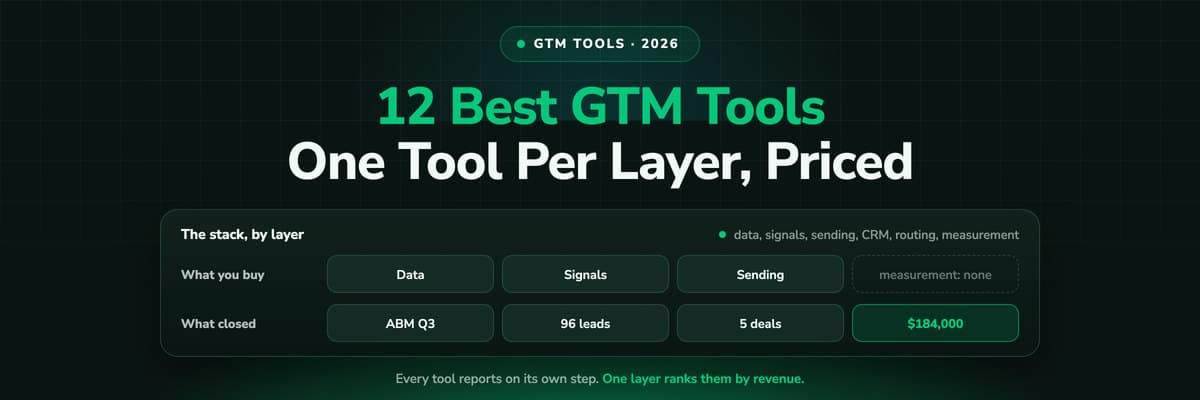
A GTM stack is five or six tools that each report on their own step, which is why nobody can say which play produced the revenue. Twelve tools compared by the layer they own, with prices read this month and a verdict on who each one is for.

Contents
Summarise this article with AI
Opens the page with a ready prompt in:


Nothing is sent until you pick a service.
GTM here means go-to-market: the tools a revenue team uses to find accounts, reach them, run the deal and report on it. It is not Google Tag Manager, which shares the acronym and confuses every search for it.
The modern GTM stack is five or six products deep, and each one grades its own homework. The enrichment tool counts rows, the sequencer counts replies, the ad platform counts leads, the CRM counts deals, and the one number the whole stack exists to produce, which play made the money, is not in any of them.
So this list is organised by layer rather than as a leaderboard: data, signals, execution, CRM and orchestration, conversations, and measurement. Twelve tools, what each is actually for, and what it costs. Every price was read on the vendor's own pricing page on 20 September 2026.
Quick summary: the best GTM tools in 2026
In short
The best GTM stack in 2026 is one tool per layer, not one tool for everything: Clay for data and enrichment, Unify or Common Room for signals, Smartlead and HeyReach for outbound execution, Attio or your existing CRM as the record, Default for routing, Gong for what happens on the call, and LeadJourney for the layer most stacks are missing, which is measurement: joining closed revenue back to the play that started the journey and sending it on to the ad platforms.
Almost every stack breaks in the same place. The layers that create pipeline are well served and well funded. The layer that proves which of them worked is usually a spreadsheet, a CRM source field that says Direct, and one person exporting two CSVs the day before the review.
Read the list as a stack. Three questions decide most of it: does the tool own a layer you actually have a gap in, does it have an API you can call from the automations you already run, and can you tell within a quarter whether it paid for itself.
The 12 best GTM tools at a glance
The 12 best GTM tools in 2026, by the layer each one owns
| Tool | Layer | Best for | Pricing |
|---|---|---|---|
| Rank 1LeadJourney | Measurement | Joining closed CRM revenue back to the play and the ad that started it | 30-day money-back guarantee |
| Rank 2Clay | Data and enrichment | Building and enriching lists from 150+ providers in one table | Free; Launch $167/mo; Growth $446/mo |
| Rank 3Apollo | Data and execution | A contact database with sequencing attached, at a per-seat price | Free; Basic $49/user/mo; Professional $99/user/mo |
| Rank 4Unify | Signals and AI outbound | Small teams that want signals, data and sending in one product | Free; Base $20/seat/mo; Pro $60/seat/mo |
| Rank 5Common Room | Signals | Enterprise teams joining person-level signals across every channel | Essential $2,500/mo, billed annually |
| Rank 6Warmly | Website signals | Identifying the companies and people already on your site | From $10,000/year |
| Rank 7Smartlead | Email execution | Cold email at volume with unlimited sending accounts | From $39/mo |
| Rank 8HeyReach | LinkedIn execution | LinkedIn sending at agency scale, many seats at once | From $79/mo |
| Rank 9Attio | CRM | Teams that want a CRM shaped like their data model, not like a rep's inbox | Free; Plus €39/user/mo; Pro €93/user/mo |
| Rank 10Default | Orchestration | Inbound routing, scheduling and enrichment as one workflow layer | Growth $1,250/mo; Scale $3,000/mo |
| Rank 11Gong | Conversations | Recording and analysing what is actually said in the deal | On request, per user plus a platform fee |
| Rank 12Dreamdatavs LeadJourney | Measurement | Account-level B2B attribution for long, multi-stakeholder cycles | Free plan, paid on quote |


About the prices
Every figure was read on the vendor's own pricing page on 20 September 2026. Apollo's come from the Offer nodes in that page's own structured data, because the table itself is rendered in the browser. Gong publishes no prices at all: its page says licences are priced per user with a platform fee on top, and asks for your team size. Prices move, so check before you buy.
What counts as a GTM tool, and the six layers
A GTM tool is anything that helps a revenue team find, reach, convert or measure a buyer. That definition is wide enough to be useless on its own, which is why every list of them reads like a different list. The useful version is the stack: six jobs, and the question of which one you have a hole in.
Data
Who exists, where they work and how to reach them. Clay, Apollo and the enrichment providers underneath them.
Signals
Who is worth reaching this week: a job change, a hiring post, a visit to the pricing page. Unify, Common Room, Warmly.
Execution
The sending itself, by email and on LinkedIn, at a volume and a deliverability a human cannot keep up with. Smartlead, HeyReach.
The record
Where the person and the deal live, and what every other tool writes to. Attio, HubSpot, Salesforce, Pipedrive.
Orchestration
Routing, scheduling and the rules between the tools, so an inbound lead reaches the right rep the same minute. Default.
Measurement
Which of the five above produced revenue, and what to do with that. LeadJourney, Dreamdata.
Most teams buy the first three layers twice and the last one never. That is not an accident: the first three produce something visible the week you turn them on, and measurement produces an answer you only get to read a quarter later. It is also why so many GTM stacks cost five figures a month and cannot survive one question from the person who signs for them.
1. LeadJourney: best for joining closed revenue back to the play
LeadJourney is the measurement layer under a GTM stack. It captures every click server-side on your own tracking subdomain and keeps the platform click IDs, stitches sessions and devices into one journey per person, writes the source onto the CRM contact and the deal, and sends the closed revenue back to Google, Meta, LinkedIn and Microsoft through their conversion APIs.
For a GTM engineer the part that matters is that it is callable. Leads your plays create off the website go in with one API call and are joined to the journey that already existed, matched on the click ID or the email, rather than starting a new one. So the paid click from six weeks ago is still attached to the deal when it closes, which is the join every other tool in the stack quietly drops. See the API docs and the page for GTM engineers.
Pros
- Closed CRM revenue credited back to the campaign, ad and play that started the journey, under five attribution models
- Server-side capture on your own domain, so the source survives a broken UTM, an ad blocker and a redirect
- Outcomes pushed back to nine ad platforms on a CRM stage change, so the algorithms optimise on qualified pipeline
- REST API, webhooks, Zapier, Make and n8n, plus an MCP server so Claude can read the journeys directly
Cons
- No native connector for Clay, Apollo or a sequencer: those reach it through the API, a webhook or Zapier
- It is a measurement layer, not a database or a sending tool, so it replaces none of the four layers above it
Verdict
The right choice when the stack already produces pipeline and nobody can prove which part of it did. If your conversion lives in a CRM and changes stage over weeks, this is the layer that turns the whole machine into something you can rank by revenue.
2. Clay: best for data and enrichment in one table
Clay is the spreadsheet that became an orchestration layer. You build a table of accounts or people, run it through 150+ data providers in sequence, let an AI agent research whatever the providers cannot answer, and push the result into the CRM or the sequencer. It is the tool most often meant when someone says they are doing GTM engineering.
Its pricing model is worth reading twice, because it is two currencies. Actions measure the orchestration itself and start below one cent each; data credits pay for the third-party lookups and start at five cents. Actions reset monthly, unused data credits roll over. That is generous at small volume and gets expensive exactly when a play starts working.
Pros
- One place to chain 150+ data providers, so you stop buying four overlapping subscriptions
- Waterfall enrichment: try the cheap provider first, fall through to the expensive one only when it misses
- The de facto standard, which means templates, a community and people you can hire who already know it
Cons
- The two-currency credit model makes the monthly cost hard to predict before you have run a quarter through it
- It builds and enriches lists; what those lists earned still has to be answered somewhere else
Verdict
Buy it if list building and enrichment are where your week goes. It is the best tool in its layer and it is not trying to be the others.
3. Apollo: best for a database and sequencing at one per-seat price
Apollo is a contact database with the sending, the dialler and a light CRM bolted on, which is why it is usually the first GTM tool a team buys and the one they outgrow in two directions at once. The free plan is real and the paid tiers are per seat, so the cost scales with headcount rather than with usage.
Data quality is the trade. A database this wide is right often enough to be useful and wrong often enough that a serious outbound team ends up running a waterfall in Clay over the top of it. As a starting point for a two-person team, though, it is hard to beat on price.
Pros
- Database, sequencing, dialler and enrichment in one subscription, at a per-seat price a small team can carry
- A free plan that is genuinely usable for a first campaign
- Deep integrations with the CRMs and the rest of the stack, so it is rarely a dead end
Cons
- Contact accuracy is mixed, which is why enrichment waterfalls exist
- Per-seat pricing punishes exactly the team that wants everyone in the tool
Verdict
The pragmatic first purchase for a small team, and a perfectly good data source inside a bigger stack later.
4. Unify: best for signals, data and sending in one product
Unify sells the whole top of the funnel as one product: find the signal, enrich the person, write the email, send the sequence. Where Clay is a workbench you assemble, Unify is an opinion about how outbound should run, and for a team without a GTM engineer that opinion is worth paying for.
The pricing is the most approachable on this list: a free tier with limited credits and up to three seats, then $20 a seat a month for credits and the job change and hiring signals, and $60 a seat for more credits plus read-only HubSpot and Salesforce sync. Intent signals, signal-triggered automations and read-write CRM sync sit on the custom Business plan.
Pros
- Signals, enrichment, AI copy and multi-channel sending in one subscription
- The cheapest way on this list to test whether signal-based outbound works for you at all
- Unlimited seats on the paid plans, so the tool is not rationed by licence
Cons
- The CRM sync is read-only until the custom Business plan, and write-back is usually the point
- An opinionated product is a ceiling as well as a shortcut once your plays get specific
Verdict
The best starting point for a team that wants signal-driven outbound without hiring somebody to build it. Check where the plan boundary sits before you commit: the features most teams want are one tier above the one they price.
5. Common Room: best for person-level signals across every channel
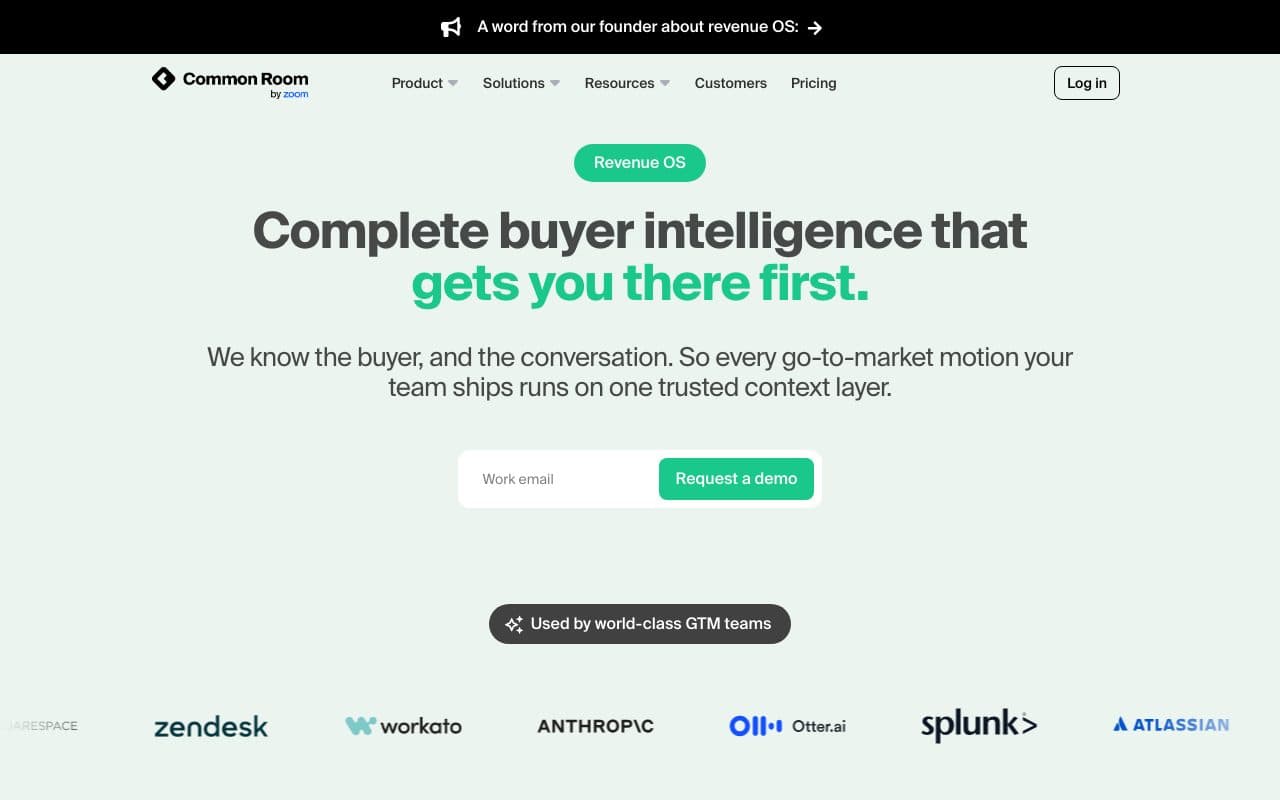
Common Room watches the places buyers actually leave a trace, from community and social activity to product usage and website visits, resolves them to a person and a company, and turns the interesting ones into plays. It is the most complete signal layer here and it is priced accordingly.
There is no free tier and no small plan. Essential is $2,500 a month billed annually, with five seats, up to 100,000 contacts and 5,000 AI credits; the Advanced and Enterprise tiers raise the seats, the contacts and the support. That is an enterprise purchase, and it wants an enterprise motion behind it.
Pros
- Identity resolution across community, social, product and web, which almost nothing else does properly
- Signals become plays inside the same tool rather than a CSV somebody has to action
- Strong fit for product-led companies where usage is the best buying signal you own
Cons
- $30,000 a year is the entry point, with no trial tier to prove it first
- You need enough inbound and enough community for there to be signals worth resolving
Verdict
Right for a mid-market or enterprise team with real inbound and a product that generates usage signals. Wrong for a team whose pipeline is still entirely cold outbound.
6. Warmly: best for identifying who is already on your site
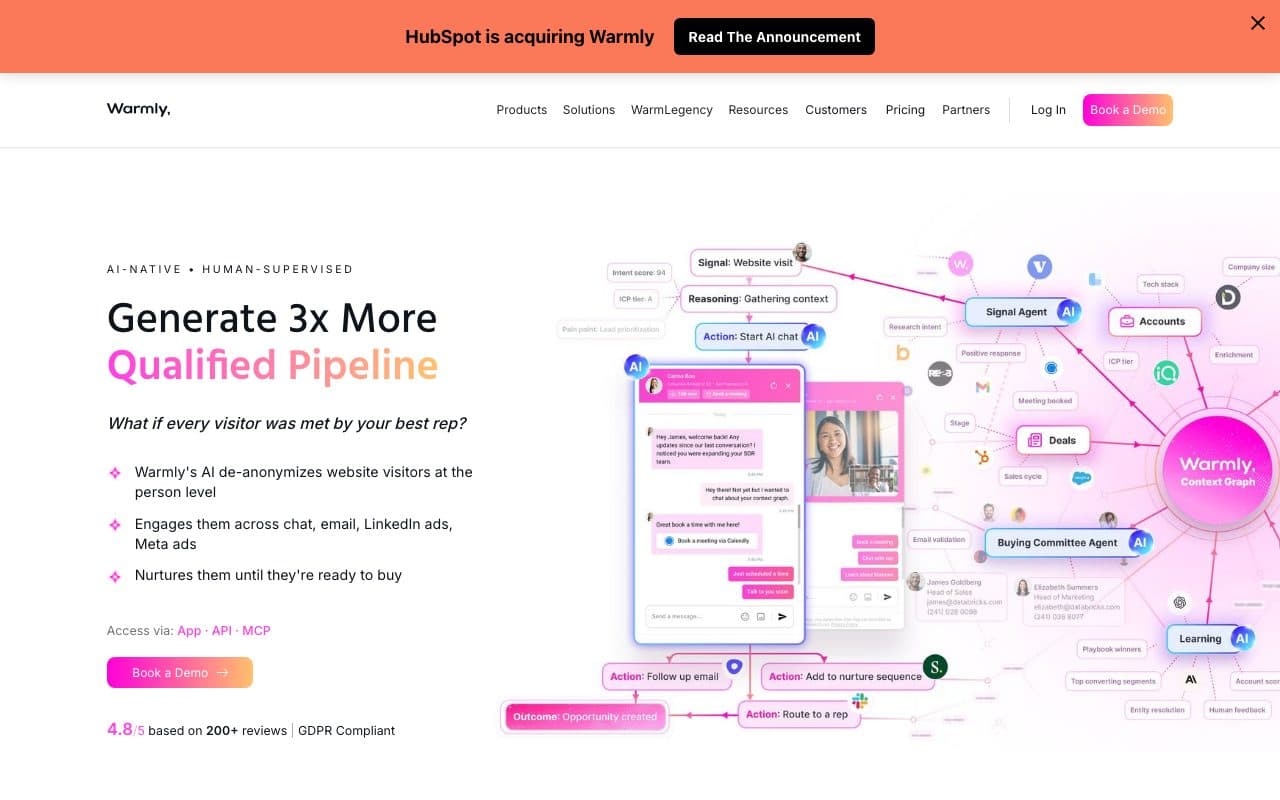
Warmly de-anonymises website traffic to the company and, where it can, the person, then routes what it finds: a Slack alert, a CRM record, a retargeting audience or an AI chat that opens on the visitor while they are still reading. It is the fastest of these tools to demonstrate, because the first alert arrives the same afternoon.
Pricing is annual and stepped by what you want it to do: $10,000 a year for the de-anonymisation itself, $20,000 with inbound chat, $30,000 for the autopilot tier, each from 10,000 credits a month, with a quarterly option and add-on packages on top. There is no free tier.
Pros
- Turns existing traffic into a list, which is the cheapest audience you already paid for
- Routing, Slack alerts and CRM sync included rather than sold as an integration tier
- Immediate proof: you can judge the data quality in a week
Cons
- Person-level resolution is much weaker outside the US, and the EU picture is a legal question as well as a technical one
- An annual commitment for something whose value depends entirely on your traffic volume
Verdict
Worth it when you have meaningful traffic and a sales team that will act on an alert within the hour. Pointless if either half of that is missing.
7. Smartlead: best for cold email at volume
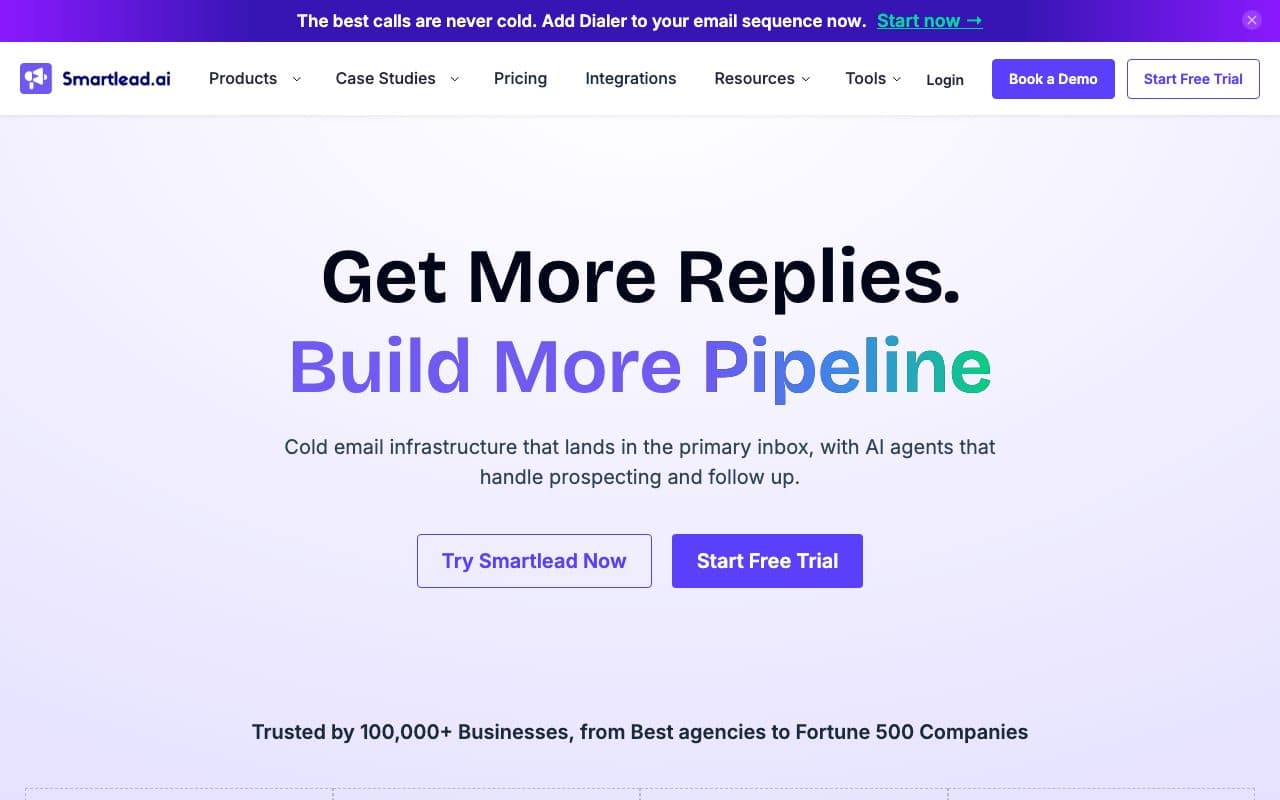
Smartlead is the sending layer: unlimited mailboxes on every plan, rotation across them, warmup, a unified inbox and an API that the rest of the stack drives. It is the piece of the stack that is closest to plumbing, and the one where a bad choice shows up as a domain reputation problem three months later.
Plans run from $39 a month for 6,000 sends and 2,000 contacts, through $94 and $174, to $379 for the Unlimited Prime tier with 500,000 sends, with about 17% off on annual billing. Unlimited email accounts are included at every tier, which is the whole reason agencies pick it.
Pros
- Unlimited sending accounts on every plan, so deliverability strategy is not a budget decision
- A proper API and webhooks, which is what makes it usable as a component rather than an app
- Cheap enough to run alongside a LinkedIn tool instead of compromising on one that does both
Cons
- It sends; it will not tell you which sequence produced revenue, only which produced replies
- Cold email at volume is a deliverability discipline, and no tool removes that work
Verdict
The default choice for email execution, especially for agencies running many domains. Pair it with something that can tell you what the replies were worth.
8. HeyReach: best for LinkedIn outreach at agency scale
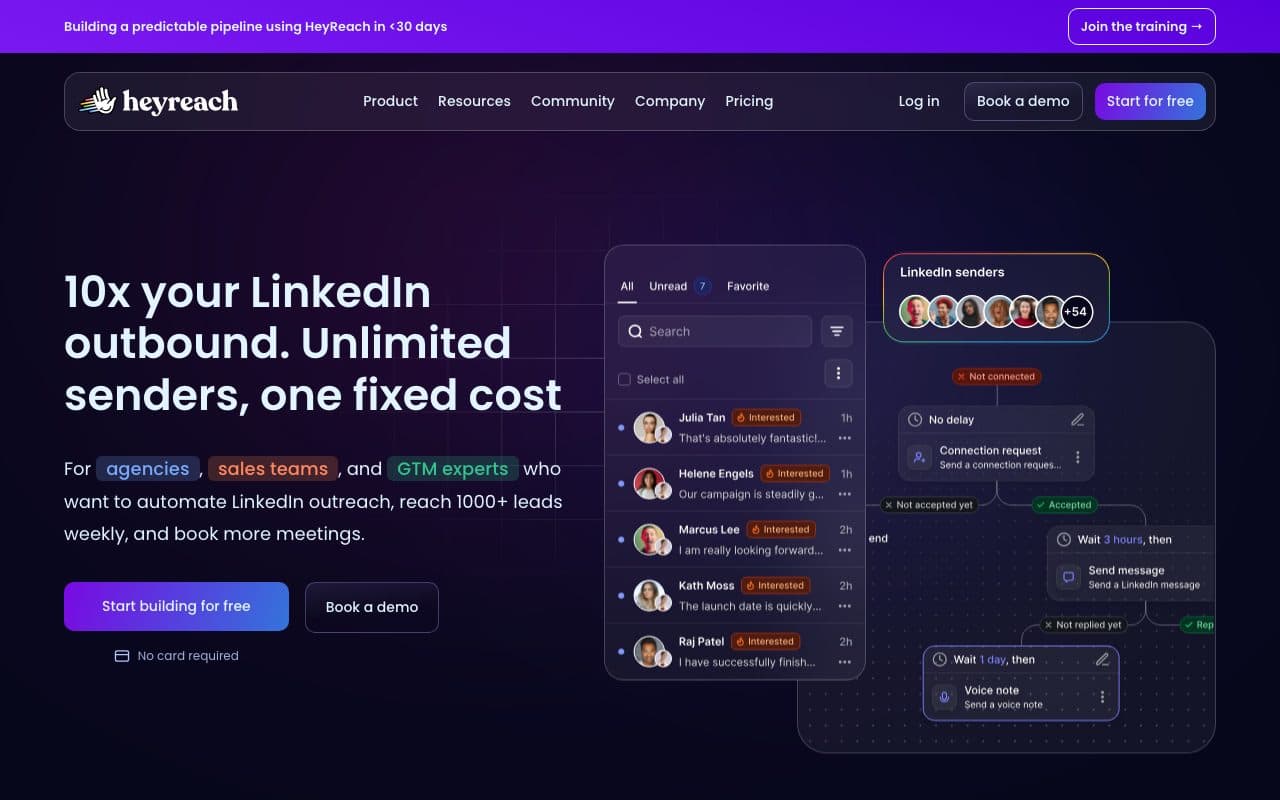
HeyReach is the LinkedIn half of the same job, built for running many sender accounts as one campaign, which is exactly the shape an agency or a team with fifteen reps needs. Campaigns are unlimited, the inbox is unified across senders, and it hands off to Smartlead or Instantly for the email leg.
Growth is $79 a month, or $63 on annual billing. Agency is $999 a month for 25 senders, scaling to 50 on commitment, and Unlimited is $2,999 a month capped at 300 senders under a fair-use policy. The per-sender maths is what decides between it and the cheaper single-seat tools.
Pros
- Many sender accounts in one campaign, which single-seat LinkedIn tools simply cannot do
- A unified inbox across all senders, so replies do not get lost between accounts
- API, webhooks and integrations with Clay, HubSpot and the rest of the stack
Cons
- The jump from Growth to Agency is more than ten times the price, with little in between
- LinkedIn automation lives at the platform's discretion, whatever the vendor promises
Verdict
The right tool when LinkedIn is a channel you run at scale rather than a thing one person does. At one or two senders, the cheaper tools are fine.
9. Attio: best for a CRM shaped like your data model
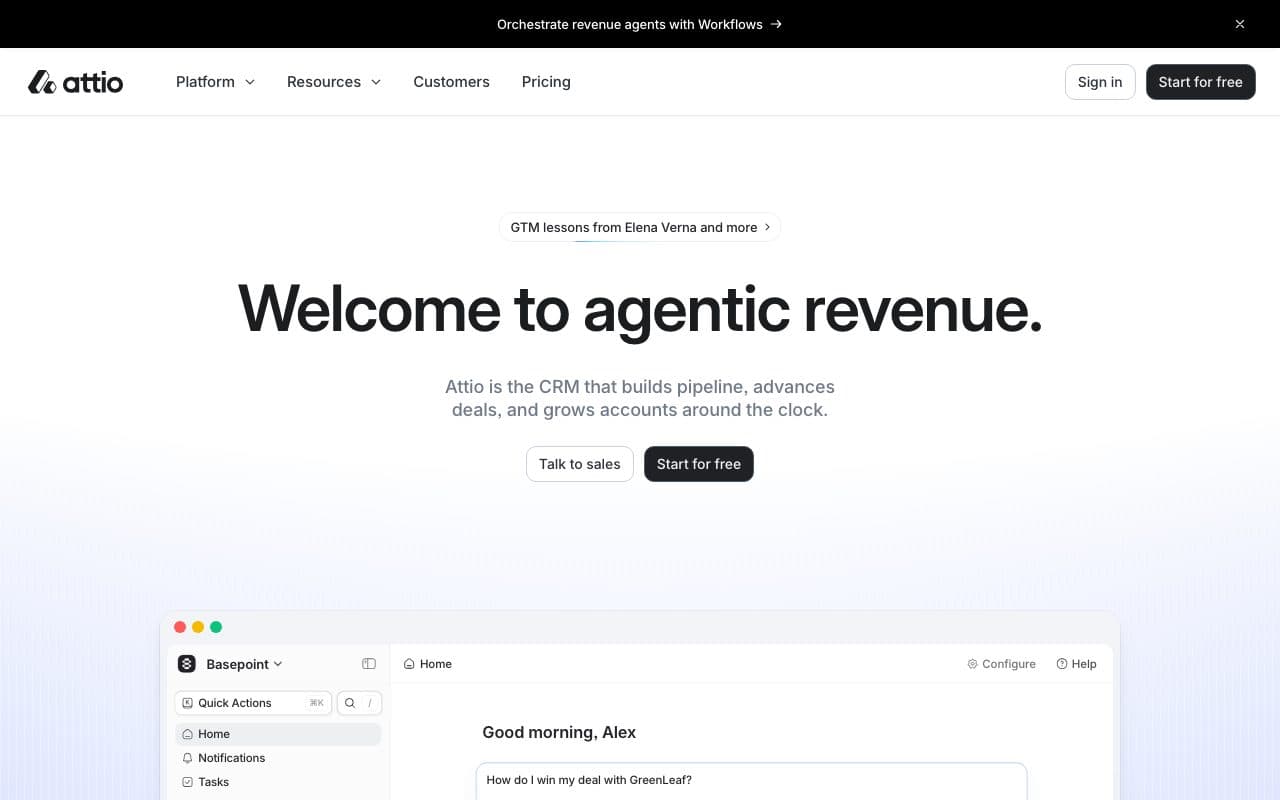
Attio is a CRM for teams who think in objects: define what a workspace, a partner or an account actually is in your business, then build the pipeline on top of it. For GTM engineers it is the CRM that behaves like a database with an API rather than a rep's inbox with reports attached.
The free tier covers three seats with contact syncing and enrichment. Plus is €39 a user a month, Pro €93, both about 20% less on annual billing, with call intelligence and sequences arriving at Pro. Enterprise is custom. Attio is also one of LeadJourney's native CRM connections, alongside HubSpot, Pipedrive and Close.
Pros
- Custom objects and a real API, so it models your business rather than a generic sales funnel
- Fast, modern and genuinely pleasant to use, which is most of whether a CRM gets updated
- A free tier that works for a founding team, not a crippled demo
Cons
- The ecosystem around it is younger than Salesforce's or HubSpot's, so more integrations are yours to build
- Per-seat pricing at Pro adds up for a team that wants everyone in the CRM
Verdict
The best CRM on this list for a technical GTM team. If your revenue already runs on HubSpot or Salesforce, the switch is a bigger project than the tool is a win.
10. Default: best for inbound routing and scheduling
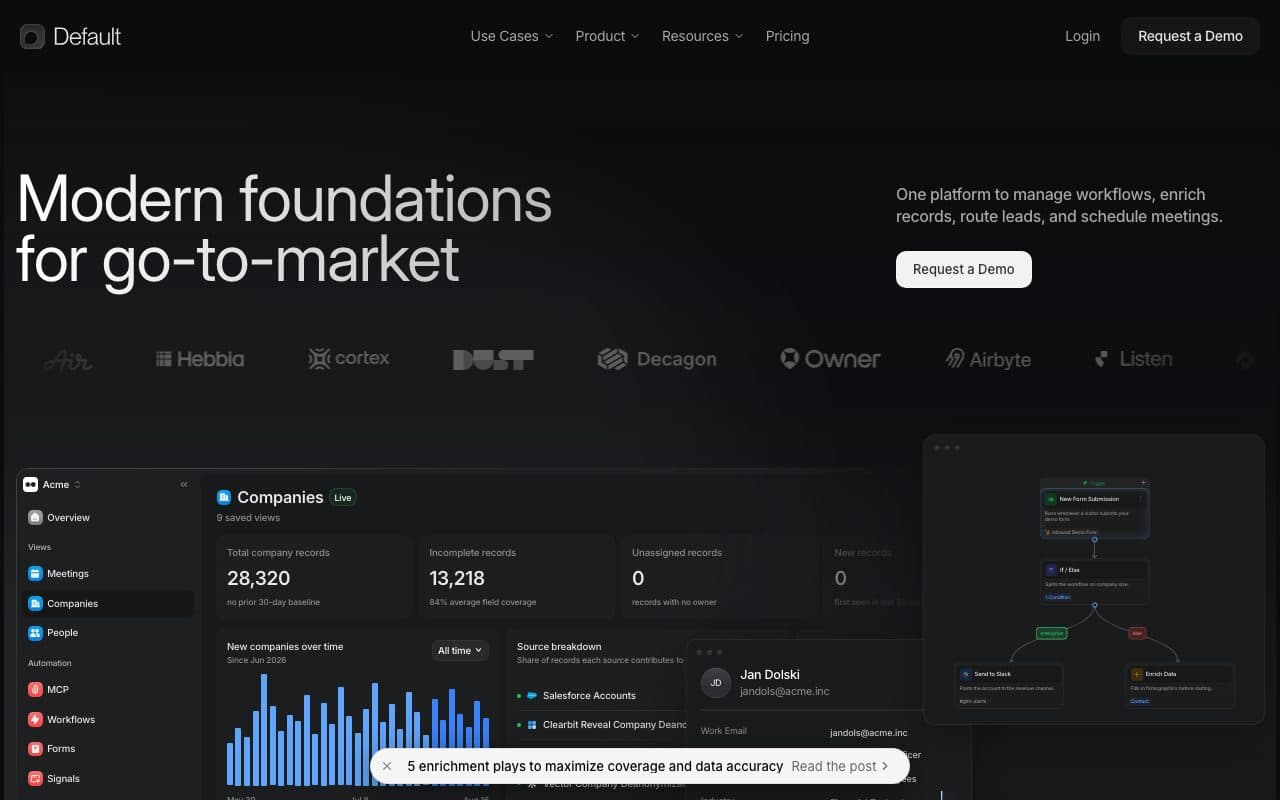
Default owns the minute between a form submission and a booked meeting: enrich the submission, qualify it, route it to the right rep and get a calendar in front of the visitor before they leave the page. That minute is where most inbound pipeline is lost, and almost nobody owns it on purpose.
Growth is $1,250 a month, billed as $15,000 a year, with 24,000 enrichment credits and 200,000 workflow runs; Scale is $3,000 a month with 60,000 credits and 600,000 runs. Routing and scheduling seats are $45 a user a month on top, or $20 for scheduling only. Both tiers include unlimited workflows and website de-anonymisation.
Pros
- Enrichment, qualification, routing and scheduling as one workflow instead of four integrations
- Speed-to-lead is one of the few GTM levers with a straightforward causal link to won deals
- Unlimited workflows, so the platform does not meter the thing you bought it for
Cons
- $15,000 a year before seats, which needs real inbound volume to justify
- Overlaps with what your CRM and your scheduler already half do, so the case rests on the routing depth
Verdict
Worth the money when inbound is a primary channel and reps are missing the window. Premature when inbound is a handful of demo requests a week.
11. Gong: best for what is actually said in the deal
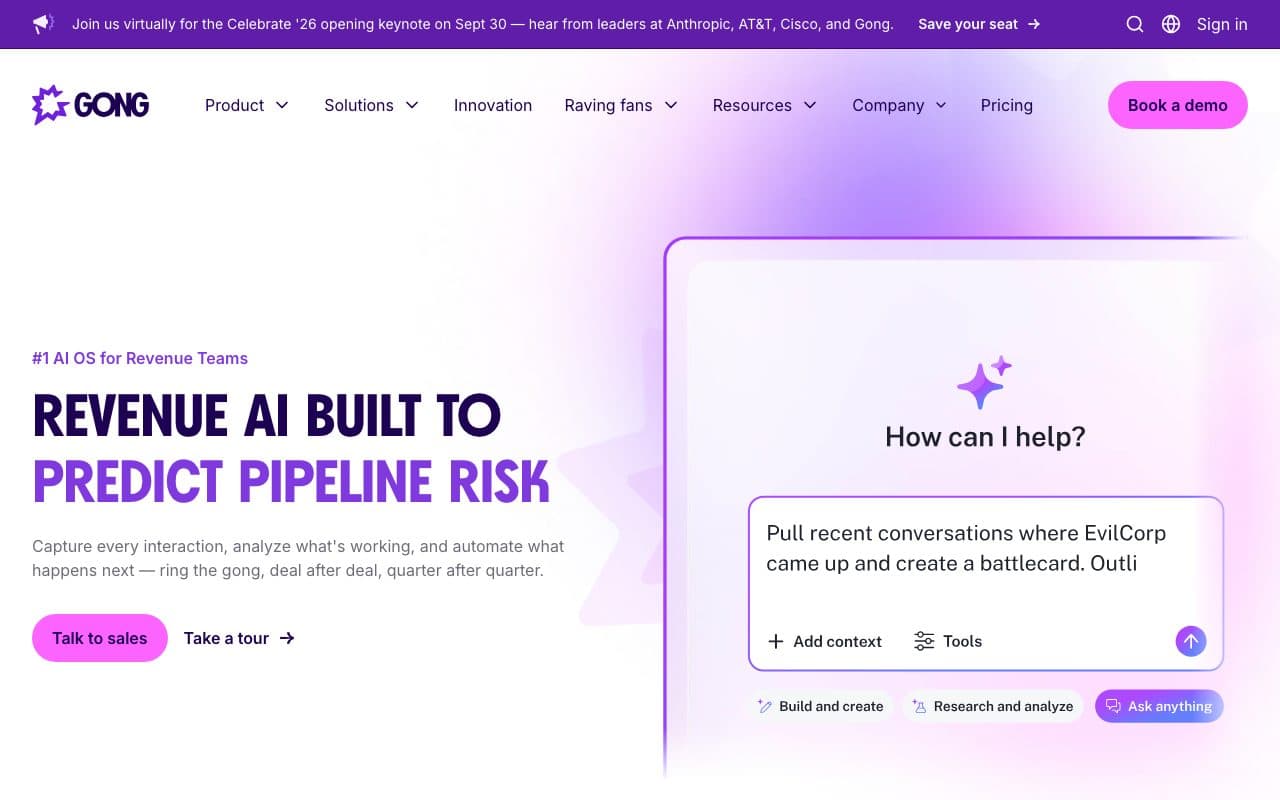
Gong records the calls, transcribes them, and turns what was said into coaching, deal risk and forecast signals. It is the only tool on this list that measures the conversation rather than the click, which makes it the natural complement to a measurement layer rather than a competitor to one.
It publishes no prices. Its own pricing page says licences are priced per user with a platform fee based on the number of users supported, and asks you to pick a team size band before anyone will quote. Treat any figure you read elsewhere as somebody else's negotiated deal.
Pros
- The best record there is of what buyers actually object to, in their words
- Coaching and forecast signals that a CRM stage field can never produce
- Deep integrations across the rest of the revenue stack
Cons
- No published pricing, a platform fee on top of seats, and an annual commitment
- It analyses conversations that already happened; it says nothing about which channel produced them
Verdict
A sales-team purchase rather than a GTM engineering one, and the right call once you have enough reps that coaching cannot be done by listening in.
12. Dreamdata: best for account-level B2B attribution
Dreamdata models the whole account journey from first touch to closed won, which matters when six people at one company touch eleven channels over nine months and the deal is signed by a seventh. It is the other serious answer to the measurement layer on this list, and it is a different answer from ours.
The split is account versus person and warehouse versus layer: Dreamdata is strongest for enterprise B2B with long multi-stakeholder cycles and a data team to work with it; LeadJourney is built for the case where a lead is a person, the conversion is a CRM stage change, and the same closed revenue has to go back to nine ad platforms automatically. There is a free plan with limited history, and the paid plans are on quote.
Pros
- Account-level journeys, which is the honest shape of enterprise B2B buying
- A free plan to evaluate the model before committing
- Audience activation back to the ad platforms on top of the reporting
Cons
- Paid pricing is on quote and scales with data volume, so the cost is a negotiation
- The account model is heavy for a lead generation business where the buyer is one person
Verdict
The right choice for enterprise B2B with a buying committee. For paid-ads-driven lead generation, a person-level layer is closer to how the money actually arrives.
The layer most GTM stacks are missing
Add the list up at list price and a mid-sized stack is $4,000 to $8,000 a month before anyone sends an email. Every one of those tools reports on itself, and every one of those reports is true. The problem is that none of them is the number the budget is judged on.
- The CRM source field is whatever the form could readA nine-touch journey that started on a paid ad closes as Direct, or as the sequencer that sent the last email before the meeting.
- The signal is gone by the time the deal closesSixty or ninety days later, the job change, the ad and the first visit are three systems away from the closed-won record.
- The ad platforms learn from the wrong eventThey optimise on the form fills you sent them, not on the small share of those forms that ever became customers.
- So the ranking is by volume, not by revenueThe play that produces four hundred leads gets the budget, and the campaign that produced ninety leads and most of the money does not.
LeadJourney closes that loop: capture on your own domain, one journey per person however they arrived, the source written onto the CRM record, and the closed revenue sent back to Google, Meta, LinkedIn and Microsoft. Leads that your plays create outside the website are posted in with one API call and joined to the journey that already existed. See multi-touch attribution and offline conversion tracking.
Which GTM tools should you actually buy?
Buy for the layer you have a hole in, in this order, and stop when the next tool cannot be paid for by the one before it:
- No list and no data: Apollo if the team is small and the budget is per seat, Clay once list building is somebody's actual job
- Lists but no prioritisation: Unify to test whether signals work for you at all, Common Room when inbound and product usage are real
- Traffic you are not acting on: Warmly, if a rep will act on the alert within the hour
- Sending at volume: Smartlead for email, HeyReach for LinkedIn at more than a couple of senders
- A CRM that fights your data model: Attio, if you are not already deep in HubSpot or Salesforce
- Inbound leads going cold in the routing: Default, once inbound is a primary channel
- Reps you cannot coach by listening in: Gong
- Pipeline you cannot attribute: LeadJourney for person-level, paid-ads-driven lead generation, Dreamdata for enterprise account-level B2B
One more test, and it is the one that decides whether a GTM stack compounds or just accumulates: can each tool be called by the others? A product without an API is a place data goes to sit. Further reading: the best B2B attribution software, what RevOps and GTM ops actually own and the page for GTM engineers.
FAQ
Frequently asked questions
What teams ask when they are putting a GTM stack together.
What are GTM tools?
GTM tools are the software a go-to-market team uses to find buyers, reach them, run the deal and measure the result. In practice a stack has six layers: data and enrichment, signals, execution, the CRM record, orchestration and measurement. Most teams buy the first three and skip the last one, which is why so few can say which play produced revenue.
Does GTM mean go-to-market or Google Tag Manager?
Both, and which one is meant depends entirely on who is speaking. In sales and marketing operations GTM is go-to-market, the subject of this article. In analytics and paid media GTM is Google Tag Manager, the tag container. If you came here for the second one, server-side tracking is the page you want.
What is the best GTM tool in 2026?
There is no single best one, because no tool owns two layers well. The defensible answer is one per layer: Clay for data, Unify or Common Room for signals, Smartlead and HeyReach for execution, Attio or your existing CRM for the record, Default for routing and LeadJourney for measurement. Start with the layer where the stack currently breaks.
How much does a GTM stack cost?
At list price on 20 September 2026, a small stack is Apollo at $49 a user a month plus Smartlead at $39 a month. A mid-sized one is Clay's Growth plan at $446, a sending tool, a CRM at per-seat pricing and a measurement layer, so roughly $1,500 to $3,000 a month. Add Common Room at $2,500 a month or Default at $1,250 and it is an enterprise budget.
Do you integrate with Clay, Apollo or my sequencer?
Not natively, and we would rather say so than imply otherwise. Those tools reach LeadJourney the way everything else in a built stack does: a POST to the API when a lead is created, a webhook subscription for changes, or Zapier, Make and n8n if you would rather not write it. The native connections are the ten CRMs and the nine ad platforms, because those are the two ends the attribution has to join. See the API docs.
What is a GTM engineer, and do I need one?
A GTM engineer is the person who builds these systems rather than operating them by hand: the enrichment tables, the signal triggers, the routing rules and the CRM automations. You need one once your stack is more than three tools and the connections between them start to matter more than the tools themselves. See the page written for GTM engineers.
Keep reading
More from the blog
 Tool Comparisons
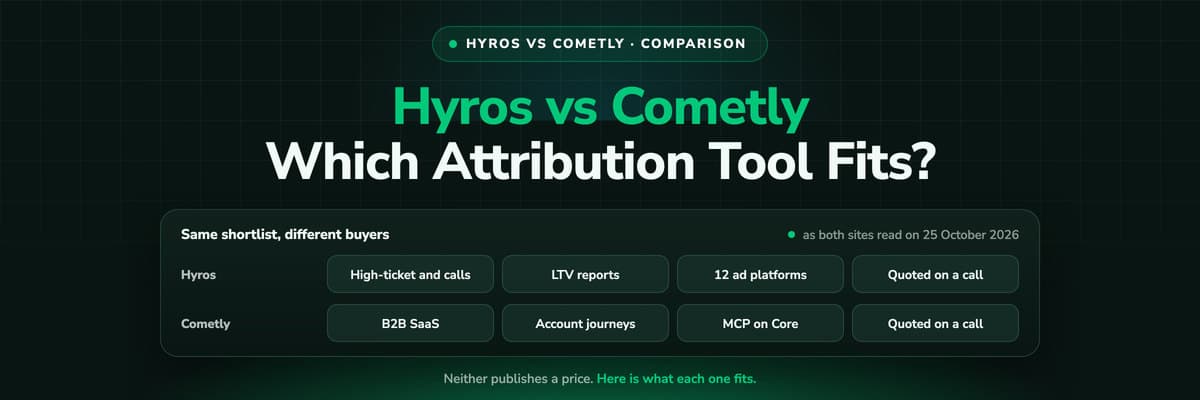
Hyros vs Cometly (2026): Which Attribution Tool Fits?
Hyros is built around high-ticket sales, info products and calls; Cometly around B2B SaaS pipeline. Both quote prices on a call. A fair, dated comparison of tracking, CRM depth, AI, security and cost, and who should pick which.Read the article14 min read Tool Comparisons
Hyros vs AnyTrack (2026): Which Tracker at Your Size?
AnyTrack is a self-serve conversion router with a free plan and public prices from $100 a month. Hyros is a done-for-you attribution platform quoted on a call. A fair, dated comparison of tracking, attribution, affiliates, calls and cost.Read the article14 min read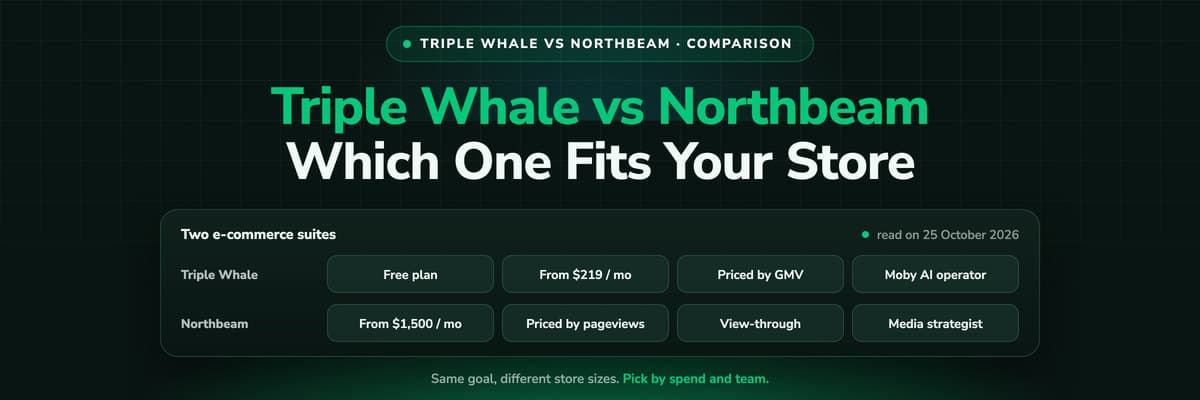 Tool Comparisons
Triple Whale vs Northbeam (2026): Which Fits Your Store
Triple Whale and Northbeam both measure e-commerce marketing, and they are built for different stores. Attribution, measurement, AI, setup and both price lists side by side, read on 25 October 2026, and which brand each one fits.Read the article13 min read
The measurement layer
Which of your GTM plays actually closed?
LeadJourney joins closed CRM revenue back to the campaign, ad and play that started the journey, and sends it on to Google, Meta, LinkedIn and Microsoft. Server-side capture, an API for the rest of your stack, 21-minute setup with a tracking expert, 30-day money-back guarantee.
30-day money-back guaranteeSetup with a tracking expert


