


















BlogHow To Guides
LinkedIn Conversions API: Send CRM Deals Back to Ads
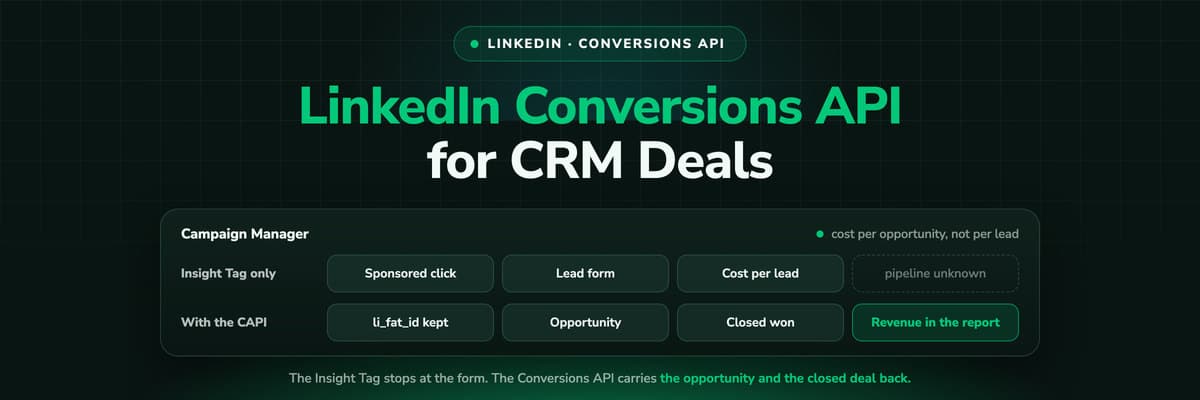
Campaign Manager shows cost per lead. Your CRM knows which of those leads became an opportunity and which closed. The LinkedIn Conversions API is the pipe between them: server to server, with no browser involved. What it matches on, how to create the conversion rules, which stages to map, and what changes in the reporting.

Contents
Summarise this article with AI
Opens the page with a ready prompt in:


Nothing is sent until you pick a service.
Your LinkedIn account tells you what a lead costs. It has no idea what an opportunity costs, because the opportunity is created in your CRM by a salesperson six weeks after the click and nothing carries that fact back. So the report deciding your budget on the most expensive paid channel in B2B is a cost per form fill.
The Conversions API is how you close that loop. It is a server to server connection into Campaign Manager: your CRM sends a conversion when a stage changes, LinkedIn matches it to the member who clicked, and cost per opportunity becomes a column you can sort by. Here is what it matches on, how to build the conversion rules, which stages to send, and the LinkedIn specifics that catch teams out.
Quick Summary: The LinkedIn Conversions API
In short
The LinkedIn Conversions API sends conversions to Campaign Manager server to server, so a CRM stage that changes weeks after the click still lands against the campaign that produced it. LinkedIn matches the event on a hashed email address or on the li_fat_id click identifier your landing page captured. You create one conversion rule per stage, associate the campaigns, then send the event with its timestamp, value and currency. The result is cost per opportunity and revenue by campaign instead of cost per form fill.
Two things to hold on to. The Conversions API replaces nothing: the Insight Tag still builds your retargeting audiences and captures the click identifier. And it only pays off if your CRM stages are honest, because whatever you send becomes the thing LinkedIn optimises towards.
How It Differs From the Insight Tag
The Insight Tag is JavaScript on your site. It records page views and on-site conversions in the browser, builds retargeting audiences and gives you the demographic reporting LinkedIn is known for. It is also a browser tag, so ad blockers, tracking protection and a declined consent banner each take a piece out of it, and it can only see conversions that happen on your website.
The Conversions API is a server to server connection. Your backend, your CRM or an attribution platform posts the event straight to LinkedIn. No script runs, so nothing can block it, and the conversion does not have to happen on your site at all: a stage change in HubSpot, a signed contract, a call your sales team logged. That is the point for B2B, where the meaningful conversion happens weeks later in a system LinkedIn cannot see.
Insight Tag
Browser JavaScript. Page views, on-site conversions, retargeting audiences and demographics. Blockable.
Conversions API
Server to server events from your CRM or backend. Nothing to block, and the conversion can happen anywhere.
Both together
The normal shape: the tag captures the click identifier and the audiences, the API carries the pipeline back.
Keep each conversion rule on one source, though. A rule fed by both the tag and the API can count the same action twice, and the simplest way to avoid that is to give every rule exactly one job.
What LinkedIn Matches the Event On
Every event has to carry at least one identifier LinkedIn can resolve to a member. Two matter at person level, and a third layer works at company level.
- The li_fat_idLinkedIn's click identifier, appended to your landing page URL when first-party ad tracking is on. Capture it at the first visit and store it on the lead, the way you would a gclid.
- The hashed emailSHA-256 of the normalised address. The workhorse for CRM events, because your CRM has an email on every contact and a click identifier on far fewer.
- The account levelLinkedIn's revenue attribution reporting matches CRM accounts to companies, which is how influenced pipeline shows up when the person who clicked is not the person in the deal.
The B2B catch sits in the second one. Members sign up to LinkedIn with whatever address they like and plenty use a personal one, while your form collects the work address. Those two do not hash to the same value, so a clean setup still returns a lower match rate than a consumer business would see. Send the li_fat_id wherever you have it, and send both identifiers when you can.
Three Ways to Connect It
The API is the same in all three cases. What differs is who maintains the connection, and how much of the journey is already joined before the event is built.
A direct integration
Your engineers post events to LinkedIn's API. Total control, and you own the token refresh, the retries and the identifier storage forever.
LinkedIn's CRM integrations
Salesforce, HubSpot and Microsoft Dynamics connect to Campaign Manager directly. Quick to switch on, limited to what the connector chooses to send.
A platform that holds the journey
An attribution tool already stores the click identifier and reads your CRM, so the event becomes a mapping decision rather than a build.
The question that decides it is where the join happens. A connector reading your CRM can only match on what the CRM holds, so if the click identifier was never stored on the lead record, nothing downstream can invent it. That is why the capture step matters more than the sending step, and why teams end up with a working integration and a disappointing match rate.
Step by Step: The Conversion Rule in Campaign Manager
Everything on the LinkedIn side is a conversion rule. One per stage you intend to report, created before a single event is sent.
- In Campaign Manager, open conversion tracking (under the analyse menu in the current interface) and create a conversion.
- Choose the Conversions API as the data source rather than the Insight Tag, so the rule expects server events.
- Name it after the stage, not the campaign. Opportunity created, not Q3 webinar: campaigns come and go and the rule stays.
- Set the conversion type from LinkedIn's list, the closest one to what the stage actually is. The type shapes how the conversion is reported.
- Set the attribution model and the click and view windows. LinkedIn currently offers click windows up to around ninety days, and the default is far shorter than a B2B sales cycle.
- Associate the campaigns the rule applies to. A rule with no campaigns attached records nothing, and that is the most common reason a correct integration shows zero conversions.
What the event carries
- The conversion rule the event belongs to.
- At least one user identifier: the hashed email, the li_fat_id, or both.
- The timestamp of the stage change, in the format LinkedIn expects.
- The value and the currency where the stage has one. An opportunity has an amount, a qualified lead usually has an expected one.
- Your own reference for the record, so a value can be restated later without creating a second conversion.
Send the time the stage actually changed, not the time your job ran, or every conversion in the account clusters at 3am and the attribution window measures the wrong gap. Send one test event before wiring the CRM to the rule: the rule's status in Campaign Manager is what tells you the connection is live, and it moves once the first valid event lands.
Mapping CRM Stages to Conversion Rules
The build is small. The decision is which stages leave your CRM at all, and that one deserves an argument before anybody opens Campaign Manager.
- The form fill or MQLSend it and keep it as a secondary rule. It is the volume number: useful for diagnosis, wrong as a bidding target.
- The qualified leadSales confirmed the fit. For most B2B accounts this is the rule worth reporting on, because it arrives often enough to be a signal.
- The opportunityA real deal with an amount and a close date. The first stage where a value on the event means something.
- Closed wonThe outcome, with the contract value. Send it always, and expect some of them to land outside LinkedIn's window.
Only send a stage you would defend in a board meeting
Every rule you create becomes a number somebody quotes. If your definition of a qualified lead is nothing more than answering the phone, the cost per qualified lead on the slide is fiction, and LinkedIn optimises towards it too. Fix the CRM definition first, then map it.
What Changes in Your Reporting
Once the stages land, Campaign Manager stops being a lead counter. Cost per opportunity by campaign is the column that changes budgets, because it reorders them: the campaign with the cheapest leads is rarely the campaign with the cheapest opportunities, and on LinkedIn the gap between the two is wide.
Revenue by campaign follows, and with your CRM fields beside it you can cut the pipeline by job title, seniority and company size. LinkedIn's demographics tell you who saw and clicked the ads. Your CRM tells you who bought. Reading the two together is where B2B media planning actually happens, and no lead form report gets you there.
The account rollup problem
One caveat no integration removes. In B2B the person who clicks is rarely the person who signs: a manager downloads the guide, the VP takes the meeting, procurement signs the contract, and only the first of those three touched your ad. Match the event on the contact who actually clicked and the campaign gets credit correctly. Roll the deal up to the account and you see influenced pipeline instead, which is a different question with a different answer.
The LinkedIn Specifics That Trip Teams Up
The window is shorter than your cycle
LinkedIn's longest click window is around ninety days. A deal closing in month six is real and Campaign Manager will not credit it. Report the earlier stage there.
Lead Gen Forms never touch your site
The form opens in the feed and submits without a page load, so there is no li_fat_id on your side. You get the lead through lead sync or a CRM connector, with the campaign attached, and you join on that.
Member privacy limits what comes back
Demographic breakdowns only appear once enough members sit behind them, and you never receive member data LinkedIn did not already hand you through the form.
Demographics are not per-lead reporting
The demographics report describes the audience that engaged. Per-lead reporting comes from your CRM. Mixing the two produces a slide nobody can reproduce.
The first two quietly break projects. A team maps closed won to a LinkedIn rule, watches nothing land, and concludes the integration failed when the attribution window simply expired. See attribution for a long sales cycle for the reporting shape that works around it.
Insight Tag, Lead Gen Forms or the Conversions API?
Most B2B accounts run all three. The table is about what each one can and cannot tell you, not about picking one and dropping the others.
What each LinkedIn measurement route reports
| Question | Insight Tag only | Lead Gen Forms only | Conversions API with CRM stages |
|---|---|---|---|
| What it measures | Page views and on-site conversions | Form submissions inside LinkedIn | Any CRM stage, whenever it happens |
| Where the conversion happens | On your website | In the LinkedIn feed | In your CRM, weeks later |
| Survives blockers and consent loss | No | Yes, nothing loads on your site | Yes, server to server |
| Identifier you hold | li_fat_id in the browser | None, unless you pull the lead | li_fat_id stored at the visit, or hashed email |
| Deal value in Campaign Manager | A fixed value per rule | No value | The real amount and currency per event |
| What you can optimise on | Form fills | Form fills | Qualified leads, opportunities, closed won |
How LeadJourney Sends LinkedIn the Opportunity, Not the Form Fill

The hard part of all this is not the API call. It is holding a click identifier from an anonymous first visit until a deal closes months later, in a system that also knows the CRM stage. That is LeadJourney's normal job. One script on the site or in your GTM container, live in about 21 minutes without a developer, captures li_fat_id at the first visit along with the UTMs and the landing page, then joins that click to the person at the form fill, the call or the booking.
From there the CRM stages drive it. HubSpot, Salesforce, Pipedrive, Close, Attio, GoHighLevel, ActiveCampaign and Odoo connect natively, anything else by webhook or Zapier. You pick which stages go back as conversions, qualified lead, proposal sent, closed won or all three, and map each to a conversion rule. The deal amount and currency travel with the event, sent server to server over the LinkedIn Conversions API, and the same mapping feeds Meta, Google Ads and Microsoft Ads.
On the reporting side that gives you cost per qualified lead and cost per closed deal by campaign, revenue per campaign and landing page, and the full journey behind any single lead. Attribution models switch without re-tracking, and LeadJourney's own reports carry no window, so a deal closing in month six still shows the LinkedIn click that started it even when Campaign Manager can no longer credit it. Tracking is server-side on your own domain at 95%+ accuracy, first-party by design and hosted in Frankfurt with a DPA signed.
Read verified reviews on Trustpilot, G2 and leadjourney.io/testimonials.
Further Reading
Next: the best LinkedIn ads tracking tools, the best LinkedIn revenue attribution tools and attribution for a long sales cycle. For the definition, see conversions API; for the product side, the LinkedIn Ads integration and the leads behind your conversions.
In the glossary
FAQ
Frequently Asked Questions
What B2B teams ask before wiring their CRM into Campaign Manager.
What is the LinkedIn Conversions API?
A server to server connection that sends conversions straight to Campaign Manager instead of firing them in a browser. Because no script is involved, nothing can block it, and the conversion does not have to happen on your website: a CRM stage change, a signed contract or a logged call can all be sent as conversions weeks after the click that produced them.
Do I still need the Insight Tag?
Yes, in almost every account. The tag builds your retargeting audiences, powers the demographic reporting and appends the li_fat_id click identifier to your landing pages, which is the identifier the Conversions API later matches on. The two are complements: the tag covers what happens on the site, the API covers what happens in the CRM. Keep each conversion rule on one source.
What does LinkedIn match the conversion on?
At person level, a hashed email address or the li_fat_id click identifier, and you can send both on the same event. At company level, LinkedIn's revenue attribution reporting matches CRM accounts to companies. Expect the email match to be imperfect in B2B, because members often register with a personal address while your form collects the work one.
Can I track Lead Gen Form leads through to closed won?
Yes, with one extra step. A Lead Gen Form submits inside the feed without ever loading your site, so there is no click identifier on your side. The lead arrives through LinkedIn's lead sync or a CRM connector with the campaign attached, and you join on that record. From then on the stages travel back over the Conversions API like any other lead.
How far back can I send a conversion to LinkedIn?
There is a limit, and it is shorter than most B2B sales cycles. LinkedIn's longest click attribution window is currently around ninety days, so a deal closing in month six will not be credited to the campaign even if you send it. The practical answer is to report an earlier stage in Campaign Manager and keep closed revenue in your own reporting, which has no such window.
Which CRM stage should I send to LinkedIn?
Usually the qualified lead as the primary rule, with the opportunity and closed won as additional rules carrying the deal value. The qualified lead arrives often enough to be a usable signal, while closed won on a long cycle frequently falls outside the attribution window. Only send a stage whose definition you would defend in a board meeting, because it becomes the number everybody quotes.
Keep reading
More from the blog
 How To Guides
X Ads Conversion Tracking: Pixel, CAPI and CRM Events
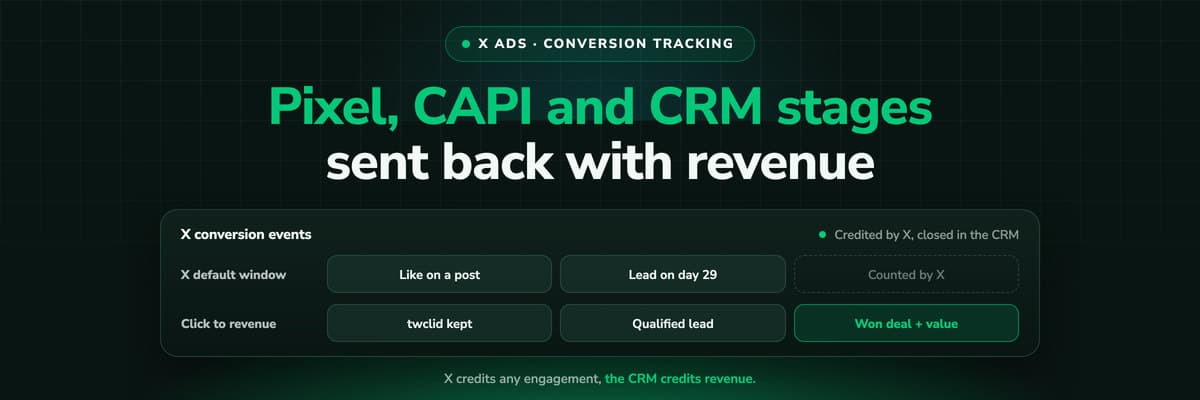
X reports what the X Pixel and the Conversions API tell it, credited after any engagement inside windows you set per event. What to count for lead generation and for a store, how the two sources deduplicate on one conversion ID, why X's count and the CRM disagree by design, how to verify it, and which number deserves the budget.Read the article19 min read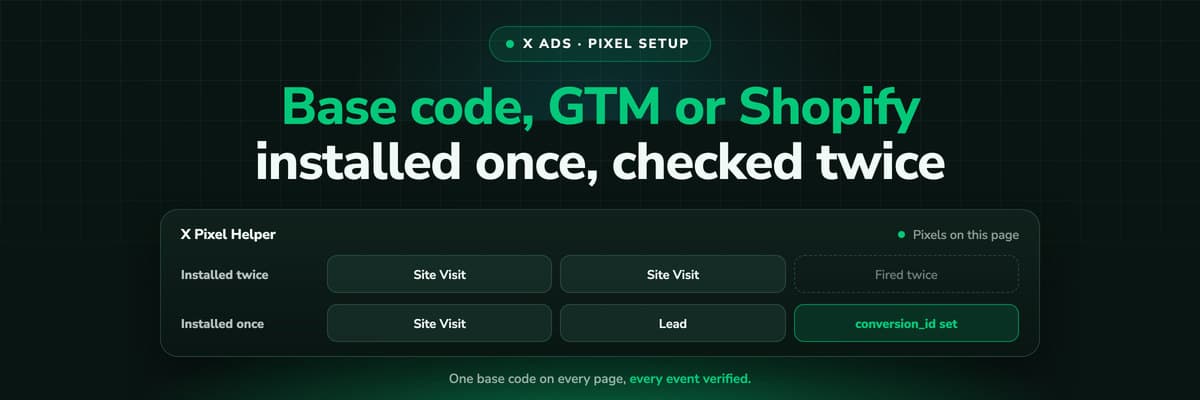 How To Guides
X Pixel Setup: Base Code, GTM, Shopify and Events
Every way to install the X Pixel, with X's own steps and code: creating it in Events Manager, the base code, event code, Google Tag Manager through the partner integration, Shopify, Ensighten and Tealium. Then the event types and parameters, cookies and consent, and how to check it all with the X Pixel Helper and the event statuses.Read the article18 min read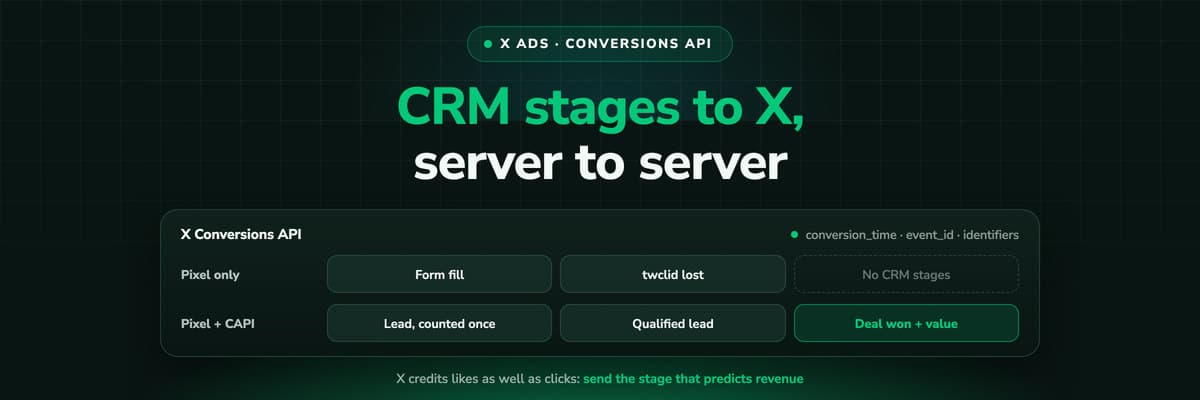 How To Guides
X Conversions API: Setup, Deduplication and CRM Events
The X Pixel reports what a browser lets it see. The Conversions API reports what your server tells it, including stages that happen in the CRM after the form. The endpoint and body, the access token against OAuth, identifiers and hashing, deduplication against the Pixel, the twclid you have to keep yourself, the limits, and what X will credit from a CRM.Read the article16 min read
LinkedIn pipeline
Ready to see cost per opportunity in Campaign Manager?
LeadJourney keeps the LinkedIn click identifier from the first visit, follows every lead through your CRM stages and sends the stage you choose back over the Conversions API with the deal value attached. Live in 21 minutes, from €129 a month.


