














BlogTool Comparisons
15 Best Offline Conversion Tracking Software Tools in 2026
Most lead gen conversions happen in the CRM, not the browser, so ad platforms only see the form fill. Fifteen tools ranked on whether they send CRM outcomes back to Meta, Google, LinkedIn and Bing, from call trackers and CSV imports to automated CAPI loops.


Contents
- Quick summary
- The 15 tools
- 1. LeadJourney
- What users say
- 2. Ruler Analytics
- 3. Hyros
- 4. Cometly
- 5. WhatConverts
- 6. CallRail
- 7. Enhanced Conversions
- 8. Meta CAPI offline
- 9. Salesforce MC Connect
- 10. HubSpot Offline Events
- 11. Rockerbox
- 12. Zapier
- 13. Attribution App
- 14. Dreamdata
- 15. Google CSV import
- Why most fall short
- Quick Decision Guide
Summarise this article with AI
Opens the page with a ready prompt in:


Nothing is sent until you pick a service.
Offline conversion tracking solves the single biggest attribution gap in lead generation: most conversions don't happen online. A prospect clicks your Meta ad, fills out a form, speaks to a sales rep, gets qualified, books a call, and signs three weeks later: all offline, all invisible to your pixel.
Without offline conversion tracking, your ad platforms only see the form fill and optimize toward form fillers. The fix is sending your offline conversion signals (qualified leads, booked appointments, closed deals) back to Meta CAPI, Google Enhanced Conversions, LinkedIn CAPI, and Bing UET from your CRM.
But offline conversion tracking tools vary dramatically in what they actually do. Some are call trackers. Some are manual CSV imports. Some are enterprise CDPs. One (LeadJourney) was built from the ground up to automate the complete offline conversion loop for lead generation businesses: CRM stage changes trigger server-side signals back to all four ad platforms simultaneously, with no manual work and no developer required. This guide ranks the 15 best offline conversion tracking software tools in 2026.
Quick Summary: Best Offline Conversion Tracking Software in 2026
In short
LeadJourney is the best offline conversion tracking software in 2026 for lead generation businesses because it automates the whole chain and sends the result to all four ad platforms at once: click IDs captured server-side, carried onto the CRM record, and pipeline stages returned to Meta, Google, LinkedIn and Microsoft within about a minute of the stage changing. No CSV upload, no weekly job somebody forgets, and no developer. 21-minute setup, 14-day free trial.
The native routes (Google's offline conversion import, Meta's offline events, HubSpot's offline events, Salesforce Marketing Cloud Connect) are free and each covers one platform, usually by file upload or an integration you configure per destination. The manual CSV route still works and reliably stops the first week somebody is on holiday.
Of the platforms, Ruler Analytics and WhatConverts are strongest where leads arrive by phone, Hyros suits long high-ticket windows, Cometly and Dreamdata attribute across channels, and Zapier is the do-it-yourself version of the loop for teams willing to maintain it.
The 15 Best Offline Conversion Tracking Software Tools (2026)
The 15 best offline conversion tracking software tools at a glance
| Tool | Key features | Best for | Pricing |
|---|---|---|---|
| Rank 1LeadJourney | Automated CRM-to-CAPI loop; all 4 platforms; no CSV; 21-min setup | Lead generation businesses running paid ads | 14-day free trial |
| Rank 2Ruler Analyticsvs LeadJourney | Dynamic number insertion, call recording, CRM revenue matching | Call, form, and chat offline conversion attribution | From £299/mo |
| Rank 3Hyrosvs LeadJourney | 365-day attribution windows, print tracking, call tracking | High-ticket businesses with long sales cycles and large Meta budget | From $69/mo |
| Rank 4Cometlyvs LeadJourney | Server-side offline conversion sync, AI optimization | B2B SaaS teams connecting CRM conversions to ad spend | Custom (demo required) |
| Rank 5WhatConvertsvs LeadJourney | Call, form, and chat tracking, lead quality reporting by source | Call, form, and chat lead tracking for agencies | From $30/mo |
| Rank 6CallRail | Call recording, transcription, keyword-level call attribution | Phone-heavy businesses needing call recording and attribution | From $50/mo |
| Rank 7Google Enhanced Conversions (offline) | Free, direct Smart Bidding improvement, Enhanced Conversions | Google Ads advertisers importing offline CRM data | Free |
| Rank 8Meta Conversions API (offline events) | Free, server-side, retrains Meta algorithm on offline deal data | Server-side offline event forwarding for Meta advertisers | Free |
| Rank 9Salesforce Marketing Cloud Connect | Native Salesforce ecosystem, deep CRM data access | Enterprise Salesforce customers syncing CRM to ad platforms | Custom enterprise pricing |
| Rank 10HubSpot Offline Events | CRM-native, no additional cost for HubSpot customers | HubSpot-native teams wanting basic offline conversion import | Included in HubSpot |
| Rank 11Rockerboxvs LeadJourney | TV, CTV, podcast and direct mail tracking, incrementality testing | Enterprise omnichannel brands tracking TV, podcasts and offline media | Custom enterprise pricing |
| Rank 12Zapier (CRM-to-CAPI workflow) | Flexible, low-cost, connects any CRM to any ad platform API | Low-cost automation option for technically capable teams | Starts at $20/mo |
| Rank 13Attribution App | Multi-touch attribution, accessible pricing, fast setup | Accessible multi-touch attribution for growing SMB teams | Custom |
| Rank 14Dreamdatavs LeadJourney | Account-level attribution, 18-month lookback, pipeline reporting | Enterprise B2B account-level offline attribution | Free plan, paid on quote |
| Rank 15Google Ads Conversion Import (CSV) | Free, direct Google Ads import, improves Smart Bidding | Manual fallback for Google Ads offline conversion upload | Free |


1. LeadJourney: Best Offline Conversion Tracking Software for Lead Generation Businesses
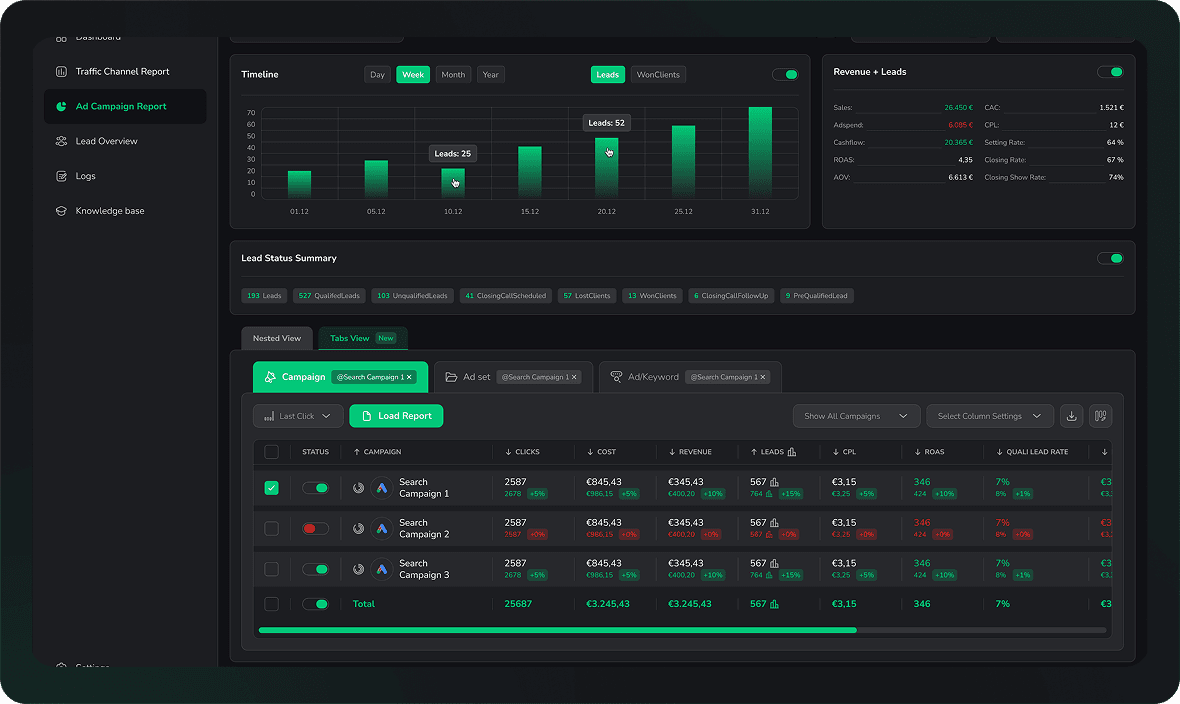
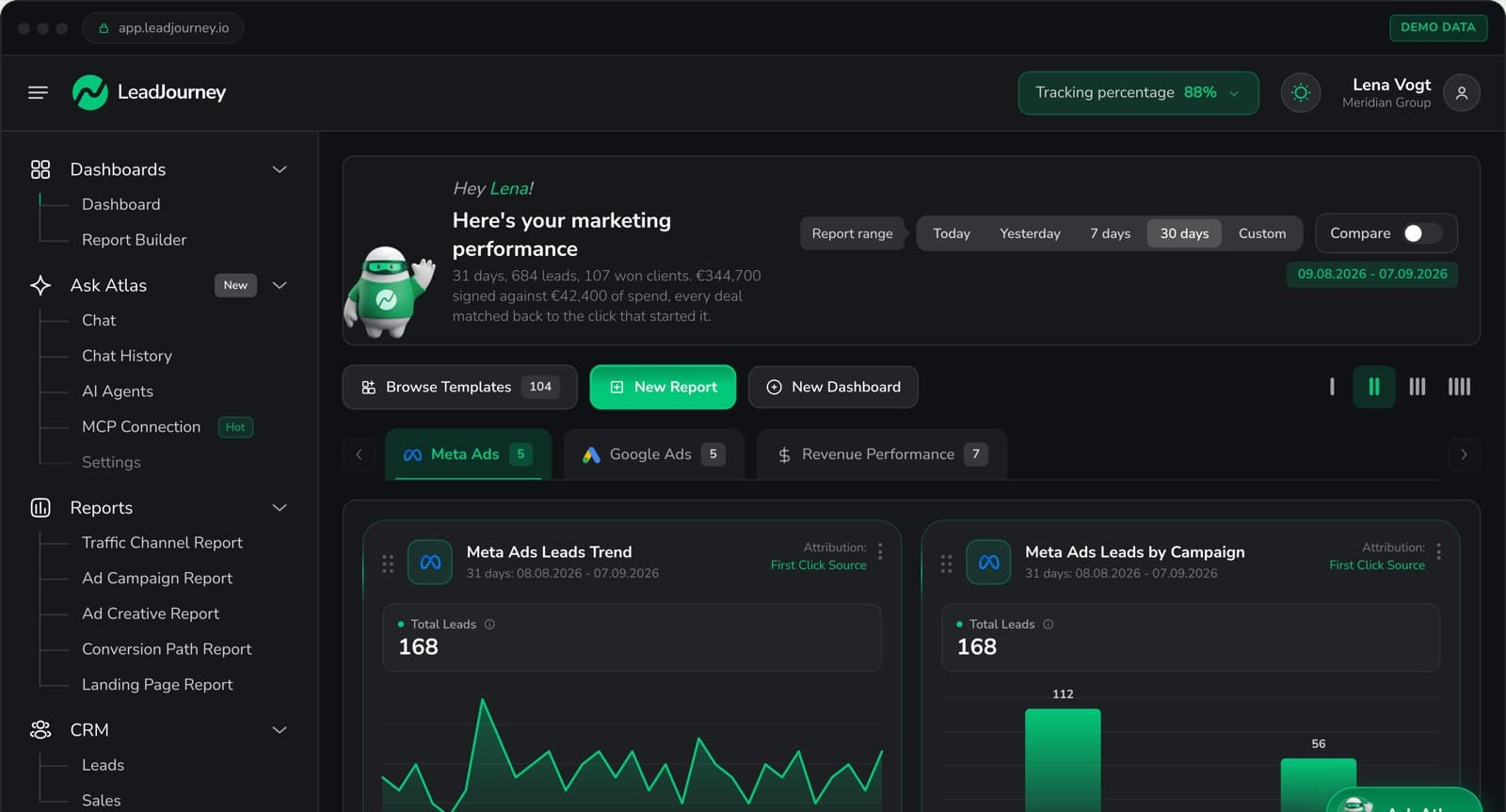
LeadJourney is the only offline conversion tracking tool built exclusively for lead generation businesses, and the only one that automates the complete offline conversion loop across all four major ad platforms simultaneously. When a lead moves through your CRM (from received to qualified to appointment booked to deal closed), LeadJourney fires those offline conversion events server-side back to Meta CAPI, Google Enhanced Conversions, LinkedIn CAPI, and Bing UET in real time. No CSV exports. No manual uploads. No developer.
This matters because your ad algorithms only improve if they receive accurate conversion signals. If Meta only sees form fills, it optimizes toward form fillers. When Meta receives qualified-lead and closed-deal signals from your CRM, it retrains on real buyers, and your lead quality improves over 2-6 weeks without changing your targeting or budget.
Key Features
- Automated CRM-to-CAPI loop: CRM deal stage changes (qualified, booked, closed) trigger server-side conversion events to all four ad platforms automatically, with zero manual work
- Four-platform offline conversion sync: Meta CAPI, Google Enhanced Conversions, LinkedIn CAPI, and Bing UET all updated simultaneously from a single CRM integration
- Server-side click ID persistence: fbclid, gclid, li_fat_id, and msclkid captured at the first ad click and stored on each CRM lead record, surviving the full sales cycle regardless of length
- Pipeline-stage attribution: cost-per-qualified-lead, cost-per-booked-appointment, and cost-per-closed-deal visible per campaign, ad set, and creative in one dashboard
- 95%+ server-side tracking accuracy: offline conversion data is never lost to iOS restrictions or browser blocking because all events fire from your server, not the visitor's browser
- Five attribution models: first touch, last touch, linear, time-decay, and position-based for full offline journey analysis
- Atlas AI analyst: ask your offline conversion data plain-language questions without manual reporting
- 21-minute setup, no developer required: works with any CRM and any landing page builder
Pros
- The only offline conversion tracking tool that automates the CRM-to-CAPI loop across Meta, Google, LinkedIn, and Bing simultaneously, no manual exports, no CSV uploads
- Closes the algorithmic loop: offline deal signals retrain ad algorithms on real buyers, improving lead quality over time
- All offline attribution in one dashboard, no need for separate CRM, ad platform, and attribution tools
- 14-day free trial: zero-risk for any lead gen business
Cons
- Not a general-purpose data warehouse: the export streams the attributed data into your own BigQuery, it does not store the rest of the business; e-commerce runs through the Shopify integration
- Call handling is forwarding to your existing line: no IVR builder, softphone or contact centre routing, which is what specialist call platforms like CallRail and CTM add
Verdict
For any lead generation business running paid ads, LeadJourney is the most complete offline conversion tracking solution available. It's the only tool that automates the full loop from CRM deal close to ad platform signal across all four platforms in a single 21-minute setup.
What Real Users Say About LeadJourney
Hands down the best B2B attribution platform for agencies. We also rely heavily on syncing offline conversions like booked phone calls and CRM milestone updates.
The platform makes offline conversions and attribution much easier to understand, and sending accurate conversion data back to our ad platforms has noticeably improved how we optimize campaigns.
Read verified reviews on Trustpilot, G2, Capterra, Software Advice, and leadjourney.io/testimonials.
Further Reading
Explore the LeadJourney marketing attribution platform or compare the best Conversion API tracking tools and the best server-side tracking tools. Built by Jonas Strambach.
2. Ruler Analytics: Best for Call, Form, and Chat Offline Conversion Attribution
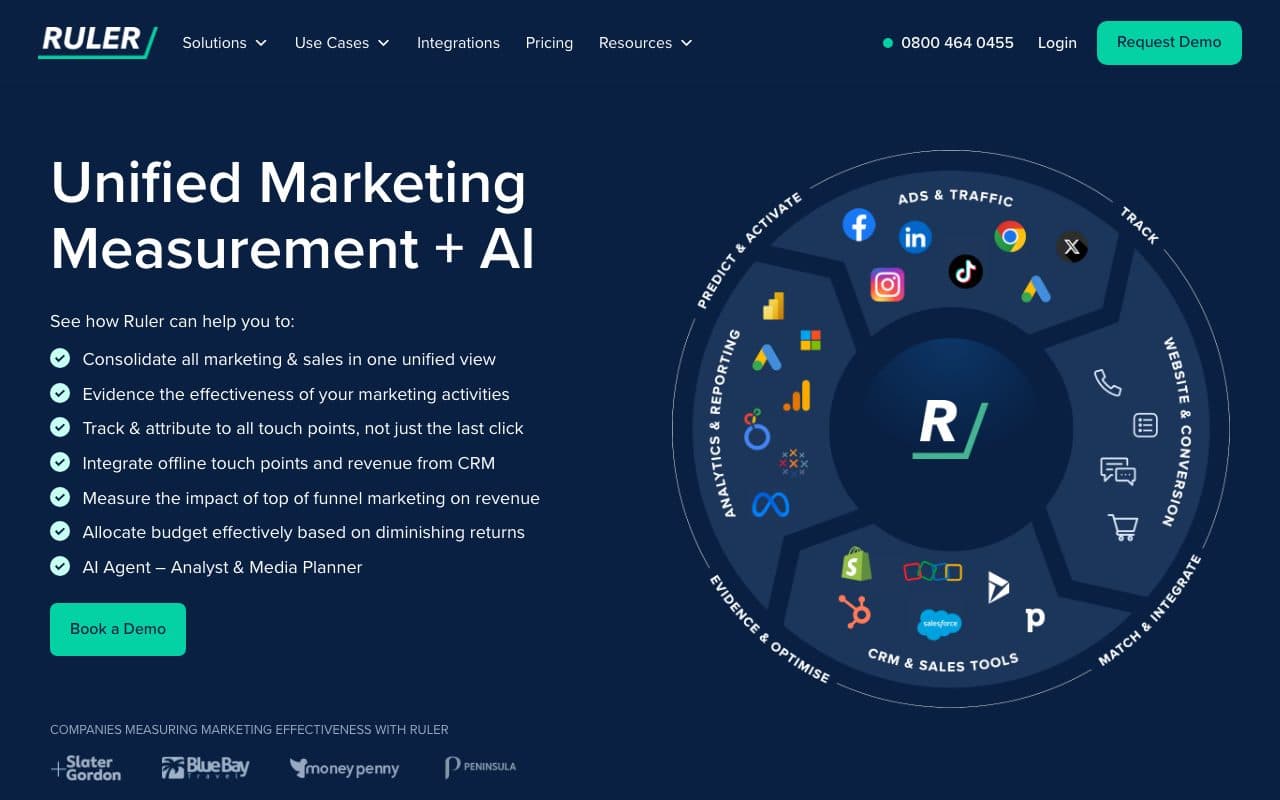
Ruler Analytics connects marketing touchpoints to offline revenue by tracking every form submission, phone call, and live chat interaction, then following leads through your CRM to see which close, and attributing closed revenue back to the original marketing source. Its dynamic number insertion assigns unique phone numbers per traffic source, making call attribution as clean as form attribution.
Pros
- Best-in-class call tracking with dynamic number insertion: attributes every inbound call to its original ad source
- CRM revenue matching: connects form fills and calls to closed deals inside your CRM
- Starts at $199/month: accessible pricing for SMB lead gen businesses
Cons
- No server-side CAPI loop: tracks and reports offline conversions but doesn't send closed-deal signals back to Meta or Google to retrain algorithms
- No unified four-platform ads dashboard: reporting is siloed from ad platform management
Verdict
A strong specialist for businesses where calls are the primary offline conversion point. The key gap: Ruler shows you the data but doesn't close the algorithmic loop back to your ad platforms automatically.
3. Hyros: Best for High-Ticket Businesses with Long Sales Cycles
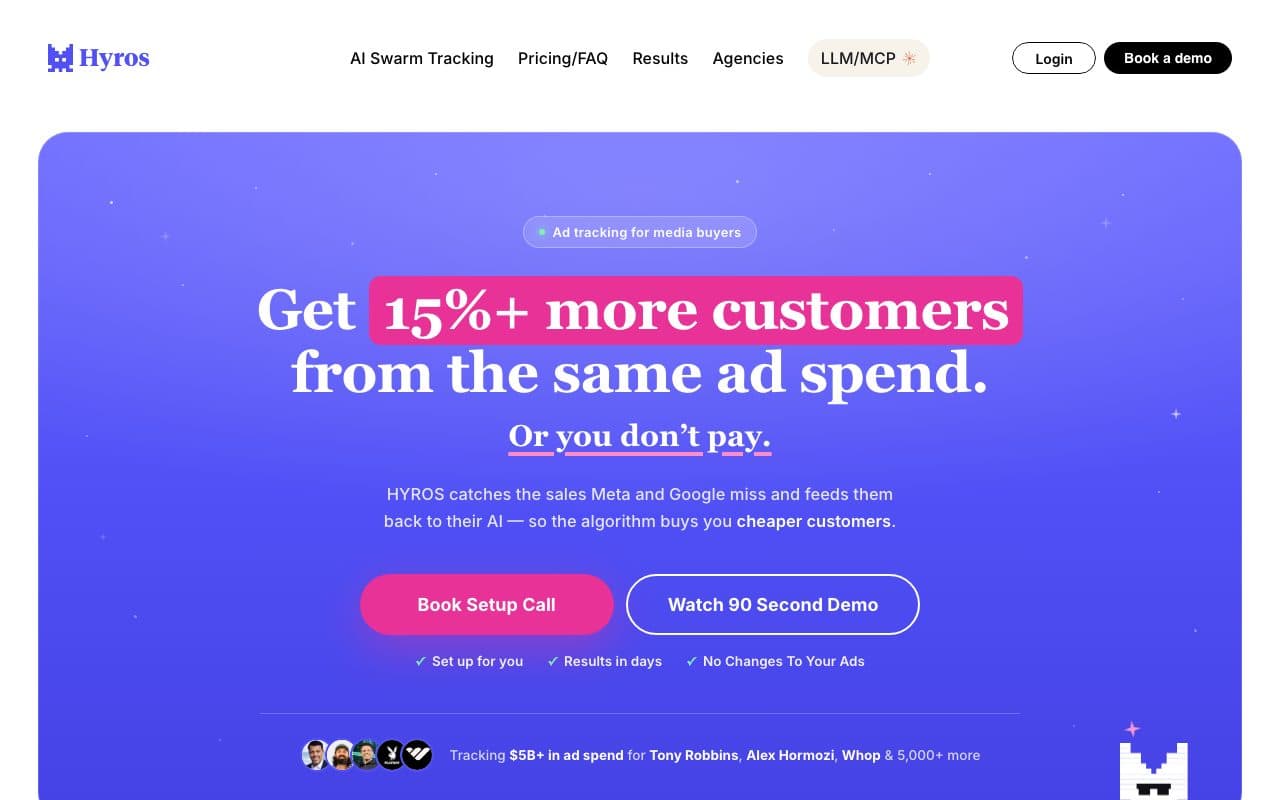
Hyros uses AI and proprietary print-tracking technology to maintain accurate attribution across long sales cycles, tracking customers who take weeks or months to convert through multiple touchpoints including phone calls, email sequences, and direct mail. Its call tracking connects phone-based conversions back to the originating ad source, making it valuable for high-ticket coaches, consultants, and B2B services where calls are primary conversion events.
Pros
- Extended attribution windows up to 365 days: tracks offline conversions months after the first ad click
- Call tracking + print tracking: attributes phone and direct mail conversions back to originating ads
Cons
- Premium pricing from $499/month: designed for businesses spending $10K+/month on ads
- Primarily Meta-focused: multi-platform offline conversion loop across LinkedIn and Bing is limited
Verdict
The strongest option for high-budget advertisers with very long consideration cycles and heavy phone-based sales. For most lead gen businesses, LeadJourney delivers comparable offline attribution across more platforms at a lower cost.
4. Cometly: Best for B2B SaaS Offline Conversion Tracking
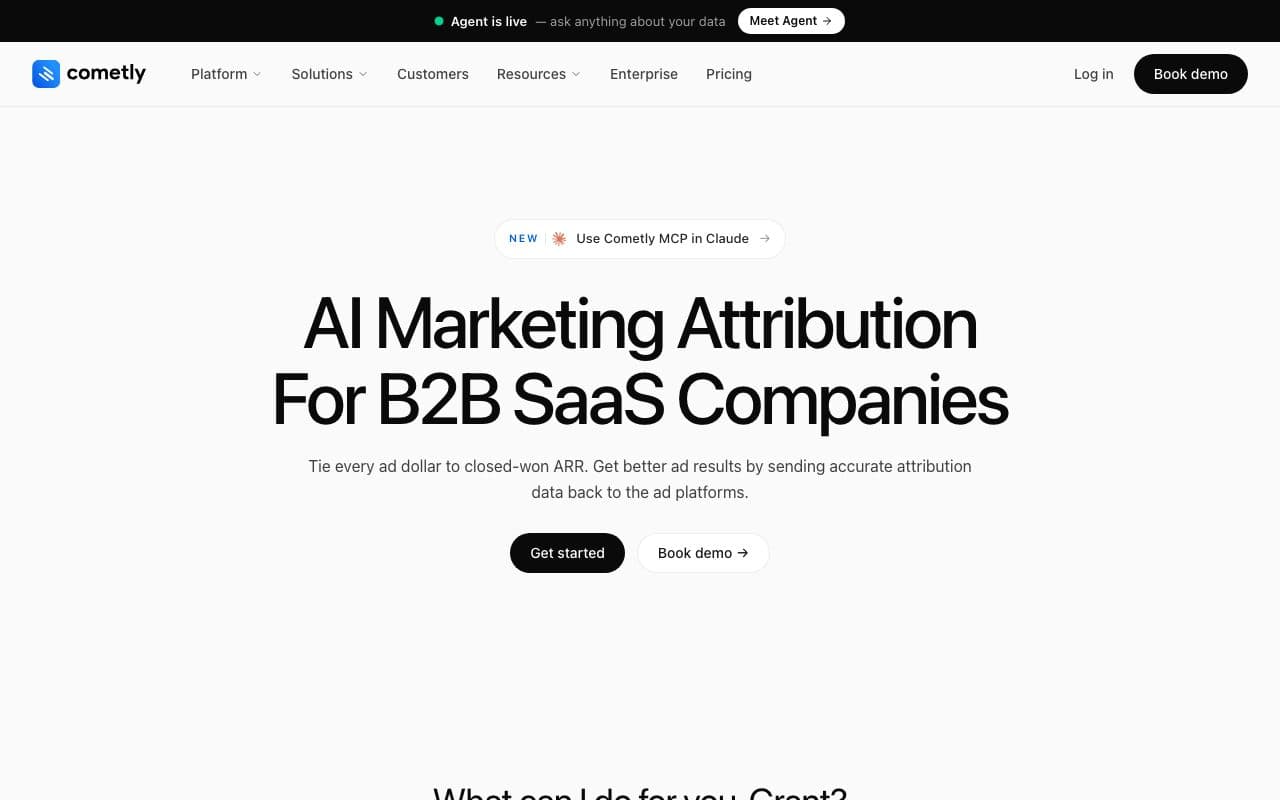
Cometly connects ad spend to CRM conversions using server-side tracking, capturing offline conversions that happen in your CRM and syncing enriched data back to Meta and Google to improve their bidding algorithms. It combines offline attribution with multi-touch attribution and AI-powered campaign optimization, making it the closest feature competitor to LeadJourney.
Pros
- Server-side offline conversion sync with AI-powered optimization recommendations
- Connects CRM revenue to ad spend in real time
Cons
- Multi-vertical focus: offline conversion depth for lead gen pipeline stages (qualified, booked, closed) less specific than LeadJourney
- Custom pricing requires a demo call
Verdict
A strong offline conversion tracking option for B2B SaaS with paid acquisition. Lead gen businesses will find LeadJourney's four-platform CRM loop and pipeline-stage attribution more relevant.
5. WhatConverts: Best Specialist for Call, Form, and Chat Lead Tracking
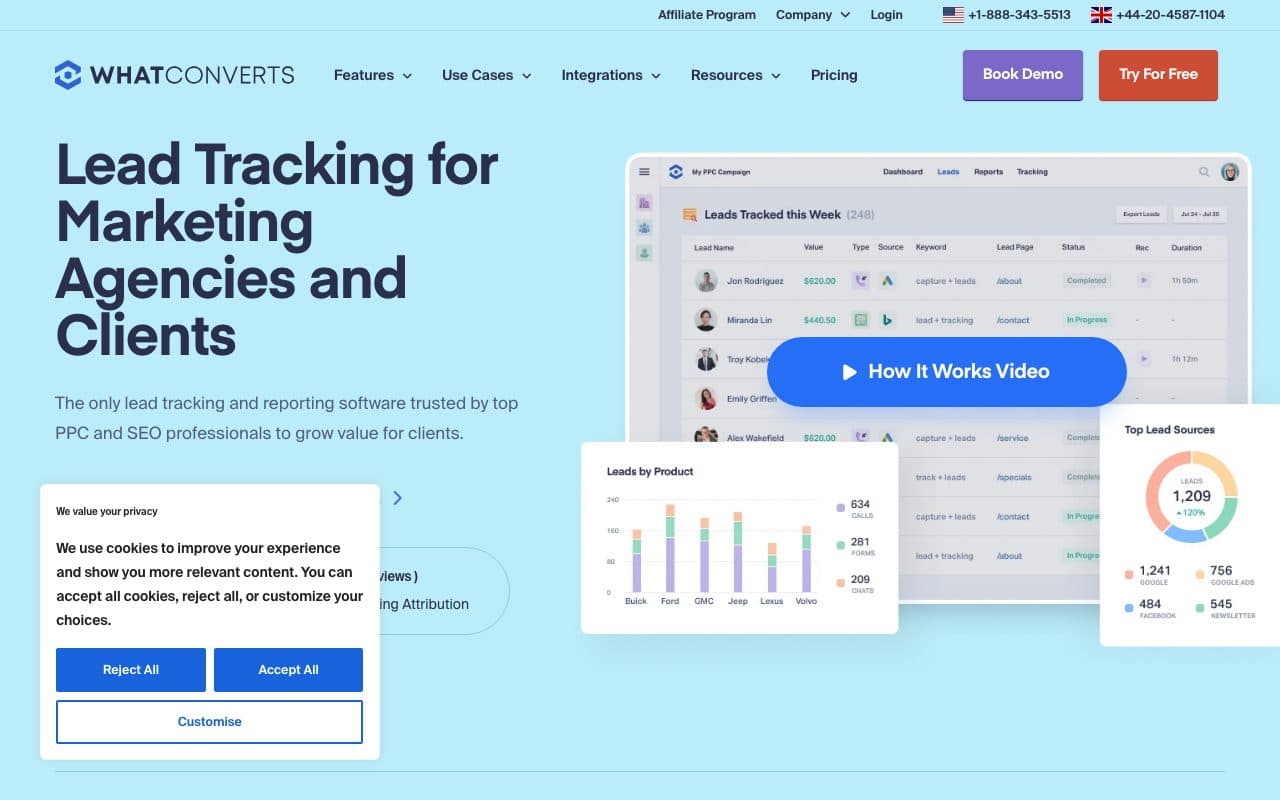
WhatConverts is a comprehensive lead tracking platform for agencies and businesses where calls, forms, and chats are primary offline conversion points. It captures the marketing source of every lead type, reports on lead quality and value by source, and integrates with CRM and analytics platforms to give agencies proof of marketing impact.
Pros
- Tracks calls, forms, and chats in one platform: comprehensive offline lead capture
- Lead quality and value reporting by source: helps agencies demonstrate ROI to clients
Cons
- No server-side CAPI loop: doesn't automatically send offline conversions back to Meta or Google to retrain algorithms
- No unified paid ads dashboard: data stays in WhatConverts, not integrated with ad platform spend reporting
Verdict
A strong tool for agencies tracking lead sources across call, form, and chat. Doesn't solve the full offline conversion loop for paid advertisers who need CRM signals fed back to ad algorithms.
6. CallRail: Best for Phone-Heavy Businesses Needing Call Recording
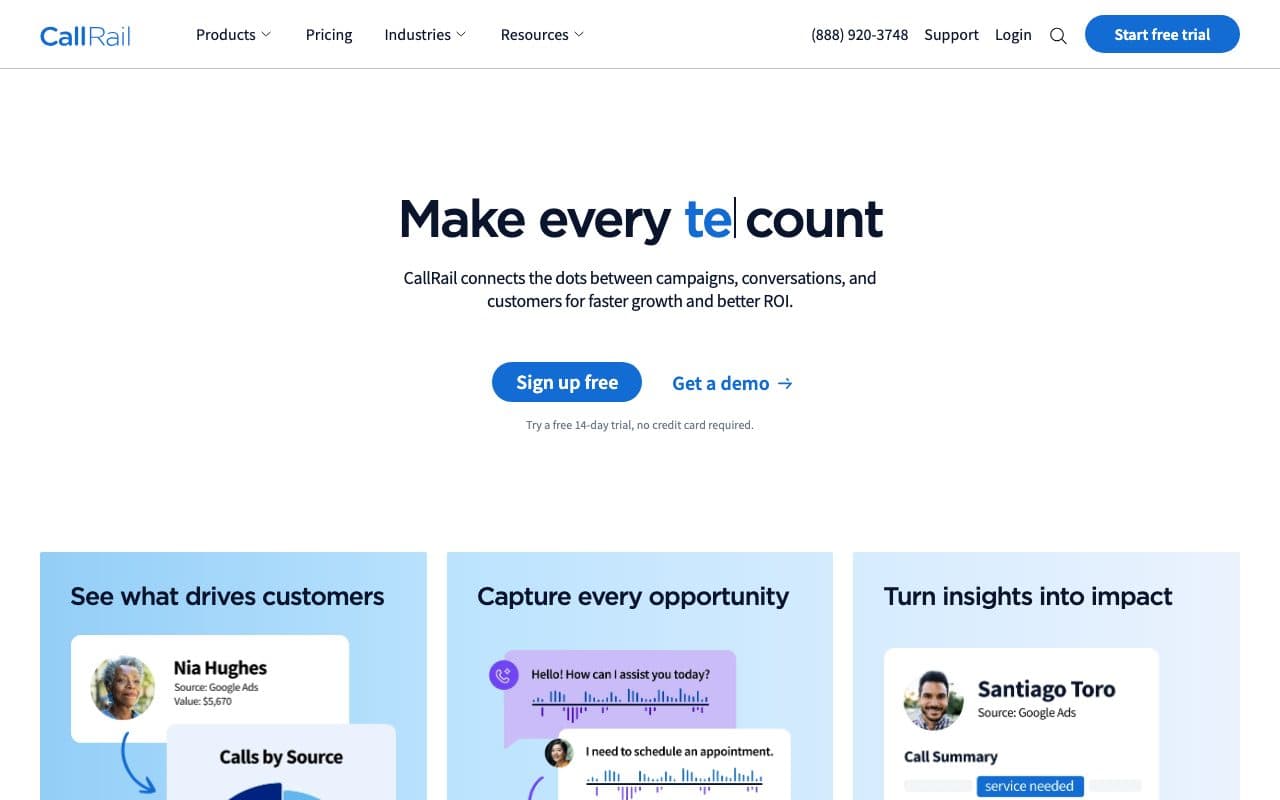
CallRail is the market-leading call tracking and analytics platform. It assigns unique tracking phone numbers to different ad sources, records and transcribes calls, and attributes phone conversations to campaigns and keywords. For businesses where inbound calls are the dominant offline conversion event, CallRail provides the deepest call-level analytics available.
Pros
- Best-in-class call recording and transcription: analyze call quality, not just call volume
- Keyword-level call attribution: see which Google Ads keywords drive calls, not just clicks
- Starts at $45/month: accessible pricing for small businesses
Cons
- Call tracking only, no form, chat, or CRM pipeline attribution for non-call conversions
- No automated CAPI loop: requires manual integration to send call data back to Meta or Google
Verdict
The best choice when phone calls are your primary offline conversion and call recording/transcription is a priority. Not a complete offline conversion tracking solution for multi-channel lead gen businesses.
7. Google Enhanced Conversions (Offline): Best for Google Ads CRM Imports
Google's Enhanced Conversions for leads allows Google Ads advertisers to upload offline conversion data from their CRM, matching closed deals back to the Google Ads clicks that produced them using hashed first-party data (email, phone). This improves Smart Bidding by telling Google which clicks actually produced revenue, not just form fills.
Pros
- Free: included with Google Ads at no additional cost
- Direct Smart Bidding improvement: feeds closed-deal signals directly into Google's bidding algorithm
Cons
- Google Ads only, no Meta, LinkedIn, or Bing offline conversion tracking
- Requires either manual CSV upload or API integration, not automated without a developer or tool like LeadJourney
- No unified reporting: data stays in Google Ads, no cross-channel view
Verdict
A powerful free feature for Google-only advertisers. The moment you run Meta, LinkedIn, or Bing ads alongside Google, you need a tool that handles all four simultaneously, which is exactly what LeadJourney does.
8. Meta Conversions API (Offline Events): Best Server-Side Option for Meta Advertisers
Meta's Conversions API allows advertisers to send offline conversion events (including CRM deal stages like qualified leads and closed deals) directly from their server to Meta's event processing infrastructure. This bypasses browser restrictions and sends enriched offline signals that retrain Meta's ad algorithms on real buyers.
Pros
- Free: direct API access included with Meta Business accounts
- Directly retrains Meta's algorithm on offline deal data: the most direct signal path available for Meta advertisers
Cons
- Requires developer to implement the API integration, not a no-code solution
- Meta only: separate implementations needed for Google, LinkedIn, and Bing
- No attribution dashboard or cross-channel reporting
Verdict
The most direct path for Meta-specific offline conversion tracking for teams with developer resources. LeadJourney handles Meta CAPI plus Google, LinkedIn, and Bing simultaneously, with no developer and a 21-minute setup.
9. Salesforce Marketing Cloud Connect: Best for Enterprise Salesforce Customers
Salesforce Marketing Cloud Connect syncs CRM data from Sales Cloud to Marketing Cloud and external ad platforms, enabling offline conversion data to flow from closed Salesforce deals back into advertising campaigns. For enterprises fully invested in the Salesforce ecosystem, it provides a native offline attribution loop without a third-party tool.
Pros
- Native Salesforce ecosystem, no third-party integration required for Salesforce customers
- Deep CRM data access: closed-deal signals sent with full account and revenue context
Cons
- Requires Salesforce, not useful for businesses using HubSpot, Pipedrive, Close CRM, or other CRMs
- Enterprise pricing and complexity: requires Salesforce + Marketing Cloud licenses
Verdict
A solid offline conversion solution for Salesforce-native enterprises. Irrelevant for SMB lead gen businesses that don't run Salesforce.
10. HubSpot Offline Events: Best for HubSpot-Native Teams
HubSpot includes basic offline event tracking capabilities that allow teams to import offline conversion data and sync it with their advertising integrations. For businesses already in the HubSpot ecosystem, it provides a no-additional-cost starting point for offline attribution without adding a separate tool.
Pros
- Included with HubSpot, no additional cost for HubSpot customers
- CRM-native: offline conversions connected directly to contact and deal records
Cons
- Limited automated CAPI integration: doesn't automatically fire CRM deal events back to all four ad platforms
- Pixel-based tracking: significant data loss from iOS 14+ and browser blocking
Verdict
A useful starting point for HubSpot customers wanting basic offline event import. When paid advertising performance becomes a priority, a dedicated tool like LeadJourney is necessary for the full automated loop.
11. Rockerbox: Best for Enterprise Omnichannel Offline Attribution
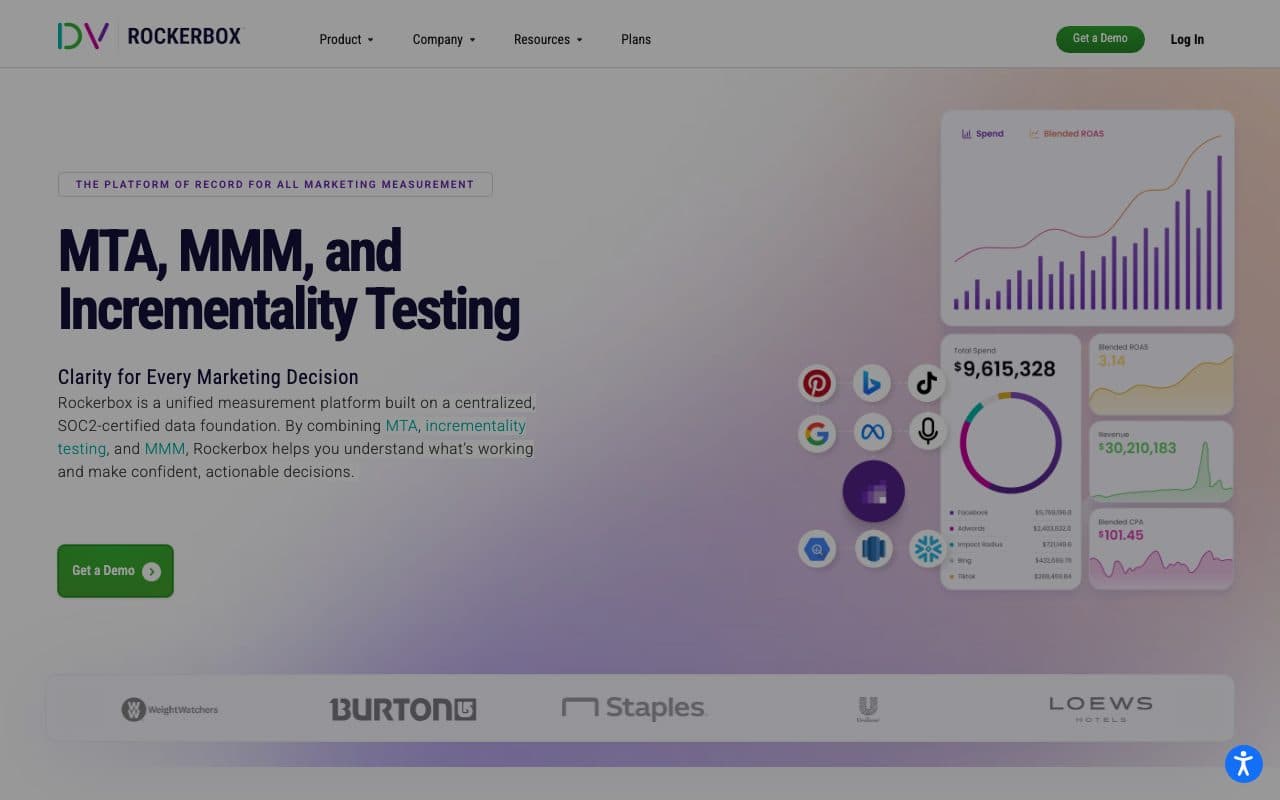
Rockerbox is a unified marketing measurement platform that combines attribution, incrementality testing, and media mix modeling across digital and offline channels. Its offline attribution capabilities extend to TV, CTV, podcast, direct mail, and in-store events, making it the right choice for large brands running truly omnichannel campaigns.
Pros
- Tracks TV, radio, podcast, direct mail, and in-store conversions alongside digital: true omnichannel offline attribution
- Incrementality testing: validates which offline and online channels actually drive lift
Cons
- Enterprise pricing: designed for brands spending seven figures on advertising
- Overkill for SMB lead gen businesses focused on digital paid ads: the scope is much broader
Verdict
The best measurement platform for enterprise brands running omnichannel campaigns including traditional media. Not relevant for SMB lead gen businesses focused on Meta, Google, LinkedIn, and Bing.
12. Zapier (Manual CRM-to-CAPI Workflow): Best Low-Cost DIY Option
Zapier can automate offline conversion workflows by triggering Meta CAPI or Google Enhanced Conversions API calls when CRM deal stages change. For technically capable teams who want to build their own offline conversion loop at low cost, Zapier provides the plumbing, though it requires significant setup and ongoing maintenance.
Pros
- Low cost: Zapier plans start at $20/month, significantly cheaper than dedicated platforms
- Flexible: can connect virtually any CRM to any ad platform API with custom logic
Cons
- Requires technical setup and ongoing maintenance, not a set-and-forget solution
- No attribution dashboard, no reporting, no attribution models: just the automation layer
- Reliability issues: Zapier zaps can fail silently, causing offline conversion data gaps without alerts
Verdict
A viable workaround for technically capable teams on tight budgets. Not a reliable production solution for businesses where offline conversion accuracy directly affects ad spend decisions.
13. Attribution App: Best Accessible Multi-Touch Attribution for Growing SMBs
Attribution App provides multi-touch attribution tracking across platforms at accessible price points, with offline conversion tracking capabilities for businesses that need to see the complete journey from ad click to CRM close. It's designed to remove the technical barriers that make enterprise attribution platforms inaccessible to growing businesses.
Pros
- Accessible pricing: lower cost than enterprise attribution platforms
- Fast setup: hours instead of weeks for basic offline conversion tracking
Cons
- Less automation depth: offline conversion loop not as tightly integrated as LeadJourney's server-side CRM-to-CAPI
- Smaller ecosystem: fewer integrations and less community support than established platforms
Verdict
A reasonable starting point for SMBs needing offline conversion tracking without enterprise pricing. As ad spend grows and automation depth matters, LeadJourney's fully automated CRM-to-CAPI loop is the next step.
14. Dreamdata: Best for Enterprise B2B Offline Account-Level Attribution
Dreamdata tracks offline B2B conversions at the account level, aggregating all touchpoints across multiple stakeholders within the same company and connecting them to CRM opportunities and closed revenue. For enterprise B2B companies with multi-stakeholder, multi-month sales cycles, it provides the most comprehensive offline account-level attribution available.
Pros
- Account-level offline attribution: connects all touchpoints across multiple people within the same company
- Deep CRM revenue visibility for complex multi-stakeholder deals
Cons
- Paid plans on quote: the free plan keeps two months of history, the price of Attribution and Activation is not published
- Conversion syncs to Google, LinkedIn, Microsoft and Meta sit in the paid Activation add-on, not in the free plan
Verdict
The best offline attribution for enterprise B2B with complex multi-stakeholder deals. Overpriced and overbuilt for the majority of lead generation businesses.
15. Google Ads Conversion Import (CSV): Best Manual Fallback for Google-Only Advertisers
Google Ads Conversion Import lets advertisers upload offline conversion data via CSV file, matching closed deals to Google Ads clicks using Google Click IDs (gclid). It's the oldest and most manual method of offline conversion tracking, requiring regular CSV exports from your CRM and imports into Google Ads.
Pros
- Free, no cost beyond Google Ads spend
- Proven method: direct import into Google Ads improves Smart Bidding on closed-deal data
Cons
- Manual process: requires regular CSV exports from CRM and imports into Google Ads
- Google Ads only: no Meta, LinkedIn, or Bing offline conversion tracking
- Delayed signals: weekly CSV uploads mean up to 7 days of lag in offline conversion data reaching the algorithm
Verdict
A workable free option for Google-only advertisers with low conversion volume. Any business running multiple ad platforms or high conversion volumes should automate this process. LeadJourney handles it for all four platforms simultaneously in real time.
Why Most Offline Conversion Tracking Falls Short
Most tools on this list solve part of the offline conversion tracking problem. Call trackers attribute calls. Manual CSV imports upload deal data into one platform. Enterprise CDPs build data pipelines. What almost none of them do (except LeadJourney) is automate the complete offline conversion loop across all four major ad platforms simultaneously, in real time, without a developer or manual work.
For lead generation businesses, this automation gap is the difference between ad algorithms that improve over time and ad algorithms that stay stuck optimizing toward form fills. LeadJourney's server-side CRM-to-CAPI loop turns every closed deal in your CRM into a real-time signal that makes your next campaign smarter.
Quick Decision Guide
- Lead generation business running paid ads (Meta, Google, LinkedIn, Bing): LeadJourney. Automated CRM-to-CAPI loop for all four platforms, 21-minute setup, no developer
- Phone-heavy business where calls are the primary conversion: Ruler Analytics or CallRail
- High-ticket business with very long sales cycles and large Meta budget: Hyros
- B2B SaaS running paid acquisition: Cometly
- Google Ads only advertiser: Google Enhanced Conversions (offline) or CSV import
- Salesforce enterprise customer: Salesforce Marketing Cloud Connect
- Enterprise omnichannel brand with TV, CTV, podcasts, direct mail media: Rockerbox
- Low budget DIY: Zapier workflow (accepts manual setup and maintenance trade-off)
FAQ
Frequently Asked Questions
The questions teams sending CRM outcomes back to the ad platforms ask most.
What is offline conversion tracking?
It is the practice of reporting conversions that happen away from your website back to the ad platforms: a qualified lead, a booked appointment, a signed contract. In lead generation almost every conversion that matters is offline in this sense, because the form fill is the beginning of the sale rather than the end of it.
How do I send offline conversions to Google and Meta?
Both accept them, and both need a key. Google takes offline conversions through Enhanced Conversions, matched on the gclid or on hashed customer data. Meta takes them as offline events through the Conversions API, matched on the fbclid or hashed contact details. The hard part is not the upload, it is having stored that key on the CRM record when the lead was created.
Is a CSV upload good enough?
It works, and it decays. A manual import runs on somebody remembering to do it, usually weekly, which delays the signal and misses whatever changed in between. It also covers one platform at a time, so four platforms mean four exports in four formats. As a way to prove the idea it is fine, as a permanent process it tends to quietly stop.
How much does offline conversion tracking cost?
The platform-side pieces are free: Google Enhanced Conversions, Meta's Conversions API and Google's CSV import. Zapier starts at $20 per month, WhatConverts at $30, CallRail at $45, Ruler Analytics at $199 and Hyros at $499, with Rockerbox, Salesforce Marketing Cloud Connect and Dreamdata's paid tiers on quote. LeadJourney runs a 14-day free trial.
Which offline conversion should I send back?
The earliest event that reliably predicts revenue and still occurs often enough to optimise on. Closed deals are the truest signal but can be too rare for a platform to learn from. Most lead gen accounts settle on the qualified lead or the booked appointment as the primary event and report the closed deal alongside it.
Keep reading
More from the blog
 Tool Comparisons
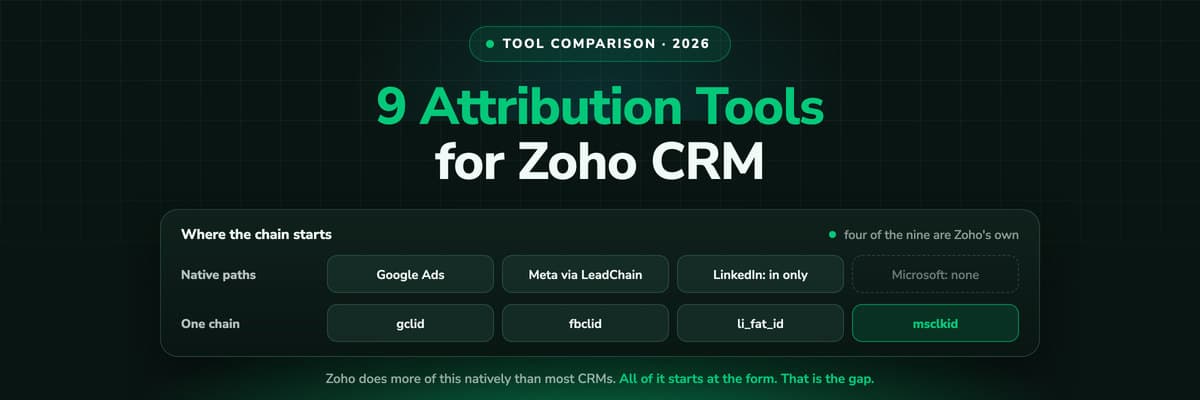
9 Best Marketing Attribution Tools for Zoho CRM in 2026
Four of the best attribution tools for Zoho CRM are Zoho products you may already pay for. Nine options compared on where the tracking starts, which ad platforms they cover, and whether the closed deal ever reaches the algorithm buying your traffic.Read the article13 min read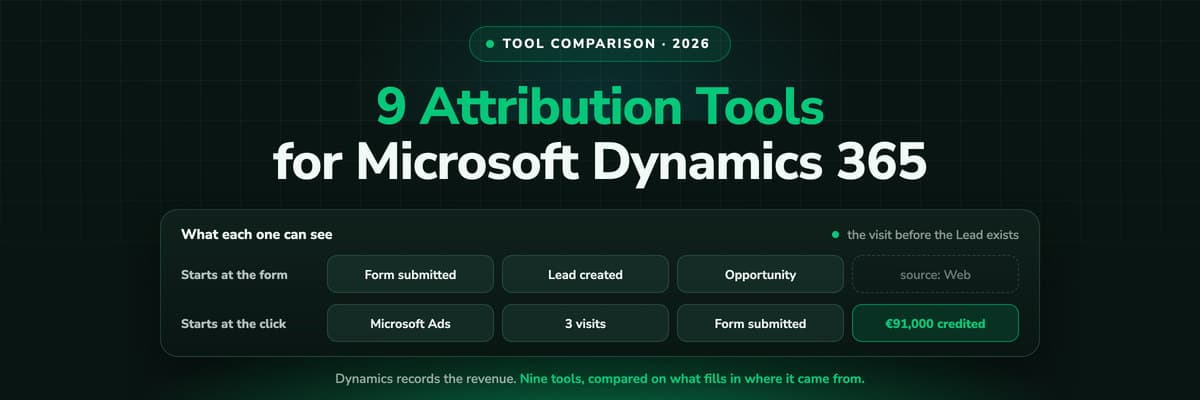 Tool Comparisons
9 Best Marketing Attribution Tools for Microsoft Dynamics 365 in 2026
Dynamics records the revenue and nothing fills in where it came from: Lead Source is a ten-option picklist and campaign spend is typed by hand. Nine tools compared on what each can actually see in a Dynamics environment, with pricing, pros, cons and a verdict.Read the article14 min read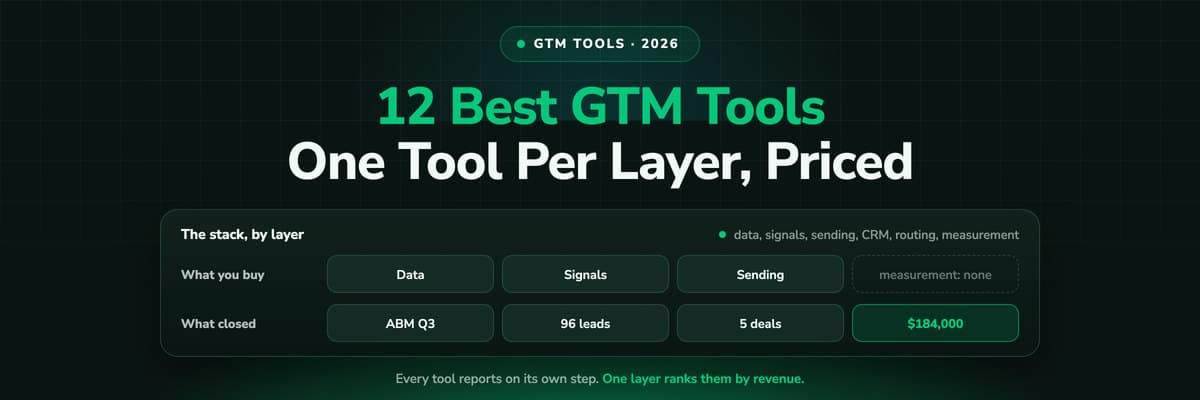 Tool Comparisons
12 Best GTM Tools and Software in 2026
A GTM stack is five or six tools that each report on their own step, which is why nobody can say which play produced the revenue. Twelve tools compared by the layer they own, with prices read this month and a verdict on who each one is for.Read the article16 min read
Beyond CSV imports
Ready to stop losing offline conversions?
LeadJourney is the offline conversion tracking software built around the lead and the closed deal, for lead generation and e-commerce businesses. Connect your CRM to Meta, Google, LinkedIn, and Bing in 21 minutes. Qualified-lead and closed-deal signals fire automatically. No CSV. No developer. 14-day free trial.