













BlogTool Comparisons
15 Best Customer Journey Tracking Tools in 2026
Most businesses see the ad click and the form fill, and nothing in between. Fifteen customer journey tracking tools, from product analytics suites to enterprise CDPs, ranked by whether they follow a lead from first click to closed deal in the CRM.


Contents
Summarise this article with AI
Opens the page with a ready prompt in:


Nothing is sent until you pick a service.
Most businesses have no idea what their real customer journey looks like. They see the first touchpoint (the ad click) and they see the final touchpoint: the form fill. Everything in between is a black box.
Customer journey tracking tools stitch together every interaction a prospect has with your brand, from the first Meta ad impression to the Google search, the landing page visit, the form submission, the booked call, and the closed deal, into a single, unified view of the complete customer journey.
But the tools in this category were built for very different audiences. Some are product analytics platforms for SaaS companies. Some are enterprise CDP suites. A few are purpose-built for lead generation businesses running paid ads, which is an entirely different problem to solve. This guide ranks the 15 best customer journey tracking tools in 2026 and makes clear who each one is actually built for.
Quick Summary: Best Customer Journey Tracking Tool in 2026
In short
LeadJourney is the best customer journey tracking tool in 2026 for lead generation businesses because the journey it draws starts at the ad click and ends at the closed deal, rather than starting at the first page view and ending at the form submit. Paid and organic sit in one model, including AI search engines, and five attribution models are on every plan so first click, last click and the multi-touch models can be compared rather than chosen once. 95%+ server-side accuracy, 21-minute setup, 14-day free trial.
The other 14 tools split into two families. Product analytics (Amplitude, Mixpanel, Heap, Contentsquare, Woopra) tracks what a known user does inside your product, which is a different and legitimate job. Attribution and CRM platforms (Cometly, Dreamdata, HockeyStack, Ruler Analytics, HubSpot, Salesforce, Adobe) connect marketing to revenue with varying depth, price and implementation weight.
The question that separates them for a lead gen business: does the tool know what happened after the form was submitted. A journey that ends at the conversion event is a website analytics report. A journey that continues through qualification to the signed contract is what tells you which campaign to fund.
The 15 Best Customer Journey Tracking Tools (2026)
The 15 best customer journey tracking tools at a glance
| Tool | Key features | Best for | Pricing |
|---|---|---|---|
| Rank 1LeadJourney | Full customer journey from ad click to closed deal; server-side; 5 attribution models; Atlas AI | Lead generation businesses tracking ad click to closed deal | 14-day free trial |
| Rank 2Cometlyvs LeadJourney | Server-side tracking, CRM revenue attribution, AI optimization | B2B SaaS teams tracking ad-to-revenue journeys | Custom (demo required) |
| Rank 3Dreamdatavs LeadJourney | Account-level journey aggregation, 18-month lookback | Enterprise B2B account-level journey tracking | Free plan, paid on quote |
| Rank 4HockeyStackvs LeadJourney | AI agents, multi-source data, pipeline journey mapping | GTM teams needing full-funnel pipeline intelligence | On quote |
| Rank 5Ruler Analyticsvs LeadJourney | Multi-session visitor tracking, offline conversion attribution | Offline journey touchpoints and CRM revenue matching | From £299/mo |
| Rank 6Google Analytics 4vs LeadJourney | Event-based tracking, Path Exploration, funnel analysis | Free option for website-level journey tracking | Free |
| Rank 7Amplitude | Pathfinder, behavioral cohorts, in-app journey analytics | Product-led SaaS companies analyzing in-app user journeys | Free & Custom |
| Rank 8Mixpanel | Flows report, funnel analysis, retention tracking | Growth teams tracking product engagement and conversion funnels | Free up to 20M events/mo |
| Rank 9Heap | Autocapture, retroactive journey analysis, session data | Codeless auto-capture and retroactive journey analysis | Starts at $999/mo |
| Rank 10Segment | 400+ integrations, identity resolution, data routing | Data collection foundation for multi-tool stacks | Starts at $750/mo |
| Rank 11Salesforce Marketing Cloud | Journey Builder, multi-channel orchestration, CRM sync | Enterprise CRM journey orchestration | Custom enterprise pricing |
| Rank 12Adobe Customer Journey Analytics | Cross-channel journey data, flexible data model | Enterprise omnichannel journey data | Custom enterprise pricing |
| Rank 13Contentsquare | Heatmaps, session replay, zone-based analysis | UX-focused journey analytics and experience optimization | Custom enterprise pricing |
| Rank 14Woopra | Real-time behavioral data, automation triggers, 30+ integrations | Real-time behavioral automation triggers | Free & Starts at $999/mo |
| Rank 15HubSpot Marketing Hub | Contact-level journey timeline, multi-touch attribution | HubSpot-native teams wanting contact-level journey timelines | Free & Starts at $9/mo |





1. LeadJourney: Best Customer Journey Tracking Tool for Lead Generation Businesses
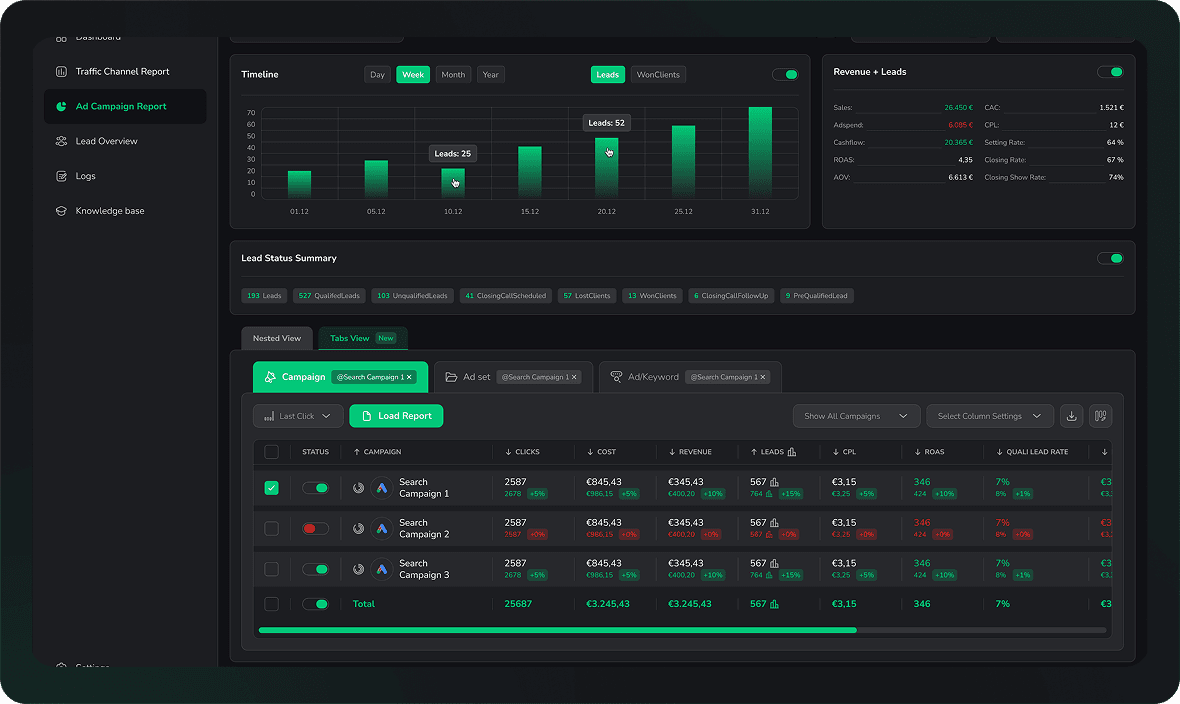
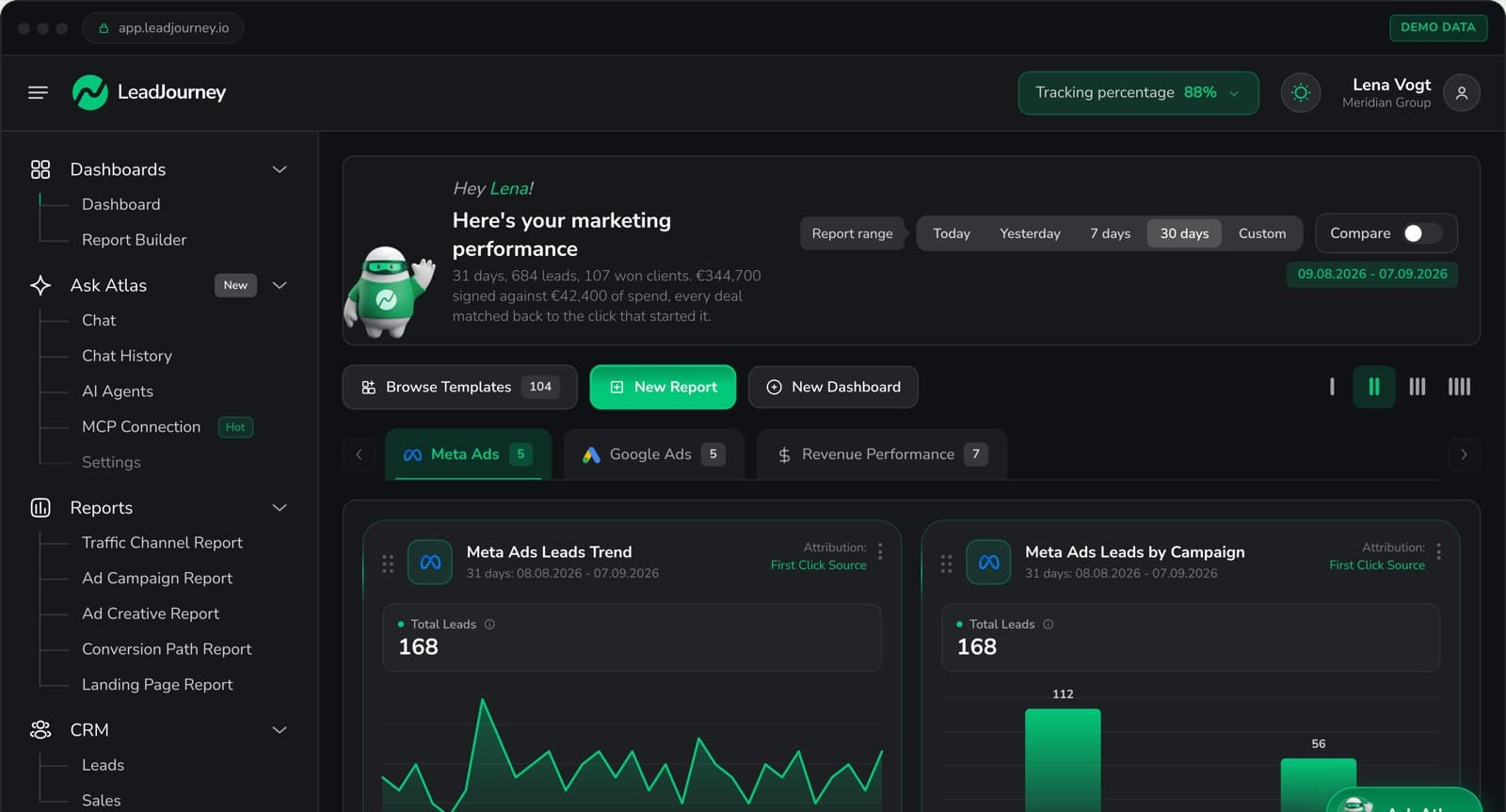
LeadJourney gives you the complete customer journey for every lead, from the first ad click across Meta, Google, LinkedIn, or Bing, through every touchpoint on your funnel, through every CRM stage (lead received, qualified, appointment booked, deal closed): all tracked server-side and visualized in a single dashboard. Every other tool on this list was built for a different use case. LeadJourney was built exclusively for lead generation businesses that run paid ads and need to understand the full journey from ad impression to closed revenue.
Most lead gen businesses are flying blind. They know how many form fills they got. They don't know which ad produced a closed deal three weeks later. LeadJourney closes this gap completely: every lead's journey is tracked from its original ad source through every subsequent interaction and CRM stage, with that closed-deal data automatically sent back to Meta CAPI, Google Enhanced Conversions, LinkedIn CAPI, and Bing UET, retraining the ad algorithms on real buyers.
How LeadJourney Tracks the Complete Customer Journey
- First-click attribution: captures the original ad (campaign, ad set, creative) that brought the lead in, stored server-side and persisted through the full sales cycle
- Multi-touch journey mapping: tracks every subsequent touchpoint: retargeting clicks, organic visits, direct sessions, between first touch and conversion
- CRM pipeline attribution: maps each CRM stage (lead in, qualified, booked, closed) to the original source campaign and every touchpoint along the way
- Multi-touch attribution models: first touch, last touch, linear, time-decay, and position-based models available in the dashboard to answer different questions about your funnel
- Unified cross-channel dashboard: Meta, Google, LinkedIn, and Bing Ads in a single view with cost-per-lead and cost-per-close at every funnel stage, per channel
- Server-side tracking at 95%+ accuracy, no data loss from iOS 14+, Safari ITP, or ad blockers; all conversion events fire from your server, not the visitor's browser
- Atlas AI analyst: chat with your customer journey data in plain English: ask which channel sources the highest-quality leads, which touchpoints correlate with closed deals, and where the biggest drop-off in your funnel is
- Closed-loop conversion signals: qualified-lead, booked-call, and closed-deal events sent back to ad platforms automatically, so the algorithm optimizes toward real buyers rather than form fills
Pros
- The only tool on this list that tracks the full customer journey end-to-end for lead generation businesses, from first paid ad click to closed deal in CRM
- All five major multi-touch attribution models in a single dashboard: compare first touch, last touch, linear, time-decay, and position-based side by side
- Server-side tracking closes the iOS 14 data gap that makes pixel-based tools unreliable for performance advertisers
- Closes the algorithmic loop: journey data feeds back into Meta, Google, LinkedIn, and Bing to continuously improve ad targeting
- 21-minute setup, no developer required: works with any landing page builder or funnel tool
Cons
- Not designed for SaaS in-product journey analytics or eCommerce funnel optimization: purpose-built for paid lead generation
- No session replay or heatmap features: complements rather than replaces UX tools like Hotjar
Verdict
If you run a lead generation business and want to see the complete customer journey (from the first ad your lead clicked to the moment they signed), LeadJourney is the only tool on this list built exclusively for that. Every other platform on this list solves a different journey tracking problem.
What Real Users Say About LeadJourney
Hands down the best B2B attribution platform for agencies.
LeadJourney has become one of those tools we don't want to work without anymore. It gives us a clear customer journey report, tracks offline conversions reliably, and helps us make decisions based on revenue instead of assumptions.
Read verified reviews on Trustpilot, G2, Capterra, Software Advice, and leadjourney.io/testimonials.
Further Reading
Explore the LeadJourney marketing attribution platform or compare the best B2B attribution software and the best lead attribution tools. Built by Jonas Strambach.
2. Cometly: Best for B2B SaaS Ad-to-Revenue Journey Tracking
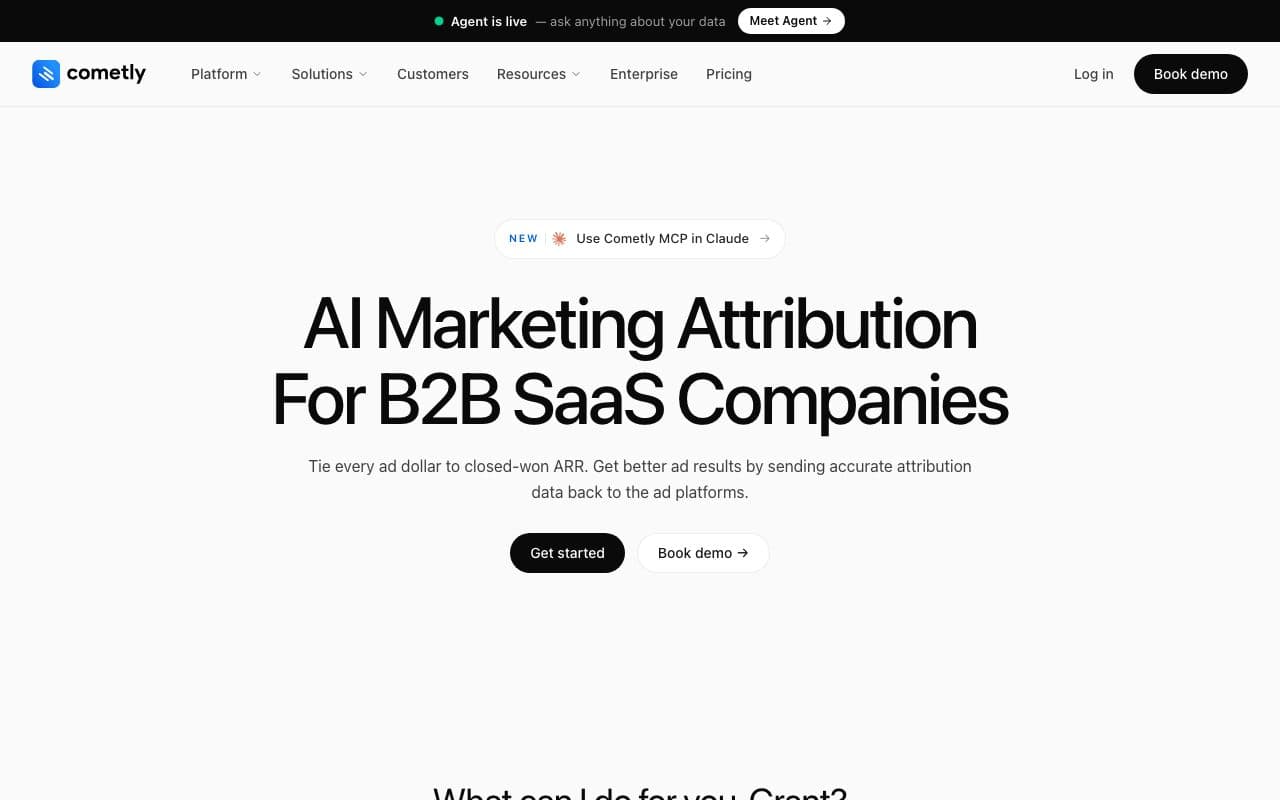
Cometly is a marketing attribution platform that connects ad platforms, CRM, and website data to track complete customer journeys from ad click to revenue. It uses server-side tracking to overcome iOS privacy restrictions and delivers AI-powered optimization recommendations, making it the closest feature competitor to LeadJourney on this list.
The critical difference: Cometly serves SaaS, eCommerce, and agencies broadly. Its customer journey tracking wasn't purpose-built for the lead generation funnel specifically: qualified lead stages, appointment booking attribution, and multi-channel offline conversion loops.
Pros
- Strong server-side tracking and real-time cross-channel journey data
- AI-powered optimization recommendations on top of journey data
- Good fit for B2B SaaS with paid acquisition across multiple platforms
Cons
- Serves multiple verticals: journey tracking not as deep for lead gen funnel stages specifically
- Pricing requires a demo call, not publicly listed
Verdict
Strong for SaaS and agencies running paid acquisition who need journey visibility from ad to CRM. Lead gen businesses will find LeadJourney's funnel-stage depth more relevant.
3. Dreamdata: Best for Enterprise B2B Account-Level Journey Tracking
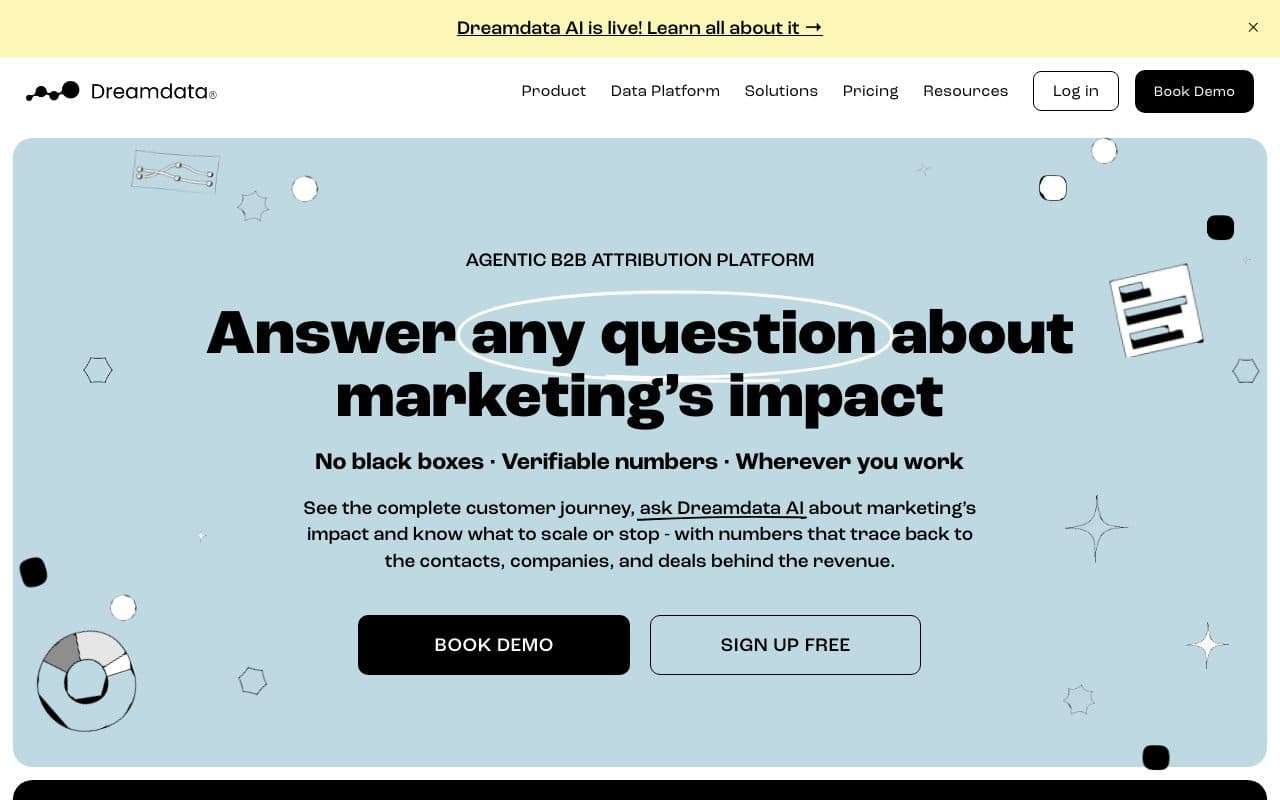
Dreamdata tracks customer journeys at the account level, aggregating all touchpoints across multiple stakeholders within the same company into a unified buying journey. This is essential for enterprise B2B deals where five different people from the same company interact with your content before anyone talks to sales.
Pros
- Account-level journey aggregation: connects all individuals from the same company into one unified journey view
- Connects anonymous website visits to CRM deals via identity resolution
- Strong revenue and pipeline visibility for long, multi-stakeholder sales cycles
Cons
- Paid plans on quote: the free plan keeps two months of history, the price of Attribution and Activation is not published
- Conversion syncs to Google, LinkedIn, Microsoft and Meta sit in the paid Activation add-on, not in the free plan
Verdict
The strongest choice for enterprise B2B with multi-stakeholder deals and long cycles. Overkill and mismatched for SMB lead generation businesses running paid ads.
4. HockeyStack: Best for Enterprise GTM Pipeline Intelligence
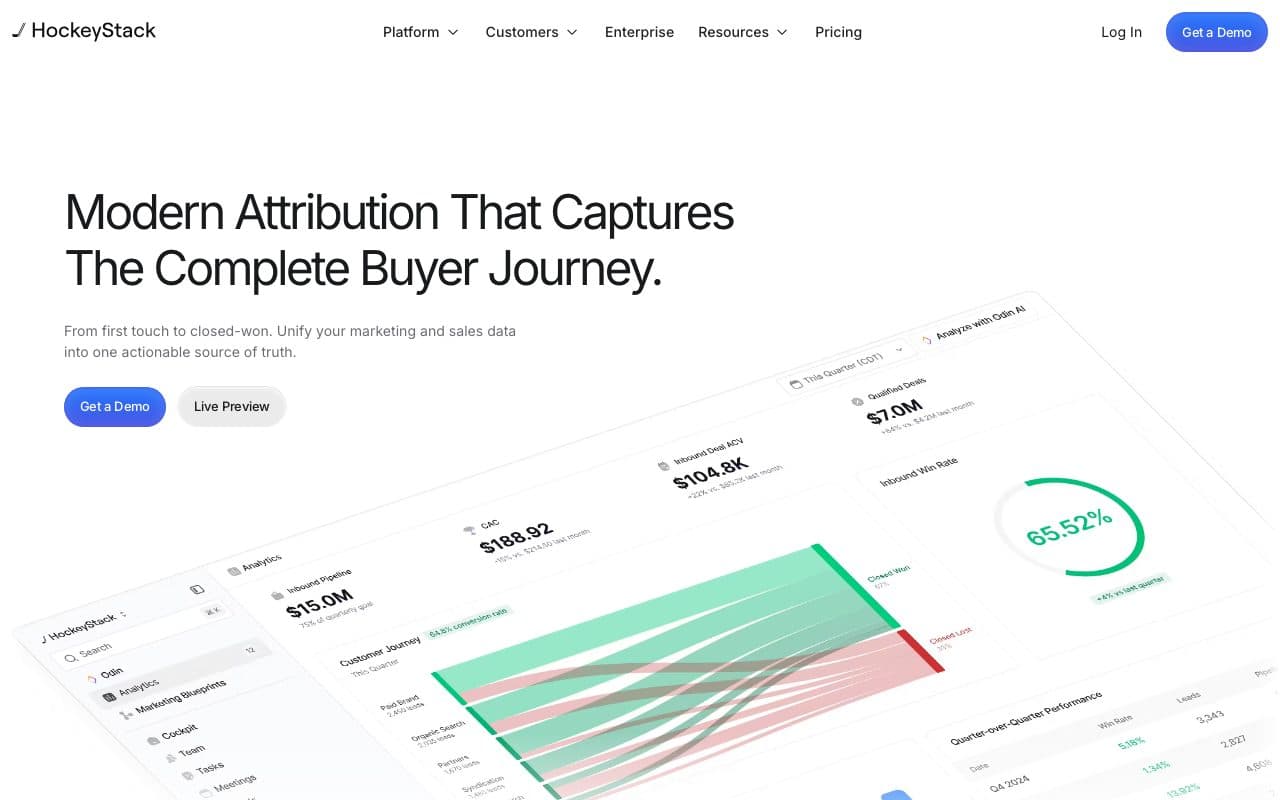
HockeyStack goes beyond journey tracking into GTM intelligence: its Atlas data foundation unifies CRM, ad platforms, website, and product data, then layers AI agents on top to analyze how every touchpoint contributes to pipeline and revenue. It's designed for enterprise marketing and sales teams that need a single intelligence layer across all their GTM data.
Pros
- Full-funnel journey mapping across all channels: both account and contact level
- AI agents analyze pipeline contribution and revenue impact across every touchpoint
- Deep Salesforce and HubSpot integration: marketing and sales aligned in one view
Cons
- Enterprise-only pricing: requires a sales call, inaccessible for most SMBs
- Significant implementation investment, not a 21-minute setup
Verdict
Excellent enterprise GTM platform for complex B2B pipeline intelligence. Overbuilt and overpriced for SMB lead gen businesses running paid ads.
5. Ruler Analytics: Best for Offline Touchpoints and CRM Revenue Matching
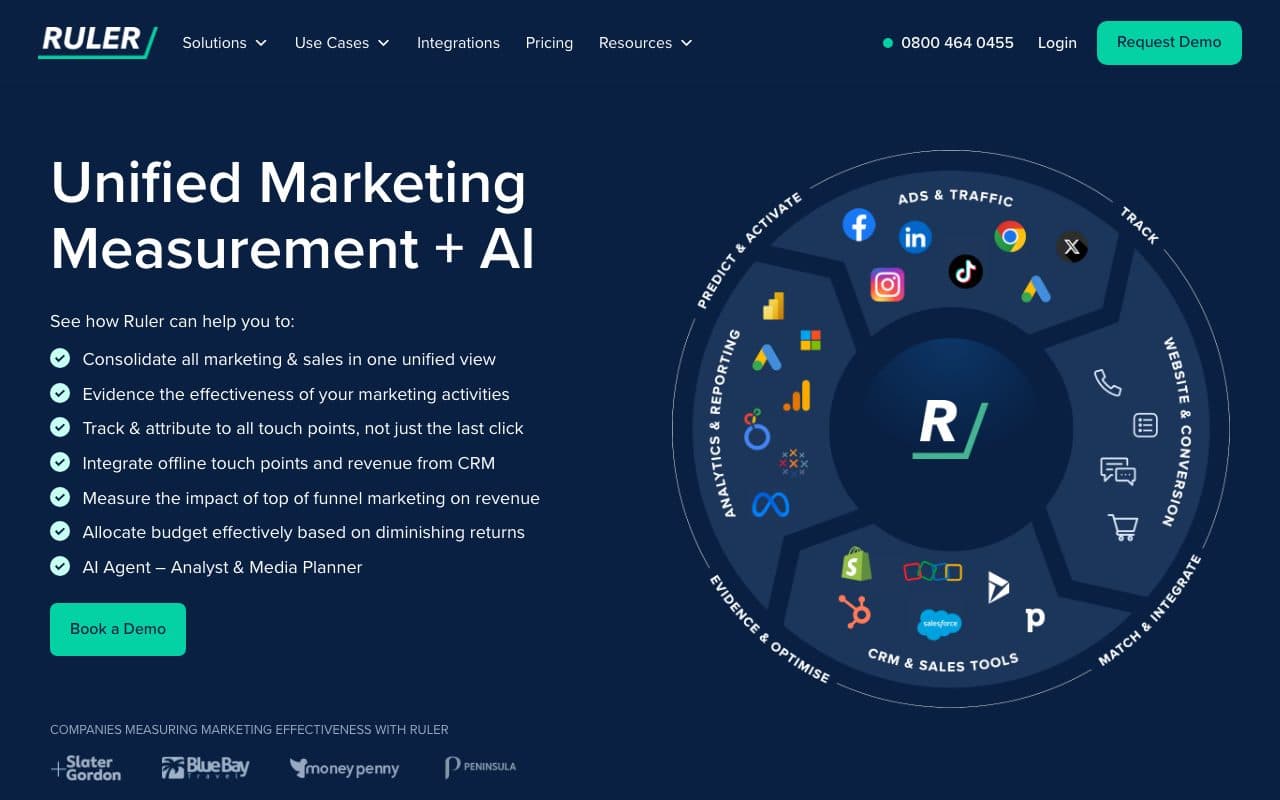
Ruler Analytics tracks visitors across multiple sessions and stitches their journey together, connecting anonymous website visits to CRM contacts and eventually to closed revenue. Its strongest use case is businesses with heavy offline conversion touchpoints: phone calls, live chat, and in-person consultations.
Pros
- Multi-session visitor tracking: connects first website visit to eventual CRM contact and closed revenue
- Strong offline conversion tracking: phone calls, chats, and forms tracked to source
Cons
- No server-side tracking: doesn't close the CAPI loop for Meta or Google
- No unified paid ads dashboard: journey data stays in Ruler, separate from ad platform reporting
Verdict
Good specialist tool for businesses where phone calls are a primary conversion touchpoint. Doesn't provide the full paid attribution loop that performance marketers need.
6. Google Analytics 4: Best Free Option for Website Journey Tracking

GA4 is the world's most widely used web analytics platform. Its event-based data model lets you track user journeys through your website with Path Exploration reports, funnel analysis, and predictive audiences. For teams primarily running Google Ads with limited budget, GA4 is a free and useful starting point.
Pros
- Free, no cost for the vast majority of use cases
- Path Exploration and funnel reports show how users navigate your site
- Cross-device tracking via Google Signals; BigQuery export for advanced analysis
Cons
- No CRM integration: journey tracking stops at the form fill, doesn't follow the lead through the sales pipeline
- Pixel-based only: significant data loss from iOS 14+, Safari ITP, and ad blockers
- Doesn't connect Meta, LinkedIn, or Bing journeys: primarily Google-centric
Verdict
A useful free tool for website-level journey analysis. Doesn't solve the core problem for lead gen businesses: tracking the journey from ad click to closed deal across multiple ad platforms and CRM stages.
7. Amplitude: Best for Product-Led SaaS In-App Journey Tracking
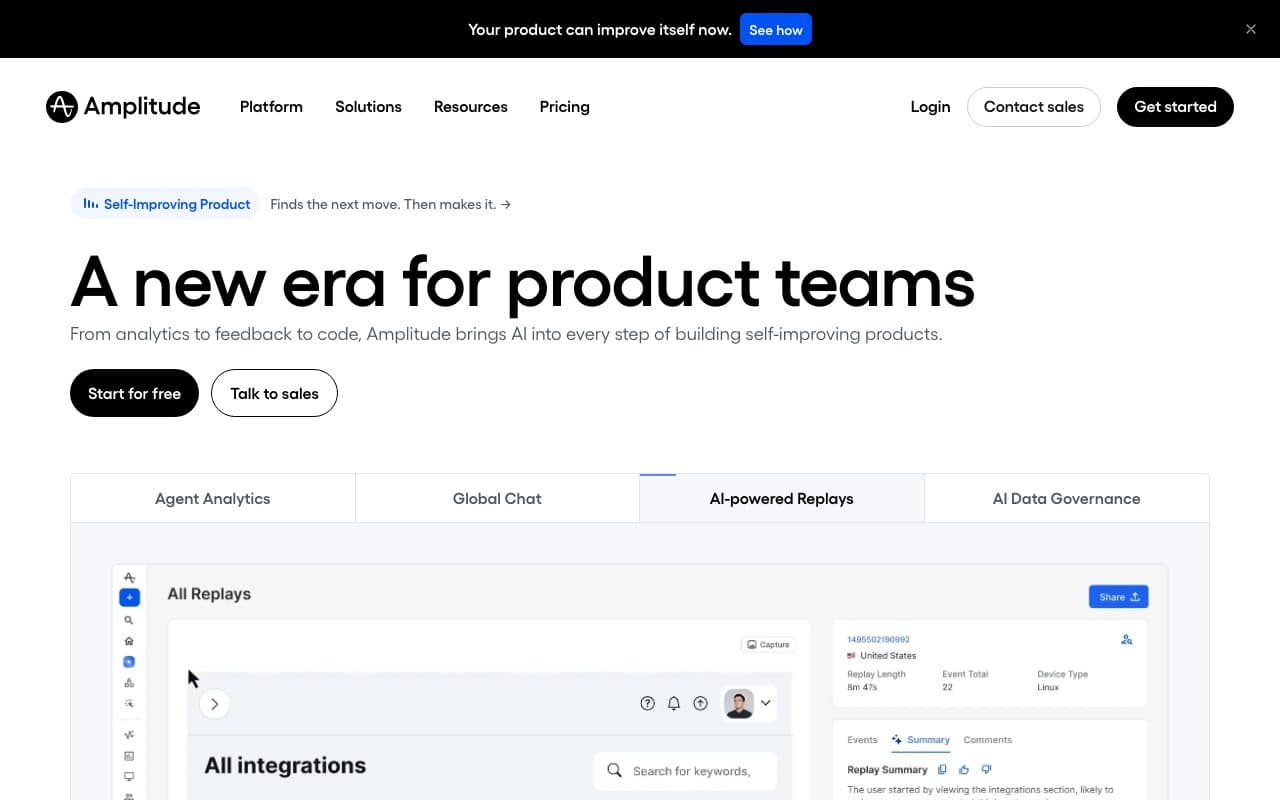
Amplitude is a digital analytics platform focused on understanding how users interact with your product, which features they adopt, where they drop off in flows, and how behavior patterns correlate with retention or conversion. Its Pathfinder tool visualizes the most common paths users take through a product from any given starting event.
Pros
- Best-in-class product journey analytics: Pathfinder visualizes in-app flows intuitively
- Behavioral cohort analysis: segment users by actions and track how cohorts behave over time
Cons
- Built for in-product journeys, not paid ad attribution: doesn't connect Meta/Google click data to CRM revenue
- No server-side ad tracking, no CAPI loop, no multi-ad-platform dashboard
Verdict
The best tool for understanding user behavior inside a SaaS product. Not relevant for lead generation businesses: it tracks what happens inside your product, not how a lead travels from ad to close.
8. Mixpanel: Best for Growth Teams Tracking Product Funnels
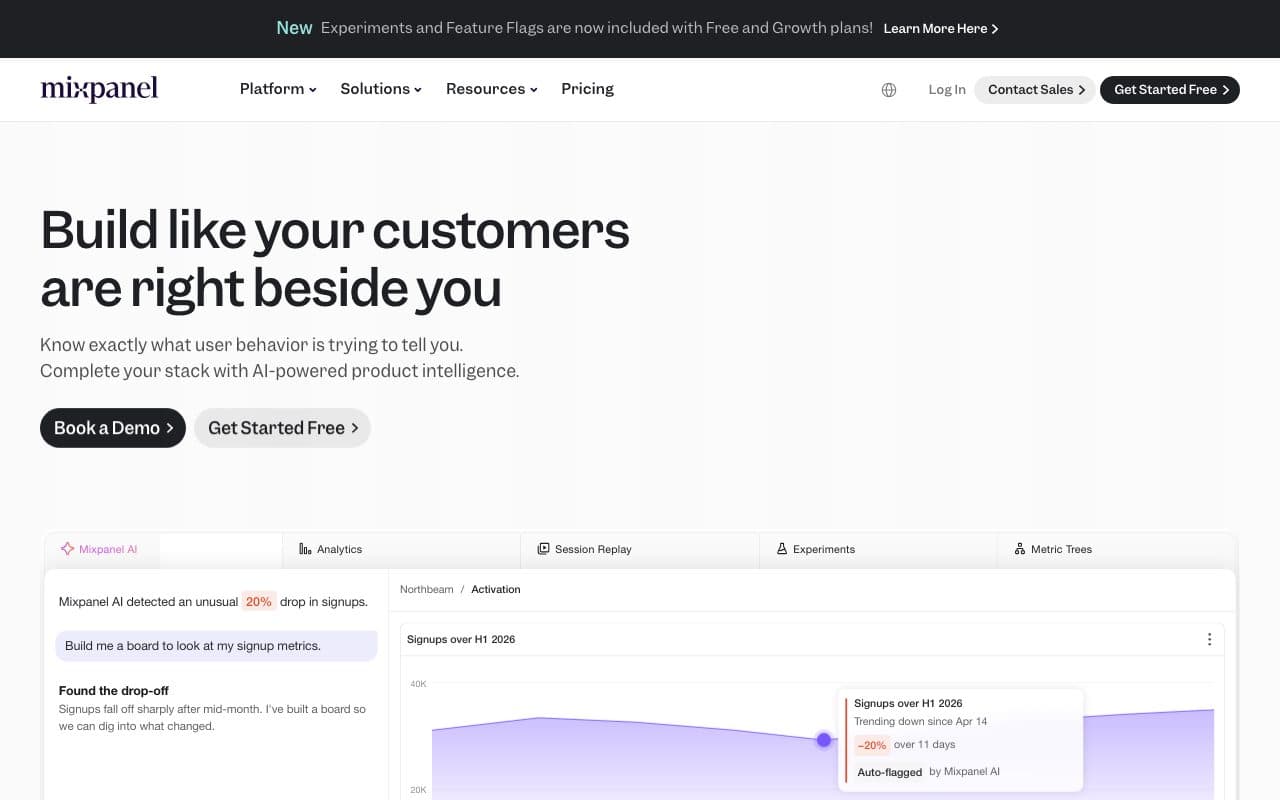
Mixpanel is a product analytics platform with a strong focus on conversion funnel analysis and user retention for SaaS and mobile-first companies. Its Flows report shows the most common paths users take from any starting event, making it intuitive for spotting drop-off points in onboarding or activation journeys.
Pros
- Accessible pricing: free tier up to 20M events/month, growth plans from $20/month
- Intuitive Flows report for visualizing user paths without writing SQL
Cons
- No paid ad attribution: tracks in-app journeys only, not the pre-funnel customer journey across ad channels
- Multi-touch attribution and data pipelines locked behind Growth/Enterprise plans
Verdict
Strong product analytics tool for SaaS and mobile companies. Not a customer journey tracking solution for businesses running paid ads: the journey it tracks starts after signup, not at the first ad click.
9. Heap: Best for Codeless Auto-Capture and Retroactive Journey Analysis
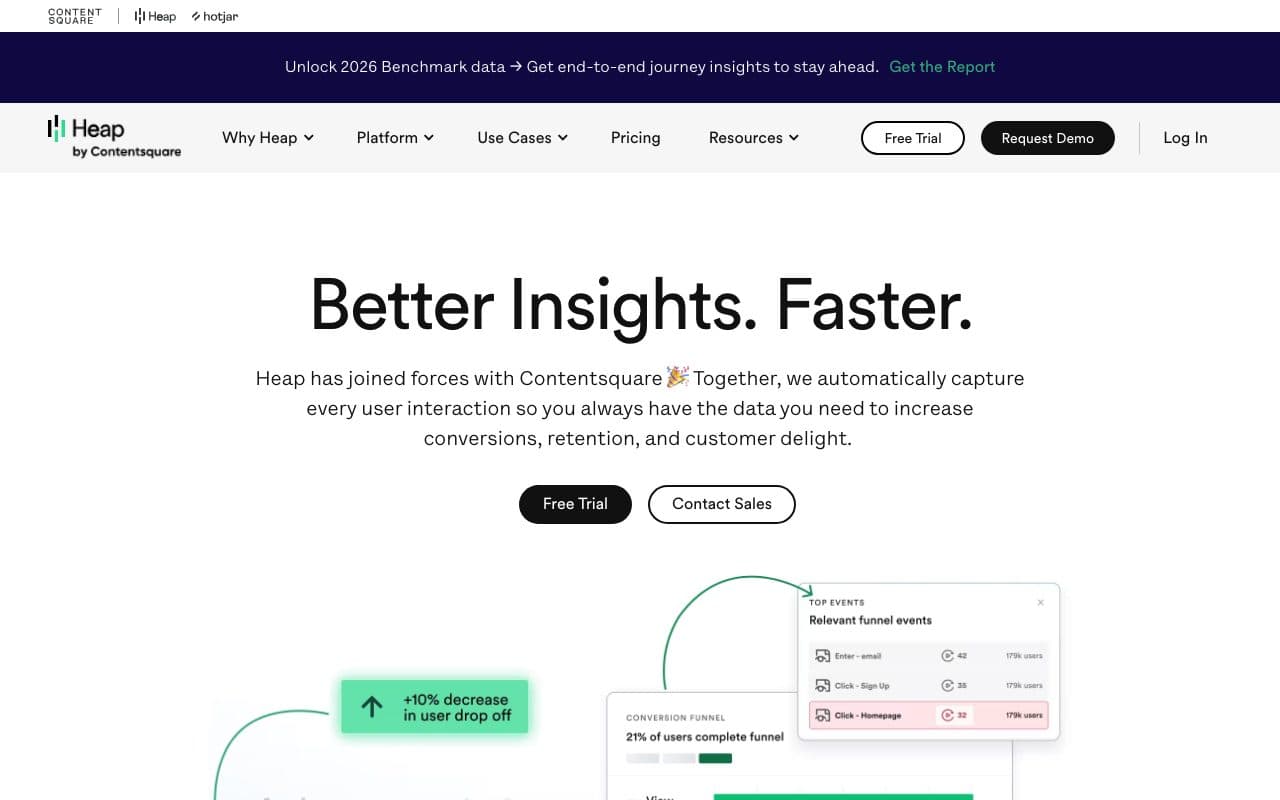
Heap automatically captures every user interaction on your website or app without manual event instrumentation: every click, form fill, page view, and scroll. The standout capability is retroactive analysis: even if you didn't define an event at implementation time, Heap has the data and you can analyze it later.
Pros
- Autocapture, no manual event tagging; every interaction is captured from day one
- Retroactive analysis: analyze historical journeys for events you didn't anticipate tracking
Cons
- Tracks on-site journeys only: doesn't connect to ad platforms or CRM revenue data
- Pro plan starts at $999/month: expensive for what is essentially on-site behavioral data only
Verdict
Excellent for product and growth teams who need complete on-site behavioral data without developer overhead. Not a solution for tracking the full paid advertising customer journey.
10. Segment: Best as a Customer Data Infrastructure Layer
Segment is a Customer Data Platform (CDP) that collects customer data once and routes it to 400+ downstream tools. It doesn't track or analyze customer journeys itself: it creates the data foundation that makes journey analysis possible in other platforms. You implement Segment once and it feeds every analytics, CRM, and marketing tool in your stack.
Pros
- 400+ integrations: implement tracking once and route to any downstream tool
- Identity resolution: unifies user identities across devices and platforms
Cons
- Not a journey tracking or attribution tool itself: requires additional tools to analyze data
- Free tier limited; enterprise plans require significant budget and technical setup
Verdict
Indispensable infrastructure tool for data-mature organizations running complex multi-tool stacks. Not a standalone journey tracking solution: it's the plumbing, not the dashboard.
11. Salesforce Marketing Cloud: Best for Enterprise Journey Orchestration
Salesforce Marketing Cloud goes beyond tracking journeys: it actively orchestrates them. Journey Builder lets you design automated multi-channel sequences that respond to customer behavior in real time: an email series triggers when someone visits your pricing page; an SMS fires when they engage with the email. The deep Salesforce CRM integration means marketing and sales share the same customer data at every stage.
Pros
- Journey Builder: design, automate, and track complex multi-channel journeys across email, SMS, mobile, and ads
- Deep Salesforce CRM integration: marketing and sales journey data in one place
Cons
- Enterprise pricing and complexity: requires significant implementation investment and Salesforce ecosystem commitment
- Not designed for SMB lead gen businesses running paid ads: the scope is much broader and more complex
Verdict
The most powerful journey orchestration platform for enterprise Salesforce customers. Not relevant for the majority of lead generation businesses.
12. Adobe Customer Journey Analytics: Best for Enterprise Omnichannel Data
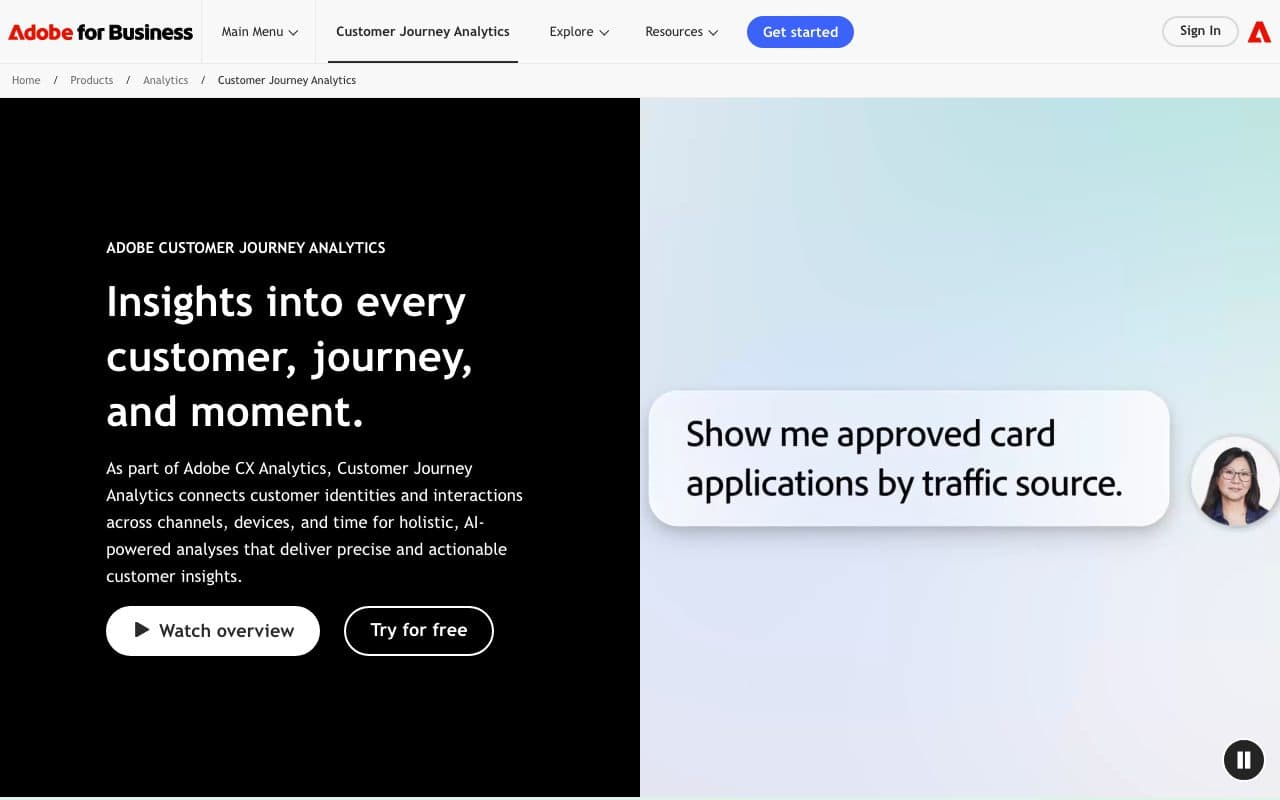
Adobe Customer Journey Analytics (CJA) is an enterprise-grade cross-channel analytics solution that connects online and offline touchpoints within the Adobe ecosystem. It unifies data from web, app, email, in-store, call center, and advertising into a single customer profile, enabling journey analysis across physical and digital channels.
Pros
- Unifies online and offline journey data across the full Adobe ecosystem
- Flexible data model: works with virtually any data schema and source
Cons
- Custom enterprise pricing: implementation requires significant technical resources and budget
- Designed for enterprise brands (retail, financial services, media), not for SMB lead gen paid advertisers
Verdict
The best cross-channel journey analytics for enterprises deeply invested in the Adobe ecosystem. Completely out of scope for most lead generation businesses.
13. Contentsquare: Best for UX Journey Analytics and Experience Optimization
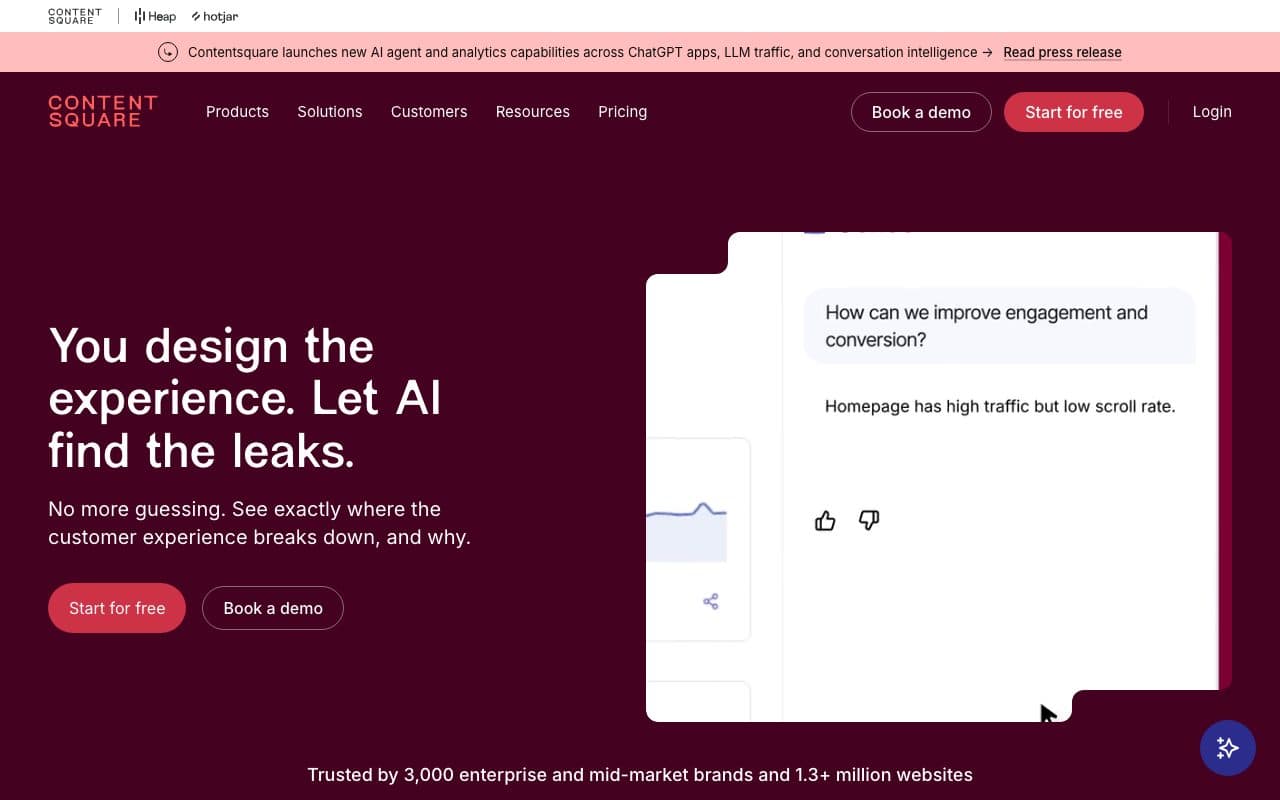
Contentsquare combines journey analytics with experience analytics: heatmaps, session replays, zone-based analysis, and frustration detection. It helps teams understand not just where users drop off in a journey, but why they struggle. This combination of quantitative journey data and qualitative experience insight is its defining strength.
Pros
- Combines journey path data with experience insight: understand both where and why users drop off
- Strong for eCommerce and large consumer websites optimizing on-site UX
Cons
- On-site experience analytics only: doesn't connect to ad platform data or CRM revenue
- Enterprise pricing: not accessible for most SMB lead gen businesses
Verdict
The best tool for understanding on-site user experience and journey friction. Not a paid attribution or full-funnel solution: it tells you what's happening on your landing page, not where the lead came from or where they go in the CRM.
14. Woopra: Best for Real-Time Behavioral Journey Automation
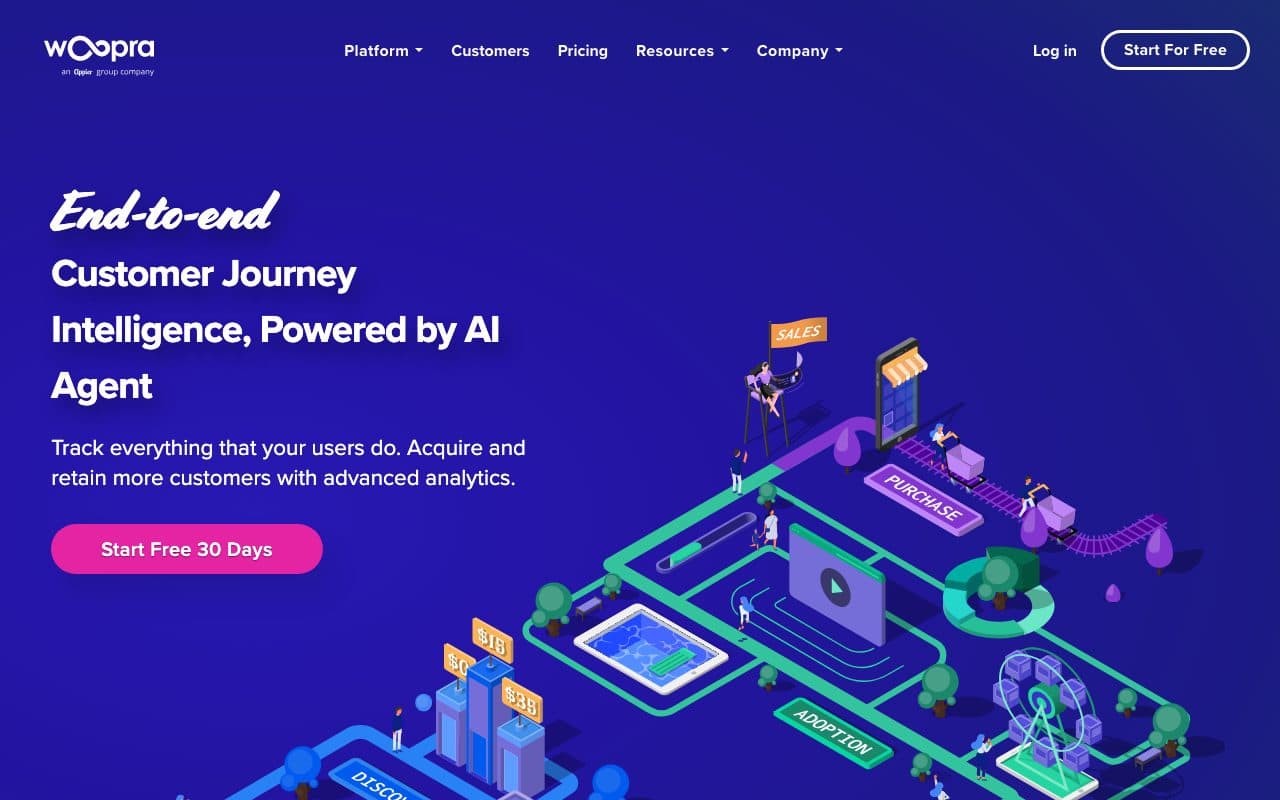
Woopra combines customer journey analytics with real-time behavioral automation. It tracks user journeys across web, mobile, and product, then lets you trigger automated actions in connected tools based on behavior, for example sending a targeted email when a user visits your pricing page three times in a week. This turns journey insights directly into engagement.
Pros
- Built-in behavioral automation: trigger actions in 30+ tools based on real-time journey data
- Free tier available for basic journey tracking
Cons
- No paid ad attribution: tracks post-session journeys only, not the pre-funnel advertising journey
- Pro plan at $999/month is steep for a tool with no ad attribution capabilities
Verdict
Useful for SaaS and eCommerce teams that want to act on behavioral journey data in real time. Not a paid attribution solution for lead gen businesses.
15. HubSpot Marketing Hub: Best for Contact-Level Journey Timelines
HubSpot's built-in journey tracking shows every marketing touchpoint for individual contacts in a timeline (email opens, page views, form submissions, ad clicks, and sales interactions), all in the CRM. For teams already living in HubSpot, this native contact-level journey view eliminates the need for a separate tool to see how a contact moved from first touch to deal.
Pros
- Contact-level journey timeline baked into CRM: every touchpoint visible without a separate tool
- Multi-touch attribution included in Enterprise: no additional cost for HubSpot customers
Cons
- Pixel-based tracking: significant data loss from iOS 14+ and browser blocking
- No automated CRM-to-CAPI loop: journey data doesn't feed back to Meta, Google, or LinkedIn to improve ad targeting
- No unified multi-channel paid ads dashboard: Meta, LinkedIn, and Bing reporting stays in their native platforms
Verdict
A practical built-in journey view for HubSpot-native teams. As soon as paid performance marketing becomes a priority, the lack of server-side tracking and CAPI loop means a dedicated tool like LeadJourney is necessary.
The Core Difference: Tracking the Journey vs. Closing the Loop
Most tools on this list track customer journeys and show you the data. LeadJourney does both, and closes the loop. It doesn't just show you that a lead came from your LinkedIn campaign and booked a call three days later. It takes that data and sends a qualified-lead signal back to LinkedIn, Meta, Google, and Bing automatically, so the algorithm starts finding more leads like that one.
This is the critical distinction for lead generation businesses: journey visibility alone isn't the goal. The goal is using journey data to improve ad performance, lower cost-per-close, and scale what works. That requires closing the loop from CRM back to the ad platforms, which is exactly what LeadJourney was built to do.
Quick Decision Guide: Which Tool Should You Choose?
- Lead generation business running paid ads (Meta, Google, LinkedIn, Bing): LeadJourney. Tracks the full journey server-side and closes the CAPI loop automatically
- B2B SaaS running paid acquisition: Cometly or Dreamdata
- Enterprise B2B with multi-stakeholder account journeys: HockeyStack or Dreamdata
- SaaS product-led growth: Amplitude or Mixpanel
- Website UX and on-site friction analysis: Contentsquare or Heap
- Enterprise Salesforce/Adobe ecosystems: Salesforce Marketing Cloud or Adobe CJA
- Free starting point for website tracking: Google Analytics 4
FAQ
Frequently Asked Questions
The questions teams choosing a customer journey tracking tool ask most.
What is the best customer journey tracking tool for B2B?
LeadJourney is the best customer journey tracking tool for B2B. It maps every touchpoint from first ad click through multiple visits to CRM pipeline stages and closed deals, in one unified attribution model across all paid and organic channels.
What is customer journey tracking?
Customer journey tracking maps every interaction a prospect has with your brand across all channels and touchpoints, from first awareness through purchase. For B2B, this includes ad clicks, website visits, content downloads, webinar attendance, sales calls, and CRM pipeline stages.
Can customer journey tracking improve ad performance?
Yes. When you send CRM deal-closed events back to Meta, Google, LinkedIn, and Bing via CAPI, the ad algorithms learn from the complete customer journey profile of your buyers, not just the final click. This improves targeting quality and reduces cost-per-close over time.
What is the difference between customer journey tracking and web analytics?
Web analytics tracks on-site behavior (pageviews, sessions, bounce rate). Customer journey tracking maps interactions across channels and time, connecting them to business outcomes. Customer journey tracking answers 'which path led to this customer?' Web analytics answers 'what happened on my website?'
Do I need a CDP for customer journey tracking?
Only if you already have the people to run one. A CDP such as Segment or Adobe Customer Journey Analytics unifies identity across many systems and needs a data team to model it. If the question you are trying to answer is which campaign produced which closed deal, an attribution platform that captures click IDs and reads the CRM pipeline answers it without the pipeline engineering.
Keep reading
More from the blog
 Tool Comparisons
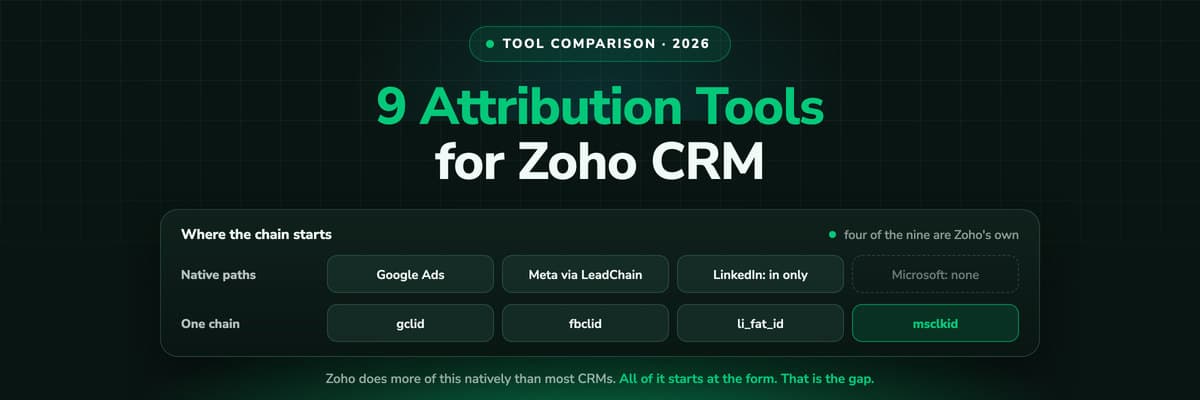
9 Best Marketing Attribution Tools for Zoho CRM in 2026
Four of the best attribution tools for Zoho CRM are Zoho products you may already pay for. Nine options compared on where the tracking starts, which ad platforms they cover, and whether the closed deal ever reaches the algorithm buying your traffic.Read the article13 min read Tool Comparisons
9 Best Marketing Attribution Tools for Microsoft Dynamics 365 in 2026
Dynamics records the revenue and nothing fills in where it came from: Lead Source is a ten-option picklist and campaign spend is typed by hand. Nine tools compared on what each can actually see in a Dynamics environment, with pricing, pros, cons and a verdict.Read the article14 min read Tool Comparisons
12 Best GTM Tools and Software in 2026
A GTM stack is five or six tools that each report on their own step, which is why nobody can say which play produced the revenue. Twelve tools compared by the layer they own, with prices read this month and a verdict on who each one is for.Read the article16 min read
Closes the loop
Ready to see your complete customer journey?
LeadJourney is the only customer journey tracking tool built exclusively for lead generation businesses. Track every touchpoint server-side, first touch through closed deal, across Meta, Google, LinkedIn, and Bing. Five attribution models. Atlas AI analyst. 21-minute setup.